If you're serious about AI-generated NSFW art, two models keep coming up in every conversation right now: Nano Banana AI and Flux 1.1. Both promise photorealistic results, both handle suggestive and glamour content with artistic finesse, and both have loyal followings in the creator community. But when you put them side by side and actually test them on the kinds of prompts NSFW creators use daily, the differences become very real, very fast.
This breakdown covers everything that actually matters: skin texture quality, prompt adherence on complex body poses, generation speed, output consistency, and which model gives you more creative control when pushing artistic limits on platforms like PicassoIA.
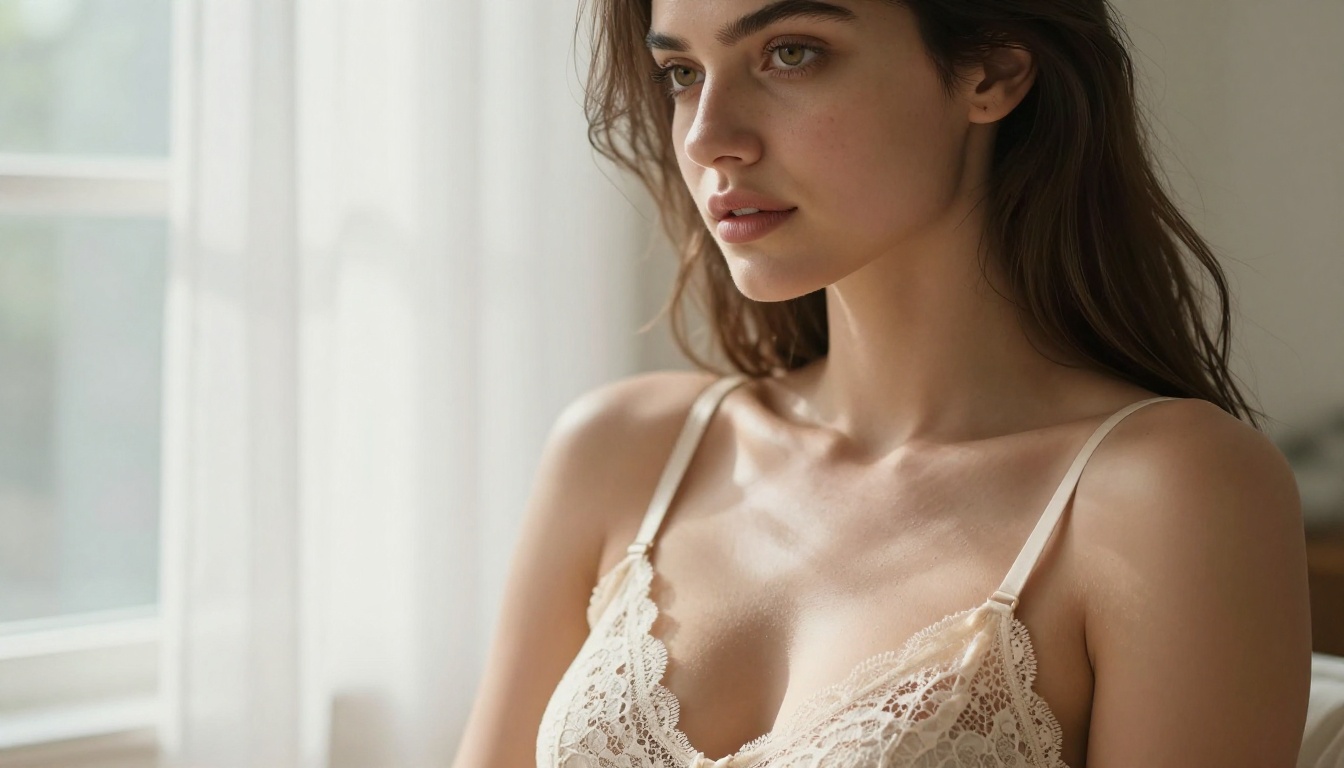
Two Models, One Purpose
What Each Was Built For
Nano Banana comes from Google's research pipeline. At its core, it prioritizes natural photorealism with a focus on accurate human anatomy and soft, organic skin rendering. The model handles diffuse and ambient lighting conditions exceptionally well, producing output that feels less "generated" and more like it came from a professional photography session. There's a warmth to Nano Banana results that creators immediately notice, a filmic quality baked into the model's aesthetic preferences.
Flux 1.1 Pro, from Black Forest Labs, is a different kind of beast. Built as a successor to the original Flux architecture, it was designed with high prompt fidelity as a primary goal. Where other models interpret your prompt loosely and fill in creative gaps, Flux 1.1 tends to follow instructions precisely, making it exceptionally powerful for creators who write detailed, multi-element prompts and need the output to match what was described.
Both models are available on PicassoIA's text-to-image collection, which makes side-by-side testing straightforward. Same interface, same resolution options, same prompt pipeline.
Why NSFW Testing Reveals the Truth
NSFW content is technically one of the hardest challenges for image generation models. It demands several things at once:
- Anatomical accuracy under difficult lighting and unusual pose conditions
- Skin realism at close range without plastic or waxy artifacts
- Prompt adherence for specific outfit, body type, and composition requests
- Tonal consistency across multiple generations from similar prompts
- Lighting physics on human figures, especially with backlighting or low-key setups
A model that produces beautiful landscapes might completely fall apart when asked to render a believable human figure in a suggestive but tasteful composition. That's why NSFW testing functions as a genuine stress test for a model's overall realism capabilities, and why results in this category reveal strengths and weaknesses that standard benchmark images often hide.
Skin and Body Realism
Nano Banana's defining strength is organic skin rendering. When generating close-range portraits, the model produces visible pores, subtle skin texture variation, natural color gradients across the body, and realistic light absorption on diverse skin tones. It doesn't over-smooth. Where many models produce subjects that look like they've been airbrushed to a plastic finish, Nano Banana preserves the small imperfections, freckles, natural skin variation, and texture grain that makes an image read as genuinely photographic.
The Nano Banana Pro variant extends this with stronger body coherence in full-figure compositions. Poses that would cause distorted fingers, misaligned limbs, or broken anatomy in other models often come through cleanly with Nano Banana Pro. For NSFW art specifically, anatomical errors are immediately visible and break immersion entirely, so this improvement matters enormously in practice.
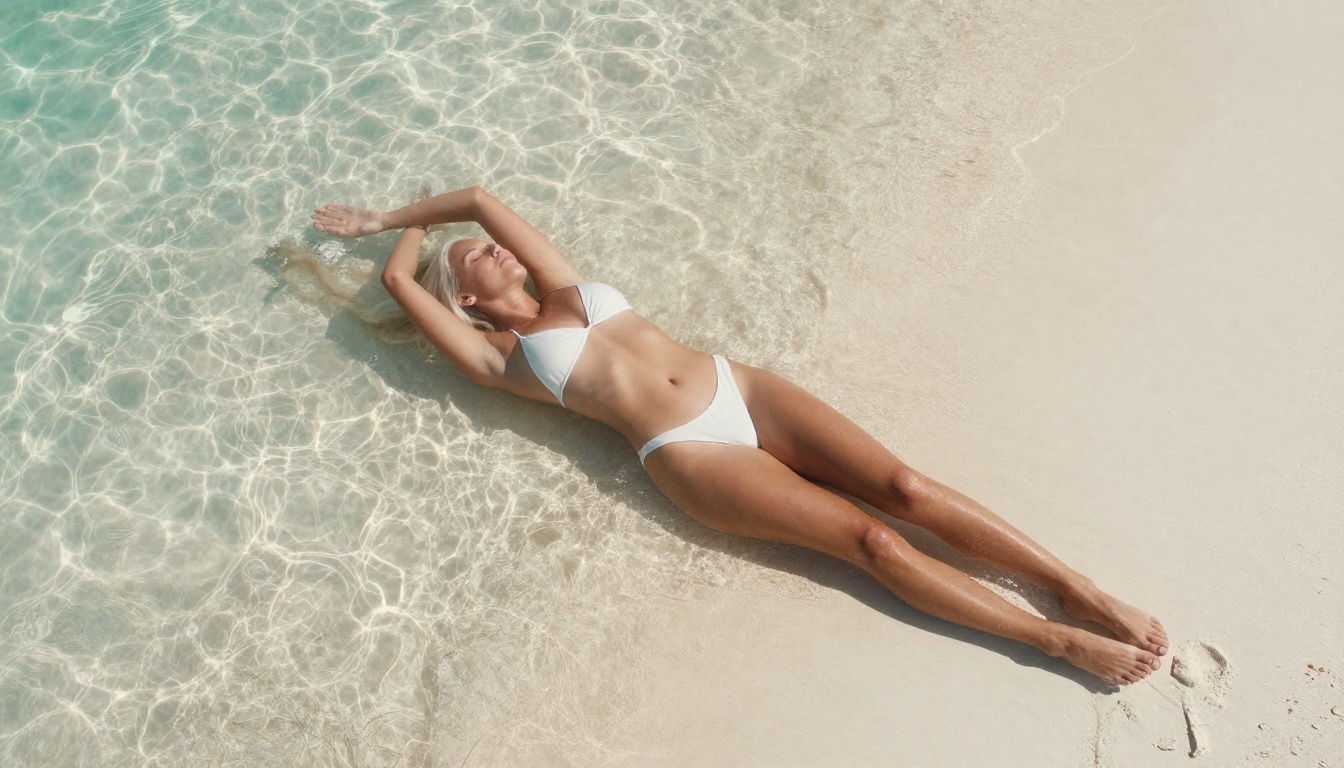
Prompt Precision for Suggestive Content
Where Nano Banana shows limitations is with hyper-specific, multi-element composition instructions. If you write a prompt specifying a precise camera angle, a particular lighting setup, a specific fabric texture, and an exact outfit detail all at once, the model sometimes prioritizes certain elements over others. You might get the correct lighting but the wrong outfit, or the right outfit in a completely different setting than you described.
For creators who work with shorter, mood-based prompts, such as "sensual portrait, candlelight, silk lingerie, warm skin tones," Nano Banana consistently delivers beautiful, immediately usable results. For hyper-scripted, multi-requirement prompts, you'll want to read the Flux 1.1 section carefully before making your choice.
Speed and Iteration
Nano Banana 2 is notably fast for a model of its quality tier. Generation times on PicassoIA typically run between 8 and 15 seconds depending on resolution and server load. For NSFW creators who generate dozens of images to find the perfect shot, this speed advantage compounds significantly across a working session.
The ability to run 10 iterations in the time it takes a slower model to produce 4 means your creative momentum stays unbroken. You stay in the flow of generating and refining rather than waiting for results.
💡 Pro Tip: Nano Banana responds exceptionally well to film stock references in prompts. Adding "Kodak Portra 400 film grain" to a portrait prompt noticeably improves skin tone warmth and natural imperfection rendering. "Fujifilm Velvia 50" pushes toward richer, more saturated tones for outdoor glamour work.
Flux 1.1: What It Actually Delivers
Image Quality at a Glance
Flux 1.1 Pro produces images with an almost clinical level of sharpness and structural precision. Fine fabric textures, individual hair strand detail, and background environmental elements all render with high resolution and accuracy. The overall output feels intentional and technically exact, less like a creative interpretation and more like a precise execution of specifications.
Flux 1.1 Pro Ultra adds a raw photorealistic mode that softens the hyper-sharpness of the standard Pro model into something that reads more naturally as photography. For NSFW art in particular, the Ultra tier is the recommended starting point. The difference between Pro and Ultra is substantial when inspecting human figure details at close range.
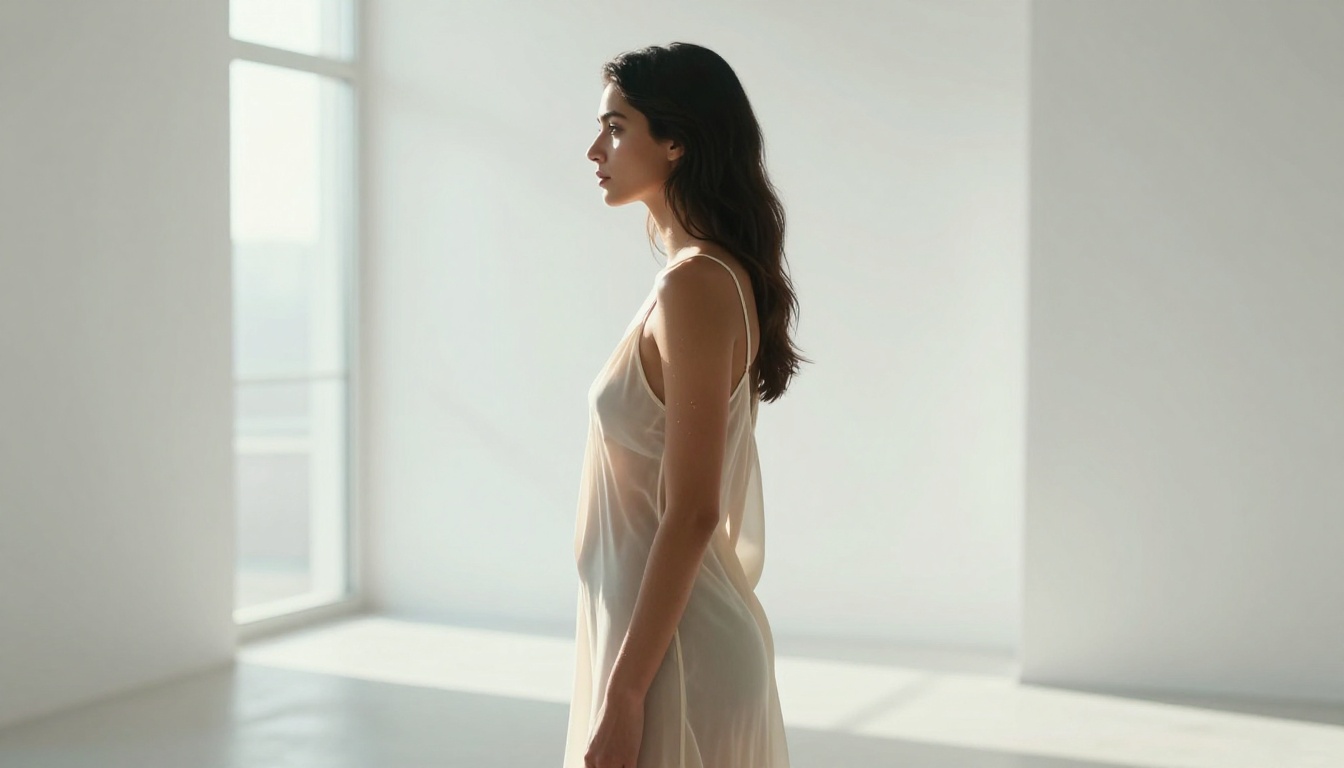
Where Flux Shines for NSFW
Flux 1.1's prompt adherence is genuinely impressive in practice. Here's a real example of the difference:
Prompt: "Woman in black lace bodysuit, backlit by a single window at left, lying on white linen sheets, low-key dramatic lighting, 85mm f/1.4 lens, photorealistic RAW"
With Nano Banana, this prompt produces a beautiful image, but the bodysuit might shift to a different style, the lighting might not be fully low-key, or the sheets might be a different color. With Flux 1.1, all five specified elements tend to appear correctly in the same generation. The lace is lace. The window is on the left. The lighting is low-key. The sheets are white.
This precision makes Flux 1.1 the tool of choice for art directors who script shots in advance, for creators building consistent visual series, or for anyone who writes prompts the way a photographer would write a shot list.
The Ultra Tier Advantage
Flux 1.1 Pro Ultra brings specific improvements that matter in NSFW contexts:
- Fabric transparency rendering: Sheer or translucent clothing renders with physical accuracy. Light passes through fabric in a way that matches how it works in real photography.
- Rim and backlight on skin: Backlighting and rim lighting on human figures produces natural halos without the glowing artifacts that plague other models.
- Shadow detail in dark scenes: Candlelit, dimly lit, or low-key scenes retain full shadow detail without crushing the mid-tones into black.
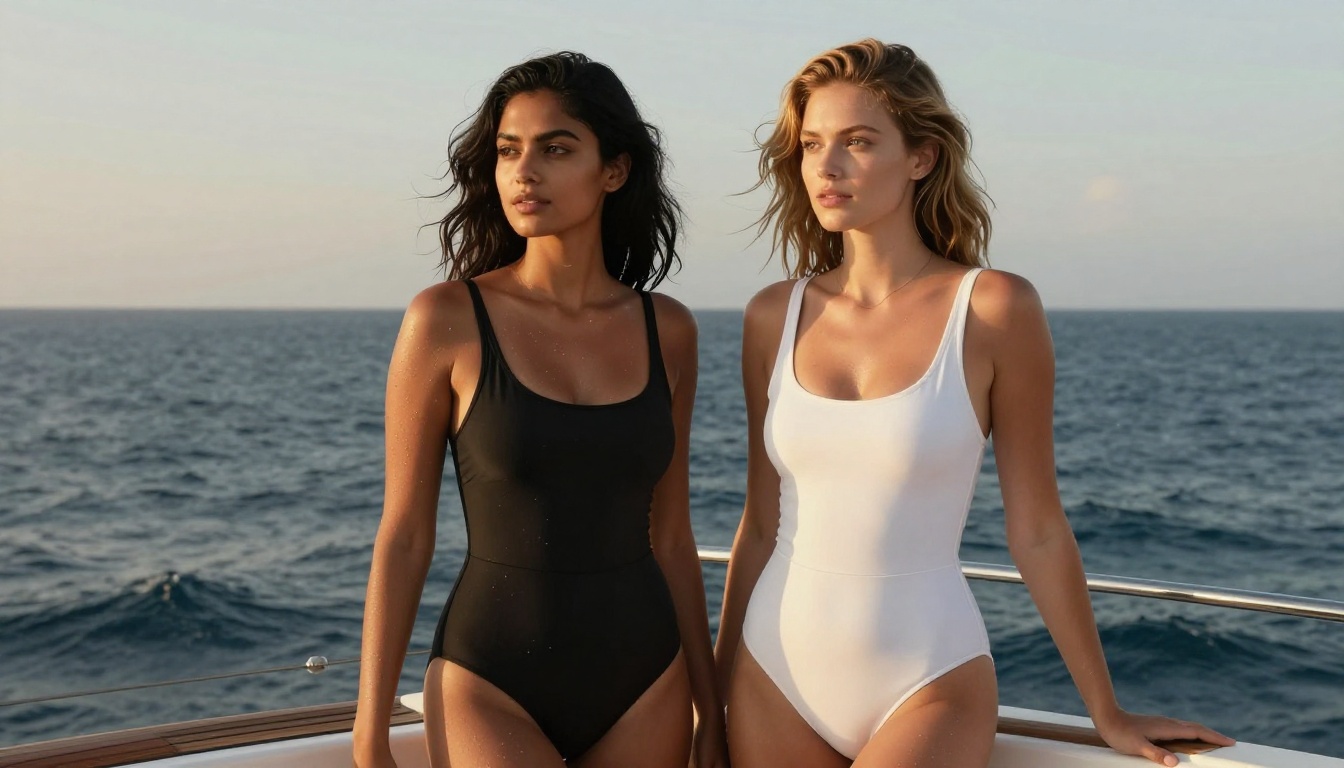
Head-to-Head: The Numbers
| Feature | Nano Banana AI | Flux 1.1 Pro |
|---|
| Skin Realism | Excellent | Very Good |
| Prompt Adherence | Good | Excellent |
| Anatomy Accuracy | Very Good | Good |
| Generation Speed | Fast (8-15s) | Moderate (15-25s) |
| Fabric and Textile Detail | Good | Excellent |
| Dark and Low-Key Scenes | Very Good | Excellent |
| Consistency Across Generations | Good | Very Good |
| Natural Film Aesthetic | Excellent | Good |
| Short Prompt Performance | Excellent | Good |
| Long Complex Prompt Performance | Good | Excellent |
| Available on PicassoIA | Yes | Yes |
💡 Bottom Line: If natural-looking skin and fast iteration are your priorities, Nano Banana wins. If you need precise execution of multi-element prompts and top-tier fabric or lighting accuracy, Flux 1.1 Pro is the better pick.
Prompt Adherence Under Real Conditions
Short Prompts: Nano Banana Wins
For short, atmospheric prompts under 30 words, Nano Banana consistently produces more natural, immediately usable results. The model seems to fill in what a skilled photographer would intuitively choose, including warm tones, believable poses, and naturalistic ambient lighting. There's a creative intuition baked into the model that reduces the work required from the prompt writer.
Short prompt performance score (1-5 scale):
- Nano Banana Pro: 4.7
- Flux 1.1 Pro: 4.2
Nano Banana's natural bias toward warm, film-like aesthetics makes it accessible for creators who prefer to describe a mood and let the model fill in production details.
Complex Prompts: Flux Takes Over
With prompts exceeding 50 words that specify multiple elements simultaneously, including camera angle, lighting direction, subject position, outfit specifics, and background depth, Flux 1.1's architecture consistently outperforms. It processes spatial instructions with a fidelity that Nano Banana simply doesn't match at this level of prompt complexity.
Complex composition prompt performance score (1-5 scale):
- Flux 1.1 Pro: 4.8
- Nano Banana Pro: 3.9
Output Consistency Across Generations
One metric that rarely gets discussed but matters enormously for productive creative work: how consistent is output when you run the same prompt multiple times?
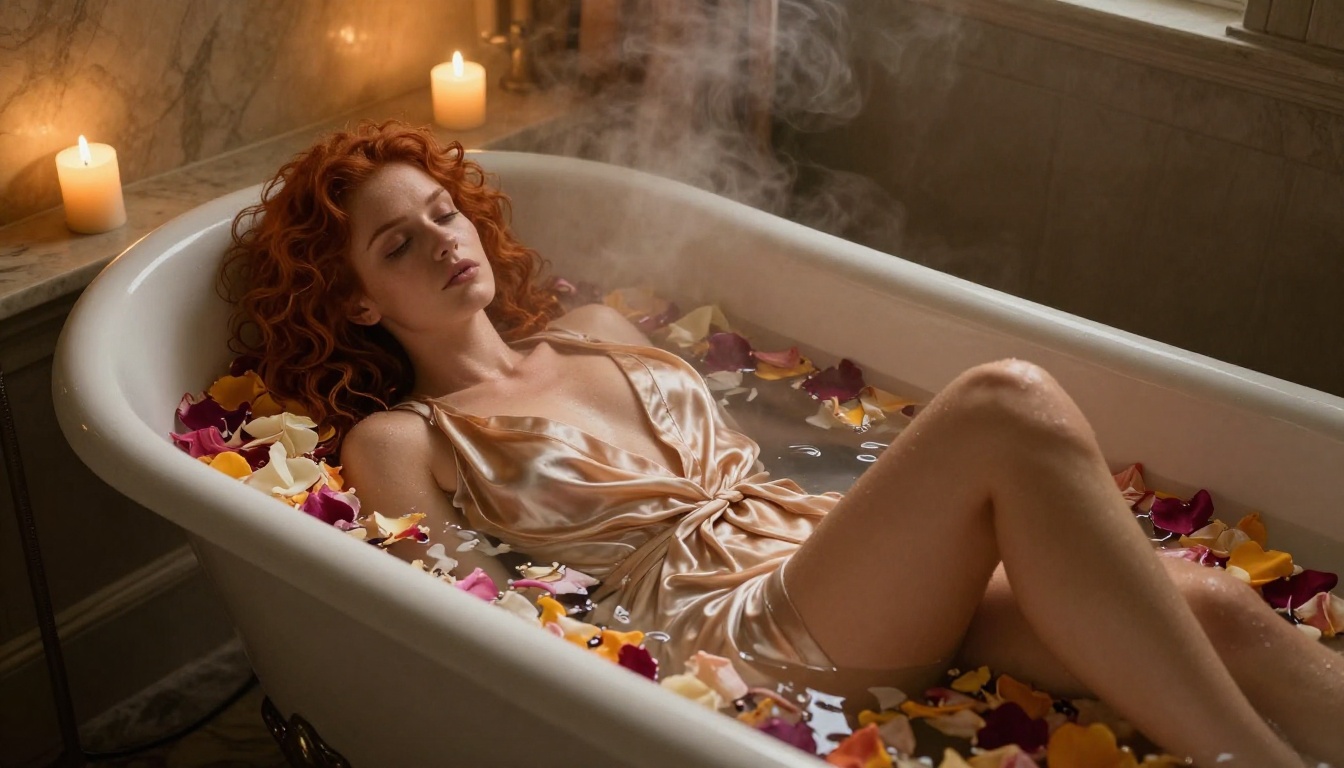
Flux 1.1 scores higher here by a clear margin. Running the same NSFW prompt five times produces five images that feel like variations of the same photographer's shoot. Consistent mood, consistent composition logic, consistent tonal range.
With Nano Banana, running the same prompt five times gives you five images that may feel quite different in mood, lighting interpretation, or creative direction. Nano Banana has more creative variance. This is a feature for some creators and a frustration for others.
For building character series, consistent aesthetic portfolios, or controlled visual narratives, Flux 1.1's consistency is a genuine production advantage. For exploring and discovering unexpected directions, Nano Banana's variance opens doors that rigid prompt adherence would close.
NSFW Use Cases: Which Model Fits What
Glamour and Fashion Editorial
Both models handle high-fashion glamour content, but with different aesthetics:
- Nano Banana produces editorial warmth. Results feel like they came from a fashion film shoot: organic, slightly imperfect, emotionally warm.
- Flux 1.1 produces images that read like commercial photography: sharp, technically precise, highly produced.
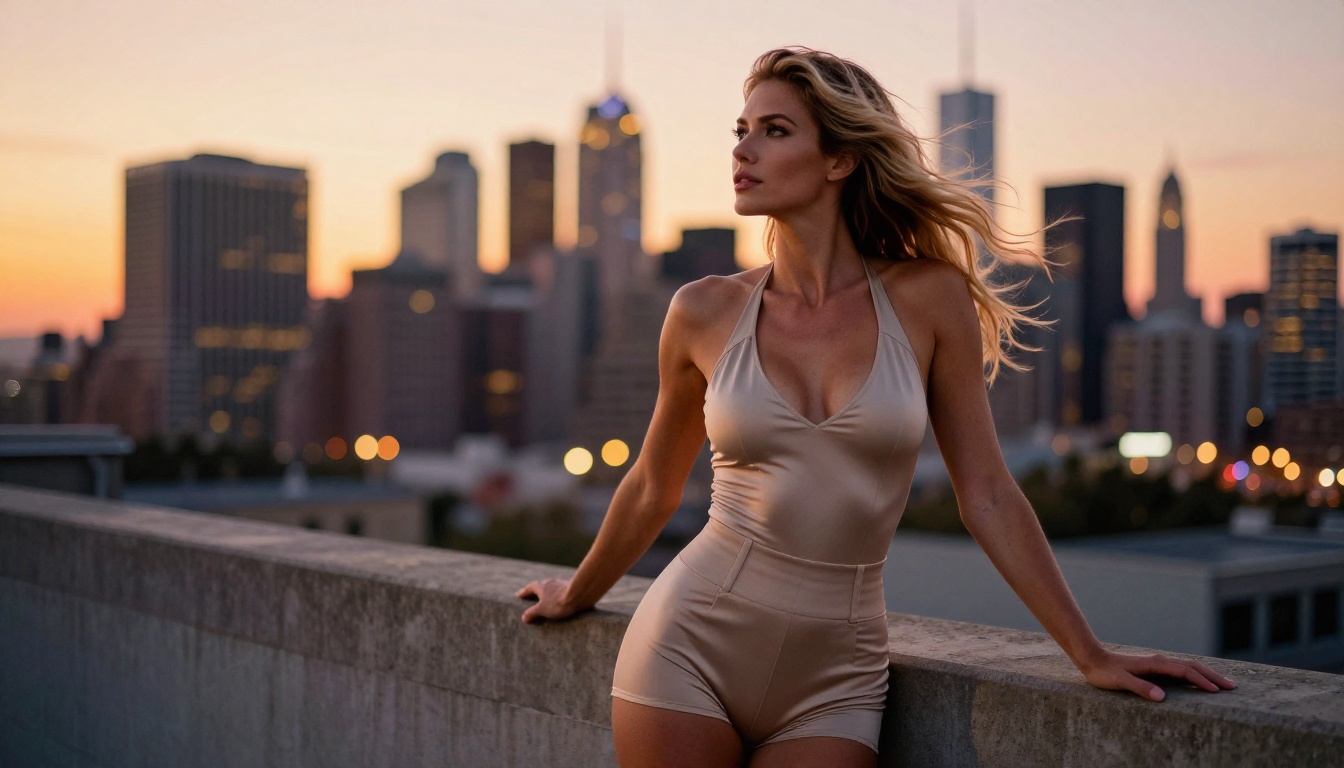
For glamour specifically, many creators prefer Nano Banana Pro because subjects have a more approachable, less hyper-polished appearance. The slight imperfection reads as more believable and attractive than surgical perfection.
Artistic and Implied Nudity
For implied or artistic nudity where lighting on the body and skin physicality are central to the image, Flux 1.1 Pro Ultra handles technical complexity better. Lighting accuracy across complex poses, correct shadow fall on body contours, and realistic light behavior on skin surfaces are all stronger in the Ultra tier than in any Nano Banana variant.
Intimate Portraits and Close-Ups
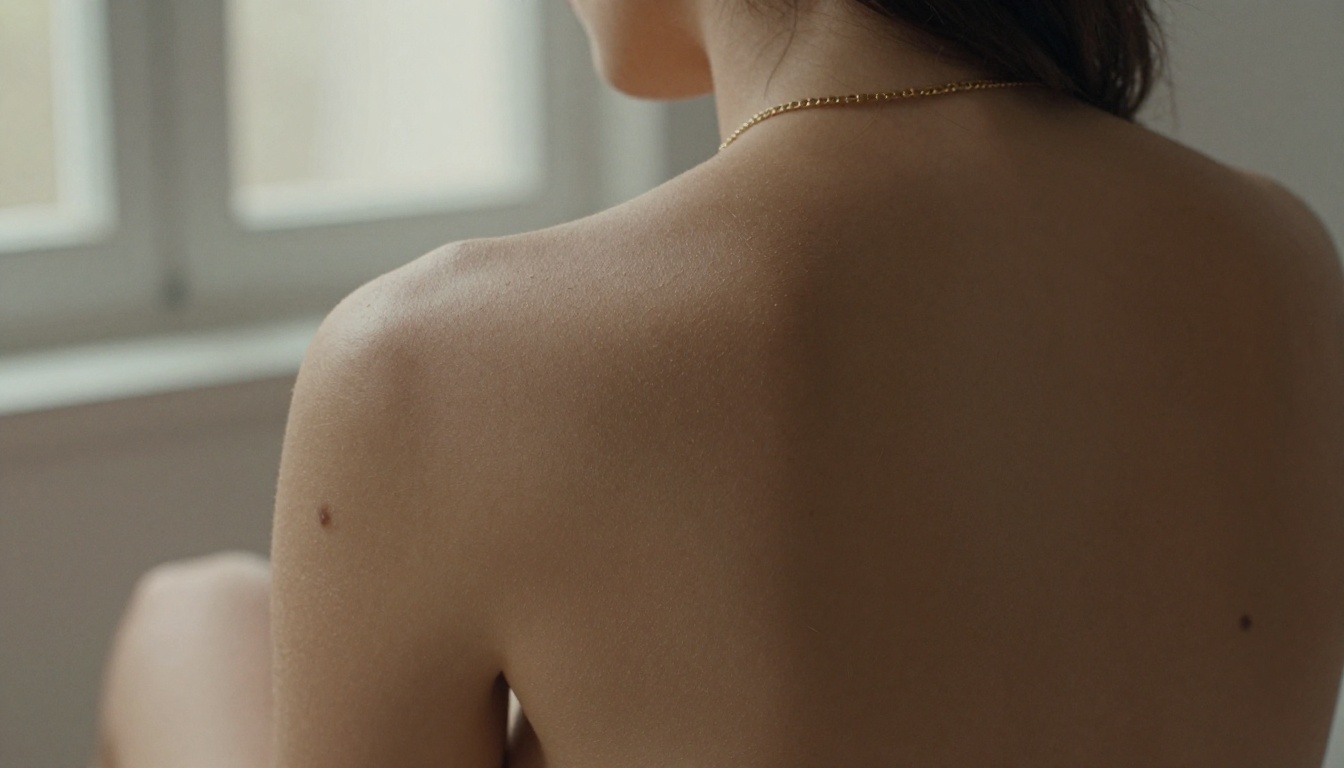
Close-range portrait shots where skin texture is the primary visual subject favor Nano Banana heavily. The model's strength in rendering pores, fine surface detail, and natural skin color variation makes intimate close-up portraits feel photographic in a way that Flux 1.1's clinical precision sometimes doesn't achieve. At very close range, Nano Banana's organic rendering reads as more human and believable.
💡 Prompt Tip: For close-range portrait work on either model, add "100mm f/2.8, visible skin texture, natural pores, fine facial hair in light, slight natural flush" to dramatically improve skin realism in the final output.
How to Use Nano Banana on PicassoIA
Both Nano Banana and Flux 1.1 are available directly on PicassoIA's text-to-image platform. Here's how to get the best results from Nano Banana specifically.
Step 1: Pick the Right Variant
Three versions are available:
- Nano Banana: The base model. Fast, high quality, best for atmospheric and mood-based prompts.
- Nano Banana 2: Improved speed and output consistency. Best for rapid iteration sessions where you're running many generations.
- Nano Banana Pro: Highest quality tier, better anatomy control and skin fidelity. Use this for final hero shots after you've found the right composition.
Step 2: Structure Your Prompts
Use four elements in every prompt for best results:
- Subject (body type, hair, outfit, expression)
- Environment (location, background, setting details)
- Lighting (direction, quality, color temperature, film stock reference)
- Camera (lens length, aperture, angle relative to subject)
Example: "Petite brunette woman, white lace lingerie, sitting on worn wooden floor near large east-facing window, soft diffused morning light from the left, Kodak Portra 160 film grain, 85mm f/2.0 slightly high angle looking down"
Step 3: Add Quality Anchors
Every NSFW-adjacent prompt on Nano Banana benefits from these additions:
photorealistic 8K RAW at the endfilm grain, natural skin texture for organic realism--style raw suffix to suppress stylized outputs- Avoid
digital art, painting, or illustration style words entirely
Step 4: Use Speed for Exploration
Nano Banana 2's speed makes it ideal for exploration. Run 5 to 8 generations quickly to find a composition you like, then switch to Nano Banana Pro for a final high-resolution version of that exact composition. This two-stage workflow combines speed with quality without sacrificing either.
Which One Should You Actually Use
The honest answer: it depends on your workflow and your creative voice, not on which model is objectively better in some abstract sense. Here's a practical decision framework.
Choose Nano Banana if:
- You write short, atmospheric, or mood-based prompts
- Skin realism, warmth, and filmic quality are top creative priorities
- You want fast generation for rapid iteration and creative exploration
- You're creating single hero images or standalone artistic pieces
Choose Flux 1.1 if:
- You write long, detailed, precisely specified prompts
- You need exact control over composition, lighting direction, and outfit specifics
- You're building a consistent character series or aesthetic portfolio
- Fabric texture, sheer material rendering, and high-detail technical precision matter most
Use both if:
- You're in the exploration phase of a project (Nano Banana for discovering new creative directions)
- Then moving into production (Flux 1.1 for executing the decided direction with precision)
Both Flux 1.1 Pro and Nano Banana Pro represent the current state of what's possible for photorealistic NSFW-adjacent art generation. Neither is universally superior. Both belong in a serious creator's toolkit. You also have access to Flux Dev and Flux Pro as additional Flux variants for different budget and quality tradeoffs.
Start Generating Now
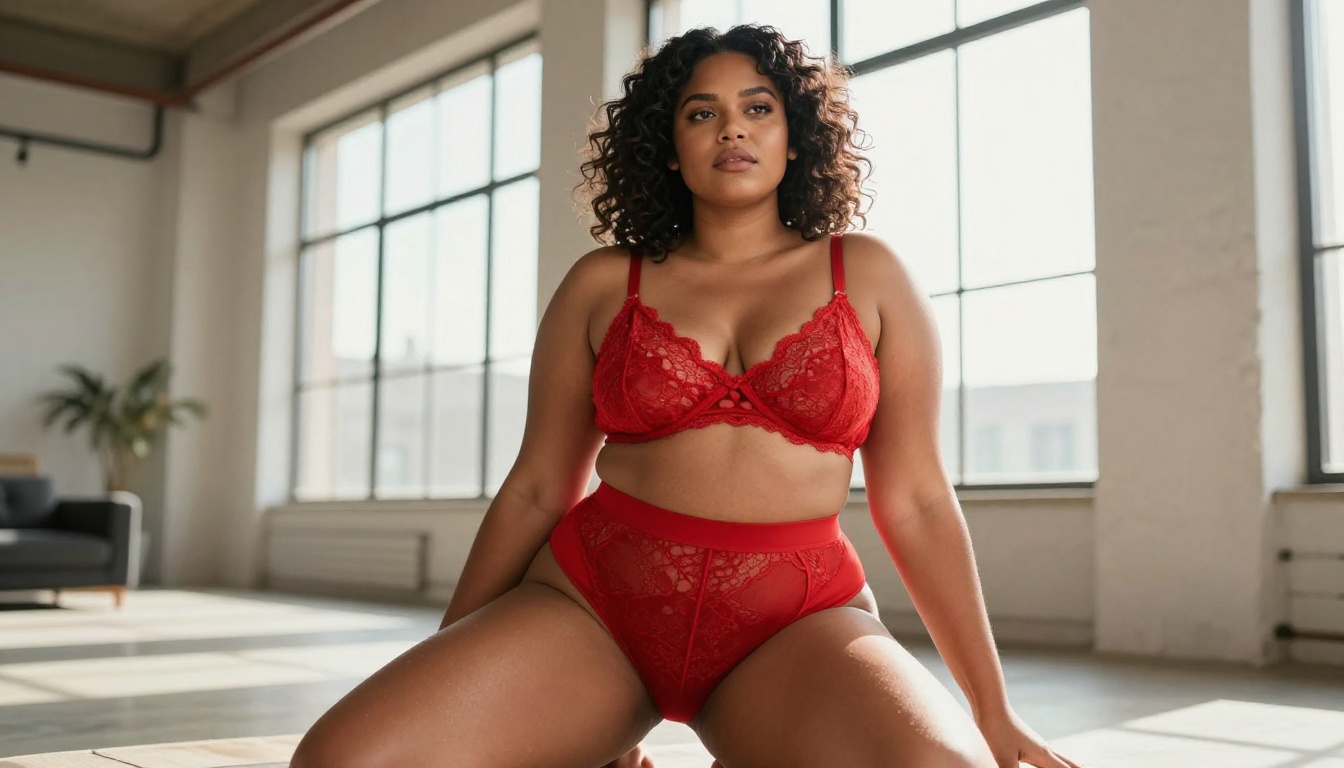
The best way to form your own opinion is to run the same prompt through both models back-to-back on PicassoIA. You have access to Nano Banana, Nano Banana Pro, Flux 1.1 Pro, and Flux 1.1 Pro Ultra all in one platform, with no account switching or API configuration required.
Take a prompt you already know. Something you've tested before, where you have a mental image of what good output looks like. Run it through both. The difference will be immediately clear and will tell you more about which model fits your creative voice than any benchmark score ever could.
Your next favorite NSFW art model is already waiting. Pick your prompt and start.


