The adult content creation space has been crying out for AI tools that actually understand what creators need. Most mainstream AI image generators slap on heavy restrictions that make them useless for anything beyond Pinterest-worthy landscapes. That's where Nano Banana Pro steps in. This isn't your typical sanitized AI model; it's designed for professionals who need real creative freedom.

What Makes Nano Banana Pro Different
Unlike its competitors, Nano Banana Pro takes a refreshingly mature approach to content generation. Instead of blanket bans and overzealous filtering, it gives you adjustable safety controls. Think of it like choosing the rating for your project: you pick what level of content moderation makes sense for your work.
The model supports up to 14 reference images, which is huge if you're trying to maintain consistent character features or a specific aesthetic across a series. You're not starting from scratch every time; you can build on what works.
Understanding the Safety Filter System
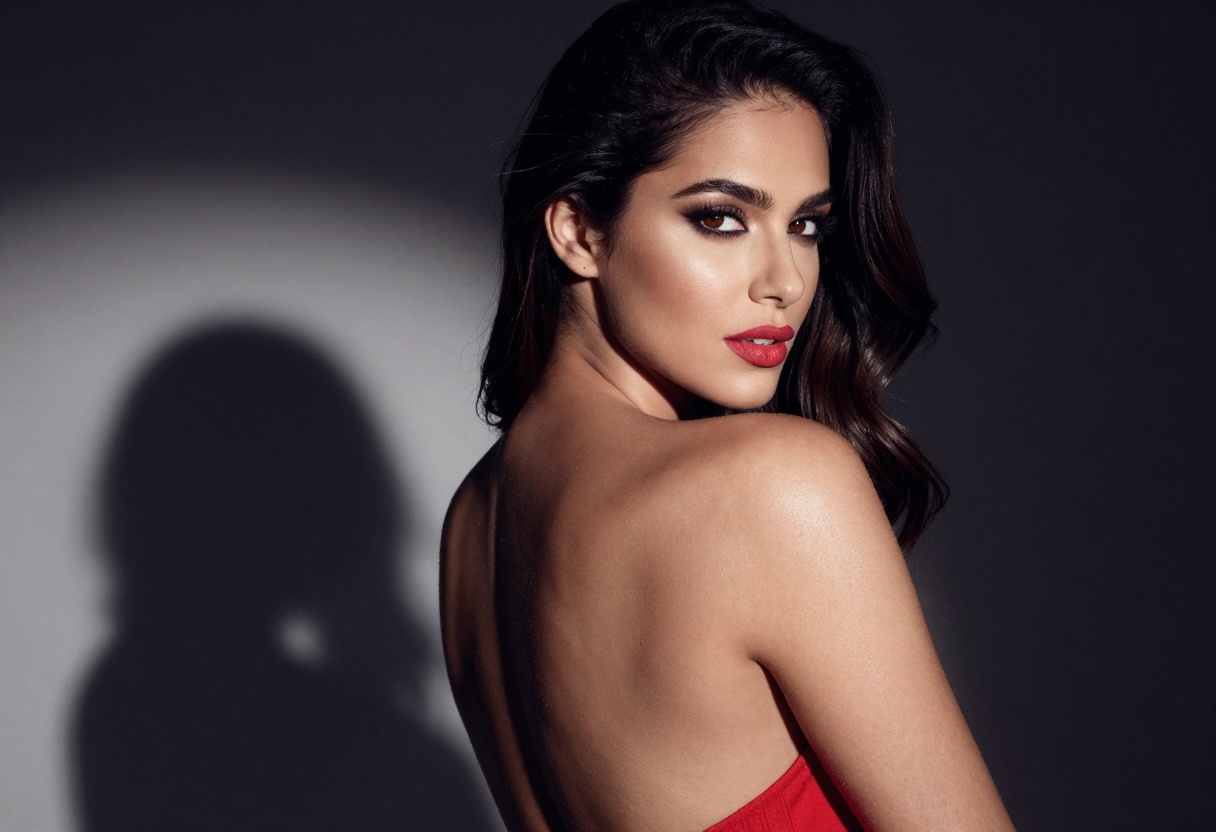
Here's where Nano Banana Pro gets practical. The safety_filter_level parameter comes with three options:
- block_only_high: Most permissive setting, only blocks extreme content
- block_medium_and_above: Moderate filtering for balanced projects
- block_low_and_above: Strictest setting, closest to mainstream platforms
For adult content creators, this flexibility means you can actually use the tool professionally. Set it to "block_only_high" for mature artistic work, or adjust based on the specific project requirements.
Resolution Options That Actually Matter
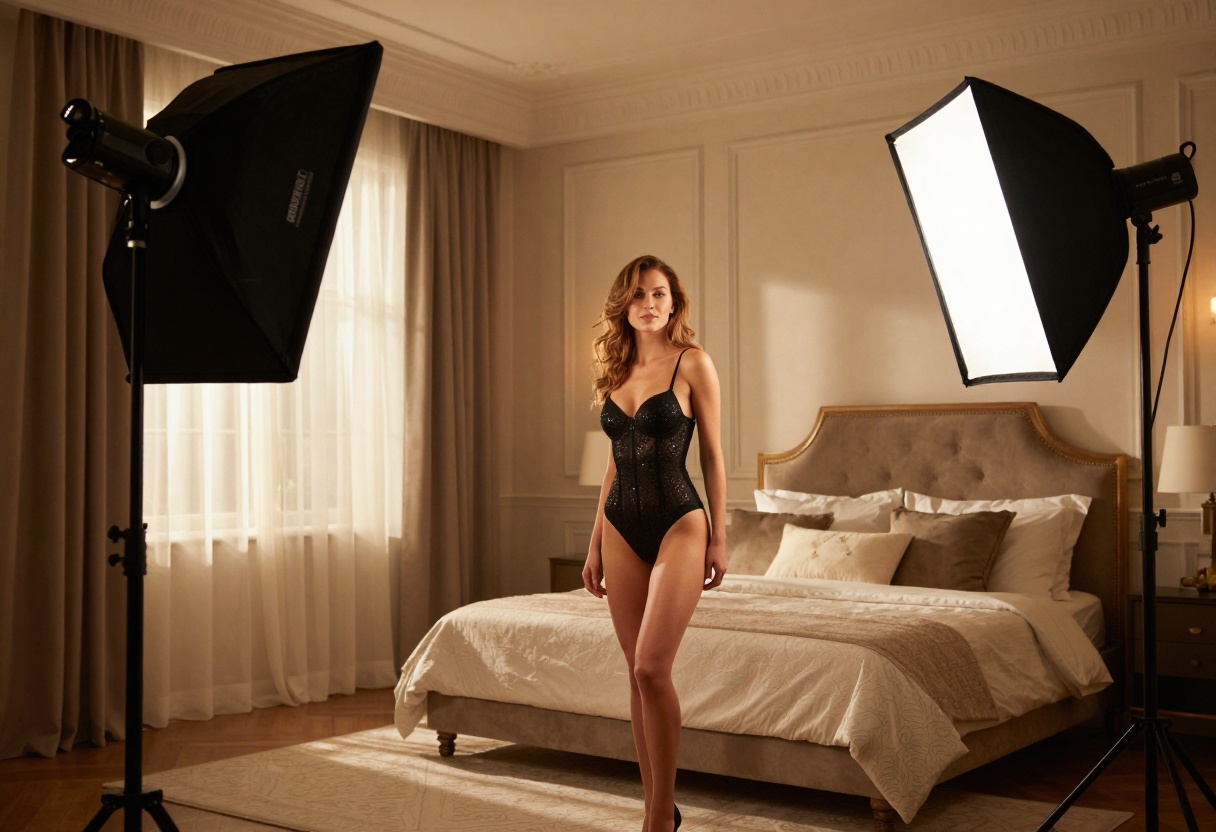
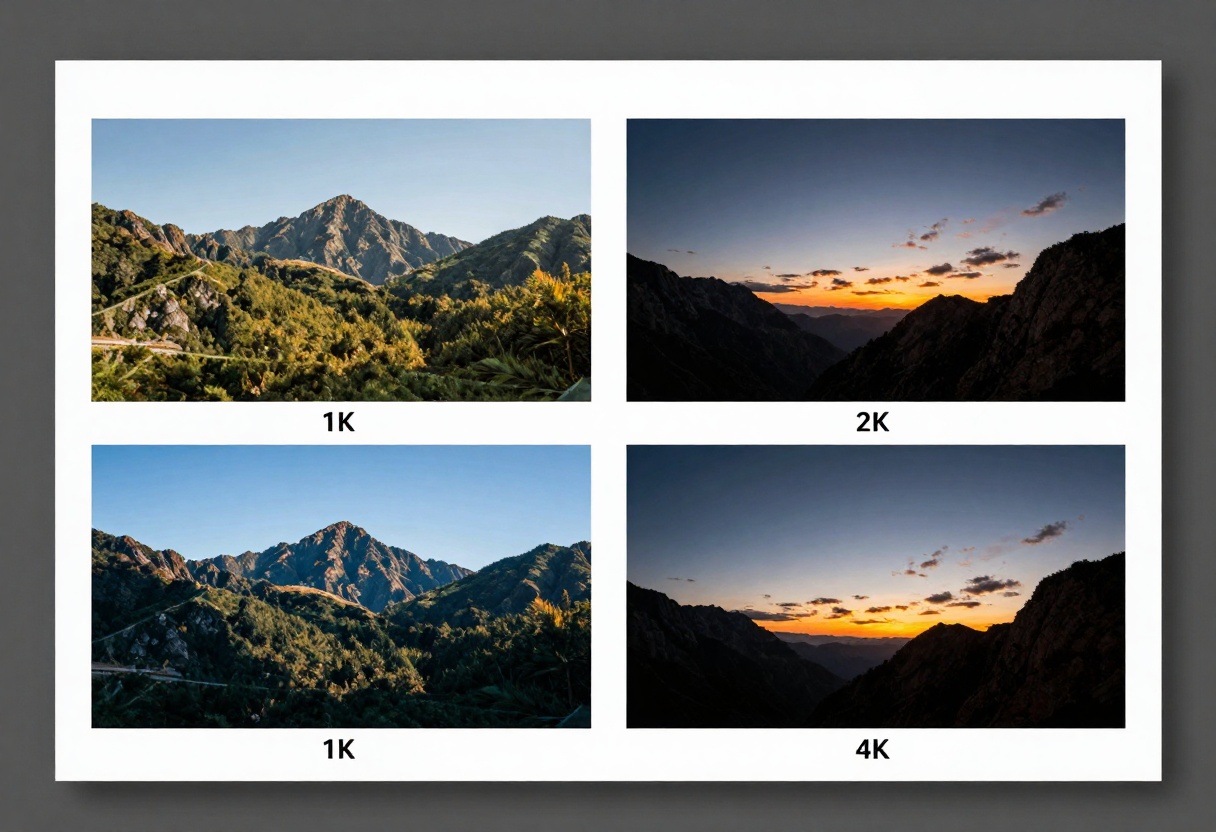
Nano Banana Pro offers three resolution tiers: 1K, 2K, and 4K. If you're creating content for social media, 1K might be sufficient. For print work or high-quality digital galleries, you'll want that 4K option.
The default 2K strikes a nice balance between quality and processing time. But having the 4K option available means you're not limited when a client needs print-ready materials or when you want to crop without losing quality.
Aspect Ratio Flexibility
The model supports 11 different aspect ratios, from standard squares to cinematic 21:9 formats. This isn't just a technical feature; it's about matching your output to where it'll be used:
- 9:16 for Instagram Stories and TikTok
- 16:9 for YouTube thumbnails
- 4:5 for Instagram feed posts
- 21:9 for cinematic presentations
You can also set it to match your input image's ratio, which saves time when working with reference materials.
Working With Reference Images
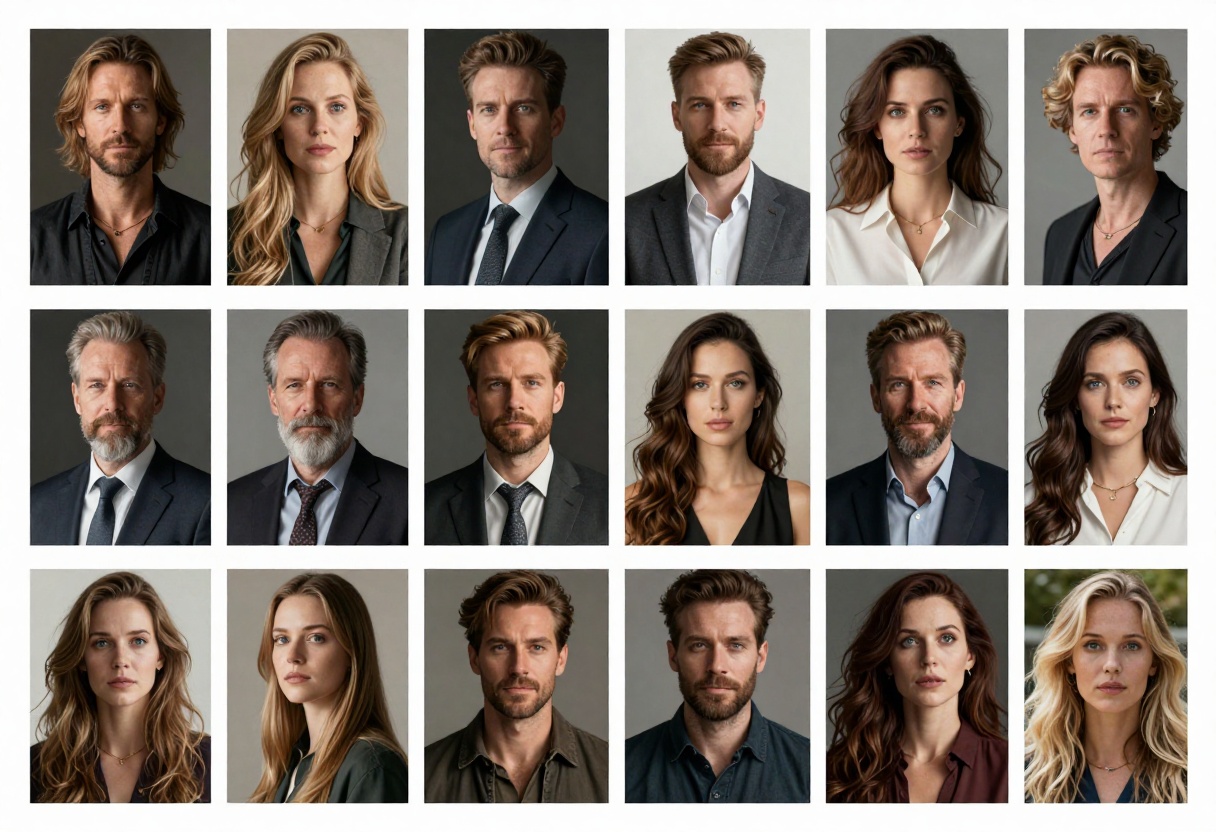
The ability to upload multiple reference images changes how you approach character consistency. Instead of hoping the AI remembers what your character looks like across different generations, you can provide visual references each time.
This is particularly useful for:
- Maintaining facial features across a series
- Replicating specific lighting setups
- Matching color palettes and moods
- Creating variations on a theme
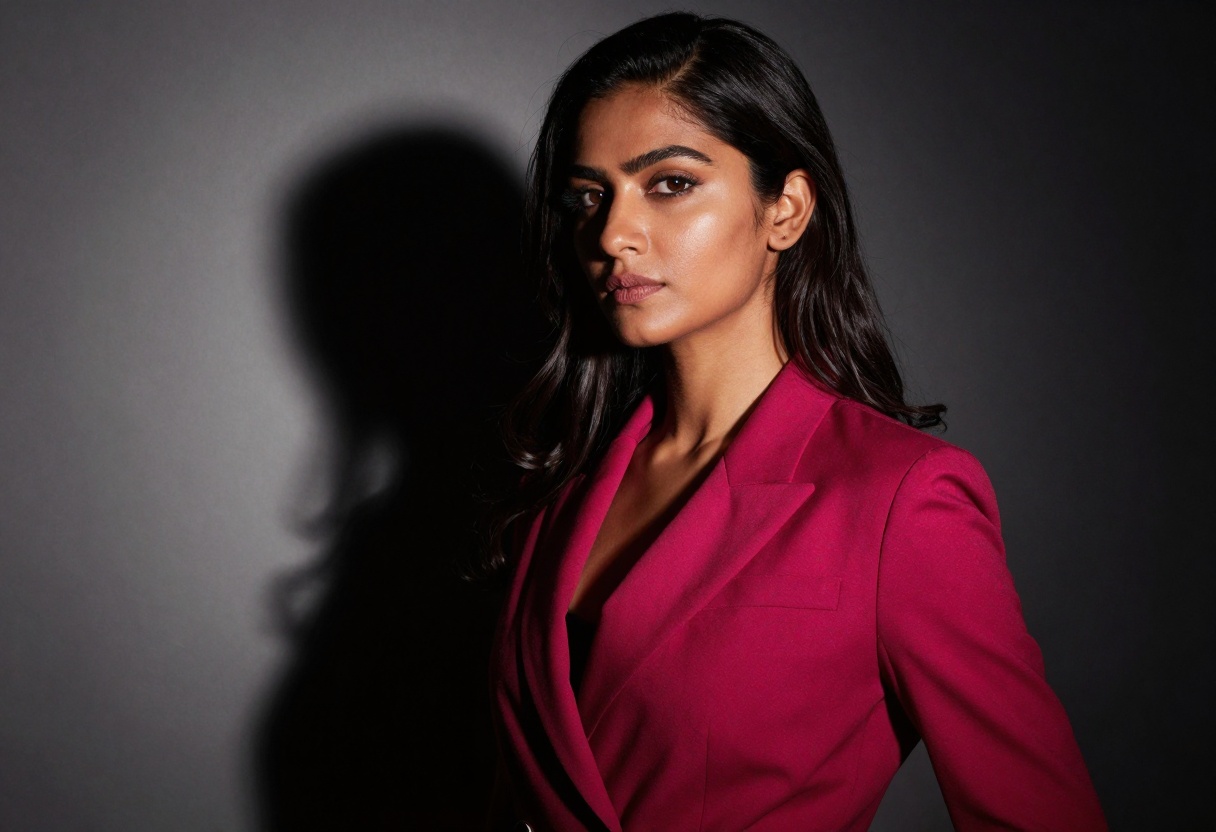
You get two output formats: JPG and PNG. JPG is your go-to for most web and social media uses since it keeps file sizes manageable. PNG is better when you need transparency support or want to avoid compression artifacts in images with sharp edges or text.
For adult content specifically, JPG works well for photographic-style outputs, while PNG is useful if you're layering images or need crisp details without compression.
Writing Effective Prompts
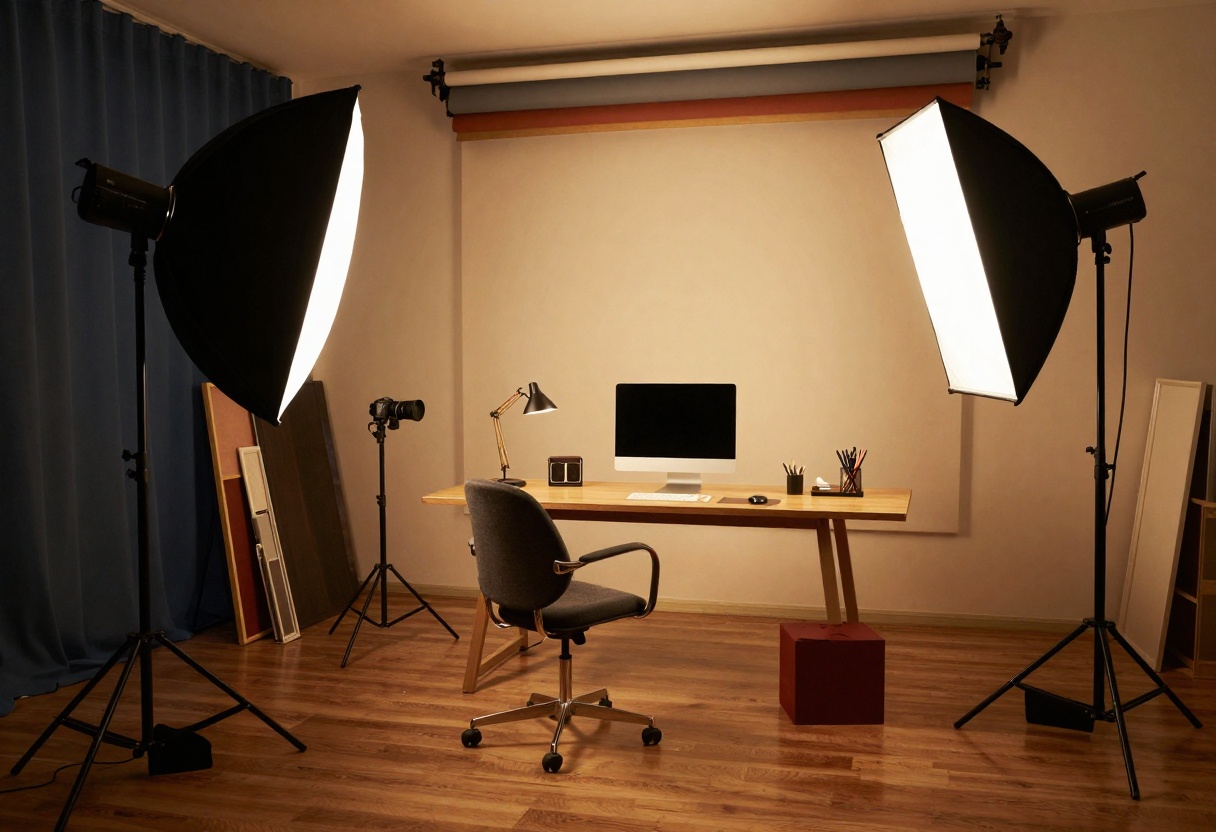
Nano Banana Pro responds well to detailed, specific prompts. Instead of "attractive person," try "elegant portrait with dramatic side lighting, fashion editorial style, sophisticated composition."
Here's what works:
- Specify lighting conditions (soft, dramatic, natural)
- Mention composition style (close-up, full body, environmental)
- Include mood descriptors (intimate, powerful, playful)
- Reference photography styles (fashion editorial, boudoir, artistic)
The more specific you are about what you want, the better your results will be.
Why PicassoIA for NSFW Content
PicassoIA hosts open-source models that don't impose the same restrictions as corporate platforms. This is huge for adult content creators who've been bounced from mainstream AI services.
The platform's approach is straightforward: they provide the tools, you control the content. The p-image-edit and Wan 2.2 I2v Fast models complement Nano Banana Pro nicely if you need to edit existing images or create video content.
Common Use Cases
Real-world applications for Nano Banana Pro include:
Content Creation: OnlyFans creators, adult performers, and adult content studios use it to generate promotional materials without hiring photographers for every shoot.
Character Design: Artists developing characters for adult visual novels or games use it to explore different looks and poses quickly.
Marketing Materials: Adult toy companies and lingerie brands use it for concept development and marketing visuals.
Artistic Projects: Photographers and digital artists use it as a starting point for composite images or to visualize concepts before shooting.
Getting Started on PicassoIA
Ready to start creating? Here's how to use Nano Banana Pro on PicassoIA.
Step 1: Access the Model
Visit the Nano Banana Pro page on PicassoIA. You'll see the model interface with all available parameters.
Step 2: Write Your Prompt
In the prompt field (required), enter your detailed description. Be specific about what you want to create. This is your main input and has the biggest impact on your results.
Step 3: Upload Reference Images (Optional)
If you have reference images, add them in the image_input field. You can upload up to 14 images. These help guide the style, composition, or specific features you want.
Step 4: Set Your Aspect Ratio
Choose from the aspect_ratio dropdown. If you're using reference images and want to match their proportions, select "match_input_image." Otherwise, pick the ratio that fits your intended use.
Step 5: Choose Resolution
Select your resolution:
- 1K for quick previews or social media
- 2K for general use (default, good balance)
- 4K for high-quality outputs or print
Step 6: Pick Output Format
Choose JPG for smaller file sizes and web use, or PNG for transparency support and lossless quality.
Step 7: Adjust Safety Filter
Set the safety_filter_level based on your content needs:
- "block_only_high" for mature artistic content
- "block_medium_and_above" for balanced moderation
- "block_low_and_above" for stricter filtering
Step 8: Generate
Click the generate button and wait for processing. Generation time varies based on resolution and complexity, but typically takes 30-60 seconds.
Step 9: Download Your Image
Once generation completes, download your image. You can iterate by adjusting parameters and regenerating until you get exactly what you need.
Tips for Better Results
After working with Nano Banana Pro extensively, here are some practical tips:
Start with 2K resolution while you're dialing in your prompt and settings. Once you've got the look right, run the final version at 4K.
Use reference images strategically. If you want consistent facial features, include a clear face shot in your references. For specific poses or compositions, add examples of those.
Experiment with safety levels. Start with "block_only_high" for mature content, but if you're getting blocked unexpectedly, try rephrasing your prompt rather than immediately assuming the filter is too strict.
Be specific about lighting. Terms like "soft natural window light," "dramatic low-key lighting," or "golden hour backlight" give the model clear direction.
Iterate quickly. Generate multiple versions with slight prompt variations. Sometimes a single word change makes a huge difference.
Privacy and Content Ownership
PicassoIA's approach to privacy is straightforward: your generations are your content. They don't train on user-generated images, and you retain rights to what you create.
For adult content creators, this matters. You're not worried about your work being used to train future models or showing up as examples in someone else's generation.
Comparing to Other NSFW-Friendly Models
While Nano Banana Pro is excellent, PicassoIA offers other models worth considering:
p-image-edit excels at modifying existing images rather than generating from scratch. If you have photos that need specific edits, this is your tool.
prunaai-wan-2.2-image focuses on photorealistic outputs with a cinematic quality. It's particularly good for realistic skin tones and natural lighting.
Wan 2.2 I2v Fast converts static images into short video clips, useful for creating teaser content or animated promotional materials.
In practical use, Nano Banana Pro consistently delivers on its promises. The adjustable safety filters work as advertised, giving you control without unnecessary restrictions. The reference image system is genuinely useful for maintaining consistency, though it works best with 2-4 clear references rather than maxing out all 14 slots.
Resolution quality is solid across all three tiers. 4K outputs are sharp enough for professional use, while 1K generations are perfectly acceptable for social media content.
The main limitation is processing time at 4K, which can stretch to a minute or more for complex prompts. If you're generating dozens of images, stick with 2K for iterations and only go 4K for finals.
Pricing Considerations
PicassoIA operates on a credit system. Nano Banana Pro's cost per generation depends on your resolution choice. 1K generations are most economical for testing, while 4K uses more credits but delivers professional-quality results.
For adult content creators running a business, the pricing is reasonable compared to hiring photographers or licensing stock images. A batch of custom-generated images costs less than a single professional photo shoot.
When Not to Use This Model
Nano Banana Pro isn't ideal for every situation. If you need extreme photorealism with perfect anatomical accuracy, you might still need traditional photography or more specialized models.
The model sometimes struggles with complex hand positions and intricate clothing details. If your project requires absolutely perfect rendering of these elements, plan to either iterate extensively or use photo editing to clean up specific areas.
For brand-specific requirements where consistency is critical (like a specific product placement), reference images help but don't guarantee perfect replication every time.
The Bottom Line
Nano Banana Pro fills a real gap in the AI image generation market. Adult content creators finally have a professional-grade tool that treats them like legitimate users rather than potential problems.
The combination of flexible safety controls, high-resolution output, and reference image support makes it genuinely useful for commercial work. It's not perfect, but it's reliable enough to build a workflow around.
If you're creating adult content professionally and you're tired of fighting with restrictive AI tools, Nano Banana Pro on PicassoIA is worth exploring. The learning curve is minimal, the results are solid, and you can actually use it for the work you need to do.
Ready to create? Head to PicassoIA's Nano Banana Pro page and start generating. Your first few images will tell you whether this model fits your workflow.


