The world of AI image generation has evolved rapidly, but many platforms impose strict content restrictions that limit creative freedom. For artists, designers, and content creators working with mature themes, finding a platform that respects creative autonomy while delivering quality results can be challenging. Nano Banana Pro on PicassoIA addresses this gap by offering flexible safety controls and unrestricted generation capabilities.

This advanced text-to-image model stands out for its ability to handle adult-oriented prompts while maintaining photorealistic quality and artistic integrity. Whether you're creating artistic nudes, mature fantasy scenes, or provocative fashion photography, Nano Banana Pro provides the tools needed without unnecessary barriers.
Why Choose Nano Banana Pro for Adult Content
Traditional AI image generators often block or heavily filter content that falls into adult categories. This creates frustration for legitimate artists and content creators who work within legal boundaries but need freedom to express mature themes.
Nano Banana Pro takes a different approach. The model features adjustable safety filter levels that range from strict to permissive, giving you control over content moderation. The most permissive setting (block_only_high) allows for creative flexibility while still maintaining ethical boundaries.
What Makes This Model Different
- No arbitrary content blocking for artistic or adult-oriented prompts
- Reference image support for up to 14 input images
- High-resolution outputs up to 4K resolution
- Multiple aspect ratios including cinematic formats
- Professional quality photorealistic rendering
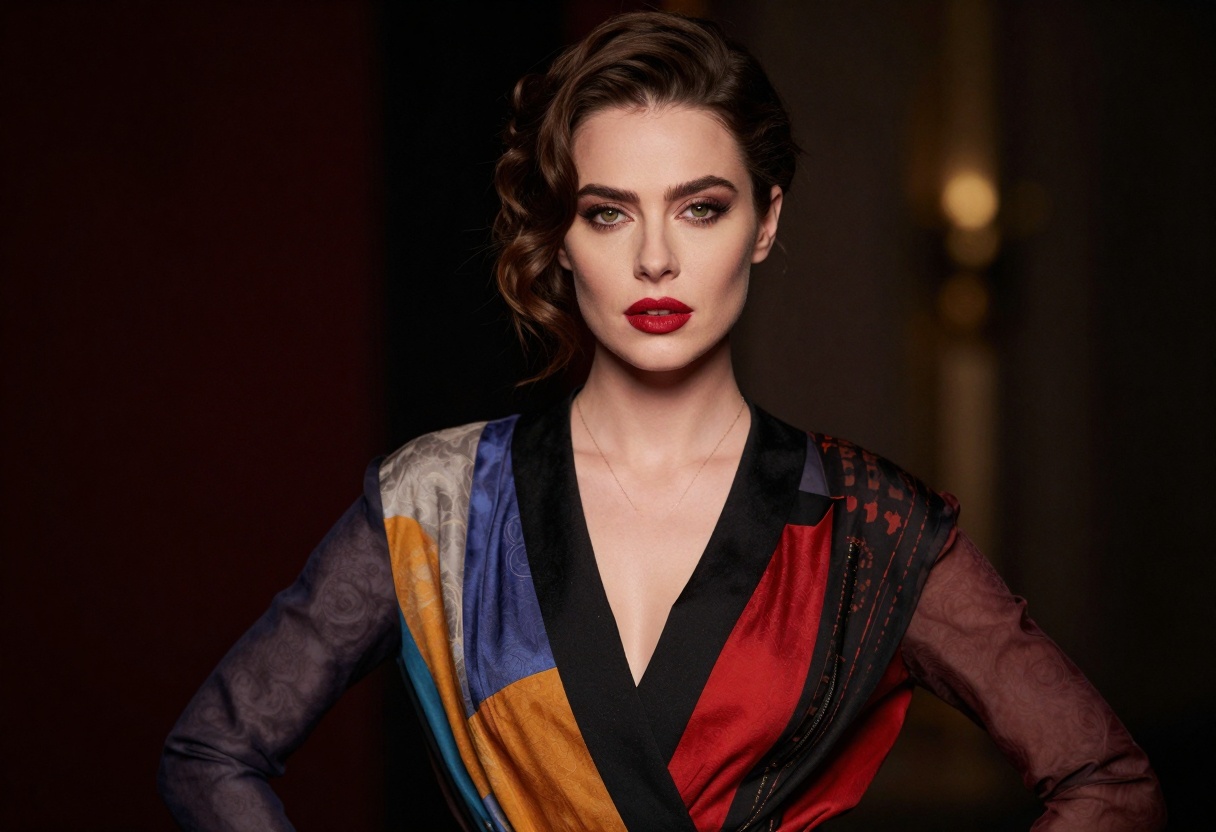
The model excels at understanding complex prompts that describe mature scenes, fashion photography, artistic nudes, and fantasy artwork. It interprets lighting, composition, and stylistic elements with sophistication that rivals professional photography.
Technical Capabilities
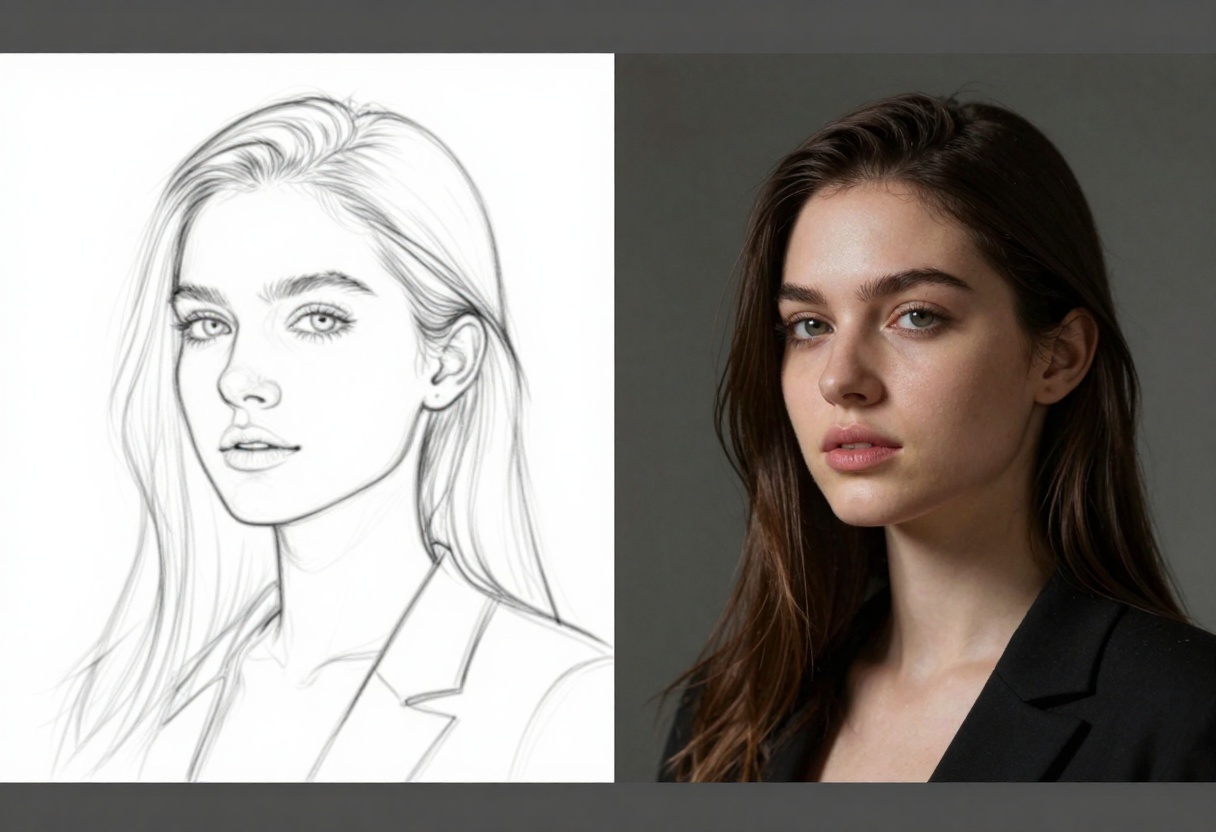
Nano Banana Pro isn't just about unrestricted content - it's a technically advanced model with features that professional creators need:
Resolution Options:
- 1K for quick previews
- 2K for standard outputs
- 4K for high-quality final renders
Aspect Ratio Support:
- Standard formats: 1:1, 4:3, 16:9
- Portrait orientations: 2:3, 4:5, 9:16
- Cinematic widescreen: 21:9
- Custom matching to input images
Output Formats:
- JPG for smaller file sizes
- PNG for transparency support
The model processes prompts with sophisticated understanding of artistic terminology, mood descriptors, and compositional elements. This allows for precise control over the final output, whether you're aiming for soft romantic lighting or dramatic high-contrast scenes.
Safety Filter Levels Explained
Understanding the safety filter options helps you choose the right setting for your work:
| Filter Level | Description | Best For |
|---|
| block_low_and_above | Most restrictive, blocks suggestive content | General audiences, safe content |
| block_medium_and_above | Moderate filtering, allows some mature themes | Artistic work with mild adult elements |
| block_only_high | Most permissive, maximum creative freedom | Adult content creators, mature artwork |
For 18+ content creation, the block_only_high setting provides the flexibility needed while maintaining ethical standards. This setting allows artistic nudes, provocative fashion photography, and mature fantasy scenes without unnecessary censorship.
Creative Applications
The versatility of Nano Banana Pro makes it valuable for various professional and artistic applications:
Fashion Photography:
Create provocative fashion editorials, lingerie campaigns, and artistic fashion spreads with professional lighting and composition.
Character Design:
Develop mature characters for games, comics, or illustration projects with detailed costumes and realistic proportions.
Artistic Expression:
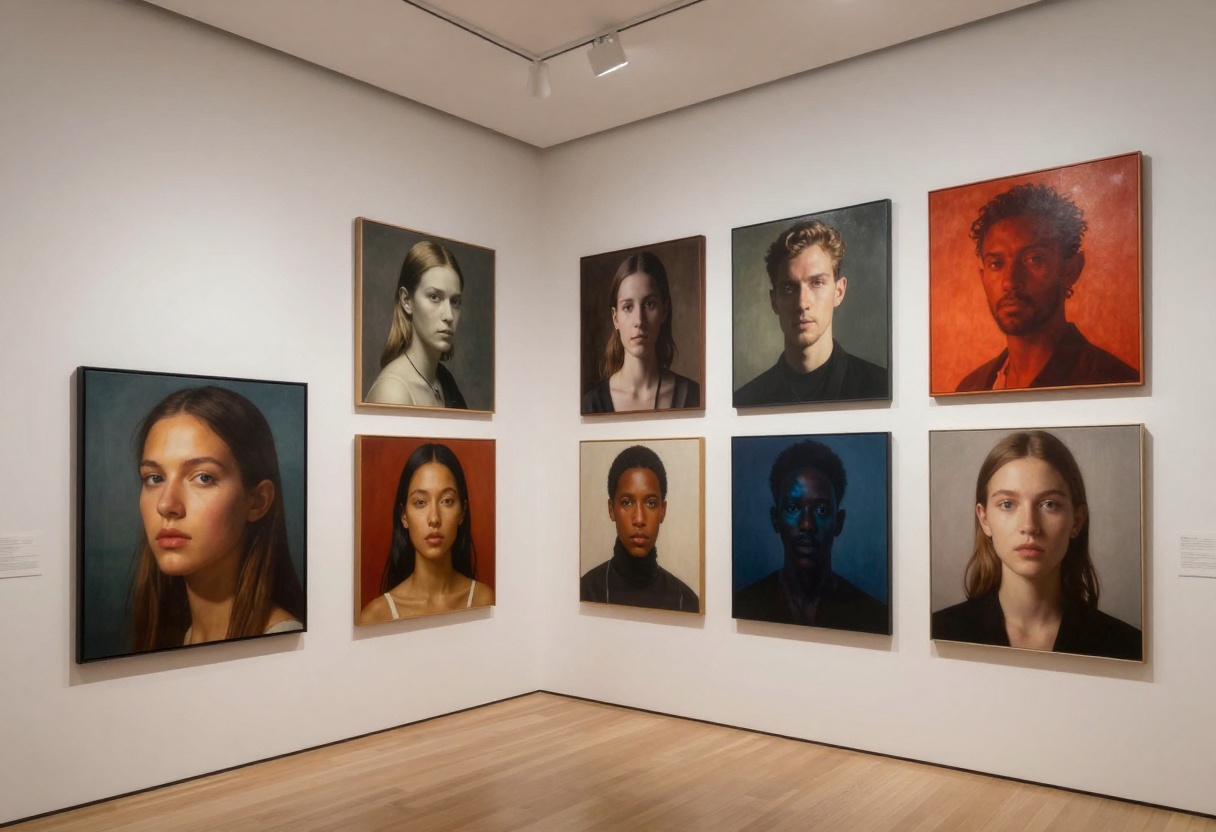
Produce fine art nudes, figure studies, and artistic interpretations of the human form with museum-quality aesthetics.
Fantasy and Sci-Fi:
Generate mature-themed fantasy artwork, sci-fi scenes with provocative elements, or surreal compositions that push creative boundaries.
Working With Reference Images
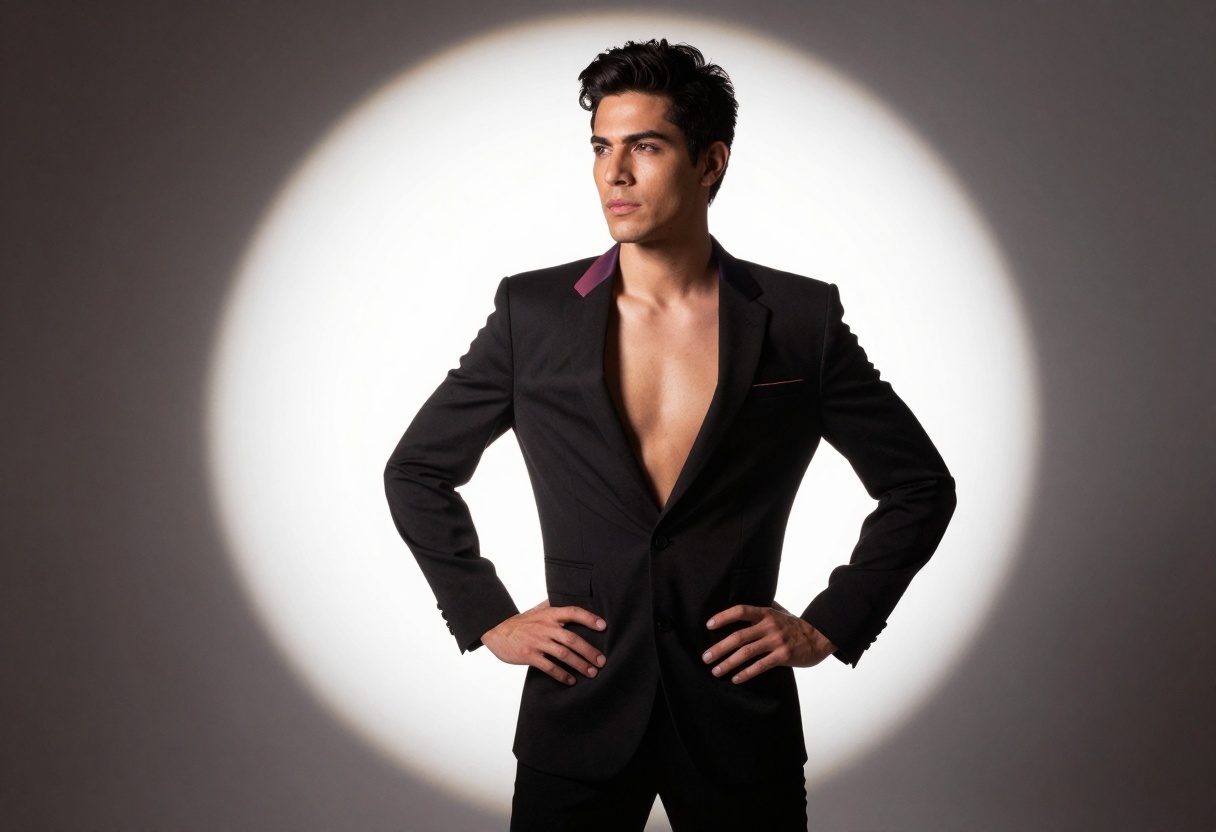
One of Nano Banana Pro's strengths is its support for up to 14 reference images. This feature proves invaluable when working on mature content projects:
Style Transfer:
Upload reference photos to guide the aesthetic, lighting style, or mood of your generation. The model analyzes composition, color grading, and artistic style from your references.
Character Consistency:
Maintain consistent character appearance across multiple generations by providing reference images of your subject or character design.
Pose and Composition:
Use reference photos to guide body positioning, camera angles, and compositional elements for more precise results.
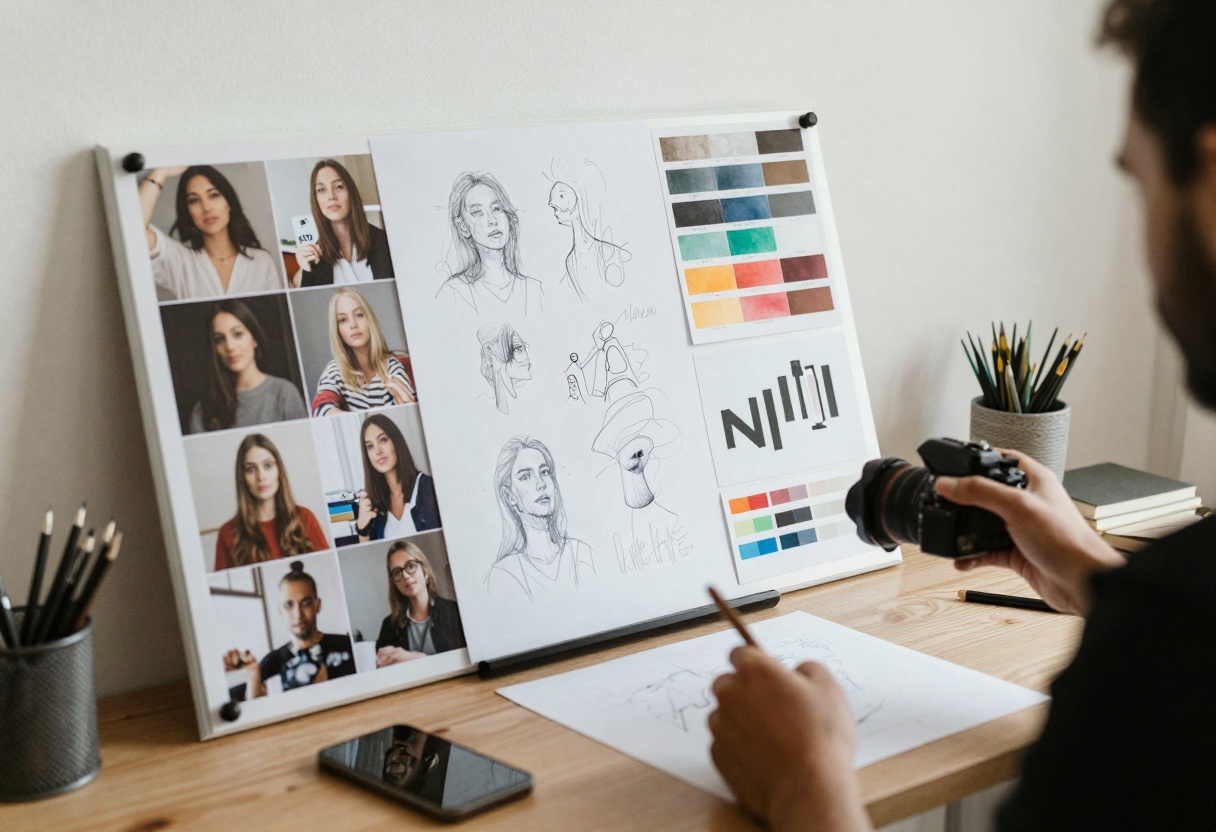
The model intelligently combines information from multiple references, allowing you to mix and match elements like lighting from one image, pose from another, and styling from a third.
Prompt Engineering for Adult Content
Creating effective prompts requires understanding how to communicate your vision clearly:
Be Specific About Mood:
Instead of generic descriptions, specify the exact atmosphere: "sultry evening lighting with warm amber tones" works better than "sexy lighting."
Describe Composition:
Include camera angles, framing, and perspective: "close-up portrait with shallow depth of field, eye-level camera angle."
Reference Artistic Styles:
Mention photography styles or artists: "fashion editorial style, reminiscent of Helmut Newton's bold compositions."
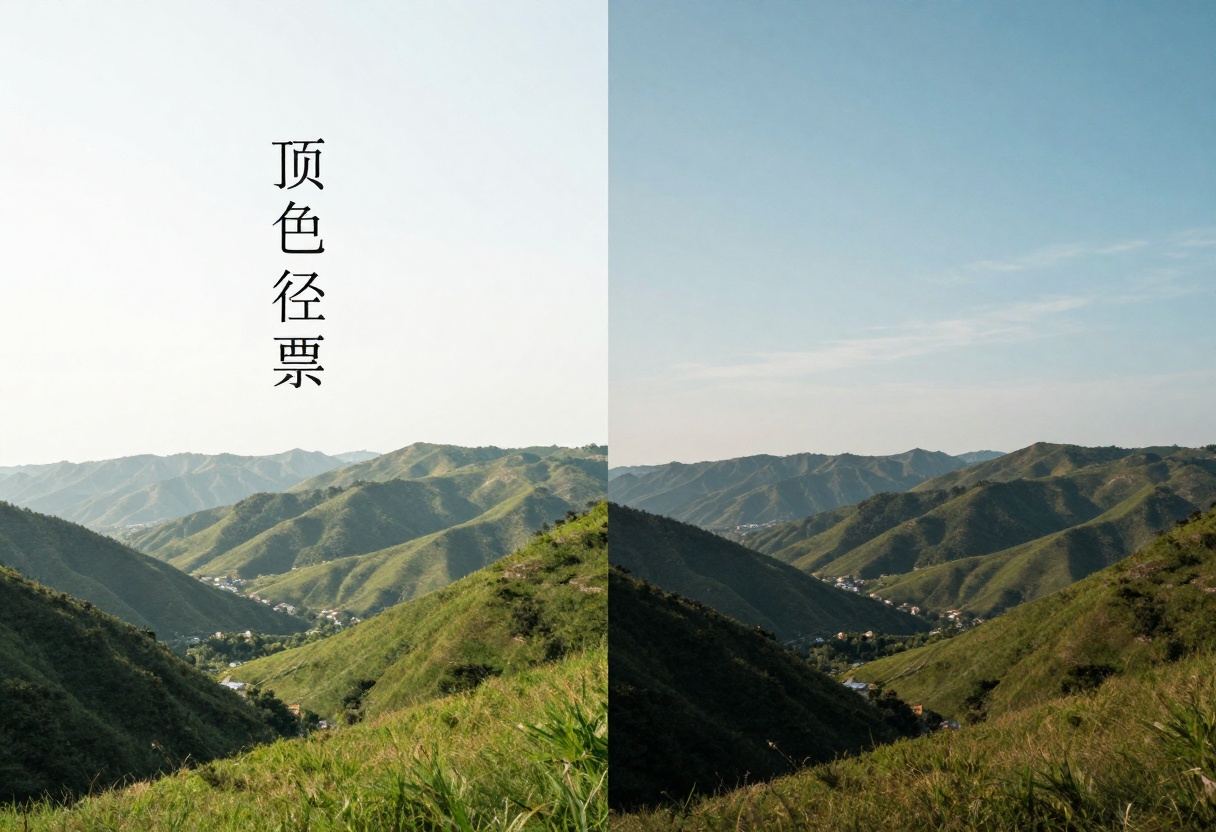
Detail Lighting:
Lighting transforms mood dramatically. Specify whether you want soft diffused light, dramatic rim lighting, or high-contrast studio setups.
Sample Effective Prompt:
"Elegant portrait of confident woman in sophisticated black lingerie, dramatic studio lighting with rim light, fashion photography style, 8k resolution, photorealistic, professional composition, bokeh background, warm amber tones"
Optimizing Your Workflow
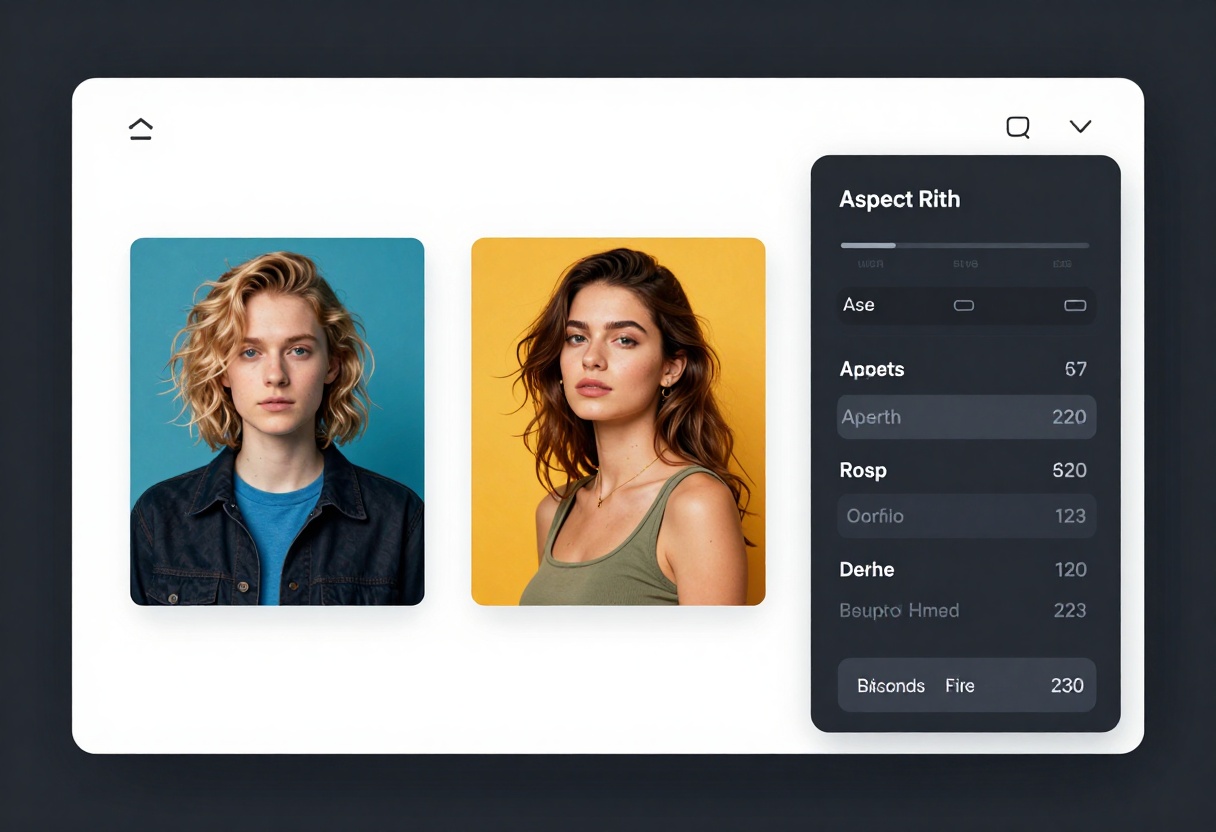
Professional creators benefit from establishing efficient workflows:
Start With Lower Resolutions:
Generate initial concepts at 1K or 2K to iterate quickly. Once satisfied with composition and style, create your final output at 4K.
Test Different Aspect Ratios:
The same prompt can yield dramatically different results in different aspect ratios. Portrait formats emphasize subjects, while wider ratios create cinematic feels.
Iterate With Reference Images:
Build a library of successful generations to use as references for future projects. This creates consistency across your work.
Adjust Safety Filters as Needed:
Different projects require different filter levels. Adjust based on the specific content requirements of each project.
Ethical Considerations
While Nano Banana Pro offers creative freedom, responsible use remains important:
Respect Consent:
Never attempt to recreate real individuals without permission. The model is for original artistic creation, not deepfakes or unauthorized reproductions.
Know Your Local Laws:
Content legality varies by jurisdiction. Ensure your creations comply with local regulations regarding adult content.
Professional Context:
Use the model for legitimate artistic, commercial, or educational purposes. PicassoIA expects users to maintain professional standards.
Age Verification:
This tool is exclusively for creators aged 18 and above. Adult content creation carries professional responsibilities.
Comparison With Other Models
Creators often ask how Nano Banana Pro compares to alternatives for adult content generation:
Versus Restrictive Platforms:
Many mainstream AI generators heavily censor adult content, making them unsuitable for mature projects. Nano Banana Pro's adjustable filters provide the flexibility professionals need.
Quality Considerations:
The model produces photorealistic outputs that rival or exceed many alternatives, with particular strength in rendering human subjects, lighting, and textures.
Reference Image Support:
The ability to use up to 14 reference images sets Nano Banana Pro apart, allowing for sophisticated style transfer and consistency.
How to Use Nano Banana Pro on PicassoIA
Ready to start creating? Here's your step-by-step tutorial for accessing and using Nano Banana Pro on the PicassoIA platform.
Step 1: Access the Model Page
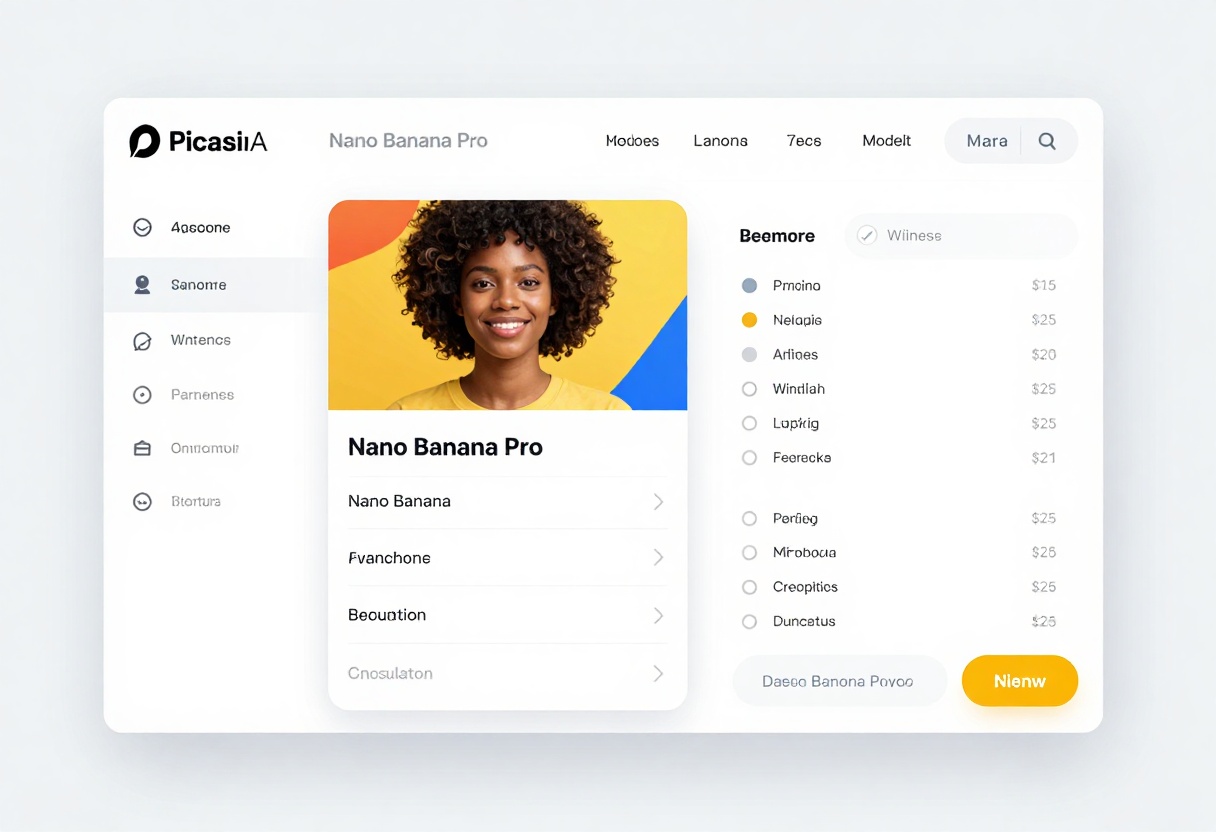
Navigate to the Nano Banana Pro model page on PicassoIA. You'll find the interface clean and straightforward, with all generation options clearly labeled.
The model page displays example generations, feature descriptions, and the parameter configuration panel where you'll set up your generation.
Step 2: Configure Required Parameters
The only required parameter is your prompt. This text description tells the model what image to generate. Take time crafting detailed prompts that specify:
- Subject and action
- Lighting and atmosphere
- Style and artistic approach
- Technical details (camera angle, focus, composition)
Example prompt: "Artistic portrait of elegant model in flowing silk dress, studio lighting with soft shadows, fashion photography style, 8k photorealistic, professional composition, warm color palette"
Step 3: Adjust Optional Settings
Fine-tune your generation with these optional parameters:
Image Input: Upload up to 14 reference images if you want to guide style, composition, or subject appearance.
Aspect Ratio: Choose from various options including 1:1 (square), 3:2 (classic photo), 16:9 (widescreen), or 9:16 (portrait). Select "match_input_image" to automatically match your reference image dimensions.
Resolution: Pick 1K for quick tests, 2K for standard quality, or 4K for high-resolution final outputs.
Output Format: JPG provides smaller files, while PNG supports transparency if needed.
Safety Filter Level: For adult content, select block_only_high to maximize creative freedom while maintaining ethical boundaries.
Step 4: Generate the Output
Click the generate button to start processing. The model typically takes 30-90 seconds depending on resolution and complexity. Higher resolutions (4K) require more processing time.
You'll see a progress indicator while the model works. The system processes your prompt, analyzes any reference images, and renders the final output according to your specifications.
Step 5: Download the Result
Once generation completes, preview your image directly in the browser. If satisfied, download it in your chosen format (JPG or PNG).
Not happy with the result? Refine your prompt and try again. Small adjustments to lighting descriptions, style keywords, or compositional details can significantly impact the output.
Pro tip: Keep your successful prompts in a document for future reference. Building a prompt library accelerates your workflow over time.
Tips for Better Results
After generating, evaluate your results critically:
- Does the lighting match your vision?
- Is the composition balanced and engaging?
- Are details sharp and well-rendered?
- Does the mood align with your prompt description?
Make iterative improvements by adjusting specific elements in your prompt rather than completely rewriting it. This helps you understand which keywords and phrases produce desired effects.
Why PicassoIA for Adult Content Creation
PicassoIA stands out as a platform for mature content creators:
Open-Source Models:
The platform features open-source models like Nano Banana Pro, p-image-edit, and others that don't impose arbitrary content restrictions.
Professional Tools:
Access to high-resolution outputs, reference image support, and precise parameter control makes PicassoIA suitable for commercial work.
Privacy-Focused:
Your generations remain private. PicassoIA doesn't share or use your content for model training without consent.
No Censorship:
Unlike many platforms that aggressively filter adult content, PicassoIA trusts creators to use tools responsibly.
Alternative NSFW Models on PicassoIA
Beyond Nano Banana Pro, PicassoIA offers other models that support adult content creation:
p-image-edit:
Transform and edit existing images with advanced AI capabilities. Useful for refining AI-generated images or enhancing photos with mature elements.
prunaai-wan-2.2-image:
Generate highly realistic images with excellent understanding of human anatomy and lighting. Strong choice for photorealistic adult content.
Wan 2.2 I2v Fast:
Convert static images into dynamic videos with smooth animations. Bring your adult content to life with motion.
These models complement Nano Banana Pro, providing options for different workflows and output types.
Common Questions
Can I use Nano Banana Pro for commercial adult content?
Yes, outputs can be used commercially. Check PicassoIA's terms of service for specific licensing details.
How does the model handle explicit prompts?
With block_only_high setting, the model processes most explicit prompts. Some extremely inappropriate requests may still be filtered for ethical and legal reasons.
What resolution is best for social media?
2K resolution works well for most social media platforms. Use 4K only when you need maximum quality for prints or high-resolution displays.
Can I generate multiple variations?
Yes, run the model multiple times with the same or similar prompts to generate variations. Small prompt adjustments create different interpretations.
Final Thoughts
Nano Banana Pro represents a significant option for creators who need flexibility in generating mature content without excessive restrictions. The combination of adjustable safety filters, reference image support, and high-resolution outputs makes it a professional tool for legitimate adult content creation.
The model's strength lies not just in its permissiveness, but in its technical capabilities. Photorealistic rendering, sophisticated prompt interpretation, and professional-grade output quality ensure your creative vision translates effectively into final images.
For artists, designers, and content creators working in adult entertainment, fashion, or mature-themed art, Nano Banana Pro on PicassoIA provides the freedom and quality needed to produce compelling work without unnecessary barriers.
Ready to create without limits? Visit the Nano Banana Pro page on PicassoIA and start generating today.


