Discover how the advanced nano-banana-pro AI model transforms text prompts into sophisticated +18 visual content with photorealistic quality. This comprehensive guide explores technical capabilities, best practices for glamour and fashion content creation, and step-by-step tutorials for using the model on PicassoIA. Learn lighting techniques, composition strategies, and professional workflows for generating stunning visual narratives that balance artistic expression with technical precision.
Creating sophisticated visual content requires more than basic tools—it demands precision, artistry, and technical understanding. The nano-banana-pro model transforms this process from complex to accessible, delivering professional-grade results without the steep learning curve.
When visual storytelling matters, every detail counts. From lighting direction to fabric texture, composition to color grading, the difference between amateur and professional work lies in these nuances. Modern content creators face increasing demands for quality while navigating technical limitations and creative boundaries.
What separates exceptional content from the ordinary? Three elements consistently define top-tier visual work: photorealistic quality, artistic sensibility, and technical precision. The nano-banana-pro model addresses each directly through its advanced architecture.
Why Nano Banana Pro Stands Out
Traditional image generators often struggle with consistency, detail preservation, and realistic human representation. The nano-banana-pro model tackles these challenges head-on with specialized training on diverse visual datasets.
💡 Pro Insight: Unlike generic models, nano-banana-pro maintains character consistency across generations—crucial for brand identity and serial content creation.
Key advantages include:
Reference Image Support: Upload up to 14 reference images for style consistency
Aspect Ratio Flexibility: From square social posts (1:1) to cinematic widescreen (21:9)
Resolution Options: 1K for web, 2K for print, 4K for premium applications
Safety Filter Control: Adjustable moderation for different content types
Technical Architecture Explained
Understanding how the model works reveals why it excels at +18 content creation. The architecture combines multiple neural networks working in concert:
Text Encoder: Transforms natural language into mathematical representations
Diffusion Processor: Gradually adds and removes noise to create coherent images
Reference Integrator: Analyzes uploaded images for style transfer
Safety Moderator: Filters content based on adjustable sensitivity levels
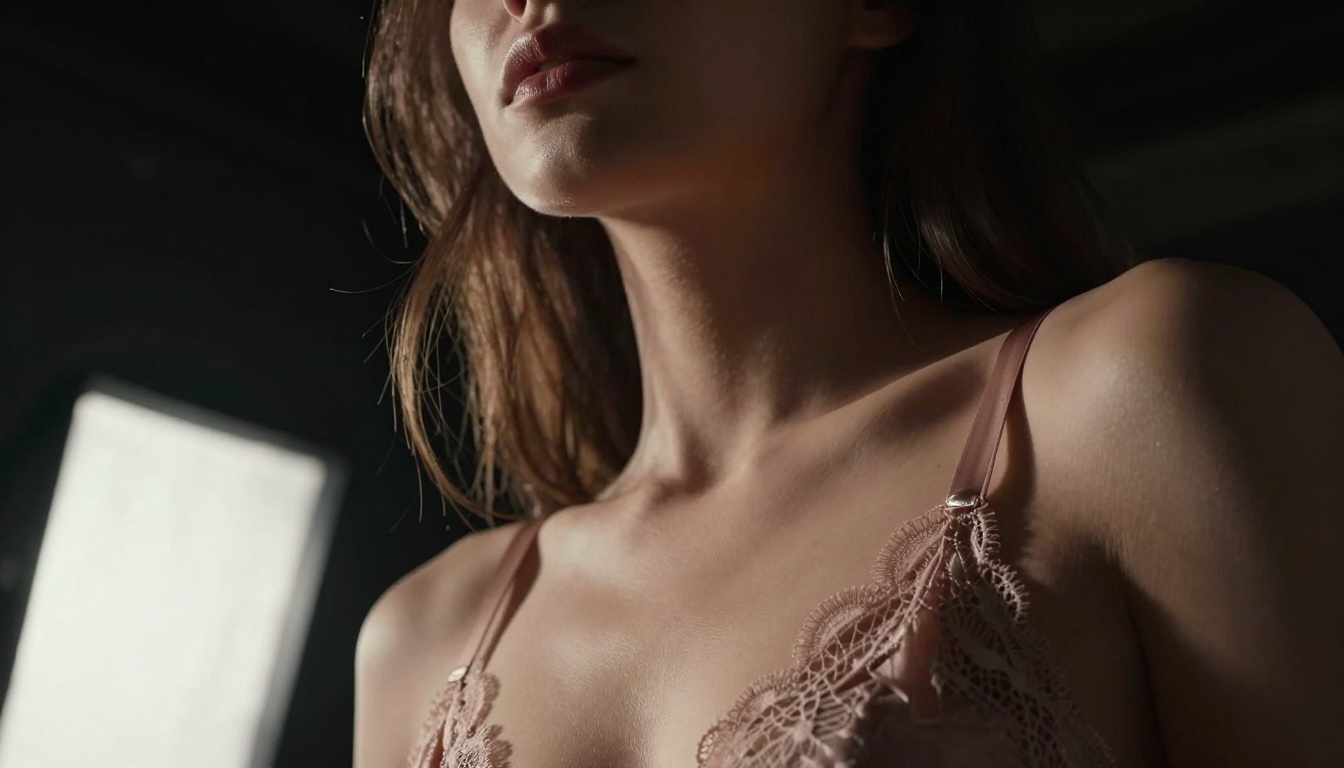
Low-angle lighting creates dramatic shadows that sculpt facial features while maintaining natural skin texture.
The Science Behind Photorealism
Human perception detects artificiality through subtle cues: inconsistent lighting, unnatural skin texture, implausible physics. Nano-banana-pro's training focuses specifically on these pain points:
Skin Realism: The model understands subsurface scattering—how light penetrates skin layers—creating natural translucency instead of flat color.
Fabric Physics: Different materials (silk, lace, leather) reflect light uniquely. The model captures these material properties accurately.
Lighting Consistency: Shadow direction, intensity falloff, and color temperature remain coherent throughout generated scenes.
Creating +18 Content: Best Practices
Artistic content walks a fine line between expression and excess. These guidelines ensure quality while maintaining appropriate boundaries:
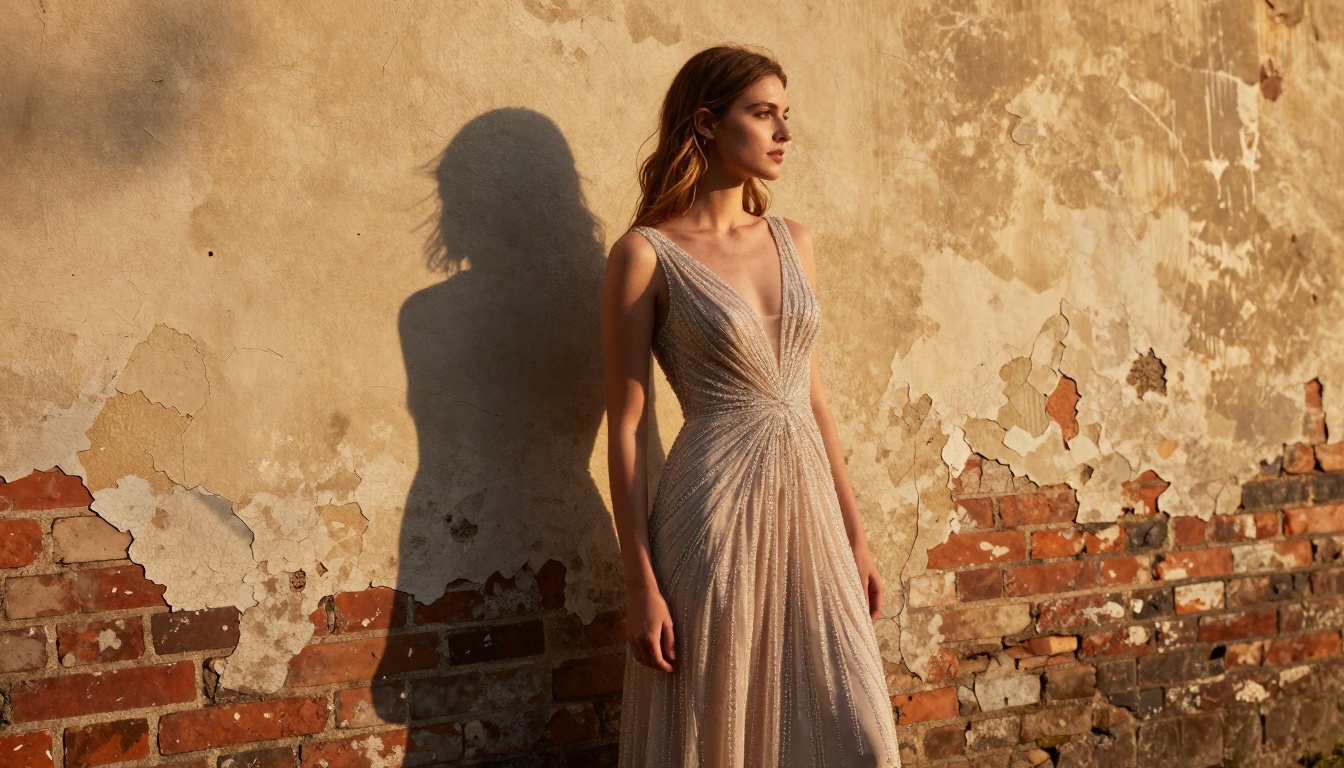
"Professional female model in elegant evening gown standing against weathered brick wall, late afternoon golden hour lighting creating long dramatic shadows, shot with 35mm f/2.8 lens from Dutch angle, cinematic photography style with Kodak Portra 400 film grain"
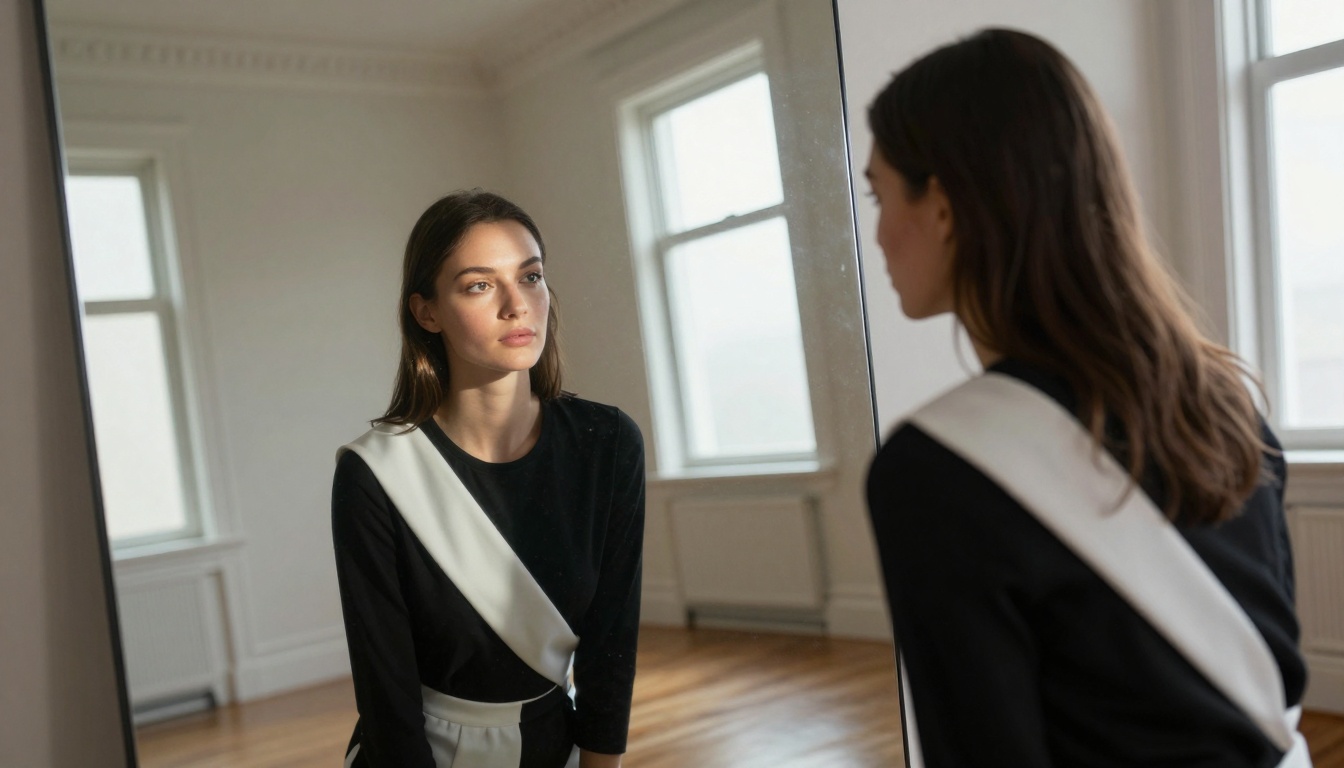
Telephoto compression from aerial perspective creates unique compositional relationships between subject and environment.
Lighting Techniques
Lighting defines mood more than any other element. These setups work particularly well:
Create thematic series exploring specific techniques
Demonstrate range across different styles and subjects
Quality Control Checklist
Before publishing generated content, verify these elements:
✅ Lighting Consistency: Shadows follow logical direction
✅ Anatomical Accuracy: Proportions and positions appear natural
✅ Texture Realism: Materials look authentic, not artificial
✅ Color Harmony: Palette works cohesively throughout image
✅ Composition Balance: Visual weight distributed appropriately
✅ Detail Preservation: Fine elements remain crisp, not blurred
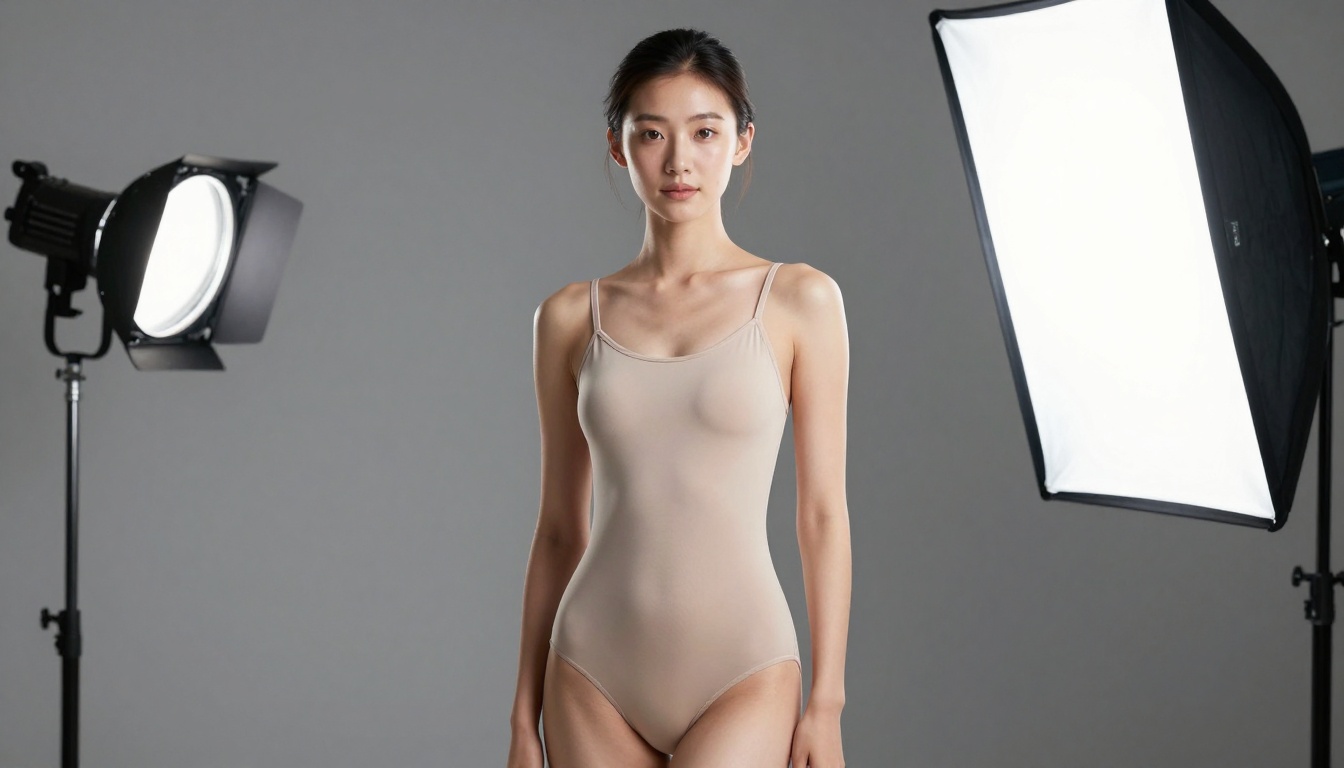
Controlled studio lighting separates subject from background while revealing fabric texture details often lost in natural light.
Troubleshooting Common Issues
Even advanced models occasionally produce unexpected results. These solutions address frequent challenges:
Unnatural Skin Texture
Problem: Plastic-looking skin without pore detail
Solution: Add "realistic skin texture with visible pores" to prompt, reduce stylization parameters
Inconsistent Lighting
Problem: Multiple shadow directions contradicting light source
Solution: Specify single light source ("window light from left only"), avoid multiple light descriptions
Anatomical Imperfections
Problem: Awkward poses or implausible joint positions
Solution: Reference classical art poses, include "natural comfortable pose" descriptor
Color Banding
Problem: Graduated colors show visible bands instead of smooth transitions
Solution: Increase resolution to 4K, specify "smooth color gradients" in prompt
Video Generation: Animated sequences from image series
3D Model Integration: Convert 2D images to 3D assets
Style Transfer: Apply specific photographer styles automatically
Collaborative Editing: Multiple creators refining same generation
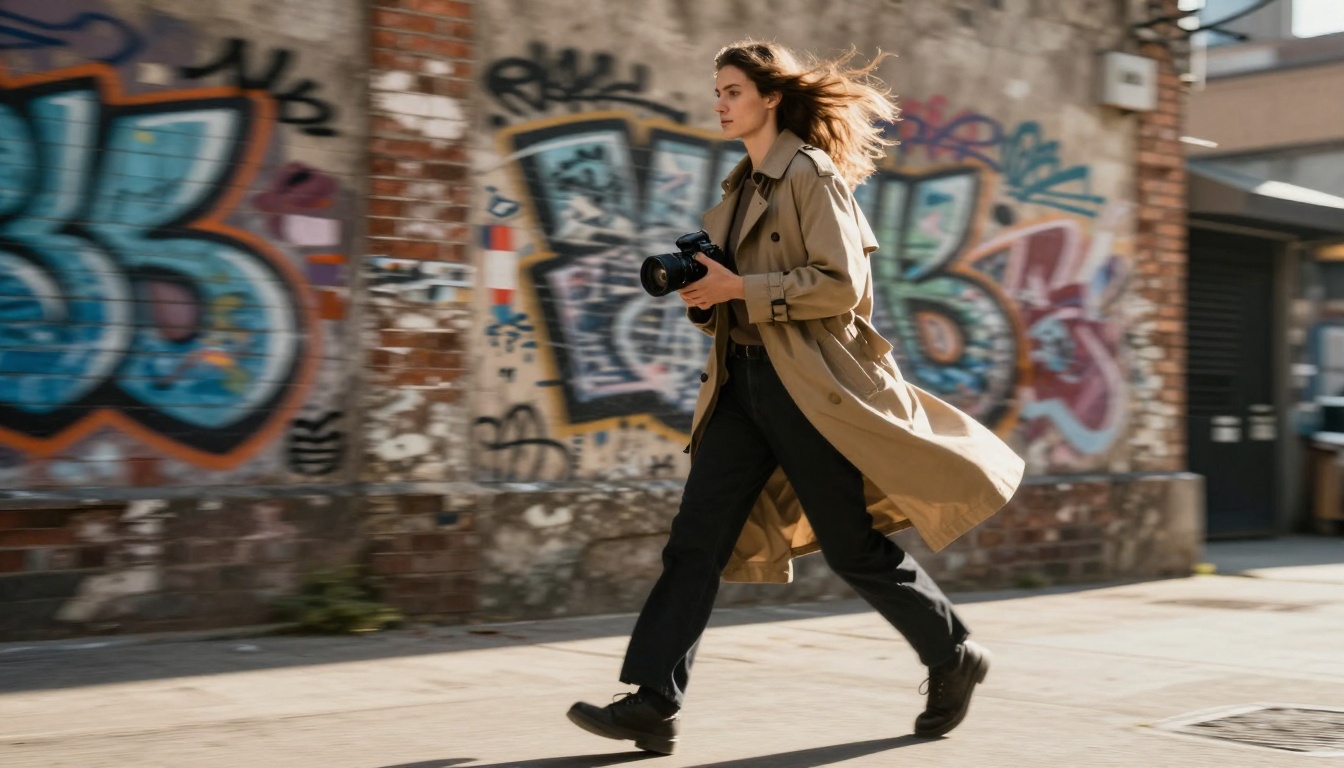
Panning technique creates energy and movement while maintaining subject focus—ideal for fashion editorial and lifestyle content.
Final Thoughts
The democratization of professional visual creation represents a fundamental shift in content production. Tools like nano-banana-pro lower technical barriers while maintaining artistic standards.
Success depends on understanding both the tool's capabilities and the principles of visual storytelling. The intersection of technical proficiency and creative vision produces work that resonates, engages, and ultimately succeeds in competitive digital landscapes.
Photorealism isn't about perfect reproduction—it's about believable representation. Nano-banana-pro achieves this through sophisticated understanding of light, material, and form. The result bridges the gap between imagination and realization, turning abstract concepts into tangible visuals.
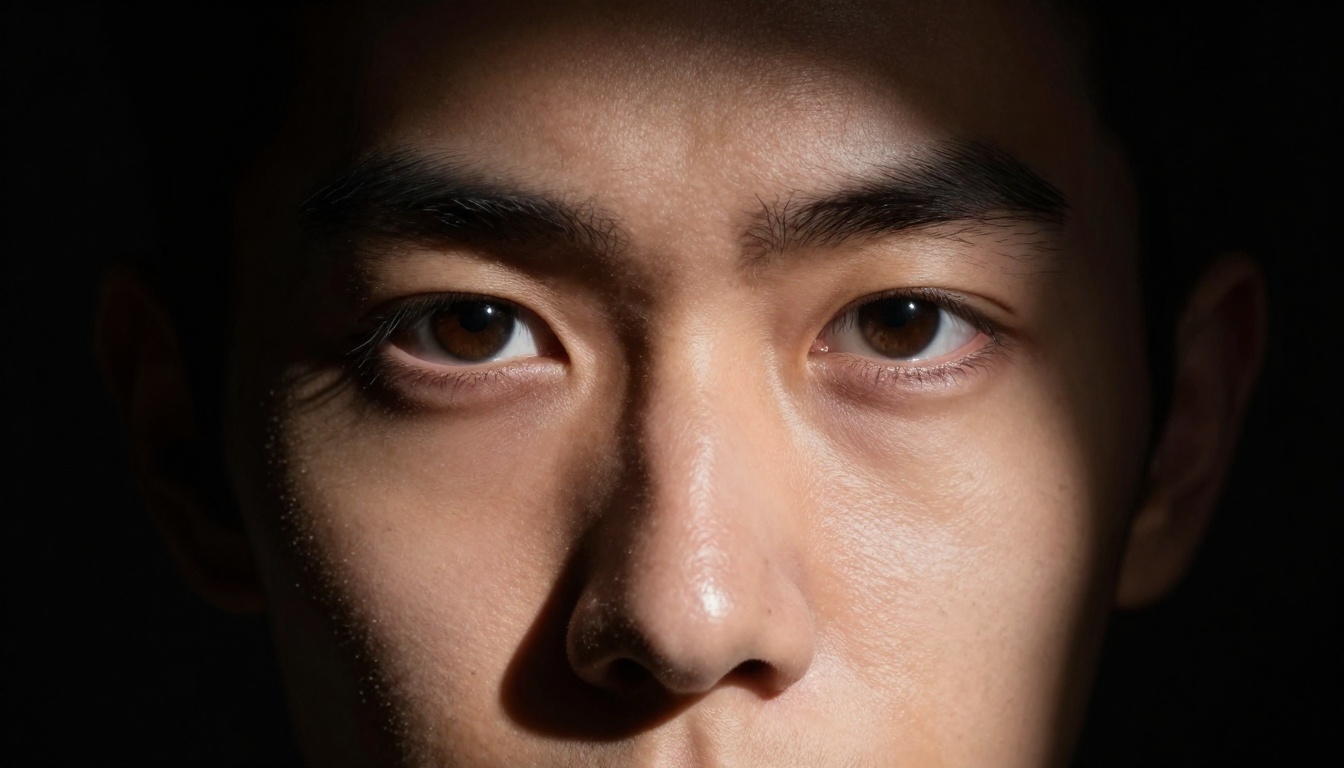
Split lighting creates maximum dramatic impact through extreme contrast—powerful for mood establishment and emotional intensity.
Visual content continues evolving, but core principles remain: authenticity resonates, quality communicates value, and artistry distinguishes exceptional work from ordinary output. The tools have changed, but the standards haven't.