Nano Banana Pro is quietly becoming one of the most talked-about AI image models for people who just want results without a steep learning curve. Built by Google and available on PicassoIA, it sits at a sweet spot between speed and quality that few models at this level have managed to hit. Whether you've never typed a prompt before or you've been frustrated by overly complex tools, this model changes the dynamic entirely.

What Is Nano Banana Pro?
Nano Banana Pro is a text-to-image model by Google, available in the PicassoIA collection. You type a description, the model interprets it, and within seconds you have a photorealistic image ready to download.
It belongs to the Nano Banana model family — a series developed with efficiency and accessibility in mind. Unlike larger, more resource-intensive models, Nano Banana Pro focuses on fast generation without sacrificing output quality. The name might sound playful, but the outputs are consistently sharp, well-composed, and ready for real-world use.
Born from Google's AI Lab
Google has been quietly building a strong AI image generation portfolio alongside its Imagen series. Nano Banana Pro is part of that push — a more approachable model that doesn't require deep technical knowledge to operate.
💡 Tip: Don't let the name fool you. Nano Banana Pro produces outputs that rival models three times its complexity.
How It Stacks Up Against the Nano Banana Family
The Nano Banana family currently has three members on PicassoIA:
The Pro version is the most refined of the three. It handles complex scene descriptions better, maintains more consistent proportions in portraits, and does a noticeably better job with lighting nuance.

Why It Clicks for Beginners
Most AI image tools fail beginners the same way — they dump a wall of sliders, samplers, negative prompts, and CFG settings in front of someone who just wants to see their idea visualized. Nano Banana Pro strips that friction away.
No Settings Overload
When you open Nano Banana Pro on PicassoIA, the interface is clean. You get a prompt field, an aspect ratio selector, and a generate button. That's the entire workflow for most use cases.
This matters more than it seems. When beginners are bombarded with options they don't understand — negative prompts, seed values, guidance scales — they either generate bad results without knowing why, or they abandon the tool entirely. Nano Banana Pro removes that barrier completely.
💡 Tip: You can always do more with additional settings later. Starting simple is not a limitation — it's the fastest way to build confidence.
Speed That Actually Matters
Waiting 3–5 minutes for a single image to generate is a creativity killer. You lose the thread of what you were trying to create. Nano Banana Pro generates images fast enough that you can iterate in real time — try a prompt, see the result, adjust, try again.
This rapid feedback loop is exactly how you build intuition for prompt writing. You stop thinking in terms of "submitting a job" and start thinking of it as a conversation with the model.

How to Use Nano Banana Pro on PicassoIA
Since Nano Banana Pro is live on PicassoIA, here's the exact workflow to go from zero to your first generated image.
Step 1 — Open the Model Page
Go to the Nano Banana Pro page on PicassoIA. You'll land directly on the generation interface. No complex onboarding required — you can start experimenting immediately.
Step 2 — Write Your First Prompt
The prompt is your instruction to the model. It doesn't need to be complicated. Start with a simple scene description:
Example prompt:
A woman in a yellow summer dress walking through a sunflower field at golden hour, photorealistic, warm light
A few things that improve your prompts right away:
- Be specific about the subject — not "a person" but "a woman in her 30s with short dark hair"
- Describe the environment — indoor, outdoor, urban, nature
- Add lighting context — morning, golden hour, studio light, overcast daylight
- Include a style hint — photorealistic, cinematic, editorial photography
Step 3 — Set Your Aspect Ratio
Nano Banana Pro supports multiple aspect ratios. Here's a quick reference:
| Ratio | Use Case |
|---|
| 1:1 | Social media posts, profile images |
| 16:9 | Banners, blog headers, YouTube thumbnails |
| 9:16 | Instagram Stories, TikTok, vertical mobile content |
| 4:3 | Traditional photography format |
For beginners, 16:9 is the most forgiving ratio — it gives the model more horizontal canvas to work with and tends to produce well-composed landscape scenes.
Step 4 — Generate and Download
Hit generate. Within seconds, your image appears. If you don't love it, tweak one element of your prompt and generate again. Change only one thing at a time so you can see exactly what each adjustment does.

Writing Prompts That Work
Your prompt is the most important variable in the entire process. The model can only give you what you describe. Vague prompts produce vague results. Specific prompts produce specific, often stunning results.
The 3-Part Prompt Formula
Here's a framework that works reliably with Nano Banana Pro:
[Subject + Action] + [Environment + Atmosphere] + [Technical/Style Hints]
Working examples:
- A woman in a red silk dress standing on a Parisian rooftop at sunset, bokeh background, 85mm portrait lens, photorealistic, Kodak film grain
- Two people laughing at a wooden café table, warm Edison bulb lighting, natural shadows, documentary photography style
- A young woman in a white bikini sitting on a tropical dock over turquoise water, Mediterranean midday sun, natural skin texture, editorial photography
💡 Tip: Add "photorealistic, 8K, natural lighting" to almost any prompt and you'll immediately see a quality improvement in your outputs.
Common Mistakes to Avoid
Mistake 1: Being too abstract
"A beautiful moment" tells the model almost nothing. "A woman laughing with her eyes closed, holding a coffee cup on a rainy window terrace" is a scene the model can actually render.
Mistake 2: Overloading the prompt
Ten competing concepts produce a confused image. Pick one primary subject, one environment, and one atmosphere.
Mistake 3: Ignoring lighting
Lighting defines the mood of an image more than almost anything else. "Golden hour sunlight," "soft overcast daylight," or "warm indoor lamplight" instantly elevate results.
Mistake 4: Skipping aspect ratio
A portrait prompt on a 16:9 canvas will always look awkward — there's too much horizontal space. Match your ratio to your subject type.

Nano Banana Pro vs. The Competition
Where does Nano Banana Pro sit relative to other popular models on PicassoIA?
Side-by-Side Comparison
The takeaway: If you want the fastest path from prompt to quality output with the least friction, Nano Banana Pro wins on the beginner-friendliness axis. Models like Flux 1.1 Pro or Imagen 4 offer more ceiling, but they also demand more from the person behind the prompt.

Real-World Use Cases
Knowing how to use a model is one thing. Knowing why to use it is what makes you actually productive.
Social Media Content
Nano Banana Pro is fast enough to generate content at social media pace. Need a fresh hero image for an Instagram post? A lifestyle shot for a brand story? The speed and quality combination makes it a practical everyday tool for content creators.
Use 1:1 for Instagram feeds and 9:16 for Stories. Keep your prompts lifestyle-focused — real people in real-looking environments perform better than abstract compositions on social platforms.
Creative Projects
Writers, designers, and creative directors use AI image tools to visualize concepts before committing to production. Nano Banana Pro is ideal for mood boards, concept visualization, and character development — tasks where speed matters more than pixel-perfect precision.
💡 Tip: Use the 16:9 ratio for mood board banners — they tile cleanly and give you a strong horizontal composition to work from.
Business Visuals
Blog headers, presentation slides, pitch deck imagery — these are all situations where you need professional-looking visuals quickly. Nano Banana Pro handles all of them. The outputs are clean enough for professional contexts without requiring any post-processing.

Push It Further With These Models
Once you've built confidence with Nano Banana Pro, the natural next step is experimenting with models that offer more creative range.
- Flux 1.1 Pro — When you need maximum photorealism and are willing to spend more time on prompt refinement
- Imagen 4 — Google's most powerful image model, for when quality is the only metric that matters
- Imagen 4 Ultra — Premium precision for complex, highly detailed scenes
- Flux 2 Pro — Next-generation output from Black Forest Labs with excellent compositional accuracy
- Stable Diffusion 3.5 Large — Deep customization for those who want granular control over every output
Each of these models has different strengths. Nano Banana Pro is the perfect starting point because it teaches you to describe what you want with clarity — a skill that transfers directly to every model on this list.
The Prompt Is the Skill
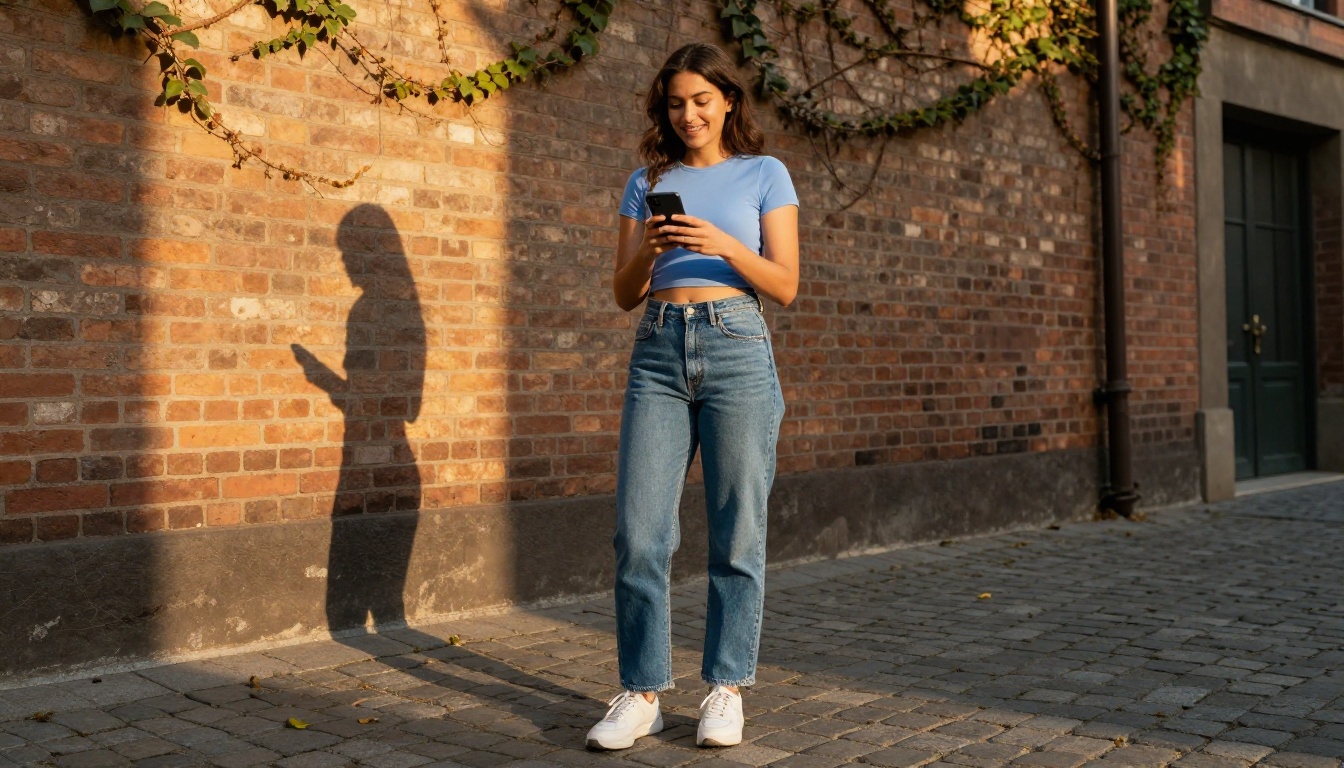
There's a recurring misunderstanding about AI image generation: people think the tool is the hard part. It's not. The tool is simple. The prompt is the skill.
Nano Banana Pro gives beginners something rare — a model fast and forgiving enough to practice that skill without penalty. Every failed image is a data point. Every successful one tells you something specific about what works.
The people who get the best results from AI image tools aren't the ones with the most technical knowledge. They're the ones who know how to describe a scene. They think in terms of light sources, subject position, background depth, and emotional tone. That vocabulary is worth building.
Here's a structured approach to developing it:
- Week 1 — Generate 20 images using only the 3-part formula (subject + environment + style). Note what works.
- Week 2 — Add lighting specifics to every prompt. Compare results with Week 1.
- Week 3 — Experiment with camera language — lens type, angle, depth of field. Watch how it affects composition.
- Week 4 — Try Nano Banana 2 with the same prompts. Compare output quality directly.
💡 Tip: Save every prompt that produces an image you like. Your prompt library is your most valuable asset as you move to more powerful models.
Start Creating on PicassoIA
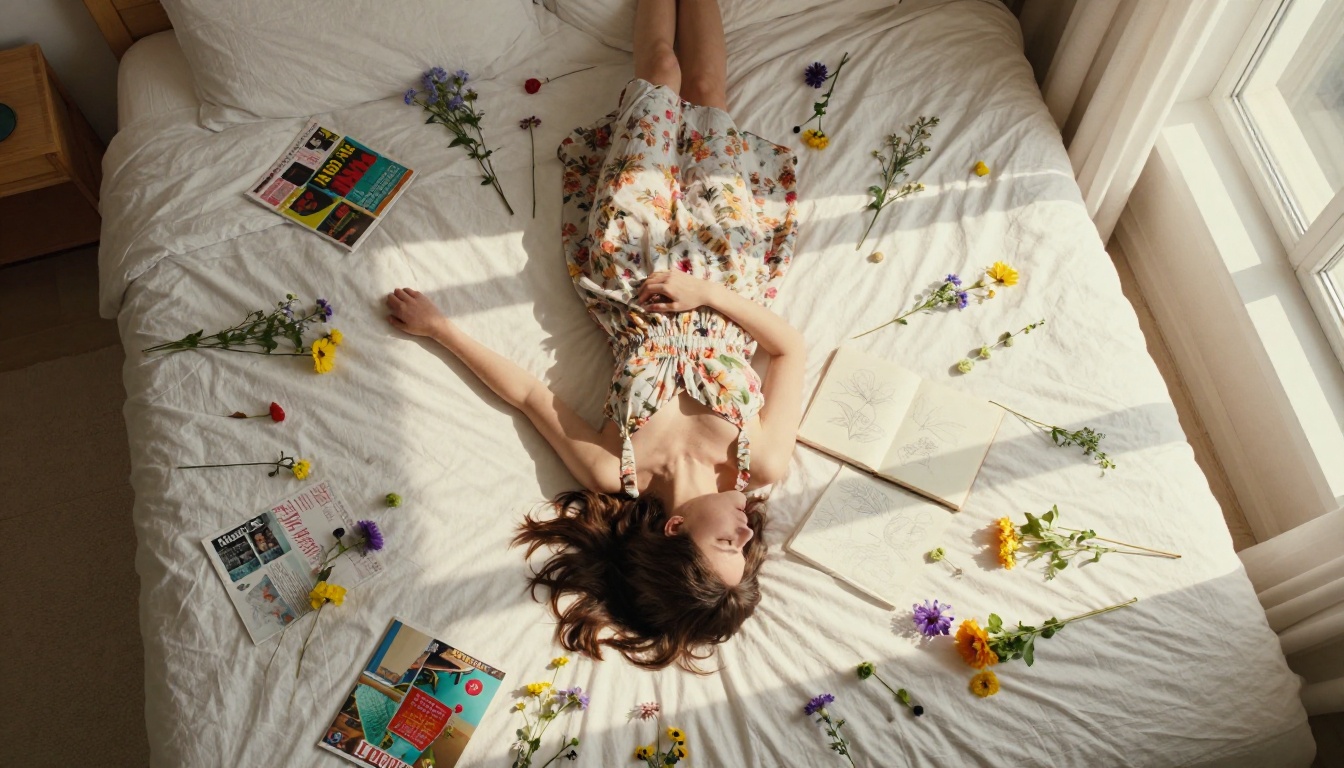
There's no better moment than now. Nano Banana Pro is live on PicassoIA and ready to use. The barrier is genuinely low — you don't need a background in design, photography, or machine learning.
Open the model, write a prompt that describes something you'd actually want to see, and generate. Then adjust one detail and generate again. That's the entire process. The quality you get back in the first few attempts will likely surprise you.
As you build confidence, you'll naturally gravitate toward more powerful models like Flux 1.1 Pro or Imagen 4. But Nano Banana Pro is where the habit forms — and habits are what turn casual users into people who actually create things.
Start with a single image today. See what you can describe.