Most creators working in adult content generation hit the same wall: you get a good base image, but the small details are wrong. Pose alignment is off. Fabric transparency is too intense. Background clashes with mood. Getting those specifics right without regenerating the entire image from scratch is where Nano Banana Pro separates itself from every other model in the stack. Its editing toolset is purpose-built for iterative refinement, which is exactly what demanding NSFW workflows require.
What Nano Banana Pro Actually Does
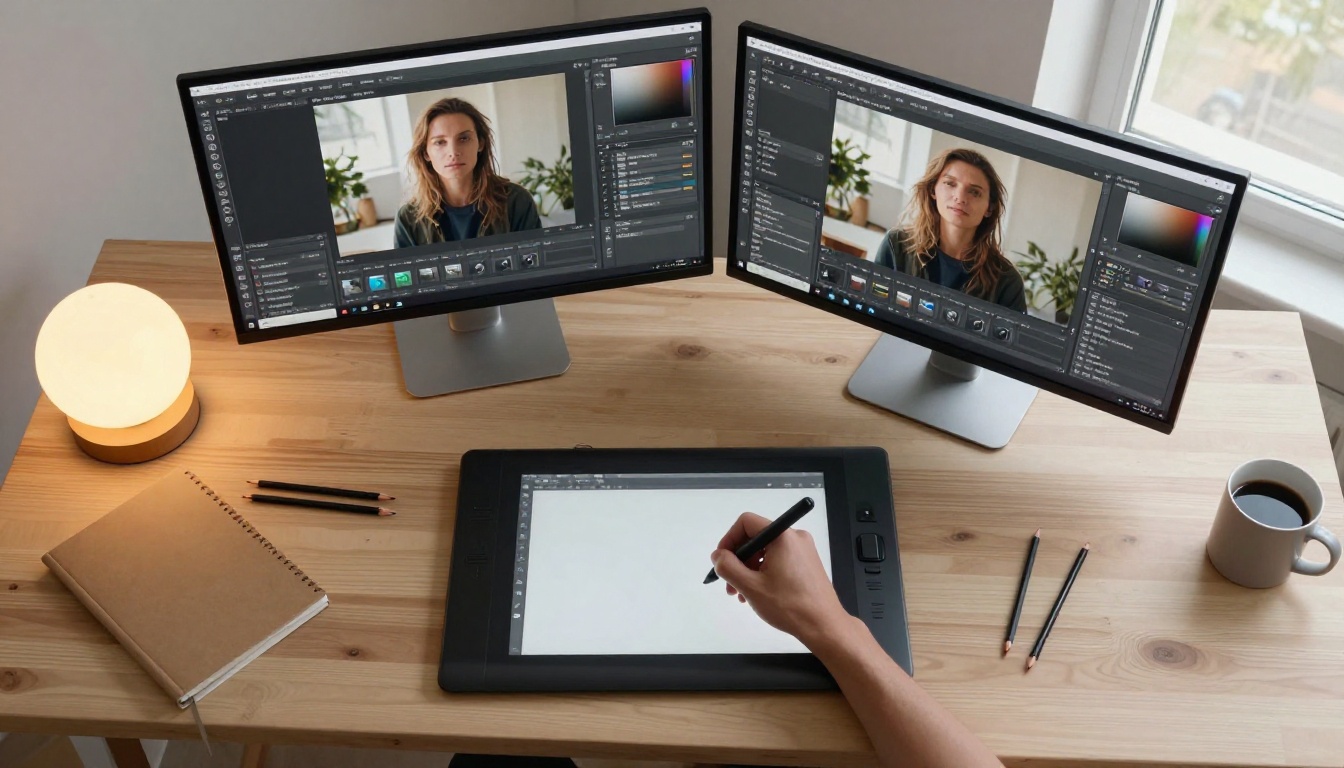
Nano Banana Pro is not just a generation model. Most people find it through its text-to-image output quality at 4K resolution, but the real value lives in its editing layer. The model was built with a multimodal reading of visual scenes, meaning it interprets both the textual prompt and the existing pixel context when making changes. This makes it fundamentally different from models that simply regenerate an area without considering surrounding detail.
It Reads the Scene First
When you feed a prompt into the editing interface, Nano Banana Pro anchors its changes to the existing image rather than floating edits on top. This matters enormously for NSFW content because body proportions, lighting continuity, and skin tone consistency have to survive the edit. A model that doesn't read scene context breaks these constantly.
Resolution and Edit Quality at 4K
The model outputs and edits at native 4K, which means your finished asset doesn't require a separate upscale pass. For creators building content libraries, that step reduction is significant. Compared to its sibling Nano Banana 2, the Pro version handles fine-grained editing with noticeably sharper edge control around hair, lace, and fabric boundaries.
Where It Beats Competitors
The NSFW content creation space is crowded with tools that promise editing capability and deliver mediocre results. Nano Banana Pro's advantage is specificity. It wasn't built as a general-purpose photo editor ported to AI. The architecture was designed for the prompt-driven refinement loop that characterizes how professional creators actually work: generate, assess, isolate problem areas, fix, reassess.
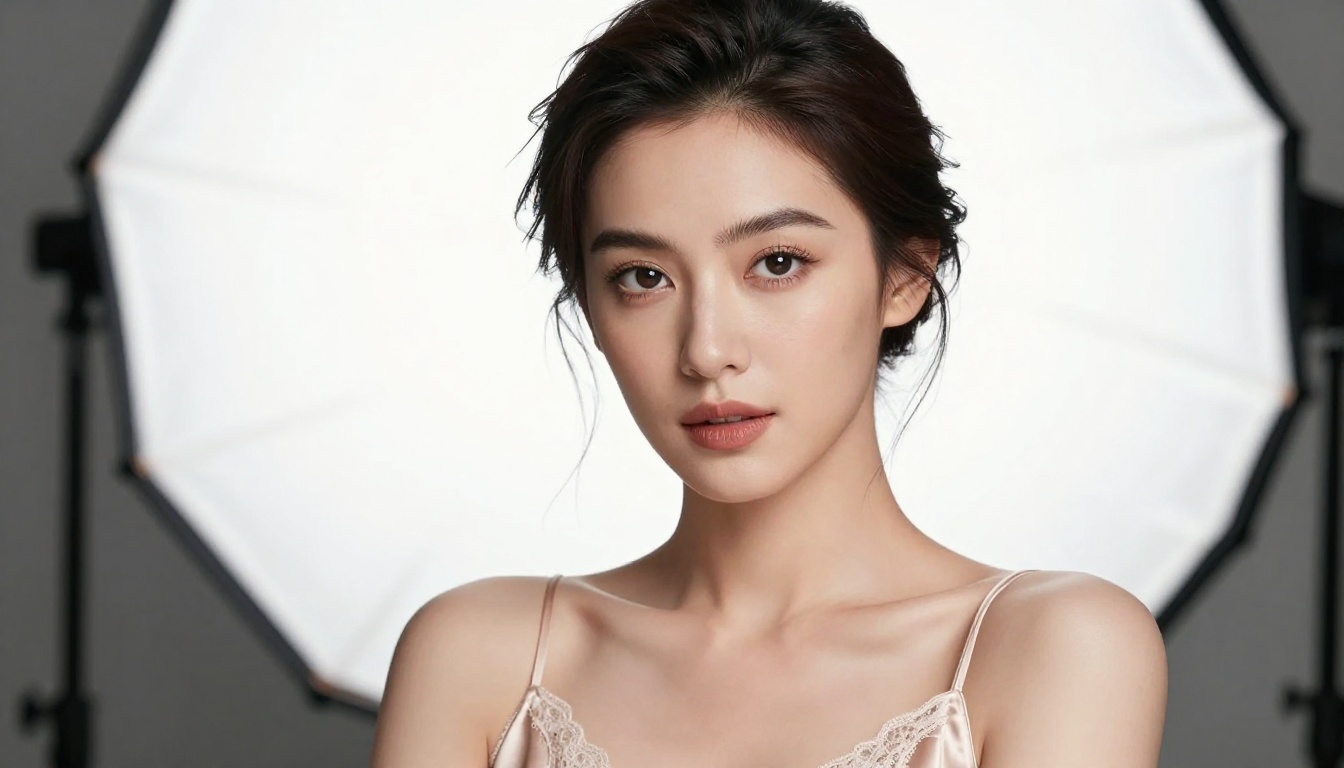
Inpainting is the most useful editing tool in any NSFW workflow, and Nano Banana Pro's implementation is among the most flexible available through PicassoIA. You select the region you want to change, write the change description, and the model fills it while matching light, texture, and shadow from the surrounding image.
Precise Mask Control
The mask system allows pixel-level selection or broad brush strokes depending on what the task requires. For tight work, like adjusting the drape of fabric against skin, pixel precision matters. For broader changes, like swapping a background from a neutral studio to a golden beach, the broad mask is faster and equally coherent.
💡 Tip: Run your mask selection slightly past the edge of what you're changing. Nano Banana Pro handles the blend transition better when it has context pixels to work from.
Fabric and Texture Editing
One of the standout use cases is fabric replacement. A lace pattern, a silk texture, or sheer fabric against skin all require the model to read how material interacts with light and form. Nano Banana Pro handles these edits without producing the flat, plastic-looking results that cheaper inpainting models generate.
| Edit Type | Nano Banana Pro | Standard Inpainting |
|---|
| Fabric boundary sharpness | Excellent | Fair |
| Skin tone preservation | Natural | Often shifted |
| Shadow continuity | Maintained | Frequently broken |
| Hair strand detail | High | Low to medium |
| Processing time | Fast | Varies |
Iterative Refinement Without Quality Loss
Each successive inpainting pass on a Nano Banana Pro output maintains image quality better than most competing models. A standard concern in iterative editing is that each generation pass introduces compression artifacts or tonal shift. Nano Banana Pro's context-preservation architecture minimizes this, so your tenth editing pass looks as clean as your second.
Outpainting for Scene Building
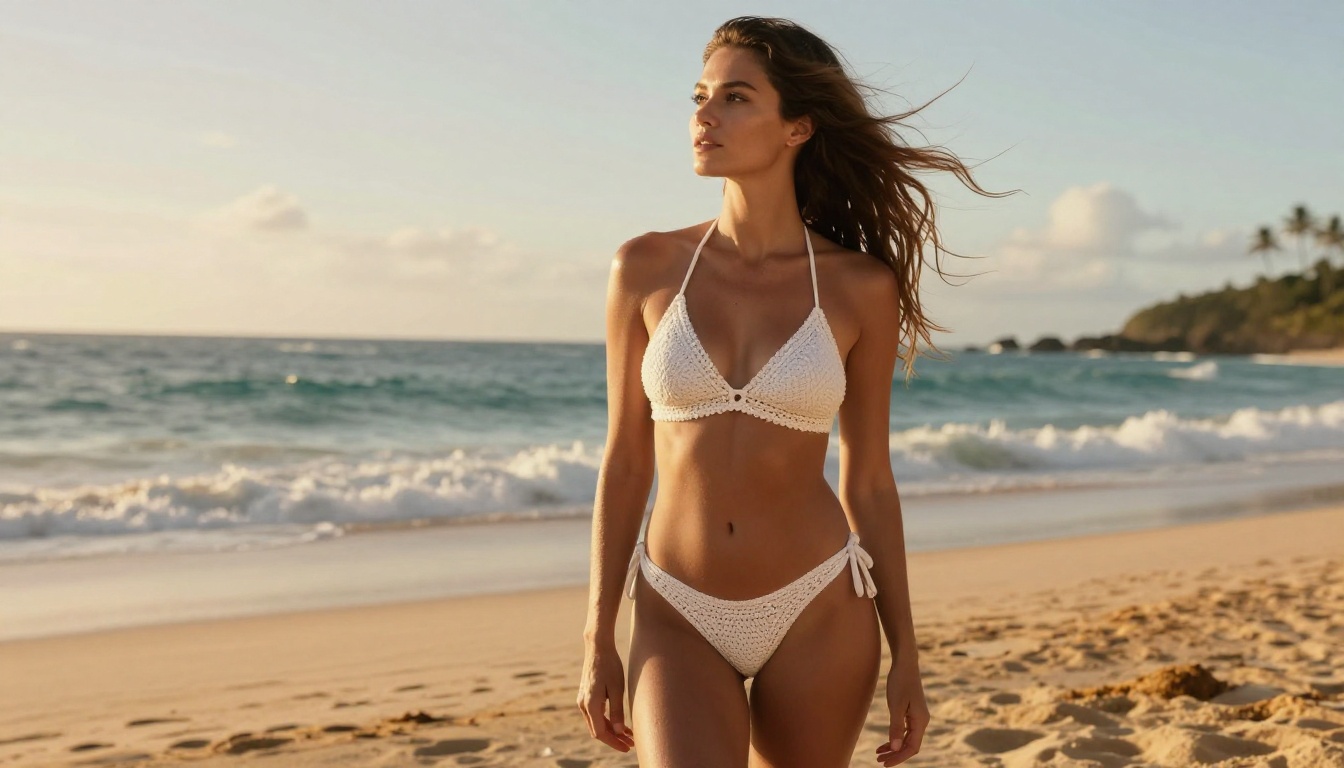
Outpainting extends the canvas beyond the original image borders. For NSFW workflows, this is how creators turn a tight portrait crop into a full-scene composition without reshooting. The model reads edge data from the original frame and synthesizes believable extension.
Expanding Portraits to Full Body
Starting with a close-up portrait and expanding to a full-body shot is one of the most requested workflows in adult content creation. Nano Banana Pro handles this with strong anatomical awareness. Body proportions, pose angle, and clothing context all carry through from the original crop into the expanded area.
Background Integration
Outpainting a neutral studio background into an outdoor setting requires the model to match ambient light temperature and direction. If the original portrait has warm-left lighting, the extended background respects that direction. This kind of light-aware extension is what separates Nano Banana Pro from older outpainting implementations.
💡 Tip: Write outpainting prompts that reference the lighting you see in the original image. "Soft warm afternoon light from left, golden hour beach background" gives the model a direction anchor that improves coherence dramatically.
Starting with Seedream 4.5 for NSFW Base Generation
Seedream 4.5 is the right starting point for NSFW content on PicassoIA. It produces 4K images with uncensored flexibility that other models in this category block. Skin tones are natural, proportions are anatomically accurate, and the model doesn't apply the aggressive content filtering that makes similar tools frustrating for adult creators.
Why Seedream Leads This Category
Speed plus quality without restrictions is a combination most platforms cannot offer. Seedream 4.5 delivers all three. Generation times are fast, output resolution is genuinely 4K, and the results are usable without extensive post-processing. Starting here means Nano Banana Pro's editing tools are working with high-quality source material rather than trying to fix a broken base image.
💡 Note: Do not use Seedream 5 Lite for NSFW workflows. It enforces content restrictions that block adult content generation.
The Seedream to Nano Banana Pro Pipeline
A practical workflow that consistently produces strong results:
- Generate your base scene in Seedream 4.5 with a detailed scene and subject prompt
- Load the output into Nano Banana Pro's editing interface
- Use inpainting to fix specific elements: lighting, clothing, background details
- Use outpainting if a wider scene is needed
- Export the final 4K output
This pipeline keeps iteration fast and avoids full regeneration for small adjustments.
PicassoIA Image Editor Pro for Unlimited Production
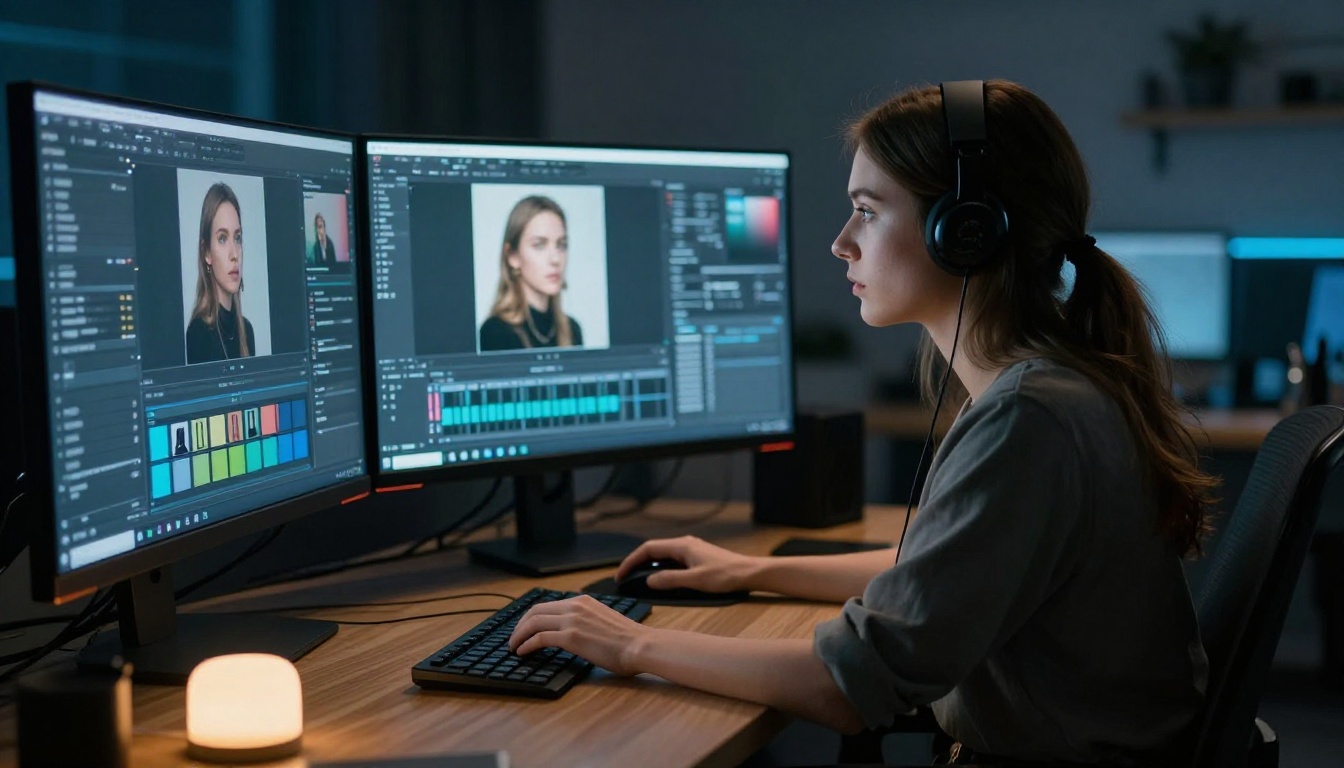
For creators doing high-volume work, PicassoIA Image Editor Pro is the production layer. It removes generation caps, meaning you can iterate endlessly on a single image without hitting limits that kill momentum during a session.
No Generation Limits
Most platforms throttle output after a set number of generations per hour or per day. PicassoIA Image Editor Pro operates without those caps. For NSFW workflows where iteration is heavy, particularly when refining body details or scene lighting through successive edits, this is the difference between a productive session and a frustrating one.
Batch Processing Workflows
When building content libraries, batch processing through PicassoIA Image Editor Pro allows you to run multiple edit passes across a series of base images simultaneously. A consistent character with ten different outfits can be produced in a single editing session with the right workflow setup. No throttling means the session doesn't stop arbitrarily mid-library.
Combining Models for Maximum Control
Nano Banana Pro works best when combined with other models in the PicassoIA stack. The platform's model library gives you access to specialized tools that handle specific editing tasks better than any single model can.
Flux Kontext Pro for Text-Guided Rewrites
Flux Kontext Pro is built specifically for prompt-guided image editing. It takes an existing image and rewrites specified elements based on a text instruction while leaving everything else untouched. For NSFW workflows, this is useful when the scene is right but a specific element needs to change without regenerating the whole image.
Pair it with Nano Banana Pro this way:
- Use Nano Banana Pro for broad structural edits (outpainting, body area inpainting)
- Switch to Flux Kontext Pro for targeted single-element changes (clothing detail, background object replacement)
Flux Fill Pro for Seamless Area Replacement
Flux Fill Pro specializes in filling masked regions with contextually accurate content. It's the most precise fill model in the PicassoIA library for complex pattern work. Use it when Nano Banana Pro's inpainting results feel slightly off on patterned fabric or decorative backgrounds.
Qwen Image Edit Plus for Quick Fixes
Qwen Image Edit Plus is the fastest editing option in the stack. When you need a quick object removal, skin tone adjustment, or minor background tweak, Qwen's speed advantage over more processing-intensive models makes it the right tool. It doesn't match Nano Banana Pro's detail preservation for complex edits, but for simple fixes it's the most efficient choice.
Prompt Writing for NSFW Edits
Getting strong editing results from Nano Banana Pro comes down to how you write the edit prompt. Bad prompts produce inconsistent results even when the masking is correct.
Describe the End State, Not the Change
The most common mistake is writing a prompt that describes what you're changing rather than what should exist when the edit is finished. "Remove the background and add a beach" produces worse results than "sun-drenched tropical beach with crashing waves and golden hour light from the left." The model fills the mask based on the destination description, so the destination needs to be complete and specific.
Match Lighting in Your Prompt
Always reference the lighting conditions of your existing image in the edit prompt. If the original has cool studio lighting from above, describe that in your outpainting or inpainting prompt. Lighting mismatch is the most visible coherence failure in edited images, and it's entirely avoidable with one extra line in your prompt.
Skin and Fabric Specifics
For NSFW content, skin tone descriptors and fabric type language significantly improve edit quality. Compare these two prompts for the same inpainting task:
Weaker: "Add lingerie"
Stronger: "Delicate black lace bralette with thin satin straps, soft studio light from left, natural warm skin tone, subtle shadow under fabric edges"
The second prompt gives the model specific texture, lighting, and material information that results in photorealistic fabric integration rather than a flat overlay.
Real Workflows from NSFW Creators
Workflow: Glamour Portrait Series
Goal: Ten character portraits with varied outfits, consistent face and body, different backgrounds.
Process:
- Generate the base character with Seedream 4.5 at 4K
- Lock the face and body using inpainting masks in Nano Banana Pro
- Change each outfit through inpainting with fabric-specific prompts
- Swap backgrounds using outpainting for each final variant
- Run final skin and lighting polish through P Image Edit
Result: Ten polished portfolio images in one session, consistent character identity, no redundant full regenerations.
Workflow: Scene Expansion
Goal: Expand a tight crop portrait into a full horizontal scene for banner use.
Process:
- Load portrait into Nano Banana Pro outpainting interface
- Set canvas expansion direction to left and right
- Prompt the extended areas to match the existing scene lighting and environment
- Refine any continuity breaks with a targeted inpainting pass
- Export the 4K 16:9 result
Result: A full-width scene that reads as a single coherent photograph rather than an obvious expansion.
Workflow: Style Variation Testing
Goal: Test five different aesthetic directions on the same base subject without full regeneration.
Process:
- Start with a strong Seedream 4.5 base image featuring a neutral background
- For each style direction, use Nano Banana Pro to swap the background and lighting through outpainting
- Use Flux Kontext Pro to adjust clothing color or style per variation
- Export all five variants, then select the strongest two for full production
Result: Style decisions made from actual rendered outputs rather than prompts alone, saving significant time on final production runs.
Building Your Creative Production Space
Productive NSFW AI workflows aren't just about which models you use. They're about how you organize the creation process so that each editing decision builds toward the final output without redundant steps.
Building a Model Rotation Habit
The most efficient creators in this space don't use one model for everything. They rotate based on task type: Seedream 4.5 for initial generation, Nano Banana Pro for precision structural edits, Flux Kontext Pro for single-element changes, Qwen Image Edit Plus for fast minor tweaks. Each tool stays in its lane.
Output Organization for Scale
When building a content library at scale, organizing your generations by base image and then by variant makes iteration sessions dramatically faster. You're not hunting through a flat folder of outputs. You're moving through a structured series where each editing session has a clear starting point.
Using PicassoIA Image Editor Pro as the production wrapper removes the cap problem entirely, so your organizational system can be as large as your creative ambition requires without hitting throttle limits mid-session.
When to Regenerate vs. Edit
Not every bad result needs to go through the editing pipeline. If the base composition is fundamentally wrong, from pose to lighting to subject placement, regeneration with a refined prompt in Seedream 4.5 is faster than trying to fix a broken foundation through inpainting. Save the editing tools for images where the foundation is solid but specific elements need correction. That distinction alone saves hours across a production run.
The Full Editing Stack at a Glance
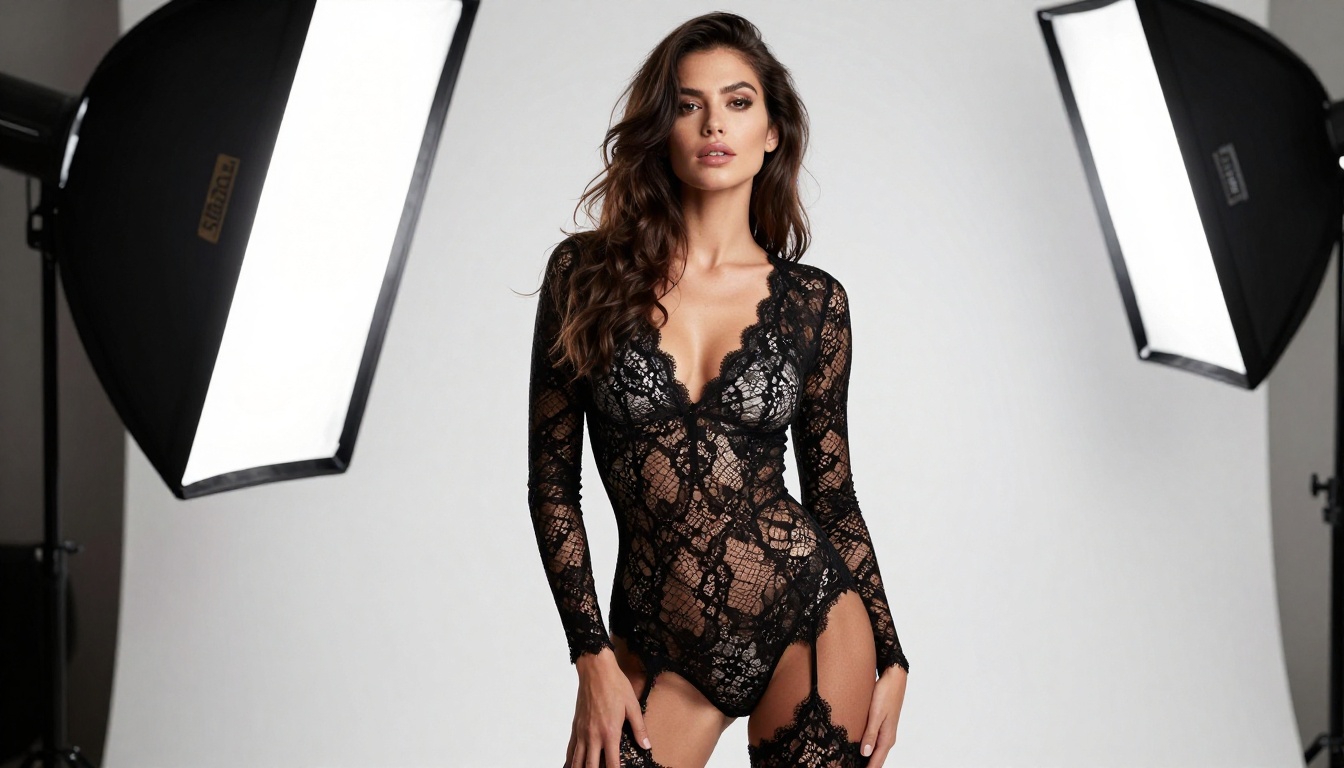
Try It on Your Next Project
The difference between a slow, frustrating NSFW content workflow and a productive one usually comes down to tool selection. Using the wrong model for edits, hitting generation caps mid-session, or fighting a base image that wasn't suited to the direction you wanted are the common pain points. The stack described here addresses all three directly.
Start with Seedream 4.5 to get a high-quality uncensored base, bring it into Nano Banana Pro for precision editing, and run production volume through PicassoIA Image Editor Pro without hitting limits. For specific refinements, add Flux Kontext Pro or Qwen Image Edit Plus depending on how targeted the change is.
Browse the full model library at picassoia.com/en/all-models and try the editing tools on your next project. The workflow precision is there, it's just a matter of putting the right models in the right order.


