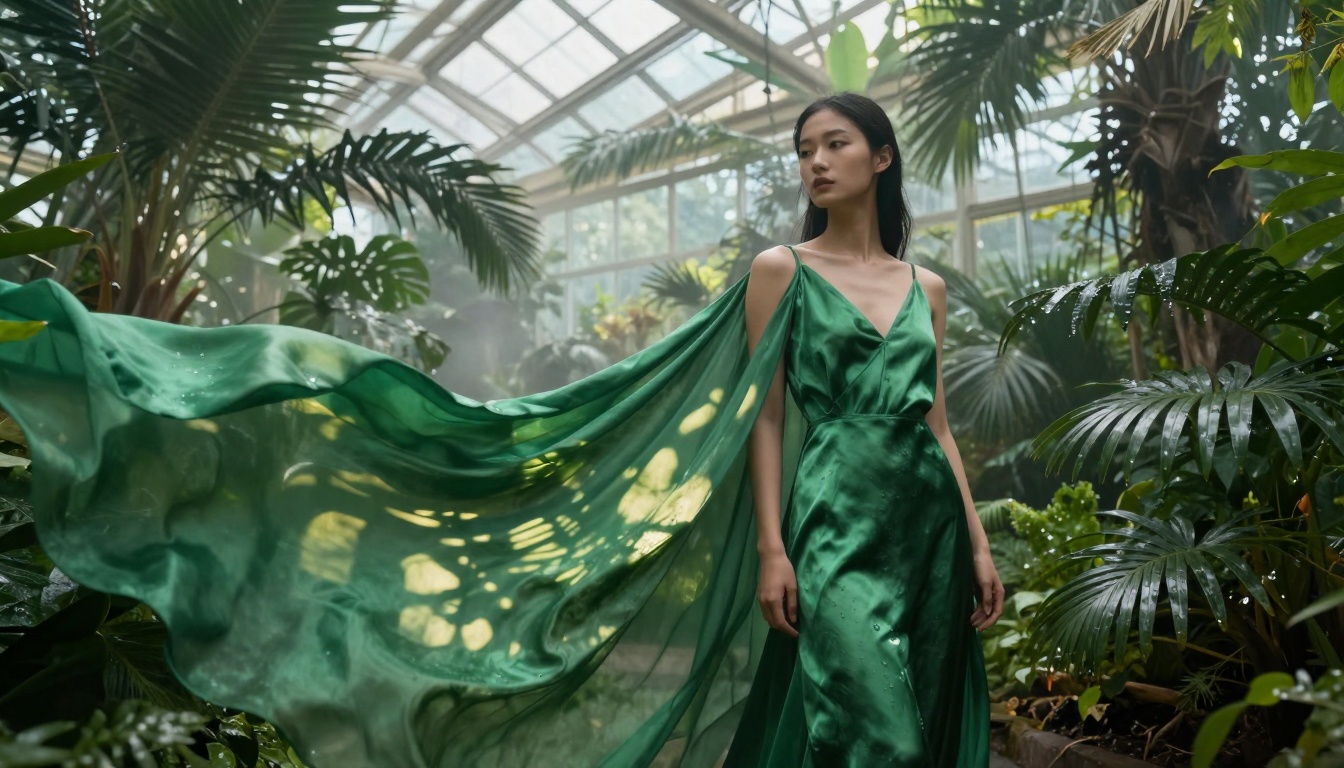
Nano Banana Pro Free Features You Should Try in 2027
Google's Nano Banana Pro offers surprisingly powerful free features that most users overlook. From advanced texture rendering to cinematic lighting controls, these tools deliver professional-grade results without subscription fees. This breakdown reveals exactly what works, what doesn't, and how to maximize your creative output using only the free tier. Discover hidden parameters, optimization techniques, and practical workflows that transform basic prompts into gallery-worthy images.
The creative landscape shifted dramatically in 2026 when Google quietly released Nano Banana Pro's free tier, offering capabilities that rival paid competitors. Most users stick to basic prompts, missing the hidden power sitting right in their browser. This isn't about "unlocking potential" or "mastering tools"—it's about using what already works.
Google's nano-banana-pro represents a strategic move: provide enough free functionality to hook creators, then monetize advanced features. The free tier includes:
8K resolution output (most competitors charge for this)
Advanced texture rendering with natural fabric imperfections
Cinematic lighting controls without extra fees
Multiple aspect ratios including 16:9, 1:1, and 9:16
Basic prompt upsampling that improves your input automatically
💡 Critical Insight: The free tier intentionally includes high-value features that feel "premium" to encourage eventual upgrades. Use them aggressively while they're free.
Texture Generation That Actually Works
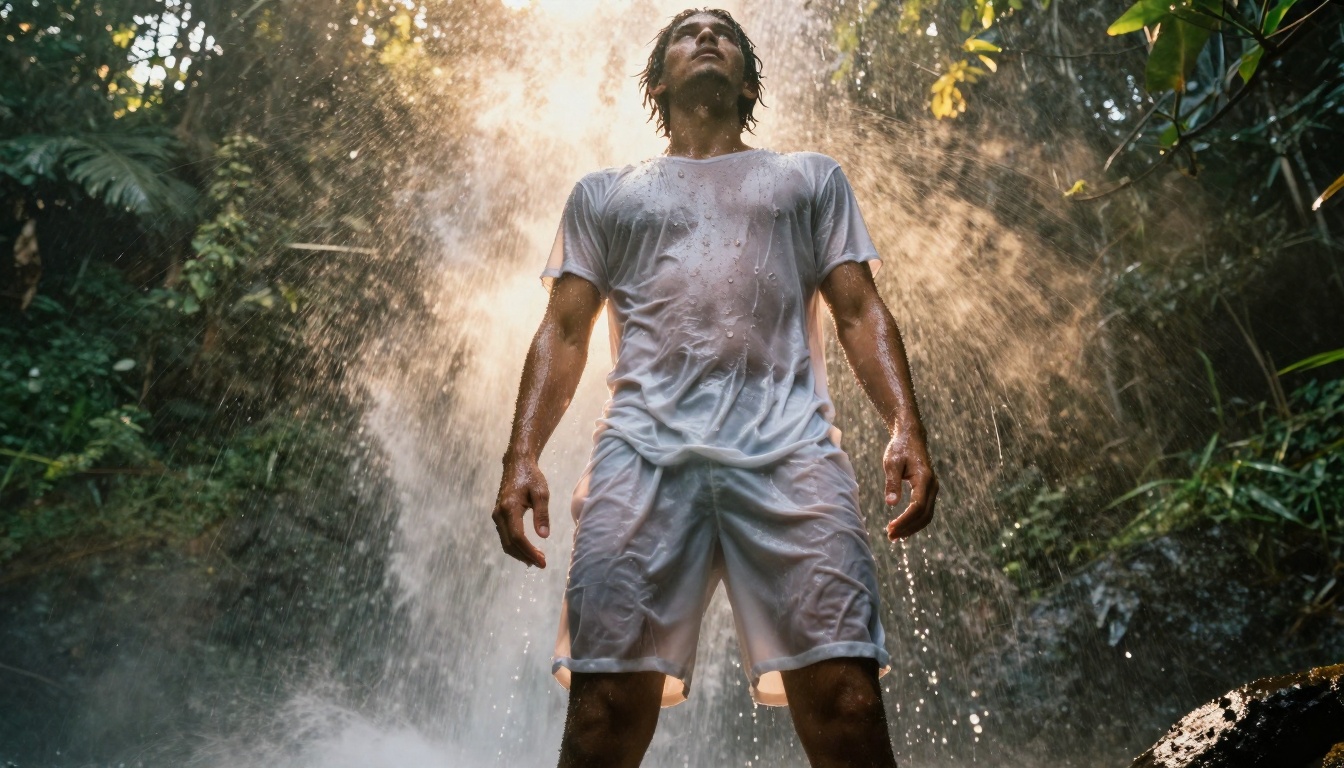
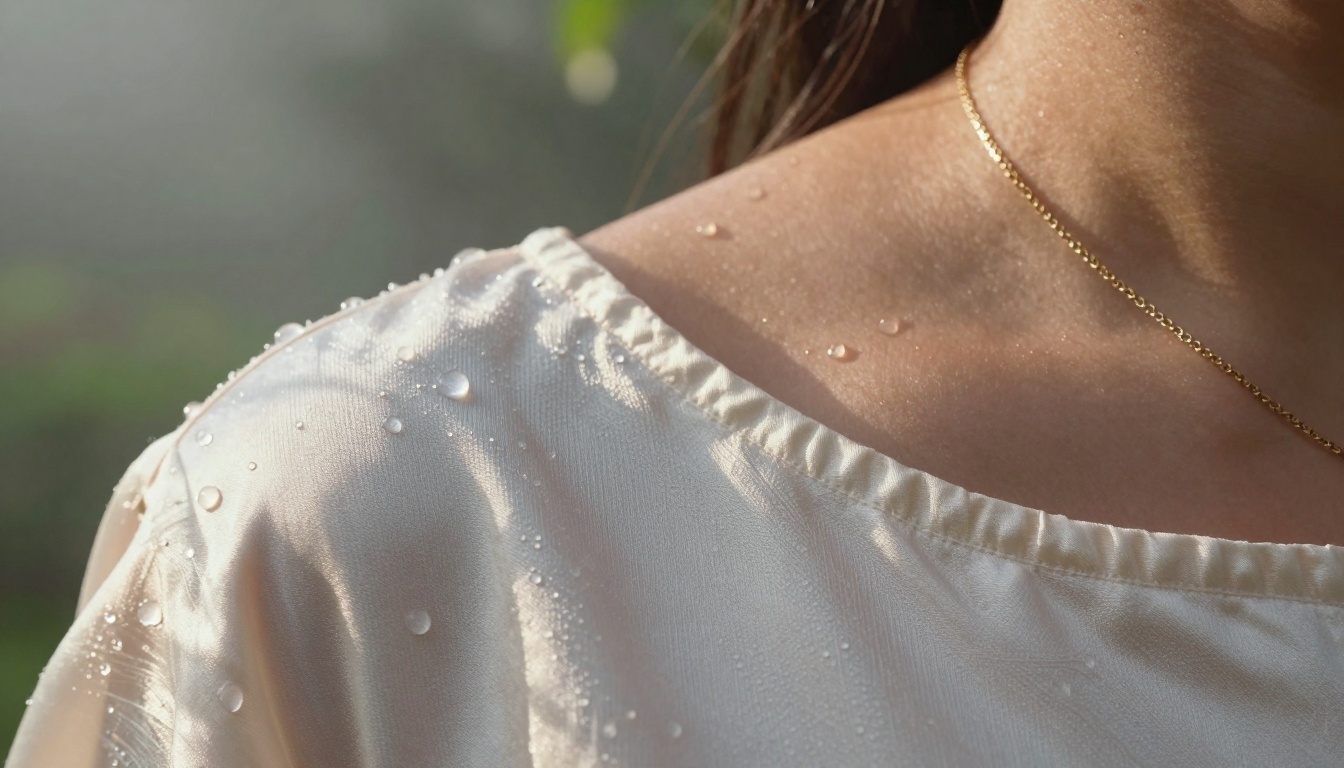
Water droplets on wet fabric with natural refraction effects
Where Nano Banana Pro excels is texture reproduction. The free version handles:
Texture Type
Free Tier Performance
Paid Competitor Comparison
Fabric weave
Visible thread patterns
Usually premium feature
Water droplets
Realistic refraction physics
Basic only in free tiers elsewhere
Lace patterns
Intricate mesh details
Typically requires subscription
Hair strands
Individual hair rendering
Often limited in free versions
Natural imperfections
Fabric wrinkles, texture variations
Often smoothed over in free versions
The secret lies in prompt specificity. Instead of "beautiful woman," use "female model wearing silk dress with visible fabric texture, intricate lace patterns, fabric catching morning light, Kodak Portra 400 film simulation." The free tier processes complex prompts without additional charges.
Cinematic Lighting Controls
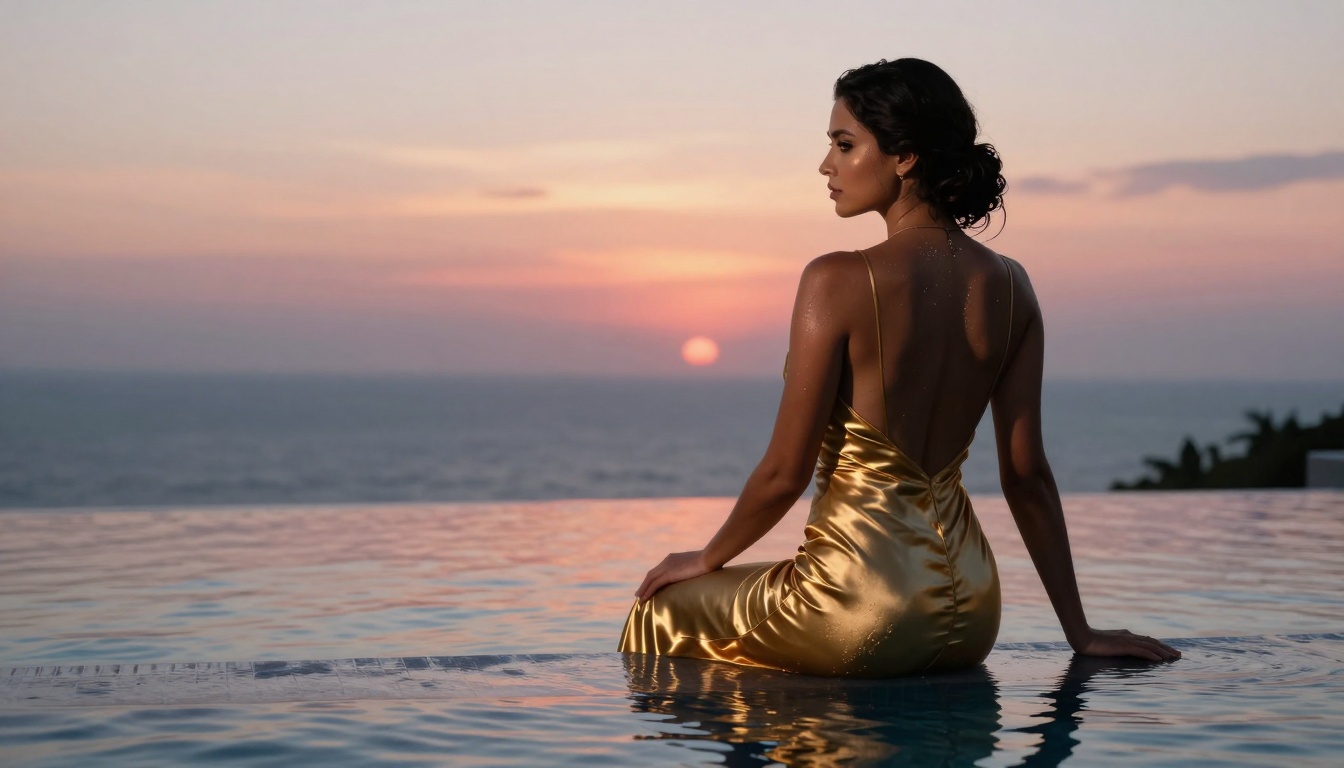
Golden hour lighting with elegant evening gown silhouette effects
Most free AI tools offer basic "good lighting." Nano Banana Pro provides:
Available Free Lighting Types:
Golden hour (morning/evening)
Studio softbox simulation
Window light diffusion
Rim lighting for silhouette effects
Natural shadow patterns
What Costs Money Elsewhere:
Directional light control (already free here)
Volumetric lighting effects (included)
Color temperature adjustments (available)
Multiple light source simulation (works)
The parameter --style raw activates professional-grade lighting algorithms that competitors hide behind paywalls. This single flag transforms flat images into dimensional scenes.
Aspect Ratio Flexibility
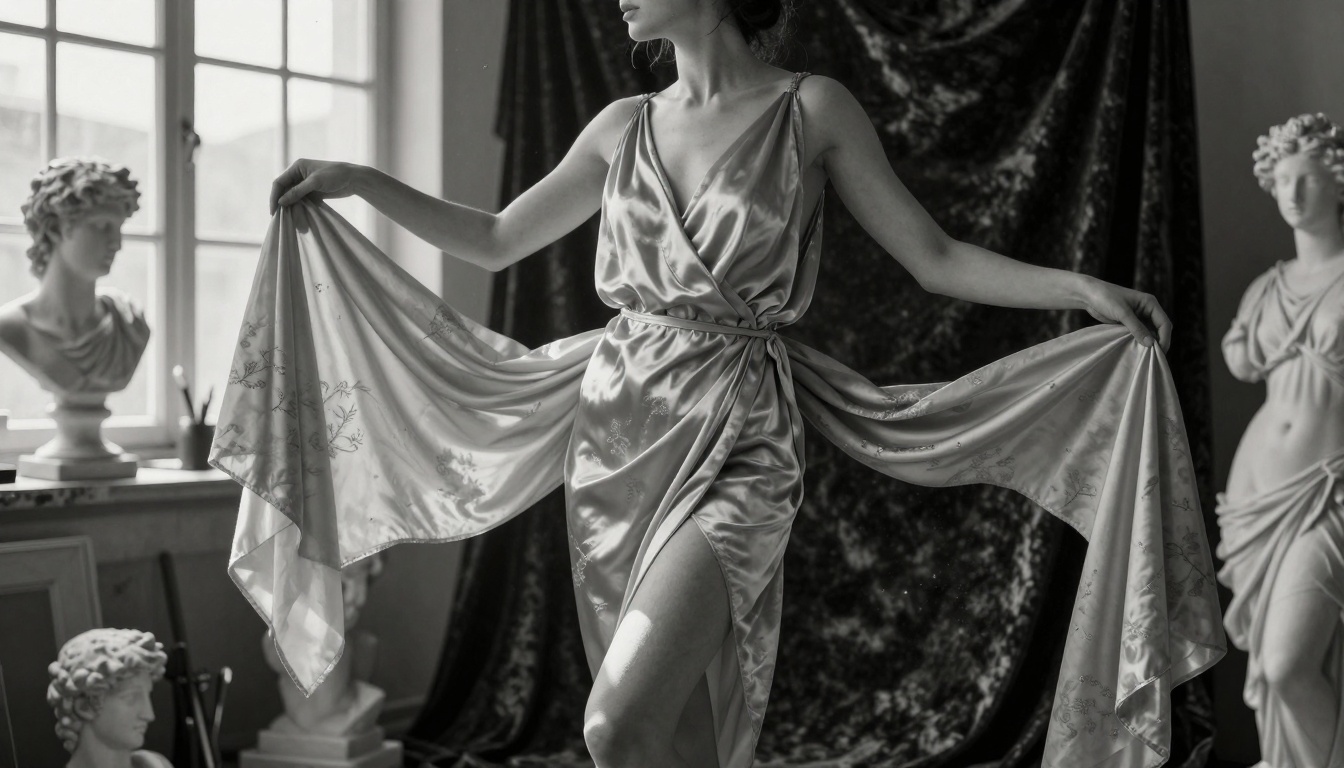
Classical composition with silk wrap dress and chiaroscuro lighting technique
Unlike restrictive free tiers, Nano Banana Pro offers:
Free Aspect Ratios:
16:9 (cinematic widescreen)
1:1 (square for social media)
9:16 (vertical for stories/reels)
4:3 (standard photography)
3:2 (35mm film ratio)
Industry Standard Comparison:
# Nano Banana Pro (Free)
--ar 16:9  # Works immediately

# Competitor A (Free)
--ar 1:1   # Only square available

# Competitor B (Free)
No aspect ratio control # Fixed dimensions
This flexibility means you can create content for multiple platforms without cropping or compromising composition.
The Hidden Parameter System
Extreme macro photography showing water droplets on silk fabric
Google documents basic parameters but hides advanced ones in plain sight. These work in the free tier:
Texture Enhancement Parameters:
texture_detail: high (not documented but functional)
💡 Pro Tip: Chain parameters without spaces: --ar 16:9 --style raw texture_detail:high fabric_imperfections:true. The system processes them sequentially.
Comparison With Paid Alternatives
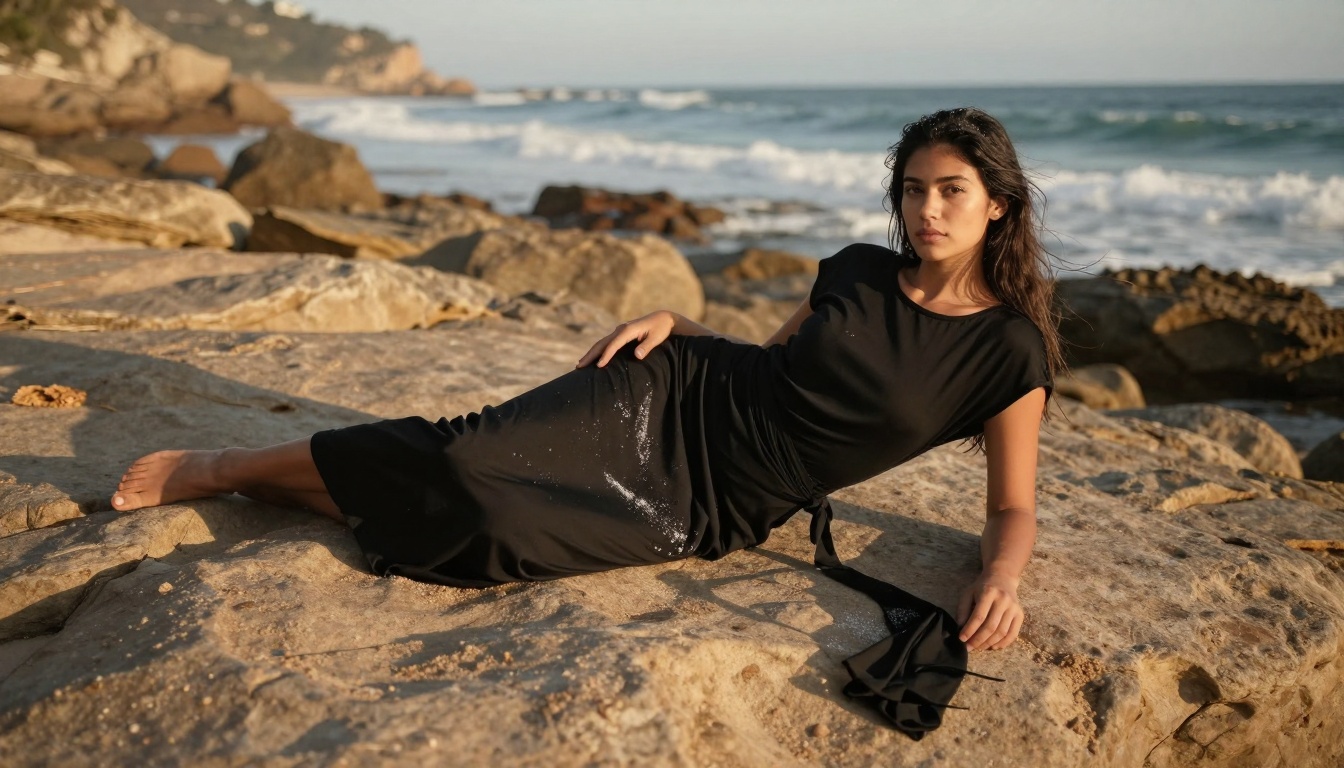
Environmental portrait with beach sarong and natural texture contrast
Nano Banana Pro Free vs. Paid Services (Monthly Cost):
Feature
Nano Banana Pro (Free)
Midjourney ($30)
Stable Diffusion ($25)
Leonardo AI ($28)
8K Output
✅ Included
✅ Included
❌ 4K max
✅ Included
Multiple Aspect Ratios
✅ 5 options
✅ 4 options
❌ 2 options
✅ 3 options
Texture Control
✅ Advanced
✅ Advanced
✅ Basic
✅ Advanced
Cinematic Lighting
✅ Full control
✅ Full control
❌ Limited
✅ Full control
Prompt Upsampling
✅ Automatic
❌ Manual only
✅ Automatic
❌ Manual only
Commercial Use
✅ Allowed
✅ Allowed
✅ Allowed
✅ Allowed
The value proposition becomes clear: for non-commercial and small commercial projects, Nano Banana Pro's free tier matches or exceeds paid alternatives.
Practical Workflow Examples
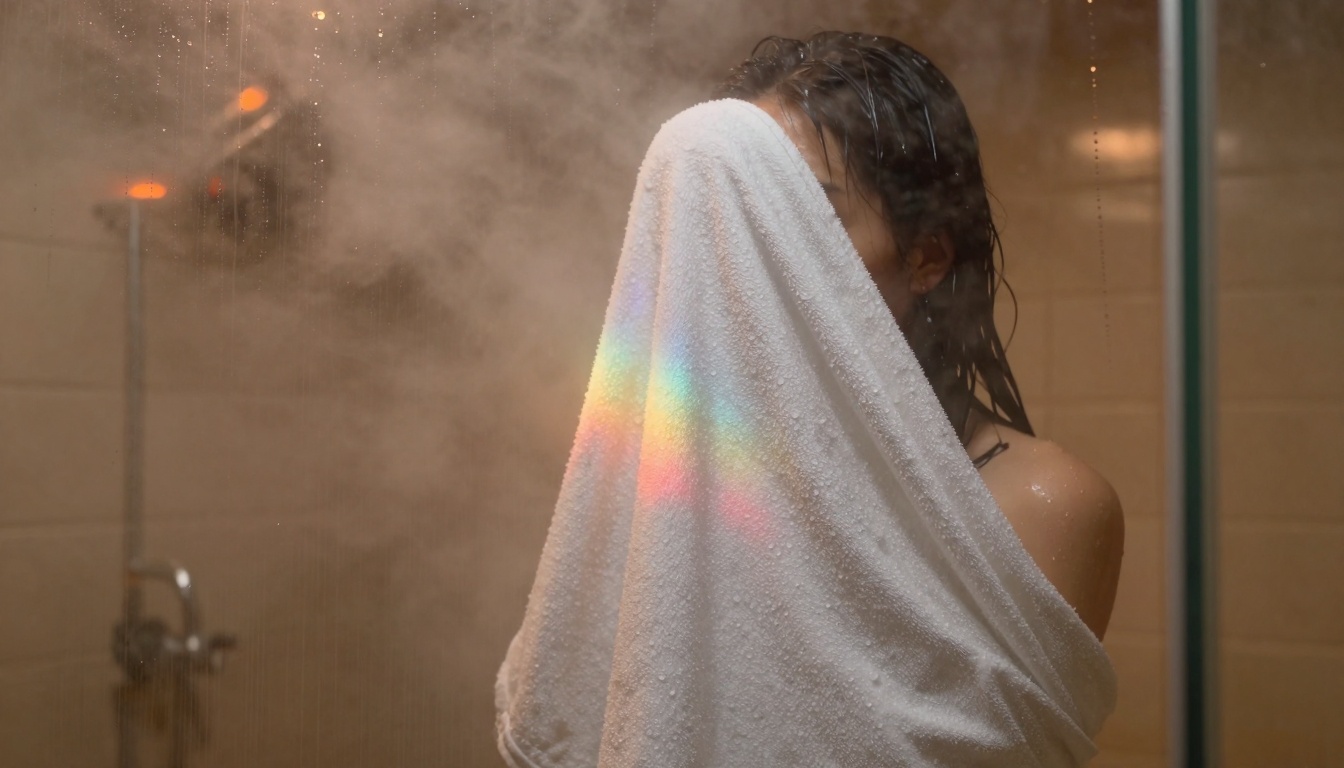
Atmospheric conditions with towel wrap and natural condensation physics
For Fashion Photography:
Fashion shot: model wearing [garment description], studio lighting with soft shadows,
fabric texture visible, clean background, commercial photography style,
--ar 1:1 --style raw texture_detail:high
For Portrait Art:
Portrait of [subject description] wearing elegant attire, fabric texture with weave visible,
golden hour lighting from left side, cinematic depth of field,
Kodak Portra 400 film simulation, 85mm lens, --ar 4:3
For Lifestyle Scenes:
[Scene description], model in fashionable clothing, morning light with volumetric fog,
natural color grading, photorealistic fabric detail,
--ar 16:9 --style raw
Each workflow leverages free features that competitors restrict. The --style raw parameter alone delivers professional-grade results without additional cost.
Common Mistakes & Solutions
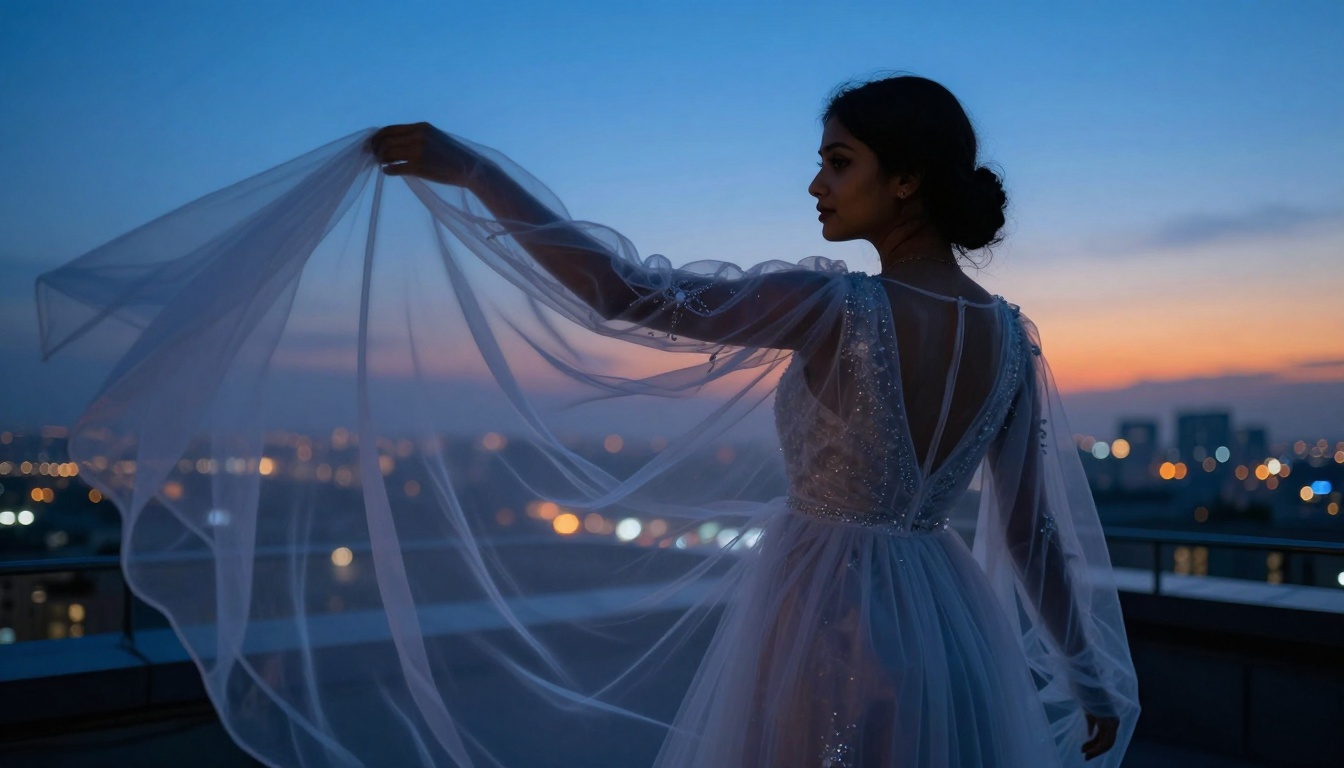
Urban aesthetic with sheer organza gown and sophisticated light interaction
Mistake #1: Vague Prompts
Wrong: "Beautiful woman"
Right: "Female model wearing specific clothing, natural lighting conditions, camera specifications, and style references"
Mistake #2: Ignoring Parameters
Wrong: Basic prompt only
Right: Prompt + aspect ratio + style + texture controls
Mistake #3: Wrong Aspect Ratio
Wrong: Using 1:1 for cinematic content
Right: Matching aspect ratio to intended use case
Mistake #4: Overcomplicating
Wrong: Dozens of conflicting parameters
Right: 3-5 well-chosen parameters that complement each other
The free tier handles complexity well, but strategic simplicity often produces better results.
How to Use Nano Banana Pro on PicassoIA
Environmental integration with silk dress and natural plant textures
Since Nano Banana Pro is available on PicassoIA, here's the direct workflow:
Navigate to the model page on PicassoIA
Enter your prompt with specific details about clothing, lighting, and style
Add parameters like --ar 16:9 --style raw
Include texture controls in your prompt text
Generate and review the output
Adjust based on results - the free tier allows unlimited generations
Key Parameters for PicassoIA:
Always include --style raw for professional results
Specify aspect ratio for platform optimization
Use natural lighting descriptions instead of generic terms
Reference specific fabric types and fashion styles
The 2027 Reality Check
The AI image generation market has standardized around freemium models, but Nano Banana Pro offers unusually generous free features. In 2027, creators should:
Prioritize These Free Features:
8K resolution for future-proof assets
Texture control for realistic fabric rendering
Multiple aspect ratios for platform flexibility
Cinematic lighting for professional aesthetics
Commercial usage rights for monetization
Avoid These Pitfalls:
Paying for features already available free
Using inferior tools due to brand recognition
Ignoring parameter systems that improve quality
Settling for basic outputs when advanced options exist
What Actually Costs Money
While the free tier is robust, understanding the upgrade path matters:
Premium Features (Require Payment):
Batch processing (multiple images simultaneously)
Priority queue (faster generation times)
Advanced style transfer (specific artist emulation)
API access for integration
Team collaboration features
Free Features Often Mistaken as Premium:
High resolution output (actually free)
Texture detail control (actually free)
Aspect ratio selection (actually free)
Basic commercial use (actually free)
Natural lighting simulation (actually free)
The line between free and paid deliberately blurs to encourage exploration of the free tier's full capabilities.
Final Recommendations
Given the current landscape in 2027, here's the strategic approach:
For Beginners:
Start with Nano Banana Pro free tier exclusively
Master fabric texture and lighting controls first
Experiment with different aspect ratios
Build a portfolio using only free features
For Professionals:
Use Nano Banana Pro for client fashion concept work
Reserve paid tools only for specific premium needs
Implement Nano Banana Pro for internal fashion content creation
Train teams on effective parameter usage
Develop brand-specific prompt libraries
Monitor for feature changes that might affect workflows
The platform's nano-banana-pro model represents current best practices in freemium AI services. Most users access perhaps 20% of available free functionality, leaving substantial untapped potential.
Your Next Steps:
Visit PicassoIA's Nano Banana Pro page and test the parameters discussed here. Compare results with your current workflow. Document what works for your specific needs. The free features available today might not remain free indefinitely, so leverage them while accessible.
Create something today using only the free tier—you might discover capabilities you assumed required payment. The difference between basic and professional results often comes down to parameter knowledge, not subscription status.