The AI image generation space does not stay quiet for long. Word is spreading through forums, social posts, and Discord servers: Nano Banana Pro may be getting an uncensored mode. If true, this would place one of the fastest, most capable text-to-image models squarely in a space dominated by Seedream and a handful of other platforms that already offer unrestricted creative control. This article breaks down everything around the rumor, what uncensored AI image generation actually means in practice, and where creators can already access that creative freedom today on PicassoIA.

What the Rumor Actually Says
Where It Started
The chatter began on AI art communities and niche forums where model testers and early adopters share observations about model behavior. Several users reported that Nano Banana Pro was responding differently to certain prompts, producing results that its earlier counterparts, including Nano Banana 2 Lite, would have filtered or refused outright.
No official announcement has come from the development team. What is circulating is based on anecdotal testing, screenshots, and the kind of speculation that tends to precede actual feature rollouts. Still, the pattern is consistent enough that it has more than a few creators paying close attention.
Why People Are Paying Attention
Nano Banana Pro already stood out for its generation speed and prompt fidelity. It handles complex compositions, realistic skin texture, and nuanced lighting conditions in ways that made it a top pick for professional-grade AI photography. Adding an uncensored mode to those capabilities would make it a serious competitor to models that currently lead the NSFW AI art space.
For creators who work in adult content, boudoir photography, lingerie shoots, or artistic nude portraiture, the difference between a filtered and an unfiltered model is the difference between usable output and spending hours crafting prompt workarounds. An uncensored Nano Banana Pro would be significant.
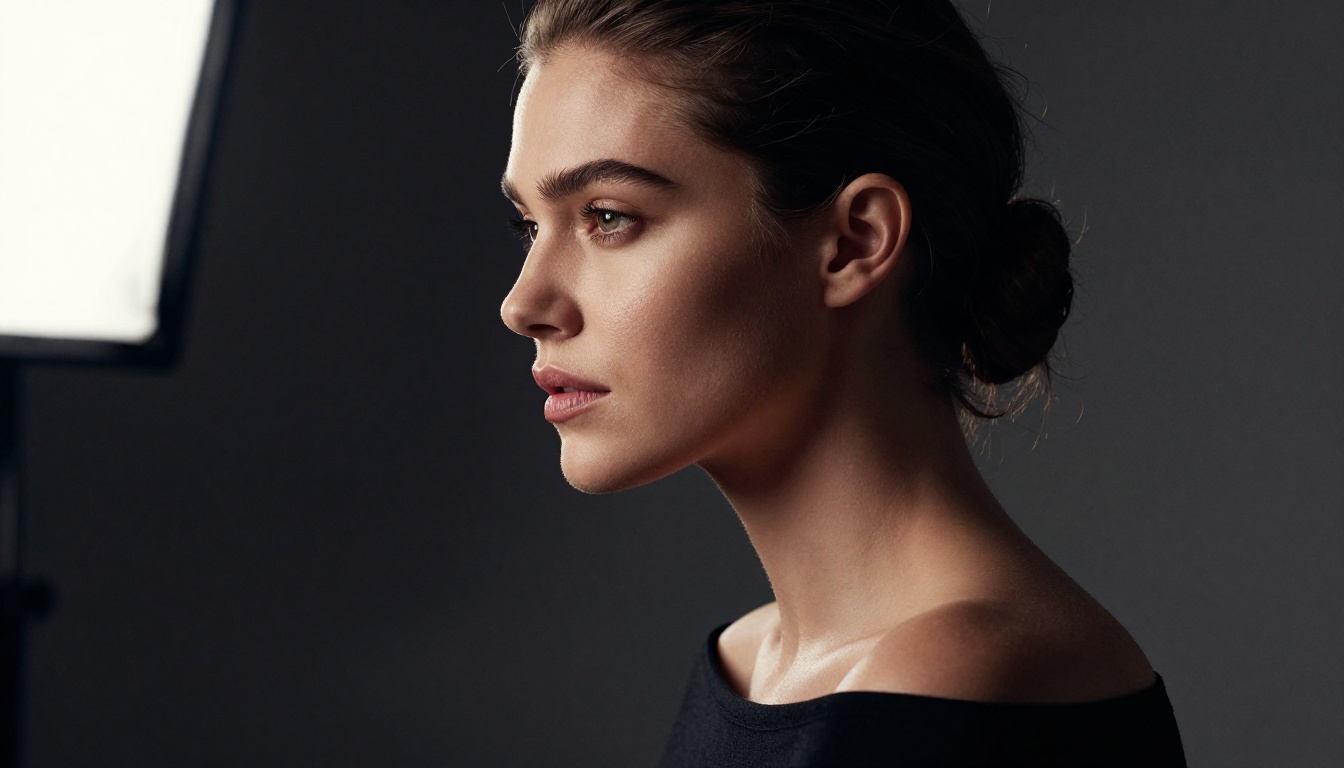
Why Nano Banana Pro Is a Big Deal
Speed and Quality in One Package
Most high-quality AI image models require a trade-off. You get sharp, detailed output at the cost of slower generation times, or you get speed with softer results. Nano Banana Pro sits in a rare middle ground, producing photorealistic output at a pace that keeps creative momentum alive without sacrificing detail.
The model handles natural skin tones, fabric textures, and photographic depth of field with a consistency that matches professional photography tools. That is not something every model at this speed tier can claim.
How It Compares to Seedream 4.5
Seedream 4.5 has been the go-to choice for creators who need unrestricted output without compromising on quality. It generates with fewer restrictions than most competing models, handles suggestive and NSFW content reliably, and produces photorealistic results that hold up under close inspection.
Nano Banana Pro, by comparison, has historically carried tighter content filters. If the uncensored mode rumor is accurate, that gap closes substantially. For right now, however, Seedream 4.5 remains the most dependable option on PicassoIA for creators who need that creative freedom.
| Feature | Nano Banana Pro | Seedream 4.5 |
|---|
| Speed | Very Fast | Fast |
| Realism | Excellent | Excellent |
| Uncensored Mode | Rumored | Available Now |
| Prompt Fidelity | High | High |
| Best For | Speed + Quality | NSFW + Realism |
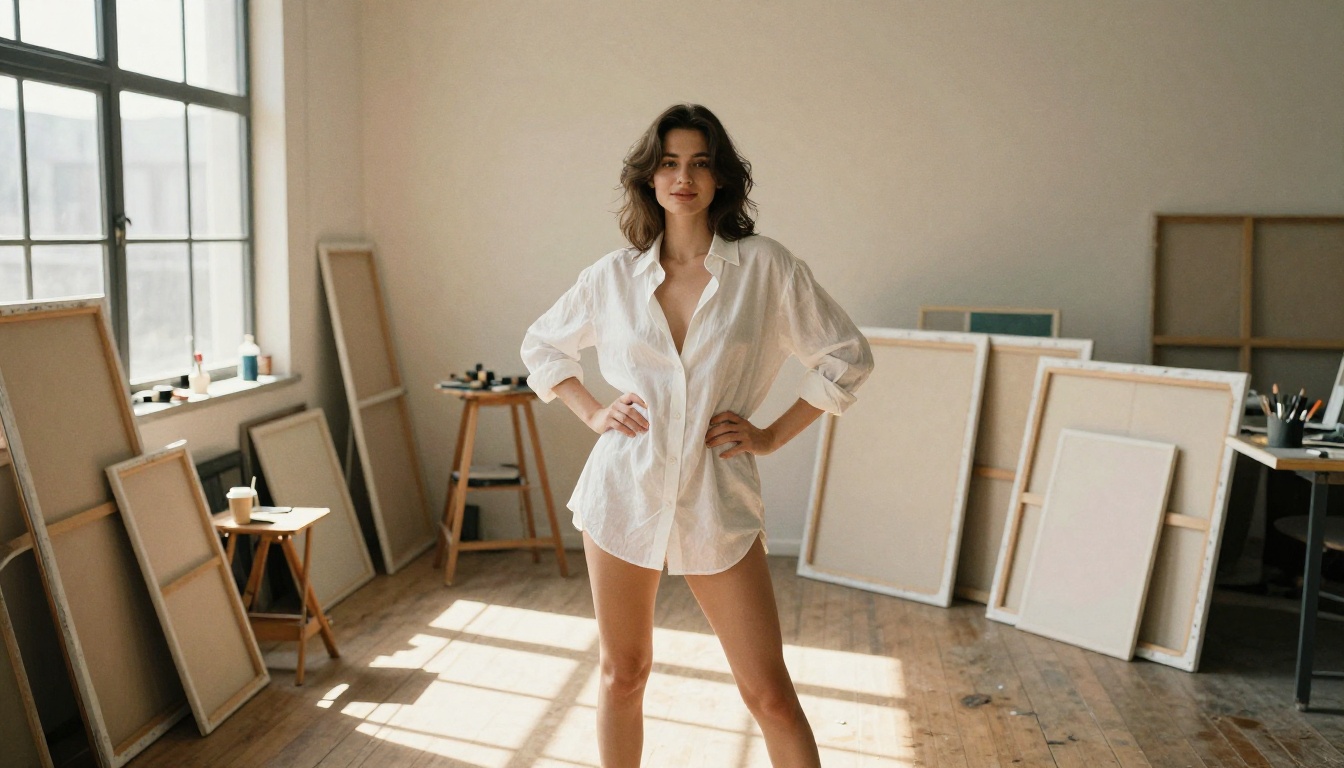
The Best Uncensored Models Right Now
For creators who cannot wait on a rumor, the good news is that PicassoIA already hosts several models that handle unrestricted creative content reliably. These are the ones worth knowing.
Seedream 4.5 Leads the Pack
Seedream 4.5 is the first model any creator working in NSFW or suggestive content should try. It handles prompt instructions accurately, generates realistic skin texture without over-smoothing, and respects the nuance between tasteful and explicit. The model treats adult content as a creative domain rather than an error state, which is exactly the behavior that professional creators need.
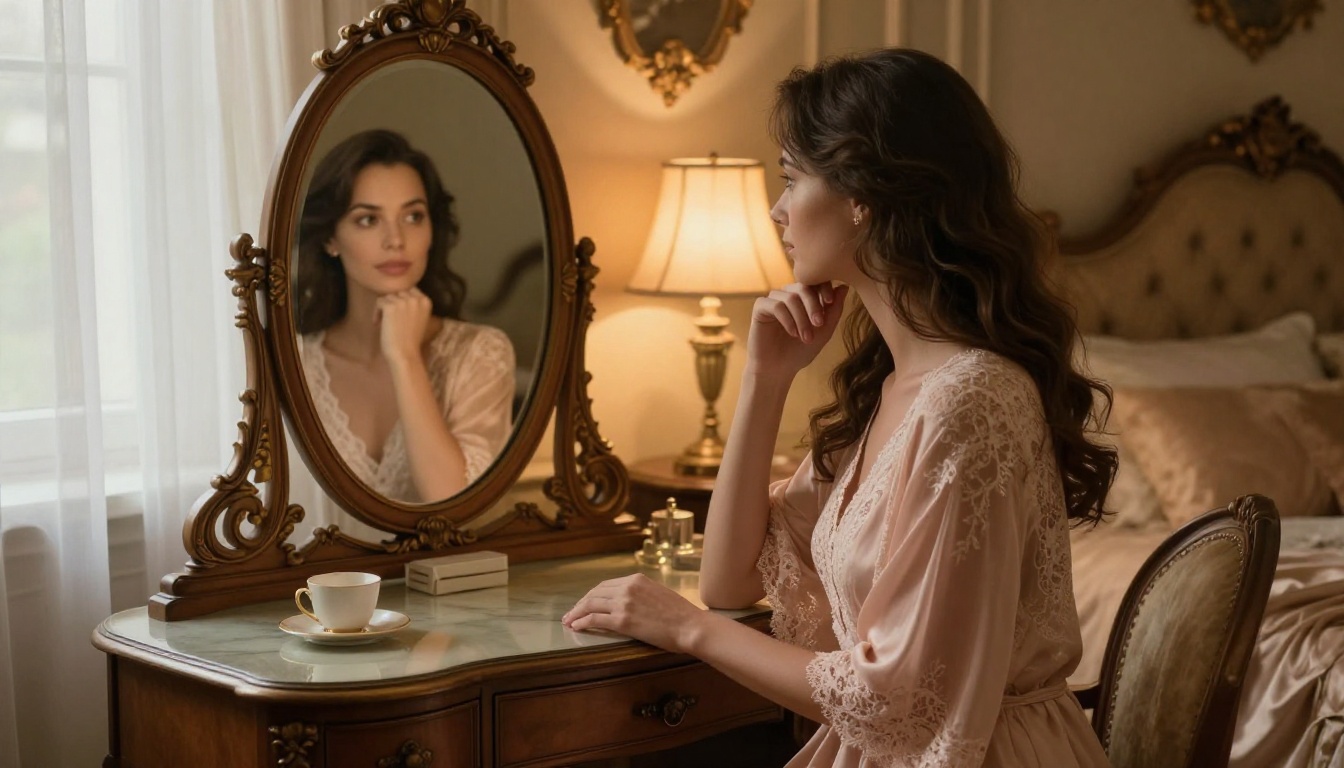
💡 Tip: Seedream 4.5 works best when you describe the mood and setting in detail. "Boudoir shoot, warm tungsten light, lace robe, vintage mirror" will outperform a prompt that simply states what the subject is wearing. Context and atmosphere drive quality.
PicassoIA Image Editor Pro for Unlimited Runs
PicassoIA Image Editor Pro offers a different advantage: unlimited generations. For creators who iterate heavily, this removes the per-image cost anxiety that can interrupt creative flow. It also handles editing tasks, letting you refine an existing image rather than starting from scratch every time you want a change.
This is particularly useful for content that requires consistency across a series, such as a set of boudoir images where you want the same subject and lighting but different poses or angles. The editing capability within the same model means you preserve stylistic coherence across the whole set.
Flux 1.1 Pro for Raw Realism
Flux 1.1 Pro brings a different strength to the table. Its output is defined by a raw, photographic quality that makes generated images look like they came from a professional camera rather than an AI pipeline. For creators who prioritize realism above everything else, this model deserves a place in the workflow.
It handles lighting conditions, shadow depth, and fine detail with precision that other models at similar speeds do not consistently match.
💡 Important: Do NOT use Seedream 5 Lite for NSFW content. It applies stricter content filtering than Seedream 4.5 and will refuse or heavily censor prompts that the 4.5 version handles without issue. Stick with 4.5 for adult content work.

How to Use Seedream 4.5 on PicassoIA
Since Seedream 4.5 is the strongest option currently available for unrestricted creative content, here is how to get the best results from it on PicassoIA.
Step 1: Access the Model
Go directly to Seedream 4.5 on PicassoIA. You can also browse all available text-to-image models at picassoia.com/en/all-models to compare it against other options before starting. The model is available without waitlists or special access requirements.
Step 2: Craft Your Prompt
The quality of your output is directly tied to the specificity of your prompt. Seedream 4.5 responds well to structured prompts that include:
- Subject description: Be precise about pose, expression, and clothing
- Environment: Describe the setting, furniture, and light sources
- Camera instructions: Mention lens type, focal length, and shooting angle
- Mood: Use emotional language like "intimate," "confident," or "serene"
- Style markers: Add "Kodak Portra 400, film grain, RAW photography" to push realism
Example prompt for boudoir work:
"Beautiful woman reclining on ivory silk sheets in a warmly lit bedroom, wearing sheer lace lingerie, soft diffused light from a bedside lamp creating warm amber shadows across the room, captured at 50mm f/1.8, Kodak Portra 400 grain, photorealistic skin texture, relaxed and confident expression"
Step 3: Fine-Tune with Parameters
Seedream 4.5 accepts standard generation parameters. Adjust the guidance scale to control how closely the model follows your prompt. A higher guidance value produces more literal interpretations; lower values give the model creative latitude. For detailed subject work with specific clothing or poses, stay in the 7 to 9 range.
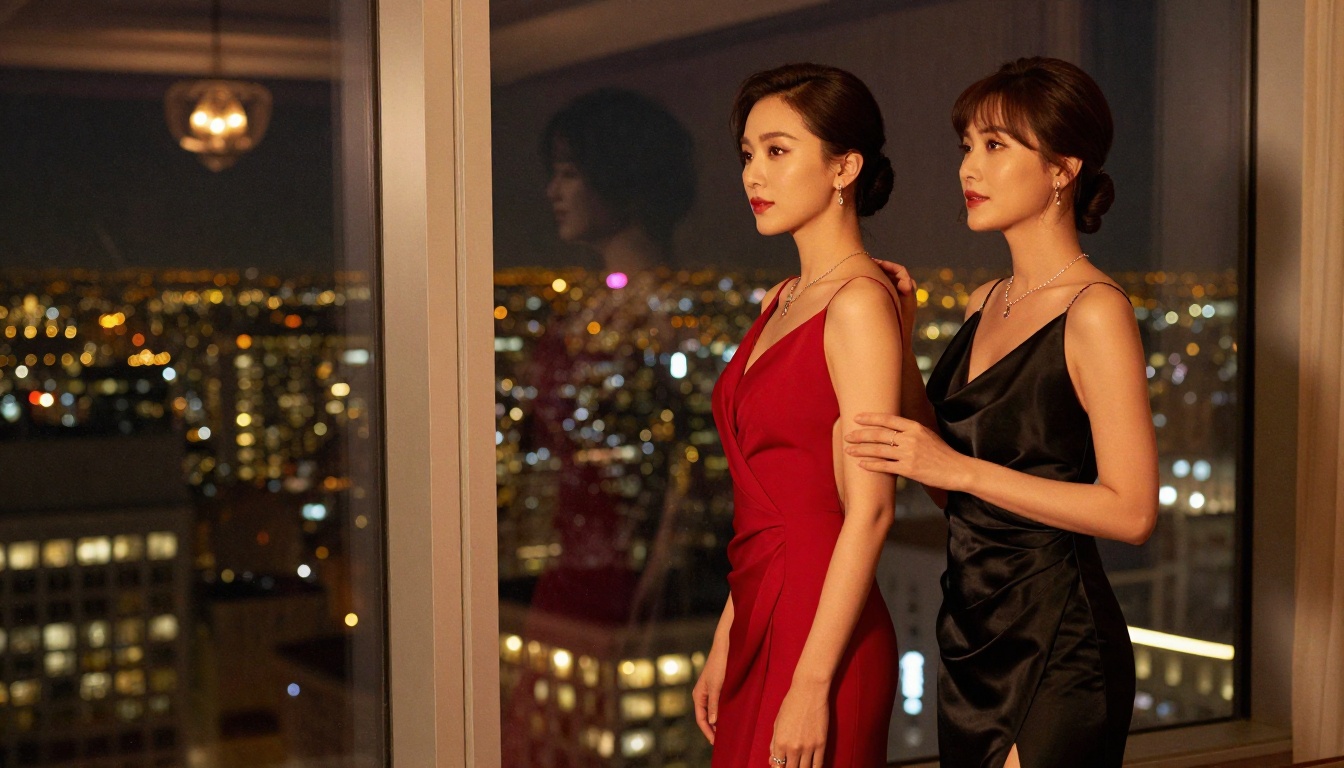
What Uncensored Actually Means
The word "uncensored" gets used loosely in AI art communities. It is worth being precise about what it does and does not mean in practice.
Safe-For-Work vs. NSFW
Most AI image models operate with content filters that prevent generation of explicit sexual content, graphic violence, and similar material. These filters exist at different thresholds: some quite conservative (blocking even swimwear prompts), others more permissive (allowing artistic nudity while refusing explicit acts).
An "uncensored" model typically means the content filter threshold is set significantly lower or disabled for adult content specifically. It does not mean the model generates anything without any limit. Most platforms still enforce hard constraints around content involving minors, non-consensual scenarios, and extreme violence regardless of filter settings.
What These Models Allow
On PicassoIA, the uncensored-capable models like Seedream 4.5 produce:
- Artistic nudity: Tasteful full or partial nudity in natural or studio settings
- Boudoir photography: Intimate, suggestive imagery with lingerie, sheer fabrics, or implied nudity
- Glamour photography: High-fashion, body-confident imagery at the edge of explicit
- Adult-oriented content: Suggestive scenes that maintain artistic integrity
This is the creative space that professional photographers, adult content creators, and digital artists work in routinely. The models on PicassoIA that handle it well are the ones worth building a long-term workflow around.
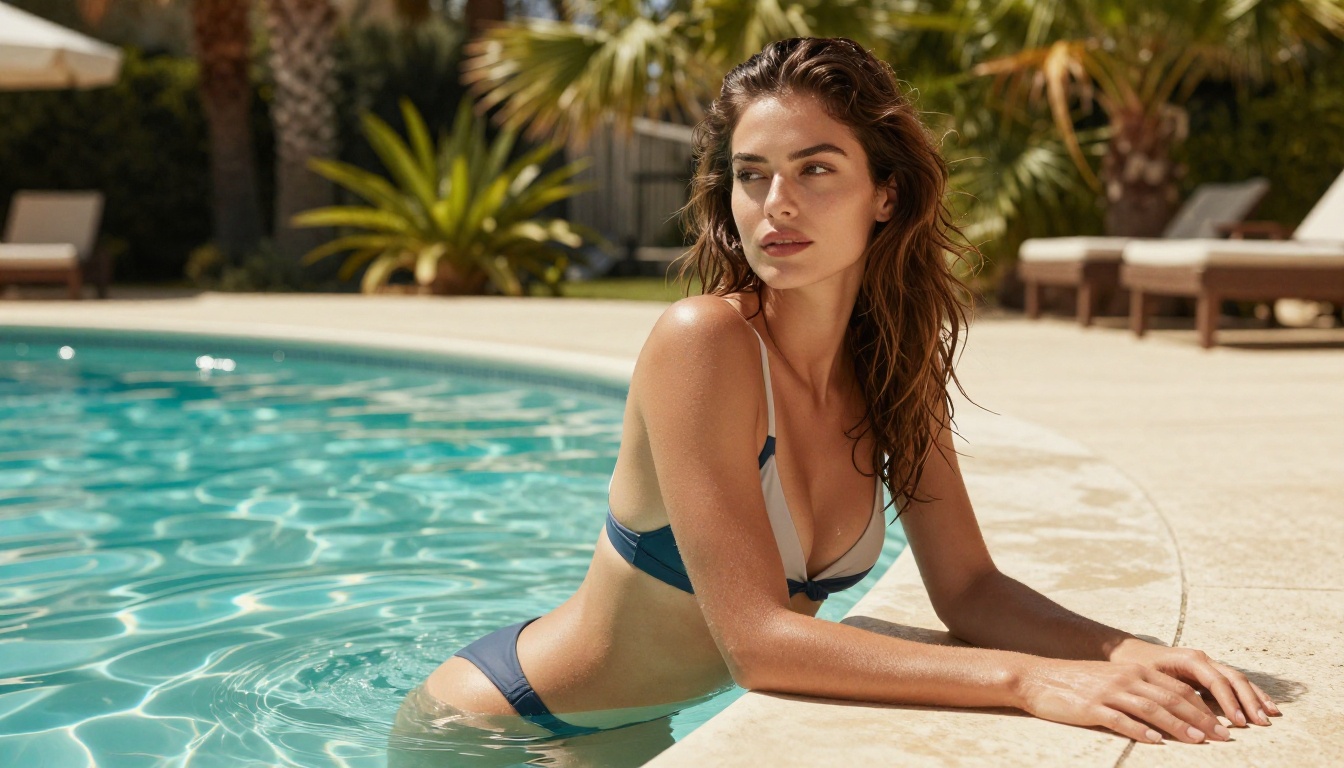
Nano Banana Pro vs. the Competition
Speed Comparison
Speed matters when you are iterating through creative concepts quickly. Here is where the main models on PicassoIA currently stand:
Image Quality Breakdown
Where these models actually differ is in how they handle specific types of content:
Skin and body texture: Nano Banana Pro and Seedream 4.5 both produce natural skin texture with realistic variation. Seedream 5 Pro pushes to 2K resolution with even finer detail but takes longer per generation.
Lighting response: Flux 1.1 Pro handles complex lighting scenarios, including multiple light sources and mixed color temperatures, with exceptional precision that other fast models do not consistently match.
Prompt accuracy: Nano Banana Pro tends to follow compositional instructions very closely, which makes it reliable for specific creative visions where placement and framing matter. Seedream 4.5 interprets prompts with slightly more creative latitude.
NSFW content: Currently, only Seedream 4.5 and PicassoIA Image Editor Pro handle adult content consistently without refusals.
Upscaling Your Generated Images
One area where the conversation around Nano Banana Pro's potential uncensored mode becomes particularly interesting is resolution. High-quality NSFW imagery is only as good as its resolution and detail at full size. A 512px draft with soft skin texture does not hold up when printed or displayed at high resolution.
PicassoIA's super-resolution tools integrate directly into the generation workflow. After creating a base image with Seedream 4.5, running the result through an upscale model brings out fine skin texture, fabric detail, and background sharpness that the base generation may have kept soft.
The Qwen Image Edit Plus LoRA Upscale is worth adding to any NSFW workflow on PicassoIA. It preserves the naturalistic quality of the original while adding sharpness and resolution that makes the final image print-ready or suitable for high-resolution display.
💡 Workflow order matters: Always upscale after any inpainting or editing passes. Running upscale first and then editing can introduce artifacts at the edit boundaries. The correct order is: generate, edit or inpaint, then upscale.
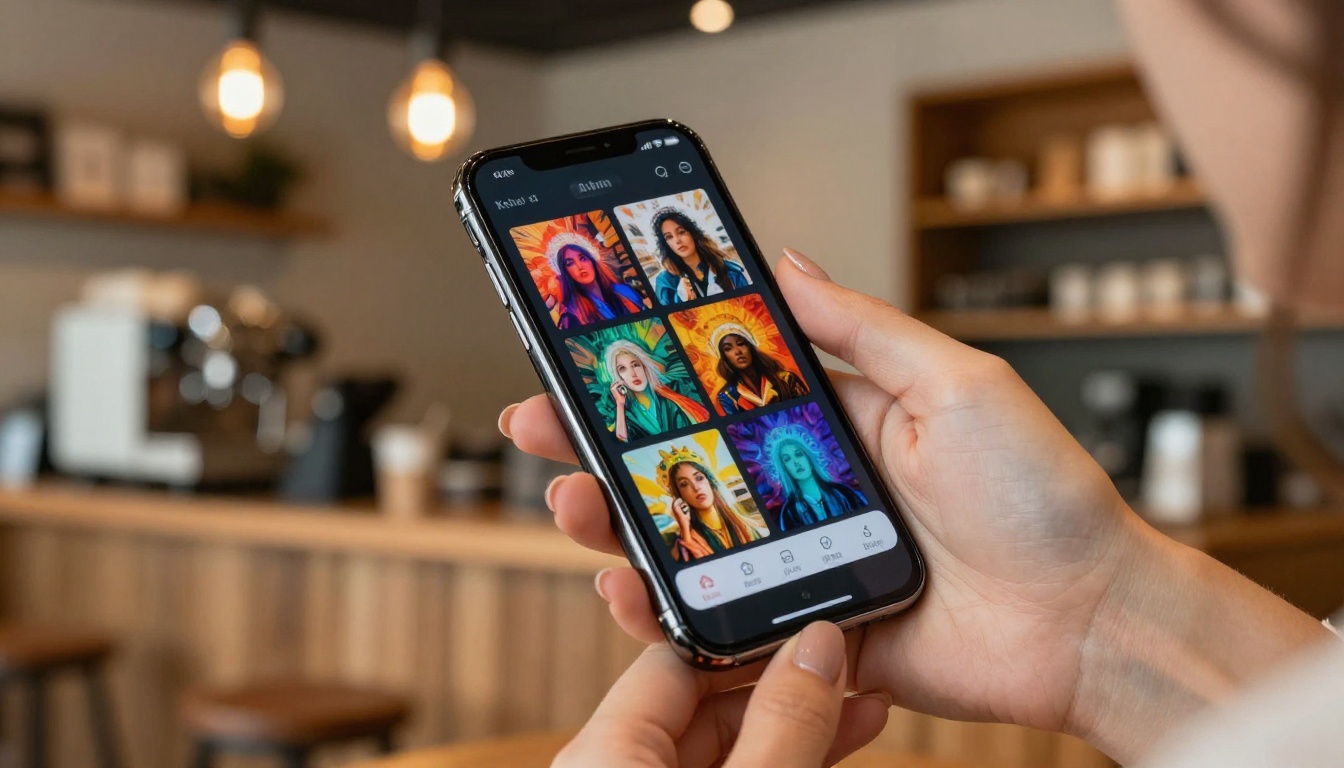
The rumor around Nano Banana Pro's uncensored mode is drawing attention because of how many creators have built multi-step workflows. They do not just generate one image; they generate, then apply visual effects, then upscale, then deliver.
PicassoIA's effects library includes over 500 video effects that can be applied to still images converted to short video sequences, or used as processing passes to add production value quickly. For creators in the adult content or glamour photography space, color grading passes, atmospheric overlays, and depth-of-field effects add a professional finish that separates polished work from raw AI output.
The Nano Banana 2 Lite model, an earlier and faster variant, handles quick draft generation well, letting you test a concept before committing a higher-quality generation to Nano Banana Pro or Seedream 4.5. Draft fast, refine once you know the concept works.
The Multi-Step Workflow
Most professional AI creators are not hitting generate and delivering the first result. They work through a sequence:
- Draft: Use Nano Banana 2 Lite or Nano Banana 2 for fast concept testing
- Refine: Switch to Seedream 4.5 or Nano Banana Pro for final quality output
- Edit: Use PicassoIA Image Editor Pro for inpainting, adjustments, and iteration
- Upscale: Run through Qwen Image Edit Plus LoRA Upscale for final resolution
- Effects: Apply visual effects passes for color grade or atmospheric finish
This workflow produces output that looks polished and deliberate rather than AI-generated and raw.
Start Creating Today
The Nano Banana Pro uncensored mode rumor is exactly that, a rumor, for now. But the creative infrastructure to produce unrestricted, high-quality AI imagery already exists on PicassoIA and is available to every creator right now.
Seedream 4.5 handles adult content with the precision and naturalism that professional creators rely on. PicassoIA Image Editor Pro extends that with unlimited generations and built-in editing capability. Flux 1.1 Pro adds raw photographic realism when that is the priority.
You do not have to wait for a model update to produce the kind of imagery you are after. The models are live, the platform is ready, and the creative ceiling is high. Browse the full model library at picassoia.com/en/all-models and pick the one that fits your specific creative goals.
Start with Seedream 4.5 for NSFW and unrestricted work, use Nano Banana Pro for speed-focused projects, and let the platform handle the technical complexity so you can focus on the creative vision. The tools are already there. The only question is what you will make with them.


