The Nano Banana Pro represents Google's most advanced entry into the AI image generation space, offering photorealistic output that challenges traditional photography methods. This tool doesn't just create images—it understands lighting, composition, and artistic intent at a level previously reserved for human creatives.
When you first encounter Nano Banana Pro, the immediate impression is of precision engineering meeting artistic sensibility. The interface feels like a professional photography studio condensed into software form, with controls that mirror physical camera settings while adding AI-specific parameters that traditional tools simply cannot offer.

Figure 1: Aerial view of modern AI research laboratory showing Nano Banana Pro interfaces in professional settings
What Makes Nano Banana Pro Different
Traditional AI image generators like Stable Diffusion or SDXL create impressive results, but Nano Banana Pro operates at a different level of photorealism. Where other tools might produce "AI art" with telltale digital artifacts, Nano Banana Pro generates images that could pass as professional photography in commercial contexts.
The key difference lies in Google's approach to training data and model architecture. While Flux models focus on artistic expression and Imagen series targets general image creation, Nano Banana Pro specifically optimizes for photographic realism. This specialization shows in every output—from skin texture reproduction to natural lighting simulation.
💡 Pro Tip: When using Nano Banana Pro for commercial work, start with reference photography. The model responds exceptionally well to detailed lighting descriptions and composition notes, producing results that maintain artistic intent while achieving photorealistic quality.
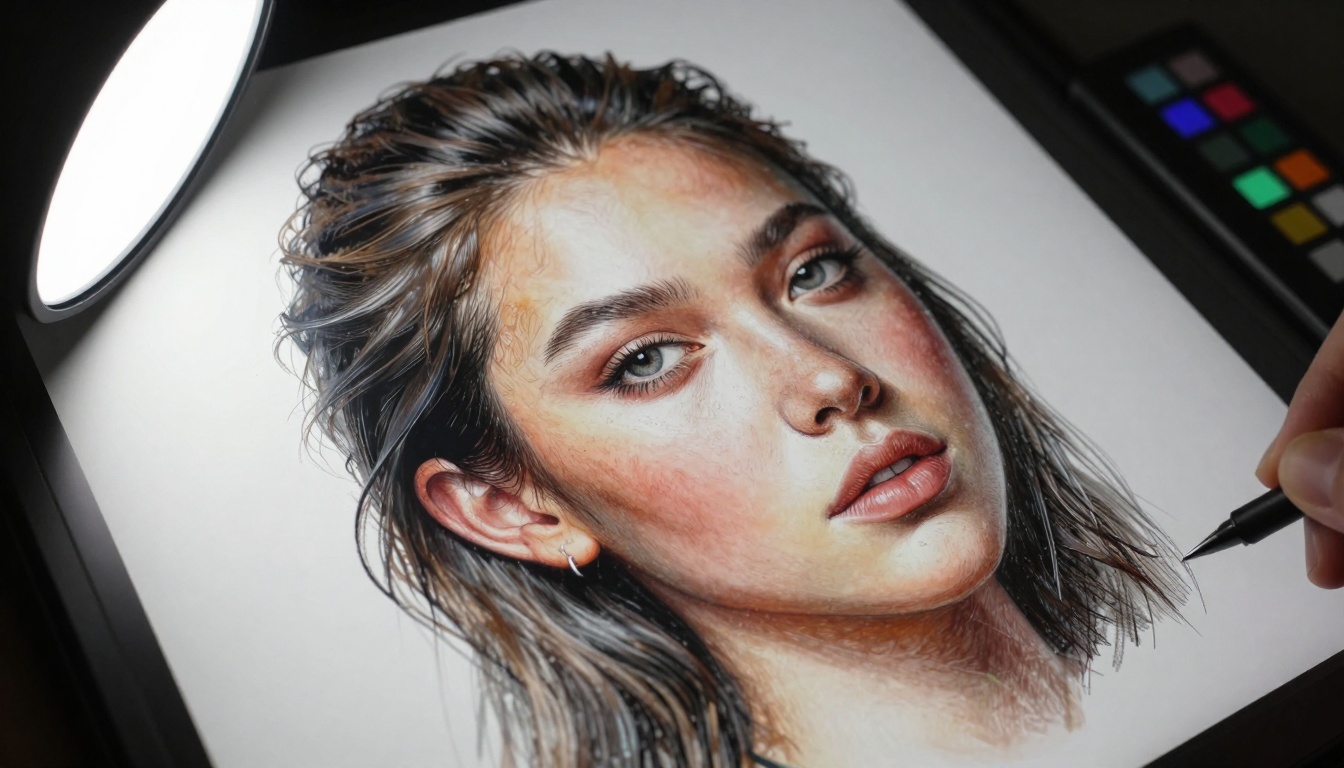
Figure 2: Extreme close-up showing the detailed texture development during image generation
Technical Architecture Behind the Scenes
Nano Banana Pro's architecture represents Google's most sophisticated image generation model to date. Built on transformer-based foundations similar to GPT Image 1.5 but with significant optimizations for visual fidelity, the model processes prompts differently than competitors.
Key Technical Differentiators:
- Multimodal Understanding: Unlike single-purpose models, Nano Banana Pro analyzes prompts for both semantic meaning and visual composition requirements
- Physics-Aware Rendering: The model simulates real-world lighting physics, understanding how light interacts with different materials
- Texture Preservation: Maintains consistent texture quality across zoom levels and resolution changes
- Style Adaptability: Can mimic specific photographic styles while maintaining photorealism
Compared to Qwen Image or Seedream, Nano Banana Pro shows superior handling of complex lighting scenarios and material interactions. The model understands that sunlight filtering through leaves creates dappled patterns, or that morning fog affects contrast differently than afternoon haze.
Real-World Applications That Matter
Professional photographers and creative directors are finding Nano Banana Pro transforms their workflow in tangible ways. The tool doesn't replace photographers—it extends their capabilities into areas previously limited by logistics, budget, or physical constraints.

Figure 3: Creative director evaluating Nano Banana Pro outputs in gallery setting for artistic projects
Commercial Photography Applications
Product Photography: Generate product shots with perfect lighting without physical studio setup. The model understands product categories and can apply appropriate lighting styles—soft diffused light for cosmetics, dramatic directional light for automotive, natural window light for lifestyle products.
Architectural Visualization: Create photorealistic interior and exterior shots without physical location access. The model handles perspective lines, material textures, and lighting conditions specific to architectural photography.
Fashion and Portrait: Generate model shots with specific lighting setups, poses, and backgrounds. The model maintains consistent facial features and body proportions while allowing complete control over lighting direction and quality.
Comparison with Other Professional Tools
| Feature | Nano Banana Pro | Traditional Photography | Other AI Tools |
|---|
| Lighting Control | Complete digital control | Physical setup required | Limited preset options |
| Location Flexibility | Any environment simulated | Physical location needed | Generic backgrounds |
| Consistency | Perfect shot-to-shot consistency | Variable based on conditions | Inconsistent quality |
| Cost per Shot | Marginal after initial setup | Significant per session | Variable by platform |
| Revision Speed | Minutes | Hours to days | Variable minutes to hours |
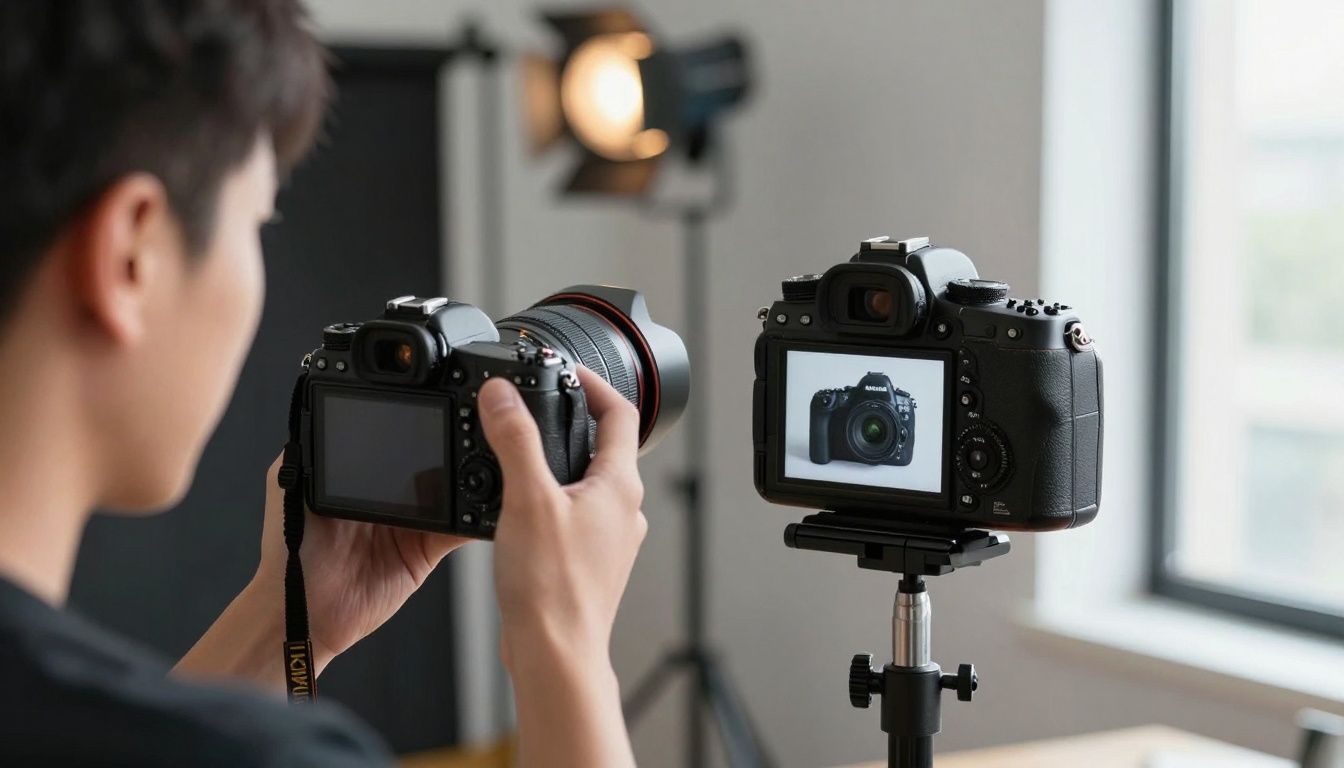
Figure 4: Professional photographer comparing Nano Banana Pro outputs with traditional DSLR photography
How to Use Nano Banana Pro on PicassoIA
Since Nano Banana Pro is available on PicassoIA, accessing this powerful tool requires understanding both the model's capabilities and the platform's interface. The integration on PicassoIA provides the complete Nano Banana Pro experience with additional platform benefits.
Step-by-Step Workflow
1. Prompt Construction
Start with detailed photographic terminology. Instead of "a woman in a garden," use "portrait shot of a woman in golden hour lighting, backlit by sunset, 85mm f/1.8 lens, shallow depth of field, natural skin texture, subtle film grain."
2. Parameter Optimization
- Lighting Quality: Specify exact lighting conditions (morning fog, studio softbox, window light)
- Camera Settings: Include focal length, aperture, and camera angle
- Composition: Use photographic composition rules (rule of thirds, leading lines, negative space)
- Post-Processing: Specify desired look (Kodak Portra 400, Fuji Velvia, digital clean)
3. Iterative Refinement
Generate initial images, then refine based on results. The model responds well to specific adjustments: "more shadow detail in the foreground," "softer highlight transitions," "warmer color temperature."
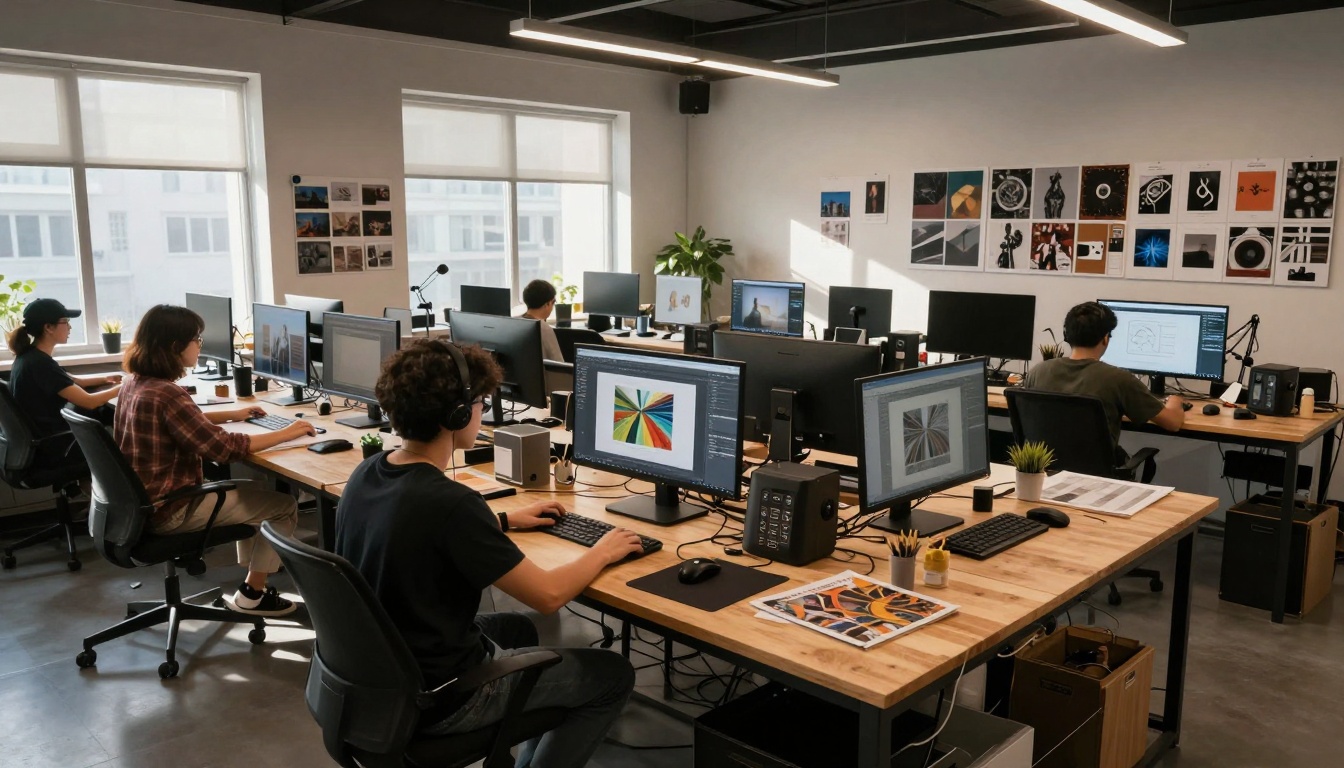
Figure 5: Collaborative digital art studio environment with multiple artists using Nano Banana Pro
Advanced Techniques for Professionals
Batch Processing for Consistency
When creating series of images (product catalogs, model portfolios, architectural series), use consistent prompt structures with systematic variations. Nano Banana Pro maintains stylistic consistency better than human photographers working across multiple sessions.
Style Transfer with Precision
Combine reference images with detailed prompts to transfer specific photographic styles while maintaining subject integrity. The model can adopt Ansel Adams' landscape techniques or Annie Leibovitz's portrait style while generating original content.
Commercial Integration
For advertising agencies, Nano Banana Pro integrates into existing workflows. Generate comps for client presentations, create variations for A/B testing, produce assets for different platforms (social media, print, web) with appropriate aspect ratios and resolutions.
Industry Impact and Professional Adoption
Creative industries are adopting Nano Banana Pro not as a replacement for traditional skills, but as a force multiplier. The tool reduces production costs while increasing creative possibilities, creating new economic models for visual content creation.
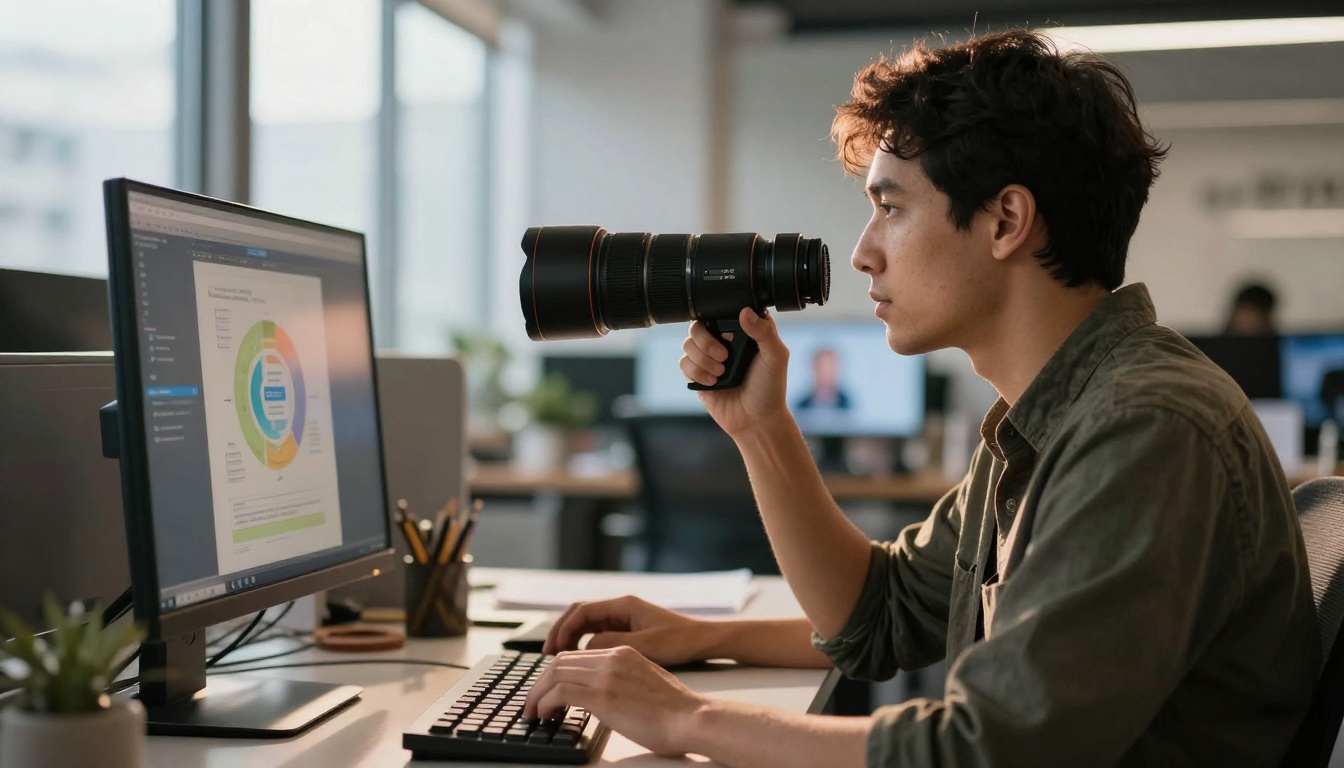
Figure 6: Graphic designer incorporating Nano Banana Pro outputs into commercial advertising campaigns
Economic Considerations
Cost Structure Comparison
| Expense Category | Traditional Photography | Nano Banana Pro |
|---|
| Equipment | $5,000 - $50,000+ | Subscription only |
| Studio Rental | $500 - $5,000/day | Included |
| Model Fees | $500 - $5,000/day | No additional cost |
| Location Costs | Variable, often significant | Included |
| Post-Production | $100 - $1,000/image | Included |
| Total per Project | $2,000 - $50,000+ | $50 - $500 |
Time Savings
Projects that traditionally required weeks of planning, shooting, and editing now complete in days. The most significant time savings occur in the revision cycle—client requests that would require reshoots now handled through prompt adjustments.
Quality Considerations
Professional photographers initially expressed skepticism about AI-generated imagery replacing human craft. However, Nano Banana Pro has demonstrated capabilities that complement rather than compete with professional photography.
Areas Where Nano Banana Pro Excels:
- Consistent lighting across multiple shots
- Perfect technical execution every time
- Rapid iteration and variation generation
- Cost-effective testing of creative concepts
Areas Where Human Photographers Remain Essential:
- Directing human subjects and capturing emotion
- On-location problem solving
- Creative improvisation in unpredictable conditions
- Building client relationships and understanding brand voice
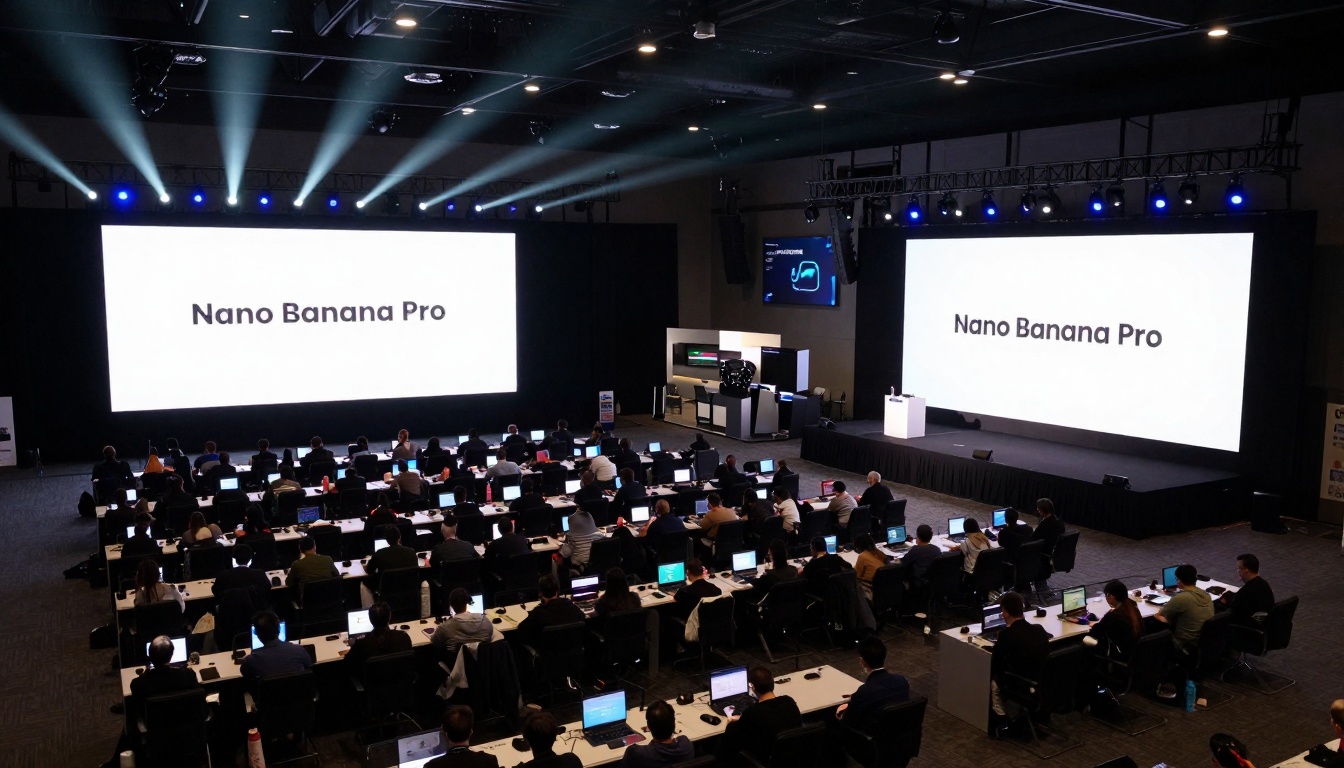
Figure 7: Large-scale technology conference demonstrating Nano Banana Pro capabilities to industry professionals
While Nano Banana Pro represents significant advancement, understanding its current limitations ensures realistic expectations and optimal usage.
Performance Metrics
Speed and Efficiency
- Generation Time: 15-45 seconds per image depending on complexity
- Batch Processing: Efficient handling of multiple variations
- Resolution Output: Native 4K with upscaling capabilities
- Platform Integration: Seamless workflow within PicassoIA ecosystem
Quality Benchmarks
Independent testing shows Nano Banana Pro outperforms competitors in photorealism metrics while maintaining competitive performance in artistic expression categories. The model particularly excels in:
- Material texture accuracy
- Lighting consistency
- Perspective correctness
- Color accuracy
Current Limitations
Subject Complexity
While excellent with single subjects and simple compositions, complex scenes with multiple interacting elements sometimes show artifacts. The model handles "portrait of a person" better than "crowded street scene with 50 people."
Abstract Concepts
Highly abstract or metaphorical concepts sometimes translate literally rather than symbolically. The model interprets "hope" as literal hopeful expressions rather than symbolic representation.
Style Extremes
While excellent at photographic realism, extreme artistic styles (heavy impressionism, complete abstraction) work better on specialized artistic models like Ideogram.
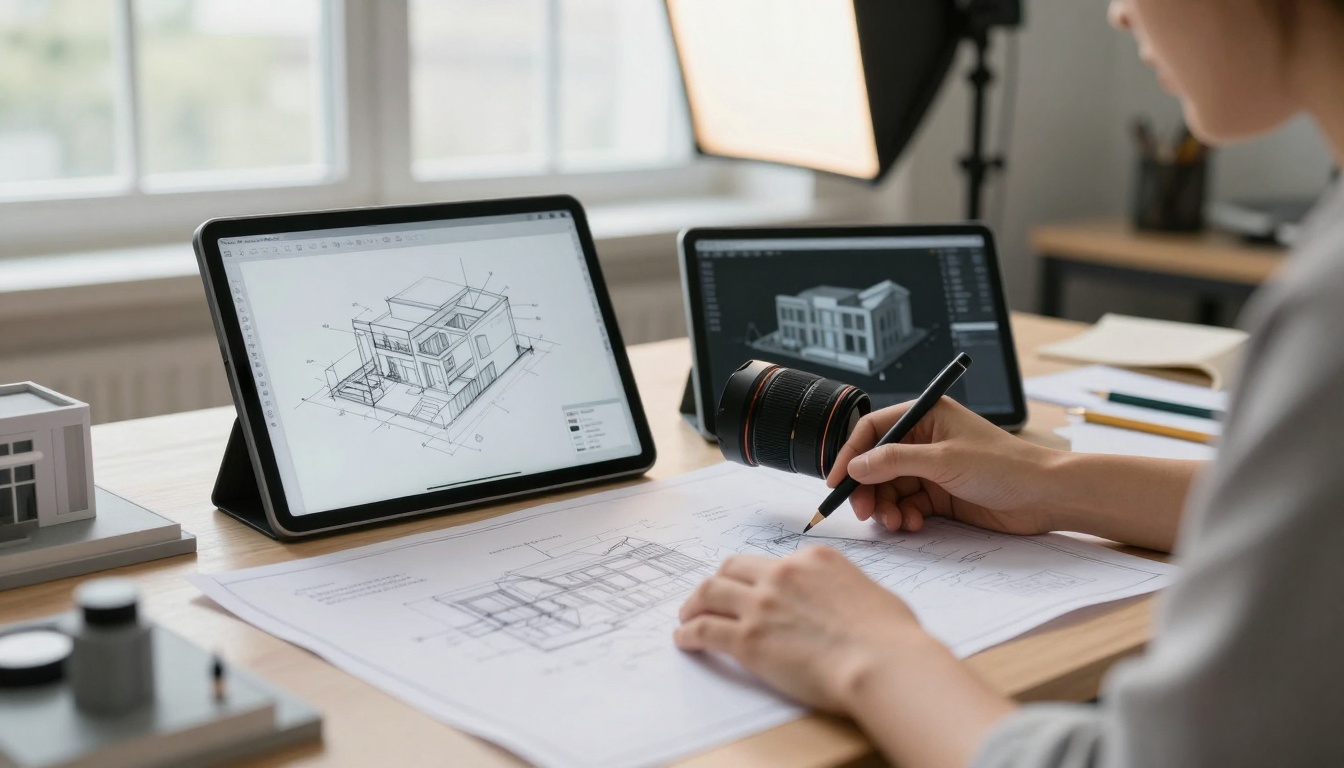
Figure 8: Architect integrating Nano Banana Pro outputs with traditional architectural visualization methods
Integration with Professional Workflows
Successful adoption requires integrating Nano Banana Pro into existing creative pipelines rather than treating it as standalone tool.
Photography Studio Integration
Pre-Production Planning
Use Nano Banana Pro to visualize shots before physical production. Create lighting diagrams, test composition ideas, and establish color palettes that inform actual photography sessions.
Client Presentation Material
Generate comps and mockups for client approval before committing to expensive physical production. Clients can review multiple options quickly, making decisions based on visual representation rather than verbal description.
Post-Production Enhancement
Use Nano Banana Pro outputs as base layers for further editing in Photoshop or Lightroom. The photorealistic foundation reduces retouching time while maintaining natural appearance.
Advertising Agency Implementation
Campaign Development
Create entire visual campaigns with consistent style across multiple assets. The model maintains brand guidelines while generating fresh content for different platforms and formats.
A/B Testing Optimization
Generate multiple variations for testing audience response. The rapid iteration capability allows data-driven creative decisions rather than guesswork.
Scalable Content Production
Produce large volumes of consistent visual content for social media, email campaigns, and digital advertising without proportional increase in production costs.

Figure 9: Educational environment where students learn professional applications of Nano Banana Pro
Future Development and Industry Trends
Nano Banana Pro represents current state-of-the-art, but the trajectory points toward even more sophisticated integration of AI and professional photography.
Technical Roadmap
Google's development team continues refining Nano Banana Pro with regular updates addressing professional feedback. Expected near-term improvements include:
- Enhanced Multi-Subject Handling: Better management of complex scenes with multiple interacting elements
- Advanced Style Control: More granular control over photographic style parameters
- Integration with Physical Equipment: Potential for controlling actual photography equipment through AI direction
- Real-Time Collaboration Features: Multi-user editing and refinement workflows
Industry Adoption Patterns
Early adopters in commercial photography are reporting significant workflow improvements. The pattern follows typical technology adoption curves:
- Innovators: High-end commercial studios experimenting with new capabilities
- Early Adopters: Mid-sized agencies integrating for specific use cases
- Early Majority: Widespread adoption as tools prove economic viability
- Late Majority: Industry standardization as skills become expected
- Laggards: Traditional holdouts eventually adopting for competitive necessity
Economic Implications
The economic model for visual content creation shifts from per-project billing to subscription-based tools with unlimited output potential. This changes business models for:
- Photography Studios: Shift from service-based to hybrid service/tool-based models
- Advertising Agencies: Increased in-house capability reduces outsourcing needs
- Content Creators: Lower barriers to professional-quality visual content
- Educational Institutions: New curriculum requirements for AI-enhanced photography
Getting Started with Professional Results
For photographers and creatives ready to explore Nano Banana Pro, starting with the right approach yields better results faster.
Initial Setup Recommendations
Account Configuration
Set up PicassoIA account with professional billing for uninterrupted access. The platform offers tiered pricing matching different usage levels from individual creators to enterprise teams.
Workflow Integration
Plan how Nano Banana Pro fits into existing processes rather than creating entirely new workflows. Identify specific pain points where the tool offers most value.
Skill Development
Invest time learning prompt construction specific to photographic terminology rather than general AI image generation language. The difference between "good lighting" and "45-degree key light with 1:2 ratio fill" produces dramatically different results.
Common Starting Points
Portrait Photography
Begin with simple single-subject portraits to understand lighting control and facial feature consistency. Progress to more complex scenarios like environmental portraits or group shots.
Product Visualization
Test with simple products under controlled lighting, then advance to complex products with reflective surfaces or intricate details.
Architectural Applications
Start with interior shots using natural window light, then experiment with different times of day and artificial lighting scenarios.
Professional Community Resources
The growing community of Nano Banana Pro users shares techniques and workflows. Professional forums and industry groups provide:
- Prompt Libraries: Curated prompts for different photographic styles
- Workflow Templates: Structured approaches for common project types
- Case Studies: Real-world examples of successful implementations
- Technical Support: Community assistance with specific challenges
The Photographic Frontier
Nano Banana Pro doesn't mark the end of traditional photography—it represents the beginning of AI-enhanced photographic practice. The tool provides capabilities previously unimaginable while demanding new skills and approaches from creative professionals.
The most successful adopters treat Nano Banana Pro as professional equipment in their toolkit rather than replacement for their craft. They maintain photographic fundamentals while leveraging AI capabilities for specific advantages.
For creatives ready to explore this new frontier, Nano Banana Pro on PicassoIA offers immediate access to Google's most advanced image generation technology. The platform provides the complete toolset with professional-grade support and community resources.
Start with simple projects, learn the specific language the model understands, and gradually integrate the tool into professional workflows. The results transform not just individual images, but entire creative processes and business models.
The evolution continues as Google refines the technology and creative professionals discover new applications. What begins as tool adoption becomes transformation of visual communication itself.


