Resolution is not a vanity metric. In NSFW AI image generation, the difference between a 512-pixel output and a true 4K render is the difference between a suggestion and a photograph. Skin stops looking like painted plastic. Fabric stops looking like a color-fill. Shadows acquire depth and direction. Nano Banana Pro was built around one specific premise: that pushing the native output to 4K unlocks a category of realism that smaller resolutions structurally cannot reach. This article breaks down exactly what that extra detail delivers, which models work best alongside it for NSFW content, and how to use the full stack on PicassoIA today.
What Nano Banana Pro Actually Does
The Nano Banana Pro model from Google is not just a scaled-up version of its predecessors. It was retrained with a specific focus on retaining fine structural detail at native 4K output sizes, rather than relying on post-process upscaling to simulate high resolution. The distinction matters: upscaling adds pixels by interpolation, which can create smooth blurry regions or artificial sharpening artifacts. Native 4K generation means every pixel in the output was part of the model's attention during inference.
More Than a Resolution Bump
Standard text-to-image models typically output at resolutions between 512x512 and 1024x1024 pixels. That works fine for general content, social media thumbnails, and quick iterations. For NSFW content where the viewer's attention focuses intensely on specific regions, especially skin, hair, and textile detail, the pixel budget runs out fast. Nano Banana Pro's 4K output gives the model room to render micro-details that simply cannot exist at lower resolutions: individual skin pores, the realistic fall of a shadow across a curved surface, the specific weave of a fabric seen up close.
The Nano Banana Family
The Nano Banana lineup on PicassoIA includes several variants worth knowing before deciding which to use:
The Pro tier is the only one in the family that reaches true 4K native output. If you are generating NSFW content where detail matters at the 1:1 zoom level, only Nano Banana Pro belongs in your workflow.
Why 4K Changes NSFW AI Art Specifically
General image generation tolerates medium resolution because viewers spend a second or two on each image and move on. NSFW content does not work that way. The viewer's gaze is focused and sustained, and the brain is actively running a realism check against memory of real bodies. Low resolution fails that check in ways a viewer may not consciously articulate but immediately feels: something looks "off," the image feels artificial, the immersion breaks.
Where Standard-Resolution Models Fail
These are the specific failure modes visible at sub-4K resolution in NSFW generation:
- Skin uniformity: Low-res models smooth skin into a uniform texture. Real skin has zones: rough elbows, soft inner arms, slightly oilier forehead zones. At 4K this variation is present. At 512px it gets averaged out entirely.
- Hair strands: Individual hair strands require pixel budgets that do not exist below 1024px. At 4K they appear as individual filaments. At lower resolutions they merge into undefined blobs with no structural integrity.
- Fabric structure: Lace, silk, sheer fabric: all require the model to simultaneously encode the fabric pattern AND the skin visible beneath. That dual-layer rendering collapses at standard resolutions into a single blurry plane.
- Shadow transitions: The soft shadow that forms at a fold of skin or fabric is one of the most biologically authentic signals in a real photograph. At low resolution these shadows get compressed into abrupt, clearly artificial edges.
The Texture Test: Skin, Fabric, and Light
At 4K, three specific elements hit a realism threshold that nothing below achieves:
- Subsurface scattering: The way light passes through thin skin at the ears, lips, and fingertips creates a warm translucent glow. This is only representable with enough spatial resolution to render the tonal gradient accurately.
- Specular variation: Skin is not uniformly shiny. The slightly drier texture of the shoulder reflects light differently than the smoother skin of the inner arm. Nano Banana Pro at 4K captures this variation. Standard models flatten it into a single reflectivity value.
- Optical depth of field: At 4K, the model has enough information to simulate the focus falloff of a real lens, creating a sharp foreground against a genuinely blurring background, rather than a uniformly flat image with a software blur filter applied after the fact.

Seedream 4.5 for NSFW Generation
Before reaching for Nano Banana Pro, the strongest starting point for NSFW AI content on PicassoIA is Seedream 4.5. This is the model built specifically for high-fidelity 4K output with full support for adult content prompts, no content-block triggers on anatomically accurate descriptions, and a training dataset weighted toward photorealistic human subjects.
Why Seedream 4.5 Leads the Pack
Seedream 4.5 produces 4K output with a rendering quality that sits at the top of what is currently available for NSFW use:
- It handles uncensored prompts without triggering safety filters that block legitimate adult content
- Skin rendering is notably more realistic than competing models at comparable resolution
- It processes complex lighting scenarios, including backlit skin and shadow interplay, better than general-purpose models
- Response to detailed prompt descriptions is accurate and consistent across multiple runs
💡 Important: Do not use Seedream 5 Lite for NSFW content. Its content filters actively block adult descriptions. Stick to Seedream 4.5 or Seedream 4 for uncensored work.
Unlimited Generations With Image Editor Pro
For serious NSFW workflows, PicassoIA offers the Image Editor Pro plan with unlimited image generations. This matters because iterating toward the ideal 4K output requires many runs: lighting adjustments, composition tweaks, prompt refinements. With unlimited access to Seedream 4.5 and Nano Banana Pro, you iterate without credit anxiety, which directly improves the quality of final outputs.

How to Use Nano Banana Pro on PicassoIA
Using Nano Banana Pro on PicassoIA is straightforward. Here is the exact workflow for NSFW 4K generation:
Step 1: Navigate to the model
Open Nano Banana Pro on PicassoIA. The model page loads the input interface directly with no extra setup required.
Step 2: Write a structured prompt
Structure matters at 4K. The model has more resolution to fill, so vague prompts produce vague results at scale. Use this format:
Subject + Pose/Action + Environment + Lighting Direction + Camera Specifications
Example: "Woman reclining on white linen, champagne silk lingerie, sunlit Paris apartment, golden hour light from left window, 85mm f/1.4, photorealistic skin texture, Kodak Portra 400 film grain, RAW 8K"
Step 3: Set output parameters
Select 4K as the output resolution. Aspect ratio: 16:9 for landscape content, 9:16 for portrait and mobile-oriented outputs.
Step 4: Use negative prompts
Negative prompts at 4K are more impactful than at lower resolutions because the model has more spatial budget to drift toward unwanted results. Always include: "blurry, low resolution, CGI, cartoon, plastic skin, airbrushed, smooth texture, unnatural sheen"
Step 5: Iterate on the detail
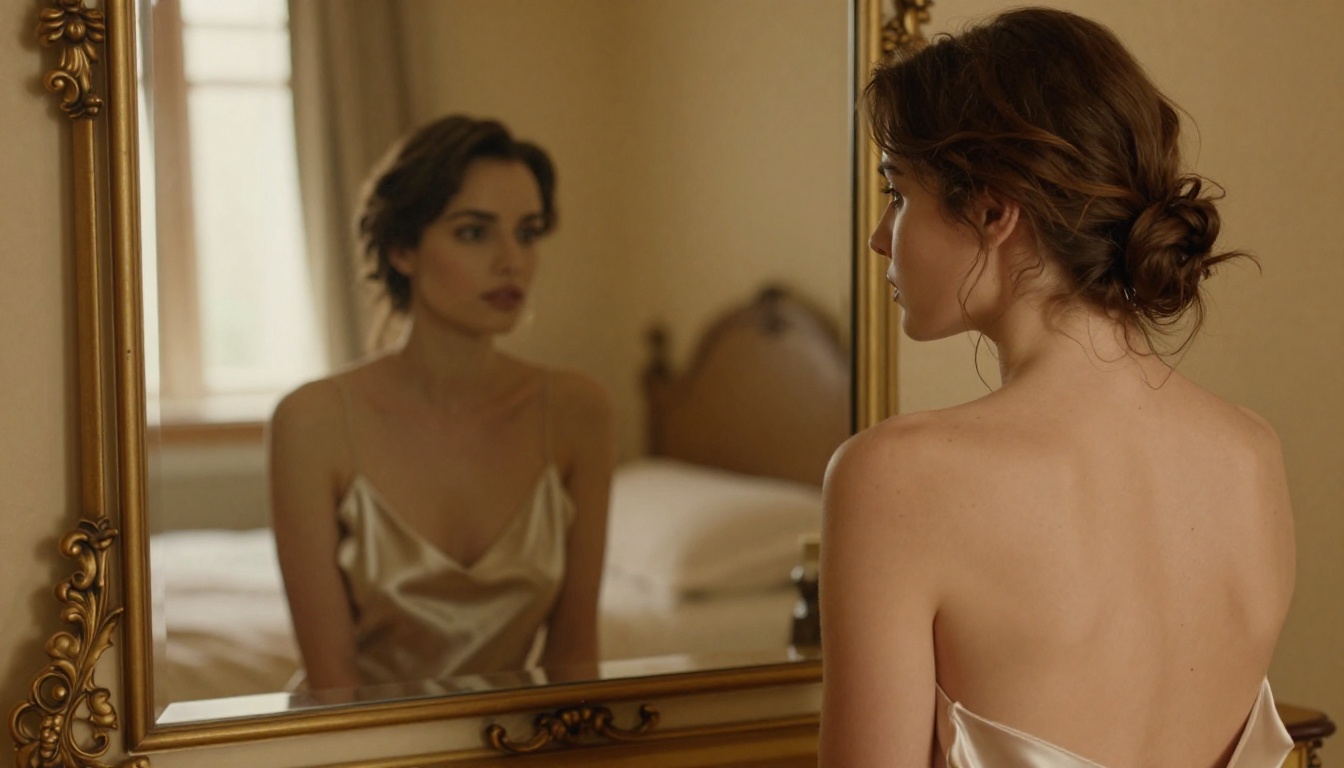
The first output is rarely the final one. Pay attention to which regions are rendering well and which need prompt reinforcement. Strengthen skin texture with: "photorealistic skin pores, subsurface scattering, film grain, Kodak Portra 400, natural lighting"
Super-Resolution Models That Push It Further
Even at native 4K, there is room to push. PicassoIA's super-resolution category includes models designed to sharpen detail, correct artifacts, and upscale output for print or large-display use.
Clarity Pro and Crystal Upscaler
Two models stand out for NSFW content specifically:
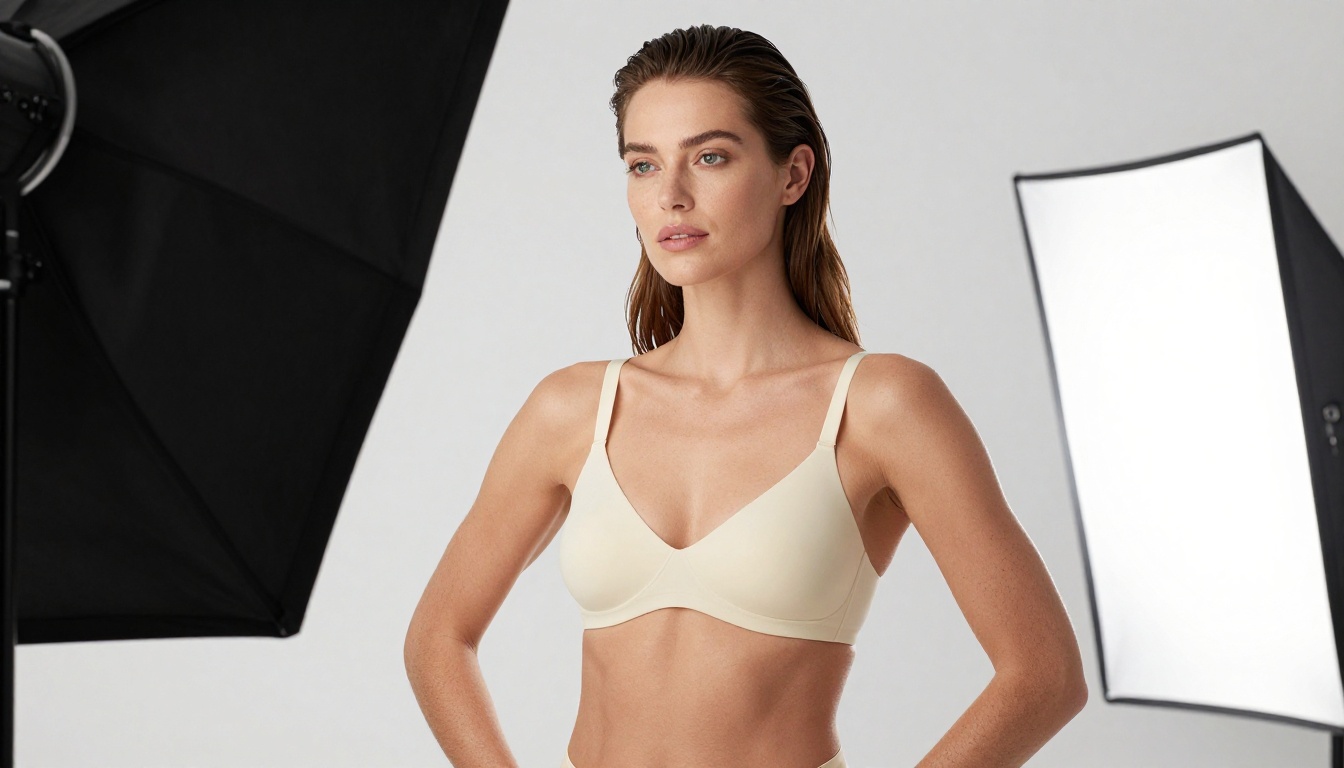
Clarity Pro Upscaler is the standard choice for photorealistic upscaling. It preserves the tonal character of the original while adding genuine new detail through AI inference rather than simple interpolation. Applied to a Nano Banana Pro 4K output, it can push toward 8K equivalent quality while maintaining skin and fabric realism throughout the image.
Crystal Upscaler was built specifically for portrait work, using face-aware processing to preserve facial features accurately during scale-up. For NSFW content where facial realism is a focal point of the composition, Crystal Upscaler is the stronger choice.
When to Add Topaz Image Upscale
Topaz Image Upscale goes up to 6x magnification. For a Nano Banana Pro 4K output, that means approaching near-print quality at extreme scale. The primary use case is large-format display: art prints, 8K screen wallpapers, or archival-quality renders. For standard screen viewing, Clarity Pro Upscaler is sufficient. For anything requiring physical print at large size, Topaz is the correct tool.
Other solid options in the category:
4K vs. Standard: What Changes in Practice
Here is a direct comparison of what changes when moving from standard to 4K in NSFW generation:
| Detail Category | Standard (512-1024px) | 4K (Nano Banana Pro) |
|---|
| Skin pores | Smoothed or absent | Visible, with realistic zone variation |
| Hair strands | Merged blobs | Individual filaments with natural weight |
| Fabric texture | Uniform color fill | Thread-by-thread weave visible |
| Shadow transitions | Abrupt artificial edges | Smooth photographic gradients |
| Subsurface scattering | Flat opaque tone | Warm translucent glow at thin areas |
| Depth of field | Filter-applied blur effect | Optically authentic focus falloff |
| Specular highlights | Uniform surface sheen | Zone-specific reflectivity variation |
| Background detail | Blurry indistinct mass | Readable bokeh with authentic character |
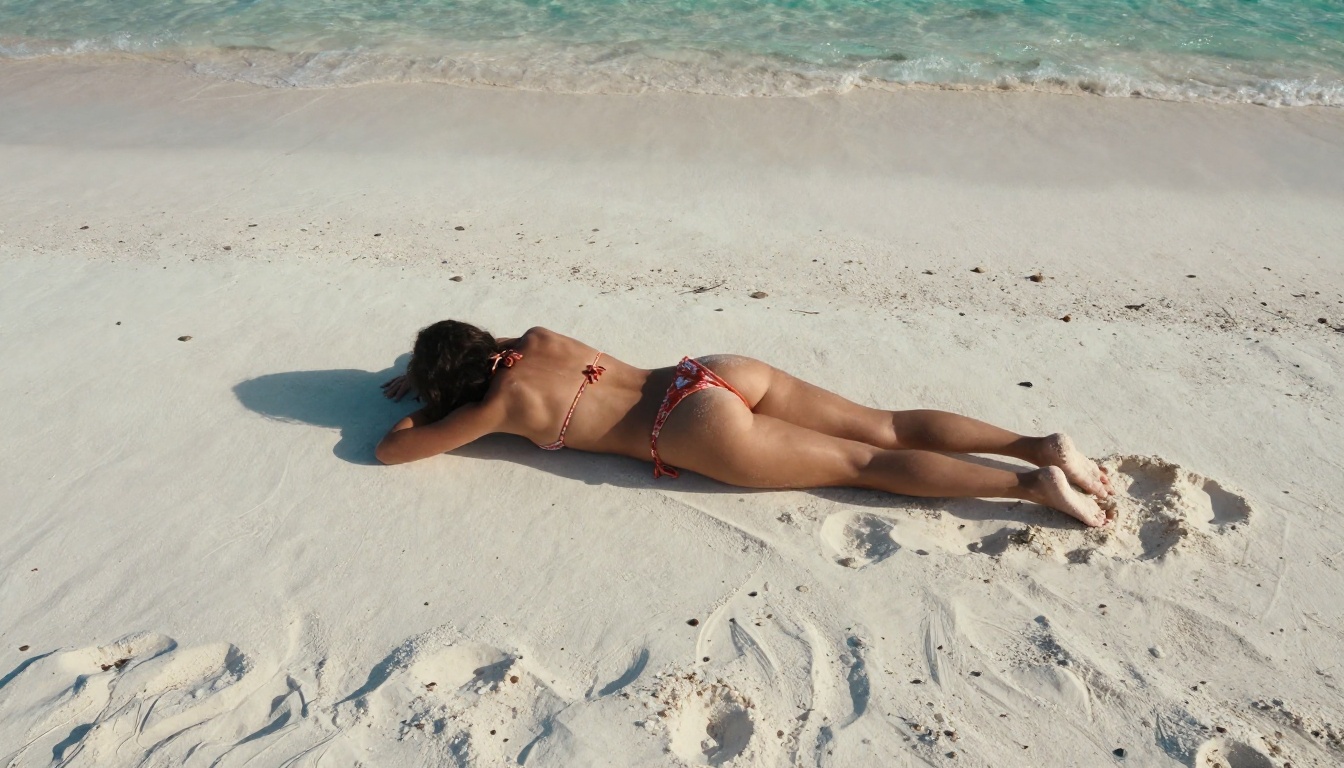
The jump from 1024px to 4K is not linear. It is qualitative. The brain processes photorealistic images differently than images that are merely large. Nano Banana Pro consistently crosses the realism threshold that triggers the "photograph" response rather than the "AI art" response in viewers.
Recommended NSFW Models on PicassoIA
For a full NSFW workflow, these are the models to know, ranked by their role in the process:
Primary generation:
- Seedream 4.5: Best overall NSFW generator, uncensored, 4K native output
- Nano Banana Pro: 4K generation with maximum detail fidelity across the frame
- Seedream 4: Solid alternative to 4.5 for uncensored 4K output
Variation and editing:
4. Flux Dev: Strong photorealism, good for iterating different styles
5. Realistic Vision v5.1: Trained on realistic human subjects, consistent results
Upscaling:
6. Clarity Pro Upscaler: Best general upscaler for NSFW content
7. Crystal Upscaler: Portrait-optimized, face-aware processing during scale-up
8. Topaz Image Upscale: Maximum scale up to 6x, print-quality output
Browse the full catalog at picassoia.com/en/all-models.
The Full 4K Workflow
Putting it together into a production workflow:
- Draft and iterate on the prompt using Seedream 4.5 at standard resolution for speed and economy
- Final generation at 4K using Nano Banana Pro
- Detail sharpening with Clarity Pro Upscaler if pushing toward 8K equivalent output
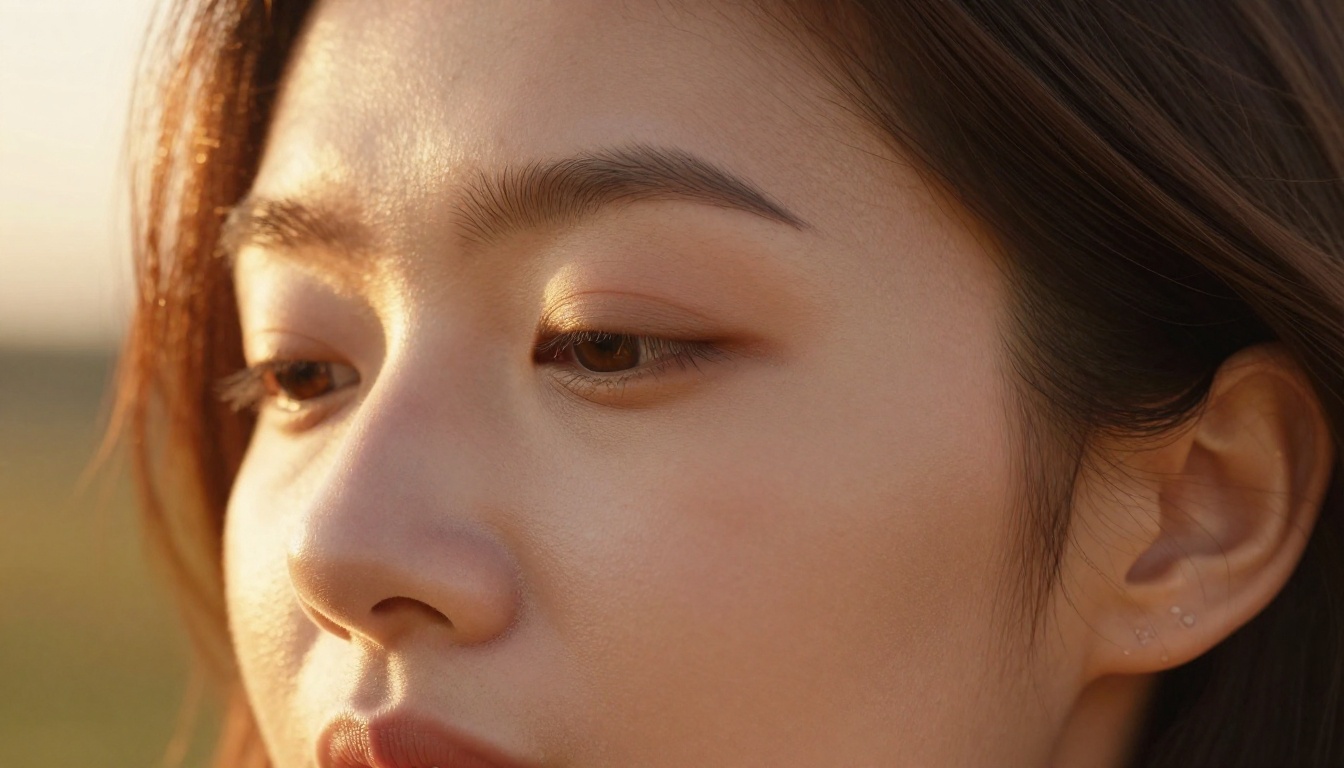
- Portrait refinement with Crystal Upscaler if the face is the focal point of the composition
- Final archive output with Topaz Image Upscale for print or large-display use
This workflow takes a prompt from rough concept to print-quality photorealistic NSFW output in a linear sequence where each step adds specific value. None of the steps are redundant.
💡 Prompt tip: When using Nano Banana Pro, push skin texture vocabulary hard. Include: "photorealistic skin pores, subsurface scattering, Kodak Portra 400 film grain, realistic shadow gradients, 85mm f/1.4 depth of field" in every NSFW generation. The model responds strongly to photography-specific language over abstract style descriptors.
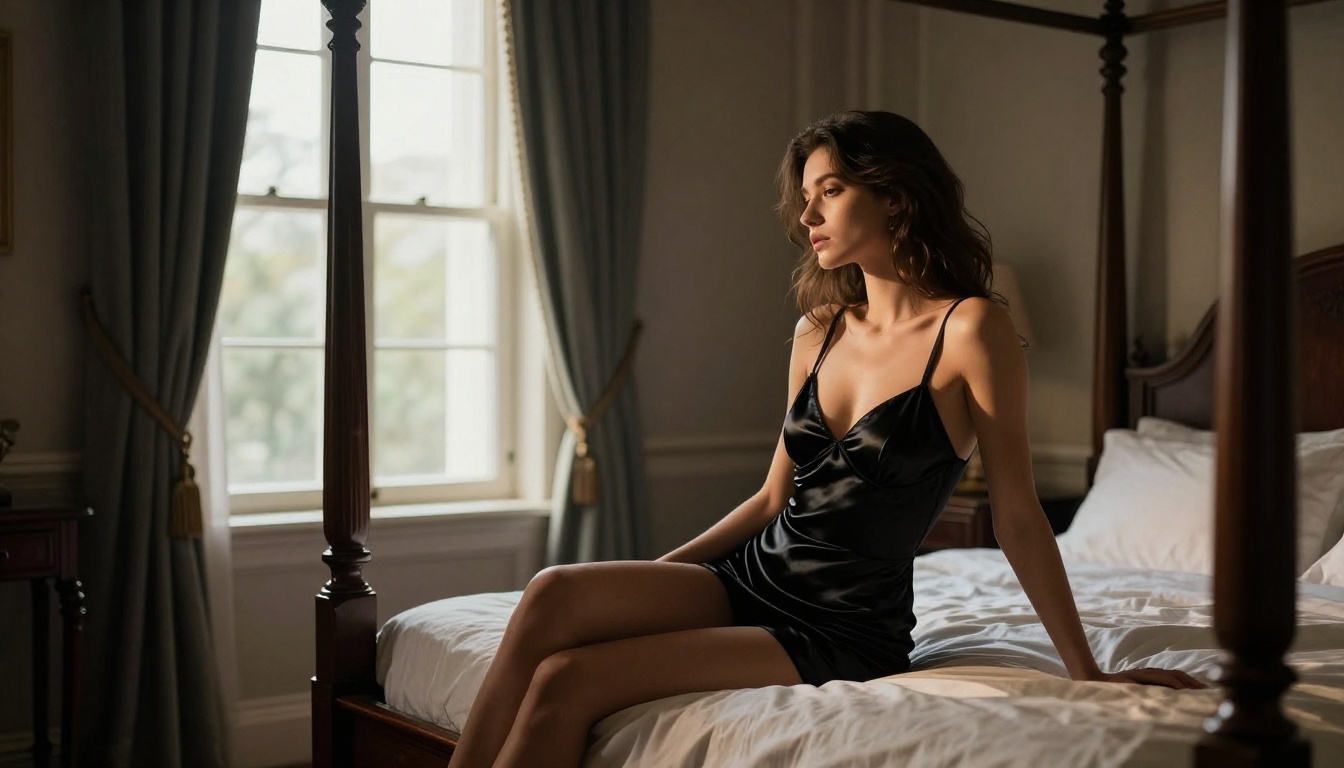
Common Mistakes at 4K
More resolution does not automatically mean better results. These are errors that appear specifically at 4K and do not surface at lower resolutions:
- Over-smoothed skin prompts: If your prompt says "smooth skin, perfect skin, flawless," the model at 4K will produce exactly that, which reads as plastic or airbrushed at this resolution. Use instead:
"realistic skin texture, natural pores, authentic micro-imperfections."
- Under-specified lighting: At 4K, vague lighting creates directional inconsistencies in shadow across the image. Always specify the direction, source type (window, sun, studio), and relative distance.
- Missing artifact negatives: High-resolution models can introduce subtle stitching where large attention blocks meet. Include
"no seams, no tiling artifacts, no stitching" in your negative prompt.
- Single generation dependency: At 4K with high detail density, variance between runs is high. Generate at least 3 variations and select the strongest.
- Wrong aspect ratio for subject: Forcing 1:1 square crops on standing subjects at 4K wastes vertical pixel budget. Use 9:16 for standing or seated subjects, 16:9 for reclining or environmental compositions.
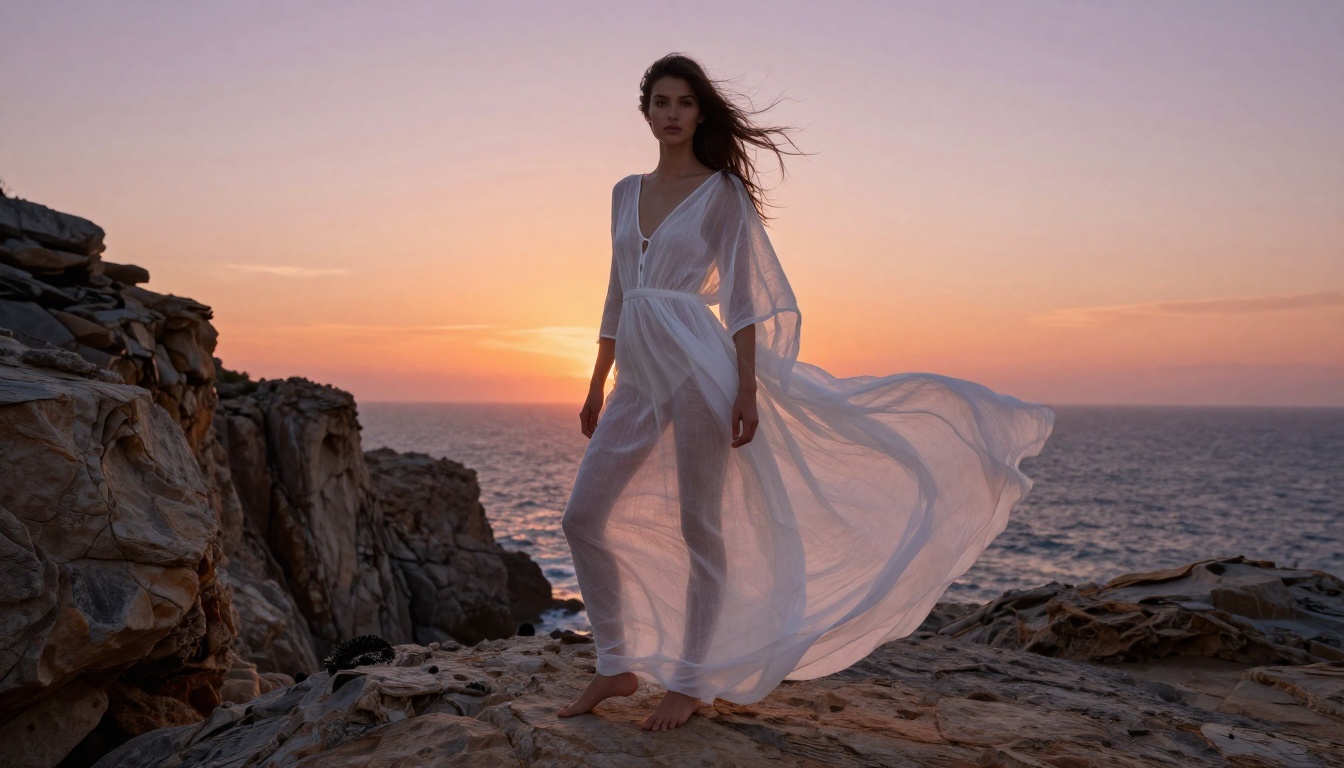
Start Creating at 4K on PicassoIA
Everything in this article is available right now on PicassoIA. Nano Banana Pro and Seedream 4.5 are both active, both producing 4K output, and both accessible without technical setup beyond writing a well-constructed prompt.
The quality ceiling for NSFW AI art has risen considerably. The gap between what was possible at standard resolution and what is now possible at native 4K is not incremental. It is qualitative: the difference between images that read as AI art and images that pass for photography. If that distinction matters to what you are building or creating, Nano Banana Pro is where you need to be working.
Start at picassoia.com/en/all-models to see the full catalog of generation, editing, and upscaling tools available on the platform.