Free doesn't usually mean good. That's the cynical truth most people carry into their search for AI image tools — and it's a mindset that Nano Banana Pro completely dismantles.
This tool has been quietly making the rounds among creators, bloggers, social media managers, and artists who needed professional-quality visuals without the professional-grade price tag. What they found wasn't a watered-down freebie. What they found was something genuinely capable — a model that punches well above its price point and asks nothing in return.
If you haven't tried it yet, this is your signal to start. Here's everything you need to know.
What Nano Banana Pro Actually Is
Nano Banana Pro is a free AI image generation model designed for speed, accessibility, and quality output — even at zero cost. It belongs to the growing category of fast-inference models: AI systems that have been optimized to produce results quickly without sacrificing visual fidelity.
Unlike older generations of free AI tools that gave you blurry, uncanny-valley outputs you'd never actually use, Nano Banana Pro was built with real-world creative work in mind. The outputs are sharp, coherent, and — crucially — photorealistic in a way that translates to usable content rather than interesting experiments.
Not Your Average Free Tool
Most free AI image generators have obvious ceilings. You get watermarks, resolution limits, slow generation times, or outputs that feel like they were produced in an early era of the technology. Nano Banana Pro doesn't play by those rules.
It generates images at competitive resolutions, processes requests without excessive wait times, and produces results with the kind of fine detail you'd expect from a paid tier. That's the distinguishing factor — not just that it's free, but that it's free and it's genuinely good. That combination is rarer than it sounds.
The model handles a wide range of content types: portraits, landscapes, fashion, product shots, interiors, architecture, and conceptual imagery. Its strength across this variety is part of what makes it so practical for everyday use rather than a one-trick tool you reach for occasionally.
Who It's For
Nano Banana Pro is deliberately approachable. You don't need a background in machine learning, prompt engineering, or design to get usable results. The model interprets natural-language descriptions well enough that a first-timer can produce something worth sharing on their first or second attempt.
But that doesn't mean it's shallow. It scales with you. Beginners get clean, coherent images with simple prompts. More experienced users who put time into crafting layered, technically specific prompts get outputs that stand up next to anything produced by premium models. It's one of those rare tools where the floor is low and the ceiling is high.
Why Free AI Matters More Than You Think
Let's talk about the economics of AI image tools, because it's directly relevant to why Nano Banana Pro has earned the reputation it has.
The Real Cost of Paid AI Tools
Premium AI image generators aren't cheap. Many charge $20–$120 per month for meaningful access. For a freelancer testing a concept, a student building a portfolio, or a small business owner who needs campaign visuals on a tight budget, that monthly bill is a genuine barrier.
Here's what the landscape looks like when you compare costs honestly:
| Tool | Monthly Cost | Free Tier? | Watermarks? |
|---|
| Midjourney | $10–$120 | No | No |
| Adobe Firefly | $5–$55 | Limited credits | No |
| DALL-E 3 (via ChatGPT) | $20+ | 15 credits/day | No |
| Stable Diffusion (cloud) | $10+ | Very limited | Sometimes |
| Nano Banana Pro | $0 | Full access | No |
That table tells a clear story. When you have a tool that provides full access at zero cost — with no watermarks and no artificial degradation — the decision becomes simple.
What "Free" Really Means Here
Nano Banana Pro doesn't charge for access because it's been engineered to operate efficiently. The model architecture prioritizes fast inference, which reduces compute costs — and those savings translate directly into accessibility for users.
This is an important distinction: you're not getting something inferior. You're getting something different — a model designed from the ground up for speed and accessibility, rather than a premium model with features stripped out.
💡 Worth knowing: Like most AI tools, Nano Banana Pro operates under fair-use guidelines. Generate intentionally, use what you produce, and you'll have reliable access whenever you need it.
What Nano Banana Pro Can Do
The proof is always in the output. Here's a breakdown of where the model genuinely delivers.
Portrait and People Photography
Portraiture is one of the hardest things to get right in AI image generation. Faces distort. Eyes look vacant. Skin tones go flat or plastic. Anatomy breaks down in subtle ways that immediately signal "AI-generated" to any viewer.
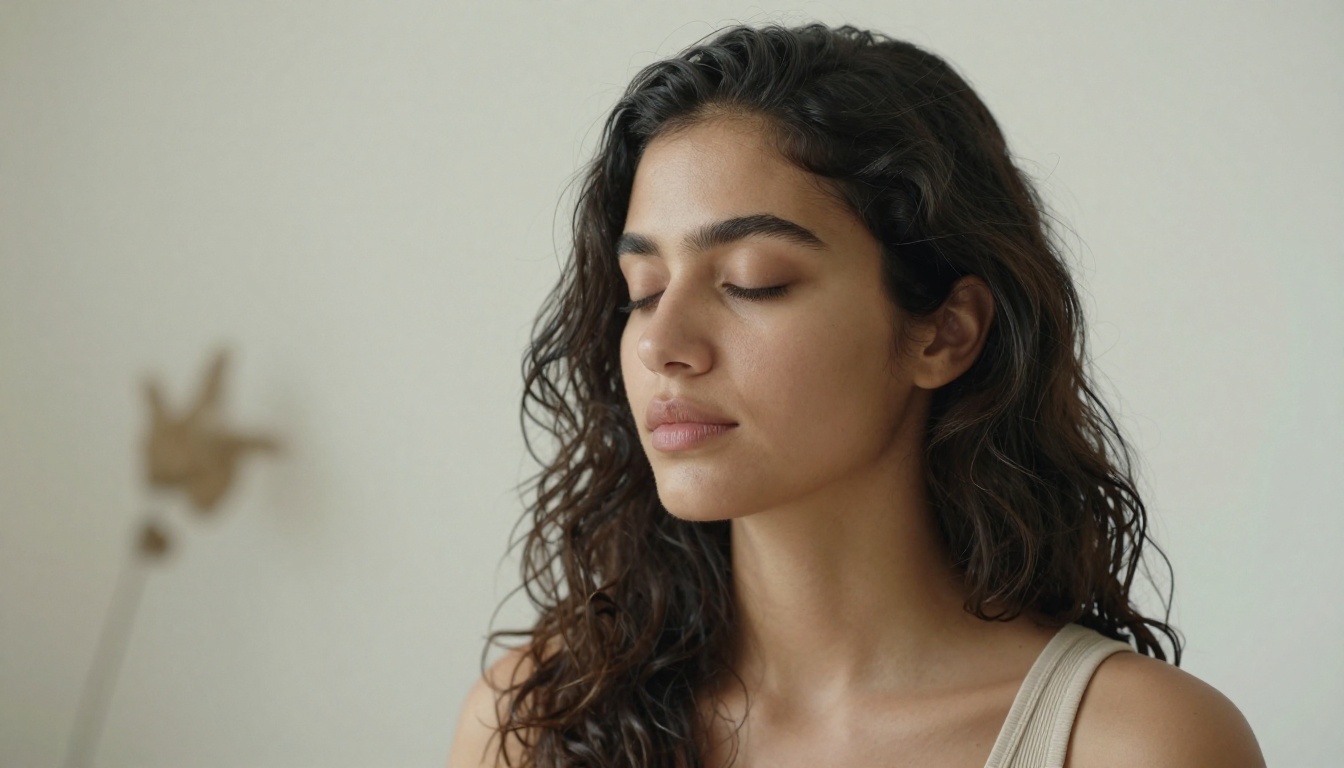
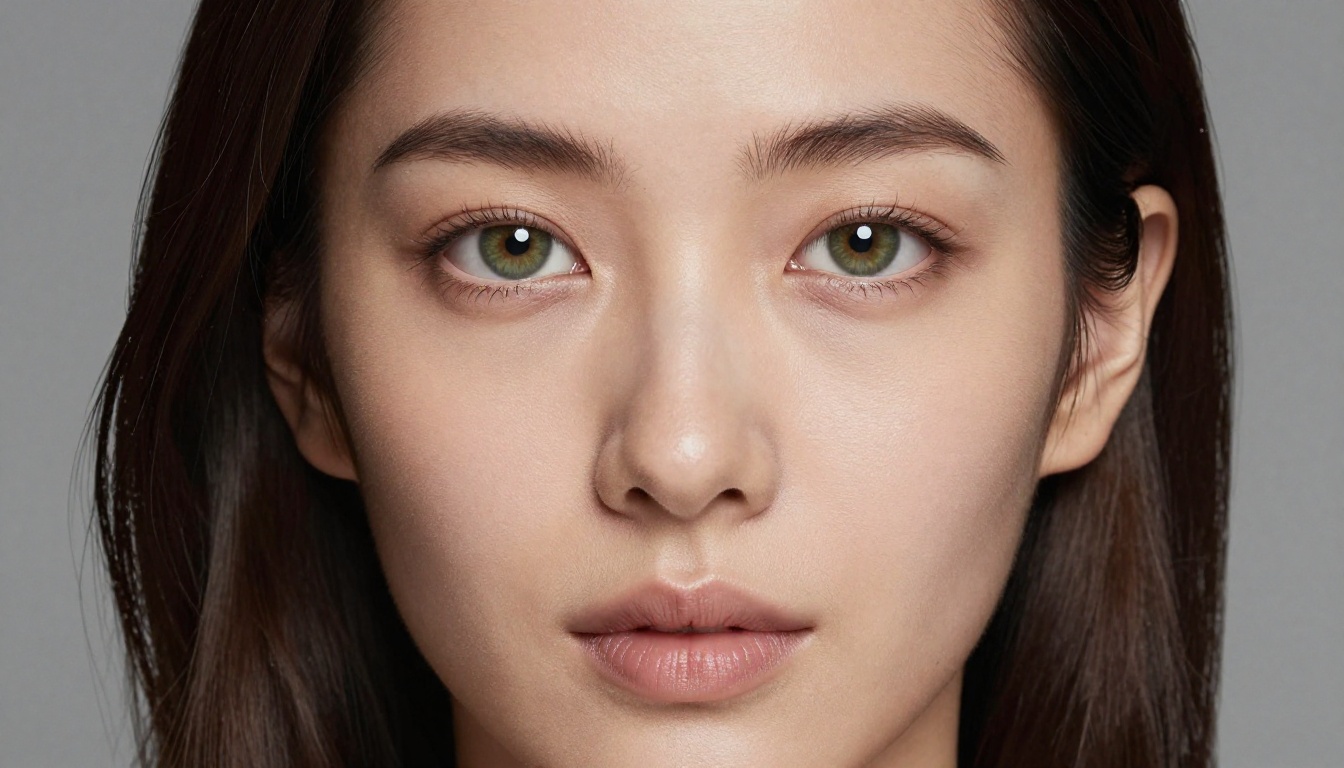
Nano Banana Pro handles human subjects with noticeably better fidelity than most comparable free-tier options. Give it a detailed prompt — lighting direction, skin tone, expression, camera angle — and it produces portraits with convincing skin texture, accurate catchlights in eyes, and natural hair behavior. For content creators who need model-style imagery without the cost of a professional shoot, this capability is genuinely significant.
Landscapes That Feel Real
Environmental scenes are another area where the model consistently delivers. Coastal cliffs at sunrise, misty mountain ranges, urban streets in golden hour — the atmospheric depth reads as genuinely photographic, not rendered or simulated.
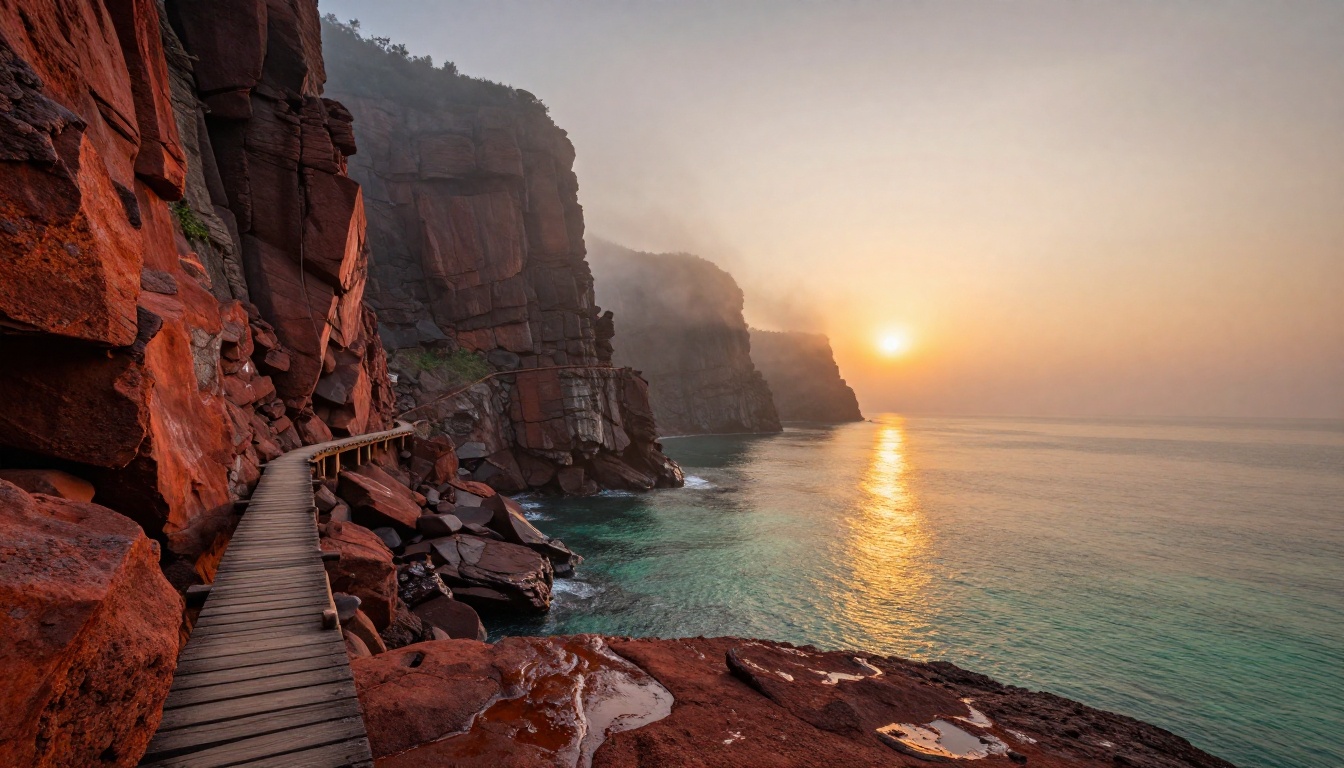
The key variable here is specificity in your prompt. Vague prompts produce average results. When you describe the light angle, the weather conditions, the foreground texture, the focal length, and the time of day, Nano Banana Pro responds with outputs that could be mistaken for photographs taken on location.
Fashion, Style, and Editorial
Fashion content is one of the most consistent real-world use cases for AI image tools, and Nano Banana Pro holds its own here. Fabric texture, clothing drape, body pose, and the interplay of light with different materials all render with the kind of accuracy that makes the outputs practically useful — not just aesthetically interesting.
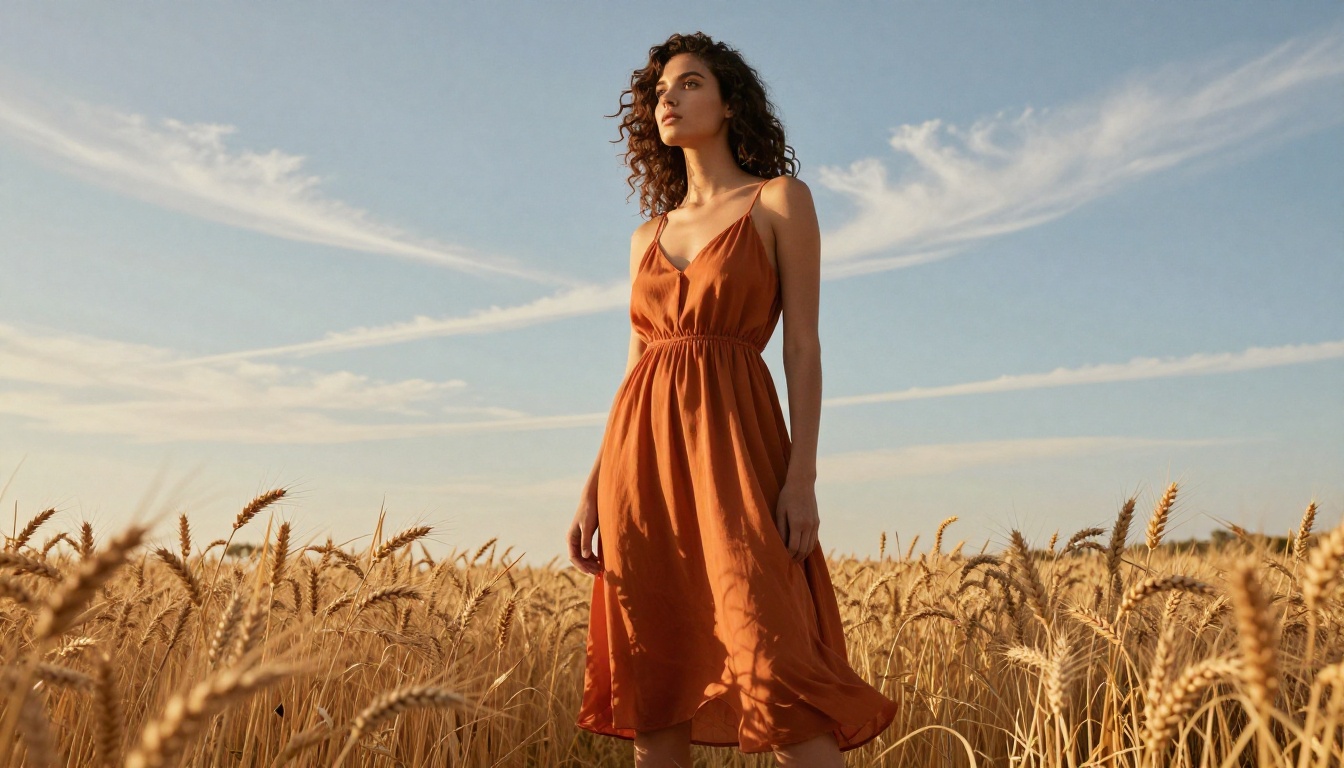
Editorial photography style — the combination of natural light, environmental context, and authentic-feeling subject expression — is something the model consistently reproduces when given the right prompt. For mood boards, campaign concepts, and social media content, the outputs slot directly into real creative workflows.
Nano Banana Pro vs. The Competition
It's worth being honest about where Nano Banana Pro sits in the broader AI image ecosystem. It isn't the most powerful model available. The output ceiling of tools like Flux Pro or comparable premium systems is higher when you're working at the absolute edge of creative complexity.
But the comparison isn't always fair. Those tools cost money. This one doesn't.

Here's a more grounded comparison across the variables that actually matter day-to-day:
| Capability | Nano Banana Pro | Paid Alternatives |
|---|
| Cost | Free | $10–$120/month |
| Generation speed | Fast | Fast–Very Fast |
| Portrait quality | Strong | Strong–Excellent |
| Landscape quality | Strong | Strong–Excellent |
| Prompt sensitivity | High | Very High |
| Accessibility for beginners | Excellent | Moderate |
| Output without watermarks | Yes | Varies |
| Commercial viability (check terms) | Yes | Varies |
The honest summary: for most everyday creative needs, Nano Banana Pro is more than enough. The cases where paid alternatives pull clearly ahead are highly complex, technically precise, or stylistically specialized outputs — the kind you'd only need if you were producing at a very advanced professional level.
For the vast majority of use cases — content creation, concept visualization, social media, marketing materials, personal projects — Nano Banana Pro does the work.
5 Things to Create First
If you're not sure where to begin, here are five concrete starting points that showcase the model's strengths and give you an immediate sense of what's possible.
1. A Portrait in Natural Light
Start accessible. Describe a person, their setting, and a light source. Try: "A young woman with dark hair sitting by a café window, soft morning light, 85mm lens, Kodak Portra 400 film aesthetic, shallow depth of field." Notice the level of detail you get from a relatively focused prompt. Then build from there.
2. A Landscape Scene with Depth
Pick a location and time of day. Add a weather condition. Include something in the foreground to create visual depth — rocks, vegetation, a structure. The more concrete the visual information, the more the output surprises you.
3. A Fashion Editorial Shot
Describe your subject, the fabric and fit of their clothing, the outdoor or indoor setting, and the light. "A woman in a flowing linen dress standing in a sunlit olive grove, golden hour backlight, low angle, 50mm, shallow depth of field." Fashion content that would require a full production team can be roughed out in seconds.
4. A Product Shot
AI product photography is increasingly practical. Describe your product against a surface with a specific light quality. "A ceramic coffee mug on a white oak table, morning side light from a north-facing window, close-up, 100mm macro lens, Fujifilm Velvia color." The outputs translate directly to commercial use.
5. An Environmental or Atmospheric Scene
Conceptual imagery — a specific mood, a season, a feeling — works well when you describe its visual components rather than its emotional content. "Abandoned glass greenhouse in winter fog, cracked panes, overgrown dry vines, cold flat overcast light, wide-angle lens."
Writing Prompts That Actually Work
The quality of your output is directly proportional to the quality of your prompt. This is true for every AI image model, but especially relevant for a tool like Nano Banana Pro where prompt interpretation is the primary variable you control.
The 3-Part Prompt Formula
Every effective image prompt contains three core elements:
- Subject — Who or what is in the image? Describe them specifically: age, appearance, action, expression.
- Environment — Where are they? What's the context, the setting, the background depth?
- Technical specs — What does the photograph look like technically? Camera, lens, aperture, film stock, lighting direction and quality.
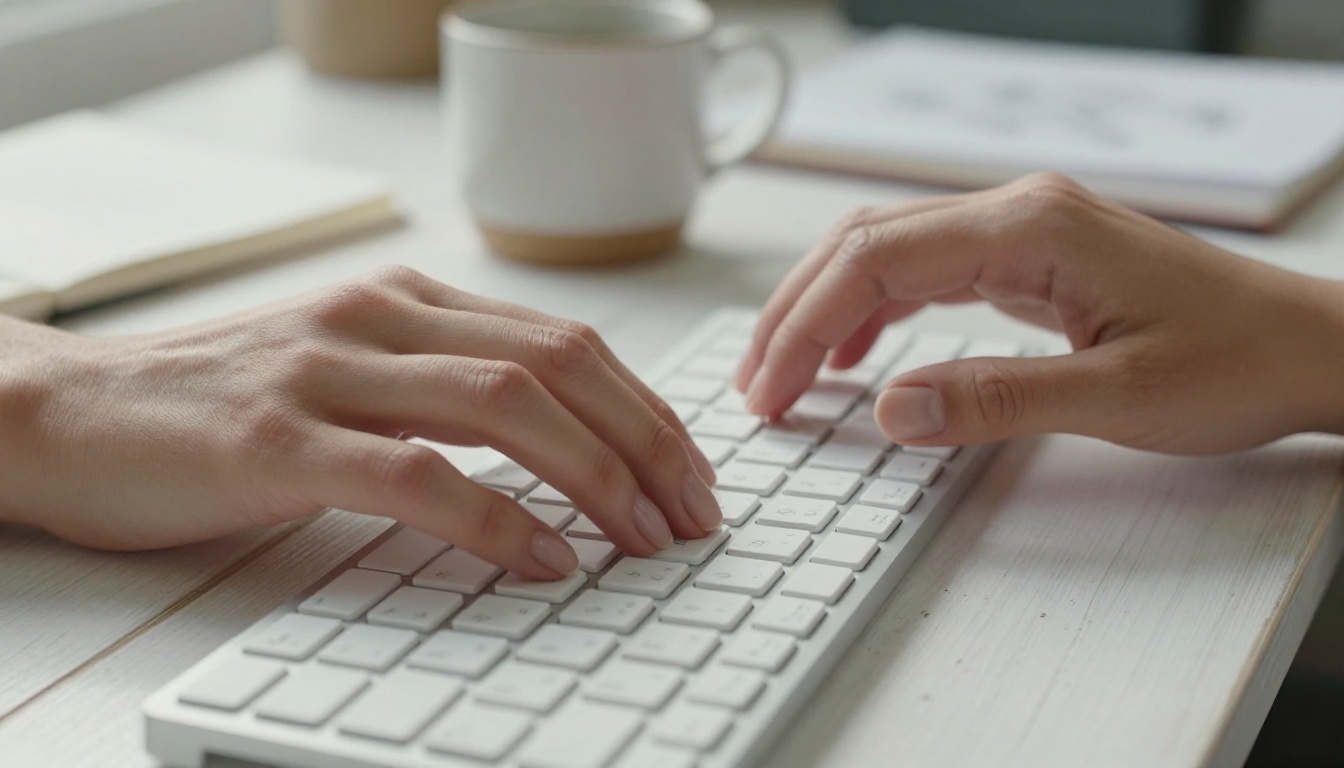
Example: "Close-up of a woman's hands holding a white ceramic cup [subject], sitting at a stone balcony overlooking a misty valley in early morning [environment], 100mm macro lens, f/2.8, overcast diffused light, Fujifilm Velvia 50 [technical]"
That structure is repeatable and reliable. Mood, texture, and atmosphere get layered on top.
Common Mistakes Beginners Make
- Being too vague: "A pretty landscape" gives the model nothing concrete to work with. Describe the specifics of what you see in your head.
- Aesthetic words instead of technical words: "Cinematic" means different things to different people. Describe what makes something cinematic — the angle, the contrast ratio, the lens compression.
- Forgetting scale and composition: "A mountain" and "a mountain filling the upper two-thirds of the frame with a narrow river visible in the foreground" produce completely different images.
- Skipping the lighting: Light direction, quality, and color temperature are the most powerful variables in photography. Specify them. Every time.
💡 Iteration tip: If your first result misses the mark, change one element at a time and regenerate. Don't rewrite everything — isolate the variable that's off. That's how you develop prompt intuition quickly.
Real-World Use Cases
Nano Banana Pro isn't just for creative experiments. People are using it in practical, production contexts with real business outcomes.
Content Creators and Bloggers
Blog posts, newsletters, social media content, YouTube thumbnails — the demand for imagery is relentless and the budget is often zero. Nano Banana Pro fills that gap with custom, unique images that fit your exact vision rather than a stock photo that almost works.
The specificity advantage matters enormously here: instead of searching through thousands of licensed images hoping to find something close to what you imagined, you describe precisely what you want and receive it. The result is content that looks more intentional and more aligned with your brand.
Small Business Owners
Product visualization, campaign imagery, website hero shots, social content — these are all within reach now without hiring a photographer or a creative agency.
A local bakery can produce atmospheric food photography. A fashion brand can generate editorial-style lookbook content. A travel service can visualize destinations before a shoot is scheduled. The economics of visual content production have shifted significantly, and Nano Banana Pro is part of that shift — available to anyone willing to learn how to prompt effectively.
Students and Hobbyists
For anyone developing skills in design, photography, or visual communication, Nano Banana Pro offers something genuinely valuable: rapid iteration at zero cost. You can explore compositional ideas, experiment with lighting styles, and stress-test visual concepts without spending anything. It's a visual sandbox that also teaches you to think more precisely about what actually makes an image work.
Start Creating With Nano Banana Pro on PicassoIA

Nano Banana Pro is available right now on PicassoIA — no subscription required, no credit card, no waitlist. You open the platform, you write a prompt, and you generate an image. That's the entire process.
PicassoIA brings together Nano Banana Pro alongside a curated selection of powerful AI generation models, all accessible in one place. Whether you want to produce portraits, landscapes, fashion content, product shots, or atmospheric scenes, the tools are already there waiting for you to put them to work.
What's worth emphasizing is that the barrier to entry here is genuinely zero. There's no technical knowledge required, no account setup process beyond registration, and no financial commitment at any point. The only thing standing between you and your first AI-generated image is the time it takes to describe what you want to see.
Try it once with something simple — a portrait, a landscape, a product. Then try it again with more detail. Pay attention to what changes. The difference between your first result and your fifth will tell you more about how AI image generation actually works than any tutorial could.
Your images are waiting. All you have to do is describe them, and then open PicassoIA and let Nano Banana Pro bring them to life.


