The world of AI-generated NSFW art has evolved dramatically by 2026, with models like nano-banana-pro offering unprecedented photorealistic capabilities. What separates amateur outputs from professional-grade work isn't just the model choice—it's how you manipulate its parameters, craft prompts, and understand the nuances of digital photography principles within an AI context.
An aerial perspective creates unique composition opportunities that most creators overlook. This shot demonstrates how Nano Banana Pro handles overhead lighting and fabric texture.
Why Nano Banana Pro Excels for NSFW Art
When Google released nano-banana-pro in 2025, it represented a significant leap in photorealism for artistic content. Unlike earlier models that struggled with skin texture consistency or natural lighting, this model understands subsurface scattering—how light passes through thin skin layers—and renders it with photographic accuracy. The model's training on professional photography datasets means it comprehends concepts like depth of field, lens characteristics, and film grain inherently.
💡 Professional Insight: Nano Banana Pro's strength lies in its understanding of photographic principles rather than just generating "pretty pictures." It knows what a 85mm f/1.8 lens looks like versus a 24mm wide-angle, and this knowledge translates directly to your outputs.
Parameter Settings That Make a Difference
Most users stick with default settings, but nano-banana-pro offers granular control that transforms results:
| Parameter | Default Value | Recommended for NSFW | Effect |
|---|
| CFG Scale | 7.5 | 5.5-6.2 | Reduces plastic-looking skin, adds natural imperfections |
| Steps | 50 | 65-80 | Better detail in skin texture and fabric weave |
| Sampler | DPM++ 2M Karras | Euler a | More consistent skin tone transitions |
| Seed | Random | Fixed with variations | Maintains character consistency across generations |
| Negative Prompt | None | "plastic, CGI, 3D render, cartoon" | Forces photorealistic output |
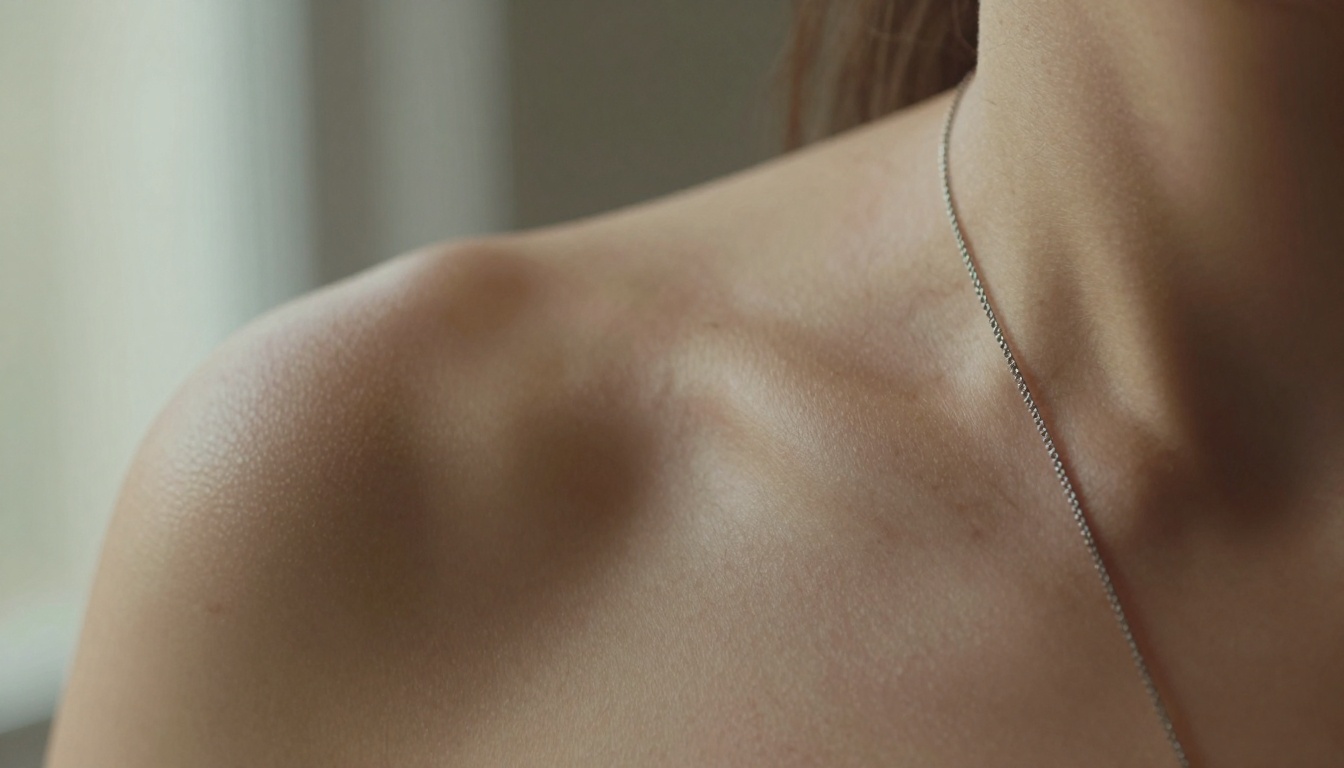
Macro-level detail showing how Nano Banana Pro renders skin pores, fine hairs, and subtle freckles with photographic accuracy. Notice the realistic subsurface scattering at the collarbone.
The single biggest factor separating amateur from professional AI art is lighting understanding. Nano Banana Pro responds exceptionally well to specific lighting descriptions:
1. Volumetric Morning Light
This lighting creates soft, directional illumination with visible light beams and atmospheric particles. The key parameters:
- Direction: "morning sunlight from left window"
- Quality: "volumetric light with dust particles visible"
- Temperature: "warm golden hour tones"
- Shadow quality: "soft, long shadows with gradual falloff"
2. Chiaroscuro Studio Lighting
For dramatic, high-contrast images:
- Source: "single hard light source from 45-degree angle"
- Contrast: "deep shadows with bright highlights"
- Purpose: "sculpts muscle definition and fabric texture"
- Mood: "dramatic, cinematic, film noir aesthetic"
3. Backlight Silhouette
Creating rim lighting effects:
- Position: "subject against bright window"
- Effect: "rim lighting around body contours"
- Exposure: "subject in shadow, background overexposed"
- Detail: "just enough shadow detail to see form"
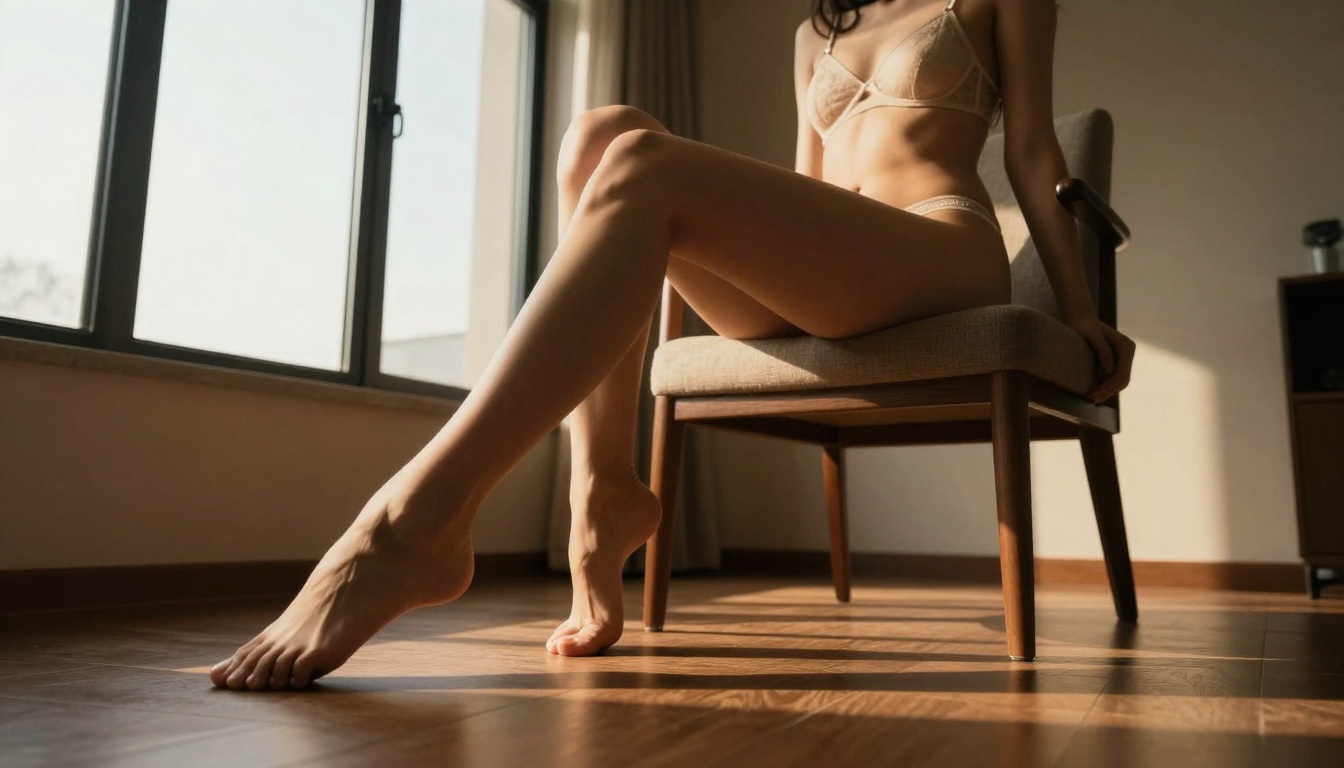
Low-angle shots create powerful, dramatic perspectives that emphasize form and strength. This composition uses golden hour lighting for warm, sculptural effects.
Composition Rules That Nano Banana Pro Understands
The model has been trained on professionally composed photographs, meaning it responds to compositional terminology:
Frame Within Frame
Using architectural elements to create natural framing:
"shot through open doorway, woman visible through frame, layered composition with foreground door frame showing wood grain texture"
Rule of Thirds Placement
Explicitly telling the model where to position subjects:
"subject positioned at right third looking into negative space, camera at eye level"
Leading Lines
Using environmental elements to guide the viewer's eye:
"window frames creating diagonal leading lines pointing to subject, architectural lines directing attention"
Negative Space Utilization
Creating breathing room around the subject:
"ample negative space around subject, minimalist composition with subject occupying 30% of frame"
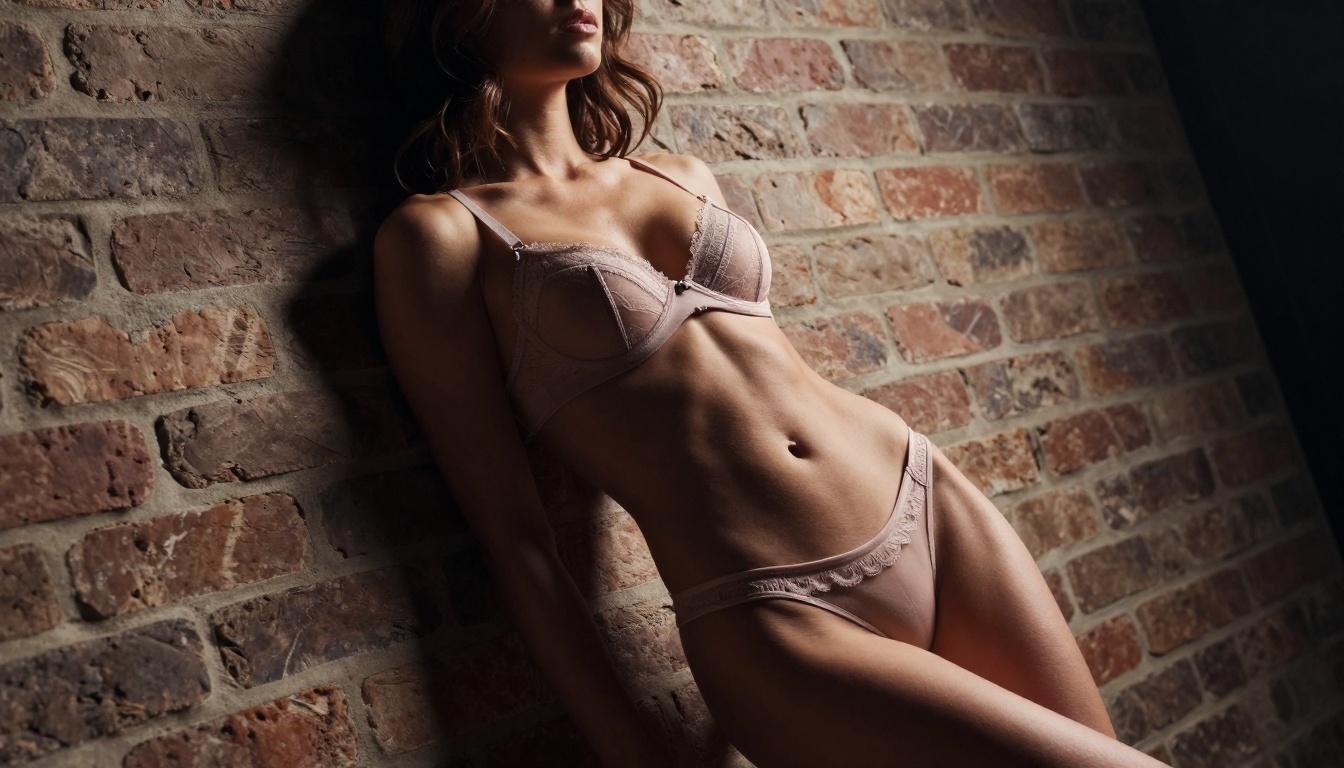
Dutch angles (tilted camera) create dynamic tension and visual interest. Combined with hard side lighting, this technique sculpts the form with dramatic shadows.
Skin Texture and Detail Enhancement
Nano Banana Pro's most impressive feature is its skin rendering capability. Here's how to maximize it:
Realistic Imperfections
The model can render natural skin variations when prompted correctly:
. Fine hairs: "visible peach fuzz on arms catching light"
. Pores: "subtle skin pores with natural texture variation"
. Freckles: "scattered freckles on shoulders with irregular distribution"
. Veins: "faint visible veins where skin is thin (wrists, neck)"
. Skin folds: "natural creases at joints and movement areas"
Subsurface Scattering Control
This is where light passes through skin rather than just reflecting off it:
- Areas: "collarbone, ears, fingertips, nose"
- Quality: "warm glow from within skin, not surface reflection"
- Intensity: "subtle, not glowing or supernatural"
- Color: "pink/orange undertones in thin skin areas"
Moisture and Texture
Adding realistic surface qualities:
- Dew: "morning dew on skin with tiny water droplets"
- Oil: "natural skin oils creating subtle sheen on forehead, nose"
- Dryness: "slightly dry skin texture on elbows, knees"
- Smoothness: "smooth skin on cheeks, stomach with minimal texture"
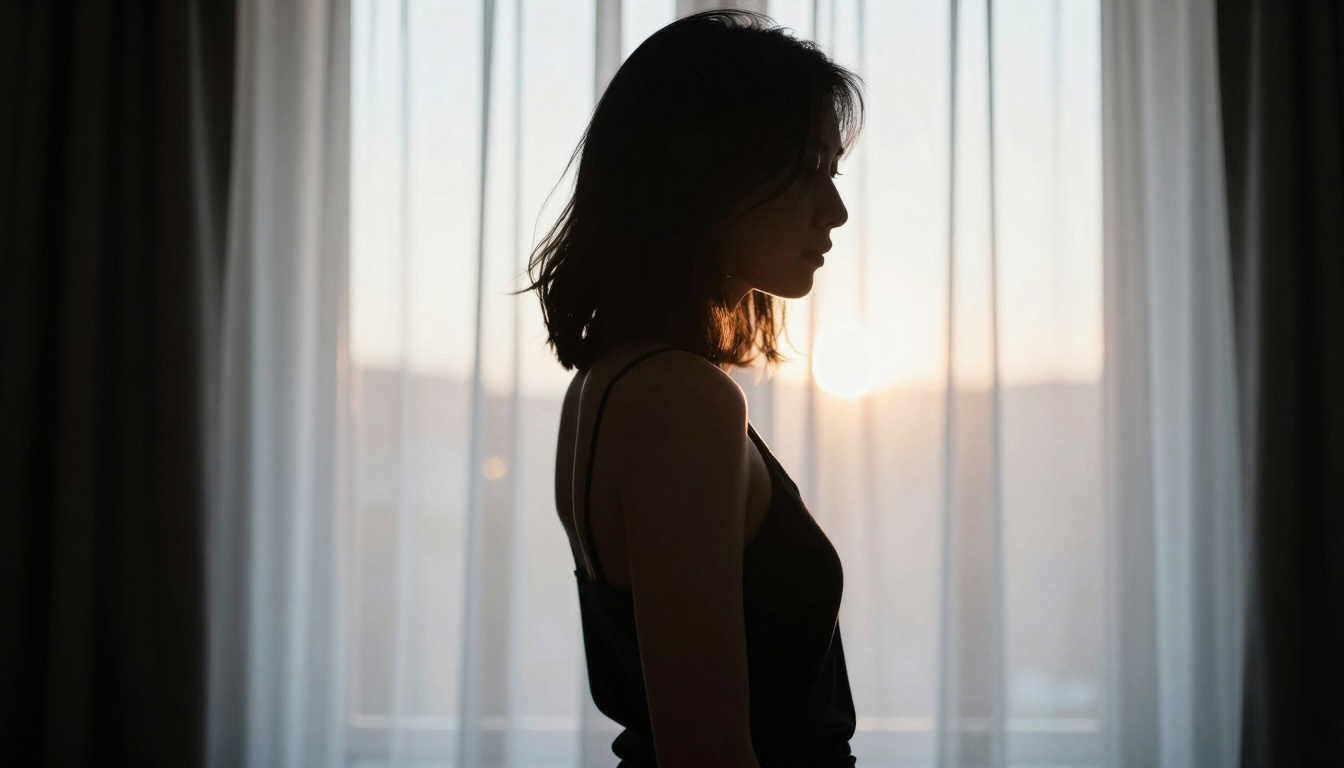
Backlighting creates beautiful rim lighting effects that highlight body contours. This technique works exceptionally well with Nano Banana Pro's understanding of light transmission through sheer fabrics.
Fabric and Material Realism
NSFW art often involves various fabrics, and Nano Banana Pro renders them with remarkable accuracy:
Lace and Sheer Materials
"delicate lace lingerie with visible weave pattern, threads catching light individually, translucent areas showing skin underneath"
Silk and Satin
"silk sheets with characteristic sheen, fabric draping naturally with weight-based folds, light reflecting off smooth surface"
Leather and Latex
"shiny leather with realistic surface imperfections, subtle scratches and wear patterns, reflections showing environment"
Knit and Woven Fabrics
"knit fabric showing individual stitch definition, yarn texture visible, natural stretch patterns around body"
Environmental Integration
The background isn't just backdrop—it's part of the narrative. Nano Banana Pro excels at environment-subject integration:
Natural Environments
. Beach: "wet sand texture, water refraction, salt spray on skin"
. Forest: "dappled sunlight through leaves, moss texture, natural debris"
. Urban: "brick wall mortar details, concrete texture, metal surface rust"
Interior Spaces
. Bedroom: "linen texture, wood grain nightstand, plaster wall imperfections"
. Bathroom: "steam on mirror, tile grout lines, water droplets on surfaces"
. Studio: "practical lighting equipment, backdrop texture, equipment shadows"
Atmospheric Effects
. Steam: "visible steam in air, condensation on surfaces"
. Dust: "dust particles in light beams, settled dust on surfaces"
. Smoke: "wispy smoke trails, atmospheric haze"
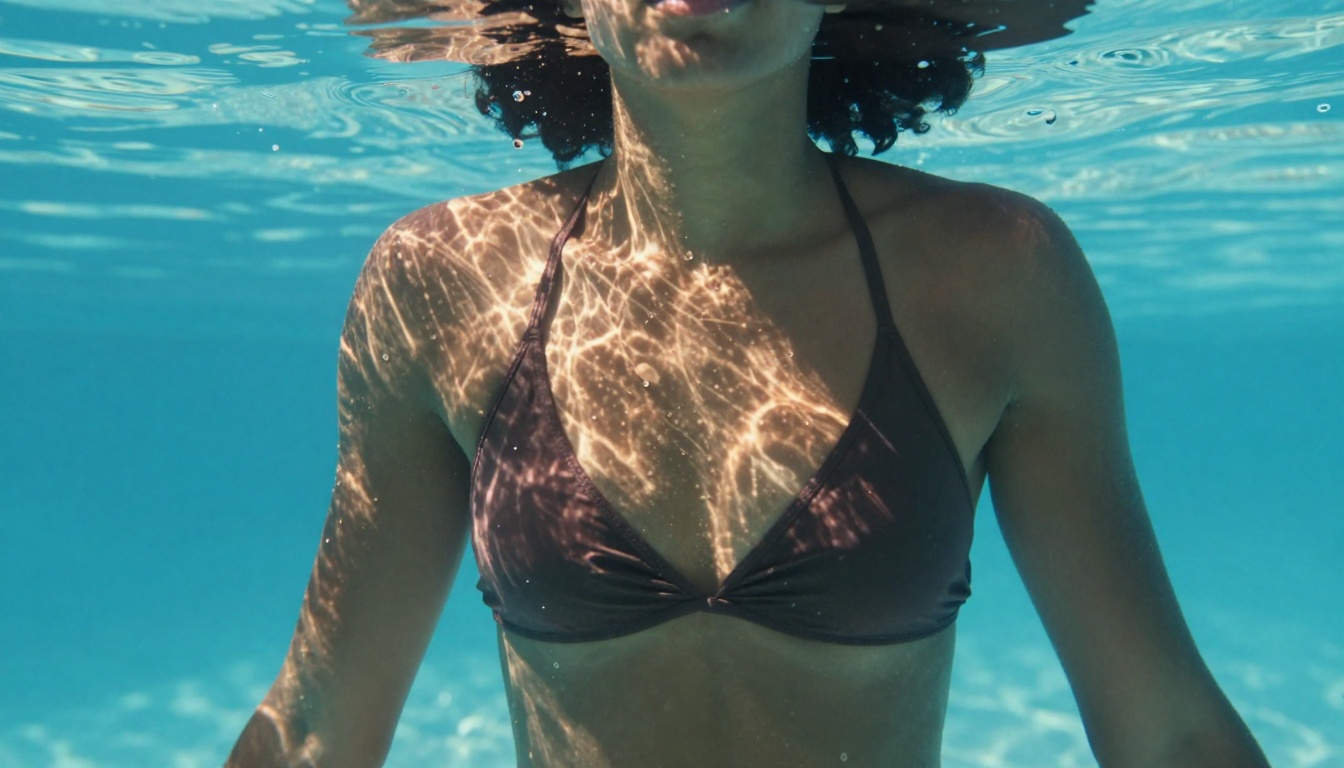
Underwater scenes with caustic light patterns demonstrate Nano Banana Pro's ability to handle complex light refraction and water-surface interactions.
Advanced Prompt Engineering Techniques
Beyond basic descriptions, these techniques yield professional results:
Layered Prompt Structure
[Primary Subject]: "woman in elegant lingerie standing by window" [Action/Pose]: "one hand resting on frame, looking outward thoughtfully" [Lighting]: "morning sunlight through sheer curtains creating volumetric light" [Camera/Lens]: "85mm f/1.8 lens, shallow depth of field" [Texture/Detail]: "skin showing pores and fine hairs, lace showing individual threads" [Atmosphere]: "quiet, contemplative mood with dust particles in light" [Technical]: "shot on Kodak Portra 400, 8K resolution, photorealistic"
Negative Prompt Precision
Don't just say "bad" – be specific:
"plastic skin, CGI render, 3D model, cartoon style, anime, painting, illustration, digital art, neon colors, glowing effects, perfect symmetry, doll-like, mannequin, wax figure"
Style Modifiers That Work
Nano Banana Pro responds to these photographic style terms:
- "Kodak Portra 400" – Natural film grain, warm skin tones
- "Fujifilm Pro 400H" – Cooler tones, finer grain
- "Cinestill 800T" – Halation effects, cinematic look
- "Ilford HP5" – Black and white with rich tonal range
- "Digital RAW" – Clean, detailed, minimal processing
Character Consistency Tricks
Maintaining the same character across multiple images:
- Seed locking: Use the same seed with slight variations
- Description consistency: Same hair color, eye color, facial features
- Pose progression: Logical movement from one pose to next
- Lighting continuity: Same light source direction and quality
Using architectural elements to create natural frames adds compositional sophistication. Doorways, windows, and arches guide viewer attention while adding environmental context.
Common Mistakes and How to Fix Them
Even with a powerful model like nano-banana-pro, these errors degrade quality:
1. Over-Prompting
Problem: Too many conflicting details confuse the model
Solution: Focus on 3-5 key elements maximum per image
2. Unrealistic Lighting
Problem: Multiple light sources from impossible directions
Solution: Single primary light source with logical secondary fills
3. Plastic Skin Syndrome
Problem: Perfect, poreless skin that looks artificial
Solution: Add "subtle skin pores, natural imperfections, fine hairs"
4. Floating Limbs
Problem: Arms/hands disconnected from body or environment
Solution: Specify contact points "hand resting on surface, weight distribution visible"
5. Inconsistent Scale
Problem: Elements at wrong relative sizes
Solution: Reference real-world objects "height of standard door frame, size relative to common objects"
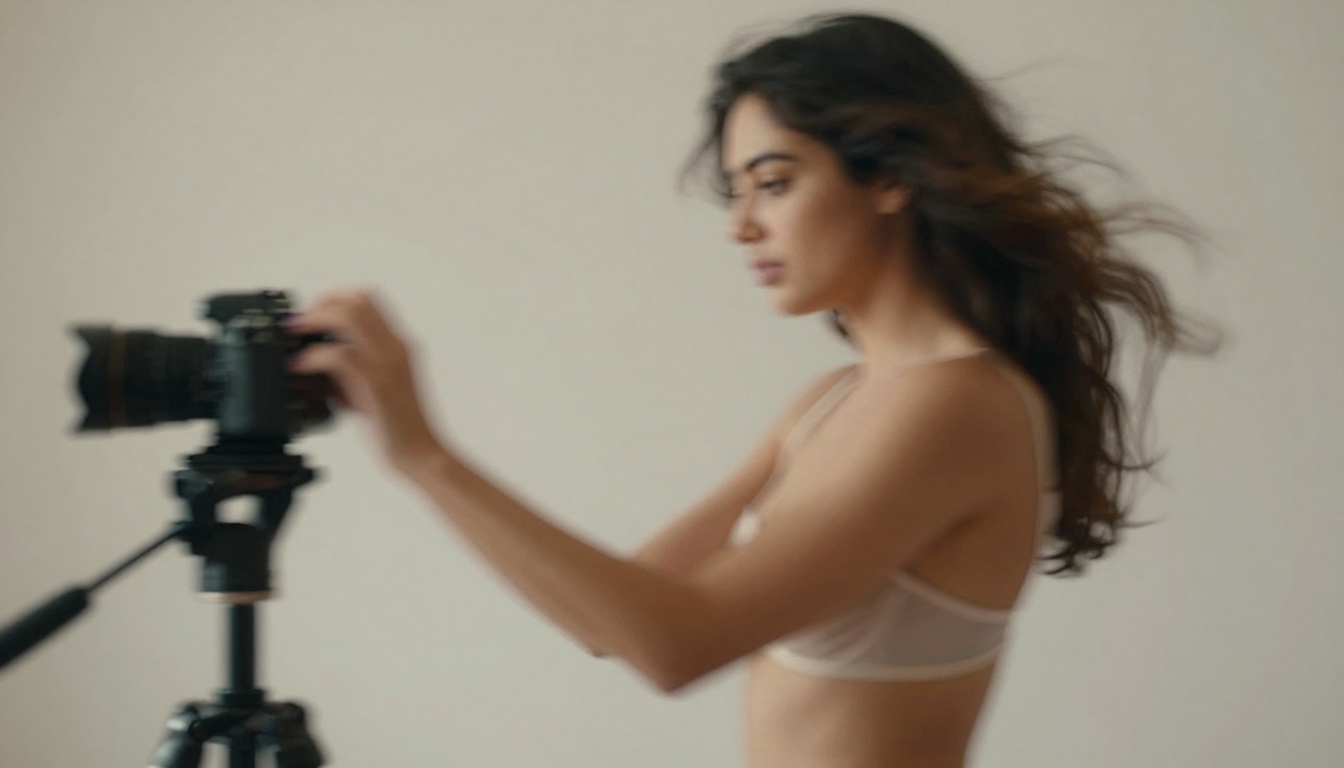
Intentional motion blur adds artistic dynamism and a sense of movement. Nano Banana Pro handles motion trails realistically when prompted with specific shutter speeds.
Nano Banana Pro vs Other Models for NSFW Art
While nano-banana-pro excels, understanding alternatives helps choose the right tool:
| Model | Best For | Nano Banana Pro Advantage |
|---|
| flux-2-pro | Artistic styles, creative interpretations | Superior photorealism, skin texture |
| qwen-image-2512 | Asian aesthetics, specific cultural styles | Better Western photorealism, lighting |
| p-image | Speed, quick iterations | Higher quality at similar speed |
| stable-diffusion-3.5-large | Custom fine-tuning, control networks | Out-of-box photorealism |
When to Choose Nano Banana Pro
- Photorealistic portraiture requiring skin texture accuracy
- Natural lighting scenarios with complex light interactions
- Fabric and material realism as primary focus
- Professional photography aesthetic without digital art look
When Other Models Might Work Better
- Stylized or artistic interpretations rather than photorealism
- Specific ethnic features outside model's training data
- Extreme resolutions beyond 8K requirements
- Batch processing where speed outweighs quality
Workflow Optimization for 2027
The professional workflow has evolved significantly since 2025:
Step 1: Pre-Visualization
- Sketch composition mentally or with thumbnails
- Determine primary light source and direction
- Choose lens characteristics (focal length, aperture)
- Select color palette and mood
Step 2: Prompt Drafting
- Write layered prompt following structure above
- Include specific technical photographic terms
- Add negative prompts targeting common issues
- Set parameters based on desired output style
Step 3: Generation and Review
- Generate 3-5 variations with different seeds
- Evaluate skin texture, lighting, composition
- Identify specific issues for refinement
- Note successful elements to preserve
Step 4: Refinement Loop
- Adjust 1-2 parameters at a time (CFG, steps, prompt tweaks)
- Use img2img for minor corrections if needed
- Maintain character consistency across corrections
- Stop when 90% perfect—diminishing returns after
Step 5: Post-Processing (Minimal)
- Minor color grading if needed
- Cropping for final composition
- Sharpening only if generation was slightly soft
- Never heavy editing—defeats AI advantage
Mirror reflections create depth and visual interest while showing the subject from multiple angles. Nano Banana Pro renders reflective surfaces with accurate distortion and surface imperfections.
The Economics of Quality in 2026
As AI art becomes more mainstream in 2026, quality differentiation creates economic value:
Time Investment vs Output Quality
- Amateur: 5 minutes per prompt, generic results
- Professional: 20-30 minutes planning, exceptional results
- The difference: Understanding translates to market value
Commercial Applications
- Stock photography replacement with specific models
- Character design for games, animations with consistency
- Marketing materials requiring specific aesthetics
- Art commissions with client-directed adjustments
Skill Development Path
- Month 1: Master basic prompting and parameter effects
- Month 2: Understand lighting and composition principles
- Month 3: Develop consistent character generation
- Month 4: Create cohesive series and narratives
- Month 5: Optimize workflow for professional output
- Month 6: Specialize in specific niches or styles
Looking Forward: Nano Banana Pro's Evolution
By 2026, we can expect nano-banana-pro and similar models to evolve in specific directions:
Technical Improvements
- Even finer skin texture rendering approaching microscopic detail
- Better understanding of complex lighting scenarios (multiple sources, colored gels)
- Improved fabric physics showing weight, drape, movement
- Enhanced environment integration with logical spatial relationships
Creative Possibilities
- Dynamic posing with accurate anatomy in motion
- Environmental storytelling where setting contributes to narrative
- Temporal sequences showing progression through time
- Interactive elements where subject engages with environment
Professional Integration
- Batch consistency across large series
- Style transfer maintaining quality while adapting aesthetics
- Collaborative workflows with other AI tools and human artists
- Commercial scalability for production-level output
The journey from basic AI art generation to professional-grade output with nano-banana-pro involves understanding that the model isn't just a picture generator—it's a photographic simulation engine. When you approach it with the mindset of a photographer planning a shoot (considering lighting, lens choice, composition, and subject direction) rather than someone writing a description, the quality leap becomes dramatic.
Every parameter adjustment, every prompt refinement, every technical specification you include feeds into the model's understanding of what constitutes a professional photograph. The difference between "woman in lingerie" and "photorealistic portrait shot with 85mm f/1.8 lens, morning sunlight through sheer curtains, Kodak Portra 400 film, showing skin texture with pores and fine hairs" isn't just word count—it's the difference between generic AI output and professional art.
As we move through 2026, the artists who thrive will be those who understand nano-banana-pro not as a magic box that makes pictures, but as a sophisticated tool that requires specific, technical instruction to produce specific, professional results. The tricks and techniques outlined here provide the foundation, but the real artistry comes from applying these principles consistently and creatively across your work.
Try applying these techniques with nano-banana-pro on Picasso IA and see how your NSFW art transforms from basic generations to professional-grade photographic simulations. Start with one technique—perhaps improving skin texture or mastering a specific lighting setup—and build from there. The incremental improvements compound rapidly when you approach AI art generation as a technical craft rather than casual experimentation.


