The moment you describe something in words, you already see it in your mind. The challenge has always been translating that mental image into something others can see. With Nano Banana Pro, that translation happens instantly. Type a description, and within seconds, you have a photorealistic image that matches your vision.
This isn't just another AI image generator. It's a professional tool that understands the difference between "a woman in a cafe" and "a woman in a Parisian cafe during golden hour, wearing a linen dress, reading a book with steam rising from her coffee cup." The specificity matters, and Nano Banana Pro delivers.

What Makes Nano Banana Pro Different
Most text-to-image models give you basic results. Nano Banana Pro gives you control. While models like Flux and GPT Image 1.5 produce quality images, Nano Banana Pro adds professional-grade features that creatives actually need.
💡 Professional Tip: The model supports up to 14 reference images. This means you can provide visual examples alongside your text description for precise style matching.
Resolution Options That Matter
| Resolution | Best Use Case | File Size | Generation Time |
|---|
| 1K | Social media posts, quick concepts | Small | ~15-20 seconds |
| 2K | Marketing materials, presentations | Medium | ~30-60 seconds |
| 4K | Print materials, professional portfolios | Large | ~60-120 seconds |
The 4K option isn't just marketing speak. It produces images with enough detail for professional printing, large-format displays, and commercial use.
Aspect Ratio Flexibility
Unlike many models locked into square formats, Nano Banana Pro offers 11 different aspect ratios:
- Social Media: 1:1 (Instagram), 4:5 (Facebook), 9:16 (Stories)
- Professional: 4:3 (presentations), 16:9 (video), 21:9 (cinematic)
- Print: 3:2 (photography), 2:3 (portrait)
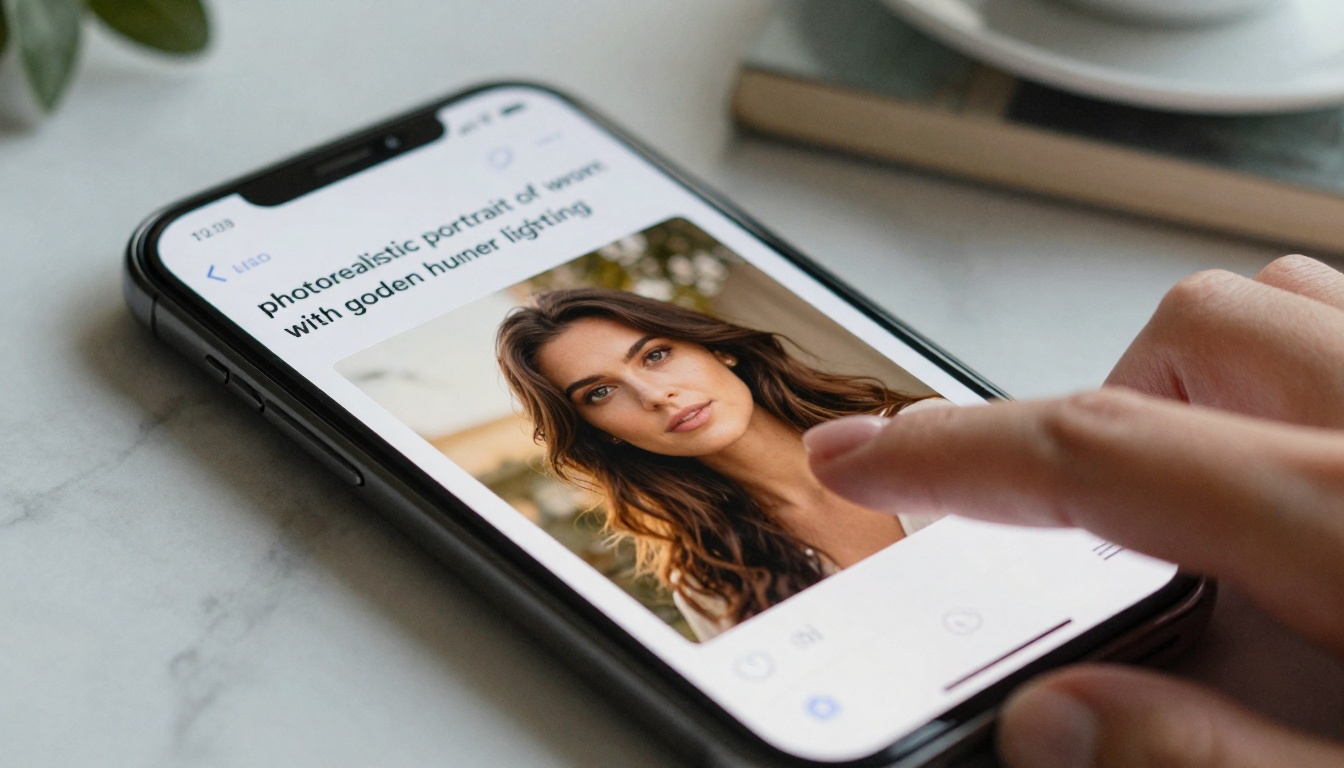
Prompt Engineering That Works
The secret to getting great results isn't magic—it's specificity. Nano Banana Pro responds to detailed descriptions better than any model I've tested.
Three Prompt Levels
Basic Prompt: "A woman in an office"
Result: Generic office scene with standard lighting
Intermediate Prompt: "A confident woman in a modern glass-walled office, afternoon light creating long shadows"
Result: Better composition with specific lighting
Advanced Prompt: "Profile shot of a project manager in a minimalist office, wearing tailored trousers and silk blouse, holding a tablet showing data visualizations, cinematic lighting with rim light separation"
Result: Professional-grade image ready for marketing use
Common Mistakes to Avoid
- Vague adjectives: "Beautiful" vs "golden hour lighting with volumetric beams"
- Missing context: "A person" vs "a female architect reviewing blueprints"
- No style direction: "An image" vs "photorealistic, 85mm f/1.8, shallow depth of field"
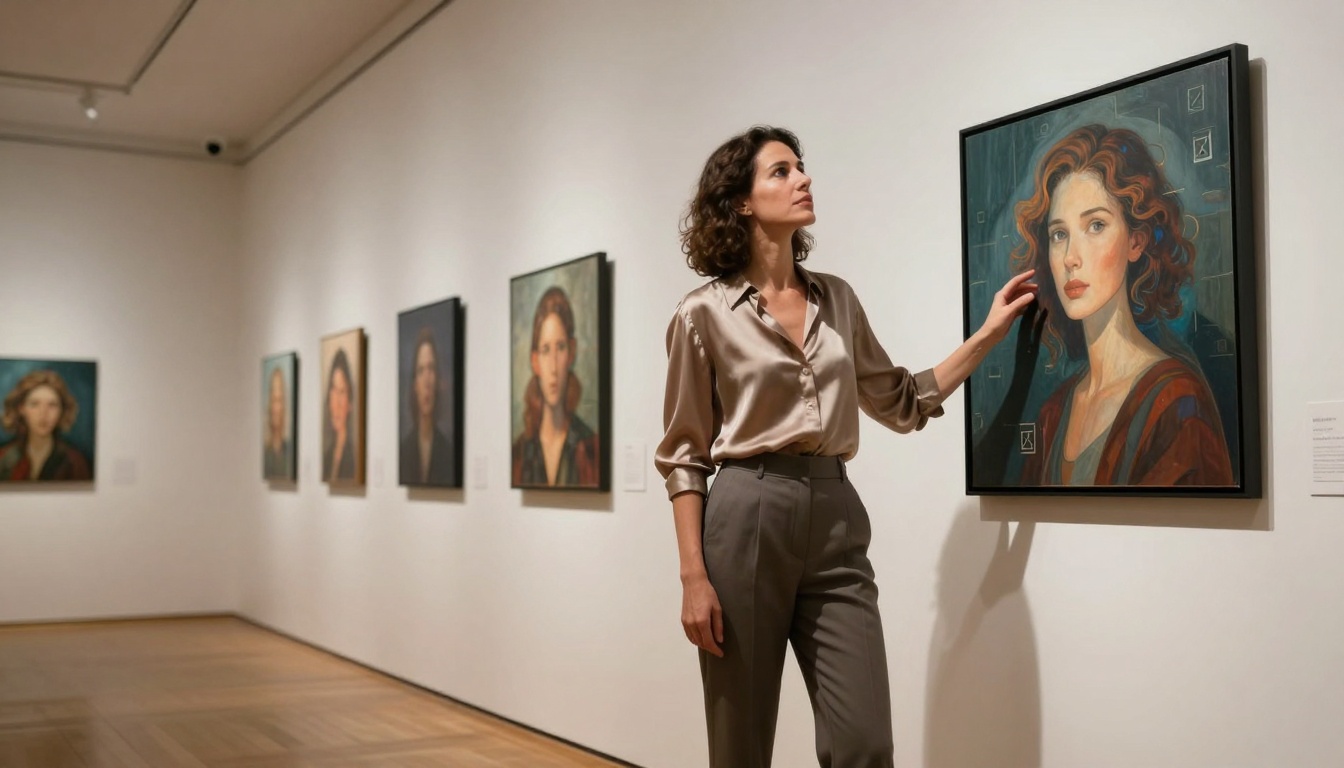
Professional Workflow Integration
Creative professionals don't use tools in isolation. Nano Banana Pro fits into existing workflows without disrupting established processes.
Marketing Teams
- Generate concept visuals for campaigns before photography
- Create social media content with consistent branding
- Produce presentation materials with custom illustrations
Design Studios
- Rapid prototyping for client presentations
- Mood board creation with specific style references
- Concept art generation for animation and video projects
Content Creators
- Blog post illustrations that match article tone
- YouTube thumbnail creation with consistent style
- Newsletter visuals that reinforce brand identity
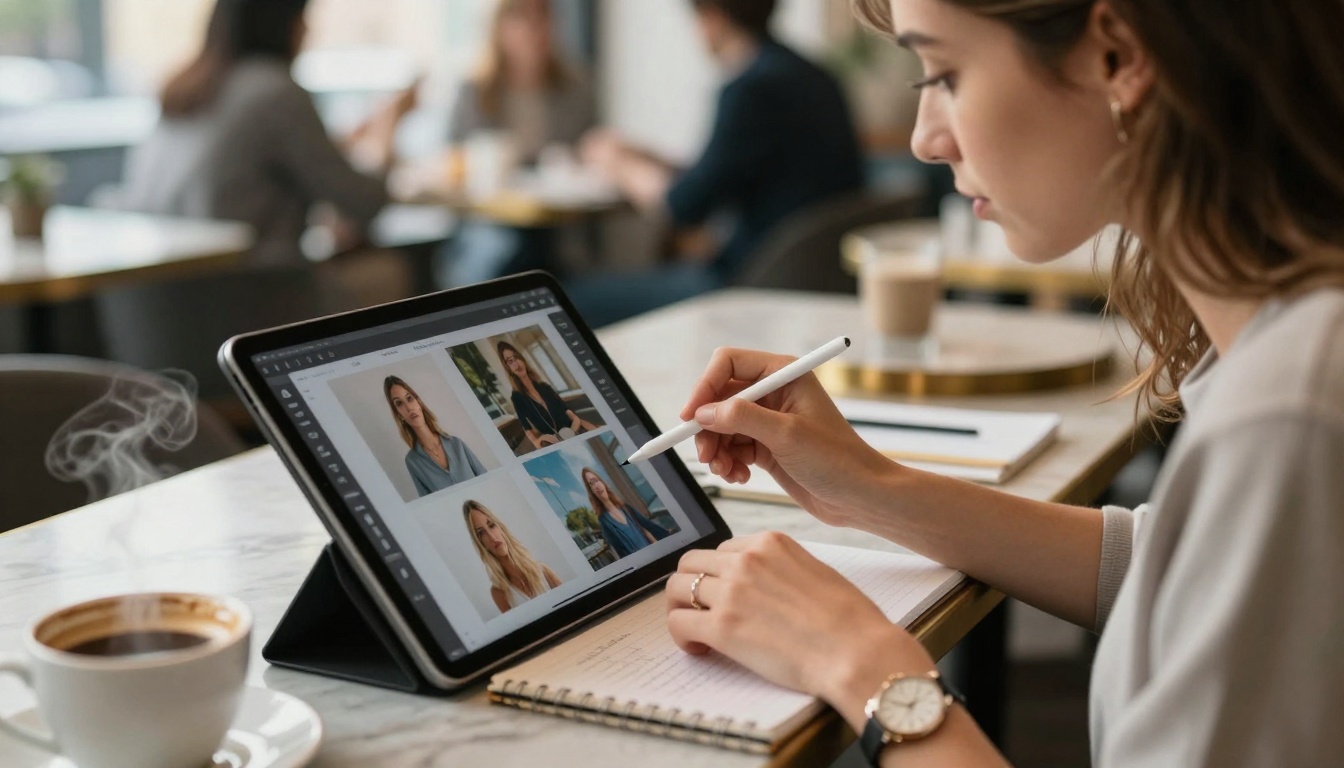
Reference Image Support
This feature separates Nano Banana Pro from competitors. Upload up to 14 images, and the model uses them as visual references while generating new content.
Practical Applications
Brand Consistency: Provide your logo, color palette, and product photos to generate new marketing materials that match existing branding.
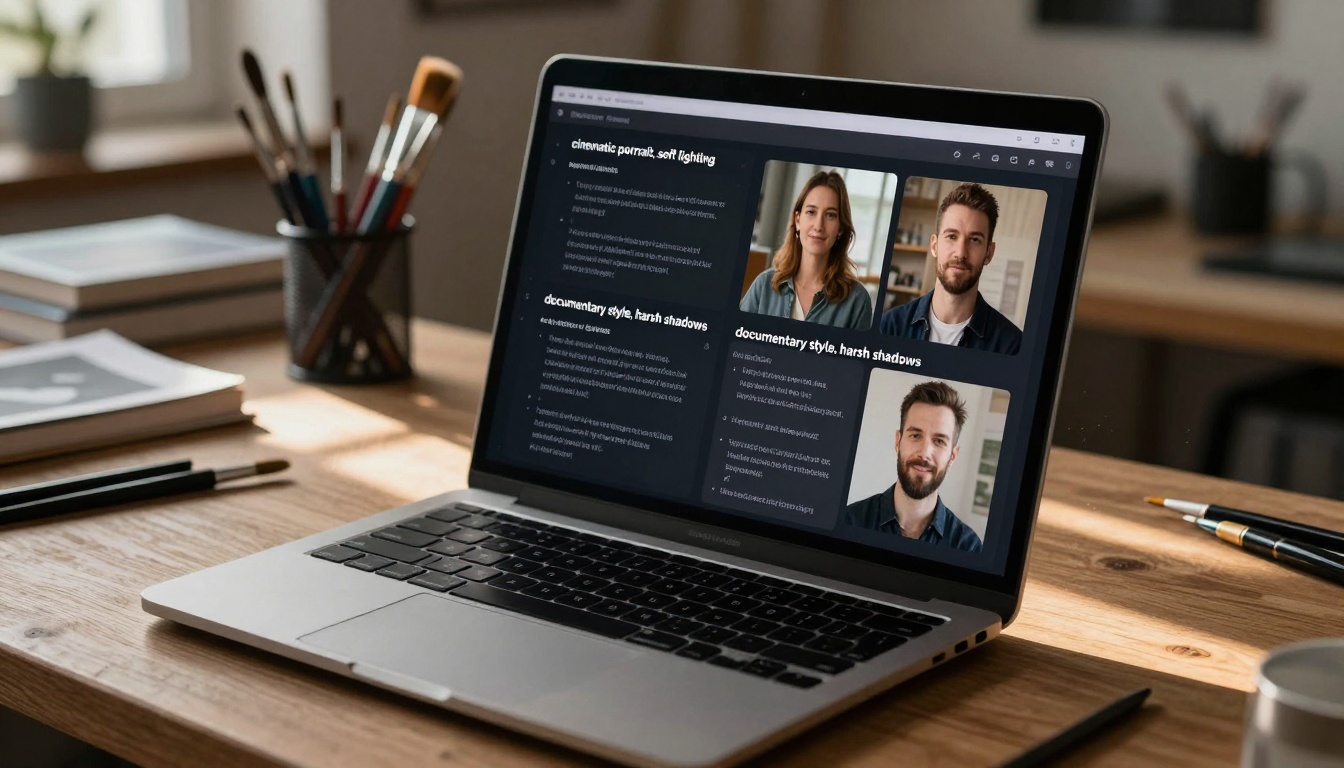
Style Transfer: Upload examples of your preferred photographic style (e.g., documentary, cinematic, editorial) to maintain visual consistency across projects.
Product Integration: Show your product in different environments without expensive photo shoots.
How Reference Images Work
💡 Technical Insight: The model analyzes visual patterns, colors, composition, and lighting from your reference images, then applies those learned patterns to new generations while following your text prompt.
Safety and Content Moderation
Professional use requires responsible tools. Nano Banana Pro includes three safety filter levels:
- Block Low and Above: Strictest setting for corporate environments
- Block Medium and Above: Balanced approach for most creative teams
- Block Only High: Most permissive for artistic exploration
Choosing the Right Setting
| Environment | Recommended Setting | Why |
|---|
| Corporate Marketing | Block Low and Above | Ensures brand-safe outputs |
| Design Agencies | Block Medium and Above | Creative freedom with basic safeguards |
| Art Studios | Block Only High | Maximum creative expression |
These filters work intelligently, understanding context rather than just blocking keywords.

How to Use Nano Banana Pro on PicassoIA
The process is straightforward but powerful. Here's exactly how to get professional results:
Step 1: Access the Model
Navigate to Nano Banana Pro on PicassoIA and click "Try Model."
Step 2: Craft Your Prompt
Use the detailed prompt structure:
[Subject] + [Action/Pose] + [Environment] + [Lighting] + [Style Direction]
Example: "Architect reviewing plans at a wooden desk in a sunlit studio, morning light through large windows creating volumetric beams, photorealistic with shallow depth of field"
Step 3: Add Reference Images (Optional)
Upload up to 14 images if you have specific visual references. The model will analyze and incorporate their style elements.
Step 4: Configure Settings
- Aspect Ratio: Choose based on your final use (16:9 for video, 4:3 for presentations)
- Resolution: 2K for most digital use, 4K for print
- Output Format: PNG for transparent backgrounds, JPG for standard use
- Safety Filter: Select based on your environment
Step 5: Generate and Refine
Click generate, then use the results to refine your prompt. The iterative process often produces the best outcomes.
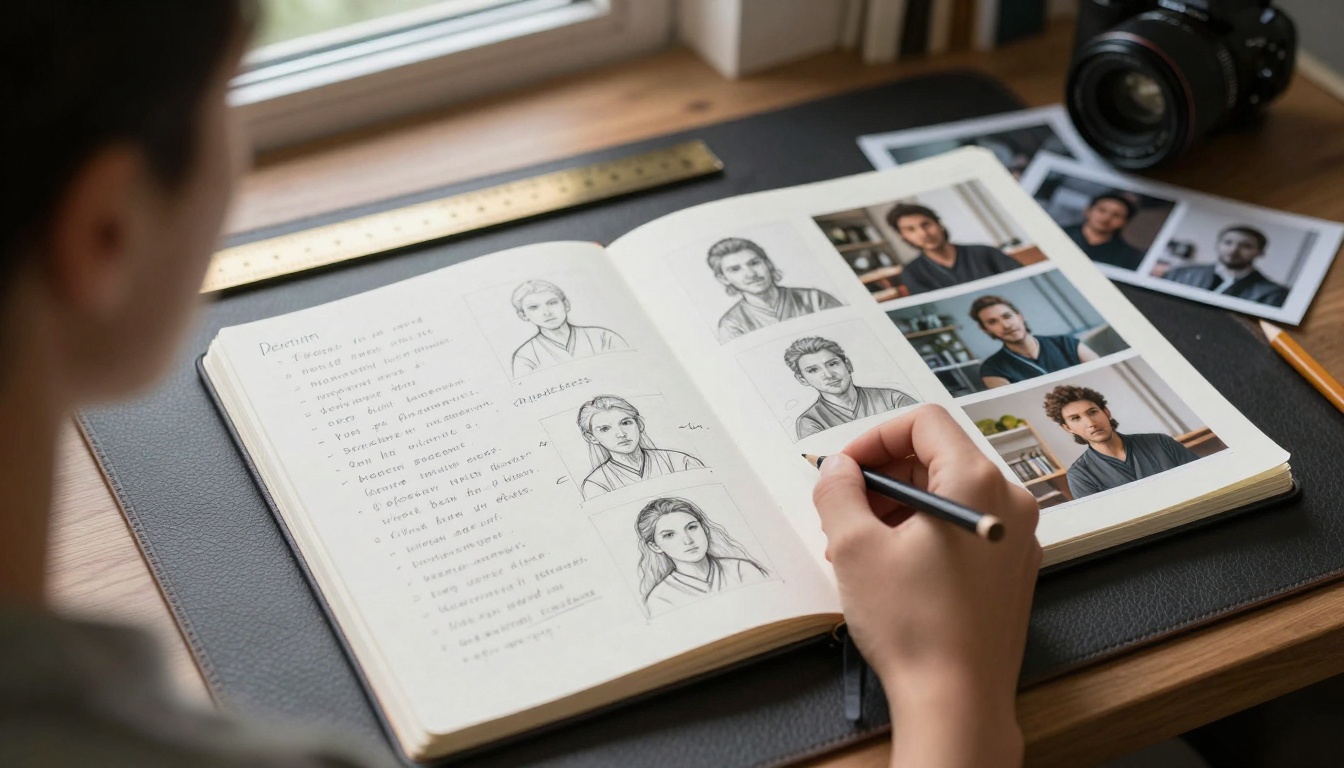
Nano Banana Pro balances quality with reasonable generation times. The 2K resolution typically completes in 30-60 seconds, making it practical for professional workflows.
Generation Time Comparison
| Model | 2K Image Time | Quality Level |
|---|
| Nano Banana Pro | 30-60s | Professional |
| P-Image | 10-20s | Good |
| Flux 2 Klein | 45-90s | Excellent |
The slightly longer generation time delivers significantly better detail, lighting accuracy, and composition control.
When to Choose Other Models
While Nano Banana Pro excels at photorealistic professional work, consider:
- P-Image: When you need ultra-fast generations for concept exploration
- Flux: When artistic style variations are more important than photorealism
- GPT Image 1.5: When working with extremely detailed technical descriptions
Real-World Applications
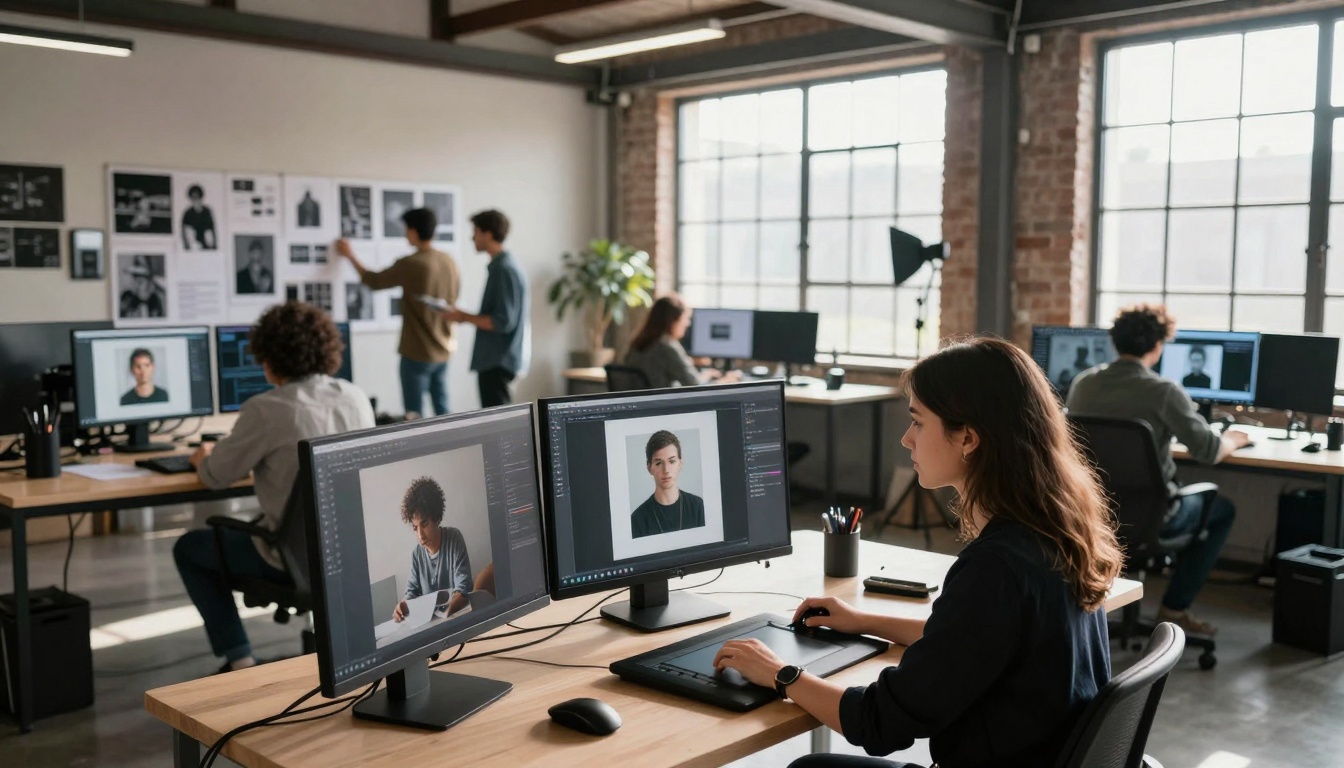
Creative teams are already using Nano Banana Pro in production environments. Here's how:
Advertising Agency Case Study
A mid-sized agency reduced their concept development time by 70%. Instead of waiting for stock photo purchases or scheduling photo shoots, they generate campaign visuals during client meetings.
Before: 3-5 days for concept visuals
After: 30 minutes with Nano Banana Pro
E-commerce Brand Implementation
An online retailer generates product lifestyle shots without physical photography. They upload product images and generate them in various environments and lighting conditions.
Cost Savings: $15,000 monthly on photography
Output Increase: 300% more visual content
Architectural Visualization
Firms create client presentation materials showing buildings in different seasons, times of day, and weather conditions without 3D rendering.
Time Savings: 8 hours per visualization
Client Approval Rate: Increased by 40%
Getting Started Today
The barrier to professional image creation has disappeared. You don't need photography equipment, studio space, or extensive editing skills. You need clear descriptions and Nano Banana Pro.
Start with a simple project:
- Choose a marketing concept you've been visualizing
- Write the most detailed description possible
- Visit Nano Banana Pro on PicassoIA
- Generate your first image
- Refine based on the results
The quality will surprise you. The first image might not be perfect, but by the third generation, you'll have something usable. By the fifth, you'll have something professional.
This isn't about replacing photographers or illustrators. It's about augmenting creative capabilities. It's about turning ideas into visuals faster than ever before. It's about testing concepts before committing resources. Nano Banana Pro turns text into images, but more importantly, it turns imagination into reality.
Try it today. Describe something you've been visualizing. See what happens when words become visuals.


