Picking the right AI image model in 2027 is not a small decision. The gap in quality between a mediocre choice and the right one shows up immediately in your outputs, and three models in particular have been dominating conversations in creative communities: Nano Banana Pro, Flux, and Seedream. Each promises photorealistic outputs, each has passionate users, and each performs very differently depending on what you throw at it.
This is not a theoretical comparison. We ran identical prompts through all three models across portrait photography, landscape realism, architectural scenes, product mockups, and complex multi-element compositions. We measured prompt adherence, detail retention, color accuracy, and output consistency. Here is what we found.
The Three Contenders
Before diving into results, it helps to know what each model was built for and where its architecture makes specific tradeoffs.
Nano Banana Pro: The Speed-Realism Balance
Nano Banana Pro is a high-efficiency diffusion model designed to produce photorealistic outputs at faster inference speeds than traditional SDXL-based pipelines. Its architecture prioritizes skin texture fidelity, natural lighting response, and fine-detail preservation even at lower step counts. The "Pro" designation reflects its tuning for professional creative output: sharper lines, better compositional instinct, and reduced hallucination on complex prompts.
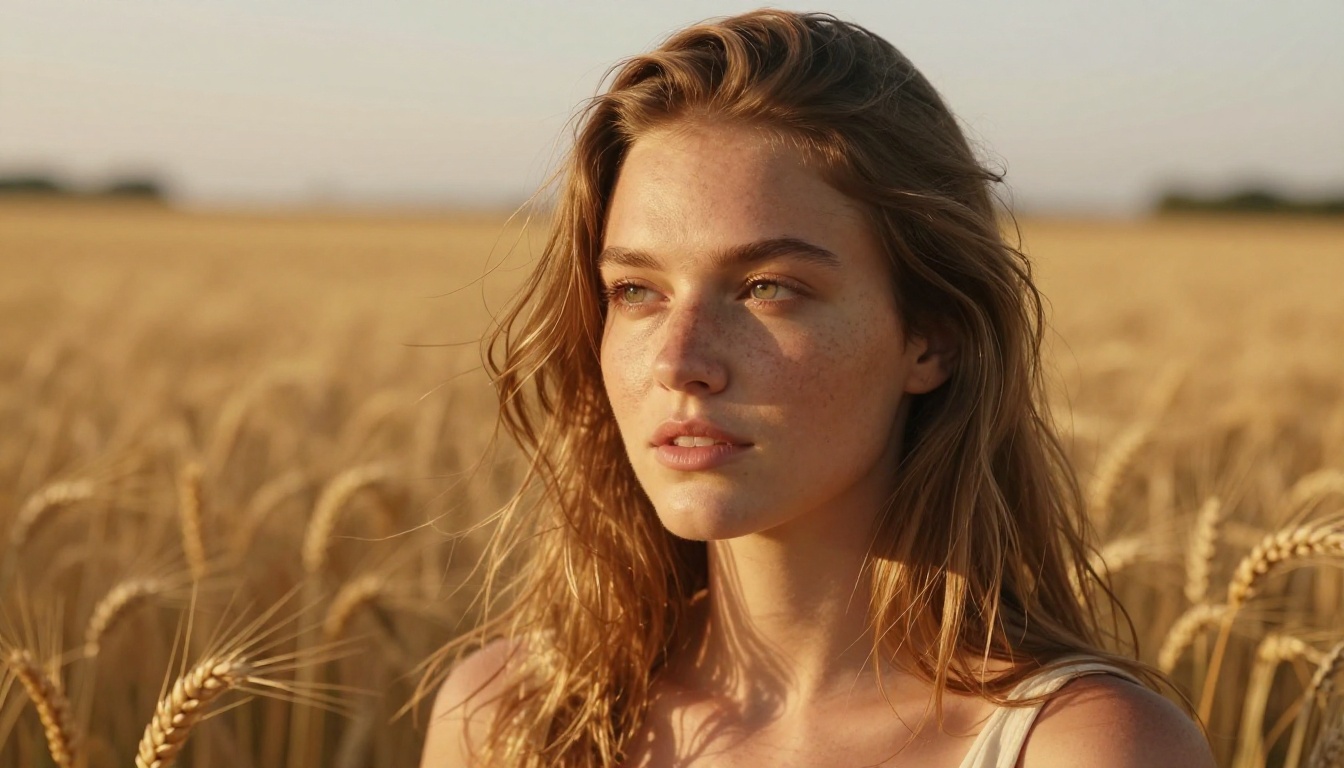
What sets it apart is how it handles the specifics in a prompt. Describe a woman with freckles wearing a linen jacket in afternoon light and Nano Banana Pro delivers the freckles, the linen weave, and the light quality. Most models pick two out of three.
Flux: Three Speeds, One Standard
The Flux family spans Flux Dev, Flux Schnell, and Flux Pro. Each represents a different point on the quality-speed tradeoff:
- Flux Dev: Open-weights variant. Best for fine-tuning and experimentation with custom datasets.
- Flux Schnell: Distilled 4-step inference. Fastest outputs, acceptable quality for drafts and iteration.
- Flux Pro: The benchmark in the Flux family for final-quality output with maximum detail and coherence.
Flux's biggest strength is compositional coherence. Give it a complex scene with multiple subjects and it rarely loses track of spatial relationships. Its weakness shows up in fine portrait detail: skin pores, individual hair strands, and micro-texture in fabrics lag slightly behind Nano Banana Pro at matching step counts.
Seedream 4.5: The Detail Obsessive
Seedream 4.5 comes from a lineage of models focused on ultra-high visual fidelity. It produces 4K-quality outputs with an extraordinary level of textural detail. Where other models smooth over complexity, Seedream leans into it: you get individual fabric threads, realistic subsurface scattering in skin, and atmospheric haze in landscapes that feels photographically authentic.
The tradeoff is speed and prompt flexibility. Seedream takes longer to generate, and highly abstract or conceptual prompts sometimes produce unexpected interpretations. For controlled, detailed image work, it is exceptional. For rapid creative iteration, it requires patience.
Portrait Realism Face-Off
This is the category that matters most for creators working with commercial imagery, character design, or glamour photography. We used identical prompts describing a woman in her late twenties, natural makeup, soft morning window light, wearing a beige cashmere sweater.
Skin Texture and Micro-Detail
| Model | Skin Texture | Pore Visibility | Hair Strands | Catchlights |
|---|
| Nano Banana Pro | Excellent | Visible at 1x | Individual | Perfect |
| Flux Pro | Good | Subtle | Grouped | Present |
| Seedream 4.5 | Outstanding | Fine at 1x | Individual | Perfect |
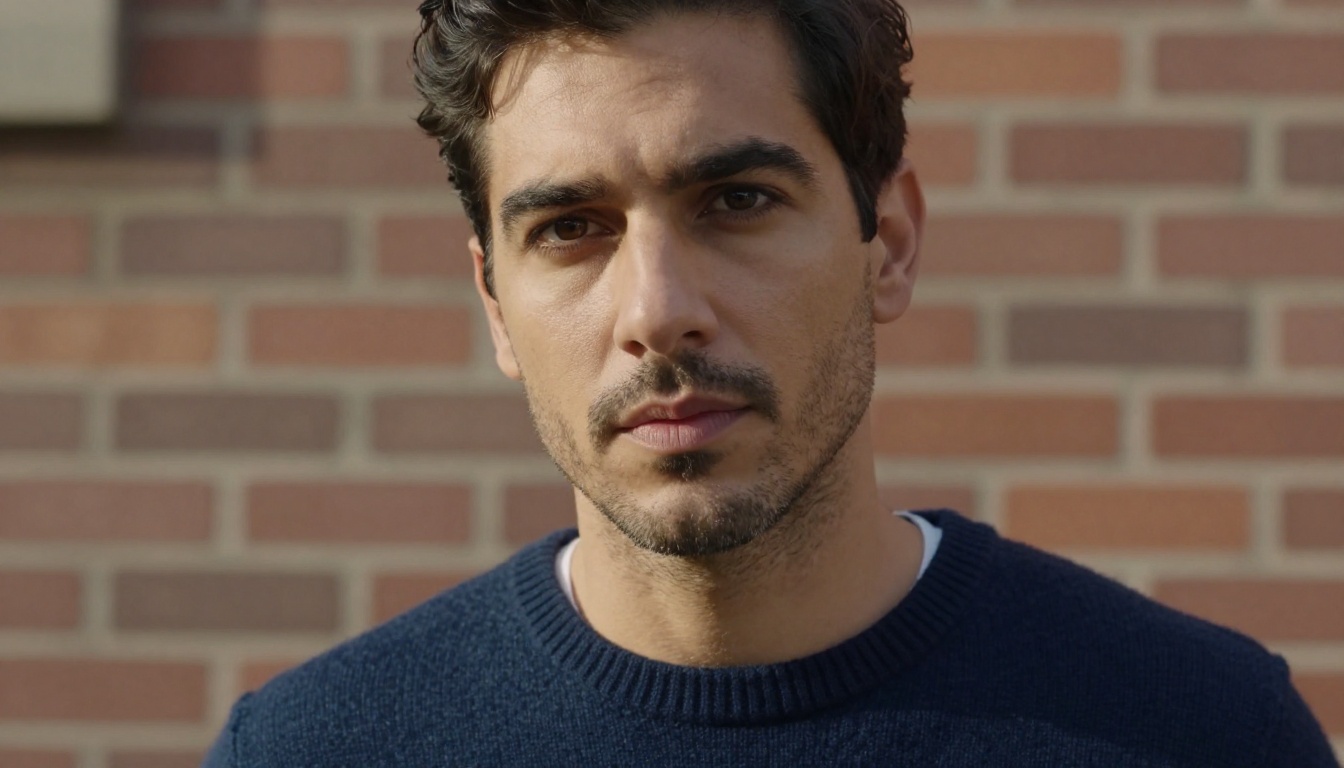
Nano Banana Pro and Seedream 4.5 are genuinely neck-and-neck on portrait realism. Both render subsurface scattering (the slight warmth under skin where light passes through) with accuracy that would hold up as a professional editorial photograph. Flux Pro produces beautiful portraits, but there is a slight over-smoothing tendency on skin that removes some of the tactile realism that makes an image feel truly photographic.
💡 For portrait work where photographic authenticity is the priority, Nano Banana Pro and Seedream 4.5 both outperform Flux Pro. Nano Banana Pro wins on speed; Seedream 4.5 wins on raw detail depth.

Handling Different Skin Tones
All three models perform well on lighter skin tones, which is the easy test. The real benchmark is accuracy across a range of melanin levels. Seedream 4.5 has the edge here: it preserves the richness and depth of darker skin tones without washing them out or over-saturating. Nano Banana Pro handles this consistently well too. Flux Pro has historically had some inconsistency in this area, though recent updates have significantly narrowed the gap.
Landscape and Environmental Realism
Landscapes test a completely different set of model capabilities: atmospheric depth, color grading accuracy, natural element rendering (water, foliage, rock), and wide-angle compositional coherence.
Aerial and Wide Environments
Flux Pro is strongest here. Its ability to maintain compositional coherence at scale makes wide-angle and aerial compositions feel geographically plausible. Give it a prompt for a coastal cliff at sunrise and it produces the kind of image that reads as a real place, not a generated approximation.
Seedream 4.5 produces extraordinary landscape detail but can occasionally over-render: skies become too perfect, clouds too symmetrical. The results are visually impressive but sometimes tip into feeling slightly artificial. Nano Banana Pro hits the middle ground well, particularly with golden hour and overcast lighting conditions where atmospheric softness is needed.

💡 For landscape photography and travel imagery, Flux Pro's compositional coherence makes it the default choice. Seedream 4.5 is a strong second when maximum foreground detail matters.
Prompt Adherence: Who Actually Reads Instructions
This is where the comparison gets most practically useful for daily creative work. Prompt adherence measures how accurately a model translates a written description into a visual output, including peripheral details and stylistic cues.
Complex Multi-Element Prompts
We tested with a scene containing: a woman in a red dress, standing on a rooftop, at dusk, with a city skyline behind her, holding an umbrella.
| Element | Nano Banana Pro | Flux Pro | Seedream 4.5 |
|---|
| Red dress | Accurate | Accurate | Accurate |
| Rooftop setting | Correct | Correct | Correct |
| Dusk lighting | Perfect | Good | Excellent |
| City skyline | Present | Present | Present |
| Umbrella included | Yes | Yes | Occasionally missing |
Seedream 4.5 occasionally drops peripheral elements in complex prompts, seemingly prioritizing the central subject's detail over scene completeness. Flux Pro and Nano Banana Pro both included all specified elements consistently across repeated generations.
Style and Mood Translation
When prompts include subjective style descriptors ("melancholy", "hopeful", "tense"), Flux Pro is most reliable at translating these into visual language. It adjusts lighting, color temperature, and compositional framing in response to emotional cues better than the other two. Nano Banana Pro handles style well but tends to be more literal. Seedream 4.5 interprets mood through detail intensity rather than compositional or color choices.
Speed and Practical Output Quality
Generation speed matters for any workflow where iteration is required. A model that produces perfect images but takes three minutes per generation creates a different workflow than one that produces very good images in 20 seconds.
| Model | Avg. Generation Time | Quality at Speed | Best Use |
|---|
| Nano Banana Pro | Fast | High | Production and iteration |
| Flux Schnell | Very Fast | Moderate | Rapid prototyping |
| Flux Dev | Medium | High | Fine-tuning base |
| Flux Pro | Medium-Slow | Very High | Final outputs |
| Seedream 4.5 | Slow | Outstanding | Detail-critical final images |
Nano Banana Pro has the best practical performance ratio: production-quality output at a speed that supports creative iteration. This makes it the most versatile choice for creators who generate many variations before settling on a final image.
How to Use These Models on PicassoIA
All three models are available directly through PicassoIA. The platform provides a clean interface for generating images without needing to manage API keys, server infrastructure, or model weights locally.
Using Nano Banana Pro
- Go to the Nano Banana Pro model page on PicassoIA.
- Write your prompt. Be specific: include subject, lighting direction, lens type, and mood.
- Set your aspect ratio. For portraits, 3:4 works well. For landscapes and editorial imagery, 16:9.
- Run the generation. Nano Banana Pro typically produces usable results on the first attempt.
- If you need more depth or texture in a specific area, use PicassoIA's inpainting tools to refine selectively.
💡 For photorealistic portraits, include a lens specification in your prompt: "85mm f/1.4" or "35mm f/2.0". Nano Banana Pro responds to technical photography language and adjusts depth of field and rendering accordingly.
Using Flux Dev and Flux Pro
- Visit Flux Dev for open experimentation or Flux Pro for final output quality.
- Flux responds well to structured prompts: lead with the main subject, then environment, then lighting.
- For multi-subject compositions, separate elements with commas and place the most important element first.
- Flux Pro benefits from higher step counts. If your platform allows step adjustment, 30 to 50 steps produces noticeably better fine detail than the default.
Using Seedream 4.5
- Open the Seedream 4.5 model page on PicassoIA.
- Seedream handles long, descriptive prompts well. Include as much textural and atmospheric detail as possible.
- For product photography and architectural imagery, Seedream 4.5 is the strongest choice in this comparison.
- Plan for slightly longer generation times. The quality output justifies the wait for final-production imagery.
Workflow Pairing: Getting the Best From All Three
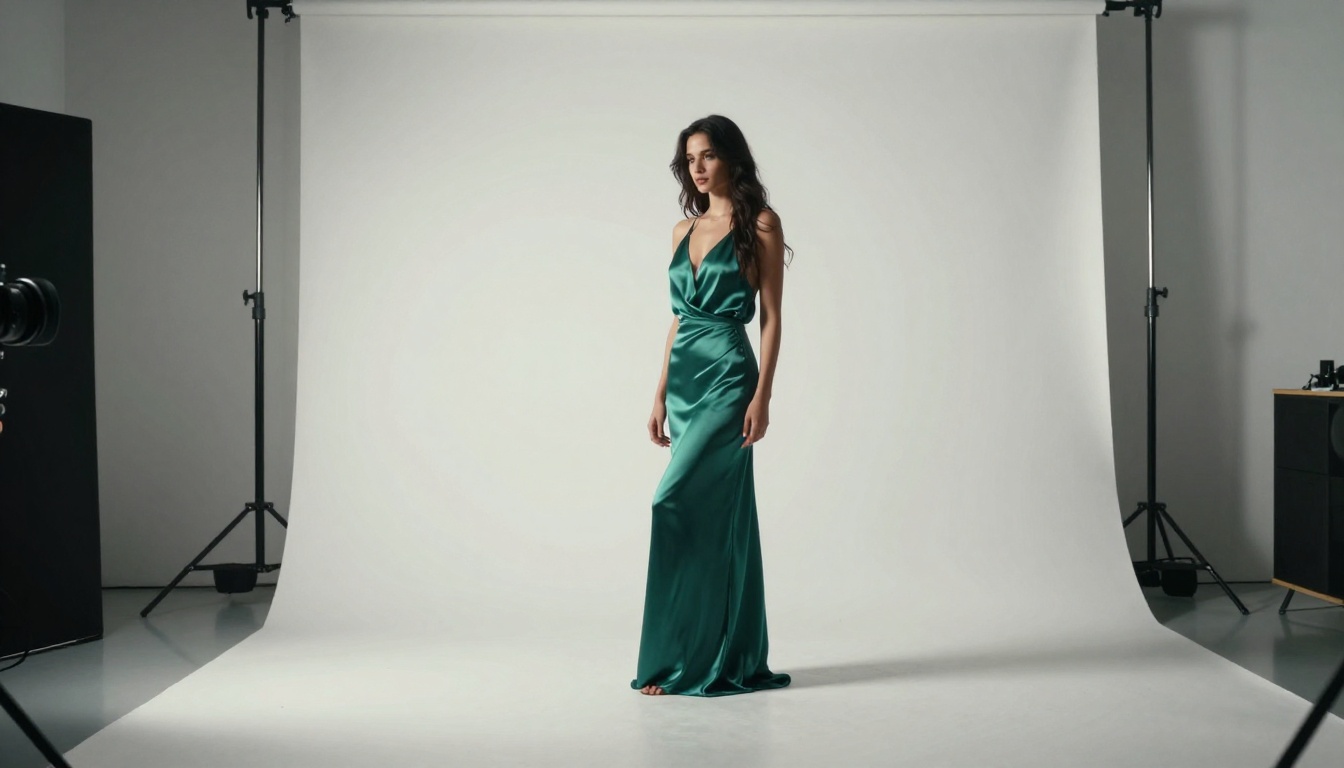
The most effective approach is not choosing one model exclusively. Each one covers gaps the others have, and smart creators use them in combination based on the project phase and output requirements.
Portrait-heavy projects: Start with Nano Banana Pro for speed and realistic skin. Use Seedream 4.5 for final hero images where maximum detail matters.
Commercial and advertising imagery: Flux Pro handles complex multi-element scenes with the best compositional logic. Use it for scenes with multiple subjects, specific spatial relationships, or emotional tone requirements.
Landscape and editorial content: Flux Pro for wide compositional accuracy, Seedream 4.5 when close-up foreground detail is the priority.
Rapid creative iteration: Flux Schnell or Nano Banana Pro. Both produce results fast enough to support a high-volume generation workflow without sacrificing workable output quality.
💡 PicassoIA lets you switch between models without leaving the platform. Run the same prompt through Nano Banana Pro and Flux Pro simultaneously, compare outputs, and choose the one that best fits the brief.
The Verdict After Testing
After running hundreds of prompts through all three models, a few things are clear.
Nano Banana Pro is the best all-around performer for creators who need production-quality photorealism at practical speeds. It handles portraits, skin texture, lighting nuance, and prompt specificity better than any other model at its speed tier. If you only use one model, make it this one.
Flux (specifically Flux Pro) is the strongest choice for compositional complexity, emotional tone, and creative flexibility. The whole Flux family gives you options at every point on the quality-speed tradeoff, making it the most scalable choice for teams with varying output needs.
Seedream 4.5 is the detail champion. If you are creating images where the final output will be scrutinized at full resolution, whether for print, product photography, or editorial use, Seedream 4.5 produces outputs that are difficult to distinguish from RAW photography.
Try All Three on PicassoIA
Reading a comparison is one thing. Seeing the difference in your own prompts is another. Every model discussed here is available on PicassoIA, with no technical setup required. Write your prompt, pick your model, and see the results in your own creative work.
Start with a portrait prompt you have already tried elsewhere. Run it through Nano Banana Pro, then Flux Pro, then Seedream 4.5. The outputs will show you, more clearly than any benchmark table, which model suits your workflow. PicassoIA also gives you access to Super Resolution tools to upscale any of these outputs to 4x their original size, maximizing the detail already captured by the model you choose.
The best AI image model is the one that gets out of your way and produces the output you imagined. These three all do that in different ways. Now you know which one to reach for first.


