Both models promise photorealism. Both have passionate communities. But when you actually put Nano Banana Pro and Flux Dev through their paces on identical prompts, the differences surface fast. If you're deciding which model to make your go-to tool for portrait work, editorial content, or glamour photography, the choice carries real weight. One model handles fine skin texture with almost unsettling realism. The other leans into prompt coherence with a structural precision that makes complex scenes behave. Neither is perfect. But depending on what you shoot, one will likely outperform the other by a significant margin.
This breakdown covers everything: raw image quality, skin rendering, prompt fidelity, speed, and consistency across runs. No filler. Just side-by-side results across the scenarios that matter to working creators.
What Makes These Two Models Different
Before jumping into results, it's worth understanding what each model is actually built to do. Nano Banana Pro sits in a family that includes Nano Banana and Nano Banana 2, with the Pro tier targeting 4K-level output fidelity. It's tuned for photorealistic human subjects, with emphasis on anatomical accuracy and lighting naturalism. Flux, on the other hand, is a family of models from Black Forest Labs, including Flux Dev, Flux Pro, Flux Schnell, and the ultra-fast Flux Fast. Flux was designed with structural consistency in mind, making it exceptional at following complex composition instructions while maintaining coherent spatial relationships across a scene.
Nano Banana Pro at a Glance
Nano Banana Pro is Google's refined image generation model optimized for high-detail human subjects. Its core strengths include:
- Skin texture rendering at a near-microscopic level, including pores, fine hairs, and subsurface light scattering
- Natural lighting response, particularly with volumetric and directional light setups
- Anatomical coherence, meaning hands, eyes, and body proportions hold up under scrutiny
- Emotional resonance in facial expressions, translating subtle nuance from text to pixels
It performs at its best on portrait and lifestyle photography prompts with rich environmental descriptions.
Flux Dev at a Glance
Flux Dev is Black Forest Labs' open-weight model built on a rectified flow transformer architecture. What sets it apart:
- Prompt adherence at scale, handling complex multi-subject scenes and specific compositional instructions
- Text rendering in images, one of the historically weakest areas of AI generation
- Stylistic flexibility, spanning photorealism through illustration without awkward transitions
- Structural consistency, keeping proportional relationships stable even in challenging angles
For users who need more control over what ends up where in a frame, Flux's precision is a genuine differentiator.
Portrait Quality: Where Every Pixel Counts
Portrait work is the sharpest testing ground for any image generation model. It demands anatomical accuracy, lighting realism, emotional expressiveness, and fine-detail rendering all at once. This is where the gap between models is most visible to the human eye.
Skin Detail and Realism
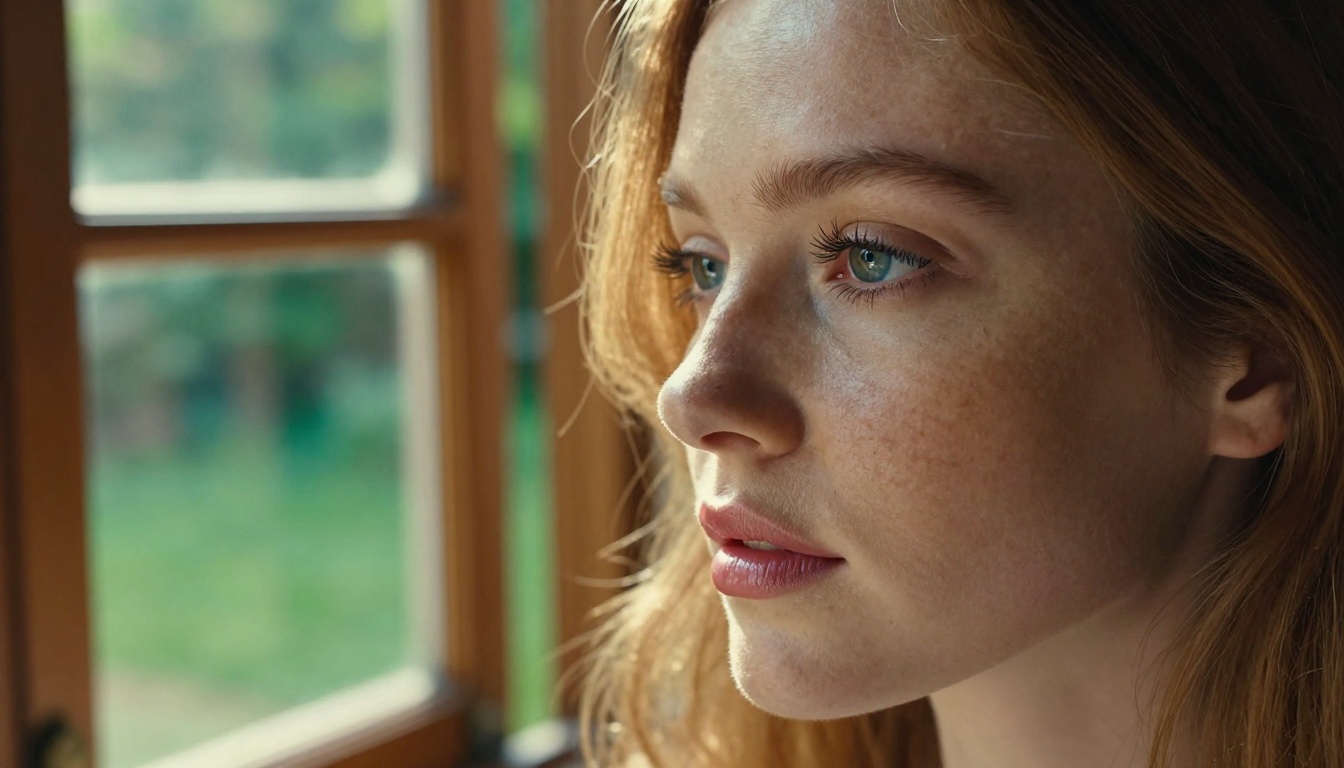
Nano Banana Pro is the clear winner here. When you prompt for a close-up portrait with natural lighting, the model produces skin that genuinely looks photographed rather than generated. Visible pore structure, subsurface scattering in ear cartilage and nose tips, micro-capillary flushing in cheeks, and fine vellus hair on foreheads all appear without requiring specific prompting. The model infers these details from context.
Flux Dev produces clean, attractive portraits, but skin tends toward a polished finish that reads as slightly processed. It's beautiful in its own right, but under close inspection it lacks the micro-texture noise that makes Nano Banana Pro outputs feel authentic. With Flux Pro, the gap narrows somewhat, but Nano Banana Pro still leads on raw skin realism.
💡 Tip: For portrait work where you need skin to pass as photography, Nano Banana Pro is your best starting point. Add "Kodak Portra 400 film grain, 85mm f/1.8 lens, natural morning light" to your prompt to maximize the photographic feel.
Hair and Fabric Rendering
Hair is where many models fall apart, and this comparison is no exception. Nano Banana Pro handles individual hair strands with impressive accuracy, especially at the hairline and around the temples where stray hairs catch backlight. Flyaway hairs, wispy layers, and the way hair clumps under moisture or wind all behave naturally.
Flux Dev handles hair with a slightly more stylized interpretation, particularly on complex hairstyles. However, it outperforms Nano Banana Pro on fabric rendering. Silk, linen, and structured blazer fabric show more convincing specular response and surface tension in Flux outputs. The drape of clothing looks physically informed in a way that Nano Banana Pro occasionally misses on flowing garments.
Prompt Accuracy Under Pressure
Generating one beautiful image from a vague prompt is easy. The harder test is following detailed, specific instructions with multiple elements, precise spatial relationships, and unusual compositions.
Simple Prompts
On basic prompts, both models perform excellently. "A woman in a red dress standing in a sunlit wheat field, photorealistic" produces strong results from both. Nano Banana Pro delivers slightly warmer, more organic tones. Flux Schnell is notably faster here, generating in seconds with quality that's hard to fault for simple compositions.
For creators who need rapid iteration at high volume, Flux Fast is worth considering for the drafting phase, switching to Nano Banana Pro for finals.
Complex Multi-Element Scenes
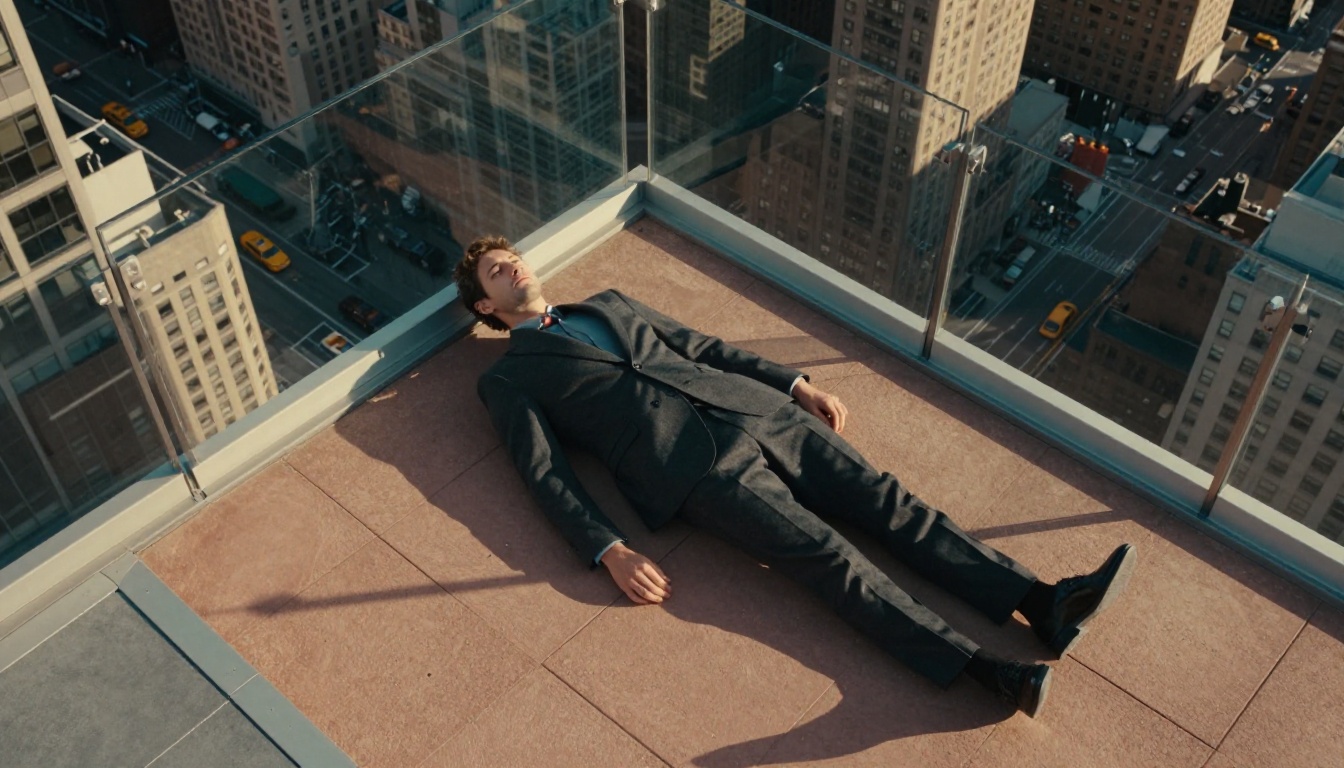
This is where the performance gap inverts significantly. When the prompt includes specific spatial instructions ("two people on opposite ends of a rooftop, one leaning on the railing, the other seated with a book, late afternoon sun from the right"), Flux Dev interprets and executes far more reliably. Elements appear where specified. Spatial logic holds. Proportions stay accurate across subjects.
Nano Banana Pro on the same prompt tends to produce a more aesthetically beautiful result, but spatial instructions are sometimes interpreted loosely. The model prioritizes organic beauty over strict compositional rules, which is a valid creative choice but not always what you need.
💡 Tip: For complex scene setups, start with Flux Kontext Dev to nail the composition, then use Nano Banana Pro with Flux Fill Pro for inpainting detail refinement.
Speed and Generation Consistency
For professional workflows, generation time and output consistency across multiple runs are as important as peak quality. A model that produces one stunning image out of ten is less useful than one that consistently delivers eight out of ten usable results.
Time to Output
Nano Banana Pro sits in a comfortable middle ground. Not as fast as Flux Schnell, but faster than Flux Pro while matching its quality in portrait contexts.
Batch Consistency
Run the same prompt ten times on each model and compare the variance. Flux Dev shows tighter clustering, meaning each run produces a result closer to the previous one. This is valuable for workflows requiring multiple acceptable options rather than chasing a single perfect output. Nano Banana Pro shows more creative variation across runs. Sometimes this produces something unexpectedly extraordinary. Sometimes it means more regeneration cycles.

How to Use Nano Banana Pro on PicassoIA
Since Nano Banana Pro exists on PicassoIA, here's exactly how to get the best results from it on the platform.
Step-by-Step Setup
Step 1: Go to Nano Banana Pro on PicassoIA and open the generator interface.
Step 2: Set your aspect ratio to 16:9 for editorial content, or 4:5 for portrait/social formats. The model handles both well but its photorealism shines in wider compositions with environmental context.
Step 3: Write your prompt in layers. Start with the subject, then add environment, then lighting, then camera specifics. Example structure:
"[Subject description] in [environment], [lighting condition], [camera angle], [lens and technical specs], [film emulation], photorealistic 8K"
Step 4: Use the seed locking feature when you find a composition you like. Nano Banana Pro responds well to seed variation for minor adjustments while preserving the overall scene structure.
Step 5: After generation, use Flux Fill Pro for any inpainting corrections, or Flux Kontext Dev if you need to make structural edits to the image.
Parameter Tips for Better Portraits
- Lighting descriptors matter more than style tags. "Volumetric morning light from the left" produces better results than "beautiful lighting."
- Be specific about camera lens. "85mm f/1.8" tells the model to create natural perspective compression and shallow depth of field without being told explicitly.
- Add film grain emulation. "Kodak Portra 400 film grain" consistently improves the organic feel of outputs.
- Avoid over-styling. Nano Banana Pro works best when you describe reality rather than aesthetic labels. Describe the texture of clothing, the direction of light, the moisture on skin after exercise. Let the model infer the style from physical descriptions.
- Use negative prompts. Block "airbrushed skin, smooth skin, plastic skin, overexposed, blown highlights" to preserve the naturalism the model defaults to.
💡 Pro move: Pair Nano Banana Pro with RealVisXL Turbo outputs as reference structure for complex compositions. Generate the scene layout in RealVisXL first, then use it as a structural guide for your Nano Banana Pro prompt.
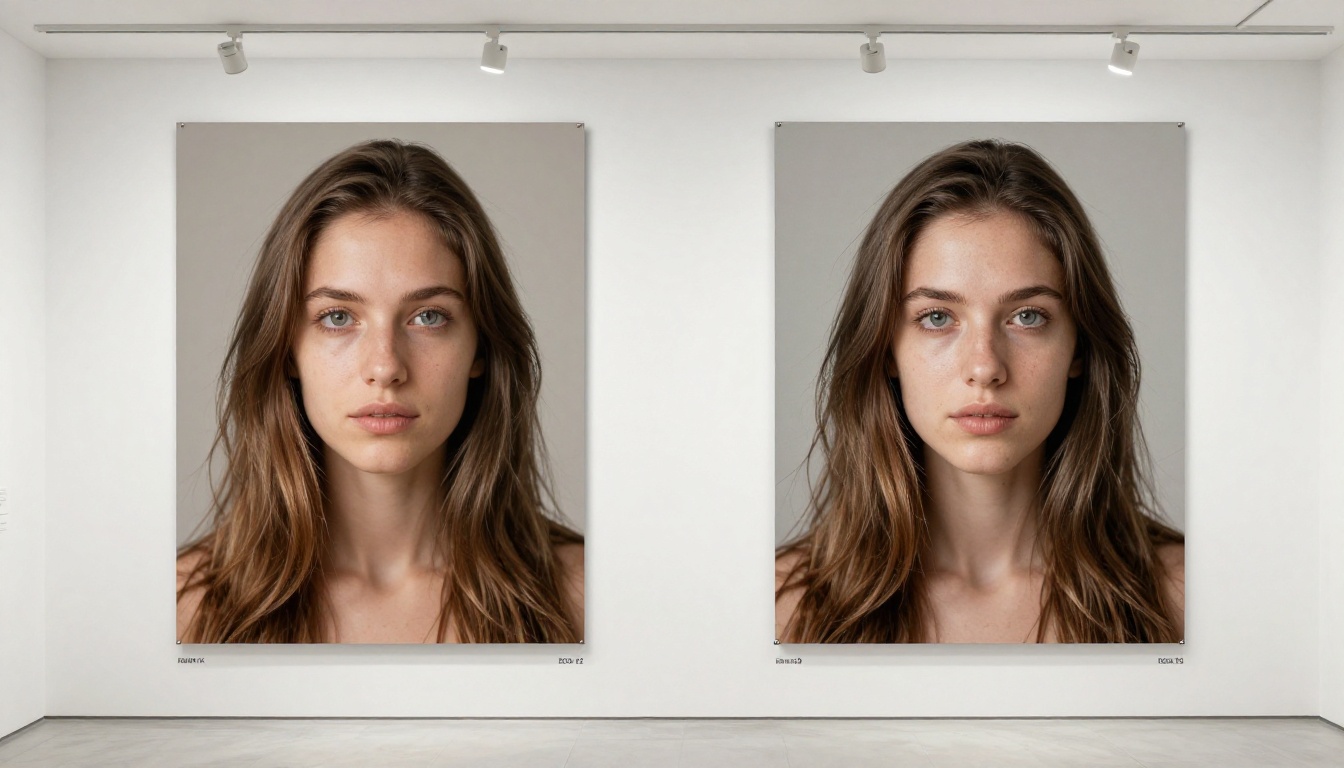
Full Benchmark: Nano Banana Pro vs Flux
Here's how the two models stack up across all tested categories:
| Category | Nano Banana Pro | Flux Dev | Flux Pro |
|---|
| Skin texture realism | ★★★★★ | ★★★☆☆ | ★★★★☆ |
| Hair rendering | ★★★★☆ | ★★★☆☆ | ★★★★☆ |
| Fabric and clothing | ★★★☆☆ | ★★★★☆ | ★★★★★ |
| Prompt adherence (simple) | ★★★★☆ | ★★★★☆ | ★★★★★ |
| Prompt adherence (complex) | ★★★☆☆ | ★★★★★ | ★★★★★ |
| Generation speed | ★★★★☆ | ★★★☆☆ | ★★☆☆☆ |
| Batch consistency | ★★★☆☆ | ★★★★☆ | ★★★★★ |
| Lighting accuracy | ★★★★★ | ★★★★☆ | ★★★★★ |
| Background coherence | ★★★★☆ | ★★★★☆ | ★★★★★ |
| Overall photorealism | ★★★★★ | ★★★★☆ | ★★★★★ |
Overall verdict by use case:

Where Flux Wins Outright
There are specific scenarios where Flux simply isn't a fair fight. These are the categories where Black Forest Labs' architecture has a structural advantage.
Text in Images
Generating readable, correctly spelled text within an image remains one of the hardest problems in this space. Flux models handle it with dramatically better accuracy than Nano Banana Pro. If your workflow involves generating images with visible signage, labels, or product text, Flux should be your default.
Multi-Subject Scenes
Two or more people in a frame is where Nano Banana Pro can struggle with identity bleed, where features from one subject bleed into another. Flux Dev maintains distinct subject separation more reliably.
Structural Architecture Shots
Buildings, interiors, and environments with precise geometric structure benefit from Flux's spatial reasoning. Perspective lines stay consistent. Architectural details don't drift. For brand imagery involving spaces or locations, Flux is the safer choice.
Where Nano Banana Pro Wins Outright
Single-Subject Portrait Work
Nothing currently matches Nano Banana Pro for single-subject portraiture. The subsurface skin scattering, micro-detail fidelity, and lighting naturalism produce images that could plausibly be mistaken for studio photography. For beauty brands, creative portfolios, and character-driven content, this model is in a category of its own.
Emotional Expression Rendering
The ability to translate a feeling from text to image is one of Nano Banana Pro's most underappreciated strengths. "A woman with quiet amusement in her eyes, not quite smiling" produces a genuinely nuanced result. Flux tends toward more neutral or conventionally expressive faces unless heavily directed.
Lifestyle and Glamour Content
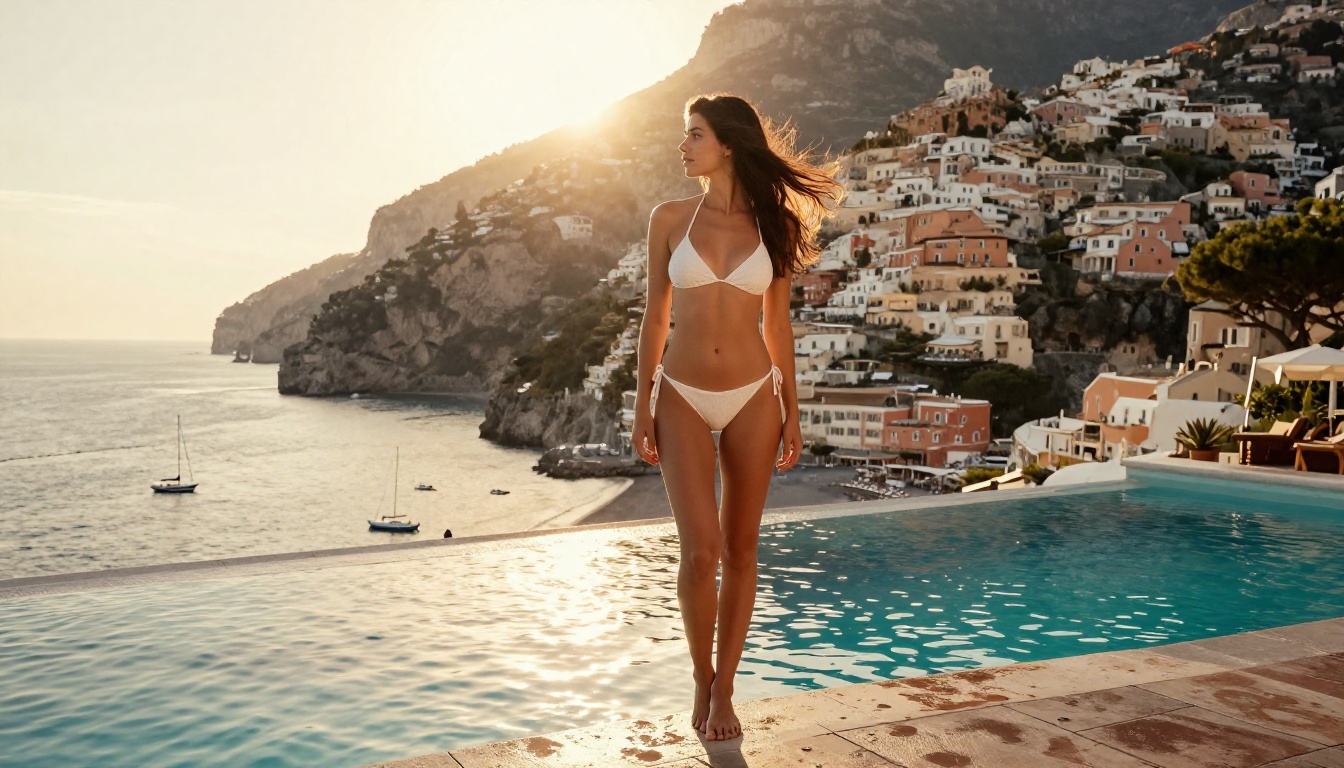
For atmospheric lifestyle imagery, swimwear, lingerie, and editorial glamour work where the aesthetic quality of skin and fabric must hold up to close inspection, Nano Banana Pro produces outputs that meet professional standards. Models like Realistic Vision v5.1 and RealVisXL Turbo are capable alternatives, but Nano Banana Pro has a higher ceiling when pushed with detailed prompts.
The Smarter Workflow: Using Both
The creators getting the best results right now aren't picking one model and committing. They're building workflows that route prompts to the right model for each task:
- Ideation and layout: Flux Schnell for speed, high volume iteration
- Composition locking: Flux Dev for structural precision on complex scenes
- Portrait finals: Nano Banana Pro for maximum skin and light realism
- Editing and inpainting: Flux Fill Pro for non-destructive corrections
- Image editing with context: Flux Kontext Dev for reference-guided changes
This approach treats each model as a specialist rather than a generalist, and the combined output quality is noticeably higher than committing to either one exclusively.
💡 Platform advantage: On PicassoIA, you have access to all of these models in one place. Switch between Nano Banana Pro, Flux Dev, Flux Pro, and Flux Schnell without managing multiple accounts or API keys. Your generation history stays in one place, making A/B comparisons between models straightforward.
Which One Should You Choose
The answer depends entirely on what you're making.
Choose Nano Banana Pro if:
- You primarily create portraits, beauty imagery, or lifestyle content
- Skin realism and lighting naturalism are non-negotiable for your work
- You're producing content where the viewer's eye will spend time on the face
- Your prompts are rich in physical, environmental, and sensory description
Choose Flux Dev or Flux Pro if:
- You work with complex multi-element compositions
- Your images include readable text, signs, or labels
- Prompt fidelity on specific spatial instructions matters more than organic texture
- You need tight batch consistency for high-volume creative workflows
For most creators, the honest answer is: test both on your actual prompts. The model that handles your specific content type best will be obvious within five generations. PicassoIA makes that testing fast since both Nano Banana Pro and the full Flux family are available on the same platform. You're not committing to anything by running a comparison. You're just getting better data before making a decision that affects every image you generate from here on.
Start with Nano Banana Pro for your next portrait session. Then try the same prompt in Flux Dev. Put them side by side. Your eye will tell you the rest.


