The AI image generation space is moving fast, and two models have been drawing serious attention: Nano Banana Pro and Grok Imagine. Both promise high-quality, photorealistic output from text prompts — but they come from very different places. Google built Nano Banana Pro as part of its next-generation text-to-image pipeline. xAI's Grok Imagine sits inside the Grok ecosystem, built for a different kind of creative user. If you're trying to decide which one to use, this comparison cuts through the noise and gets straight to what matters: output quality, prompt fidelity, speed, and real-world usability.
The good news? Both models are available to run directly on PicassoIA, so you don't need separate API keys or subscriptions just to try them.
What These Models Actually Are
Before the numbers, it's worth understanding what you're actually dealing with. These aren't the same model with different branding — they have meaningfully different architectures and design philosophies.
Nano Banana Pro: Google's Fast Generator
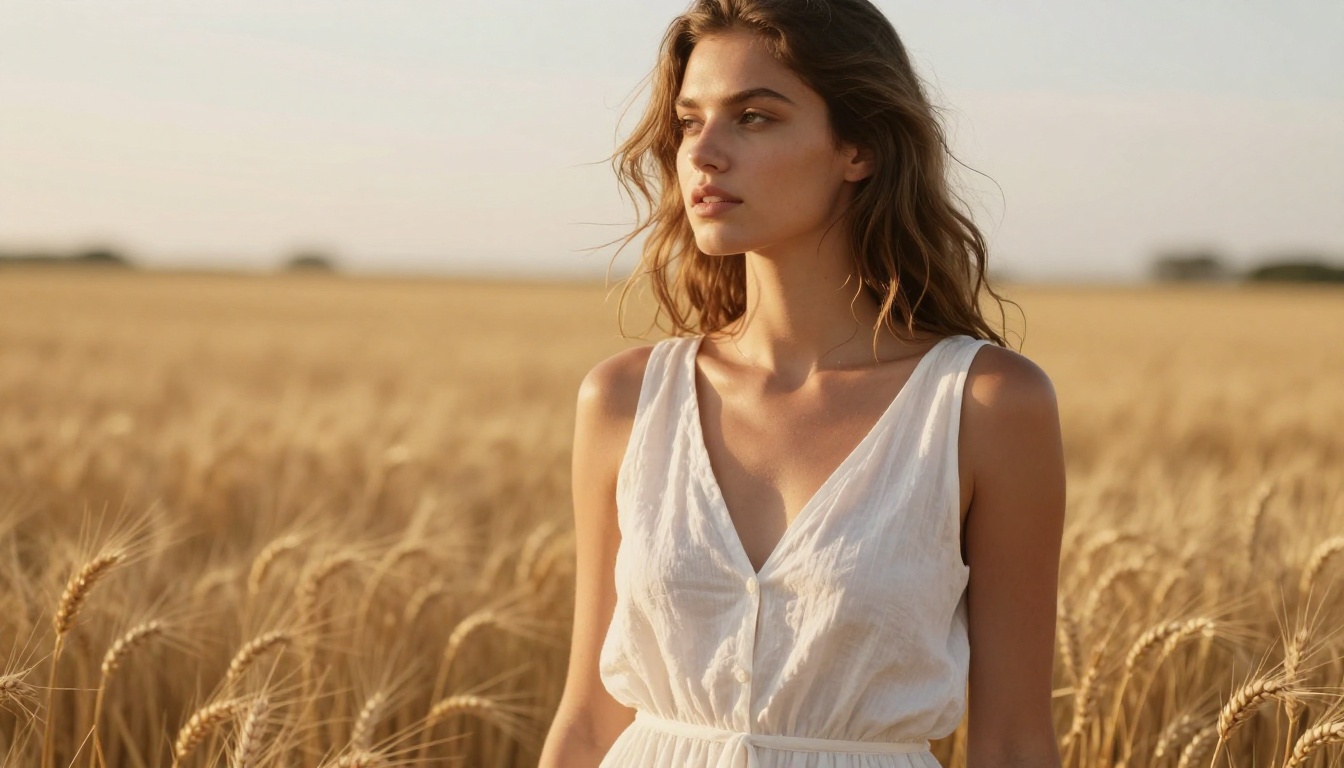
Nano Banana Pro is Google's advanced text-to-image model. It sits in a lineage that includes Nano Banana and Nano Banana 2, but the Pro variant specifically targets higher fidelity and better prompt understanding. Google's training methodology leans into diversity of subject matter — it handles portraits, landscapes, objects, and abstract scenes with comparable consistency.
The "Pro" designation here isn't marketing fluff. Compared to its siblings, Nano Banana Pro produces noticeably sharper edges, more accurate color reproduction, and better handling of complex spatial compositions. It's the model you reach for when you want something that feels genuinely photographic.
Grok Imagine: xAI's Visual Engine
Grok Imagine comes from xAI. Unlike models trained primarily on licensed image datasets, Grok Imagine benefits from the broader Grok model family's training approach — which includes a strong emphasis on instruction following. That translates to a model that takes your prompt seriously. If you write a detailed, specific prompt, Grok Imagine tends to reflect more of that specificity back at you.
Its aesthetic tends to lean slightly cooler and more contrasty than Nano Banana Pro's warmer, more natural palette. Whether that's better or worse depends entirely on what you're making.
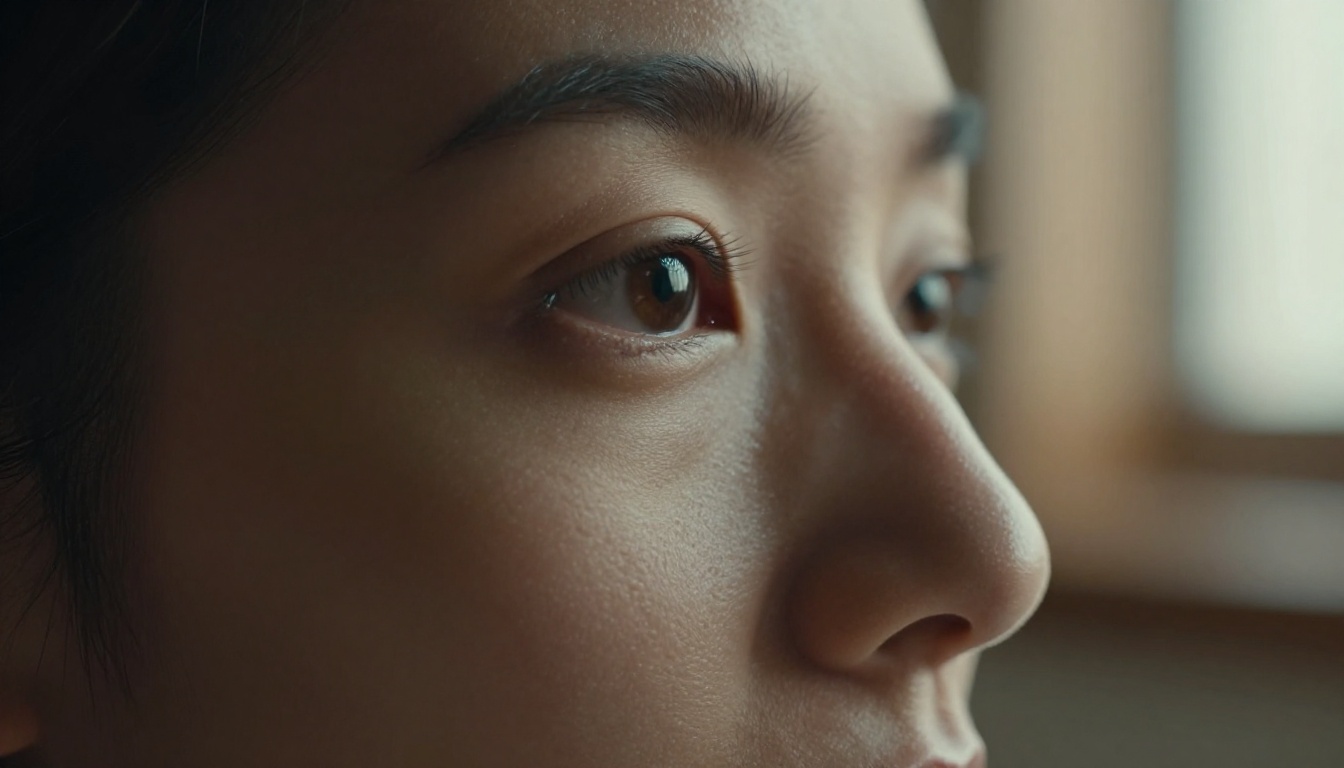
Image Quality: Side by Side
This is what everyone actually cares about, so let's be direct.
Photorealism and Skin Detail
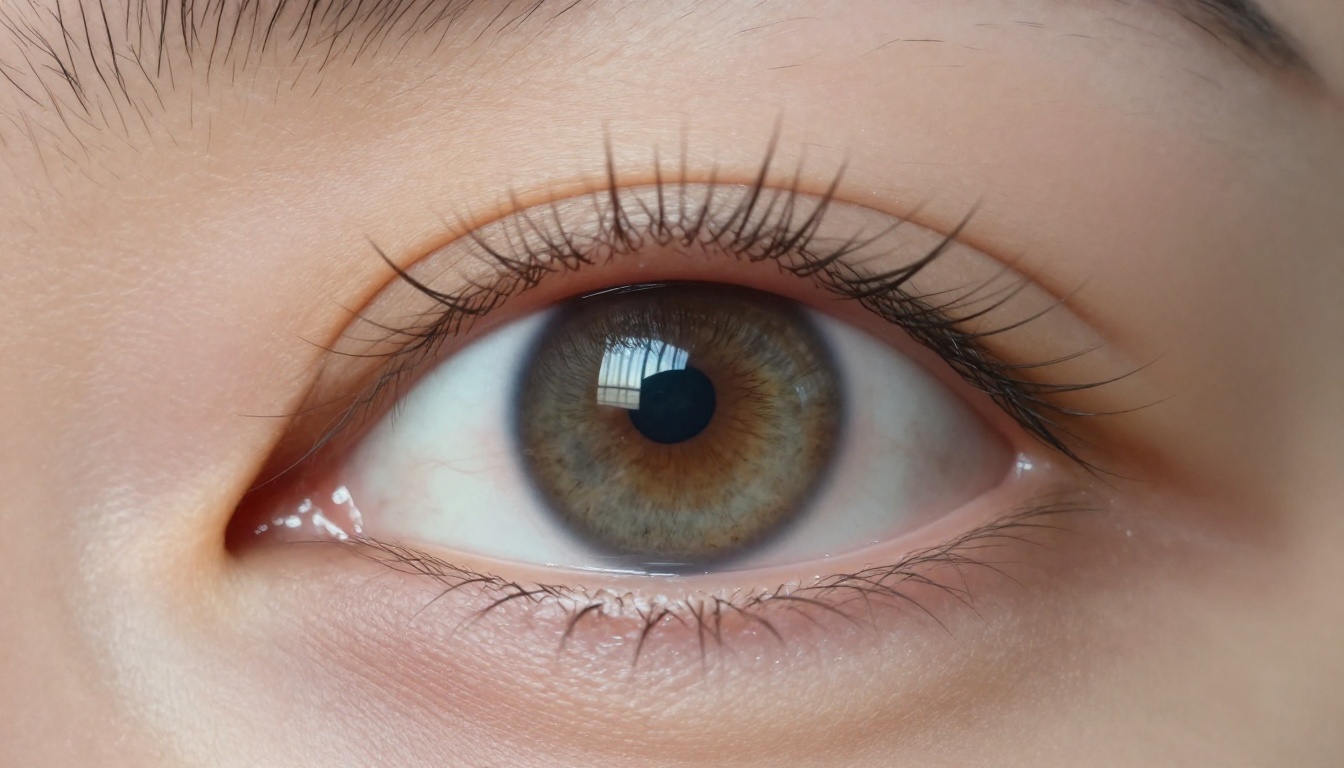
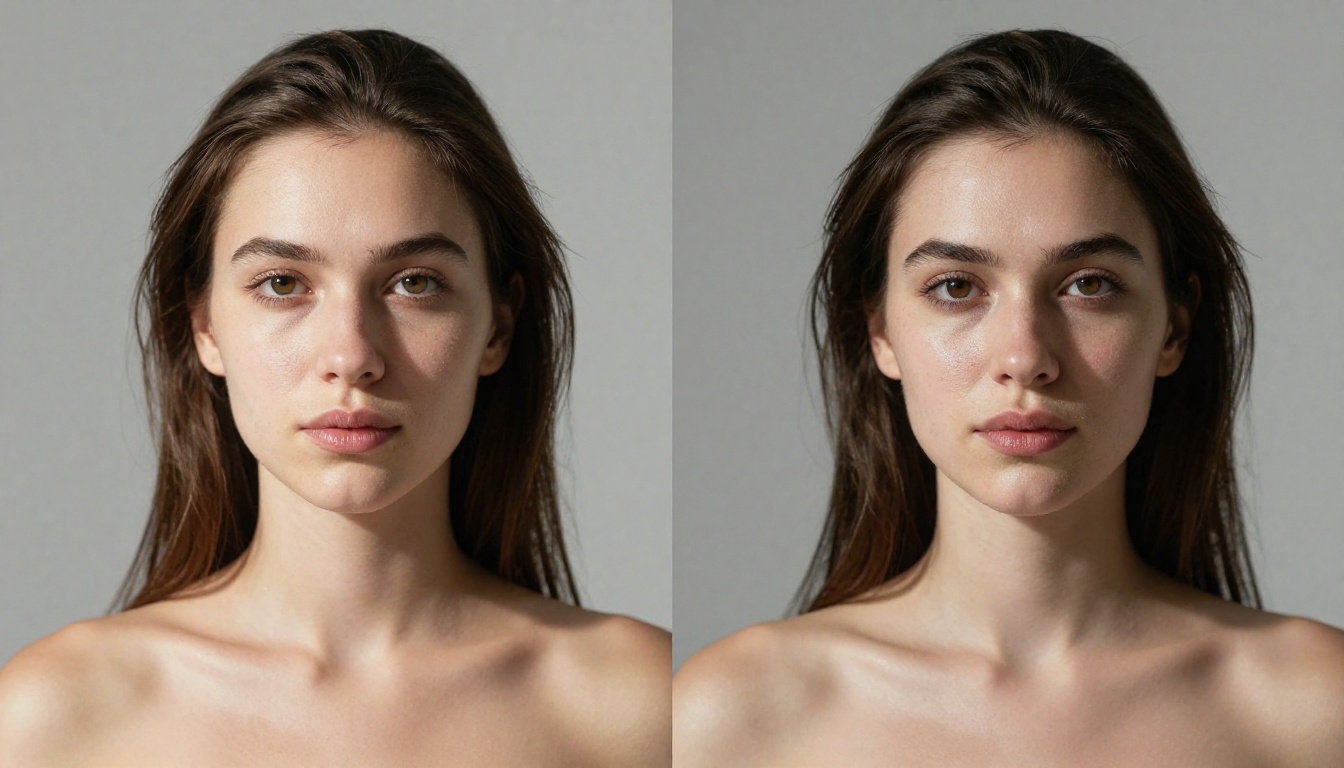
Nano Banana Pro has a clear edge in photorealism for portraits. Skin tones come out with more natural gradients, subsurface scattering is better implied, and hair tends to look less "painted." The model's handling of light falloff across facial planes is genuinely impressive — close-up portraits often feel indistinguishable from DSLR shots.
Grok Imagine produces sharp, high-contrast portraits that feel more "editorial." The skin is clean, but in close-ups you'll sometimes notice a slight smoothing tendency that reduces the micro-pore texture that makes a photo feel real. At medium zoom and above, both models perform very closely.
💡 Tip: For portraits where skin texture matters, Nano Banana Pro wins. For sharp, editorial-style shots, Grok Imagine delivers excellent results.
Backgrounds and Environments
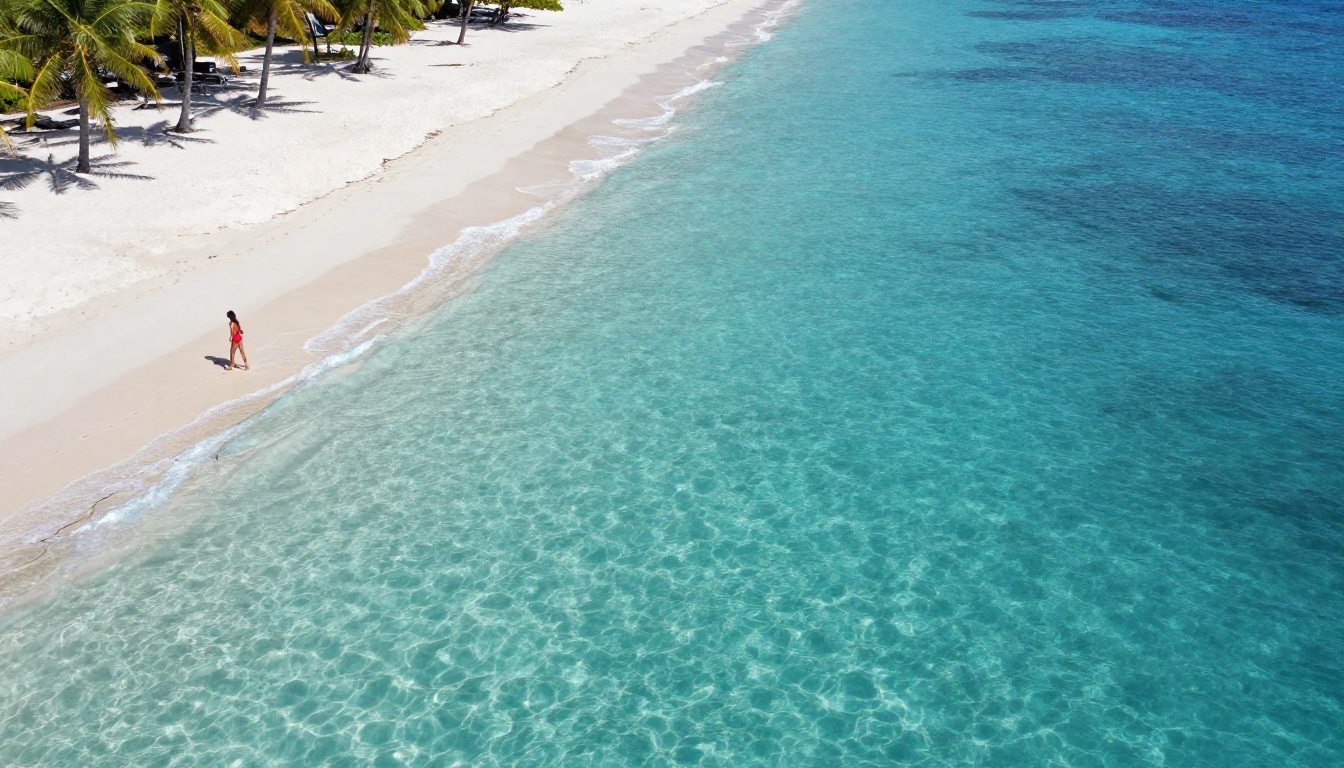
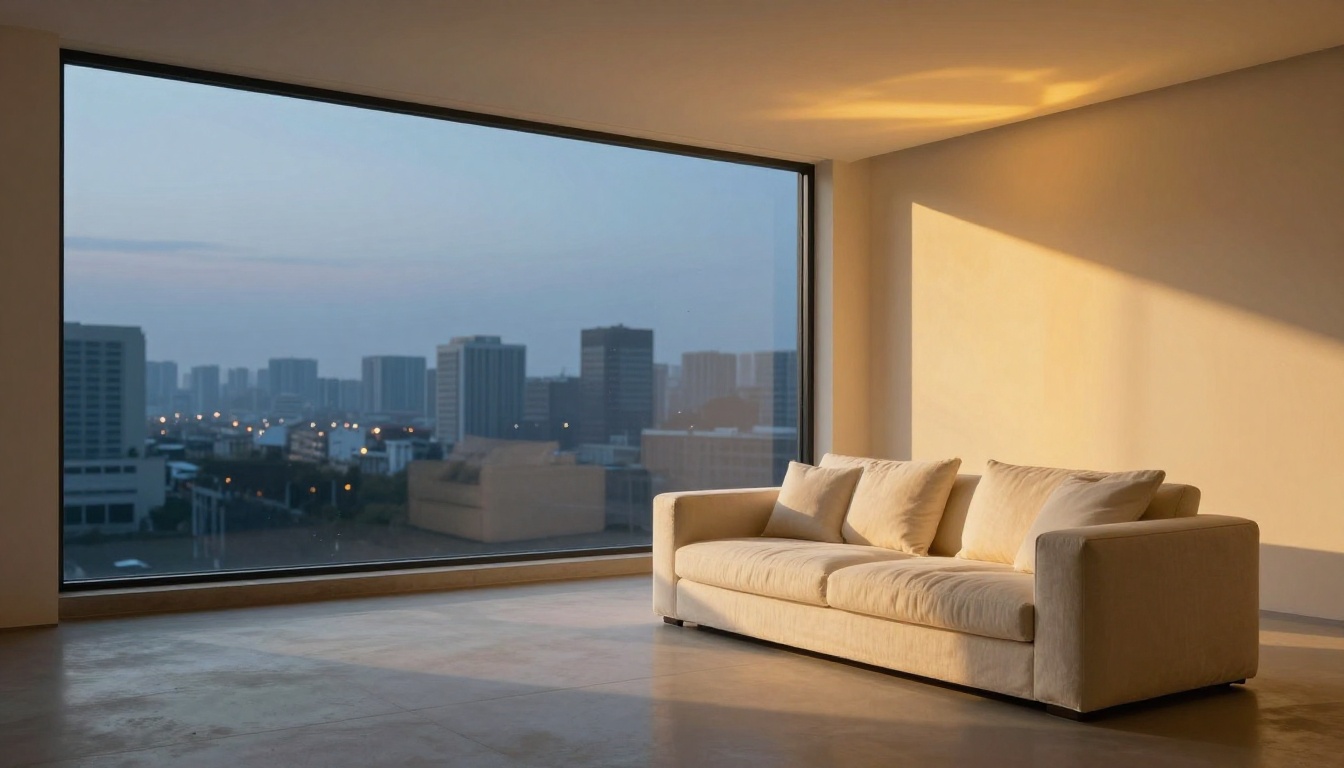
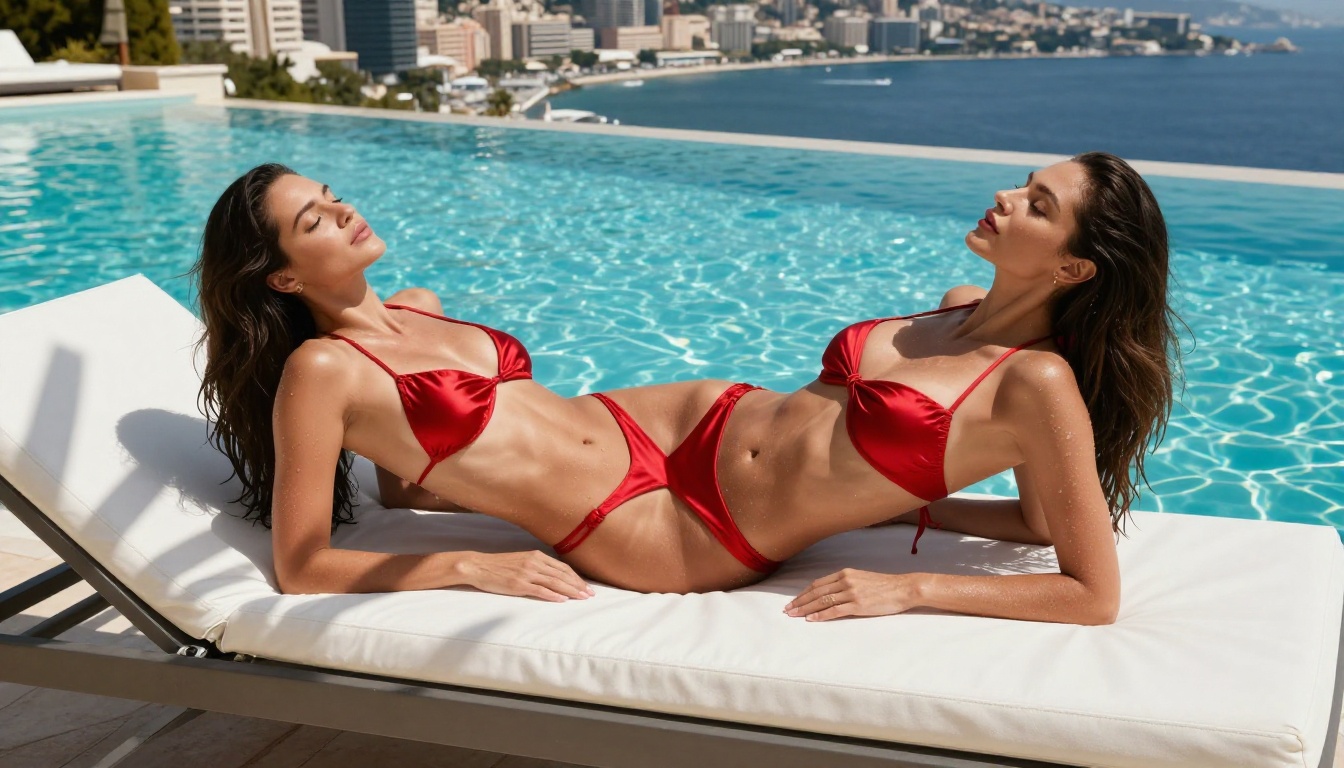
For wide shots and environmental scenes — beaches, forests, cities — Grok Imagine actually pulls ahead. Its handling of depth in wide compositions is strong, and atmospheric effects like haze, rain, and fog come out more convincingly. It also handles architectural geometry better, keeping straight lines straight and proportions accurate.
Nano Banana Pro can sometimes soften backgrounds slightly in favor of subject sharpness, which works beautifully for portraits but can feel lacking in pure landscape or architecture work.
Low-Light and Complex Scenes
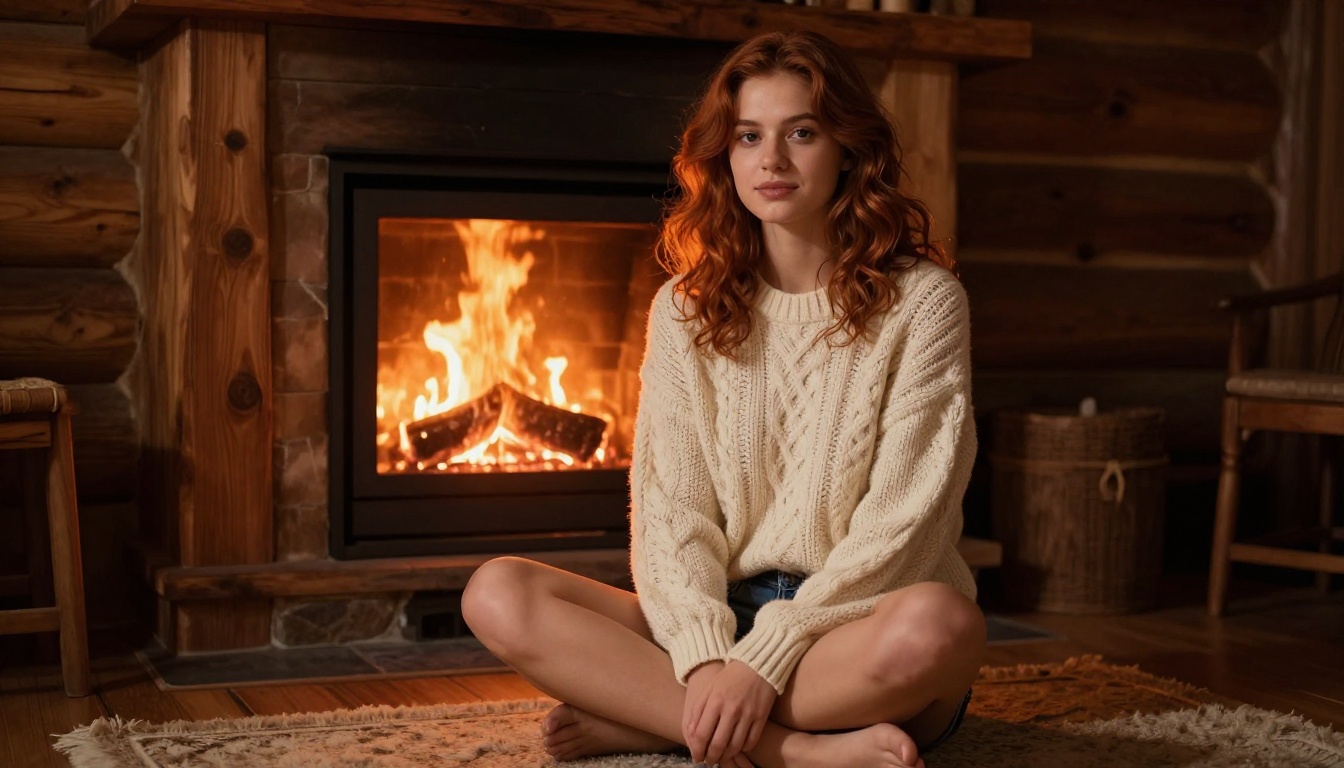
Low-light is where things get interesting. Both models handle firelight and tungsten-lit interior scenes — but Nano Banana Pro does it with noticeably more warmth and color accuracy. Grok Imagine tends to push those scenes slightly blue-grey, which can feel clinical in what should be a cozy context.
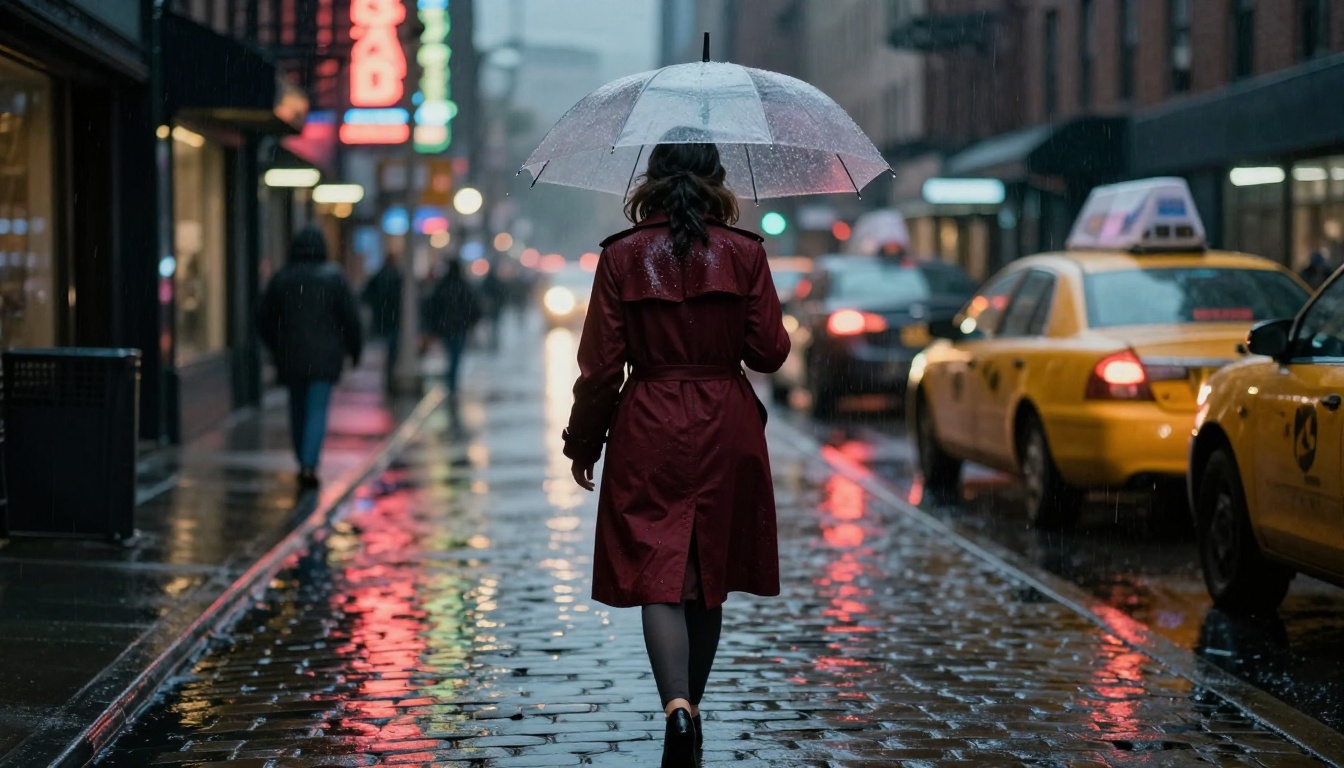
For rain, wet surfaces, and night-time street scenes, Grok Imagine produces more convincing light reflections on wet pavement — a detail that makes or breaks night photography authenticity. Rain droplets in mid-air, puddle reflections from shop signs, wet fabric texture on shoulders — all stronger in Grok Imagine.
Prompt Following: Who Listens Better?
Image quality matters, but only if the model actually generates what you asked for.
Handling Specific Instructions
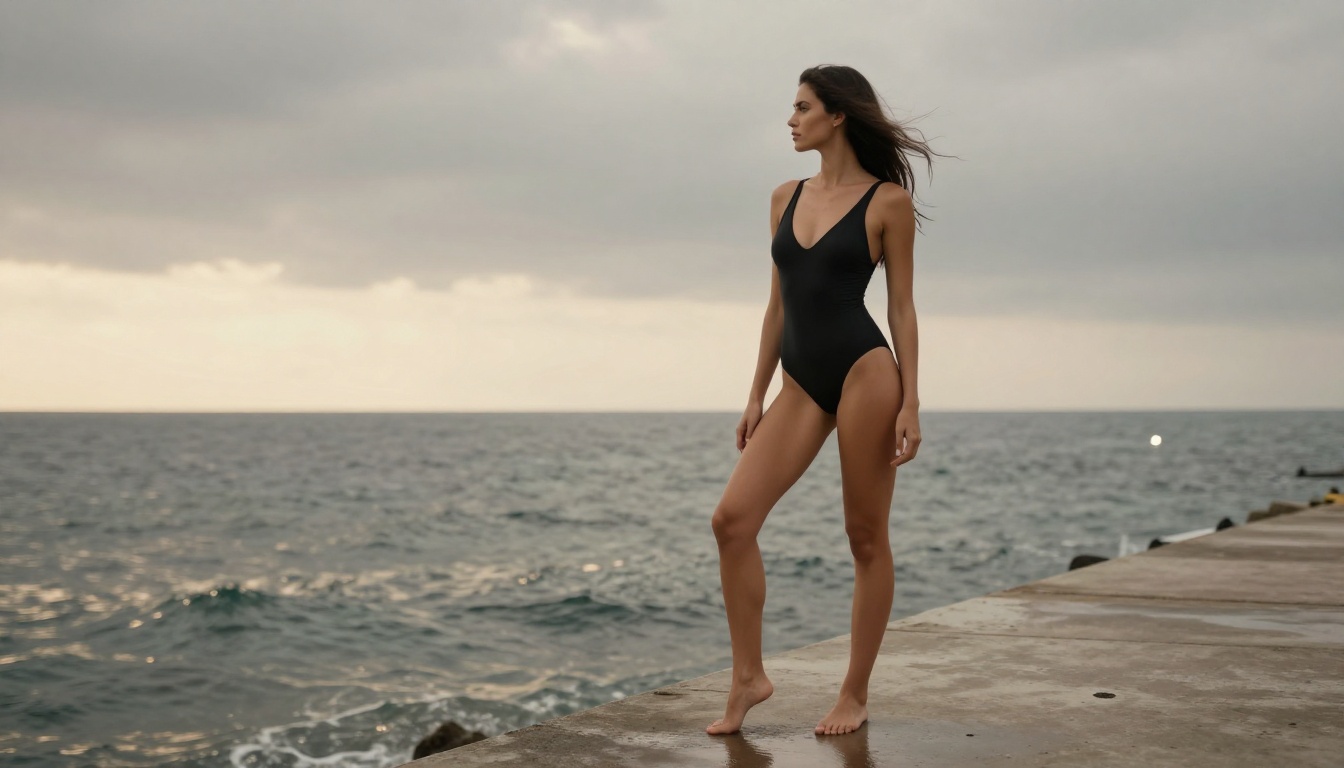
Grok Imagine is the stronger prompt-follower. This is likely a byproduct of xAI's instruction-tuning approach across the Grok model family. When you specify "woman standing at the edge of a pier, shot from behind, dusk lighting," Grok Imagine hits that description more consistently across generations. Nano Banana Pro sometimes takes creative liberties — substituting composition angles or lighting setups that differ from what you wrote.
For iterative workflows where you need tight control over output, Grok Imagine's precision is a real advantage. You spend less time re-prompting.
Negative Prompts and Exclusions
When it comes to excluding elements — "no text," "no watermark," "no motion blur" — both models respond reasonably well. Grok Imagine is marginally better at honoring exclusions in complex scenes. Nano Banana Pro can occasionally sneak in small artifacts it was told to avoid, particularly in busy background areas.
💡 Tip: For high-precision prompting with many specific constraints, start with Grok Imagine. For natural, photographic output with less prompt engineering required, Nano Banana Pro is more forgiving and consistent.
Speed and Output
Generation Time Compared
Both models are fast — neither one will have you waiting more than a few seconds under normal conditions. Nano Banana Pro tends to be slightly quicker at standard resolutions, consistent with Google's stated design goal of speed-at-quality-parity. Grok Imagine takes marginally longer at higher resolutions, but the difference isn't significant enough to change most workflows.
| Nano Banana Pro | Grok Imagine |
|---|
| Typical generation time | ~3–5 sec | ~4–6 sec |
| Max resolution output | High | High |
| Speed vs. quality tradeoff | Balanced | Quality-leaning |
| Batch generation support | ✓ | ✓ |
| Prompt sensitivity | Medium-high | Very high |
| Default aesthetic | Warm, natural | Cool, contrasty |
Resolution and File Quality
Both models output at high resolution suitable for commercial use cases. Edge sharpness at high resolution is slightly better in Grok Imagine — fine details like individual hairs and fabric weaves hold up better when you zoom in. Nano Banana Pro compensates with better color depth and tonal range, which matters more for print output where warmth and gradient smoothness are prioritized over sharp-edge pop.
Strengths and Weaknesses
| Category | Nano Banana Pro | Grok Imagine |
|---|
| Skin & Portrait Quality | ⭐⭐⭐⭐⭐ | ⭐⭐⭐⭐ |
| Wide Environments | ⭐⭐⭐⭐ | ⭐⭐⭐⭐⭐ |
| Prompt Fidelity | ⭐⭐⭐⭐ | ⭐⭐⭐⭐⭐ |
| Low-Light Warmth | ⭐⭐⭐⭐⭐ | ⭐⭐⭐ |
| Night/Wet Reflections | ⭐⭐⭐ | ⭐⭐⭐⭐⭐ |
| Generation Speed | ⭐⭐⭐⭐⭐ | ⭐⭐⭐⭐ |
| Edge Detail at High Res | ⭐⭐⭐⭐ | ⭐⭐⭐⭐⭐ |
| Color Depth & Warmth | ⭐⭐⭐⭐⭐ | ⭐⭐⭐⭐ |
Neither model dominates across every dimension. The real answer to "which is better" depends entirely on what you're creating.
How to Use Nano Banana Pro on PicassoIA
Both Nano Banana Pro and Grok Imagine are available directly on PicassoIA — no separate accounts, no API keys, no model downloads.
Step-by-Step for Nano Banana Pro
- Go to Nano Banana Pro on PicassoIA
- Type your prompt in the text field — be descriptive, this model rewards detail
- Select your aspect ratio: 16:9 for editorial and landscape; 1:1 for tight portraits
- Hit Generate and wait 3–5 seconds for your output
- Download directly or pipe the result into a video generation model for animation
Prompt tips that improve Nano Banana Pro output:
- Specify lighting direction explicitly: "morning light from the left" or "backlit at golden hour"
- Name the camera lens: "85mm f/1.4 portrait lens" or "24mm wide angle"
- Use texture language: "visible skin pores," "cable-knit fabric texture," "wet concrete"
- Add film stock references: "Kodak Portra 400" or "Fuji Pro 400H color emulation"
Step-by-Step for Grok Imagine
- Head to Grok Imagine on PicassoIA
- Write a highly specific prompt — this model rewards precision over poetry
- Use negative prompts aggressively: list anything you want excluded
- Select your output resolution and generate
Prompt structure that works best with Grok Imagine:
- Build prompts in this order:
[subject + action] + [environment] + [lighting] + [camera angle + lens] + [atmosphere]
- Be explicit about angles: "shot from behind at 3/4 angle", "low angle looking up"
- Use it for complex multi-element scenes: rain, crowds, night cityscapes, fog
- Specify atmospheric conditions: "overcast diffused sky," "light fog at the horizon," "rain mid-air"
Which One Is Right for You?
Here's the short version:
💡 Use Nano Banana Pro if: You're creating portraits, lifestyle photography, warm editorial content, or anything that benefits from natural color and genuine photographic feel.
💡 Use Grok Imagine if: You need tight prompt control, environment-heavy shots, complex lighting scenarios — rain, night, fog — or high-edge-detail work at maximum resolution.
For most workflows, the best answer isn't picking one — it's running the same prompt through both and selecting the output that fits. PicassoIA makes that trivial since both live on the same platform.
Other models worth testing for similar use cases:
- Flux 1.1 Pro — strong all-rounder with excellent fine detail
- Flux 1.1 Pro Ultra — maximum resolution output for print-ready work
- Imagen 4 — Google's flagship model for absolute top-end quality
- GPT Image 1.5 — OpenAI's take on photorealistic generation with strong instruction fidelity
- Flux 2 Pro — the latest Flux generation with improved coherence
- Seedream 4 — ultra-high-resolution output from ByteDance
Start Generating on PicassoIA
The comparison above gives you the map — now it's time to run your own tests. Both Nano Banana Pro and Grok Imagine are live on PicassoIA right now, alongside over 90 other text-to-image models including Imagen 4 Ultra, Flux Kontext Pro, and more.
Write a prompt. Run it through both. See which output looks closer to what you had in mind. That 10-second experiment will tell you more than any written comparison. Pick your model, refine your prompt, and ship something worth looking at.


