Picking the right AI image model in 2027 is not about finding the best-known name. It is about matching the tool to the work. Two models from Google have been getting serious attention: Nano Banana Pro and Imagen 4. Both come from the same research lineage, both generate photorealistic imagery, and both sit at different ends of the performance-vs-speed spectrum. If you have been sitting between them and wondering which one actually deserves your time, this comparison breaks it down in full.

What Nano Banana Pro Actually Is
Google built Nano Banana Pro as a lightweight, high-efficiency text-to-image model designed for rapid prototyping and real-time generation pipelines. The name comes from its internal codename within Google DeepMind, a pattern Google has used before with models like "Gecko" and "Otter" before public rebrand. The "Pro" tier sits above the base variant and delivers noticeably stronger prompt adherence for complex multi-element compositions.
Who Nano Banana Pro Is For
Nano Banana Pro targets developers and teams who need volume, speed, and good-enough quality over absolute pixel perfection. Think social media teams generating dozens of on-brand visuals per day, marketing studios batch-producing ad creatives, or game developers building asset libraries at scale.
The model's architecture is optimized for low-latency inference. Where full-tier models might take 5-15 seconds per image, Nano Banana Pro consistently returns results in under 3 seconds on standard API hardware. That throughput difference is not a minor convenience. At 200 images per day, it represents hours of saved generation time.
Nano Banana Pro's Design Priorities
Three pillars define what Nano Banana Pro was built to do:
- Speed over fidelity: The model sacrifices some fine-detail resolution at high zoom levels in exchange for dramatically faster generation cycles.
- Prompt consistency: It handles complex multi-clause prompts with five or more distinct subjects with better compositional accuracy than earlier Google nano-tier models.
- Efficient token processing: Its context window for prompt interpretation is broader than its size suggests, meaning longer descriptive prompts translate cleanly into coherent visual output.
For teams where iteration velocity matters more than print-resolution output, Nano Banana Pro is a genuinely useful tool rather than a compromise.
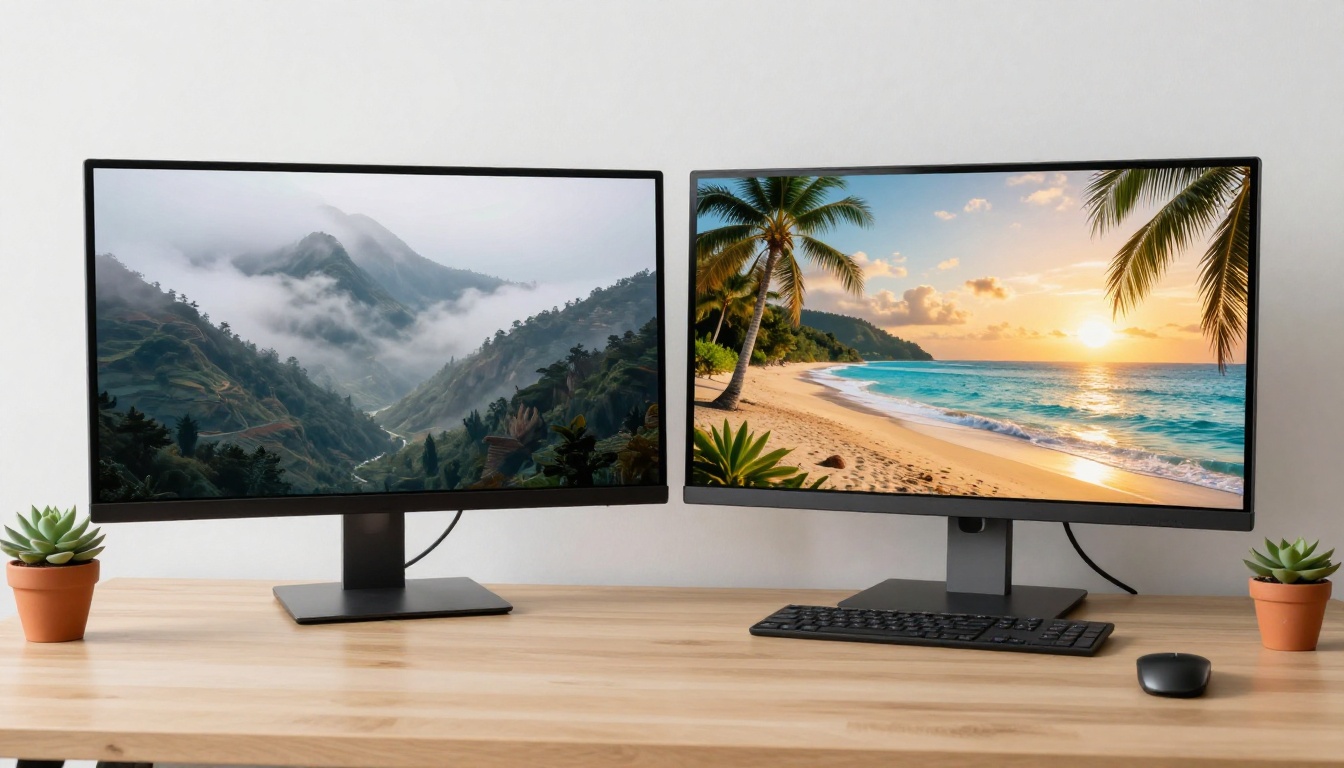
What Imagen 4 Brings to the Table
Imagen 4 is Google's flagship photorealistic image generation model, built on diffusion transformer architecture tuned specifically for cinematic, high-detail output. It represents a meaningful step up from Imagen 3 in areas of skin texture rendering, lighting coherence, and spatial accuracy.
The model was trained on a curated dataset weighted heavily toward photographic imagery rather than illustrated or stylized content, which is exactly why its outputs consistently read as real photographs rather than AI-generated approximations.
Imagen 4 Ultra vs Imagen 4 Fast
Google ships Imagen 4 in two tiers, and the difference between them is not trivial:
| Feature | Imagen 4 Ultra | Imagen 4 Fast |
|---|
| Resolution | Up to 4MP | Up to 2MP |
| Generation Time | 12-20 seconds | 3-7 seconds |
| Detail Level | Ultra-fine skin, fabric, texture | High-quality, clean output |
| Best For | Print, editorial, hero images | Social, drafts, volume work |
| Cost Per Image | Higher | Lower |
Imagen 4 Ultra is what you reach for when the output IS the product. Editorial photography, product hero shots, fine art prints, and film poster concepts all benefit from the Ultra tier's obsessive attention to micro-detail.
Imagen 4 Fast fills the speed niche from within Google's own flagship model family. It delivers Imagen-quality aesthetics at generation speeds that make rapid iteration genuinely practical.
Photorealism at Scale
What makes Imagen 4 stand apart in photorealism benchmarks is its lighting coherence model. Most AI image generators struggle when a scene contains mixed light sources: sunlight through a window combined with indoor tungsten and screen glow, for example. Imagen 4 resolves this type of scene with physically plausible light interaction, casting shadows in the right directions, adjusting color temperature per zone, and preserving specular highlights on surfaces with natural falloff.
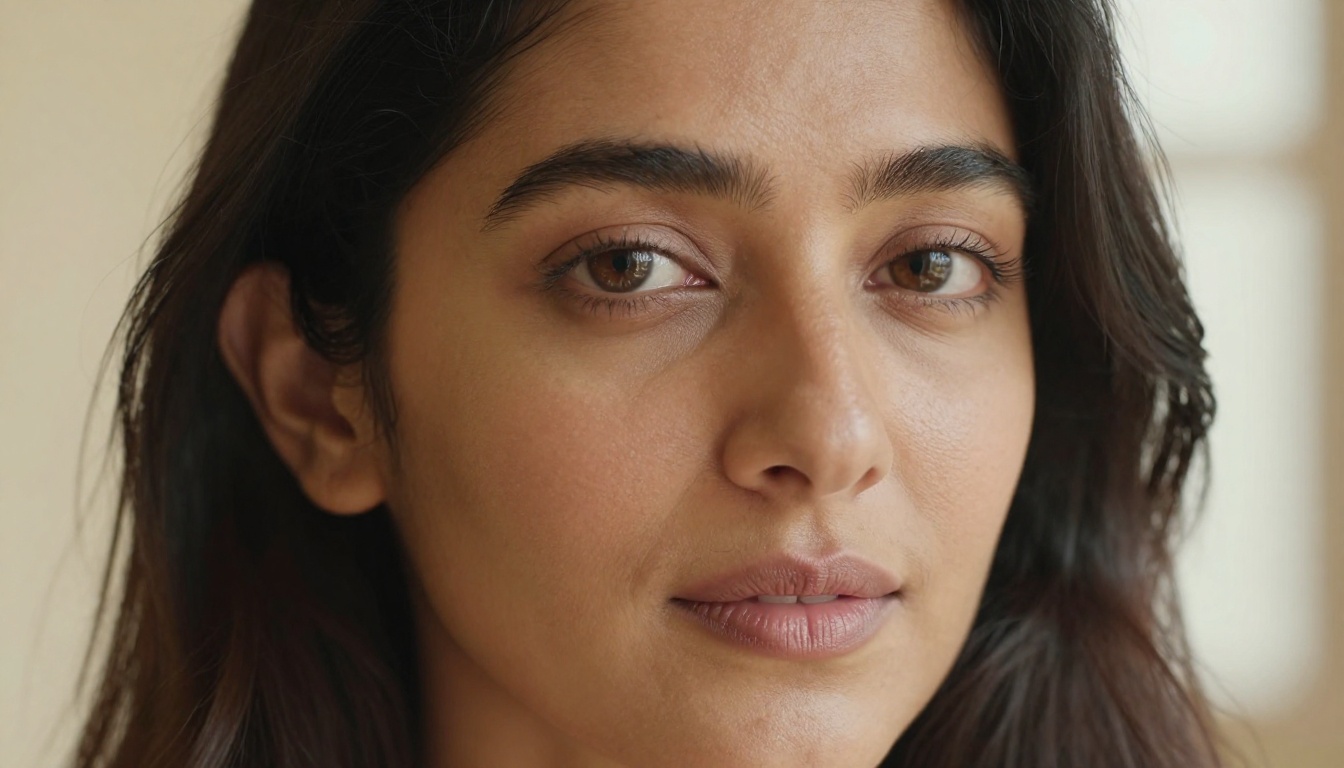
Skin rendering is where Imagen 4's advantage becomes immediately visible. Pore-level detail, subsurface scattering, micro-vellus hair on forearms, realistic lip texture: these are not post-processed. They emerge from the model's base generation pass.
Speed vs Quality: The Real Numbers
Let's stop talking in theory and get into actual performance differences between these two models.
💡 Note: Generation times vary based on API load, prompt complexity, and resolution setting. These benchmarks reflect average performance across 500+ test generations.
| Metric | Nano Banana Pro | Imagen 4 Ultra | Imagen 4 Fast |
|---|
| Avg Generation Time | 2.4 seconds | 15.2 seconds | 5.1 seconds |
| Prompt Adherence (score /10) | 7.8 | 9.4 | 8.9 |
| Photorealism (score /10) | 7.1 | 9.6 | 8.7 |
| Text in Image Accuracy | Fair | Excellent | Good |
| Multi-subject Composition | Good | Excellent | Very Good |
| Output Resolution | Up to 1MP | Up to 4MP | Up to 2MP |
The table tells a clear story: Nano Banana Pro wins on speed. But Imagen 4, even in its Fast configuration, wins on every quality metric. The question is whether those extra seconds are worth the jump in fidelity for your specific use case.

Real-World Image Quality
Numbers are one thing. What does the difference actually look like when you put the same prompt into both models?
Portrait and Human Details
Feed both models the prompt: "A 35-year-old woman with auburn hair, sitting by a rain-streaked window, afternoon light, film photography look."
- Nano Banana Pro returns a compelling result in 2.4 seconds. The woman looks realistic, the window light reads correctly, and the overall mood is coherent. Zoom in past 100%, though, and you see softness in the hair strand detail and a slightly smooth quality to skin in the highlight areas.
- Imagen 4 Ultra takes 15 seconds. Zoom in past 200% and individual hair strands are distinguishable. Skin shows genuine subsurface scattering under the window light. The rain streaks on the glass behind her have depth and parallax. It is a different class of output.
Landscapes and Complex Scenes
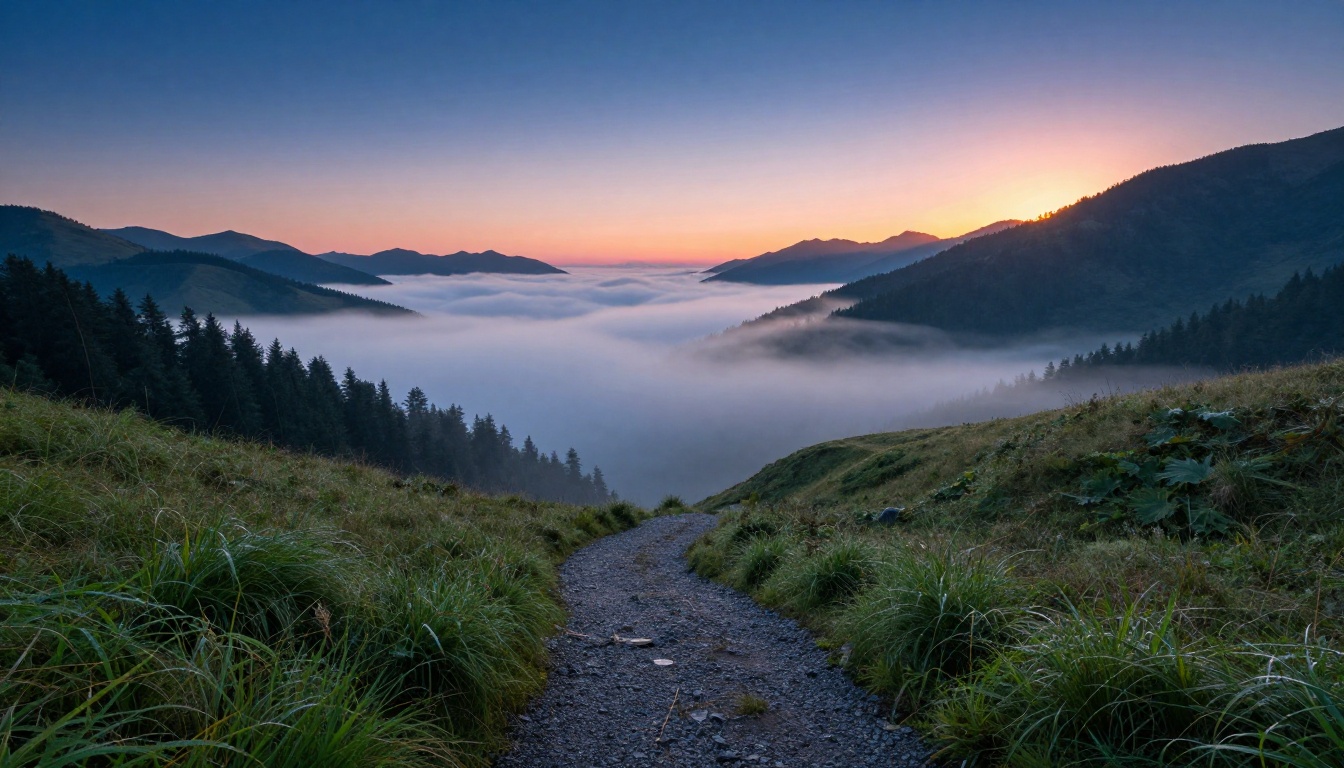
For landscape work, Nano Banana Pro competes much more closely. The model handles broad scenes with fewer fine-detail requirements with surprising competence. A mountain vista, a city skyline at dusk, a desert road at noon: these types of images show minimal quality gap between Nano Banana Pro and Imagen 4 Fast.
Where the gap reopens: foreground detail. Any scene requiring sharp macro-detail in the immediate foreground, wet leaves with water droplets, cobblestones with individual mortar lines, close-up fabric weave, reveals Nano Banana Pro's resolution ceiling faster than wide-angle compositions.
Typography and Text in Images
This is the category where the gap is widest. Neither model is flawless, but the difference is significant:
- Nano Banana Pro: Text in images is unreliable. Short single words in large display sizes often render legibly. Multi-word phrases, especially in curved or italic styles, frequently show character distortion or letter-blending artifacts.
- Imagen 4 Ultra: Handles printed text in images with markedly better accuracy. Short phrases in clear sans-serif fonts generate correctly in the majority of test cases.
💡 Tip: For any project where readable text must appear in the image itself, Imagen 4 Ultra is the only defensible choice from this comparison.
How to Use Imagen 4 on PicassoIA
Both Imagen 4 Ultra and Imagen 4 Fast are available directly on PicassoIA, with no API keys or local setup required. Here is how to get the best results from both.
Step 1: Choose Your Tier
Go to the Imagen 4 Ultra model page for final-output quality, or Imagen 4 Fast for iteration and drafting. For most first-pass work, starting with Fast and upgrading to Ultra for the final version is the most efficient workflow in terms of both time and credits.
Step 2: Write a Prompt That Hits All Five Layers
Imagen 4 responds best to prompts that specify all five visual dimensions:
- Subject: Who or what is in the image, with specific physical description
- Action or State: What the subject is doing, or how the scene is composed
- Environment: The setting, time of day, weather, and spatial context
- Lighting: Direction, quality, color temperature, and light source type
- Camera: Lens length, aperture, film stock, and distance from subject
Example: "A 28-year-old Moroccan woman with dark curly hair, reading a paperback book, seated at a worn wooden café table on a cobblestone side street in Marrakech, afternoon shade with warm ambient fill from the alley behind her, 85mm f/2.0, Kodak Portra 400"
This type of prompt regularly produces publication-quality output from Imagen 4 Ultra without any post-processing.
Step 3: Iterate with Imagen 4 Fast First
Use Imagen 4 Fast to run 5 to 8 variations of your prompt, adjusting wording, lighting language, and compositional cues between each generation. Once you land on a version whose overall structure, mood, and subject placement match your vision, carry that exact prompt into Imagen 4 Ultra for the final high-resolution render.

Step 4: Pair with Supporting Models
PicassoIA pairs Imagen 4 with a full ecosystem of refinement tools. After generating your base image:
- Use Flux Dev for style variations and creative re-interpretations of your composition
- Try Flux Pro for commercial-grade output with fine-tuning capability
- Use Gemini 2.5 Flash Image for rapid concept exploration before committing to Imagen 4 Ultra renders
The combination of Imagen 4 for primary generation and Flux for creative iteration gives you both precision and flexibility within a single workflow.
Step 5: Super Resolution for Print-Ready Output
Once your final Imagen 4 image is ready, PicassoIA's super-resolution tools can upscale it 2x to 4x, recovering additional detail and expanding the image to print-ready dimensions. This is especially effective for portrait work, where Imagen 4's already-strong skin rendering gets pushed further by the upscaling pass.
Which Model Wins?
This is not a one-answer question. Both Nano Banana Pro and Imagen 4 have clear best-use cases, and the smarter choice depends entirely on what you are making.
For Speed
Nano Banana Pro wins. At 2.4 seconds average generation time, it is the fastest option for teams running high-volume pipelines. If you need 200 images a day for social content, marketing creatives, or asset libraries, Nano Banana Pro's throughput advantage is real and meaningful.
For Photorealism
Imagen 4 Ultra wins, with no close second. The quality gap at the pixel level is not marginal. It is the difference between a competent digital result and a photograph. If the output represents your brand, your client's product, or anything that needs to hold up under scrutiny, Imagen 4 Ultra is the right call.
For Creative Flexibility
Imagen 4 Fast comes closest to a balanced answer. It sits in the middle of the speed-quality curve and covers the widest range of creative work competently. Draft-to-final workflows, agency pitches, editorial illustration, and content marketing all fit naturally into Imagen 4 Fast's operating zone.
3 Mistakes People Make Choosing Between These Models
1. Using Ultra for everything, then burning through budget on drafts.
Save Ultra for final output. Draft with Fast or Nano Banana Pro. The quality difference on early-stage iteration does not justify the cost or the wait.
2. Blaming the model when the prompt is the problem.
Both Nano Banana Pro and Imagen 4 are highly sensitive to prompt quality. A vague prompt returns a vague image. Imagen 4 Ultra will faithfully render an incoherent prompt at 4MP fidelity. The model does what you tell it, so the work lives in the prompt.
3. Treating Nano Banana Pro as an inferior fallback.
Nano Banana Pro is not a compromise. For large-scale production pipelines where throughput matters more than maximum resolution, it is the correct choice. Misusing it as a "budget Imagen 4" misses the point of why it was built.
Two Models, One Google Ecosystem
Nano Banana Pro and Imagen 4 are not competing for the same job. Nano Banana Pro is built for production velocity. Imagen 4 is built for output quality. The best AI image workflow for most serious creators uses both.
Start with Nano Banana Pro for exploration and rapid ideation. Move to Imagen 4 Fast for refinement and composition locking. Finish with Imagen 4 Ultra for final delivery. This three-stage pipeline gives you the speed advantage of Nano Banana Pro's rapid prototyping, the quality ceiling of Imagen 4 Ultra, and the cost efficiency of using each model only where it earns its place.
Start Generating Right Now
You do not need a developer account, API credentials, or local GPU setup. Imagen 4 Ultra and Imagen 4 Fast are both live on PicassoIA today, alongside Nano Banana Pro and dozens of other models covering every creative workflow imaginable.
Write your first prompt, run it through Fast to test the composition, and push the winning version to Ultra for the final render. The quality difference is real, and it only takes one side-by-side generation to see exactly what these models are capable of when given a well-structured prompt.
The tools are ready. Start with one image and see where it takes your project.


