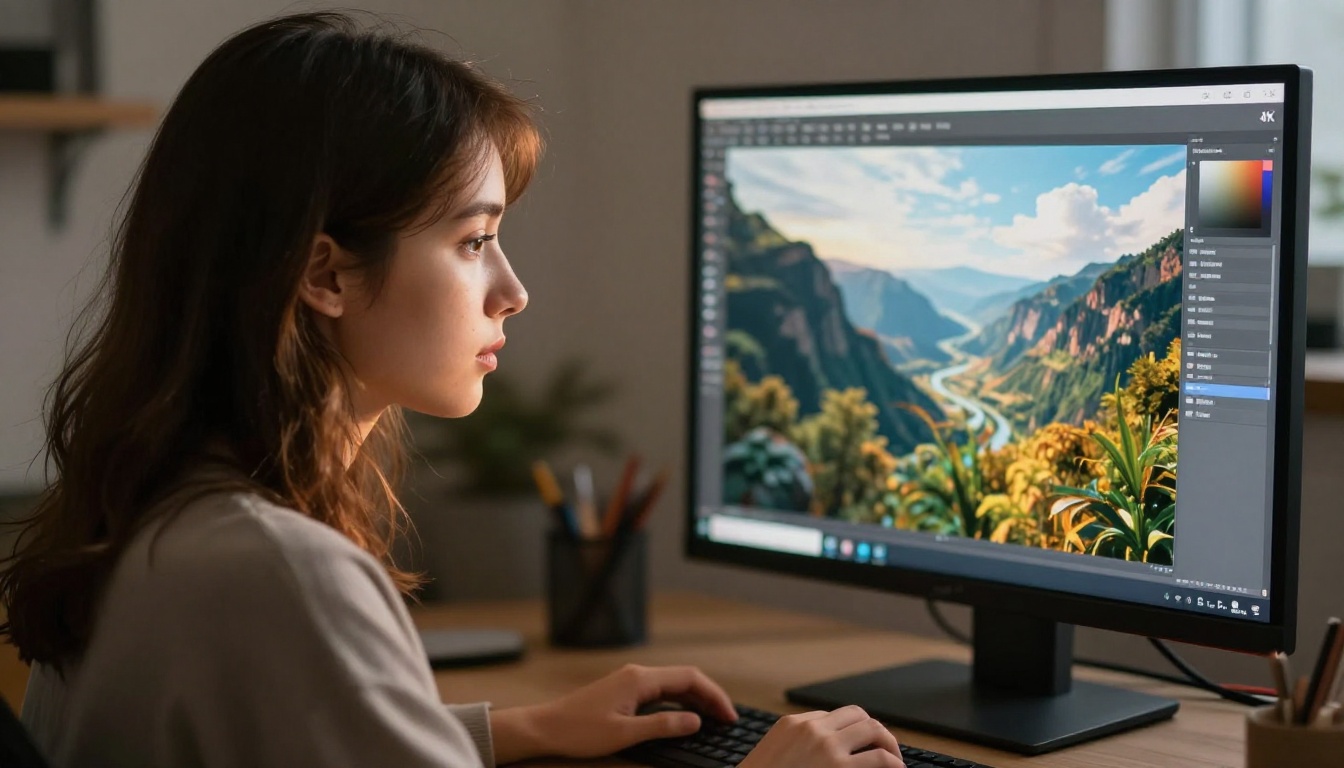
If you have been building a creative workflow around AI art in 2027, two models keep dominating the conversation: Nano Banana Pro and Midjourney. One is Google's newest text-to-image powerhouse with native 4K output, the other is the subscription platform that built its reputation on artistic, stylized imagery. Choosing between them matters more than most comparisons let on, because they are genuinely built for different kinds of creative work.
This article breaks them down across the dimensions that actually matter: image quality, prompt behavior, speed, pricing, and real-world creative output. No fluff, no brand cheerleading. Just what you need to make the right call for your projects.
What These Two Models Actually Are
Before comparing outputs, it is worth knowing what you are actually dealing with under the hood. These are not interchangeable tools, and the difference goes deeper than aesthetics.
Nano Banana Pro at a Glance
Nano Banana Pro is Google's most recent entry in the text-to-image space, sitting at the top of the Nano Banana model family. Its siblings, Nano Banana and Nano Banana 2, laid the groundwork for multi-concept image fusion and rapid generation. The Pro tier adds native 4K resolution output, sharper prompt adherence, and significantly improved photorealistic rendering of skin, fabric, and environmental textures.
It is a diffusion-based model trained on a massive, diverse dataset with a strong emphasis on photorealism and compositional accuracy. Where earlier versions of the Nano Banana family excelled at creative remixing and concept blending, Pro doubles down on precision and resolution.
Midjourney at a Glance
Midjourney is a proprietary AI art platform operating primarily through Discord and its own web interface. It has gone through several major versions, with v6 and v6.1 being the most widely used as of 2025. Midjourney built its reputation on producing images with a distinctive aesthetic quality, often described as painterly, cinematic, and stylistically rich.
Midjourney's strength lies in its opinionated output. It has a house style. When that style aligns with your creative vision, it produces stunning results. When it does not, coaxing a different aesthetic out of it requires significant prompt engineering investment.
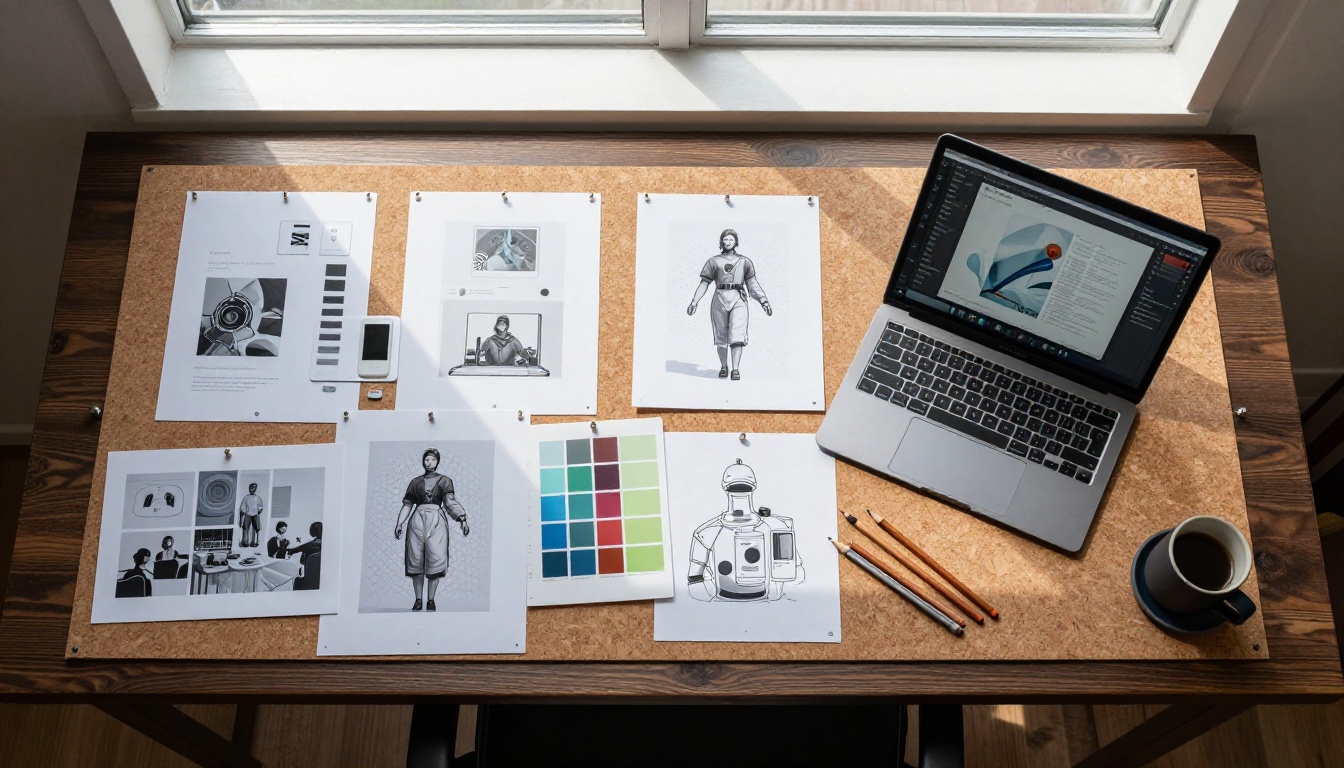
Image Quality: Where They Actually Differ
This is what most people care about. Both models produce impressive images, but they have distinctly different strengths.
Photorealism and Fine Detail
Nano Banana Pro has a significant edge in photorealistic rendering. Its 4K native output holds up to close inspection in ways that compressed outputs from other models do not. Skin pores, fabric weave, hair strands, water reflections, and architectural textures all render with a level of physical accuracy that feels closer to high-resolution photography than to AI generation.
For product photography, portrait work, and fashion imagery, this level of fidelity is hard to match. The model appears to have been trained with a particular emphasis on material properties, which means surfaces like leather, glass, and marble look genuinely convincing.
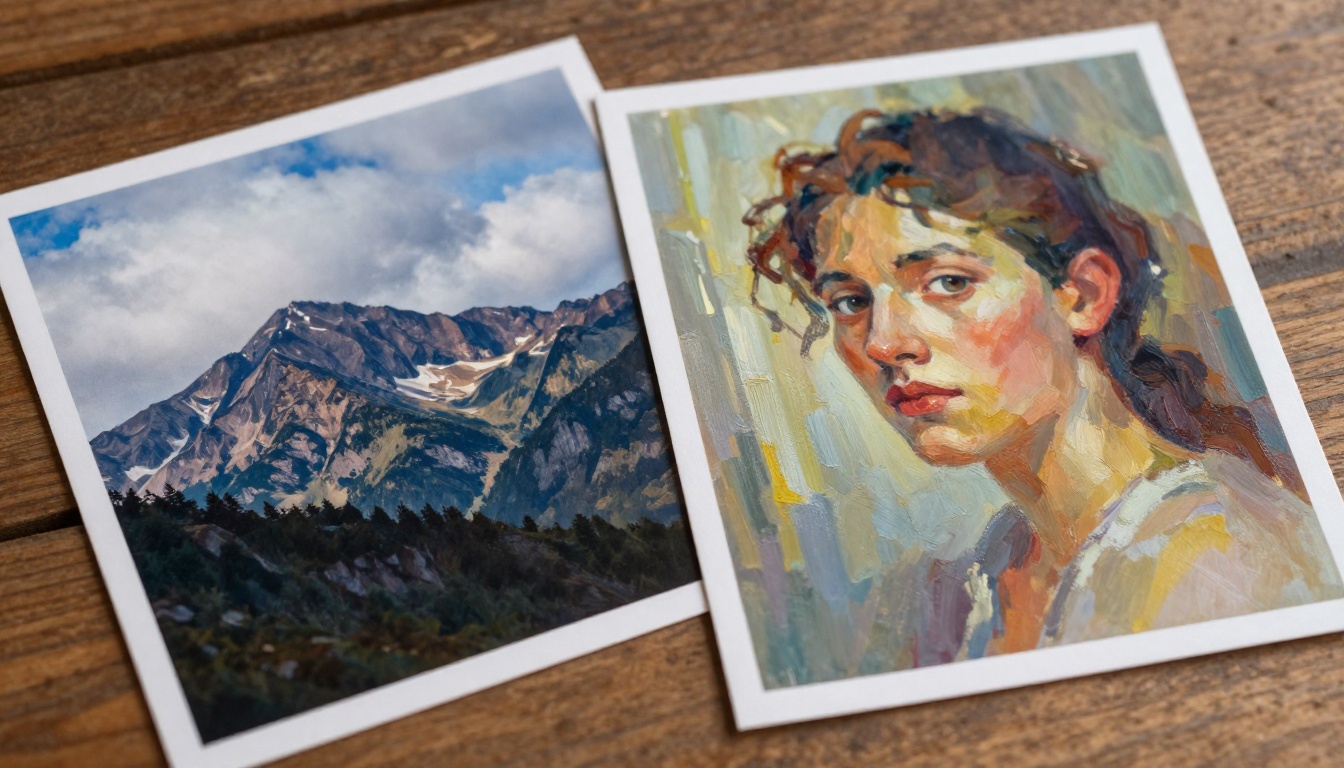
Midjourney, by contrast, tends to add its own interpretation to textures. The output often looks beautiful, sometimes breathtakingly so, but it does not always look real. There is a softness and painterliness to the lighting that gives images a curated, editorial quality. That is a feature for many use cases and a limitation for others.
Artistic Style Range
This is where Midjourney has a real advantage. Its style range is vast. From hyper-stylized fantasy art to cinematic noir to soft-lit fashion editorials, Midjourney can be pushed into dozens of recognizable aesthetics with the right prompting. The community has built an enormous shared library of style descriptors that work reliably across versions.
Nano Banana Pro defaults strongly toward realism. It can be prompted toward stylized outputs, but it does not have Midjourney's native fluency in artistic movements and painterly aesthetics. If your primary output is illustration, concept art, or stylized character work, Midjourney remains more versatile.
💡 For photorealistic portraits, product shots, and lifestyle photography, reach for Nano Banana Pro. For conceptual art, fantasy illustration, and stylized editorial work, Midjourney is still the stronger performer.
Speed and Accessibility
Speed is not just about how fast an image generates. It is also about where and how you can access the tool.
Generation Speed
Nano Banana Pro generates images quickly. Average generation times on PicassoIA's platform range from 5 to 15 seconds depending on resolution and server load. For a 4K-native model, that is notably fast.
Midjourney's speed varies considerably based on your subscription tier. On Relax mode, queues can stretch to several minutes. Fast mode is quicker, typically 15 to 45 seconds, but burns through your monthly fast GPU hours. Turbo mode is available on higher tiers and is genuinely fast, but the cost accumulates at scale.
Where to Access Each Tool
Midjourney requires a subscription starting at around $10/month for basic access, with most professional features locked behind the $30 and $60/month tiers. The primary interface is Discord, which adds friction for users who are not already embedded in that ecosystem.
Nano Banana Pro is available directly on PicassoIA alongside 91 other text-to-image models, including Flux Pro, Flux 1.1 Pro Ultra, Imagen 4 Ultra, and SDXL. You can test multiple models in one place, compare outputs side by side, and switch workflows without managing separate subscriptions.
Pricing: What You Actually Pay
| Feature | Nano Banana Pro via PicassoIA | Midjourney |
|---|
| Entry cost | Free tier available | $10/month minimum |
| 4K output | Native | Available on higher tiers |
| Access platform | Web browser | Discord + Web |
| Model variety | 91+ models in one place | Midjourney only |
| Commercial use | Included | Requires $30+/month plan |
| NSFW support | Suggestive/artistic content | Platform-restricted |
The pricing gap is significant if you are doing serious volume. Midjourney's metered fast hour system means costs can escalate quickly for high-output workflows. PicassoIA's model-based approach lets you run Nano Banana Pro alongside other specialized models without paying separate subscriptions for each.
Prompt Behavior: How Each Model Reads Instructions
The quality of your prompts determines the quality of your outputs. But how each model responds to those prompts is very different.
Prompt Adherence
Nano Banana Pro is remarkably literal. If you describe a specific scene with precise detail about lighting direction, camera lens, subject position, and material texture, the model delivers outputs that closely match that description. This makes it predictable in a good way. Photographers and commercial artists who need consistent, art-directed results find this behavior extremely valuable.
Midjourney is more interpretive. It tends to take your prompt as a creative suggestion rather than a strict specification. This can produce surprising and beautiful results, but it also means that tight art direction requires more iterations and more prompt engineering overhead.
Control and Precision
For controlled workflows, Nano Banana Pro wins by a wide margin. Its behavior is more predictable, which matters enormously when you are producing images at scale or working within brand guidelines.
Midjourney's signature aesthetics are difficult to fully suppress. Even when you prompt it toward a completely different style, a certain Midjourney quality tends to bleed through. For some users, that is exactly what they want. For others, it is a real constraint.
💡 Models like Flux Dev and Flux Schnell on PicassoIA also offer excellent prompt adherence for photorealistic work, giving you additional comparison options before committing to a final style.
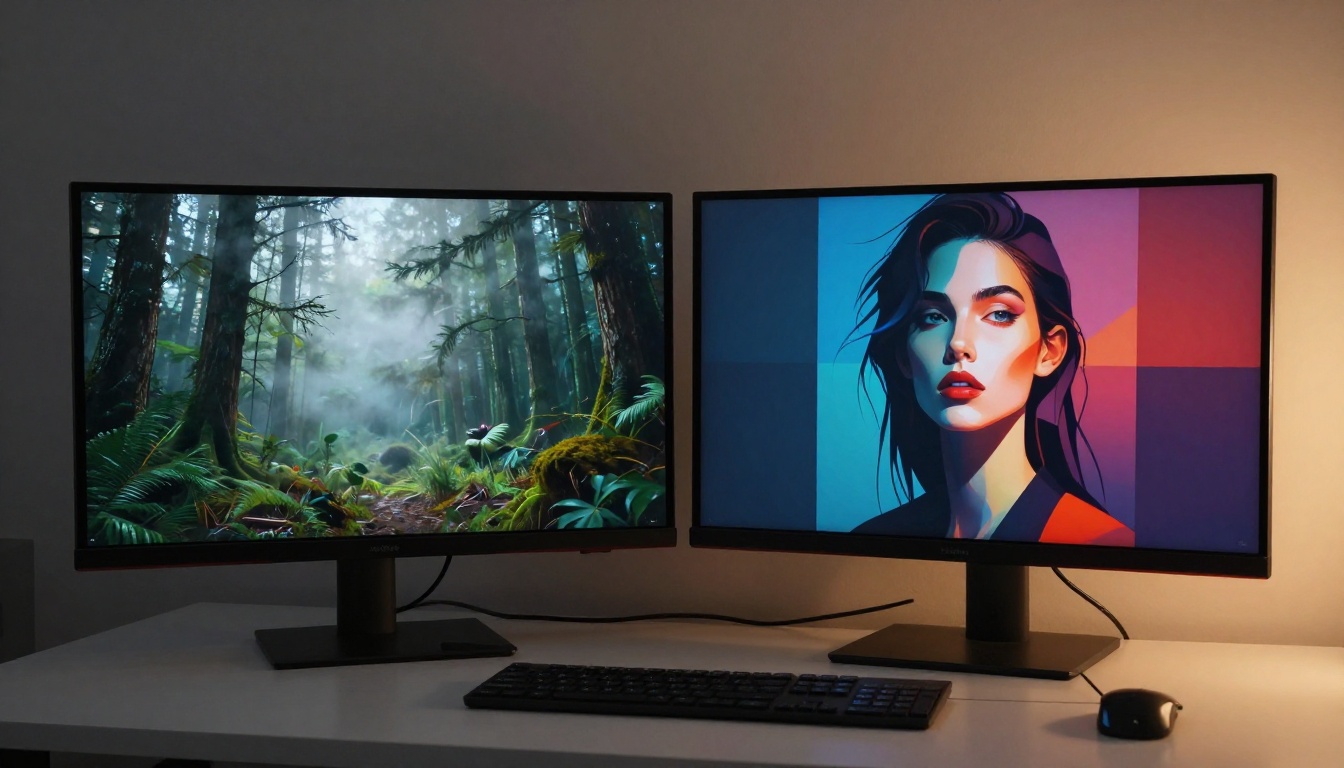
How to Use Nano Banana Pro on PicassoIA
Since Nano Banana Pro is available on PicassoIA, here is exactly how to start generating 4K images with it right now.
Step 1: Open the Model Page
Go to Nano Banana Pro on PicassoIA. You will see the generation interface with a prompt input field and parameter controls immediately available.
Step 2: Write a Detailed Prompt
The model rewards specificity. A strong prompt for Nano Banana Pro includes:
- Subject: Who or what is in the image (a woman, a mountain range, a product on a shelf)
- Environment: Where the subject exists (a sunlit studio, a rocky coastline at dawn)
- Lighting: Direction and quality of light (volumetric morning light from the left, soft diffused overcast sky)
- Camera: Lens focal length and aperture (85mm f/1.8, 24mm f/8 wide angle)
- Texture detail: What surfaces look like (fine linen weave, wet skin, polished marble veining)
- Film aesthetic: Kodak Portra 400, editorial warm tone, cinematic grade
Example prompt:
Portrait of a woman with sun-freckled skin in a beige linen dress, standing at the edge of a wheat field at golden hour, warm low sun from the right creating natural lens flare, 85mm f/1.8 shallow depth of field, fine fabric weave visible on dress, Kodak Portra 400 film grain, photorealistic
Step 3: Set Your Output Resolution
Nano Banana Pro supports native 4K generation. For web content, standard HD is typically sufficient. For print or large-format applications, push to the maximum resolution the model supports.
Step 4: Iterate Strategically
If the first output is not quite right, resist the urge to rewrite the entire prompt. Instead:
- Add or remove one specific detail at a time
- Adjust lighting descriptors (golden hour, overcast, studio strobe, rim light)
- Swap camera specifications to change depth-of-field characteristics
- Add texture qualifiers like "hyperrealistic skin" or "fine surface grain visible"
Step 5: Use Super Resolution for Print Work
After generating with Nano Banana Pro, push the output further using PicassoIA's Super Resolution tools for 2x to 4x upscaling. This makes images print-ready for large-format applications without visible artifacts.
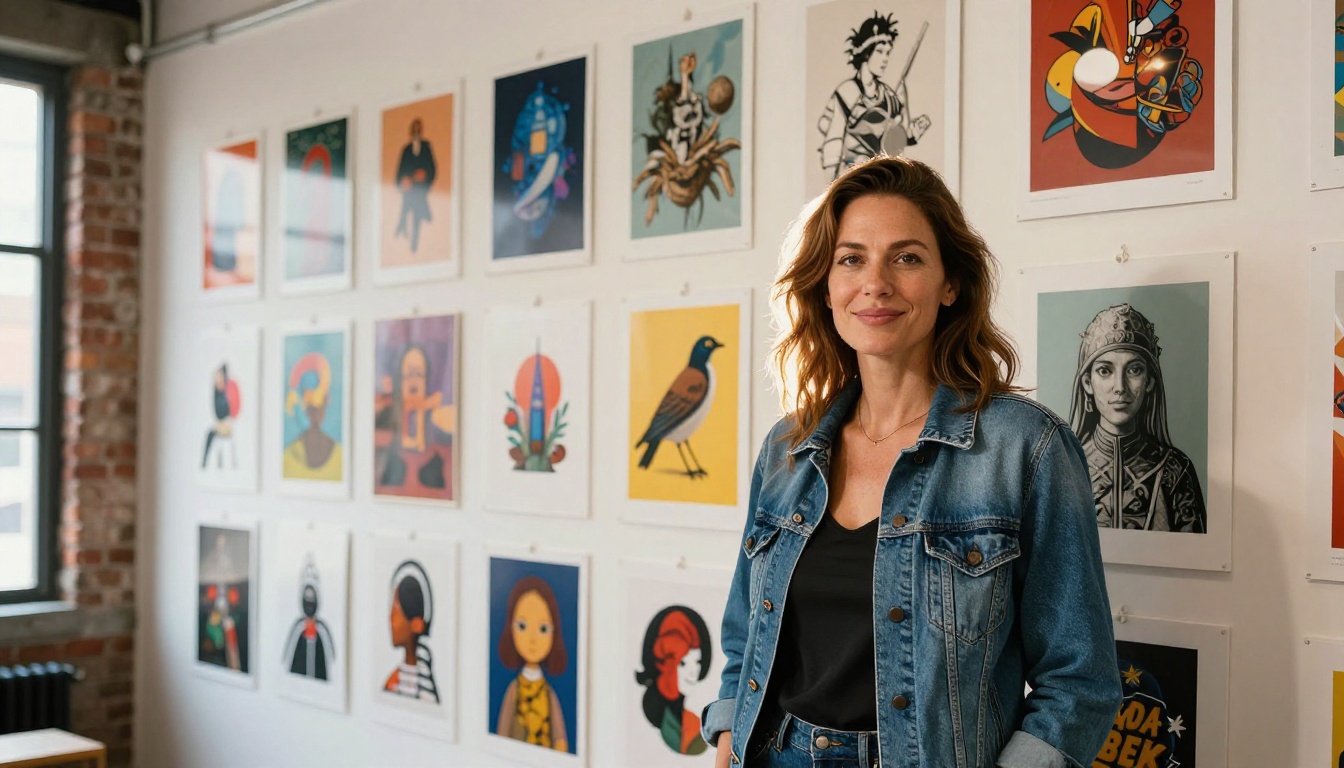
Creative Use Cases: Where Each One Wins
Different tools suit different workflows. Here is a practical breakdown by use case.
When Nano Banana Pro Wins
- Commercial photography: Product shots, lifestyle images, fashion editorial work
- Portrait work: Skin texture, hair detail, and facial accuracy are genuinely strong
- Architectural visualization: Photorealistic interiors and exteriors with accurate material rendering
- Brand content: Consistent, art-directed outputs with predictable prompt adherence
- Glamour and lifestyle imagery: Beach, fashion, and suggestive artistic content within platform guidelines
When Midjourney Wins
- Fantasy and concept art: Creature design, environment art, stylized character illustration
- Stylized editorial: Images with a recognizable, opinionated artistic aesthetic
- Experimental work: When you want the model to bring its own creative interpretation
- Abstract imagery: Non-literal visual ideas that benefit from interpretive generation
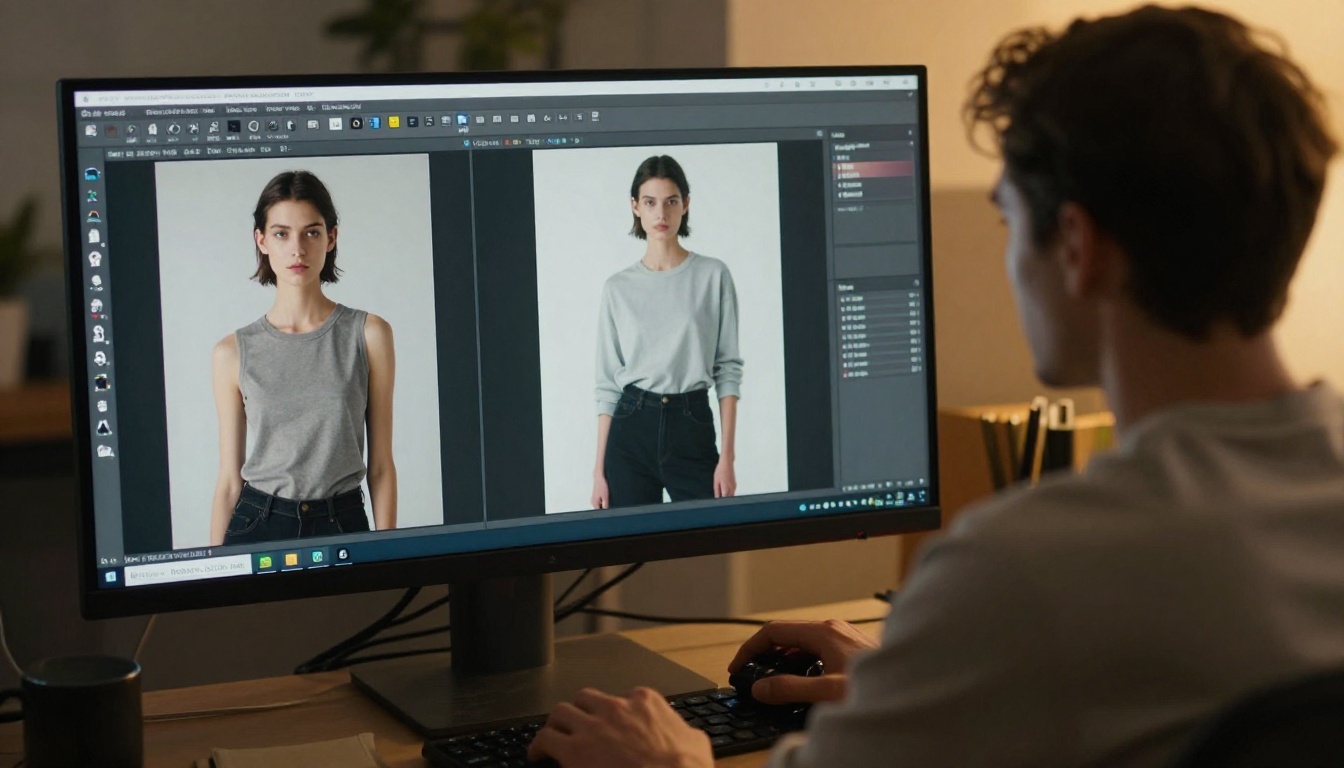
Side-by-Side: The Real Numbers
| Category | Nano Banana Pro | Midjourney v6.1 |
|---|
| Max native resolution | 4K | ~2K (upscaled to 4x) |
| Photorealism | Excellent | Good |
| Style range | Moderate (realism-first) | Wide |
| Prompt adherence | Very High | Moderate |
| Generation speed | 5 to 15 seconds | 15 to 60 seconds |
| Free access | Yes, via PicassoIA | No |
| Commercial license | Included | Paid tiers only |
| Multiple model access | 91+ models in one platform | Midjourney only |
Other Models Worth Testing
If neither tool hits exactly what you need, PicassoIA hosts several other strong options worth running your prompts through:
- Imagen 4: Strong text rendering and realistic scene lighting from Google
- Imagen 4 Ultra: Higher fidelity output with richer material simulation
- Flux 1.1 Pro Ultra: 4MP photorealistic images with strong compositional control
- Flux 2 Pro: Generate or edit images from text prompts with high creative flexibility
- Ideogram v3 Quality: Best-in-class text rendering within images, ideal for posters and social graphics
- Stable Diffusion 3.5 Large: Open-weight model with broad artistic flexibility and fine-tuning options
Running all of these in one platform without separate subscriptions is one of the genuine practical advantages of using PicassoIA as your AI art hub.
The Verdict
Both models are excellent at what they do. The choice comes down to your output goals.
For photorealism, precision, and 4K resolution: Nano Banana Pro is the stronger tool. Its prompt adherence, resolution ceiling, and material rendering accuracy put it ahead for commercial and photography-adjacent work.
For artistic flexibility, stylized aesthetics, and a tool that brings its own creative interpretation to your prompts: Midjourney is still unmatched in that specific niche.
For most creators, the practical answer is to use both when the project calls for it. Since Nano Banana Pro is accessible on PicassoIA without a mandatory subscription, starting there costs you nothing but a well-written prompt.
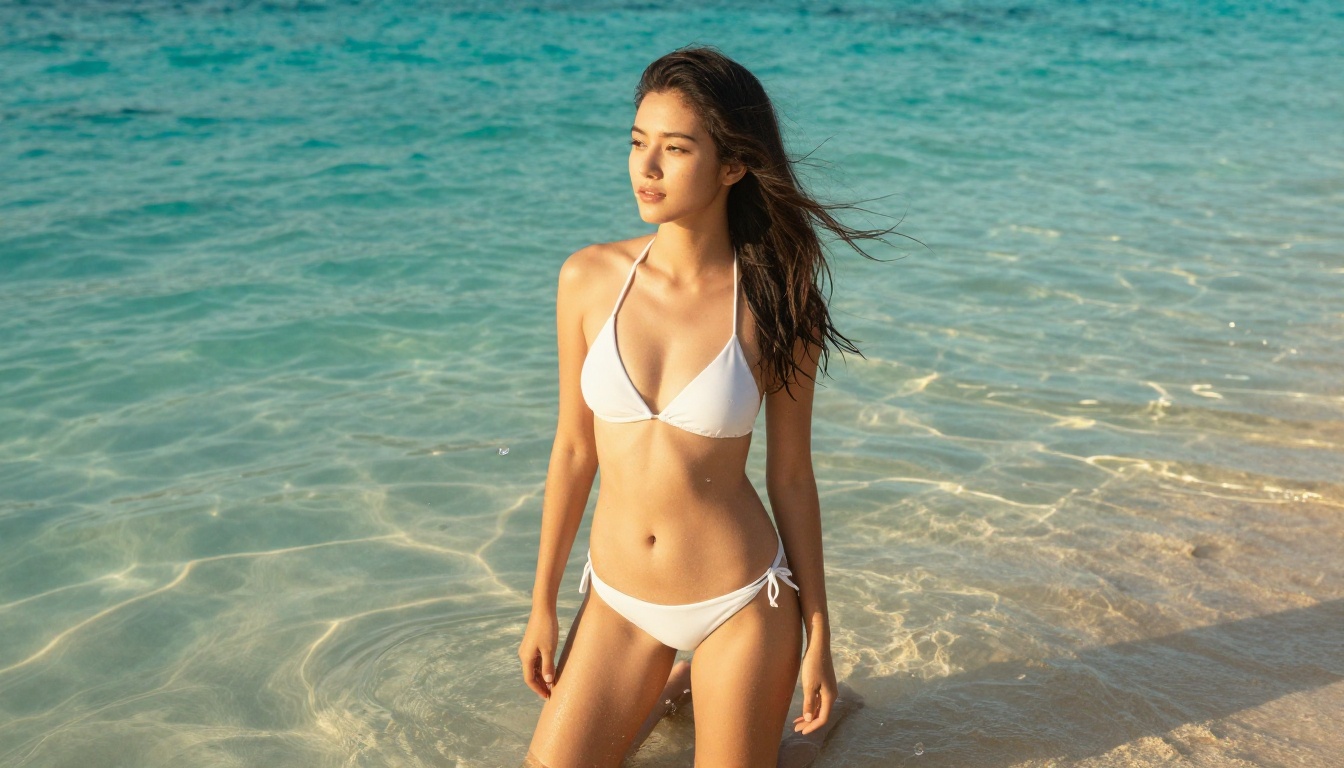
Start Creating on PicassoIA
You do not need a $30/month subscription to see what cutting-edge AI image generation actually looks like. PicassoIA gives you access to Nano Banana Pro, Flux Pro, Imagen 4 Ultra, and over 88 other text-to-image models in one browser-based platform.
Try generating a portrait using the detailed prompt structure from this article. Then run the same prompt through Flux 1.1 Pro Ultra or Imagen 4 and see the difference for yourself. That kind of side-by-side model comparison is how you build real judgment about which tool fits which project.
The best AI art tool is the one you actually use. Head to PicassoIA and let the outputs speak for themselves.


