The start of 2026 brought two major players into sharper focus: Nano Banana Pro from Google and the latest iteration from one of the industry's most recognized names. Both promise photorealistic results, but they take different approaches to getting there.
Nano Banana Pro emphasizes flexibility with support for up to 14 reference images, multiple resolution options (1K, 2K, 4K), and extensive aspect ratio control. It's built for creators who want precise control over their outputs without jumping through hoops.
The comparison isn't just about features on paper. Real-world usage reveals distinct strengths and limitations that matter when you're working on actual projects rather than test generations.
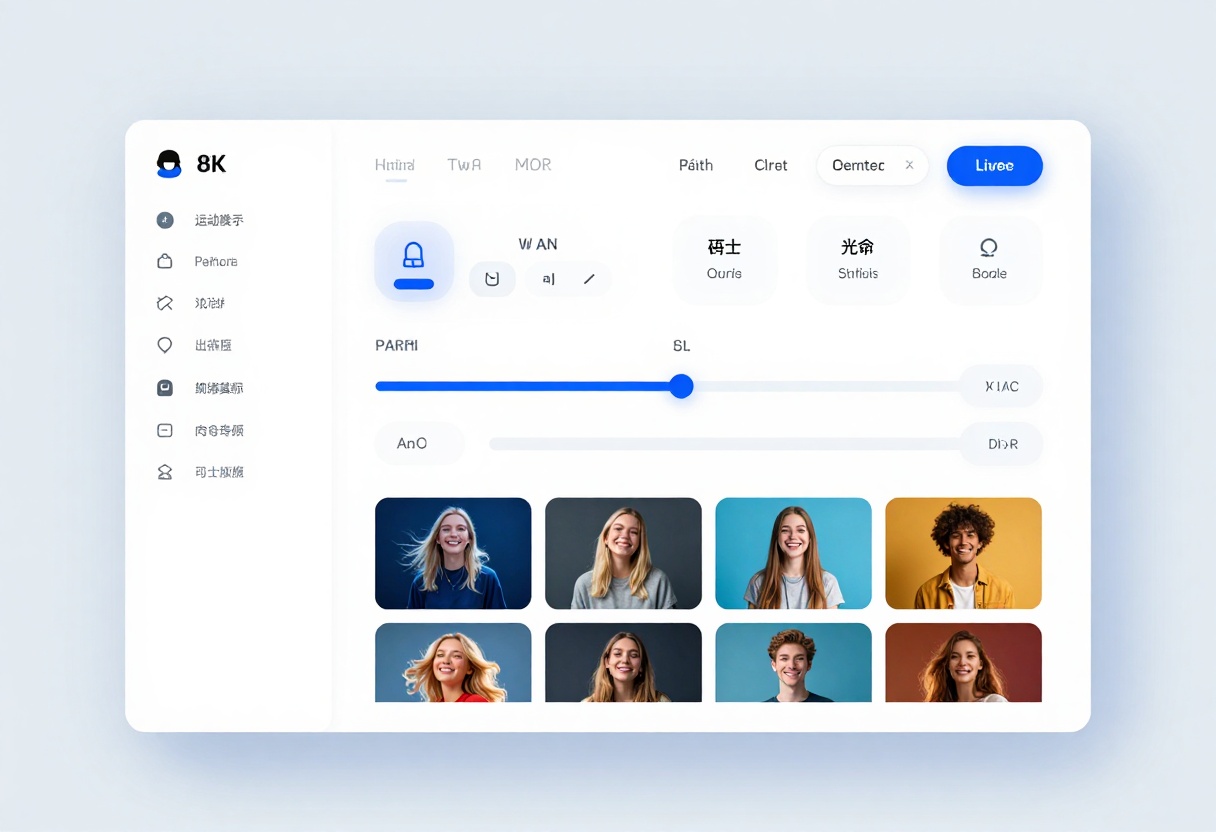
What Makes Each Model Different
Resolution and Output Quality
Nano Banana Pro offers three resolution tiers directly in the interface. You can generate at 1K for quick drafts, 2K for standard work, or 4K when you need maximum detail. The choice affects both processing time and final image quality.
Both tools produce photorealistic results, but the path to get there differs. Nano Banana Pro uses a straightforward prompt-to-image approach that feels more predictable. You describe what you want, set your parameters, and the model interprets your instructions directly.
Output formats are another consideration. Nano Banana Pro lets you choose between JPG and PNG, which matters when you're planning for web use versus print projects or need transparency support.
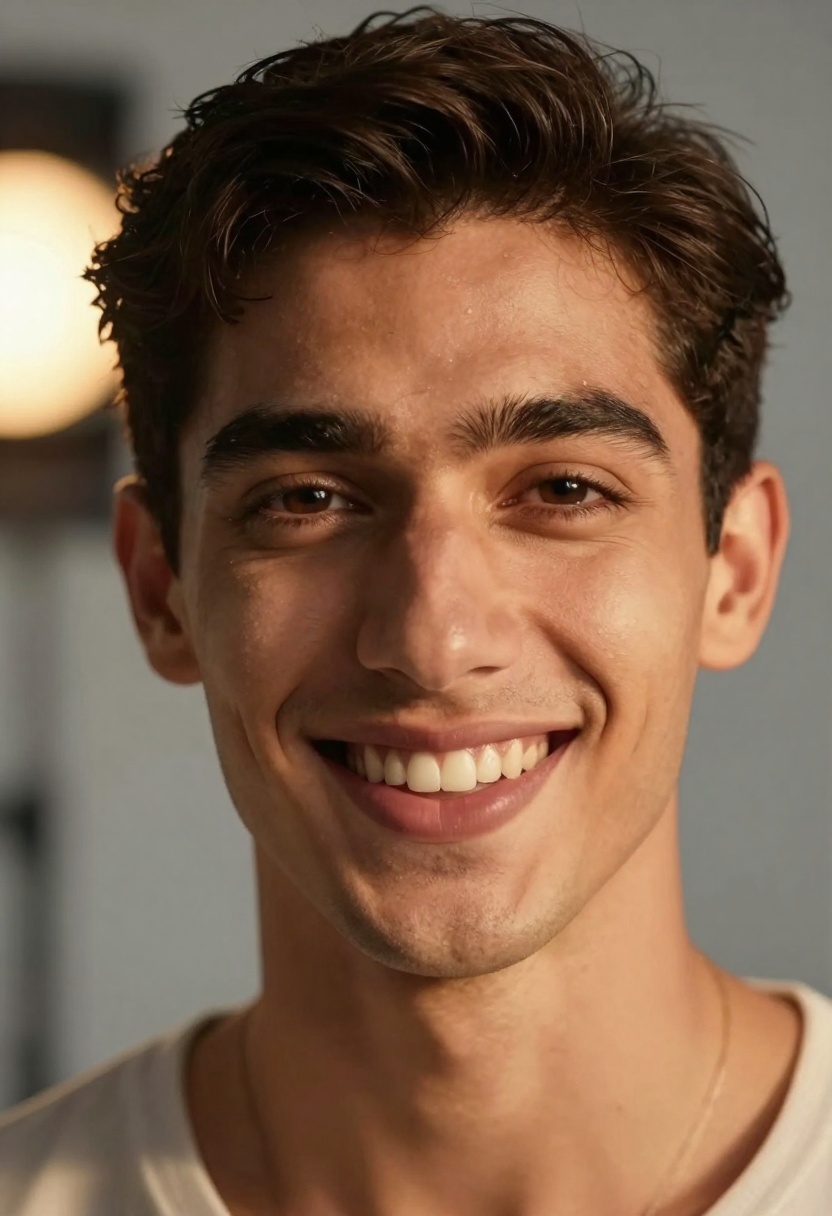
Reference Image Support
One of Nano Banana Pro's standout features is the ability to use up to 14 reference images simultaneously. This isn't just about style transfer. You can provide multiple visual references that the model considers together when generating your output.
This matters for projects where you need to maintain consistent visual elements across multiple generations or when you're working from existing brand assets that need to inform the final result.
The model handles reference images intelligently, extracting relevant visual information without simply copying elements. It's more about understanding the visual language of your references and applying similar principles to the generated output.
Aspect Ratio Options
Nano Banana Pro provides 11 different aspect ratio presets:
- Standard formats: 1:1, 4:3, 3:2
- Portrait orientations: 2:3, 3:4, 4:5
- Landscape formats: 3:2, 5:4
- Widescreen: 16:9, 21:9
- Vertical video: 9:16
- Match input image (adapts to reference)
This range covers most common use cases from social media posts to cinematic renders. The "match input image" option automatically adopts the aspect ratio of your reference, which saves time when working with existing assets.

Content Safety and Moderation
Safety Filter Levels
Nano Banana Pro includes three safety filter options:
- block_low_and_above - Strictest filtering, blocks most potentially sensitive content
- block_medium_and_above - Balanced approach, blocks moderate and high-risk prompts
- block_only_high - Most permissive, only blocks clearly inappropriate content
The ability to adjust this setting matters because different projects have different requirements. Commercial work might need stricter filtering, while personal creative projects might benefit from more flexibility.
Understanding these settings helps avoid frustration when certain prompts get rejected. The model explains why content is blocked, which helps you refine your approach rather than guessing what went wrong.
Practical Use Cases
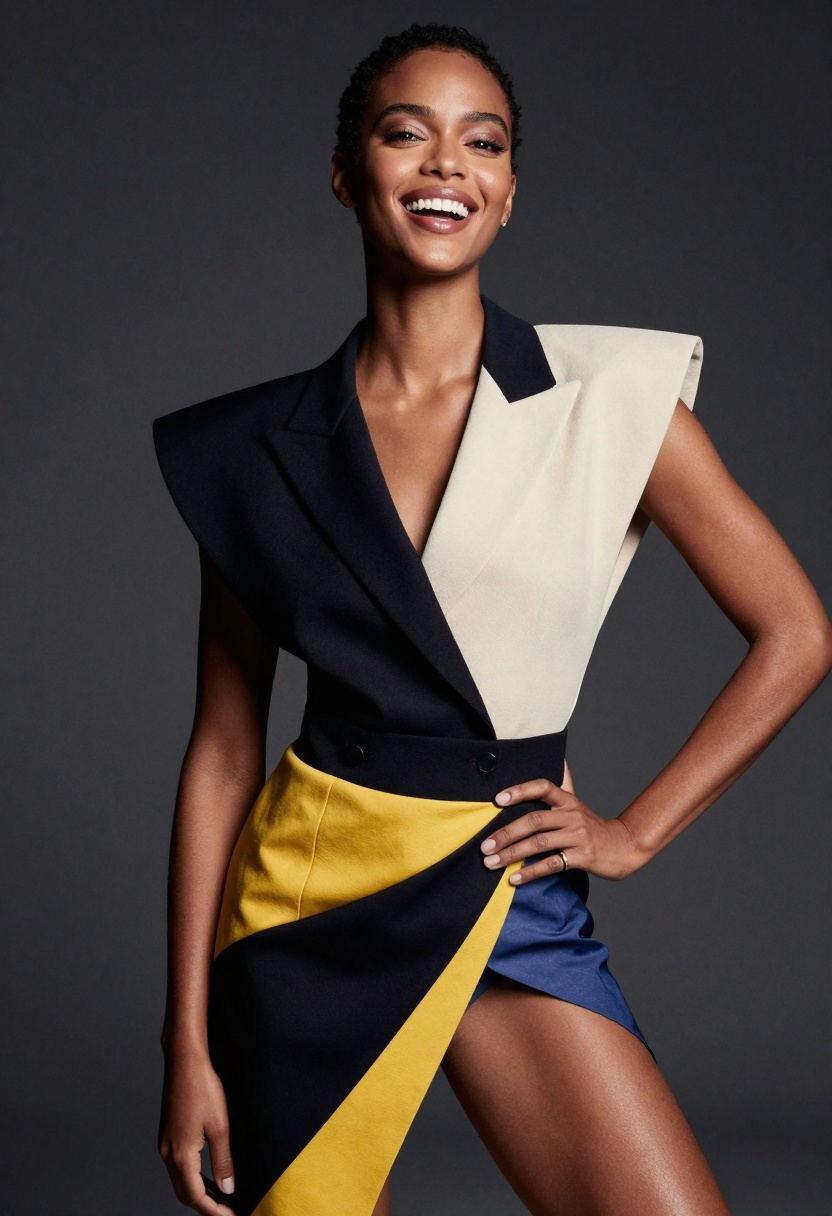
Commercial Photography Mockups
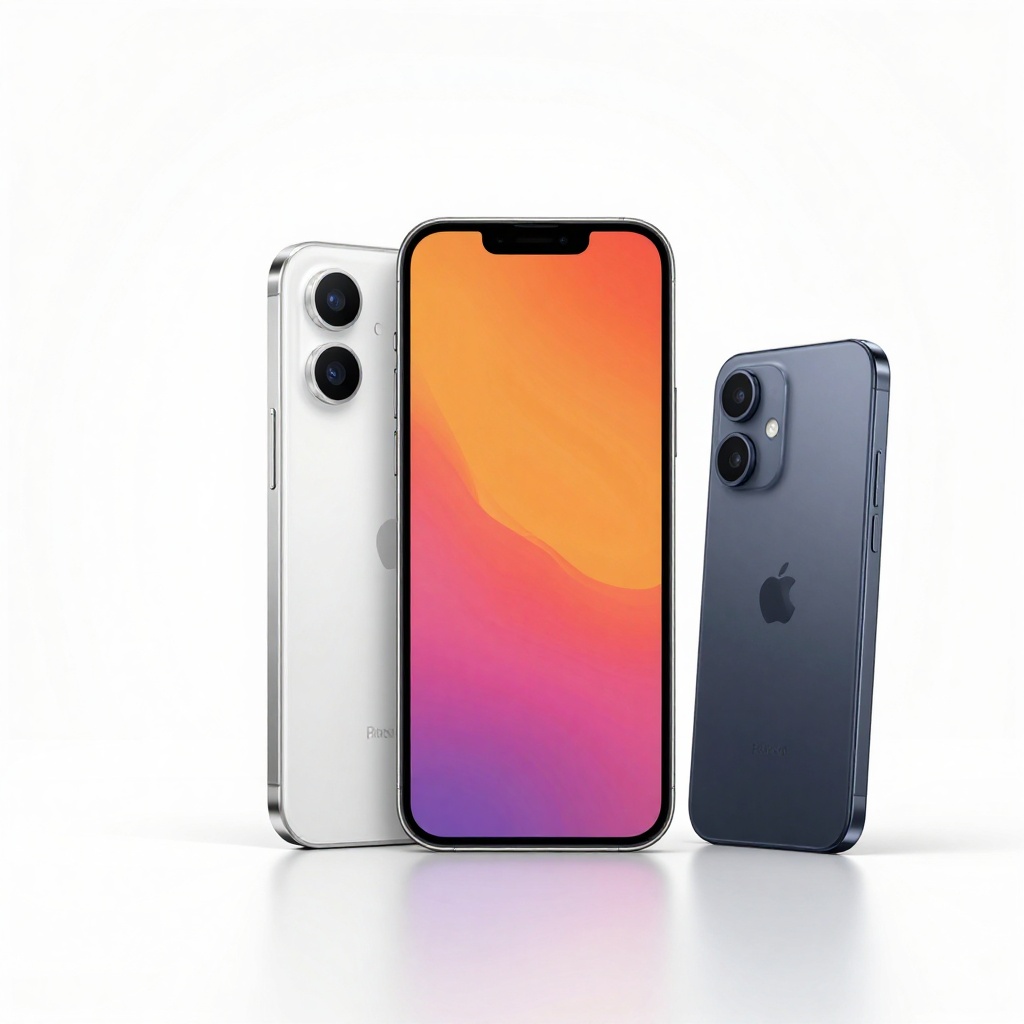
Product visualization benefits from both models, but Nano Banana Pro's resolution options make it particularly suited for high-end mockups. Generating at 4K provides enough detail for zoom features on e-commerce sites or large-format print materials.
The reference image support helps maintain brand consistency. You can provide existing product shots, brand guidelines, or mood boards that inform the generated results.
Architectural Visualization
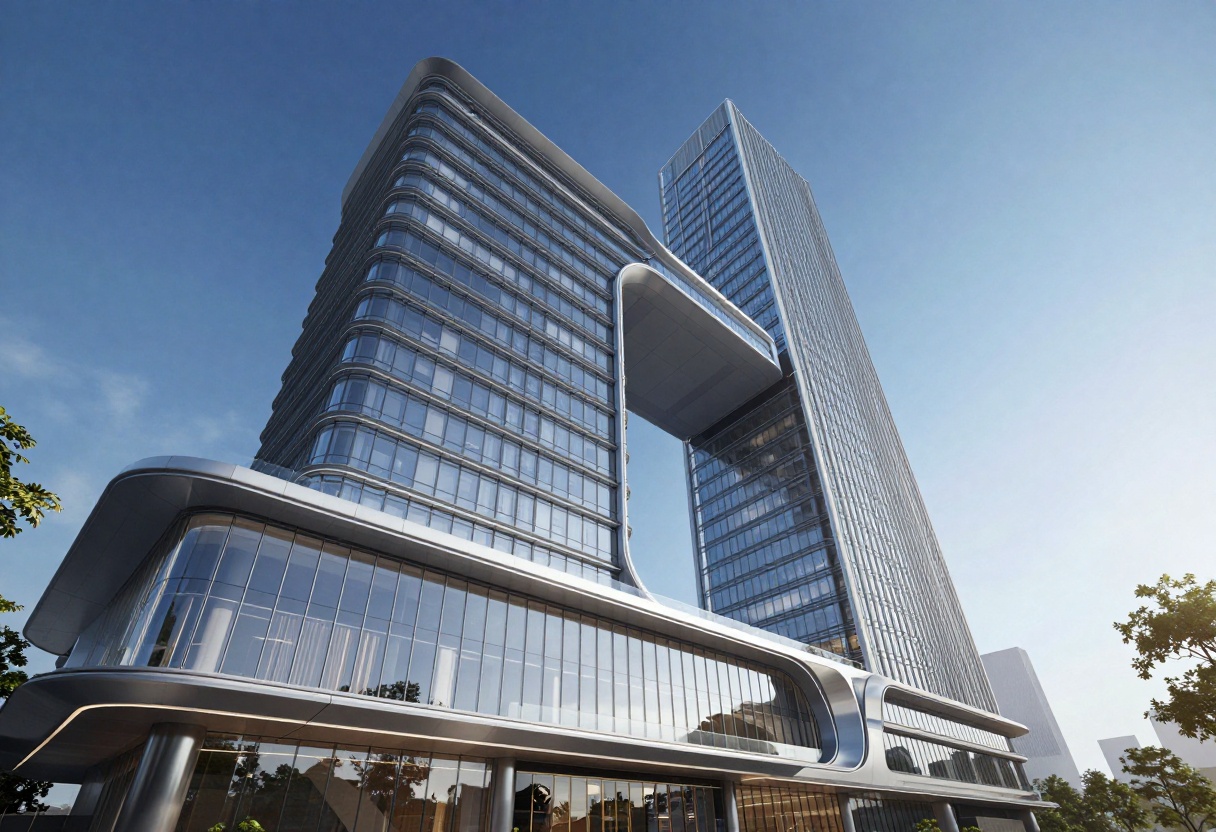
Architecture and interior design work requires precise control over composition and lighting. Nano Banana Pro's detailed prompting system handles complex spatial descriptions well.
You can specify architectural styles, lighting conditions, materials, and viewing angles with good results. The model understands terminology like "isometric view," "bird's eye perspective," or "section cut," which matters when working with technical visualizations.
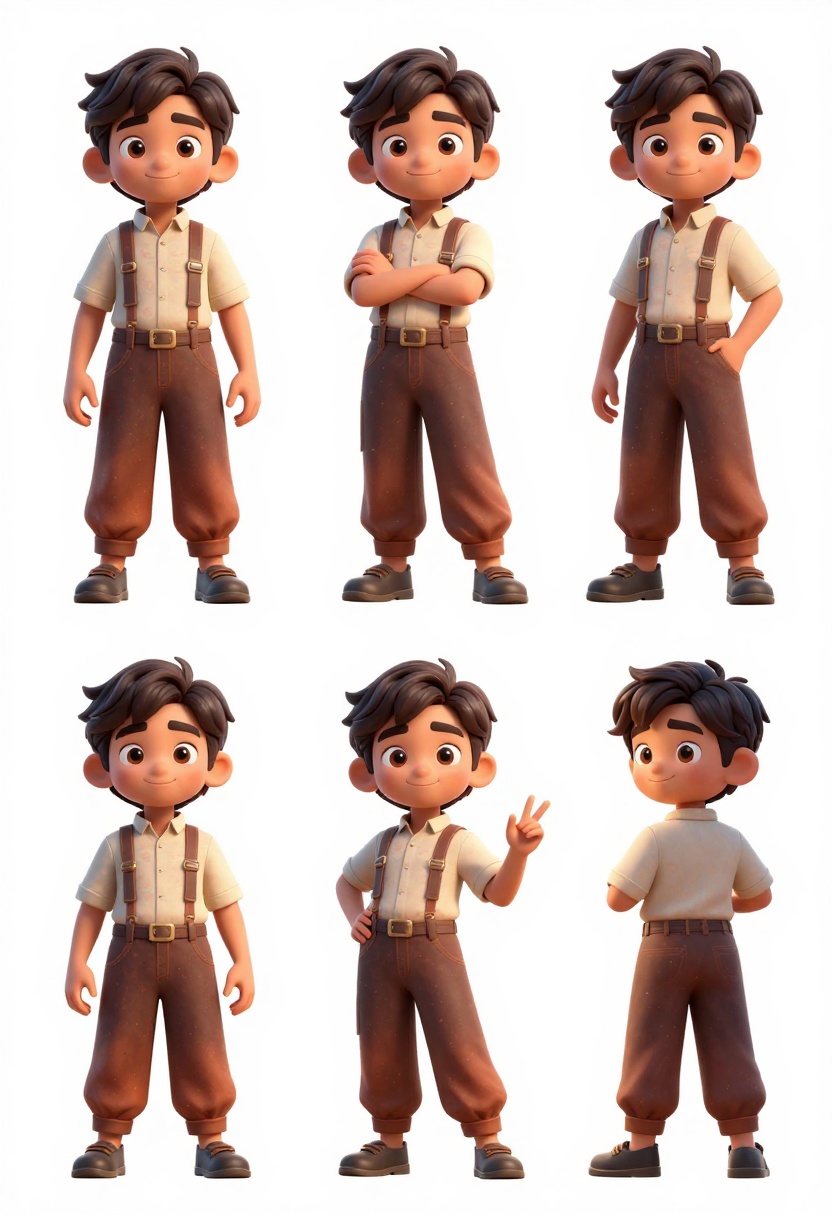
Character Design and Concept Art
For character work and concept art, both tools produce impressive results but with different workflows. Nano Banana Pro excels when you have reference materials to guide the style.
The multi-reference capability lets you combine costume elements, facial features, or pose references from different sources. This speeds up the ideation phase of character development.
Marketing and Social Media Content
Speed matters for social media work. Nano Banana Pro's 2K resolution hits a sweet spot for Instagram, Facebook, and Twitter posts without unnecessary processing time.
The various aspect ratios cover all major social platforms. Generate 1:1 for Instagram feed posts, 4:5 for Stories, or 16:9 for YouTube thumbnails directly without needing to crop or resize afterward.
Pricing Considerations
Cost structures differ significantly between the two approaches. Access models, credit systems, and output limits all factor into the total cost of ownership.
Nano Banana Pro is available through platforms like PicassoIA, which offer straightforward credit-based pricing. You pay for what you use without subscription commitments. This makes sense for occasional users or those ramping up their workflow.
Processing time affects effective cost. Faster generations mean more iterations in the same time period. Nano Banana Pro's speed varies by resolution, with 1K generations completing quickly while 4K outputs take longer.
Accessibility
Nano Banana Pro runs through web interfaces like PicassoIA, which means no local hardware requirements. You can work from any device with a browser connection. This removes barriers for creators who don't have high-end GPUs.
The platform approach has other benefits. Updates and improvements roll out automatically without manual installation. You always work with the latest version of the model.
Batch Processing
Some workflows require generating multiple variations quickly. Nano Banana Pro handles this through the standard interface, though the speed depends on your chosen resolution.
For commercial projects needing dozens of variations, planning your resolution choices matters. Using 1K or 2K for initial concepts, then generating finals at 4K after approval saves time and credits.
Prompting Strategies
Writing Effective Prompts for Nano Banana Pro
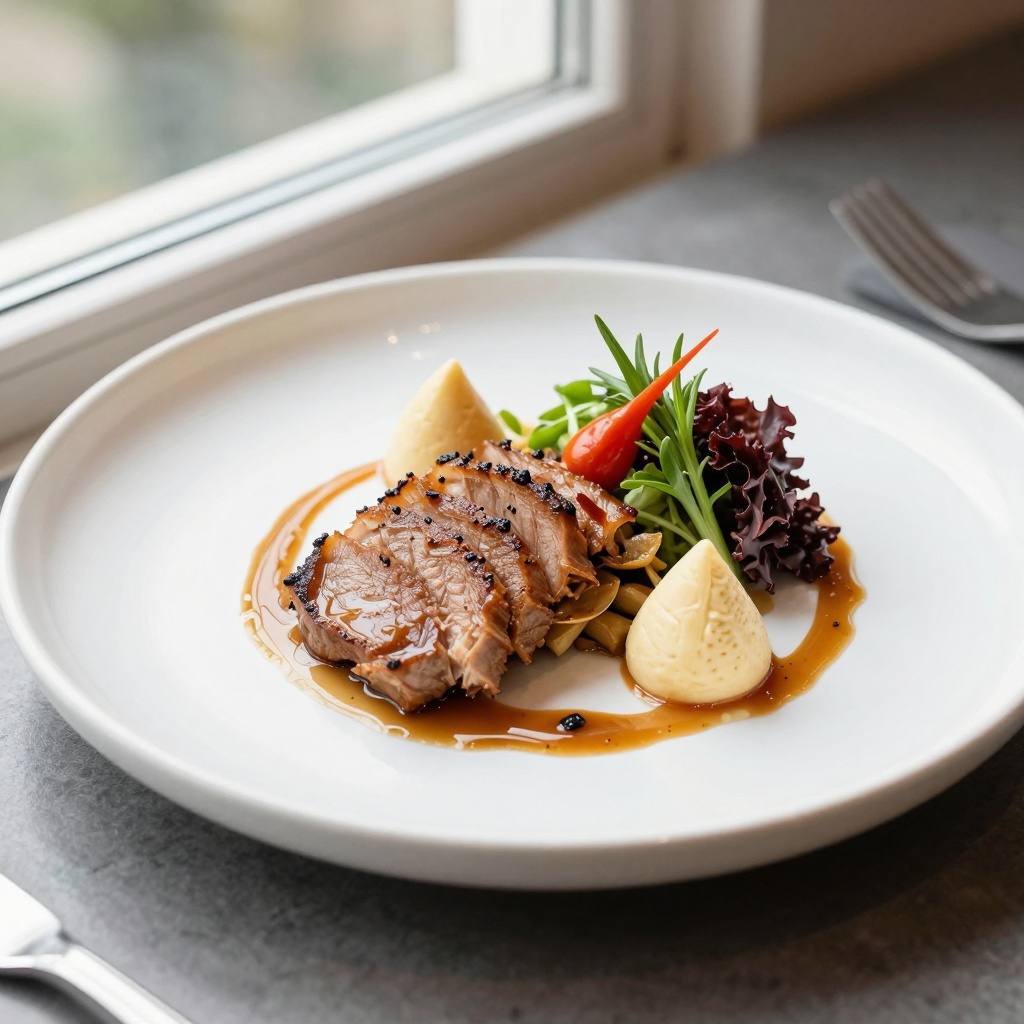
The model responds well to structured prompts that separate subject, style, lighting, and technical details. Start with the main subject, add stylistic elements, then specify technical requirements.
Example structure:
Subject description + artistic style + lighting conditions + camera/technical details + quality modifiers
Specific terminology works better than vague descriptions. "Soft directional lighting from left at 45 degrees" produces more consistent results than "nice lighting."
Common Prompt Issues
Overly complex prompts can dilute the model's focus. If you're not getting expected results, try simplifying your prompt to the essential elements. You can always add details in subsequent generations once you nail the core concept.
Conflicting instructions confuse the model. "Dark moody atmosphere with bright cheerful colors" asks for contradictory elements. Be clear about your primary intent.
Technical Specifications Comparison
Here's how key specifications stack up:
| Feature | Nano Banana Pro | Alternative Tools |
|---|
| Max Resolution | 4K | Varies |
| Reference Images | Up to 14 | Limited or none |
| Aspect Ratios | 11 presets | Limited options |
| Output Formats | JPG, PNG | Platform dependent |
| Safety Controls | 3 adjustable levels | Fixed filtering |
| Processing Speed | Variable by resolution | Variable |
The specifications tell part of the story, but real-world performance in your specific workflow matters more than specs alone.
When to Choose Nano Banana Pro
Nano Banana Pro makes sense in several scenarios:
You need reference image support - Working from existing visual assets or maintaining brand consistency benefits from the multi-reference capability.
Resolution flexibility matters - Projects spanning from web to print require different output sizes. Having 1K, 2K, and 4K options in one tool simplifies workflow.
You want granular safety controls - Commercial projects often have specific content requirements. Adjustable filtering helps meet various client standards.
Platform-based access works for you - No local hardware requirements means you can work from any device without worrying about GPU specs.
Getting Started with Nano Banana Pro on PicassoIA
Ready to try Nano Banana Pro? Here's how to start generating images on PicassoIA:
Step 1: Access the Model
Navigate to the Nano Banana Pro model page on PicassoIA. The interface provides access to all model parameters and settings in one place.
Step 2: Enter Your Prompt
The prompt field is your primary creative input. Describe the image you want to generate with as much detail as relevant to your project. Remember that specific descriptions produce more consistent results than vague instructions.
Start with the main subject, then add stylistic elements, lighting conditions, and technical requirements as needed.
Step 3: Add Reference Images (Optional)
If you're working from existing visual materials, upload up to 14 reference images using the image_input parameter. These images guide the style, composition, or visual elements of your generation.
Reference images work best when they clearly demonstrate the visual qualities you want in your output. Mixed references can produce interesting hybrid results.
Step 4: Configure Generation Settings
Set your desired parameters:
- aspect_ratio: Choose from 11 presets or select "match_input_image" to adopt your reference's ratio
- resolution: Pick 1K for drafts, 2K for standard work, or 4K for maximum detail
- output_format: Select JPG for smaller files or PNG for transparency support
- safety_filter_level: Adjust based on your content requirements
The defaults work well for most cases, so you can leave these at their standard values if you're unsure.
Step 5: Generate and Download
Click the generate button to start processing. Generation time varies based on your chosen resolution, with 1K completing fastest and 4K taking longer.
Once generation completes, preview the result and download the file. The output matches your specified resolution and format settings.
Tips for Better Results
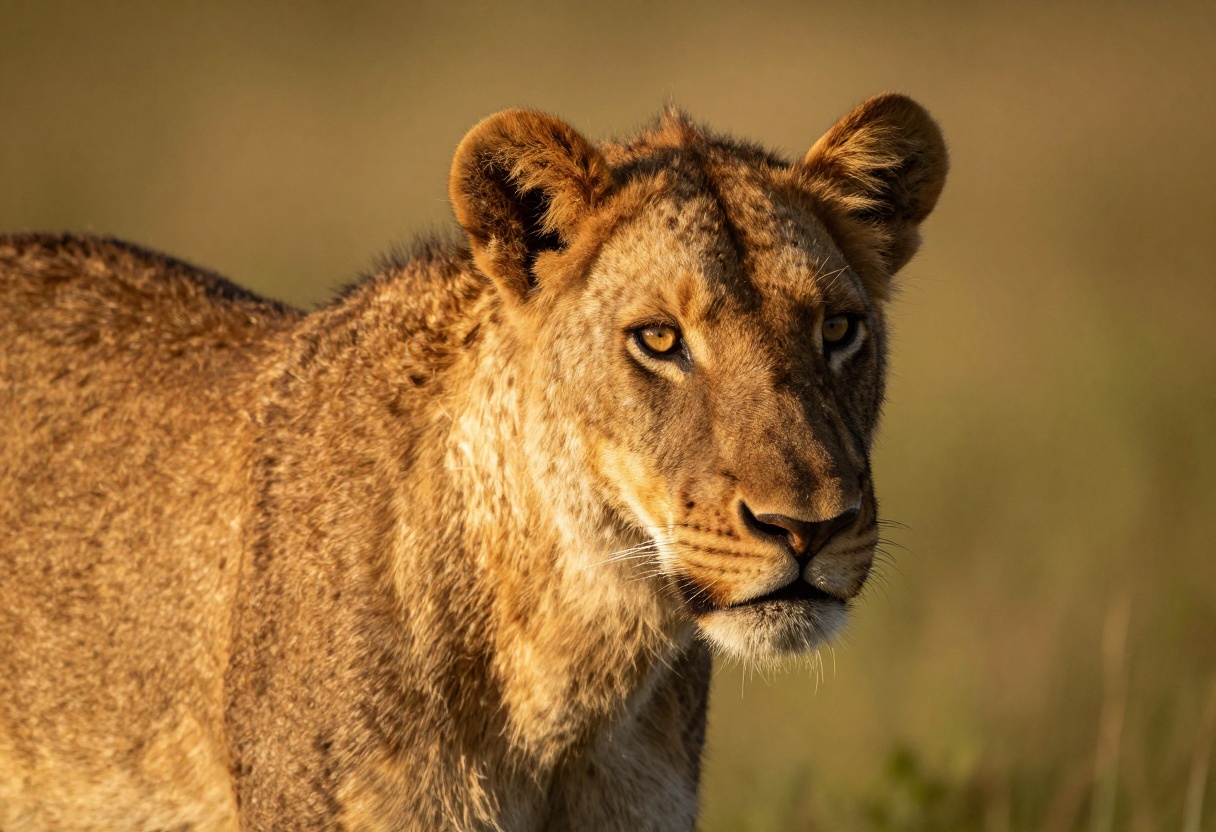
Be specific in prompts - "A golden retriever puppy playing in autumn leaves with soft morning sunlight" works better than "a cute dog."
Use reference images strategically - Provide 2-3 strong references rather than filling all 14 slots with loosely related images.
Start at lower resolution - Generate concepts at 1K or 2K, then create finals at 4K once you're satisfied with the composition.
Adjust safety filtering as needed - If prompts get blocked unexpectedly, try the more permissive "block_only_high" setting.
Future Developments
The AI image generation space moves fast. Both tools continue evolving with regular updates that expand capabilities and improve output quality.
Nano Banana Pro's reference image system suggests future developments might include even more sophisticated multi-image understanding. The technical foundation exists for more advanced composition control.
Resolution improvements will likely continue across all tools. As processing becomes more efficient, 8K outputs may become standard rather than premium features.
Making Your Choice
Choosing between AI image generators comes down to your specific needs rather than declaring one objectively better. Consider your typical projects, workflow requirements, and budget constraints.
Nano Banana Pro offers strong technical capabilities with accessible pricing through platforms like PicassoIA. The reference image system and flexible output options make it particularly useful for commercial work requiring brand consistency or multiple resolution outputs.
Try both approaches if possible. Most platforms offer trial credits or limited free access that lets you test real workflows before committing. What works for marketing images might not suit concept art, and vice versa.
The right tool is the one that fits naturally into your creative process while delivering the quality your projects require. Technical specs matter less than how efficiently you can iterate and produce final results that meet your standards.


