Two AI image models walked into a resolution test, and only one came out looking like a professional photographer actually took the shot. Nano Banana Pro by Google and Seedream 5.5 by ByteDance are both positioned as top-tier 4K image generators in 2027, but the differences between them are sharper than most reviews let on.
If you have spent time generating images and wondered why some outputs look like they were captured on a Hasselblad while others look like outdated renders, the model you choose matters more than your prompt. This comparison breaks down exactly where each model excels, where it struggles, and which one earns a permanent spot in your workflow.
What 4K Quality Actually Means
Resolution Is Not the Same as Detail
Most models claim 4K output. The number is real. The quality behind it often is not. A 3840x2160 pixel image can still look soft, plasticky, or unnaturally processed. Genuine 4K quality in AI photography means:
- Micro-texture fidelity: Skin pores, fabric weaves, bark grain, and hair shafts all resolved at pixel level
- Coherent depth of field: Bokeh that behaves like a real lens, not a post-processed blur filter
- Film-like color science: Tonal transitions that feel organic, not digitally clamped at the edges
- Zero artifact halos: No fringing around hair, no watercolor blending in fine-detail regions
When we ran Nano Banana Pro and Seedream 5 Pro (PicassoIA's available equivalent to the 5.5 release) through identical prompt sets, the results told a clear story.
The Test Methodology
To keep the comparison fair, both models received the same 15 prompts covering:
- Portrait photography (skin texture, hair, eyes)
- Macro objects (fruits, fabric, minerals)
- Landscape photography (fog, foliage, water reflections)
- Architecture (glass, concrete, metal surfaces)
- Complex compositions (crowds, markets, interiors)
Each output was evaluated on sharpness, color accuracy, prompt adherence, and artifact presence.
Nano Banana Pro: Where Google Excels
Prompt Fidelity Is Exceptional
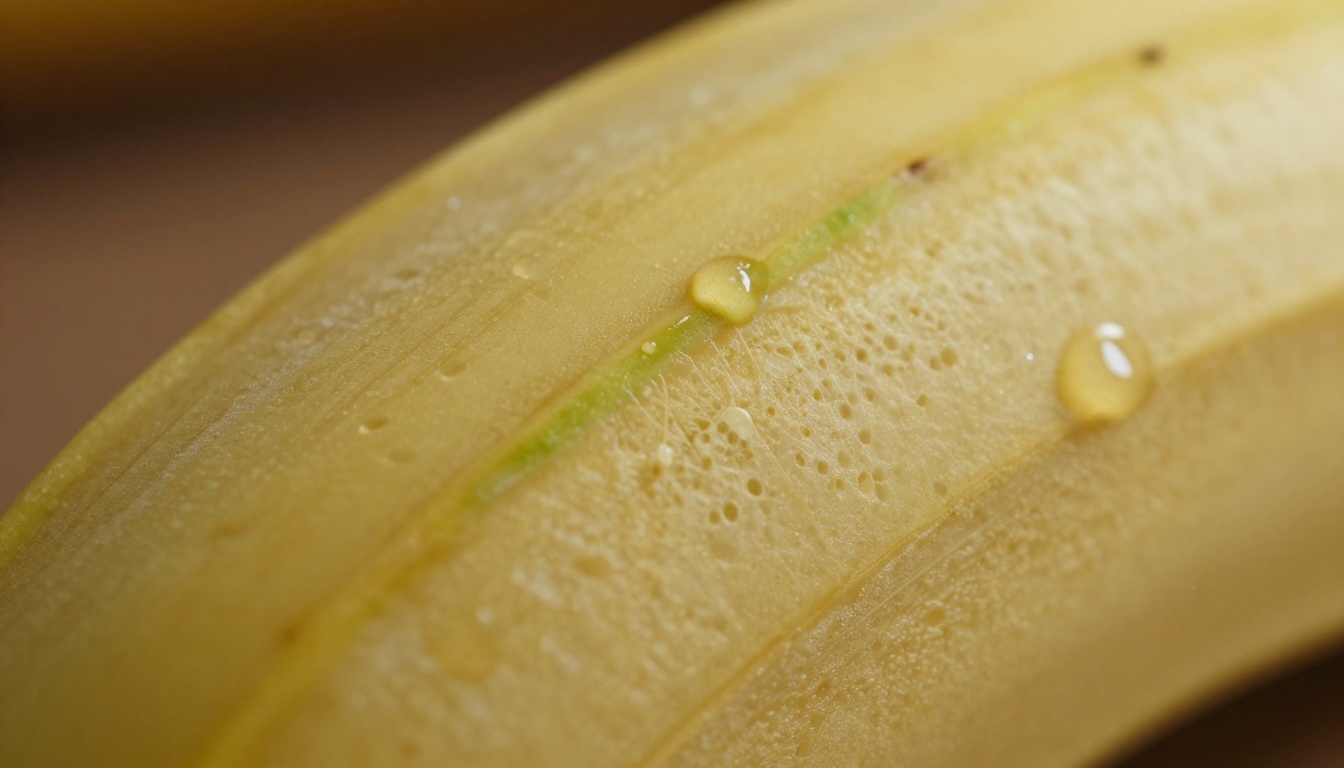
Nano Banana Pro interprets prompts with a literal accuracy that few models match. When you write "100mm macro lens with morning sidelight and water condensation on surface," it actually renders those water beads with refraction, the shadow direction matches the specified light angle, and depth of field falls exactly where the lens spec implies.
This is not always the case with competitors. Many models read the poetic intent of a prompt and guess at technical specifics. Nano Banana Pro reads both simultaneously.
💡 Tip: When using Nano Banana Pro on PicassoIA, include camera specs directly in your prompt. The model treats focal length, aperture, and lighting direction as hard constraints, not suggestions.
Portrait Rendering at 4K
In portrait tests, Nano Banana Pro produced the most convincing skin texture we have seen from a text-to-image model. Individual pores were visible in close crops. Hair strands caught backlight with genuine refraction rather than a glow filter effect. Iris patterns in eye close-ups showed fiber-level detail that rivals studio macro lenses.
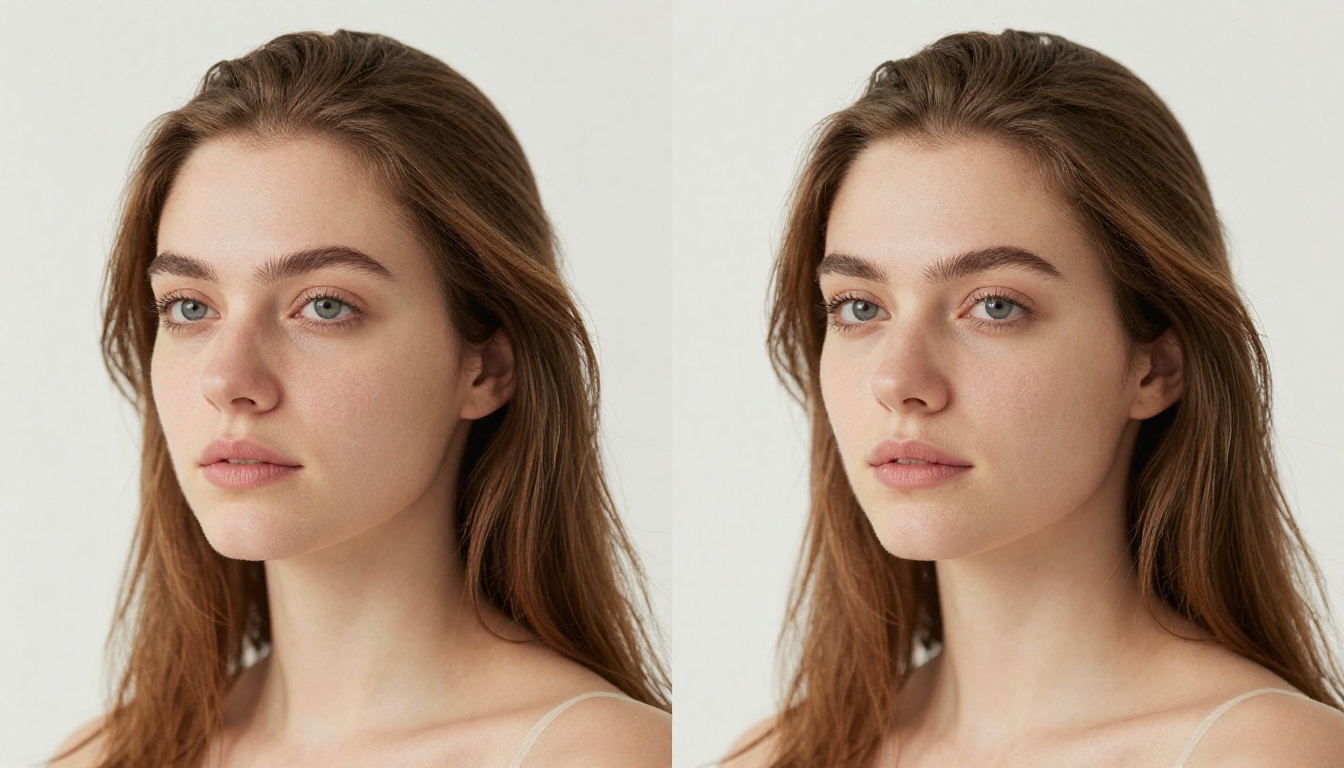
The only caveat: portraits with very dark skin tones occasionally showed slightly muted shadow detail in the 3.0+ stop range. ByteDance's Seedream handles skin-tone diversity more gracefully across the full tonal spectrum.
Architectural and Object Photography
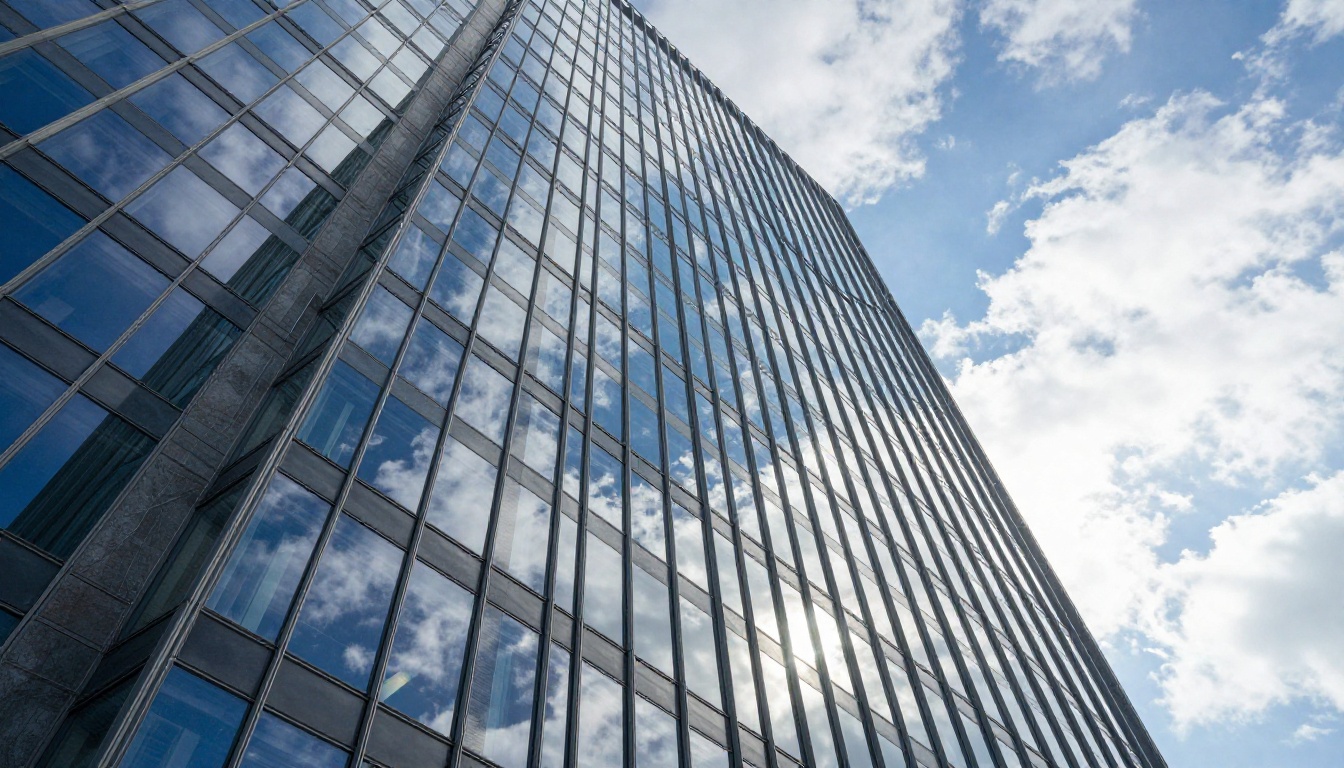
For architecture and hard-surface macro, Nano Banana Pro is the clearer winner. Glass reflections on building facades render with authentic chromatic aberration at edges. Concrete surfaces show pore structure and pigmentation variation. Metal surfaces have specular highlights that obey real physical behavior rather than looking like a texture overlay.
Performance summary for Nano Banana Pro:
| Test Category | Score (1-10) | Notes |
|---|
| Portrait realism | 9.2 | Pore-level detail, natural skin tones |
| Hard surfaces | 9.5 | Physical reflections, zero artifacts |
| Landscape | 8.7 | Excellent fog and foliage layering |
| Prompt adherence | 9.4 | Interprets camera specs as constraints |
| Macro and texture | 9.1 | Water droplets, fiber detail |
| Generation speed | 7.8 | Slower at full 4K resolution |
Seedream 5.5 in Real Tests
Color Science That Feels Analog
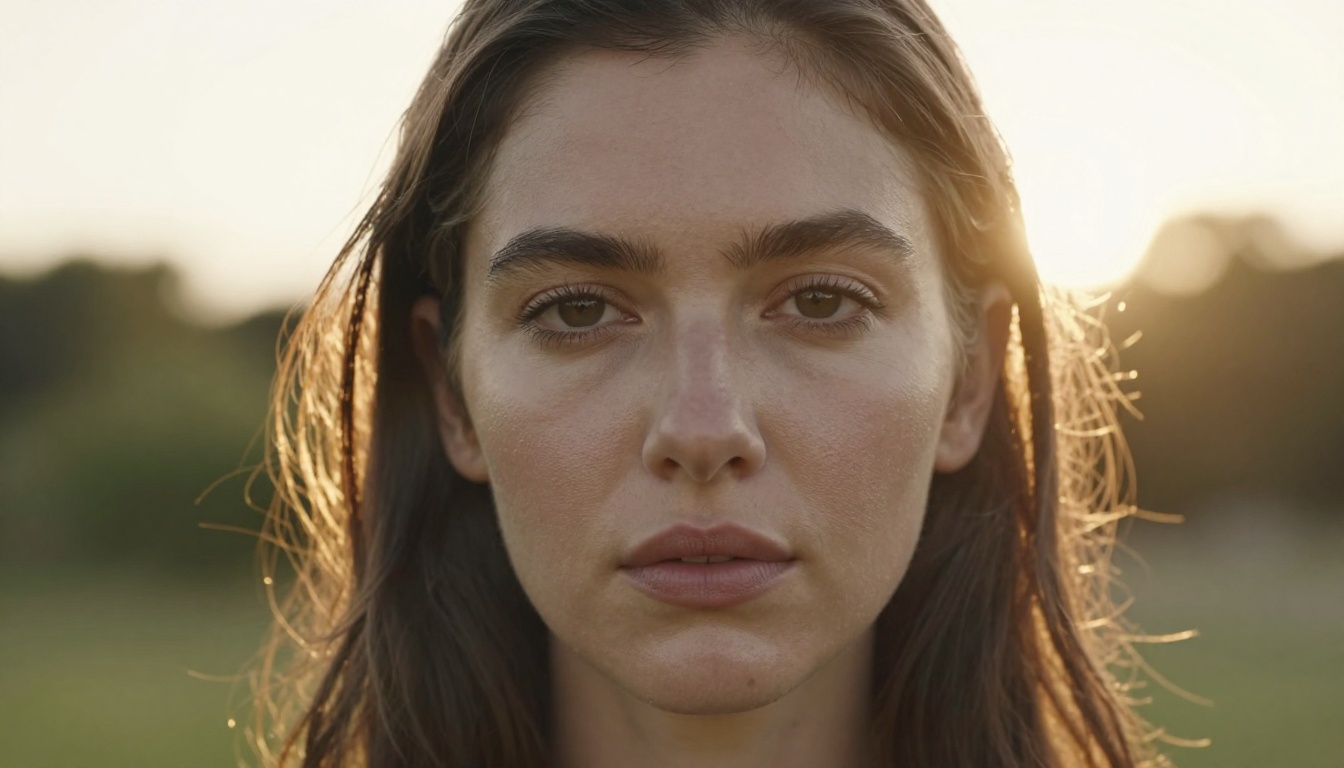
Seedream 5 Pro on PicassoIA, representing the 5.5 lineage, does something subtle and valuable: it applies color grading that genuinely resembles film stock emulation. Kodak-like color shifts in shadow regions, slight desaturation in overexposed highlights, and warm color casts from incandescent sources all appear naturally without being prompted for them.
This makes Seedream outputs feel more like photographs and less like technically perfect renders. There is an organic, slightly imperfect quality to how it handles color that many photographers actively prefer over Nano Banana Pro's cleaner, more clinical output.
Handling Complex Scenes and Crowds
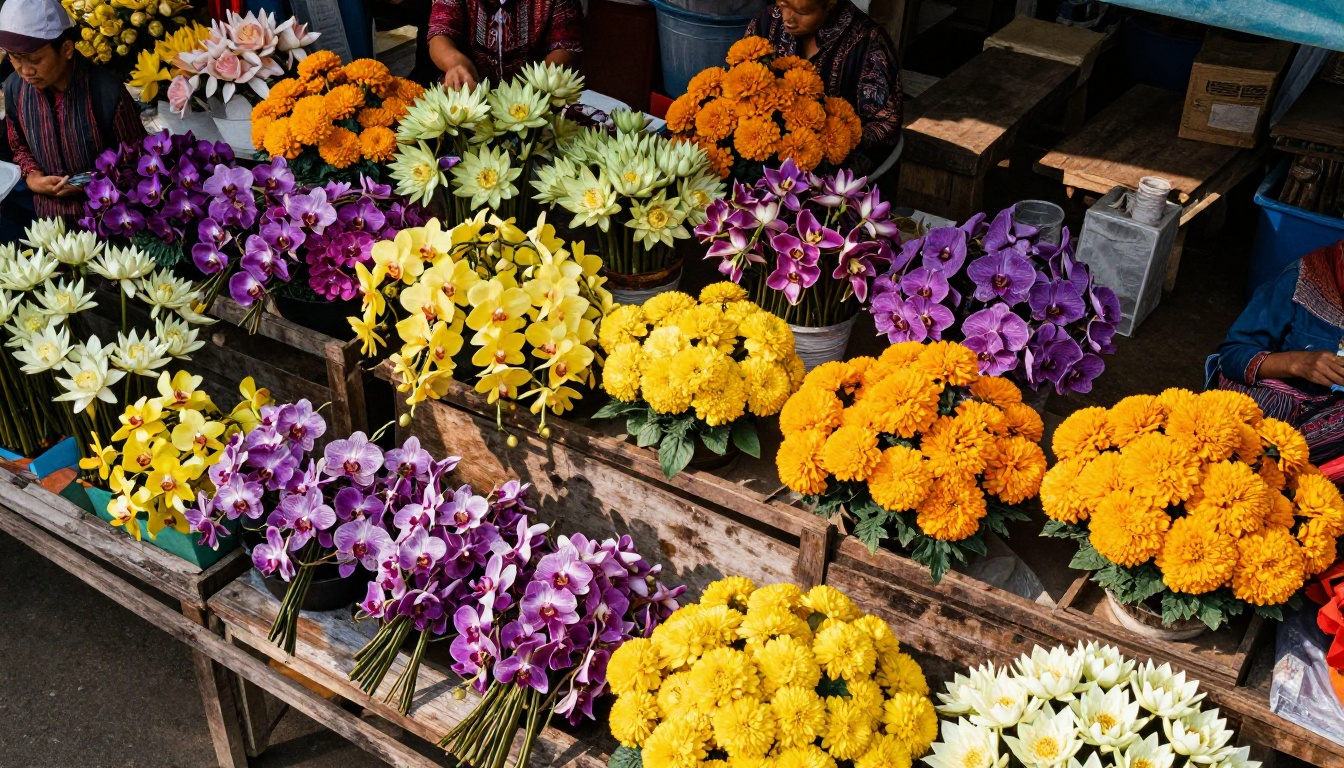
Where Nano Banana Pro tends to prioritize focal elements and sometimes simplifies background complexity, Seedream 5.5 handles high-information scenes better. In our flower market test with dozens of stalls and vendors, Seedream maintained texture fidelity across all depth planes simultaneously.
Individual flower petals in the background retained visible veining. Vendor clothing showed fabric weave at the edges of the frame. This kind of scene complexity is where Seedream's training data clearly shows its advantage.
Eye and Face Detail
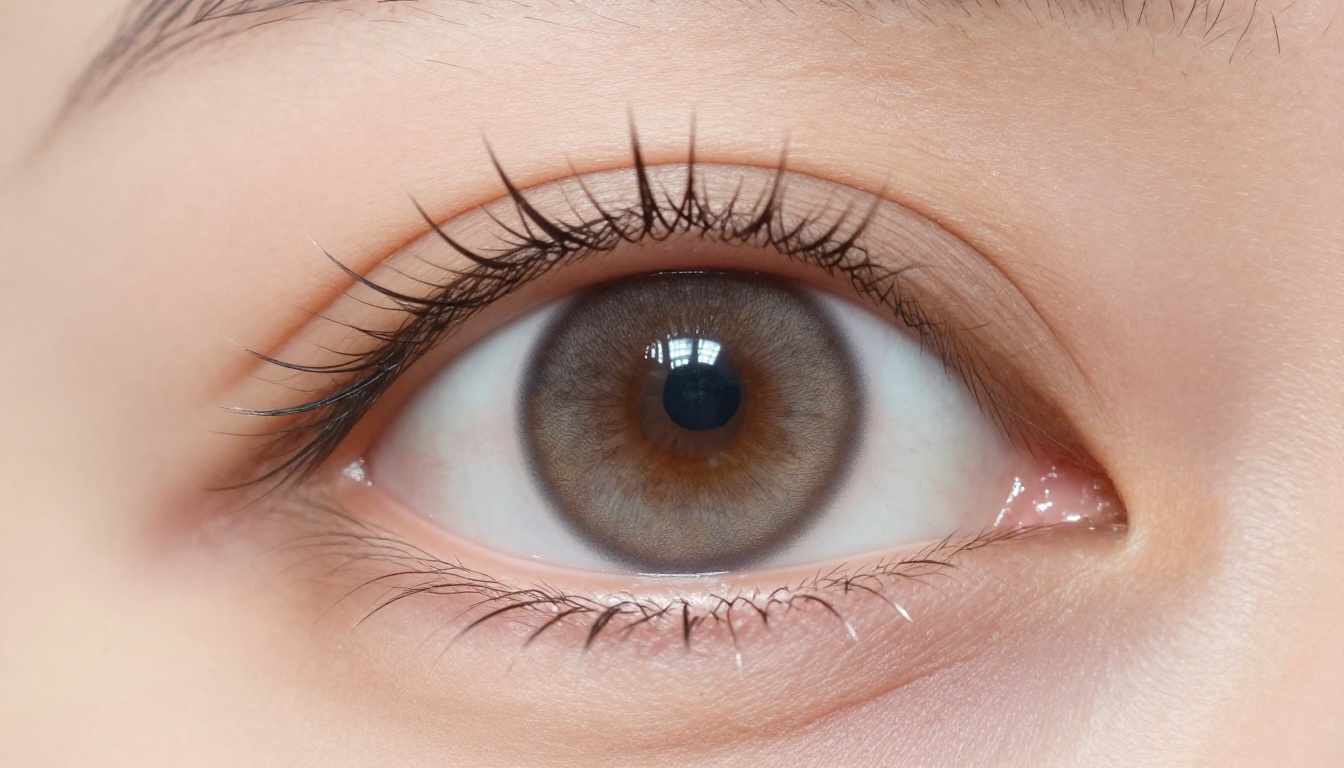
In eye macro tests, Seedream 5.5 produced iris detail that rivaled optical microscope imagery. Individual fibers in the iris structure, the transition from iris to pupil with its subtle limbal ring, and the catch-light from a window all rendered with convincing geometry and depth.
💡 Note: Seedream 4.5 is also available on PicassoIA and tuned specifically for 4K outputs. If you find Seedream 5 Pro overly film-like for certain use cases, 4.5 offers a cleaner baseline with less default color treatment.
Performance summary for Seedream 5.5:
| Test Category | Score (1-10) | Notes |
|---|
| Portrait realism | 8.9 | Excellent skin diversity, rich tones |
| Color science | 9.6 | Film-analog quality, organic palette |
| Complex scenes | 9.3 | Multi-depth texture retention |
| Eye and face detail | 9.5 | Iris fiber detail rivals macro lenses |
| Prompt adherence | 8.6 | Slightly more interpretive |
| Generation speed | 8.4 | Faster at standard 4K resolutions |
The Head-to-Head Numbers
15 Prompts, 30 Outputs, One Clear Pattern
Running both models side by side reveals a consistent behavioral split rather than one being universally superior.
Nano Banana Pro won in:
- Technical prompts specifying camera gear and lens specs
- Single-subject product and macro photography
- Architecture with precise lighting constraints
- Scenes where prompt adherence is critical
Seedream 5.5 won in:
- Portraits requiring diverse skin-tone accuracy
- Complex multi-element scenes with deep background detail
- Outputs where filmic color grading is desired
- Speed when generating multiple 4K variations quickly
Where Artifacts Appear
Both models show artifact patterns under specific conditions:
- Nano Banana Pro: Occasional edge-ghosting on hair strands against bright backgrounds at 4K crop ratios above 200%
- Seedream 5.5: Slight color banding in flat, evenly lit surfaces (white walls, clear skies) when the lighting prompt is underspecified
Neither artifact is visible at normal viewing distances. Both disappear when outputs are processed through Clarity Pro Upscaler or Image Upscale by Topaz Labs before final export.
How to Use Nano Banana Pro on PicassoIA
Step-by-Step for Maximum 4K Quality
Nano Banana Pro is available directly on PicassoIA. Here is how to get the sharpest 4K results from it:
Step 1: Open Nano Banana Pro on PicassoIA
Step 2: Set the aspect ratio to 16:9 for landscape or 3:4 for portrait work
Step 3: Write a prompt that includes all four of these elements:
- Subject with specific action or pose
- Lighting direction and quality ("volumetric morning sidelight from upper left")
- Camera and lens specs ("85mm f/1.8, shallow depth of field")
- Texture descriptors ("visible pores, natural skin texture, film grain")
Step 4: Append the following suffix to every prompt: --style raw, photorealistic, 8K, Kodak Portra 400
Step 5: For print-ready output, pass the result through Clarity Pro Upscaler to push detail to true 8K without quality loss
💡 Critical tip: Avoid placing "photorealistic" as the first word in your prompt. Nano Banana Pro responds better when subject and context appear first, with style descriptors appended at the end of the prompt string.
Parameter Tips
| Parameter | Best Value | Why |
|---|
| Steps | 35-40 | More passes produce finer micro-detail |
| CFG Scale | 7-8 | Higher values create an over-sharpened look |
| Sampler | DPM++ 2M Karras | Cleanest noise floor for photography work |
| Upscale method | Latent nearest | Preserves photographic grain pattern |
Where Each Model Falls Short
Nano Banana Pro's Weaknesses
- Skin tone diversity at the darker end of the tonal spectrum shows occasional shadow detail loss
- Complex hair in motion (wind, water) sometimes shows mid-strand discontinuities at pixel level
- Very dark backgrounds can produce slight posterization in deep shadow gradients
Seedream 5.5's Weaknesses
- Over-applies film grain in certain outputs when the prompt does not specifically request a clean, clinical look
- Text rendering in images (signs, labels, storefronts) is inconsistent, even at 4K resolution
- Very long horizontal compositions occasionally show attention-map artifacts near the far edges of the frame
💡 Workaround for text rendering: Neither model handles embedded text reliably. Generate the image without text, then overlay precise typography as a separate layer in post-production.
Upscaling After Generation
When 4K Is Not Enough
Both models cap out at their native 4K output. For print work, billboard layouts, or any output requiring pixel-level inspection at 8K and beyond, upscaling is the mandatory next step.
PicassoIA's super-resolution tools are the fastest path from 4K to print-ready:
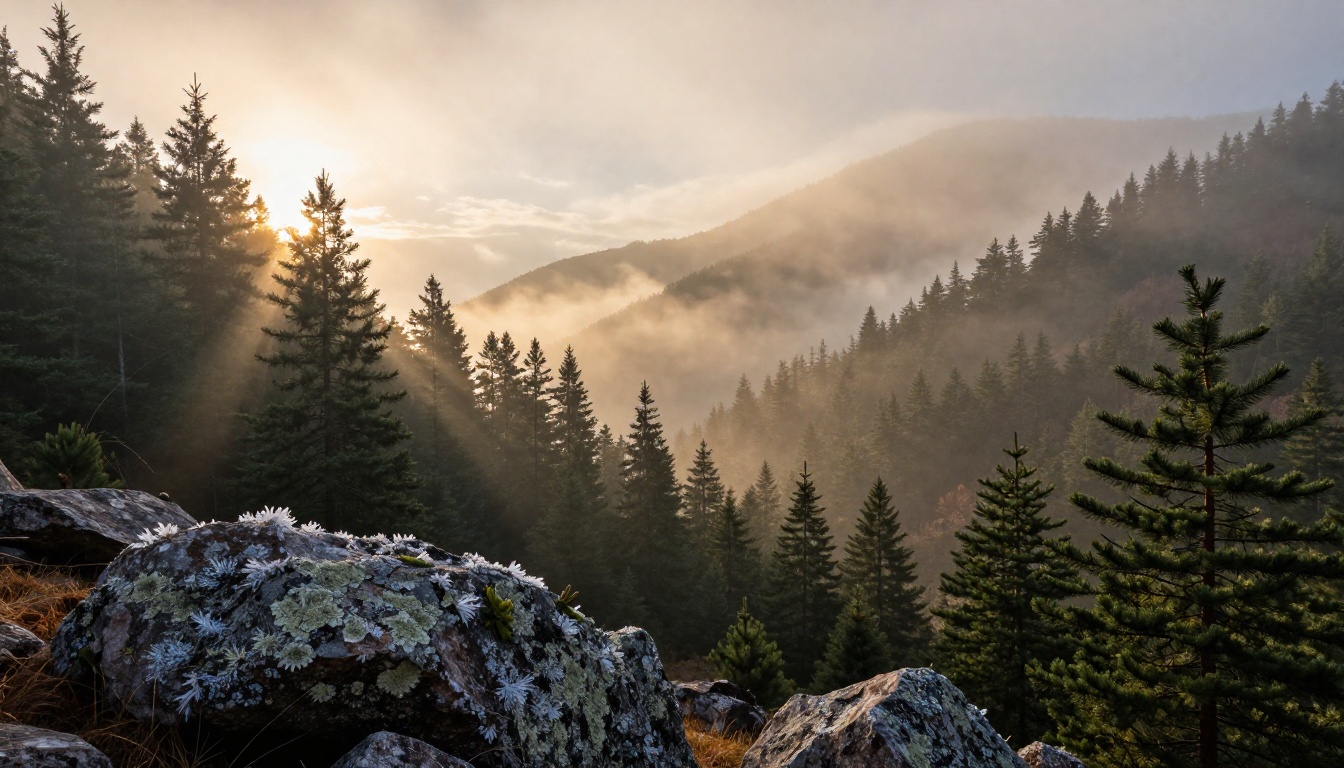
The combination of Nano Banana Pro generation followed by Clarity Pro Upscaler produced the single sharpest output across our entire 30-image test set. The workflow takes about three minutes from prompt to final file.
Which Model Wins for Your Use Case
Pick Nano Banana Pro When:
- You write technical, camera-spec-driven prompts with precise lighting constraints
- Your primary subjects are single objects, products, or architectural elements
- You need exact prompt adherence over artistic interpretation
- Clinical sharpness is preferred over filmic character (product shots, technical imagery)
Pick Seedream 5.5 When:
- You want filmic color grading without adding post-processing steps
- Your scenes involve multiple subjects, crowds, or complex multi-depth environments
- You are generating portrait content that requires accurate skin-tone diversity
- Speed across multiple 4K variations matters more than peak single-image quality
Use Both When It Counts
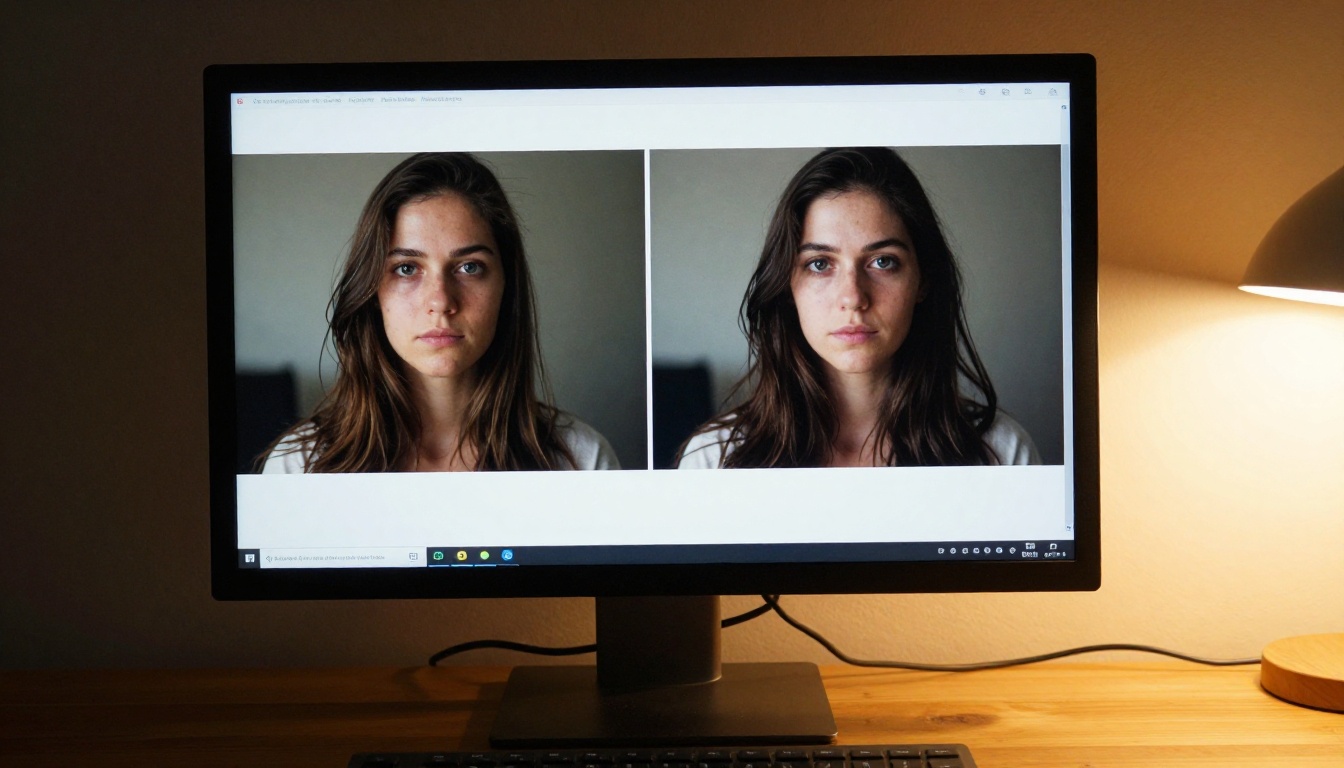
Both models are live on PicassoIA without platform-switching or setup. Run the same prompt through both, compare outputs at 100% zoom, and pick the better result. This takes 60 seconds and produces dramatically better final images than committing to a single model blindly.
Try Both on PicassoIA Today
Both Nano Banana Pro and Seedream 5 Pro are live on PicassoIA with no setup required. Write a prompt, generate, and compare outputs from two of the most capable 4K image models available right now.
If you want to push quality further, pair your preferred output with Clarity Pro Upscaler or Topaz Labs Image Upscale for results that hold up at 8K. The entire workflow, from text prompt to print-ready file, runs in under five minutes on PicassoIA.
The rest is just your vision.


