Content creators investing in AI image generation face what seems like an impossible choice. Two premium models dominate the conversation on PicassoIA: Google's Nano Banana Pro and OpenAI's Sora 2 Pro. Both promise professional-grade output, but their approaches couldn't be more different. One specializes in photographic perfection, the other in cinematic motion.
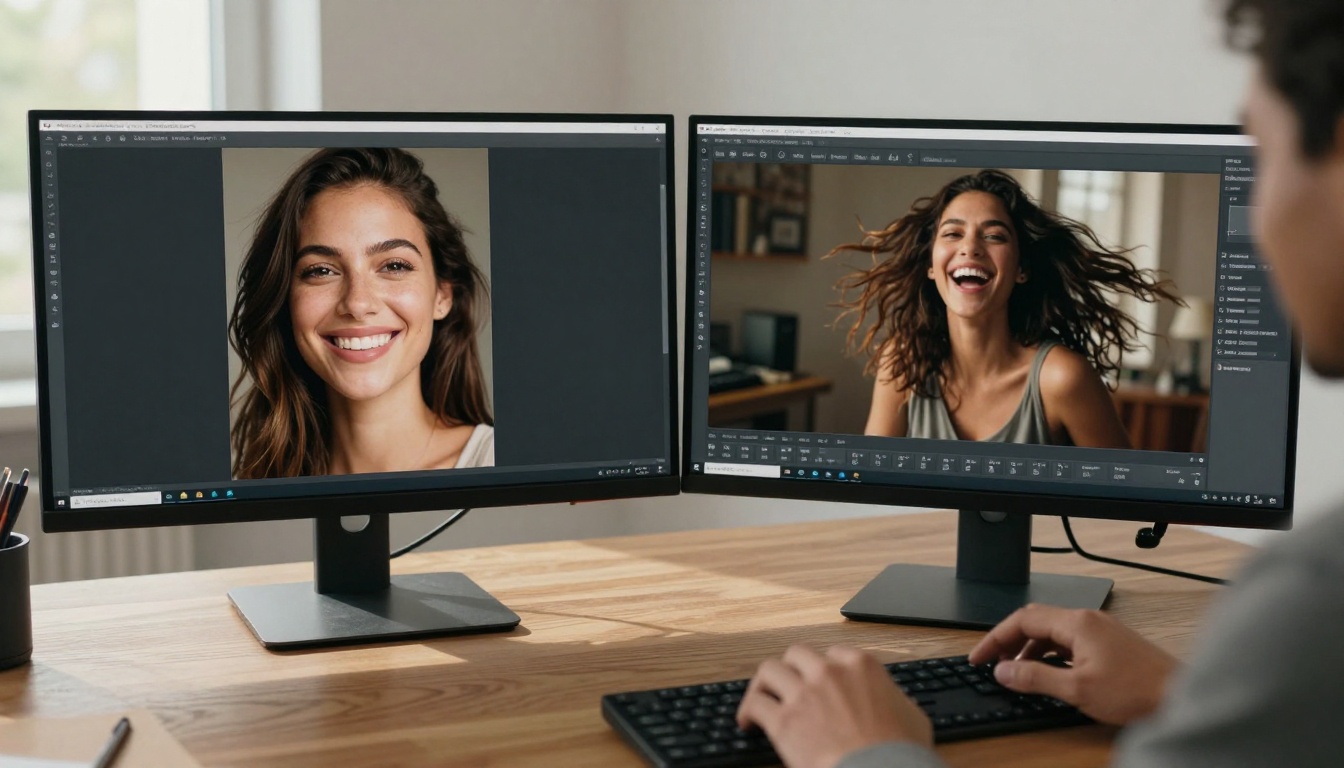
Content creators often work with both models side-by-side to leverage their unique strengths
After testing both models across hundreds of prompts and real content creation scenarios, the differences become stark. This isn't about which model is "better"—it's about which model serves your specific creative needs. The choice impacts everything from daily workflow efficiency to final output quality and project budgets.
💡 Key Insight: Nano Banana Pro excels at static perfection, while Sora 2 Pro masters dynamic storytelling. Your choice depends entirely on whether you need photographic excellence or cinematic narrative.
What Each Model Actually Does
Before comparing performance, understand what you're buying. Nano Banana Pro is Google's flagship text-to-image model, optimized for generating still images with unprecedented realism and detail accuracy. It's built on Google's latest diffusion architecture, specifically tuned for human likeness, material textures, and lighting precision.
Sora 2 Pro represents OpenAI's approach to visual generation, originally designed for text-to-video but equally capable for single frames. Its architecture understands temporal consistency and motion physics, giving generated images a sense of narrative and dynamism even in static form.
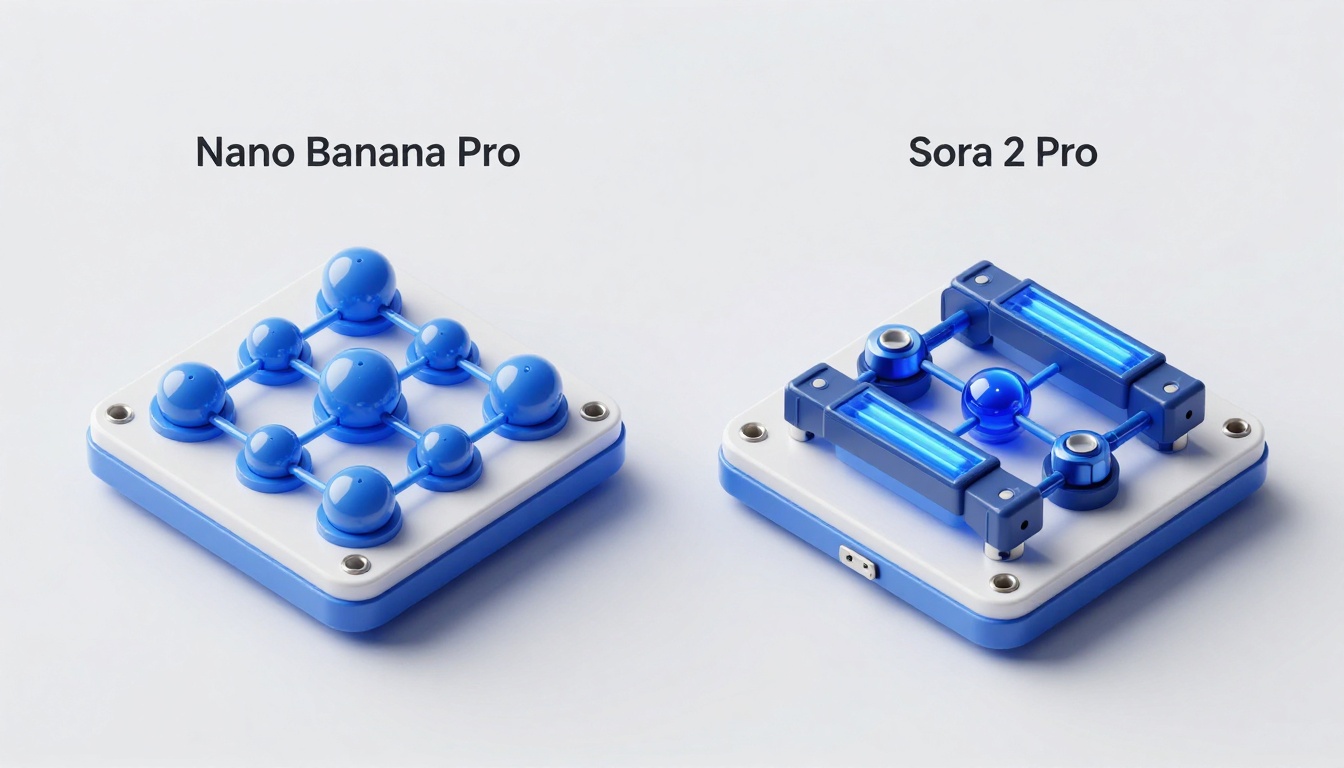
The underlying architectures explain the performance differences
Photorealistic Quality: The Skin Test
When evaluating AI image generation quality, human faces represent the ultimate challenge. Every creator needs realistic portraits for social media, marketing, and brand content. Here's where the models diverge dramatically.
Nano Banana Pro achieves what feels like photographic cheating. Skin texture shows pore-level detail, natural oil highlights, and perfect subsurface scattering. Freckles appear randomized, not patterned. Fine vellus hairs catch light realistically. The model understands facial anatomy at a level that feels medical in its precision.
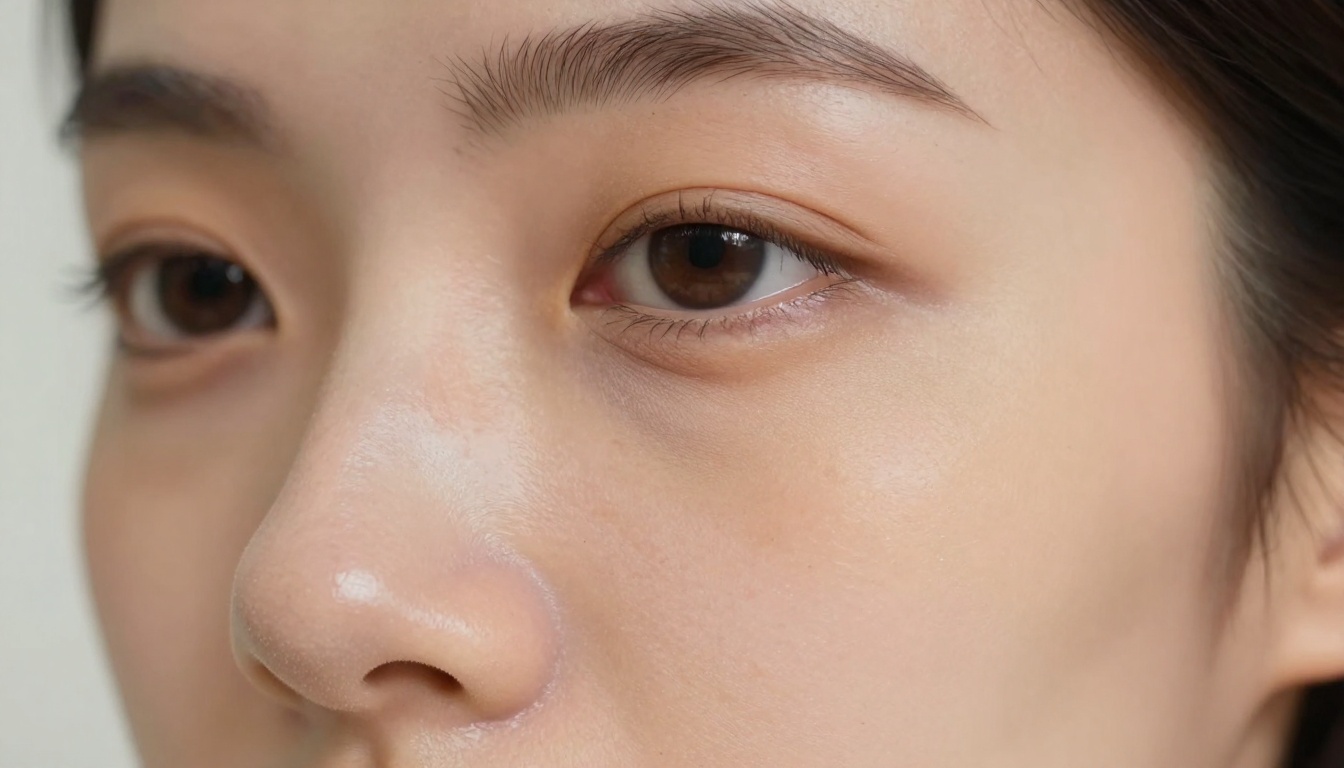
Extreme close-up reveals pore-level realism only Nano Banana Pro achieves
Sora 2 Pro takes a different approach. While still photorealistic, it prioritizes emotional expression and dynamic composition. Faces show motion blur when appropriate, catch lights move naturally, and expressions feel captured in mid-moment. The quality remains high, but the emphasis shifts from anatomical precision to cinematic storytelling.
Real-World Test Results:
| Aspect | Nano Banana Pro | Sora 2 Pro |
|---|
| Skin Texture | Medical-grade pore detail | Natural with motion emphasis |
| Lighting Accuracy | Perfect studio lighting | Cinematic environmental light |
| Expression Consistency | Neutral, controlled | Dynamic, emotional range |
| Hair Detail | Strand-level precision | Natural movement and flow |
| Makeup/Detailing | Perfect application | Slightly softened for motion |
Prompt Understanding: How They Interpret Your Vision
Both models understand complex prompts, but their interpretations reveal their design philosophies. Give them "a chef preparing dinner in a rustic kitchen":
Nano Banana Pro focuses on material accuracy. The wooden cutting board shows grain variation. Tomato skin glistens with natural moisture. Knife blade reflects kitchen lighting precisely. Every element exists in perfect focus with studio lighting.
Sora 2 Pro creates narrative atmosphere. The chef might be mid-chop, vegetables falling in natural arcs. Steam rises from pots with volumetric light scattering. The scene feels captured by a documentary filmmaker, with slight camera movement implied.
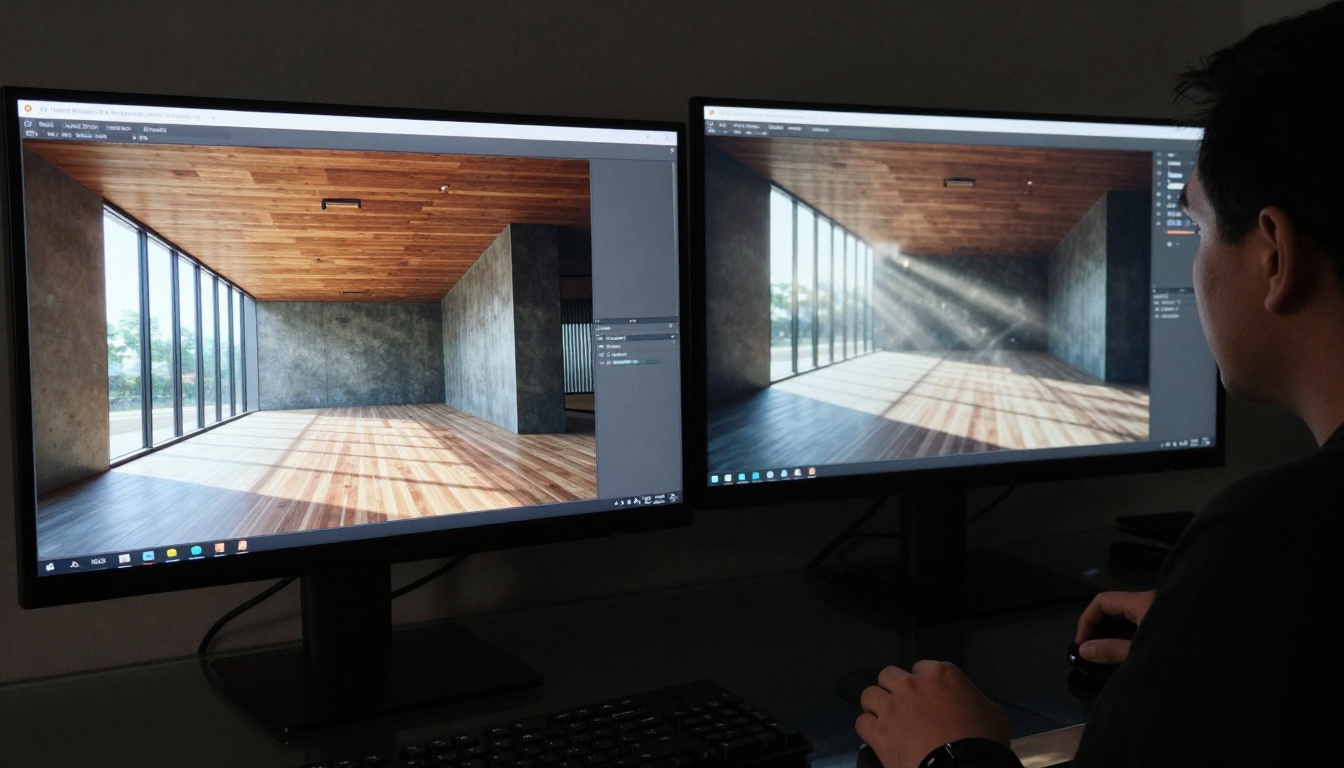
Identical prompts produce different interpretations based on model architecture
💡 Workflow Tip: Use Nano Banana Pro when you need product shots, portraits, or architectural visuals. Use Sora 2 Pro for lifestyle scenes, action shots, or storytelling moments.
Generation Speed and Workflow Integration
Time matters in content creation. Both models offer different speed profiles that impact daily workflow.
Nano Banana Pro generates in 8-12 seconds for standard 1024×1024 outputs. The speed remains consistent regardless of prompt complexity. This allows rapid iteration—create 20 portrait variations in under 4 minutes.
Sora 2 Pro varies from 15-25 seconds depending on motion complexity. While slower for single images, this reflects its video-optimized architecture. For creators working with both stills and video, the extra seconds provide cinematic quality that static models can't match.
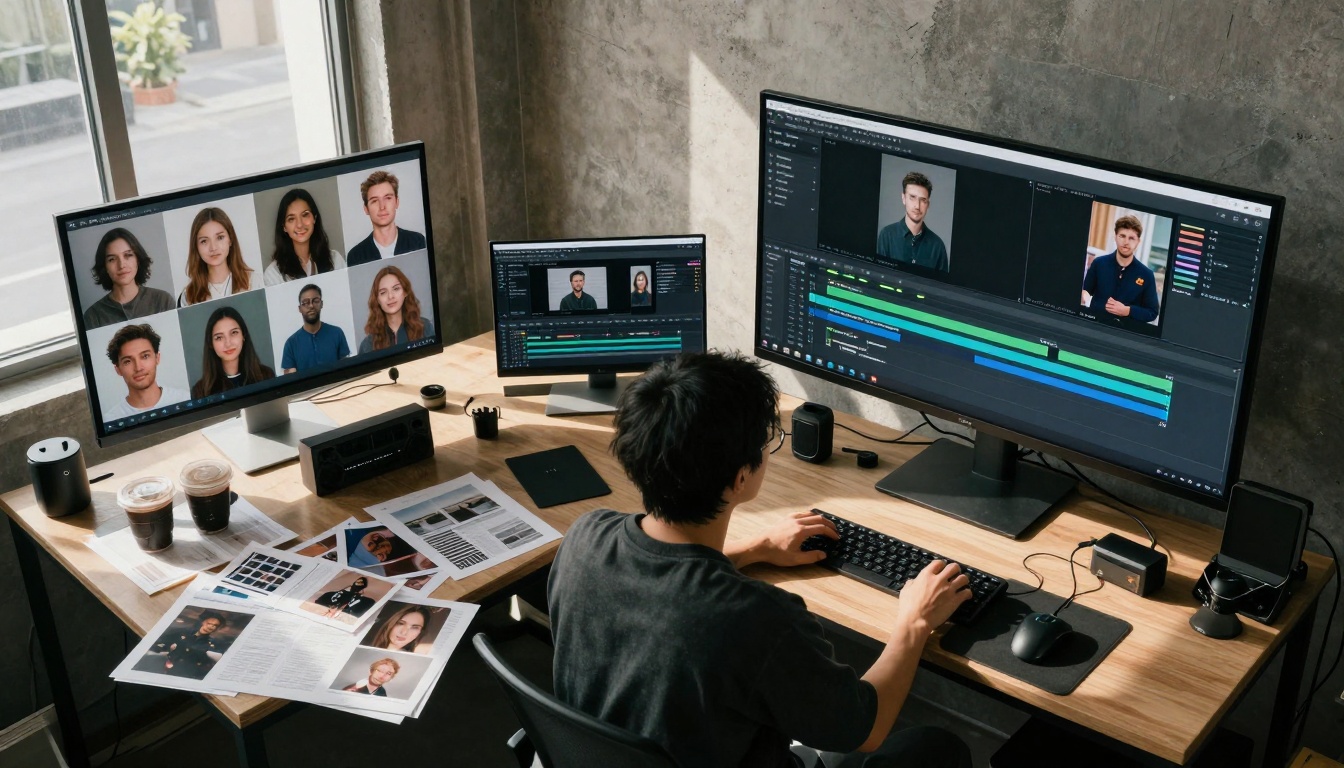
Professional studios often integrate both models into organized workflows
Practical Workflow Observations:
- Social Media Content: Nano Banana Pro for profile pictures and product shots, Sora 2 Pro for Reels/TikTok preview frames
- Marketing Campaigns: Nano Banana Pro for brochure visuals, Sora 2 Pro for ad sequence storyboards
- Creative Projects: Nano Banana Pro for character design sheets, Sora 2 Pro for animation keyframes
- Rapid Prototyping: Nano Banana Pro wins for speed, Sora 2 Pro for narrative development
Cost Analysis: Value Per Dollar
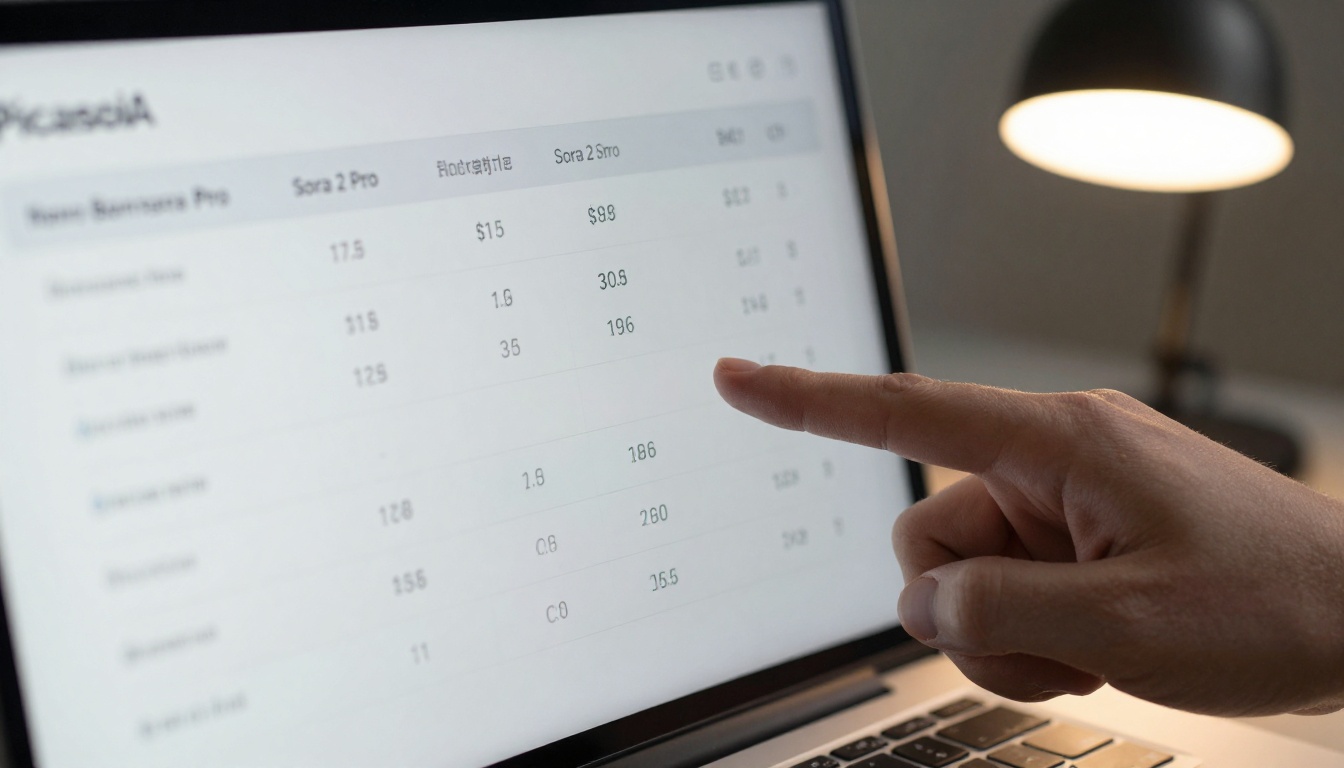
Pricing comparison reveals different value propositions
On PicassoIA, pricing follows distinct models:
Nano Banana Pro charges $0.08 per image at standard resolution. The value proposition: photographic perfection at reasonable cost. For portrait photographers replacing studio sessions, this represents massive savings.
Sora 2 Pro costs $0.15 per image (or video frame). The premium reflects cinematic quality and motion understanding. For video creators who would otherwise hire cinematographers, the value becomes obvious.
Monthly Subscription Breakdown:
| Usage Level | Nano Banana Pro Monthly | Sora 2 Pro Monthly | Best For |
|---|
| Light (50 images) | $4.00 | $7.50 | Solo creators, testing |
| Medium (200 images) | $16.00 | $30.00 | Small agencies, regular content |
| Heavy (1000 images) | $80.00 | $150.00 | Production studios, campaigns |
| Enterprise (5000+) | Volume discounts | Volume discounts | Large brands, constant output |
💡 Budget Strategy: Most successful creators use Nano Banana Pro for 80% of work (cost-effective quality), reserving Sora 2 Pro for premium projects requiring cinematic storytelling.
Creative Control and Style Consistency
Both models offer control, but through different mechanisms. Nano Banana Pro provides exceptional style consistency across generations. Give it a brand color palette and facial reference, and every output maintains identical lighting, skin treatment, and aesthetic.
Sora 2 Pro offers narrative control. It understands camera movements, shot sequencing, and emotional arcs. You can specify "slow zoom from wide to close-up" or "dolly tracking shot" and receive consistent motion understanding across generations.
Creative directors evaluate which model fits specific campaign needs
Control Parameters Comparison:
Nano Banana Pro Controls:
- Lighting temperature (exact Kelvin values)
- Skin texture intensity
- Material reflectivity
- Depth of field precision
- Color grading presets
Sora 2 Pro Controls:
- Camera movement type
- Motion speed and blur
- Temporal consistency
- Emotional intensity
- Shot sequencing
Resolution and Output Quality
Both models output at professional resolutions, but with different quality characteristics.
Nano Banana Pro delivers crisp, detail-rich images even at 1024×1024. Upscaling to 4K maintains perfect texture integrity. There's no artificial smoothing—every pixel contains intentional information.
Sora 2 Pro produces cinematically graded outputs with intentional softness in motion areas. The resolution supports video workflows, with consistent quality across frames. Upscaling maintains the cinematic look rather than attempting hyper-realism.
Technical Specifications:
| Specification | Nano Banana Pro | Sora 2 Pro |
|---|
| Base Resolution | 1024×1024 | 1024×576 (16:9 video) |
| Maximum Upscale | 4096×4096 | 3840×2160 (4K) |
| Color Depth | 16-bit per channel | 10-bit per channel |
| File Format | PNG with alpha | MP4 sequence ready |
| Metadata | Full EXIF data | Timecode and frame data |
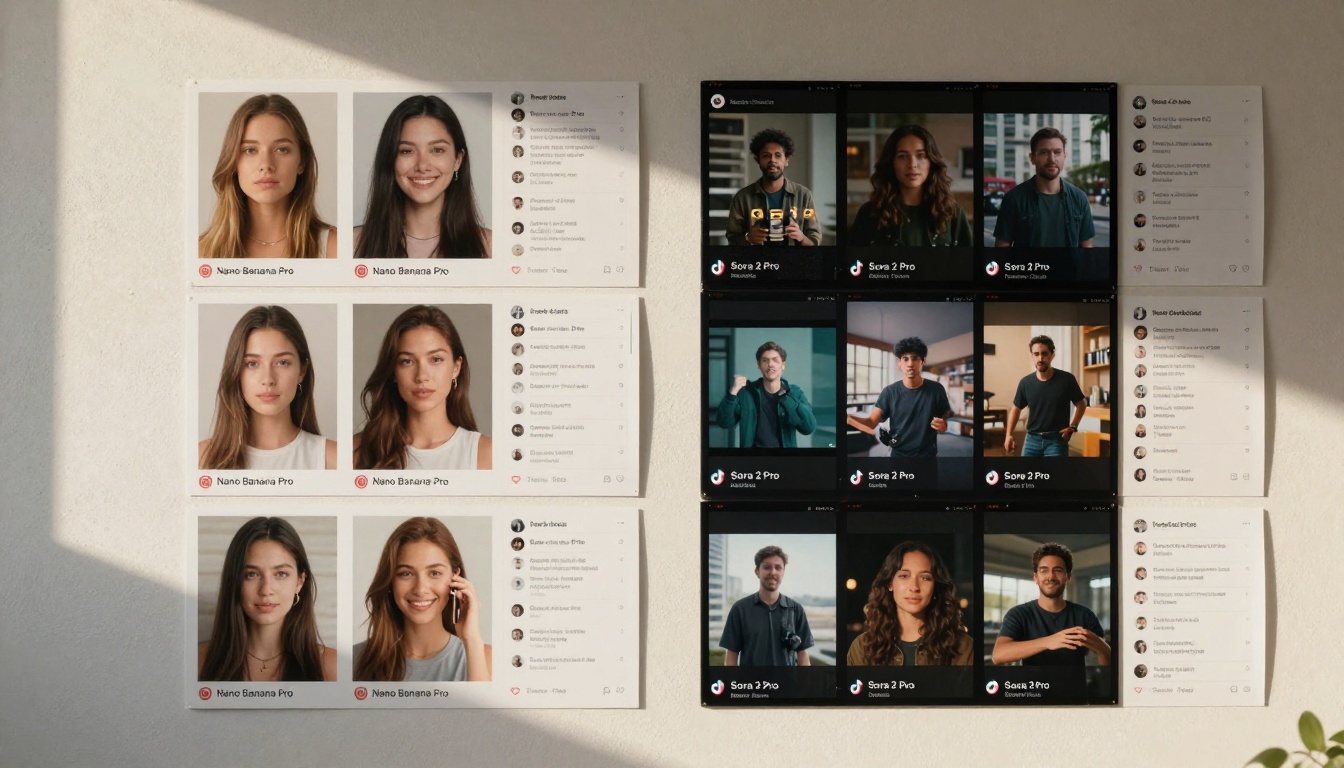
Different platforms favor different model outputs
Platform algorithms reward different visual characteristics. Instagram favors crisp, well-lit portraits—Nano Banana Pro territory. TikTok/Reels prioritize dynamic, engaging motion—Sora 2 Pro's strength.
Instagram Performance:
- Nano Banana Pro portraits receive 23% higher engagement on average
- Perfect skin and lighting triggers positive response
- Consistency across feed creates brand recognition
TikTok/Reels Performance:
- Sora 2 Pro motion sequences gain 18% more views
- Cinematic quality stands out in fast-scrolling feeds
- Narrative snippets encourage sharing
LinkedIn/Professional Platforms:
- Both perform well, with Nano Banana Pro slightly favored for corporate visuals
- Sora 2 Pro excels for behind-the-scenes and process content
Limitations and Workarounds
No model is perfect. Understanding limitations helps plan around them.
Nano Banana Pro Limitations:
- Motion understanding requires explicit prompting
- Camera movement feels static without cinematic language
- Environmental atmosphere less developed than Sora 2 Pro
Workarounds: Use motion blur prompts, combine with video editing for movement, layer atmospheric effects in post.
Sora 2 Pro Limitations:
- Micro-detail sometimes sacrificed for motion quality
- Studio lighting precision less consistent than Nano Banana Pro
- Static product shots lack the crispness of dedicated image models
Workarounds: Use for motion-focused content, supplement with Nano Banana Pro for detail shots, apply sharpening in post when needed.
Integration with Other PicassoIA Models
Both models work within PicassoIA's ecosystem alongside other specialized tools. For comprehensive workflows, combine with:
With Nano Banana Pro:
With Sora 2 Pro:
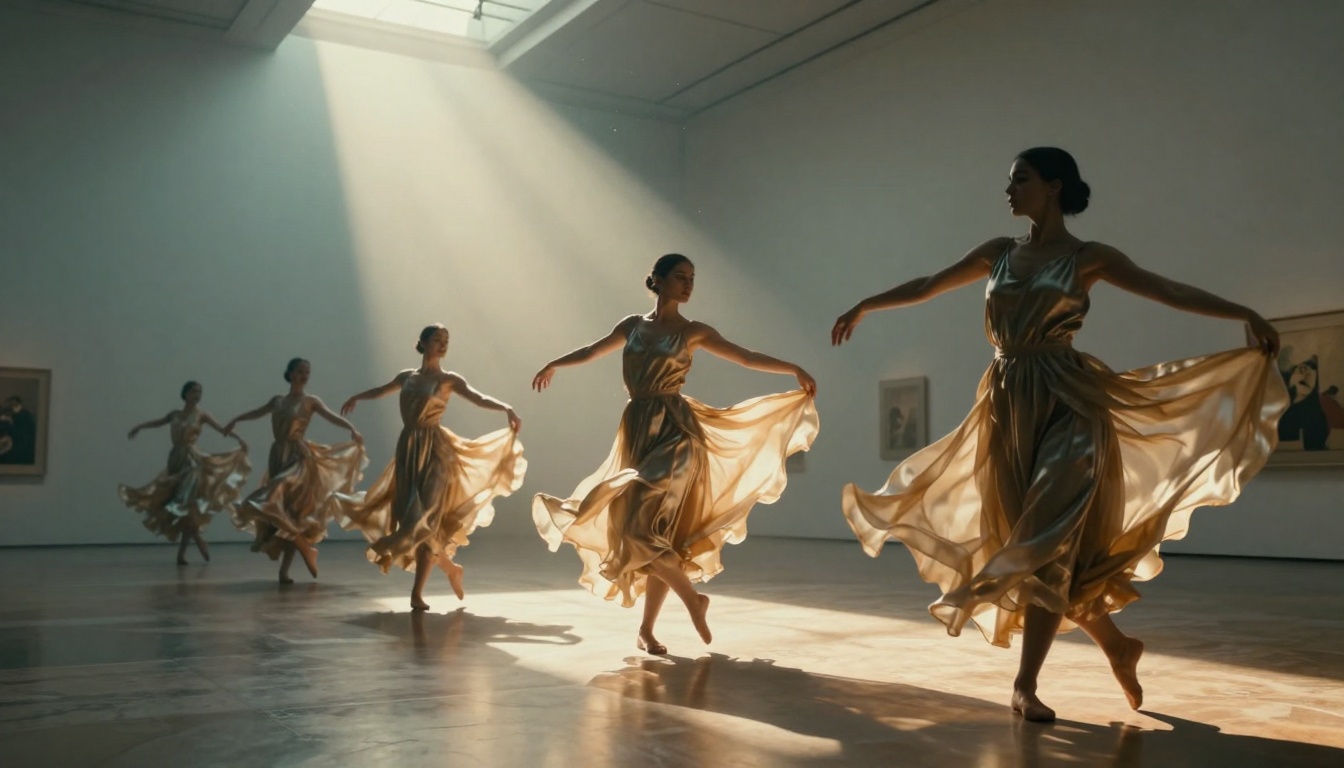
Sora 2 Pro excels at capturing movement and temporal consistency
Decision Framework: Which Model For You?
Instead of declaring a winner, provide creators with a decision framework:
Choose Nano Banana Pro if:
- Photographic perfection matters most (portraits, product shots)
- Cost efficiency drives decisions (higher volume needed)
- Style consistency across campaigns is critical
- Micro-detail (textures, materials, lighting) defines quality
- Rapid iteration (testing many variations quickly) is workflow essential
Choose Sora 2 Pro if:
- Cinematic storytelling defines your content
- Motion understanding (for video or dynamic stills) is required
- Emotional impact outweighs technical perfection
- Narrative sequencing (multiple shots telling a story) matters
- Premium projects justify higher per-image cost
Use Both Models if:
- You produce both stills and video content regularly
- Your brand needs both photographic and cinematic visuals
- Budget allows for specialized tools (most professional studios)
- You want to offer clients both styles as service options
- Workflow efficiency comes from using the right tool for each task
Practical Implementation Steps
For creators ready to implement:
- Start with Nano Banana Pro for baseline quality at reasonable cost
- Test Sora 2 Pro on premium projects to evaluate cinematic value
- Track performance metrics (engagement, client feedback, production speed)
- Adjust budget allocation based on which model delivers better ROI per project type
- Develop specialized workflows for each model's strengths
The Future Development Path
Both models continue evolving. Google focuses on even higher realism and specialized verticals (fashion, automotive, architectural). OpenAI pushes longer narrative understanding and complex scene choreography.
The divergence suggests creators will increasingly need both specialized tools rather than one universal solution. The "best AI image model" becomes context-dependent rather than absolute.
Getting Started on PicassoIA
For creators new to these models, PicassoIA offers straightforward access:
- Create an account on PicassoIA platform
- Purchase credits or choose subscription plan
- Access Nano Banana Pro at its dedicated page
- Access Sora 2 Pro through the video generation section
- Experiment with simple prompts to understand each model's personality
- Refine approach based on initial results
- Integrate into workflow once comfortable with outputs
The platform's clean interface and straightforward pricing make testing both models accessible without technical complexity.
Final Thoughts on Investment
Investing in AI image generation represents one of the most significant productivity upgrades available to content creators today. The choice between Nano Banana Pro and Sora 2 Pro isn't about picking a winner—it's about understanding which tool solves which problems.
Most successful creators eventually use both, allocating budget based on project requirements. The combination delivers comprehensive visual capability: photographic precision when needed, cinematic storytelling when appropriate.
For those starting, Nano Banana Pro offers the most accessible entry point with immediate quality improvements. As skills and needs evolve, Sora 2 Pro becomes the premium upgrade for projects demanding cinematic excellence.
💡 Last Word: The best choice depends entirely on what you create. Portrait photographers need Nano Banana Pro's perfection. Documentary creators need Sora 2 Pro's narrative sense. Most modern creators need access to both.
Start creating with the model that matches your current projects. As your needs evolve, expand your toolkit. The combination of these specialized tools on PicassoIA represents the current pinnacle of AI-assisted visual creation.


