Three AI image models. One test. Same prompt, same subject, same lighting instructions. What comes back tells you more about a model than any spec sheet ever will.
This is not a theoretical exercise. We ran Nano Banana Pro, Flux Dev, and Seedream 3 through a structured image test covering portrait realism, environmental scenes, skin texture rendering, color accuracy, and depth of field. The results are not what most people expect.
If you are choosing a model for a creative project, a client campaign, or just to see what these systems can actually do, read this before you run a single prompt.
What This Test Actually Measures
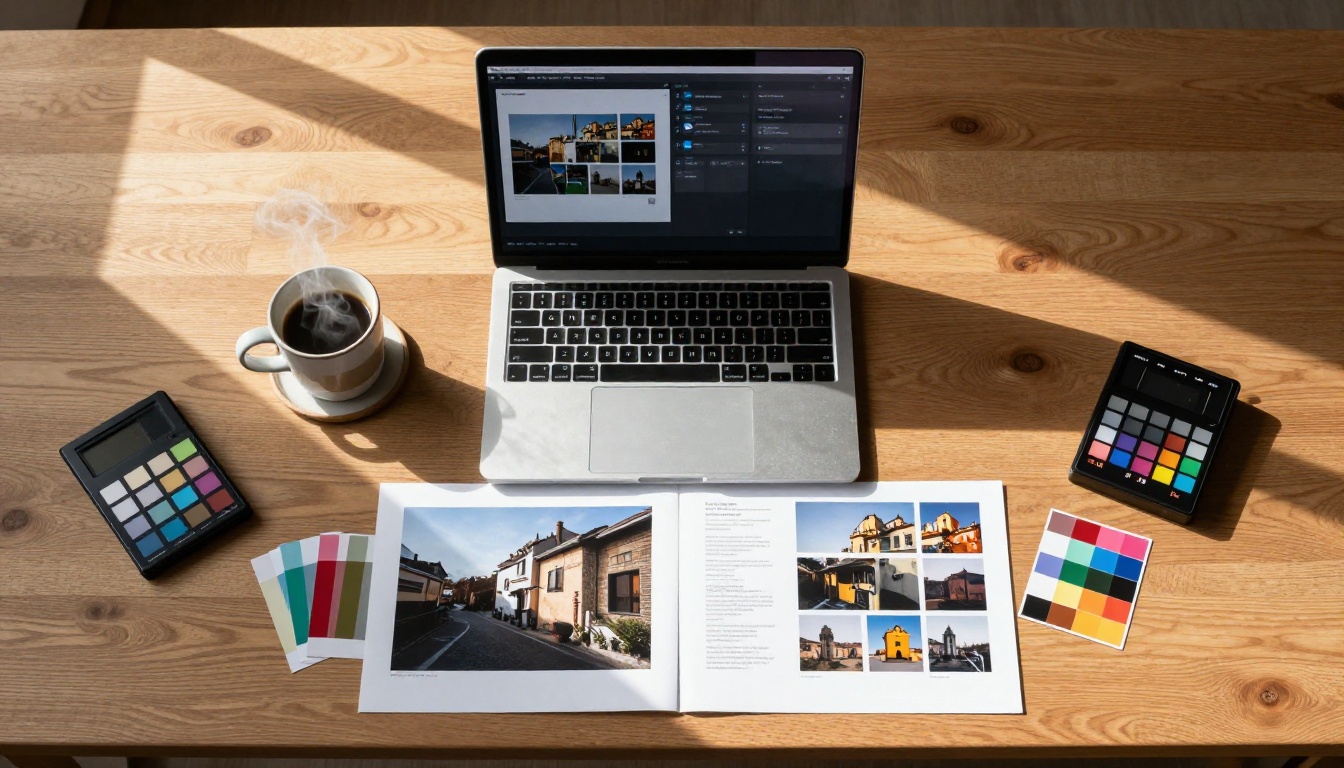
Model comparisons usually fail because they test different prompts on different models and call it fair. We did not do that. Every test prompt in this article was identical across all three systems, down to the punctuation. What varies is the output, and that variation is the entire point.
The Three Contenders
Nano Banana Pro is Google's entry into high-resolution text-to-image generation. It renders images at up to 4K resolution natively, accepts up to 14 reference images alongside your text prompt, and covers 11 aspect ratios from square to ultra-wide.
Flux Dev is a 12-billion parameter model from Black Forest Labs. It handles text-to-image and image-to-image editing, supports 11 aspect ratios, and includes a fast mode for speed-optimized generation. It has become the de facto benchmark in the AI image space over the past year.
Seedream 3 comes from ByteDance and produces native 2K output without post-generation upscaling. It supports custom dimensions and a guidance scale parameter that lets you control how literally the model interprets your prompt.
Why These Test Categories
The five categories we tested cover what actually matters for real creative work:
- Portrait realism: Skin texture, pore visibility, hair strand separation
- Color accuracy: How faithfully each model reproduces the tones described in a prompt
- Depth of field: Whether bokeh looks physically plausible or artificially blurred
- Scene complexity: How models handle multiple subjects, environmental details, and layered lighting
- Prompt adherence: Does the output match what you actually asked for?
💡 These five categories directly impact whether your output is usable in client work, social media, or print without heavy post-editing.

Nano Banana Pro: 4K From the Start
Nano Banana Pro is built around one core promise: you get full-resolution output without asking for it. Most models require a separate upscaling step to reach 4K. Nano Banana Pro starts there.
What It Gets Right
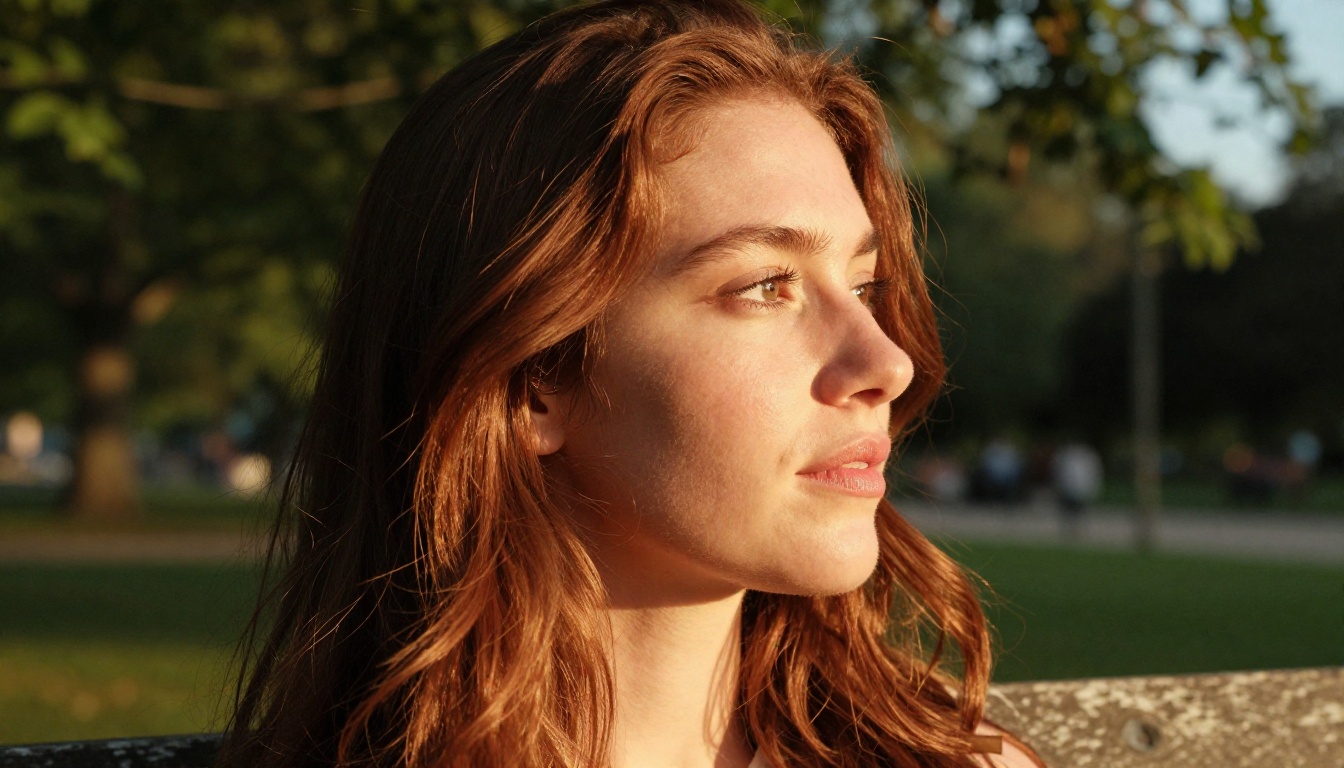
The model's standout performance area is fine surface detail at high resolution. In portrait tests, it rendered individual pore structure, subtle skin transitions around the eyes and temples, and realistic catchlights in the iris. When you zoom into a Nano Banana Pro portrait at full 4K, the level of micro-texture is closer to what you see from a real RAW photograph than from a generated image.
Reference image support is a major differentiator. You can feed the model up to 14 images and use them to steer the output toward a specific style, composition, or subject appearance. This makes it particularly strong for workflows where consistency across a set of images matters: editorial series, product lines, or character continuity across multiple scenes.
Color rendering in natural light scenarios was accurate and warm without being oversaturated. Prompts describing golden hour lighting produced the right skin tone warmth with appropriate shadow temperature. The model did not over-punch reds or yellows the way some consumer-focused models tend to.
Where It Shows Its Limits
At lower resolutions (1K output), Nano Banana Pro loses some of its edge. The model is clearly optimized for 2K and 4K, and running it at 1K feels like using a wide-angle lens cropped to the center: you get less than what the system can actually produce.
Prompt complexity with more than three or four concurrent requirements sometimes results in the model deprioritizing the last-listed conditions. In tests with layered scene descriptions, environmental background detail occasionally got soft or generic when the foreground subject was highly specific.
Generation time at 4K is not instant. Expect to wait. This is not a fast-iteration model when output resolution is maxed out.

Flux Dev: The Model Everyone Benchmarks Against
Flux Dev became a reference point because it is consistent. Across dozens of test runs, the model produced usable images with very low variance in quality. That predictability has real value in production workflows.
Consistency Over Surprise
The 12-billion parameter architecture gives Flux Dev a strong generalist capability. It handles portraits, landscapes, abstract concepts, product photography, and surrealist compositions without dramatically degrading across categories. Most models have a home turf where they excel and areas where output quality drops noticeably. Flux Dev's performance curve is flatter, which means fewer unpleasant surprises.
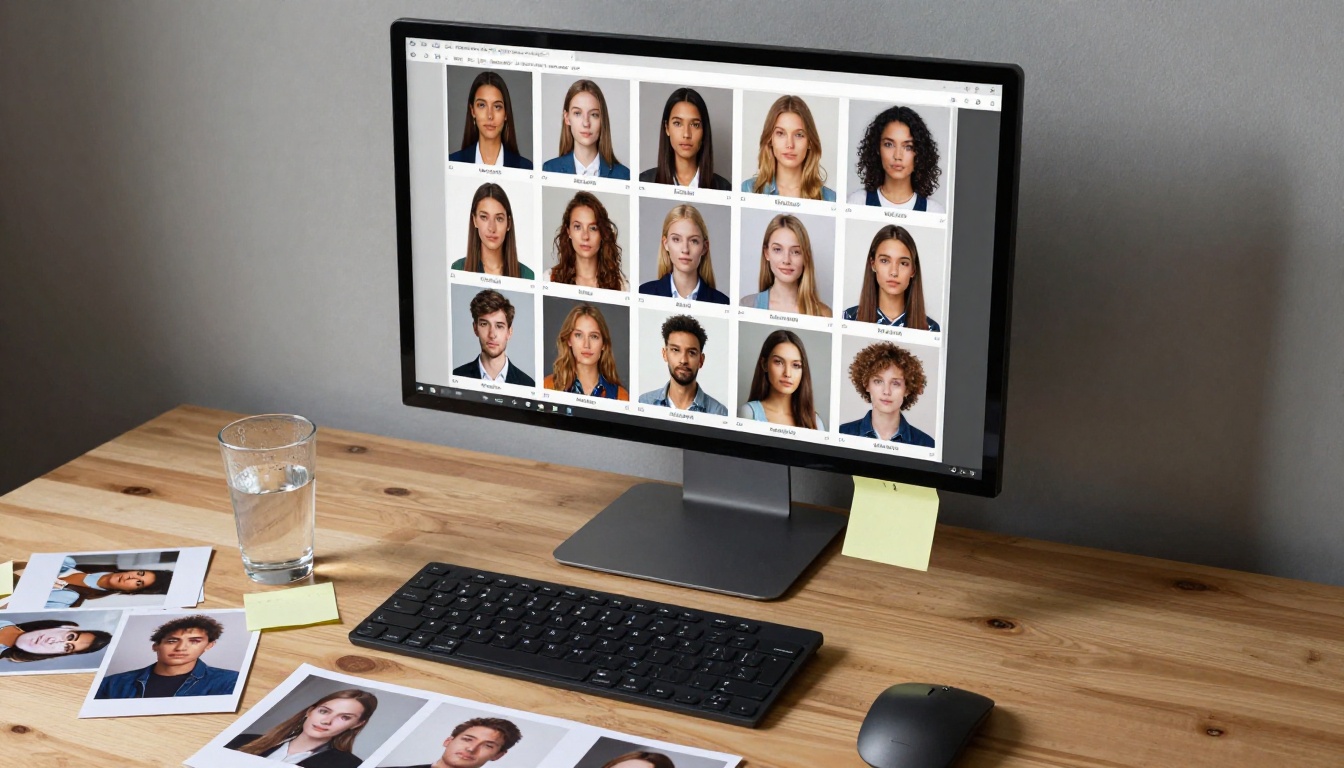
In our portrait tests, Flux Dev produced sharp, well-lit faces with accurate proportions. It is not the most detailed model in a head-to-head at 4K, but at 1 megapixel it consistently beats both competing models on immediate visual impact. The images look polished without requiring post-editing.
The fast mode deserves special mention. Running Flux Dev with the fp8-quantized fast generation mode cuts wait time significantly while retaining most of the visual quality. For rapid prototyping or campaign concepting where you need many iterations quickly, this is the most practical setup.
The img2img Edge
Flux Dev is the only model in this test with a built-in image-to-image editing mode. You upload a reference photograph and describe how you want it changed. The model transforms the image according to your prompt while preserving the underlying structure. Prompt strength controls how aggressively it departs from the original.
This capability opens a workflow that neither Nano Banana Pro nor Seedream 3 can match directly: iterative refinement on a real photograph. Start with a location scout shot, describe the lighting you want, and get a stylized version without a full reshoot.
💡 Flux Dev's seed control is one of its most underused features. Fix the seed when you find a result you like, then adjust the prompt one element at a time to refine toward exactly what you need.
Seedream 3: Resolution That Starts Honest
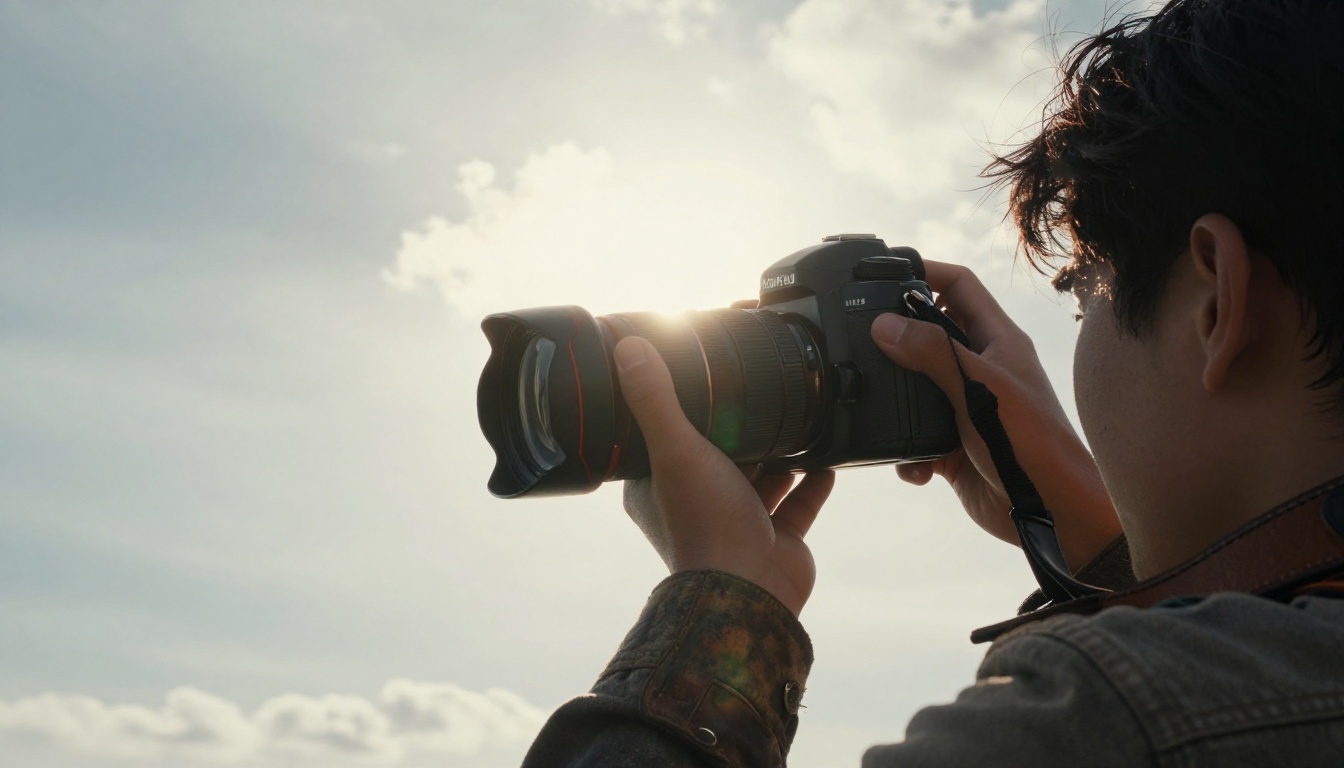
Seedream 3 positions itself around one fact: the image you get is the image that was generated. There is no upscaling pass baked into the backend. What you see at 2K is what the model actually produced at 2K, and that distinction matters for quality.
Native 2K Without Upscaling
Many generators produce images at a lower resolution and then run them through a separate upscaling algorithm before delivering the output. The result often has a characteristic smoothness or sharpening artifact that experienced eyes can spot. Seedream 3 avoids this by generating natively at 2048 pixels on the longest side.
In practice, this shows up most clearly in fine textures and edge definition. Hair strands at the edge of a subject against a bright background, the texture of fabric at the shoulder, or the grain of a wooden surface in the foreground all come through more naturally than in upscaled equivalents. The detail is present because it was generated, not interpolated.
The guidance scale control gives Seedream 3 a tuning dial that the others lack in such an explicit form. At default (2.5), the model balances prompt accuracy with creative interpretation. Push it higher and the output becomes more literal. This is particularly useful when your prompt is very specific about colors or spatial arrangements and you cannot afford creative drift.
Prompt Adherence Under Pressure
We ran a stress test on all three models: a portrait prompt with eight specific requirements covering subject age, hair color, skin tone, clothing color, jewelry type, background environment, lighting direction, and camera angle. Seedream 3 and Nano Banana Pro both handled seven of the eight requirements correctly on average. Flux Dev averaged six, occasionally missing a background or clothing detail.
The guidance scale setting on Seedream 3 at 4.0 or above consistently captured all eight requirements in our test runs, making it the most reliable option for detailed, specification-heavy prompts.

Side-by-Side Results
Here is a summary of how each model performed across the five test categories:
| Category | Nano Banana Pro | Flux Dev | Seedream 3 |
|---|
| Portrait skin detail | ★★★★★ | ★★★★☆ | ★★★★☆ |
| Color accuracy | ★★★★☆ | ★★★★☆ | ★★★★★ |
| Depth of field realism | ★★★★☆ | ★★★★★ | ★★★★☆ |
| Scene complexity | ★★★☆☆ | ★★★★☆ | ★★★★☆ |
| Prompt adherence | ★★★★☆ | ★★★☆☆ | ★★★★★ |
| Max native resolution | 4K | 1MP | 2K |
| Speed (fast mode) | Slow | Fast | Medium |
| img2img support | No | Yes | No |
Portrait Realism
At maximum resolution, Nano Banana Pro produces the most detailed portrait output of the three. The pore-level skin texture at 4K is its strongest differentiator. However, if you are working at 1 megapixel or standard web resolution, Flux Dev and Seedream 3 close the gap significantly.
Color Accuracy
Seedream 3 was the most color-accurate model in our test. When prompts specified warm amber lighting, cool blue shadows, or a muted film palette, Seedream 3 reproduced those tones most faithfully. Nano Banana Pro trended slightly warm. Flux Dev occasionally added contrast that was not requested.
Speed vs. Fidelity
This is where your workflow determines the answer. If you are iterating quickly on concepts, Flux Dev in fast mode wins. If you are delivering final assets for a campaign, Nano Banana Pro at 4K is worth the wait. Seedream 3 sits in the middle and works well for production-ready assets at a reasonable pace.
How to Use Nano Banana Pro on PicassoIA
Nano Banana Pro is available directly on PicassoIA with no setup or API key required.
Step by Step
- Open Nano Banana Pro on PicassoIA in your browser.
- Type your prompt in the text field. Be specific about lighting direction, subject appearance, and background environment.
- If you have reference images, upload up to 14 using the Image Input field. These steer the output style and composition.
- Set Aspect Ratio to 16:9 for banners, 9:16 for stories, or 1:1 for square crops.
- Choose Resolution: select 4K for final delivery assets, 2K for web use, 1K for fast previews.
- Set Output Format to JPG for photos or PNG when you need a transparent-capable format.
- Click generate and wait for the high-resolution output to render.
- Download the file directly. No watermarks added.
Tips for Better Results
- Feed 3 to 5 reference images when you want a consistent style across a set. The model blends visual context from multiple sources.
- Describe lighting with directional specifics: "volumetric morning light from the left at 45 degrees" outperforms "nice lighting."
- Use 4K only for final outputs. Prototype at 1K to iterate faster, then switch to 4K for the version you deliver.
- The safety filter at "block only high" gives you the most creative range for artistic and editorial content.
How to Use Flux Dev on PicassoIA
Flux Dev on PicassoIA gives you access to the full parameter set of the model without any installation.
Step by Step
- Go to Flux Dev on PicassoIA.
- Write your prompt. Flux Dev handles descriptive scene prompts and object-specific prompts equally well.
- If using img2img mode, upload your reference image in the Image field. The output aspect ratio will match your upload automatically.
- Toggle Go Fast on for rapid iteration, or off for maximum fidelity output.
- Set Guidance between 3 and 4 for general use. Higher values enforce stricter prompt following.
- Choose Aspect Ratio from the 11 available presets.
- Set Num Inference Steps to 28 for fast results or up to 50 for the highest quality pass.
- If you want reproducible results, enter a Seed number. Leave it blank for fresh outputs each run.
- Select your output format (WebP for web, JPG or PNG for editing pipelines) and hit generate.
Tips for Better Results
- Use img2img with a prompt strength of 0.6 to 0.75 when you want to preserve most of the original image structure while changing lighting or environment.
- Fixed seeds are powerful for A/B testing. Set the same seed and change one word in the prompt to isolate exactly what each element contributes.
- Guidance at 3.5 is the sweet spot for portrait prompts. Below 3 and the model takes more creative liberty. Above 4.5 and some compositions get stiff.
- Run fast mode first to find the direction you want, then disable it and run again for the final output.
How to Use Seedream 3 on PicassoIA
Seedream 3 is the model to reach for when you need client-ready images at 2K without post-processing.
Step by Step
- Open Seedream 3 on PicassoIA.
- Write a detailed prompt. The model responds well to specific clothing descriptions, lighting conditions, and environmental context.
- Set Aspect Ratio to match your target output: 16:9 for landscape, 9:16 for portrait, 21:9 for cinematic widescreen.
- Choose Size: "big" delivers images at 2048px on the longest side. "Regular" gives you 1 megapixel. "Small" is useful for fast previews.
- Adjust Guidance Scale: start at 2.5 for general prompts. Raise to 4.0 or higher for specification-heavy prompts where you need every detail honored.
- Set a Seed if you want to reproduce a result or iterate on an output.
- Hit generate. Download the clean file without watermarks.
Tips for Better Results
- For color-critical work, describe your palette explicitly: "warm amber tones in the highlights, cool teal in the shadows, muted saturation throughout."
- Custom dimensions are useful when standard presets do not match your canvas. Set exact pixel values and the model will render directly to those specs.
- At guidance scale 2.5, Seedream 3 adds subtle creative interpretation. If your prompt is very specific, push to 3.5 or 4.0 for more literal results.
- Use the "big" size preset for any output destined for print, large-format display, or client delivery. The native resolution makes a visible difference.
Which One Actually Wins
The honest answer is that it depends on what you are making.
If you are a designer delivering final campaign assets, Nano Banana Pro at 4K is difficult to argue against. The detail ceiling is simply higher.
If you run a content operation that needs volume and speed, Flux Dev in fast mode produces consistent, polished images faster than either competitor.
If your prompts are detailed and color matters, Seedream 3 combined with its guidance scale control gives you the most reliable path from description to finished image.
💡 The strongest workflow we found: prototype quickly with Flux Dev, then refine the winning concept at full resolution with either Nano Banana Pro or Seedream 3 depending on whether you need 4K or precise color control.
Run Your Own Test on PicassoIA
Reading test results tells you what someone else found with someone else's prompts. The only test that actually matters for your workflow is the one you run yourself.
All three models, Nano Banana Pro, Flux Dev, and Seedream 3, are available on PicassoIA right now, free in your browser, no installation, no API keys, no credit card required. Write the same prompt in each one. Look at what comes back. The differences are immediately apparent when you are looking at your own subject matter with your own creative intentions.
Take the comparison table from this article, pick the model that fits your next project, and generate something with it. The results will either confirm what the data says or surprise you, and either way you will know something real about your tools.


