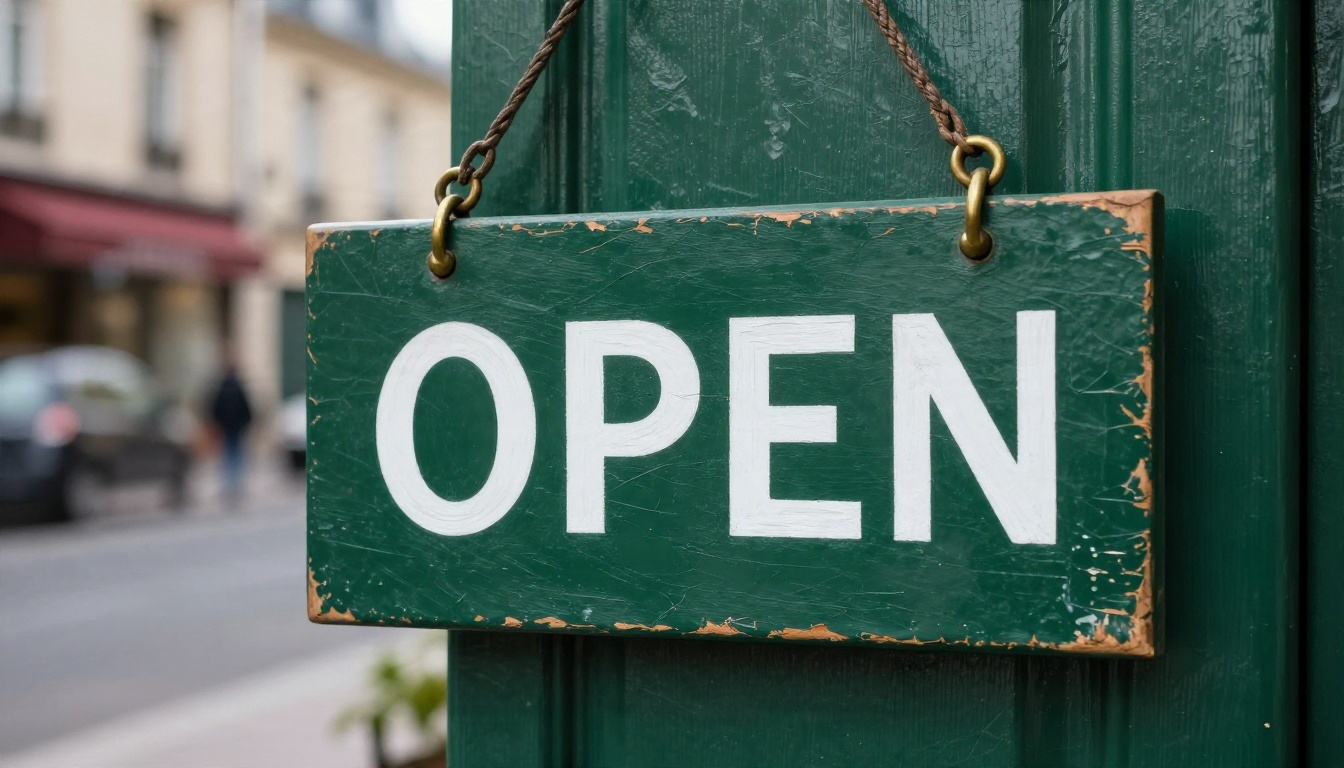
You type "OPEN" on a poster prompt and the image comes back reading "OEPN". Anyone who has used an AI image generator for real work knows this pain. Text inside images was the weak spot of the whole category for years, and two names now dominate the conversation about fixing it: Nano Banana, Google's image model family, and Ideogram, the company that built its reputation on typography.
So which one should you reach for when the picture has to contain words? And once you factor in what each costs and how many images you get for free, does the answer change? This article puts both side by side on the three things that decide the choice: text accuracy, pricing, and free limits.
💡 Quick note on numbers: prices and free quotas for both tools change often, and the sources I checked disagree with each other on exact figures. I give ranges and flag what is uncertain. Check the current settings page of each service before you budget around any number.
Quick Verdict Before You Read On
If you only have thirty seconds, here is the short version.
| Question | Nano Banana family | Ideogram |
|---|
| Best at | Edits, photo realism, multilingual text, high resolution | Headlines, logos, posters, typographic layouts |
| Short Latin text (1 to 6 words) | Very good | Excellent |
| Long paragraphs and small print | Good, improves in the Pro tier | Good, strong on layout |
| Non Latin scripts | Strong | Mixed, depends on version |
| Editing an existing image | Core strength | Limited compared to Google's models |
| Free access | Limited daily use inside Google's apps | Small free plan, slower generation |
| Paid entry point | Pay per image through the API or a Google plan | Roughly $7 to $8 per month for the first paid tier |
The pattern across comparisons is consistent. Ideogram wins on pure typographic polish for Latin headlines and logos. Nano Banana, especially Pro, wins when you need multilingual text, 4K output, or you want to edit a photo and keep the lettering intact.
Text Rendering Head to Head
Text accuracy is the reason most people search for this comparison, so it comes first. I split it into three situations, because the winner changes depending on how much text you need.
Short Headlines and Logos
For one to six words, both tools are now reliable, which would have sounded unlikely two years ago. A storefront sign, a coffee bag label, a poster title: you will get correct spelling most of the time from either.
The difference shows up in the feel of the lettering. Ideogram tends to treat type as a design element. Kerning, baseline alignment and the relationship between the word and the space around it look intentional, like a designer set it. Nano Banana tends to treat text as part of a scene. The word looks like it belongs on the painted door or the printed paper, with believable texture, wear and lighting, but sometimes with slightly looser spacing.
If your goal is a clean logo lockup or a flat poster, Ideogram has the edge. If your goal is a photo where a sign simply appears in the frame, the two are close.
Long Paragraphs and Small Print
Here is where honest testing matters. Ask any generator for three full sentences of body copy and you will often see a typo, a doubled letter, or a word that drifts into near gibberish by the last line.
Both families handle this better than older models, but neither is perfect. A few patterns hold up:
- Line length matters more than total length. Short lines of text hold together better than one long block.
- Small print fails first. Tiny text on packaging, fine print and captions are the most likely places for errors.
- Quoted text wins. Put the exact words you want inside quotation marks in the prompt. Both tools respond to this.
- Pro tiers help. The Pro level of Nano Banana was built with more reasoning behind composition, and it holds longer text together more often than the base model.
For a poster with a headline plus a short subline, expect good results from either. For a menu with twenty items, plan to proofread every word and regenerate once or twice.
Multilingual and Mixed Scripts
This is the category where comparisons keep favoring Nano Banana Pro. Signs with Spanish accents, Japanese, Arabic, Hindi or Korean text are a real test, and Google's models have a visible advantage when the script is not plain Latin letters. Comparisons that recommend Ideogram for Latin headlines usually switch to Nano Banana Pro when the brief involves several languages at once.
If you design for a global audience, localize signage, or make packaging for multiple markets, this single factor can outweigh everything else in the comparison.
Pricing Without the Guesswork
Both tools have a free door and a paid hallway behind it. The difference is how you pay once you walk through.
Ideogram Plans
Ideogram sells subscriptions. The pattern reported across several pricing roundups looks like this:
| Tier | Approximate monthly price | What it means in practice |
|---|
| Free | $0 | Small allowance, slower generation, images public by default |
| Basic | About $7 to $8 | Paid credits, faster generation, more control |
| Plus | Roughly $15 to $20 | Higher volume, private generation, extra features |
| Pro | Around $42 | Heavy users and teams |
Treat these figures as a range. Different sources list slightly different amounts, and Ideogram has revised its plans several times. Two details are worth knowing, though. First, free generations are public by default, which matters if you work on client material. Second, the API for developers is billed per image, with a price that depends on rendering speed and quality tier, from a fraction of a cent for the fastest option to a couple of tenths of a dollar for the best quality.
Nano Banana Costs
Nano Banana is priced differently because it lives inside Google's ecosystem. You reach it in three ways:
- Gemini app and Google tools: free with limits, with higher limits on paid Google plans.
- API access: billed per image, with the Pro tier costing noticeably more per image than the base model, especially at 4K.
- Third party platforms: some bundle it into credit packs or subscriptions, and some give new accounts a few free credits.
The family also has several members, which affects cost. Nano Banana is the original fast editor. Nano Banana 2 is the newer generation, and Nano Banana 2 Lite is the lighter, cheaper variant. Nano Banana Pro is the premium tier built for high resolution and harder text. Picking the lightest model that does the job is the easiest way to cut your bill.
💡 Budget tip: draft with a lighter model, then regenerate only your final pick with the Pro tier. Most of your attempts are experiments, so there is no reason to pay premium rates for them.
Free Limits in Real Life
Free quotas decide whether you can test a workflow for a week before spending anything. They are also the most unstable numbers in this whole comparison.
Ideogram's Free Tier
The free plan gives you a small number of generations, usually described as around ten, though sources disagree on whether that refreshes daily or weekly. Generation is slower than on paid plans, images are visible to the community, and downloads are limited in format. For casual experiments it works. For a client project with deadlines, you will hit the ceiling fast.
Nano Banana's Free Access
Google stopped publishing one fixed number. Free users generate with the lighter models inside usage limits that refresh on a rolling basis, and the Pro tier is far tighter: it was cut to roughly two images per day for free accounts in late 2025 because of demand. Older articles quote higher numbers that no longer apply.
The practical result is that free Nano Banana access is generous for casual editing and thin for high volume text work.
| Free access | Nano Banana family | Ideogram |
|---|
| Daily or weekly cap | Rolling limits, not a fixed public number | Around 10 generations, period disputed |
| Speed | Normal for light models | Slower queue |
| Privacy | Private in your account | Public by default |
| Top tier included | Pro is very limited | Newest top quality tier mostly paid |

Which Model Fits Which Job
Forget the abstract winner. Match the tool to the work in front of you.
Posters and Packaging
Choose Ideogram when typography is the point. Event posters, album covers, packaging with a strong wordmark, and logos with decorative lettering all play to its strengths. The text gets design level attention, and the layouts feel composed.
Photo Edits and Product Shots
Choose Nano Banana when you start from an existing photo. Swapping the sign on a storefront, changing a label on a bottle, fixing lettering in a product shot, or merging several images into one scene is where Google's editing strength shows. You can keep the lighting and perspective of the original and change only the words.
Social Graphics at Volume
If you publish daily, speed and cost per image matter more than the last five percent of kerning. Lighter Nano Banana variants and Ideogram's faster tiers both work. Test one batch of ten with each and count the typos. Your own error rate beats any benchmark.
How to Use Nano Banana on PicassoIA
You do not need to juggle separate subscriptions to try this. The original Nano Banana is available on PicassoIA, along with Nano Banana Pro for 4K output and harder text, Nano Banana 2 for the newer generation, and Nano Banana 2 Lite for quick, light drafts.
Step by Step
- Open the model page. Start with Nano Banana for drafts, or Nano Banana Pro when the final needs more resolution.
- Write the scene first, then the text. Describe the object, the lighting and the camera, then add the lettering.
- Put the exact words in quotes. For example: a green cafe door with a wooden sign reading "OPEN".
- Choose your aspect ratio. 16:9 suits banners and hero images, 1:1 suits social posts, 9:16 suits stories.
- Generate and proofread. Read every letter. Do not trust a glance.
- Edit instead of rerolling. If only one word is wrong, upload the result as a reference and ask for that single correction.
Prompt Tips for Clean Text
- Keep it short. One to four words per sign is the safe zone.
- Name the material. "White paint on weathered wood" gives the lettering a physical base and reduces odd shapes.
- Specify case. Capital letters are more forgiving than mixed case with accents.
- Say where the text sits. "Centered at the top" or "across the lower third" prevents random placement.
- Avoid crowding. Fewer text elements per image means fewer errors.
💡 Proofing trick: read the text backward, letter by letter. Your eye auto corrects forward reading, but backward reading exposes swapped and missing letters.
Ideogram Models You Can Try Here
Ideogram has its own presence on PicassoIA too, spread across several versions, so you can compare against Nano Banana without leaving the platform:
A practical test: run the same prompt through Ideogram v4 Balanced and Nano Banana Pro. Use a prompt with one headline and one subline, then compare spelling, spacing and how naturally the text sits in the scene. If you want a third opinion, Seedream 4.5 is another strong option for 4K images from text.
A Simple Scoring Method
Run five prompts with each model. Score each result from 0 to 3:
| Score | Meaning |
|---|
| 0 | Text unreadable or wrong |
| 1 | One or more wrong letters |
| 2 | Correct but awkward spacing or placement |
| 3 | Correct and well placed |
Add up the totals. A gap of three points or more is meaningful. Anything closer means you should choose on price and workflow, not on text quality.
Make Your First Text Image Today
The honest answer to "Nano Banana or Ideogram" is that the choice depends on your brief. Pick Ideogram for typographic design, logos and Latin headlines. Pick Nano Banana for multilingual text, photo edits and high resolution. On free tiers, expect small and shifting limits from both, so a platform that lets you test several models in one place saves real time and money.
The fastest way to settle it for your own work is to try it. Open Nano Banana on PicassoIA, write a prompt with a short quoted headline, then run the same prompt through Ideogram v4 Quality and compare. Within ten minutes you will know which one spells your words correctly, and you can browse every other option at picassoia.com/en/all-models. Write your first sign, poster or label, and see how it turns out.


