The moment you start comparing AI image models, you realize one thing very quickly: not all "upgrades" are created equal. Nano Banana and Nano Banana Pro are two models from Google that often appear side-by-side in any serious discussion about photorealistic AI image generation, and the differences between them run deeper than the name suggests. Whether you're producing content for social media, building a portfolio, or just curious about what each version actually delivers, this breakdown gives you the straight answer.
What Is Nano Banana?
Nano Banana is Google's versatile text-to-image model designed to handle a wide range of creative prompts with fast generation times and solid visual fidelity. It sits in a sweet spot between raw speed and acceptable detail, making it one of the more practical choices for users who need to iterate through multiple image ideas without waiting.
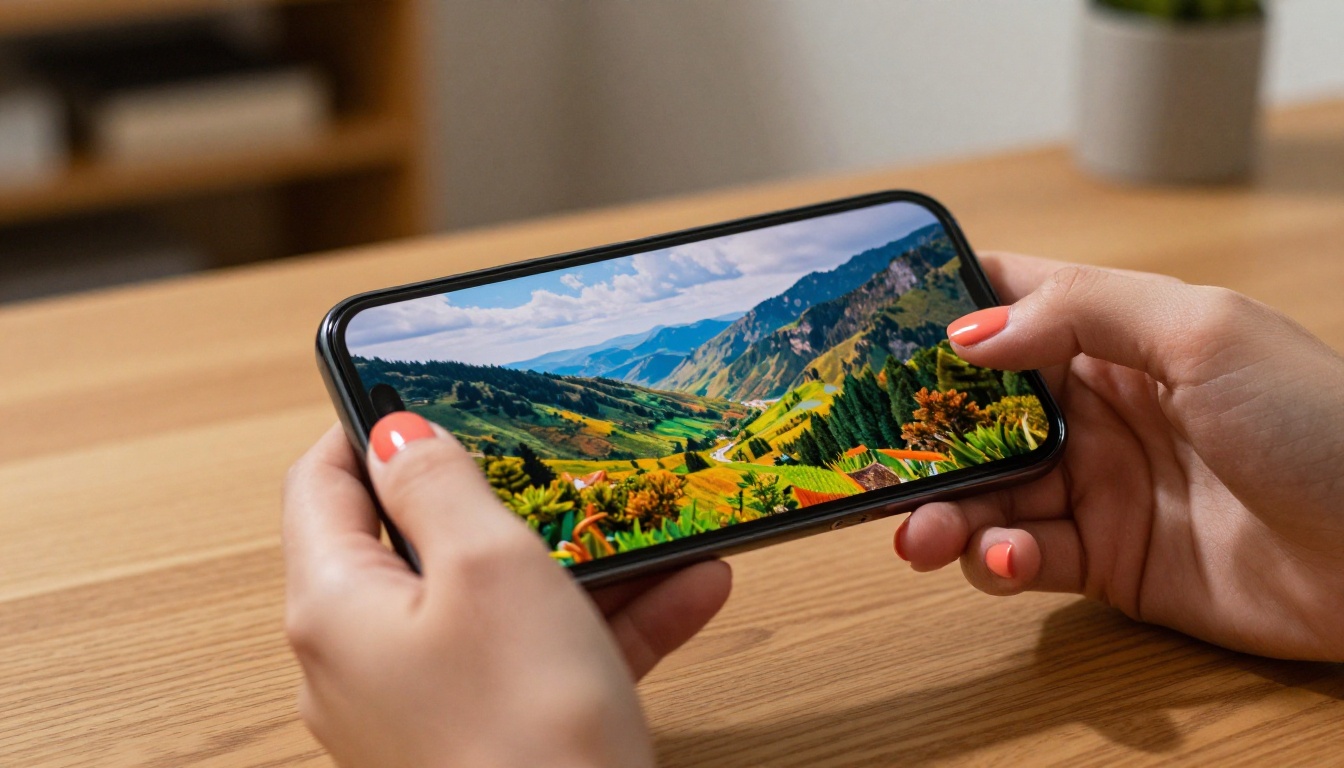
The model processes both descriptive prompts and image editing instructions, giving it a dual-function advantage over single-purpose generators. You can feed it a text description and get a result in seconds, or work from an existing image and ask it to modify specific elements, colors, or compositions.
How It Handles Prompts
Nano Banana responds well to natural language. You don't need to learn a specific syntax or load prompts with technical jargon. A simple description of a scene, character, or environment tends to produce coherent, well-composed results. Where it occasionally falls short is in fine-grained detail rendering, particularly in areas like fabric texture, hair strands, and distant background elements.
The model is at its best when the prompt is direct and specific. Vague, open-ended descriptions can lead to generic compositions, while tightly worded prompts with clear subject, lighting, and mood descriptors consistently produce stronger results.
Output Quality at a Glance
At standard settings, Nano Banana outputs images that work well for web use, social media, blog headers, and digital presentations. The color grading tends toward natural, balanced tones, and skin rendering in portrait scenarios shows good consistency. For most everyday creative uses, the output quality clears the bar comfortably.

Note: If your workflow involves rapid iteration, testing prompt variations, or generating large batches of reference images, Nano Banana's speed makes it the practical choice. The standard version does not sacrifice too much quality for that speed.
What Is Nano Banana Pro?
Nano Banana Pro is the higher-tier version of the same model architecture, tuned specifically for 4K output quality and professional-grade image generation. It targets users whose work demands sharper rendering, finer micro-detail, and images that can hold up at large print sizes or high-resolution displays.

The "Pro" designation isn't just marketing. There are observable differences in how the model handles detail density, particularly in complex scenes with multiple subjects, intricate backgrounds, and high-contrast lighting situations. Nano Banana Pro tends to hold more visual information without collapsing into artifacts or blurring.
The 4K Difference
The headline feature for Nano Banana Pro is its 4K image output capability. This matters for specific use cases: printed marketing materials, large-format displays, high-resolution portfolio work, and content destined for platforms where image clarity is a visible quality signal.
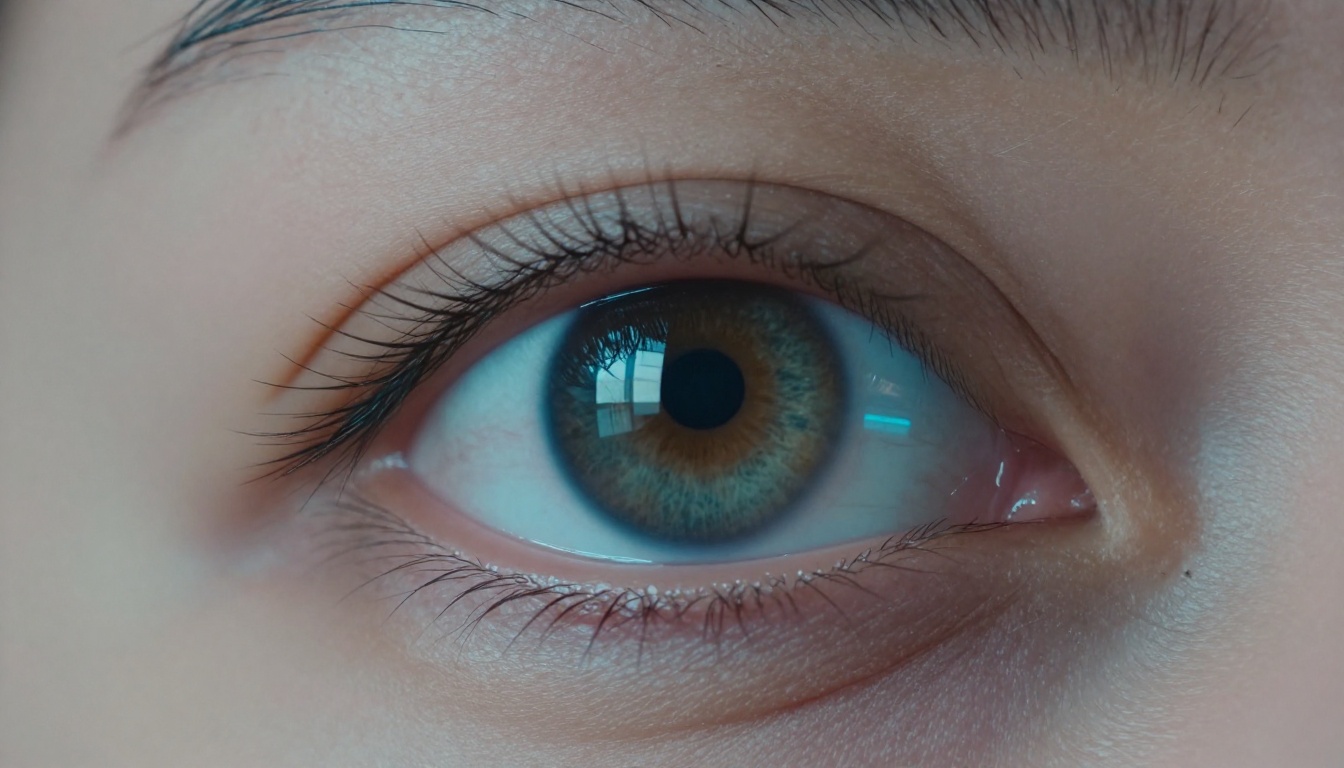
At 4K, the model renders individual elements with noticeably more precision. Hair strands in portrait shots show individual fiber separation. Fabric textures show weave detail. Architectural elements in scene backgrounds reveal sharp edge definition that would be soft or blended in the standard version.
Tip: If you're generating images for web only, 4K may be more output than you need. But if you're producing work that will be printed, zoomed, or displayed on large screens, the Pro version's resolution headroom is a real advantage.
Pro vs Standard: First Real Look
The most direct way to feel the difference is to run the same prompt through both models. At identical settings, Nano Banana Pro typically returns images with:
- Higher edge sharpness across all elements in the frame
- More resolved micro-texture in skin, fabric, and surfaces
- Better shadow detail in high-contrast scenes
- Reduced artifacting in areas with complex color gradients
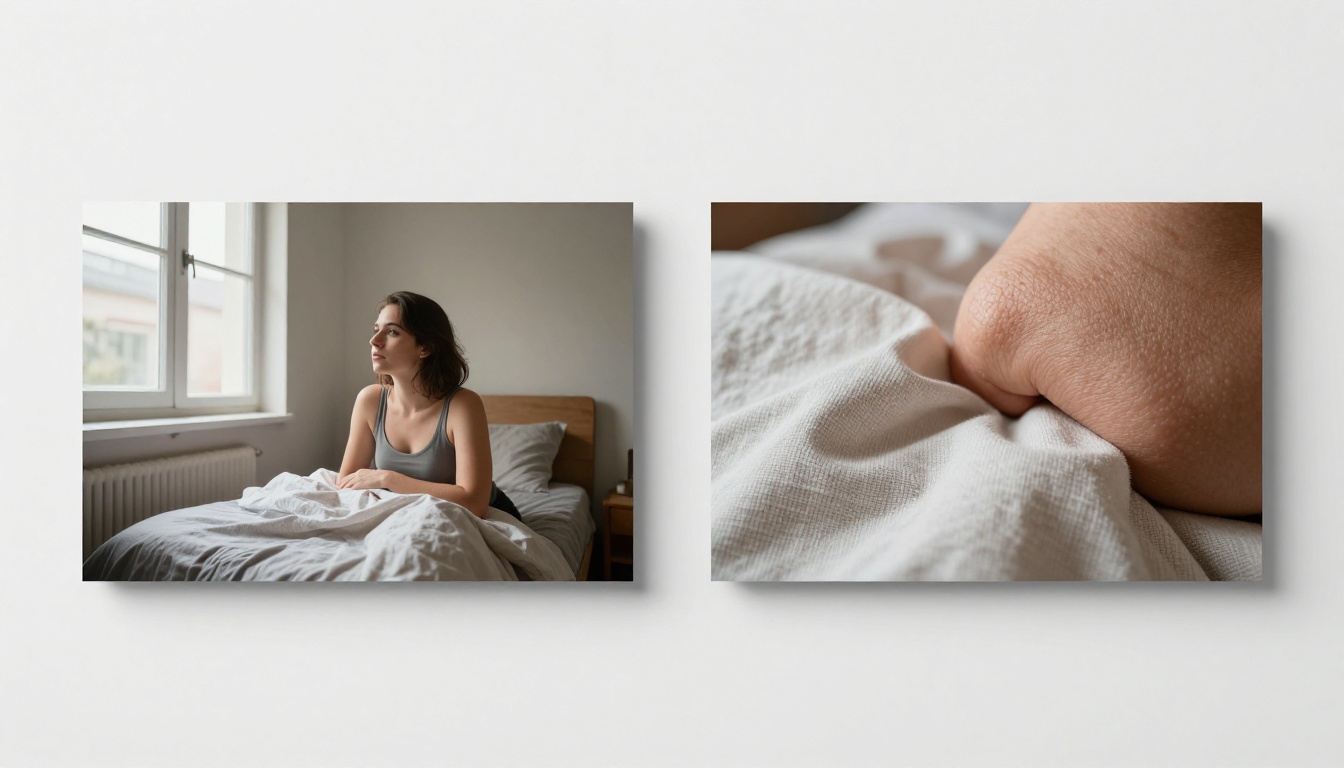
These differences are most visible when you zoom into the output or view it at full resolution. At thumbnail size or small web dimensions, both models can look similar. The gap opens up at larger display sizes.
Side-by-Side Feature Comparison
Here's how the two models stack up across the dimensions that matter most for practical creative work:
| Feature | Nano Banana | Nano Banana Pro |
|---|
| Max Output Resolution | Standard HD | Up to 4K |
| Generation Speed | Faster | Slightly slower |
| Micro-Detail Rendering | Good | Excellent |
| Prompt Flexibility | High | High |
| Image Editing Support | Yes | Yes |
| Skin and Hair Fidelity | Moderate | High |
| Best For | Rapid iteration, web content | Print, high-res, professional output |
| Color Accuracy | Balanced | Precise |
| Shadow and Highlight Detail | Good | Superior |
| Recommended Use Case | Social media, drafts, testing | Commercial, large format, portfolio |
When Nano Banana Wins
Choosing the right model isn't about which one is "better" in absolute terms. It's about which one fits the job. Nano Banana earns its place in several real-world scenarios.
Speed-First Workflows
When you need to test 10 prompt variations to find the right composition before committing to a final render, generation speed is the most valuable feature on the table. Nano Banana handles rapid iteration without the slower turnaround that the Pro version introduces, making it the right tool for the exploratory phase of any creative project.
Concept testing, mood board generation, and quick client reference images all benefit from faster output. You're not printing these, you're deciding direction. Speed beats perfection at this stage.
Casual Image Creation
For content that lives on screens at standard sizes, such as blog post headers, Instagram posts, presentation slides, and website visuals, Nano Banana's output quality is entirely sufficient. There's no visible payoff from the Pro version when the final display environment won't reveal the additional detail.

Using a higher-spec model doesn't automatically make your content better if the destination platform compresses or resizes the image anyway.
When Nano Banana Pro Wins
The Pro version justifies itself when your work's final destination demands it.
High-Resolution Needs
Print work operates at different requirements than screen work. A photo used in a brochure, a trade show banner, a magazine layout, or a large-format poster needs resolution that survives physical printing at scale. At those sizes, every pixel counts, and the 4K capability of Nano Banana Pro provides the resolution headroom needed to avoid visible quality loss.
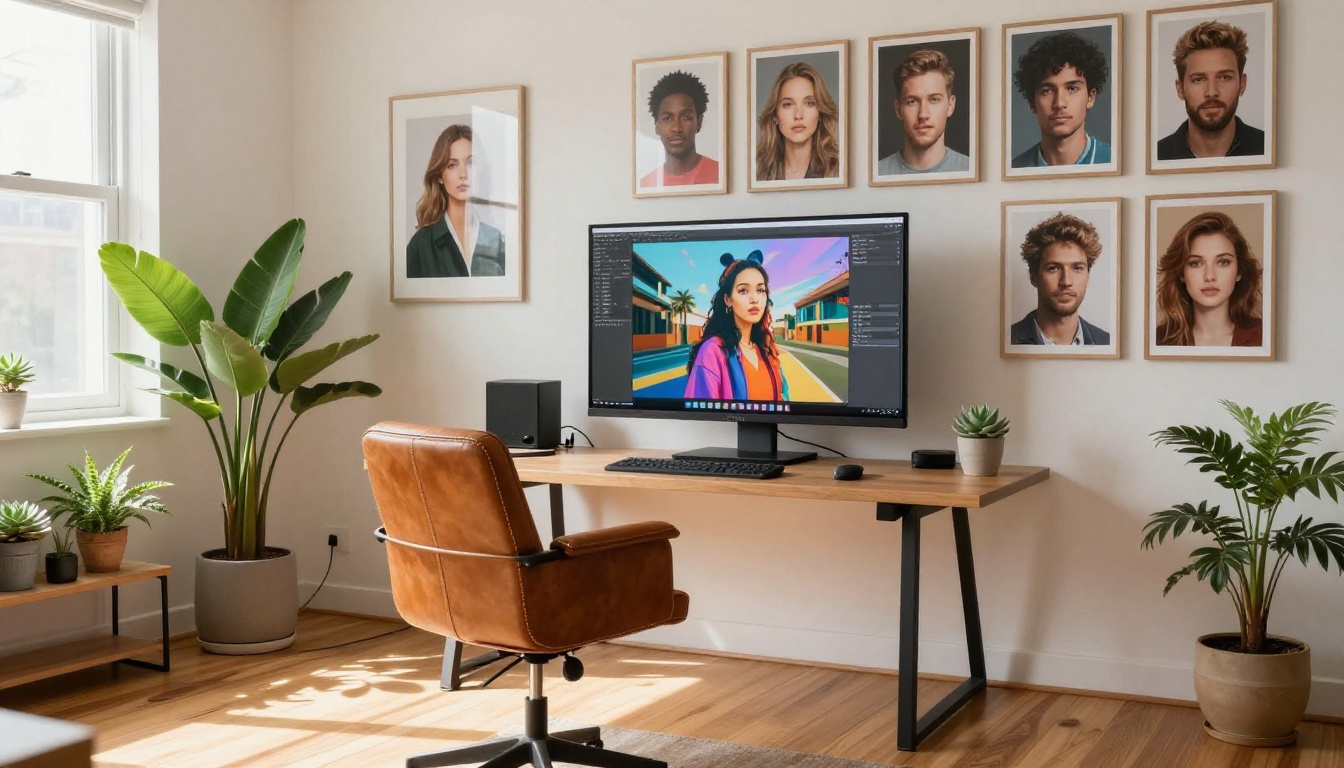
Print Resolution Rule: Most print workflows require a minimum of 300 DPI. At large print sizes, you need as much source resolution as possible. Nano Banana Pro's 4K output gives you more working space and more room to crop without losing quality.
Commercial and Print Use
Professional creative work, whether in advertising, editorial, commercial photography, or digital art, operates at standards where image quality is a measurable factor. Clients, art directors, and print vendors can see the difference between a rushed draft and a properly resolved final image. Nano Banana Pro's detail fidelity makes it the appropriate choice when the work is meant for professional delivery.
How to Use Both on PicassoIA
Both Nano Banana and Nano Banana Pro are available on PicassoIA, where you can access them directly from the browser without any setup, installation, or API configuration.
Step-by-Step with Nano Banana
- Go to the Nano Banana model page on PicassoIA
- Type your prompt in the input field. Be specific about subject, lighting, mood, and style
- Set your aspect ratio. For most web use, 16:9 or 1:1 works well
- Click Generate and wait for the result, typically just a few seconds
- If the result isn't quite right, refine your prompt and regenerate. The speed makes iteration easy
Pro Tip: Include specific lighting conditions in your prompt. Phrases like "soft morning light from the left" or "overcast diffused daylight" consistently improve output quality regardless of model.
Step-by-Step with Nano Banana Pro
- Navigate to Nano Banana Pro on PicassoIA
- Write a detailed prompt. At this resolution level, more detail in the prompt pays off more visibly in the output
- Choose your output settings. For maximum quality, use the highest available resolution option
- Generate and review at full size. Zoom into key areas like faces, textures, and backgrounds to assess the detail level
- For commercial use, download the full-resolution file and check it at your intended print or display size
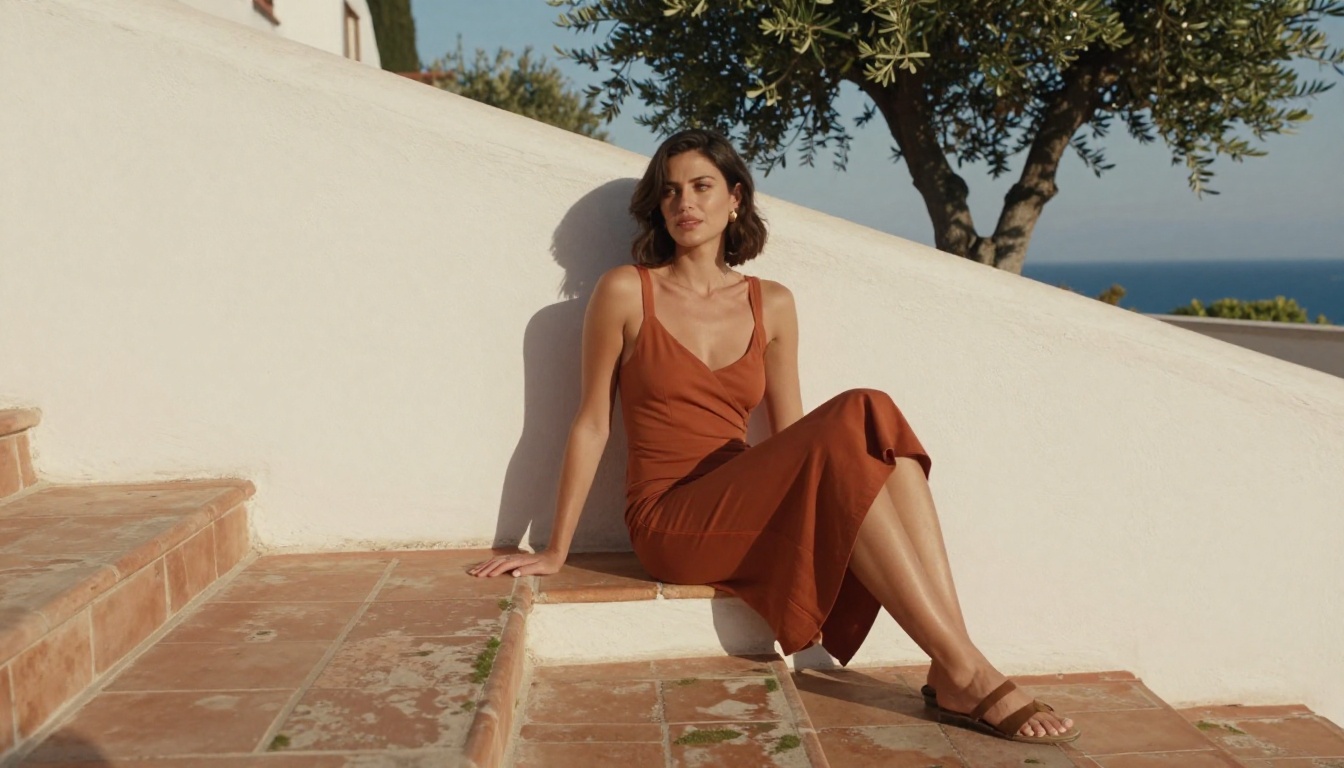
Tip: When using Nano Banana Pro for portrait work, describe skin texture, lighting angle, and hair detail explicitly in the prompt. The model can render these elements at exceptional quality when instructed clearly.
Nano Banana 2 and Where It Fits
Worth mentioning is Nano Banana 2, the updated iteration of the base model that adds image fusion capabilities. Where the original Nano Banana focuses on text-to-image generation and basic editing, Nano Banana 2 brings in the ability to combine and blend multiple images, opening up workflows around style transfer, face consistency across generations, and composite image creation.
If you're working on projects that require multiple reference images to inform a single output, Nano Banana 2 bridges the gap between the standard and Pro versions in a different way. It's not just about resolution. It's about what you feed the model.
Other Models Worth Knowing
While Nano Banana and Nano Banana Pro cover a wide creative range, PicassoIA offers several other high-performing models for when your project calls for something different:
- Flux Dev: Exceptionally strong at photorealistic portrait rendering with fine detail control
- Flux Pro: Fast, high-quality output with broad stylistic range
- Imagen 4: Google's photorealistic powerhouse for richly lit, high-fidelity scenes
- Stable Diffusion 3.5 Large: Strong customization options with LoRA support for fine-tuned styles
Each model has its strengths. Knowing which tool to reach for depending on the project requirement is what separates a good creative workflow from a frustrating one.

Which One Should You Choose?
The honest answer is: both, at different stages of the same project.
Use Nano Banana when you're in the ideation phase, testing prompts, building moodboards, or producing content for standard screen sizes. Use Nano Banana Pro when you're ready to produce the final, full-quality version of an image that will be printed, displayed large, or delivered professionally.
The two models are not competitors in the same slot. They occupy different positions in the production workflow. Treating them that way makes both significantly more useful.

Create Something With Both
The best way to feel the real difference between Nano Banana and Nano Banana Pro is to run a prompt through both right now. Take the same detailed description, generate it with each model, and zoom into the results at full size. The difference becomes immediately obvious in areas of texture and fine detail.
PicassoIA gives you access to both models, along with over 90 other text-to-image options, all from a single browser-based interface with no downloads, no API setup, and no technical barriers. Whether you're a content creator, designer, photographer, or someone who just started experimenting with AI-generated imagery, the platform puts professional-grade tools directly in your hands.
Pick your prompt, choose your model, and see what you can make.


