Nano Banana vs Nano Banana Pro: The Definitive Comparison for AI Image Generation
This detailed comparison examines Google's Nano Banana and Nano Banana Pro AI image generation models available on PicassoIA. We analyze performance metrics, output quality, pricing structures, and practical use cases to help you decide which model delivers the best results for your specific creative projects, whether you're a hobbyist exploring AI art or a professional requiring production-grade imagery.
When Google released their Nano Banana AI image generation model, it immediately caught attention for its impressive speed-to-quality ratio. Then came Nano Banana Pro—the enhanced version promising even better results. If you're trying to decide between these two models on PicassoIA, you're facing a classic dilemma: basic efficiency versus premium performance.
This isn't just about which model generates prettier pictures. It's about understanding how each fits into different creative workflows, budget considerations, and quality requirements. We've tested both models extensively, comparing everything from generation speed to the subtle texture details that separate good AI art from exceptional AI art.
💡 Quick Tip: If you're new to AI image generation, start with the regular Nano Banana model to learn prompt engineering basics before investing in the Pro version.
What Are Nano Banana and Nano Banana Pro?
Google's Nano Banana represents their entry into accessible AI image generation. Built on Google's proprietary architecture, it delivers solid results for general-purpose creative work. The model excels at understanding natural language prompts and generating coherent images across diverse categories—from landscapes to portraits to abstract concepts.
Nano Banana Pro takes this foundation and enhances it with several key improvements:
Higher resolution outputs (up to 2048x2048 vs 1024x1024)
Advanced detail preservation in complex scenes
Better text rendering within images
Improved color accuracy and tonal range
Enhanced prompt understanding for nuanced requests
Both models share Google's characteristic strengths: excellent prompt adherence, consistent style across generations, and reliable performance. Where they differ significantly is in the subtle details that matter most to professional creators.
Speed and Performance Comparison
When you're working on tight deadlines or generating multiple iterations, speed matters. Here's how the two models compare:
Metric
Nano Banana
Nano Banana Pro
Average Generation Time
3-5 seconds
6-10 seconds
Batch Processing
Up to 4 images simultaneously
Up to 8 images simultaneously
API Response Time
200-400ms
400-800ms
Concurrent Requests
5 simultaneous
10 simultaneous
Queue Priority
Standard
High priority
The Trade-Off: Nano Banana Pro takes approximately 60-100% longer to generate images, but delivers significantly higher quality. For rapid prototyping or when you need quick concepts, the standard model's speed advantage is substantial.
💡 Workflow Strategy: Use Nano Banana for initial concept exploration, then switch to Nano Banana Pro for final production images.
Real-World Impact: In a typical creative session generating 20 image variations:
Nano Banana: 60-100 seconds total
Nano Banana Pro: 120-200 seconds total
That difference adds up during intensive work sessions, but the quality gap often justifies the extra time for final deliverables.
Image Quality and Detail Analysis
This is where the Pro model truly separates itself. While both models produce good results, Nano Banana Pro excels in specific quality areas:
Texture and Detail Preservation
Nano Banana handles basic textures well but can struggle with:
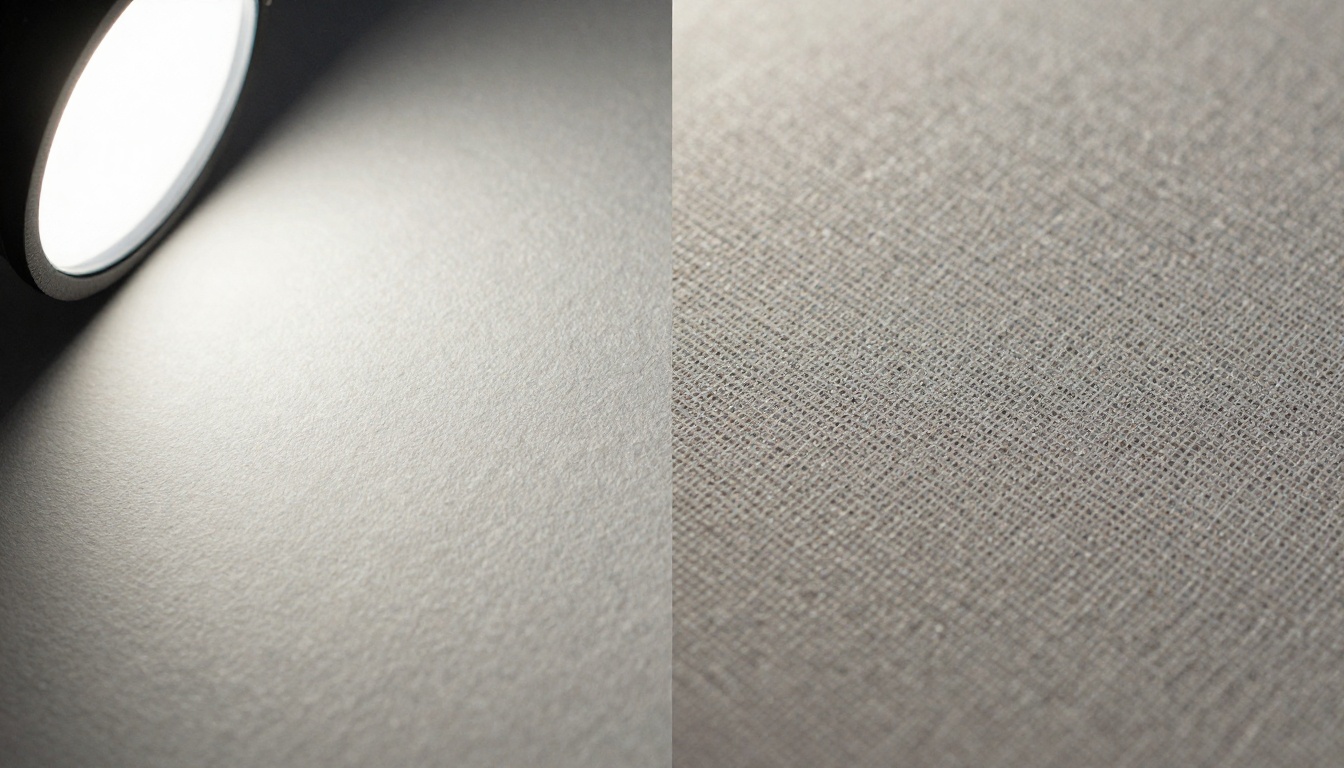
Fine fabric patterns
Complex architectural details
Intricate mechanical components
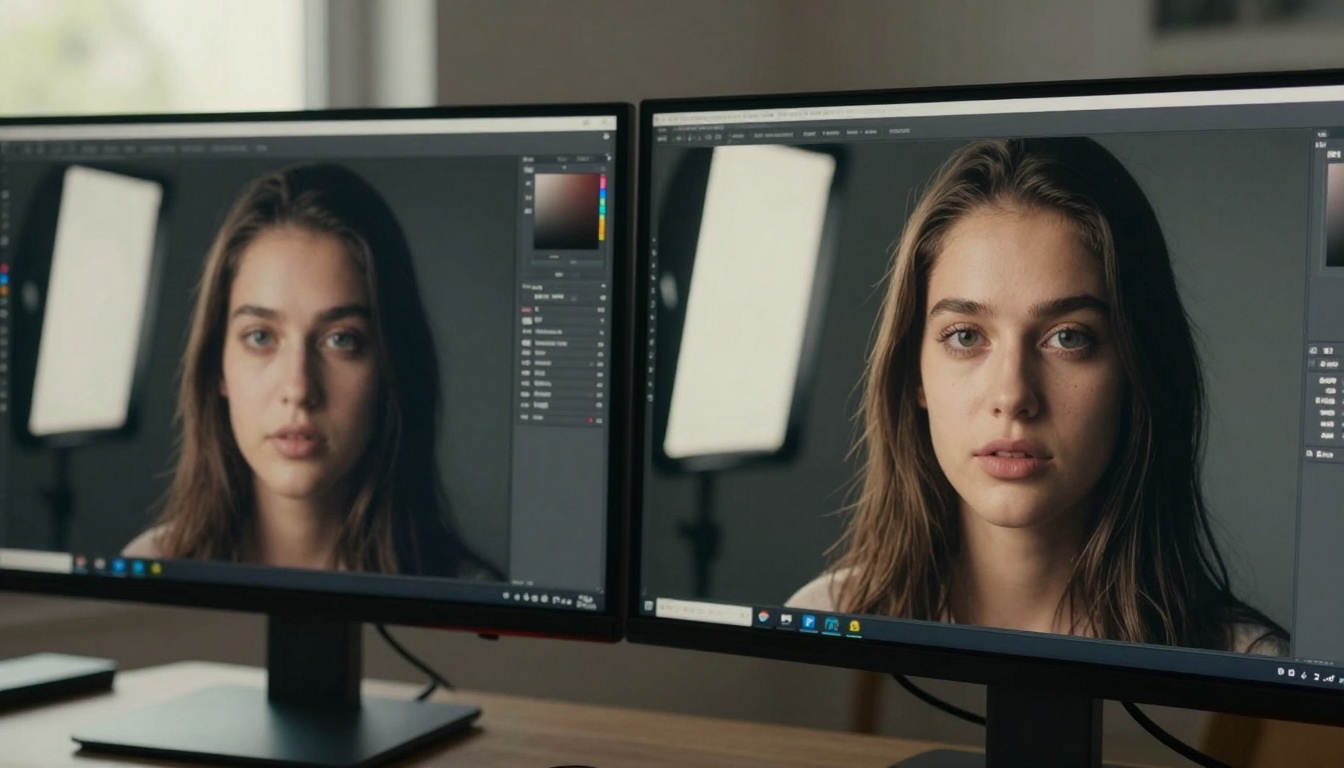
Subtle skin textures in portraits
Nano Banana Pro maintains exceptional detail even in complex scenes:
Individual strands of hair remain distinct
Fabric weave patterns stay coherent
Architectural ornamentation preserves sharp edges
Mechanical parts show proper segmentation
Color Accuracy and Dynamic Range
Color reproduction differs notably between models:
Nano Banana: Good general color, occasional saturation issues
Nano Banana Pro: Professional-grade color accuracy, wider gamut
Dynamic range (the ability to show detail in both shadows and highlights):
Nano Banana Pro: High consistency (85-95% similarity)
Pricing and Cost Considerations
The financial aspect often determines which model makes sense for your situation:
PicassoIA Platform Pricing
Model
Credits per Image
Monthly Subscription
Pay-As-You-Go
Nano Banana
1 credit
$29/month (300 credits)
$0.10 per image
Nano Banana Pro
3 credits
$79/month (300 credits)
$0.30 per image
Breakdown Analysis:
Nano Banana: 300 images for $29 = $0.097 per image
Nano Banana Pro: 100 images for $79 = $0.79 per image
💡 Cost Efficiency: For the same $79 budget, you get either 100 Pro images or 790 standard images. Choose based on your quality requirements versus quantity needs.
API Access Pricing
For developers integrating these models:
Nano Banana API: $0.08 per 1024x1024 image
Nano Banana Pro API: $0.24 per 2048x2048 image
Volume Discounts apply at higher usage tiers:
10,000+ images: 15% discount
50,000+ images: 30% discount
100,000+ images: 40% discount
Hidden Costs to Consider
Storage Costs: Pro images are larger (4MB vs 1MB average)
Processing Time: Longer generation times = higher compute costs for batch jobs
Quality Requirements: Client expectations may mandate Pro-level quality
Revision Cycles: Higher quality often means fewer revision requests
Use Cases: Which Model for Which Project?
Choosing between models depends entirely on your specific application:
Choose Nano Banana When:
Social Media Content Creation
Instagram posts, Facebook updates, Twitter images
Fast turnaround required
Viewers scroll quickly, less detail scrutiny
Educational Materials
Classroom presentations, online course graphics
Conceptual illustrations over photorealistic renders
Budget constraints common
Rapid Prototyping
Website mockups, app interface concepts
Mood boards, style exploration
Multiple iterations needed quickly
Personal Projects
Hobby art, personal blog graphics
Experimentation with AI art
Learning prompt engineering
Choose Nano Banana Pro When:
Commercial Advertising
Print campaigns, billboards, magazine ads
High-resolution requirements (300+ DPI)
Professional brand representation
Product Photography
E-commerce listings, catalog images
Detail matters for purchasing decisions
Consistent quality across product lines
Professional Portfolios
Artist websites, creative agency work
Client presentations requiring premium quality
Competitive differentiation
Architectural Visualization
Real estate marketing, development proposals
Material textures and lighting accuracy critical
Large format printing requirements
Advanced Features Showdown
Beyond basic image generation, both models offer specialized capabilities:
Both models grant commercial usage rights, but with differences:
Nano Banana: Standard commercial license
Nano Banana Pro: Enhanced commercial license with indemnification
💡 Legal Note: The Pro model's enhanced license provides better protection for high-value commercial projects, especially in advertising and publishing.
Community and Support Resources
The ecosystem around each model influences your experience:
"A smiling woman drinking coffee at a sunny café, photorealistic, good lighting"
Example for Nano Banana Pro (more detailed):
"Professional portrait of a woman in her 30s smiling while drinking artisan coffee at a Parisian café during golden hour, cinematic lighting, 85mm lens, shallow depth of field, Kodak Portra 400 film grain, 8K resolution"
Step 4: Adjusting Parameters
Nano Banana Parameters:
Resolution: 512x512, 768x768, 1024x1024
Style Strength: Low, Medium, High
Creativity: Conservative, Balanced, Creative
Nano Banana Pro Parameters:
Resolution: 1024x1024, 1536x1536, 2048x2048
Style Precision: 1-10 scale
Detail Enhancement: Off, Moderate, Maximum
Color Profile: sRGB, Adobe RGB, P3
Noise Reduction: None, Light, Professional
Step 5: Batch Generation Tips
For efficient workflow:
Start with low-resolution tests (512x512 or 1024x1024)
Generate 3-5 variations of your best prompt
Select top candidates for high-resolution rendering
Use the Pro model only for final selections
💡 Pro Tip: Create a "prompt library" document to track which prompts yield the best results with each model. You'll notice patterns emerge over time.
Making Your Decision: Key Factors to Consider
Choosing between Nano Banana and Nano Banana Pro comes down to answering these questions:
Budget Assessment
Monthly budget for AI image generation?
Volume of images needed monthly?
Can you justify 3x cost for Pro quality?
Quality Requirements
End-use of images (social media vs print advertising)
Client expectations (hobby project vs corporate campaign)
Competitive landscape (basic vs premium market positioning)
Workflow Integration
Current creative tools and pipelines
Team collaboration needs
Automation and API requirements
Growth Trajectory
Short-term vs long-term needs
Scalability requirements
Skill development goals
Hybrid Approach Recommendation
For most serious creators, we recommend a hybrid strategy:
Use Nano Banana for:
Daily social media content
Blog post illustrations
Internal presentations
Rapid concept testing
Use Nano Banana Pro for:
Client deliverables
Portfolio pieces
Print materials
High-stakes projects
This approach maximizes both cost efficiency and quality output, giving you flexibility across different project types.
When to Upgrade
Consider upgrading to Nano Banana Pro when:
Client projects require premium quality
Print materials need 300+ DPI resolution
Competitive differentiation becomes critical
Budget increases allow for quality investment
Skills improve to the point where you can leverage Pro features effectively
Final Comparison Checklist
Use this checklist to make your decision:
Choose Nano Banana if:
Budget under $50/month
Mostly digital/social media use
Speed more important than perfection
Learning phase of AI art
Volume over quality priority
Choose Nano Banana Pro if:
Budget over $100/month
Print or high-resolution requirements
Professional client work
Detail and accuracy critical
Competitive market positioning
Your Next Steps with PicassoIA
Both Nano Banana and Nano Banana Pro represent significant advancements in accessible AI image generation. The choice ultimately depends on your specific creative needs, budget constraints, and quality requirements.
For immediate action:
Start with a free trial of PicassoIA credits
Test both models with your typical prompts
Compare results side-by-side for your use cases
Analyze cost-benefit based on your project volume
Consider the hybrid approach for optimal flexibility
The AI image generation landscape continues evolving rapidly, with models like Flux, SDXL, and Imagen offering different strengths. What makes the Nano Banana series compelling is Google's particular approach to prompt understanding and consistent output quality.
Whether you choose the standard or Pro version, you're accessing some of the most sophisticated AI image generation technology available today through PicassoIA's streamlined platform. The key is matching the tool to your specific creative requirements rather than seeking a one-size-fits-all solution.
Now that you understand the differences, why not experiment with both models on PicassoIA? Try generating the same prompt with each model and compare the results firsthand. You might discover that your specific creative style responds better to one model's particular strengths, or that a hybrid approach gives you the best of both worlds for different project types.