The image quality you can generate with AI in 2027 is, frankly, hard to believe. Models that would have seemed like science fiction two years ago are now freely accessible, and the gap between them matters more than ever. Not all new releases are worth your attention. Some are genuinely impressive. Others are marketing with a new version number attached. This article separates what is real from what is noise, so you can spend your time generating instead of researching.
What follows is a detailed breakdown of the new AI image models that have made an actual impact in 2027. Each one is linked directly so you can test it immediately. The goal is not to cover everything. The goal is to tell you what works, what each model does better than the competition, and which one fits the kind of images you want to create.
What Changed in 2026
The AI image space did not just add more models. It restructured around three distinct priorities: raw quality, generation speed, and instruction-following capability. Understanding which models win in each category is more useful than reading benchmark scores in isolation.
Speed Has Changed the Workflow
A year ago, getting a photorealistic image meant waiting 30 to 60 seconds per generation. That bottleneck is largely gone. Models like Flux 2 Klein 4B and Z-Image Turbo generate in under 3 seconds while maintaining output quality that would have been considered flagship-tier in 2024. The speed breakthrough happened because of better quantization, smaller but denser model architectures, and smarter inference pipelines that do more work in fewer steps.
This changes how you actually work. When generation is slow, you write one careful prompt and wait. When generation is fast, you iterate. You try variations. You refine in real time. The creative process accelerates significantly when you stop treating each generation like a precious resource.
| Generation Tier | Speed | Best Use Case |
|---|
| Ultra-Fast | Under 3 seconds | Rapid iteration, high-volume work |
| Standard | 5 to 15 seconds | Balanced quality and speed |
| High-Fidelity | 15 to 30 seconds | Final production images |
Prompt Understanding Has Matured
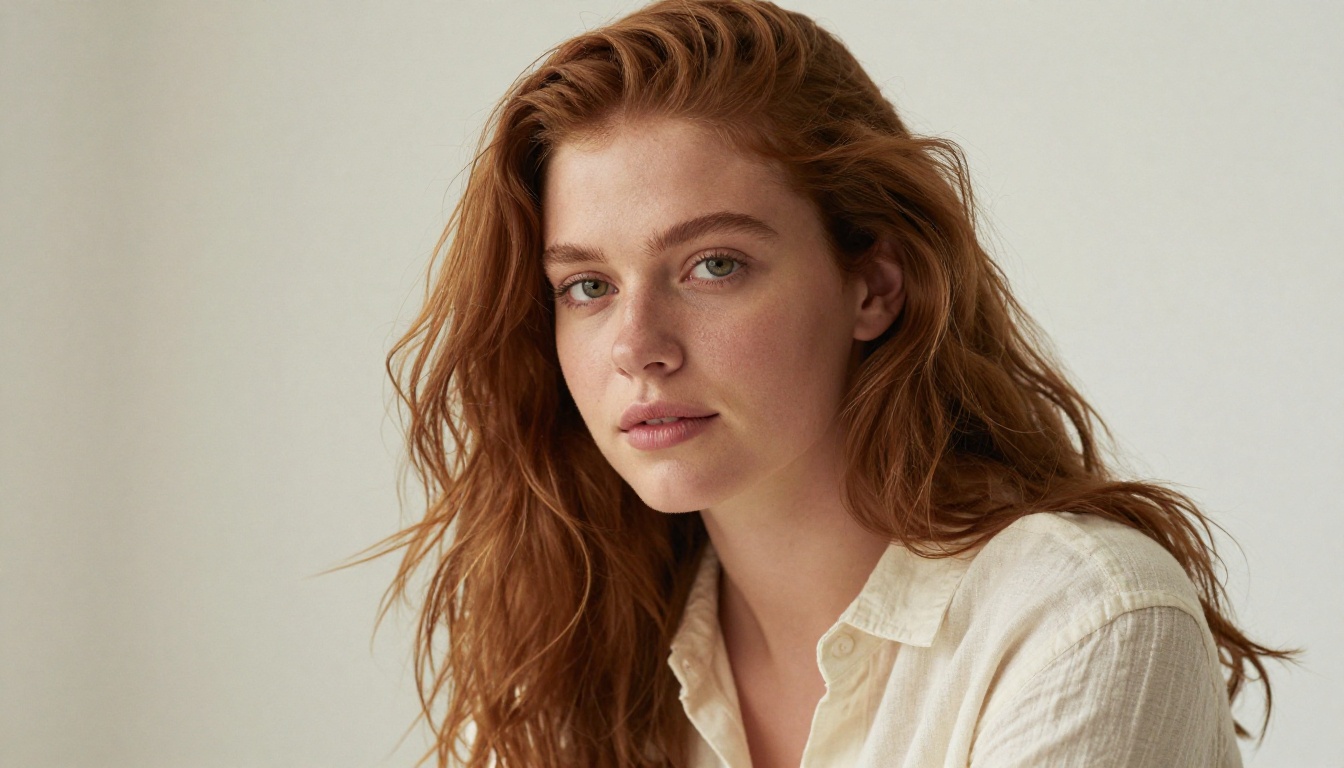
The old problem with AI image generators was that you needed to write prompts in a specific, arcane language to get results. That friction is fading. Models like GPT Image 1.5 and Qwen Image 2 Pro actually process what you type in plain, conversational language and generate accordingly. You can describe a scene the way you would describe it to a photographer, and the model executes it. No prompt engineering required.
The Flux 2 Family
Black Forest Labs released the Flux 2 series as a generational step up from the original Flux.1. The lineup now spans from lightweight to maximum quality, giving creators genuine options depending on their workflow.
Flux 2 Pro and Flux 2 Max
Flux 2 Pro is the reliable workhorse of the family. It delivers consistent, high-fidelity photorealism with strong anatomical accuracy, which has historically been a weakness across generative models. Hands, faces at unusual angles, reflections in glass surfaces. These used to introduce artifacts in nearly every model. Flux 2 Pro handles them with notable reliability, making it a dependable choice for portrait work, product imagery, and scenes with human subjects.
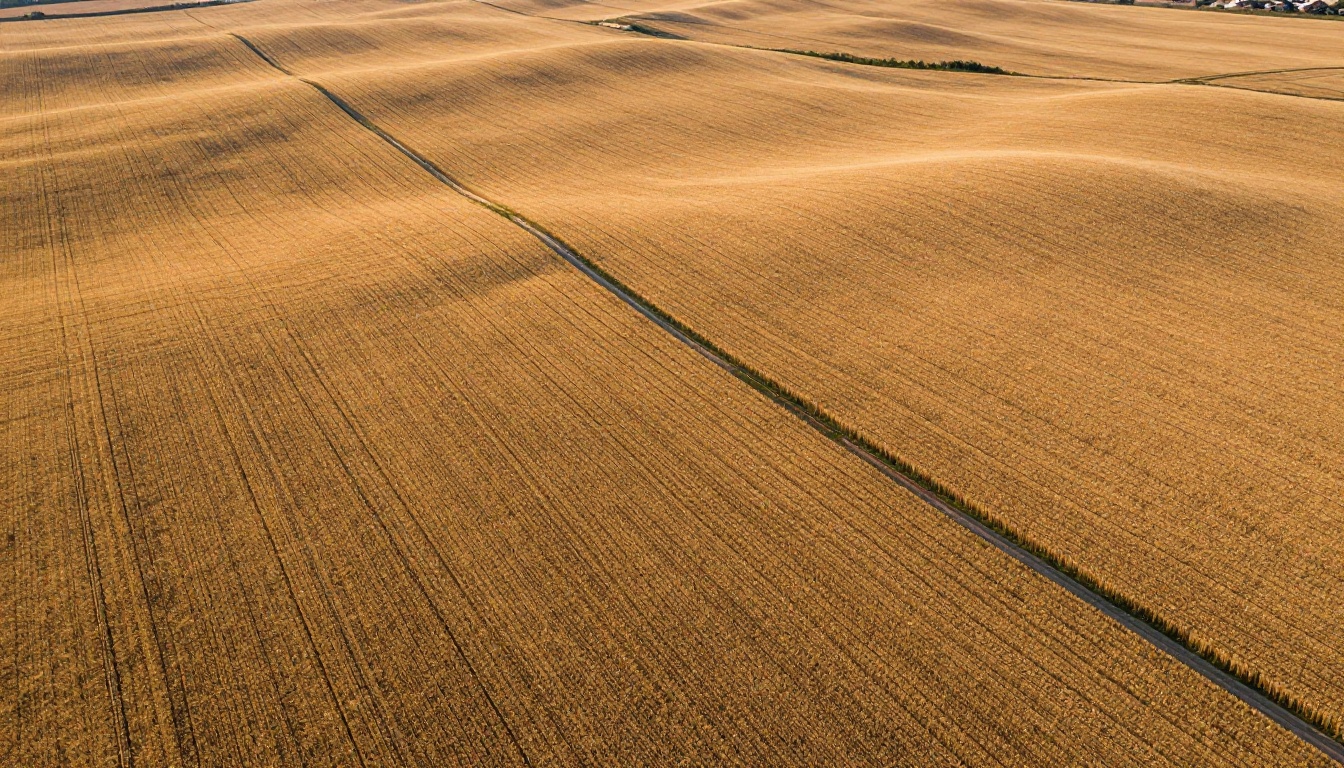
Flux 2 Max sits at the top of the family for raw image quality. It runs slower than its siblings, but the detail density it produces is exceptional. Fabric weave patterns, water surface reflections at different angles, architectural details on buildings in the mid-distance. If your final output will be printed large, displayed on high-resolution screens, or examined closely by a client, Flux 2 Max is worth the extra generation time.
💡 Tip: Use Flux 2 Max for final production shots. Switch to Flux 2 Klein for rapid prototyping during creative development sessions. The quality gap at thumbnail size is minimal.
Flux 2 Dev, Flex, and Klein
Flux 2 Dev is the open-weight version of the family, designed for developers who want to fine-tune, run locally, or build products on top of. It is not the fastest and not the most polished out of the box, but it is the most flexible in terms of what you can do with it technically. Custom LoRAs, fine-tuning for specific aesthetics, integration into custom pipelines. These are the use cases where Flux 2 Dev excels.
Flux 2 Flex occupies an interesting middle ground. It prioritizes versatility over any single strength, handling diverse prompt types with solid consistency. When you're working on a project that spans multiple visual styles and you are not sure which model to commit to, Flex tends to produce strong results across the board without specializing in any single direction.
Flux 2 Klein 4B and Flux 2 Klein 9B are the speed champions of the family. The 4B version in particular hits generation times that make it viable for near-real-time applications and creative sessions where you want to iterate through dozens of variations quickly.
Flux 2 Family at a Glance:
- Flux 2 Max: Best quality, highest detail density, production-grade
- Flux 2 Pro: Best balance of quality and reliability for general use
- Flux 2 Flex: Broad versatility, consistent across diverse prompt types
- Flux 2 Dev: Open-weight, developer-oriented, fine-tunable
- Flux 2 Klein 4B: Fastest, excellent for iteration and high-volume workflows
GPT Image 1.5
OpenAI's GPT Image 1.5 takes a fundamentally different approach to image generation than standard diffusion models. Because it is built directly on top of GPT's language understanding architecture, it processes prompts with a level of semantic depth that traditional text-to-image pipelines do not match.
What It Actually Does Better
The standout strength of GPT Image 1.5 is scene composition from complex, multi-element descriptions. You can describe a scene with multiple interacting subjects, specific spatial relationships, emotional context, and implied narrative. The model understands that "a child pointing at the moon through a telescope while her father smiles beside her on a rooftop" involves two specific people in a specific relationship, doing specific things, in a specific environment. It renders that correctly, with the right spatial arrangement and emotional tone.
Text rendering inside images is also notably strong. Where other models produce garbled letters or approximate words, GPT Image 1.5 generates legible, correctly-spelled text with respectable accuracy. For images that need readable labels, signage, or typographic elements, this is a meaningful differentiator.
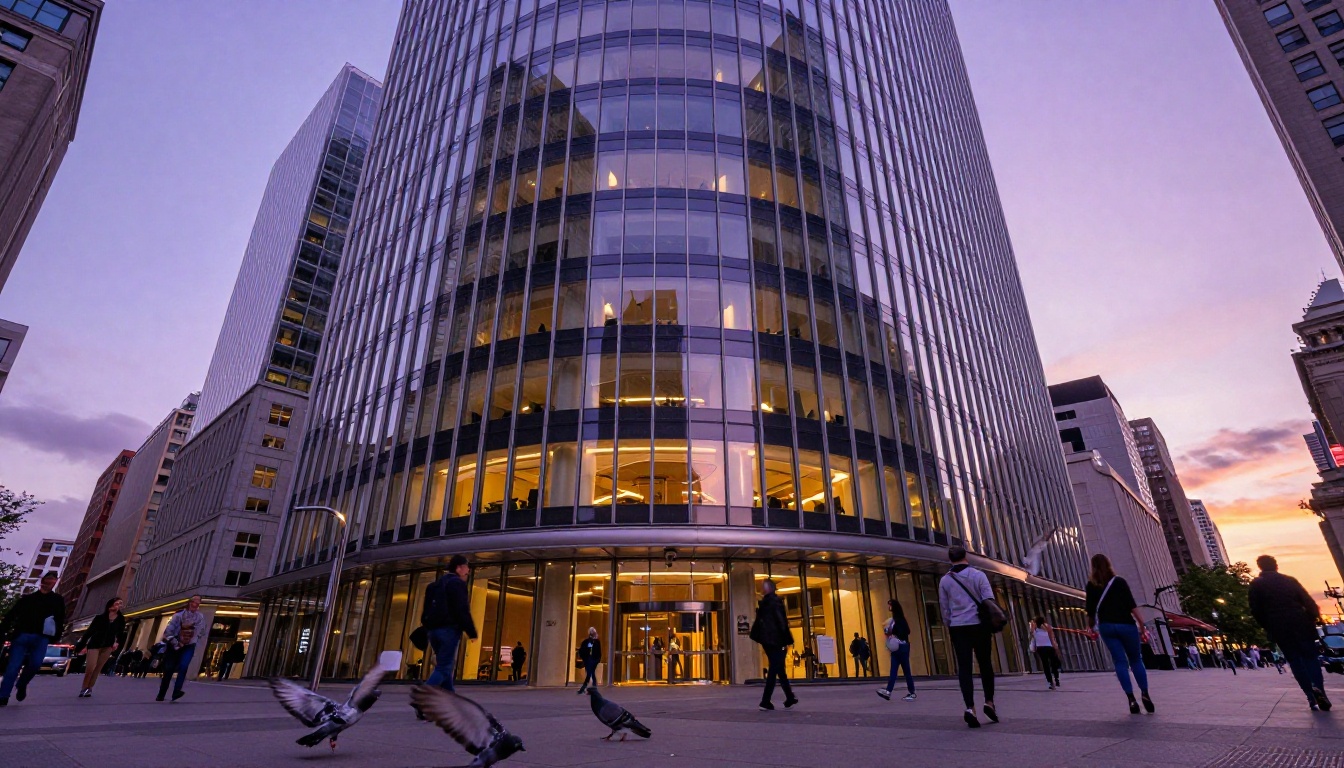
The tradeoff is stylistic character. GPT Image 1.5 produces clean, well-composed images that can feel slightly over-polished compared to the gritty photorealism of Flux or RealVisXL models. For commercial illustration, product mockups, concept visualization, and any output where readability and accuracy matter more than raw photographic texture, it excels. For work where tactile, photographic realism is the priority, other models in this list have an edge.
ByteDance Seedream Series
ByteDance has positioned itself as a serious contender in AI image generation with the Seedream line, and the results back that positioning up.
Seedream 4.5
Seedream 4.5 is a strong general-purpose model with particular strengths in portrait work, fashion photography, and scenes with human subjects. Skin tone rendering is accurate across a wider range of complexions than most Western-developed models manage by default. Hair texture, in particular, is handled with exceptional fidelity. Individual strands in both direct and diffused lighting conditions render cleanly without the matting or blurring that plagues portrait outputs from other models.
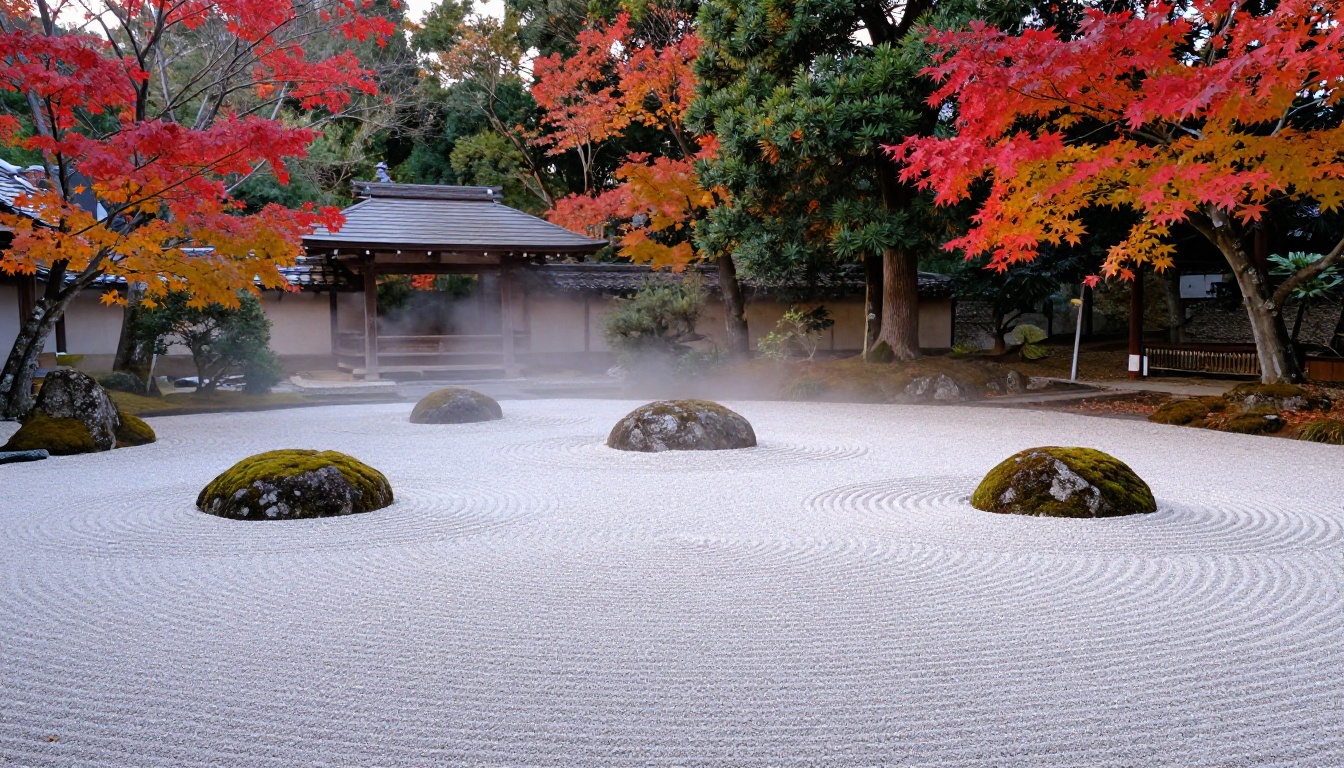
The model handles stylistic diversity well too. You can push it toward editorial fashion photography, travel documentary, intimate environmental portrait, or lifestyle imagery with fairly minimal prompt adjustment. It adapts to tonal direction without losing its core quality characteristics.
Seedream 5 Lite
Seedream 5 Lite is the free entry point into the Seedream family. It runs significantly faster than 4.5 and maintains respectable quality for everyday creative work. For creators who need volume, Seedream 5 Lite delivers a strong output-per-second ratio that makes it difficult to overlook. The quality ceiling is lower than the full model, but for social media content, concept sketching, and visual reference gathering, it performs well.
💡 When to use Seedream: Portrait work, fashion imagery, lifestyle photography, and any creative brief that benefits from diverse, globally representative human subjects.
Qwen Image Models
Alibaba's Qwen division has been building one of the most capable image generation lineups available, with a series of models that demonstrate clear strengths across different tasks.
Qwen Image 2 and 2 Pro
Qwen Image 2 represents the standard tier of their current lineup. It produces sharp, well-lit images with accurate object rendering and good compositional sense. Qwen Image 2 Pro adds stronger creative range and noticeably improved photorealism, particularly in complex scenes with multiple light sources, night scenes, and environments where atmospheric depth matters.
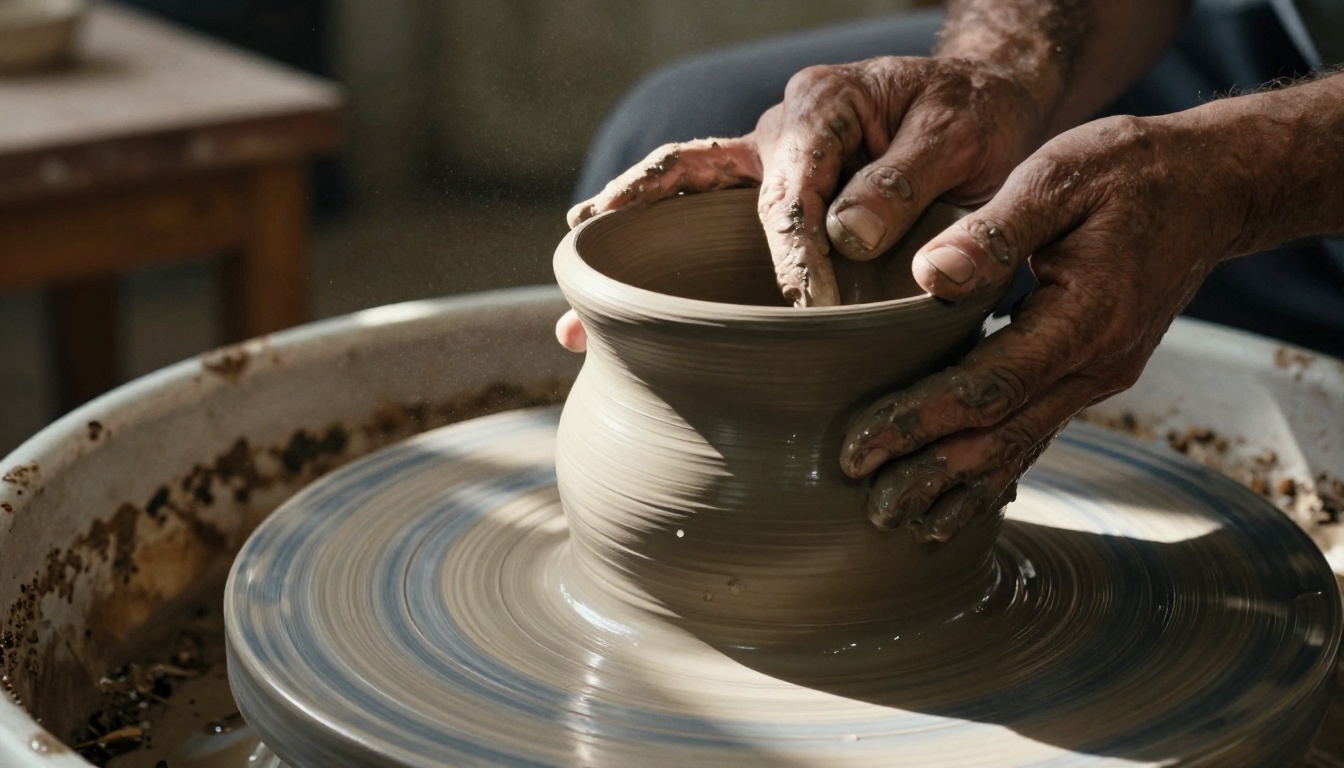
Both Qwen Image 2 and Qwen Image 2 Pro handle multilingual prompts well, accepting Chinese, English, and other languages with consistent output quality across all of them. For teams working across different language environments, this is practically useful.
Qwen Image 2512
Qwen Image 2512 is a specialized variant optimized for both image generation and image editing within the same model backbone. It handles creation from text prompts and targeted modification of existing images with the same underlying architecture, which makes it unusually versatile for production workflows that involve both creating and refining visual assets. Generate a base image, then edit specific elements without switching models or losing stylistic consistency.
Recraft V4 Family
Recraft has built a reputation for design-aware image generation, and V4 delivers on that reputation in meaningful ways.
Recraft V4 Pro
Recraft V4 Pro stands out for its ability to maintain consistent visual identity across multiple generated images. If you're building a set of images that need to share a visual language, whether for a brand identity system, a publication series, or an advertising campaign, Recraft V4 Pro handles stylistic consistency better than most models in this list. The output has a clean, deliberate aesthetic that works well for professional design contexts.
Recraft V4 is the standard version, strong for general design work with a refined visual sensibility that leans toward intentional composition rather than raw photographic realism.

SVG and Vector Capabilities
This is where Recraft does something that no other model on this list does. Recraft V4 Pro SVG and Recraft V4 SVG generate true scalable vector graphics directly from text prompts. That means fully editable, infinitely scalable files, not rasterized images saved as SVG. For icon design, logo work, illustrations intended for print at any size, and any output that needs to be manipulated in a vector editor afterward, this capability has no real equivalent in the AI image space right now.
💡 Recraft's edge: If your output needs to be a scalable vector file that holds up at any print size, Recraft V4 Pro SVG is the only serious option available in 2027.
Models Worth Your Attention
Not every new release warrants a full section, but several models deserve specific mention for 2027.
Grok Imagine Image
Grok Imagine Image from xAI brings a distinct visual interpretation to image generation. It tends to lean into dramatic lighting and strong compositions with a confidence that makes its outputs recognizable. For editorial, conceptual, and documentary-style work, it produces striking results that feel intentional rather than generic.
Hunyuan Image 2.1 and Wan 2.7
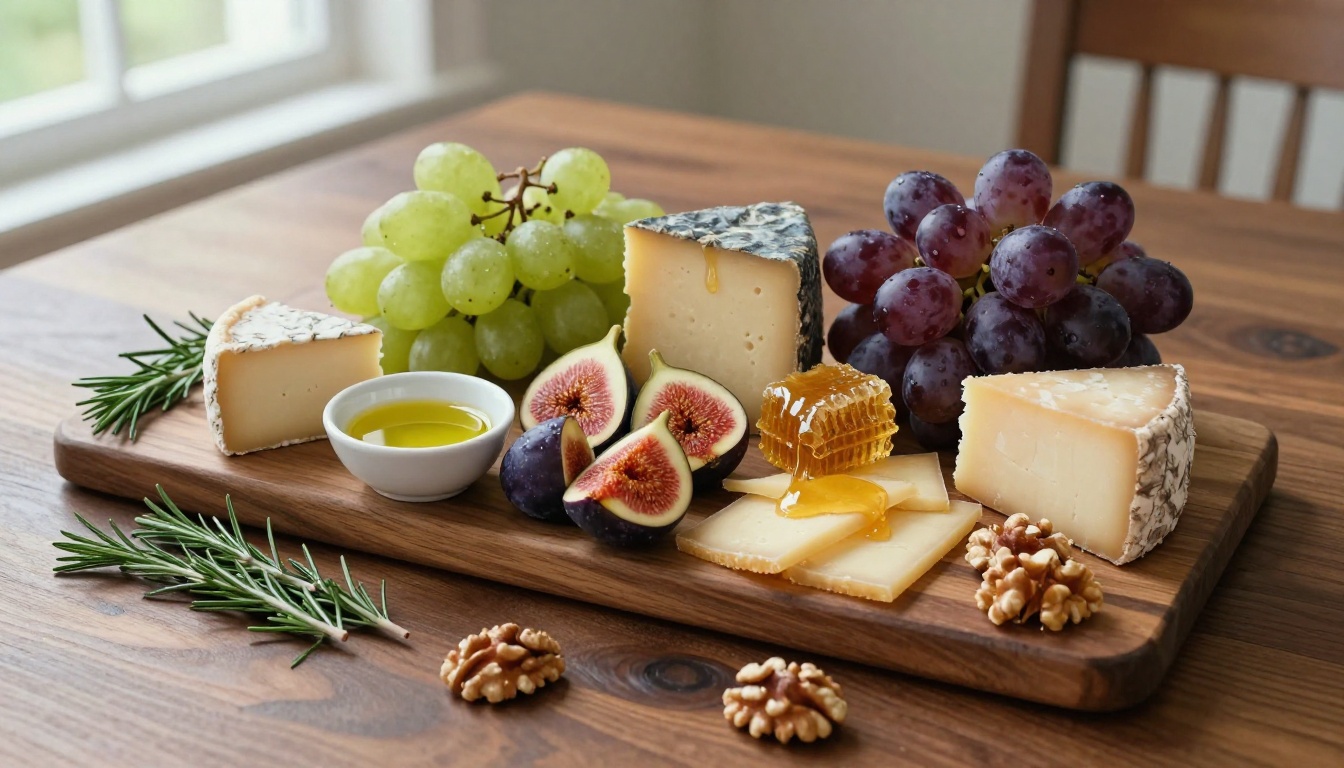
Tencent's Hunyuan Image 2.1 and Wan 2.7 Image Pro have both seen rapid quality improvements this year. Both models handle multilingual prompts with exceptional accuracy, which is significant for content creators working across Asian markets. Hunyuan 2.1 in particular shows strong performance in atmospheric and environmental scenes.
Sana by Nvidia
Sana brings genuine architectural novelty to the lineup. It generates at high resolution natively without the upscaling artifacts that plague models which internally generate at low resolution and then scale up. Its handling of complex lighting scenarios, particularly interior scenes with multiple practical light sources at different color temperatures, is a notable strength over most competitors.
RealVisXL v3.0 Turbo
For creators who specifically need raw photographic realism without any stylistic character or artistic interpretation, RealVisXL v3.0 Turbo remains one of the strongest options available. The name accurately describes what it delivers: photographic visual fidelity at fast generation speeds.
How the Models Stack Up
Beyond the Single Image
The models above focus on still image generation, but 2027 has brought significant advances in what comes after the initial generation. A strong base image from Flux 2 Pro or Seedream 4.5 is the starting point, not the end point.
Super Resolution upscales your output 2x to 4x without quality degradation, making a standard generation usable for large-format print. Inpainting lets you fix or replace specific areas of an image without regenerating the whole composition from scratch. Background Removal isolates subjects cleanly for use in different contexts. Image Restoration can repair noise, blur, or damage in both AI-generated and real-world photographs.
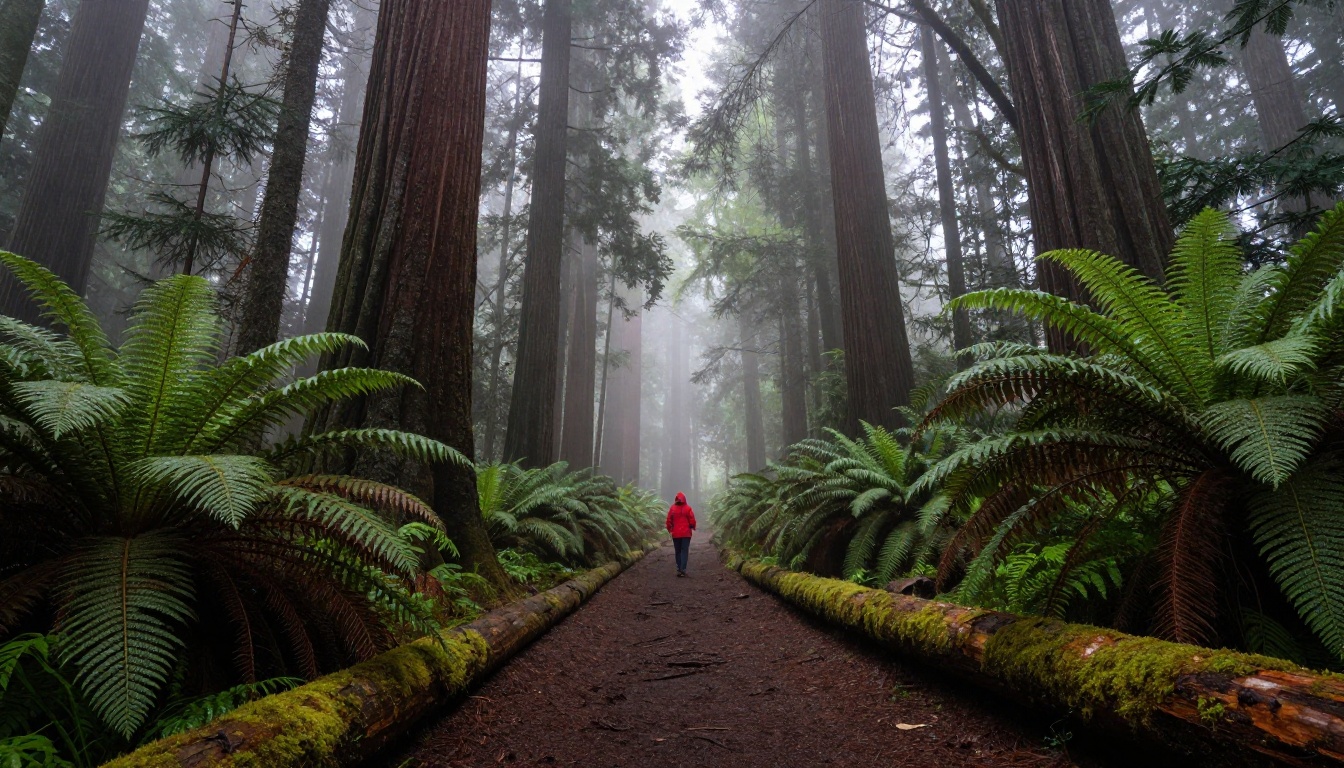
These post-processing capabilities compound the value of a single strong generation. One well-executed image from Flux 2 Max or GPT Image 1.5 can become multiple production-ready assets across different formats and use cases when you combine generation with the broader editing toolkit.
Start Generating Right Now
Reading about these models only goes so far. The clearest way to understand what separates Flux 2 Pro from GPT Image 1.5 from Seedream 4.5 is to write a prompt that reflects your actual creative work and run it on each model. The output will tell you more than any comparison article can.
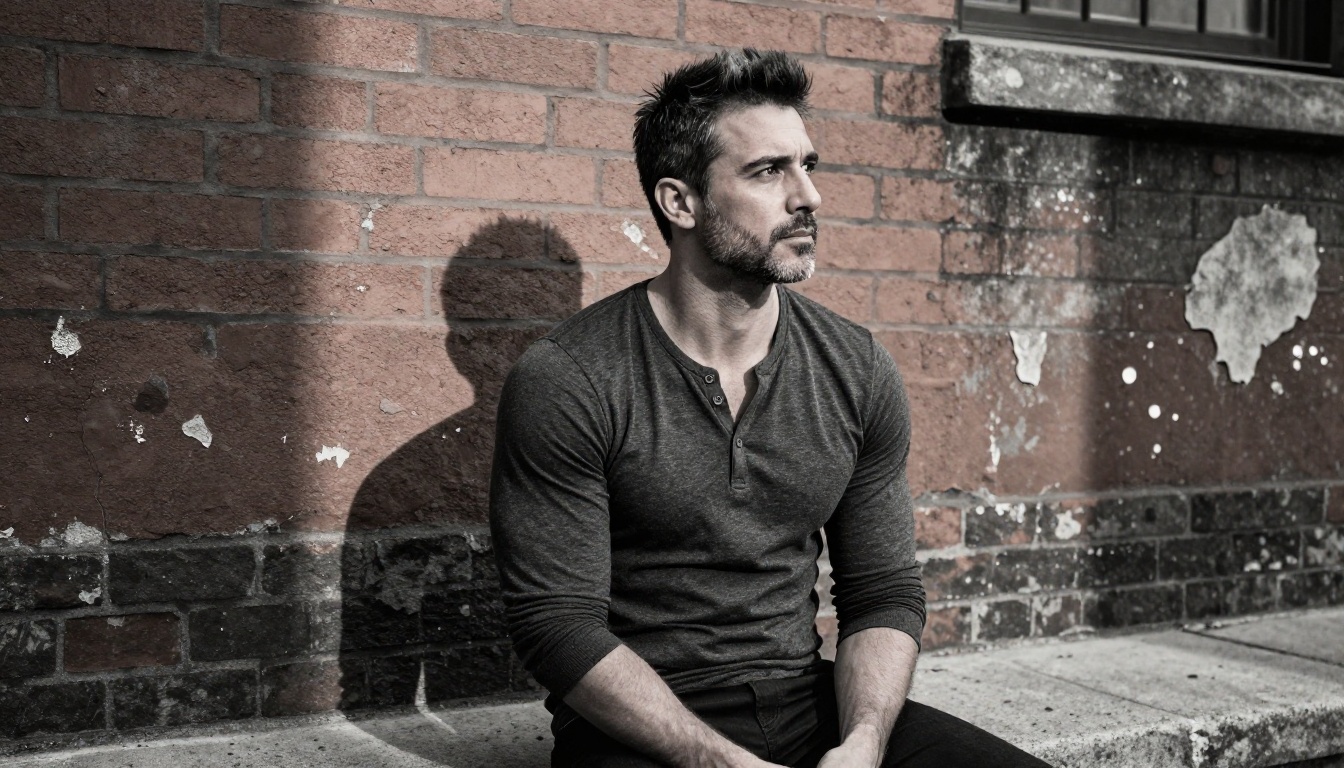
Every model in this article is accessible directly on Picasso IA without needing separate accounts, API tokens, or local hardware setup. The platform gives you access to the full lineup, from Flux 2 Klein for fast iteration to Flux 2 Max for production-grade output, all in one place.
Pick a prompt that is specific to what you actually create. Run it on three or four of these models. Pay attention to how each one handles the details that matter most in your work. Skin texture. Architectural lines. Color grading. Compositional decisions. The differences become obvious quickly when you are looking at your own creative brief, not a generic demo image.
The AI image model landscape in 2027 is genuinely rich, and the best models are not the ones with the most marketing behind them. They are the ones that handle your specific creative needs with consistency and precision. Pick a few from this list and find out which one that is for you.


