The pace of AI video development in 2026 has made even last year's "state of the art" feel outdated. Creators who used to spend thousands on production setups are now generating broadcast-quality footage from a single text prompt. The quality gap between AI-generated content and traditional video has narrowed to a point where many viewers can no longer tell the difference. Whether you're a solo content creator, a brand video editor, or a filmmaker looking to add new tools to your workflow, the options available right now are the best they've ever been, and the field keeps moving fast.

Why 2026 Changed AI Video
Speed is no longer the bottleneck
For most of 2023 and 2024, AI video generation was painfully slow. Generating a five-second clip could take ten minutes or more, making it impractical for anything close to a professional workflow. That changed dramatically in late 2025 when several labs introduced distilled and fast-inference models. Today, tools like LTX-2.3-Fast by Lightricks and Hailuo 2.3 Fast by MiniMax produce clips in seconds, not minutes. This is not just a convenience improvement. It fundamentally changes how creators iterate on their ideas, allowing ten variations of a scene to be tested in the time it once took to render one.
💡 Fast inference models let you test 10 variations of a scene in the time it used to take to generate one. Iteration speed is the real creative advantage in 2027.
Quality crossed a threshold
The bigger shift is in output quality. Early AI video often featured flickering textures, morphing faces, and physics that felt slightly off. The newest models handle lighting, motion, and physical consistency at a level that was simply not possible 18 months ago. Google Veo 3.1 produces videos that look indistinguishable from professional cinematography in many conditions. Runway Gen-4.5 has brought temporal consistency to a new level, meaning objects, faces, and scenes remain stable across frames without jitter or warping that would otherwise break the illusion.
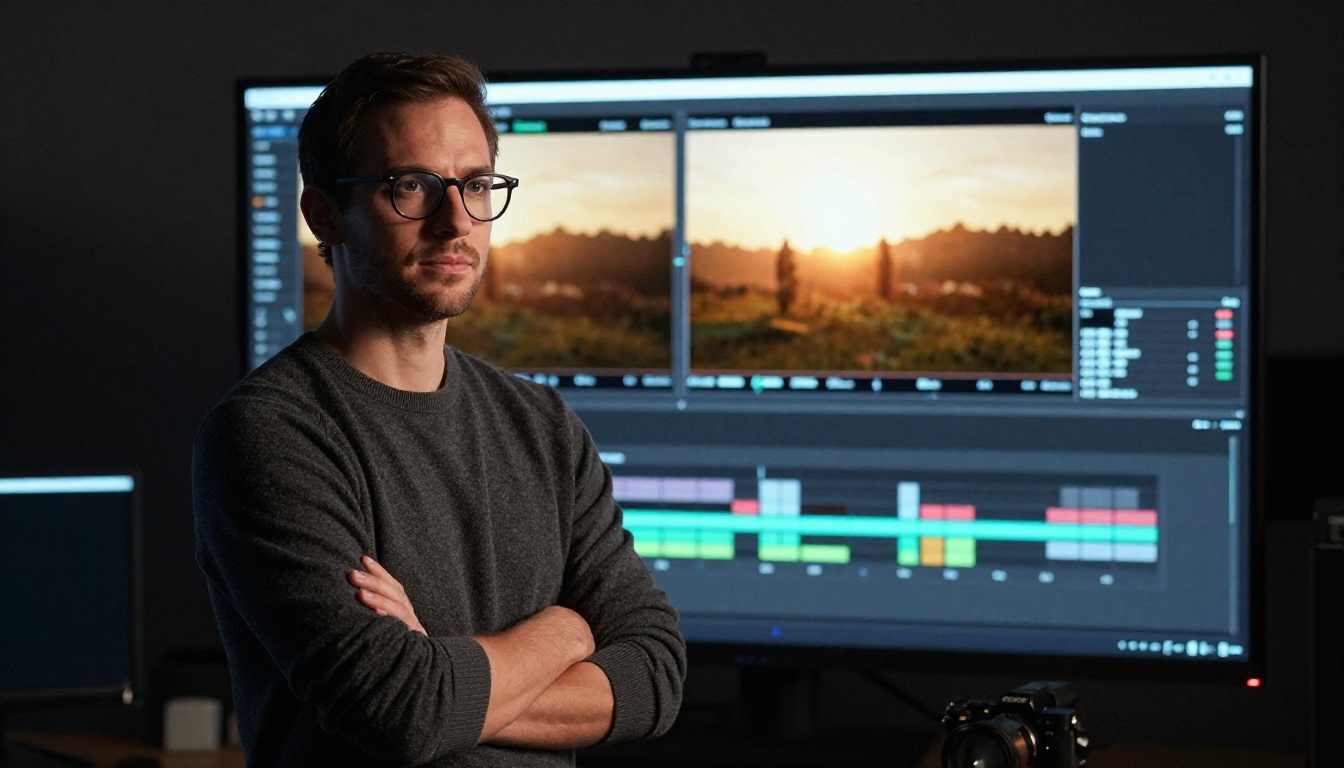
The Text-to-Video Models Dominating Right Now
Gen-4.5 by Runway
Gen-4.5 is Runway's most capable text-to-video model to date. Its main technical achievement is temporal consistency: characters, objects, and environments stay visually stable across an entire clip without flickering or unexpected transformations. This matters enormously for narrative video work where you need the same character to look identical from shot to shot. Gen-4.5 also handles complex camera movements well, from slow push-ins to sweeping crane shots, all driven purely by text prompts.
Best for: Commercial video, narrative content, brand campaigns
Kling V3 Video
Kling V3 Video from Kwai represents the latest generation of Kling's video synthesis. What makes it stand out is its handling of realistic human motion, something that has tripped up most other models. Characters walk, run, and interact with environments in a way that reads as genuinely physical rather than artificially smooth. The model also responds well to detailed prompt descriptions, giving creators a high level of control over the final output.
Best for: Human-centric scenes, social media content, storytelling
Google Veo 3.1
Veo 3.1 builds on Google's already impressive Veo lineage with better prompt adherence and finer detail in complex scenes. The model handles natural environments particularly well: water surfaces, foliage, atmospheric light scattering. For creators who work with outdoor or nature-based content, this is currently one of the strongest options available. A faster variant, Veo 3.1 Fast, is also available for quick iteration without sacrificing much quality.
Hailuo 2.3 and the MiniMax Approach
MiniMax has taken a different route with Hailuo 2.3. Rather than optimizing purely for peak quality, they've focused on accessibility and speed without sacrificing too much fidelity. The result is a model that fits neatly into fast-paced creative workflows where you need good results quickly. The image-to-video capability is particularly strong, allowing creators to animate a still photo with realistic and natural-looking motion that feels organic rather than mechanical.
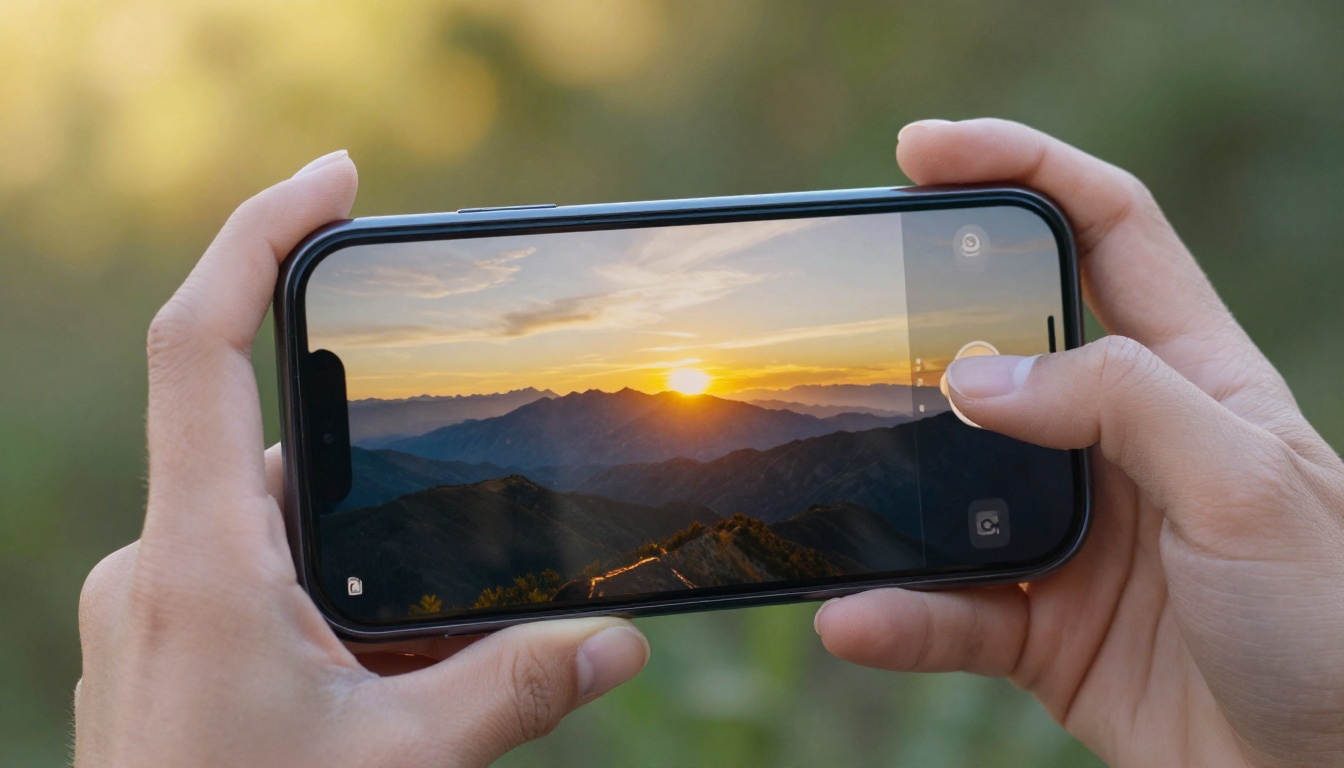
New Challengers Worth Watching
LTX-2.3-Pro by Lightricks
Lightricks has been one of the most consistent innovators in this space. LTX-2.3-Pro accepts text, image, and audio inputs simultaneously, which opens up creative workflows that no other single model supports. You can feed it a reference image, a descriptive prompt, and an audio track, and it will produce a video that responds to all three inputs at once. The audio-reactive capability in particular is genuinely new territory for open-access video tools.
💡 LTX-2.3-Pro's audio-to-video capability works exceptionally well for music visualizers, lyric videos, and brand content synced to a specific soundtrack.
Sora 2 Pro by OpenAI
Sora 2 Pro is the highest-fidelity option from OpenAI's lineup. The base Sora 2 is impressive on its own, but the Pro variant pushes further on fine detail, longer clip duration, and cinematic coherence. For long-form video projects or work that requires near-perfect physical realism, Sora 2 Pro sits at or near the top of what's currently possible in consumer-accessible video generation.
Grok Imagine Video
xAI's entry into text-to-video, Grok Imagine Video, handles both text and image inputs with a model that has impressed many creators with its natural color grading and film-like quality. It's particularly strong at rendering faces and emotional expressions, making it a solid choice for portrait-style content or narrative scenes with close-up dialogue.
PixVerse v5.6
PixVerse v5.6 offers a strong balance of quality and ease of use. The model performs well with stylistic prompts, meaning you can ask for specific visual aesthetics like warm cinematic tones or clean minimalist looks, and it delivers with more consistency than many competitors. It also handles transitions and scene complexity reliably, making it a dependable pick for creators who work across different visual styles.
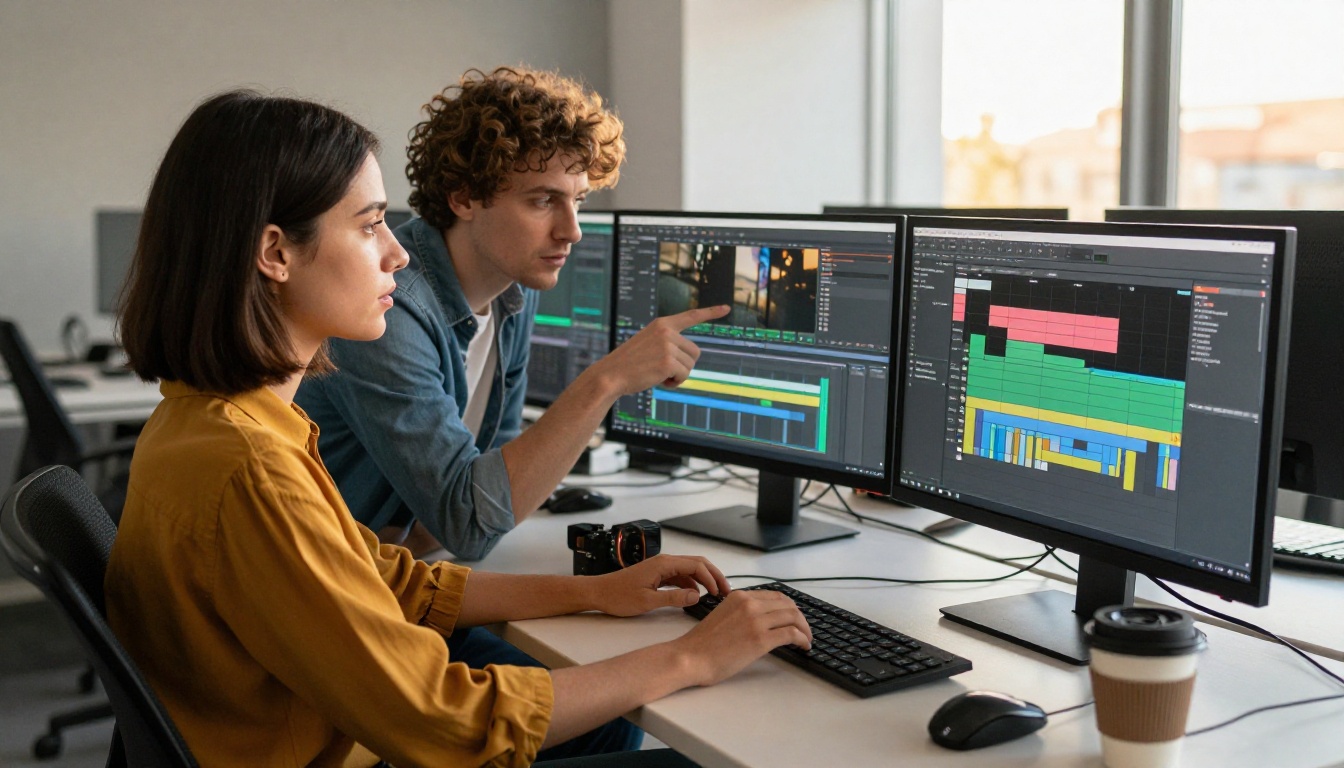
Motion Control Takes a Leap
One of the most exciting developments in 2027 AI video is motion control: the ability to specify not just what a scene shows, but exactly how elements move within it.
Kling V3 Motion Control
Kling V3 Motion Control lets you transfer specific movement patterns from one source onto any target character or subject. Upload a reference video of someone dancing, and the model applies that motion to a completely different person, outfit, or character while preserving the scene context. The quality of motion transfer here is notably better than what was available a year ago, with the target character adapting the motion in a physically believable way rather than overlaying it rigidly.
Use cases for Kling V3 Motion Control:
- Transferring choreography to brand mascots or fictional characters
- Applying athletic movements to product demonstrations
- Creating consistent character animations from live reference footage
Wan 2.2 Animate Replace
Wan 2.2 Animate Replace takes a different angle: it lets you swap out characters within an existing video clip while preserving the original motion, camera work, and scene environment. This is particularly powerful for localization and rebranding projects where you need to produce the same video with different talent or visual styles without reshooting from scratch.

AI Avatars Are Getting Scary Good
The talking head and AI avatar space has seen perhaps the fastest improvement of any video category in 2027. The results are now genuinely difficult to distinguish from real footage in many cases.
HeyGen Avatar IV
Avatar IV by HeyGen produces avatar videos where lip sync is frame-perfect, facial micro-expressions respond naturally to the emotional tone of the script, and lighting adapts to the background environment automatically. For businesses doing video at scale, this dramatically reduces production overhead. You can produce personalized video messages, explainers, or product demos without a camera, studio, or talent schedule.
💡 HeyGen's Avatar IV pairs well with AI text-to-speech tools to create fully automated video pipelines where a script goes in one end and a finished avatar video comes out the other.
DreamActor M2.0
ByteDance's DreamActor M2.0 takes a single reference photo and animates it with believable full-body motion. This is not just a face animation tool: it handles shoulder movement, posture shifts, breathing, and subtle gestural details that make the animation feel inhabited rather than mechanical. For brand storytelling, historical content, or character-driven social media, it opens up creative directions that previously required a full production team.
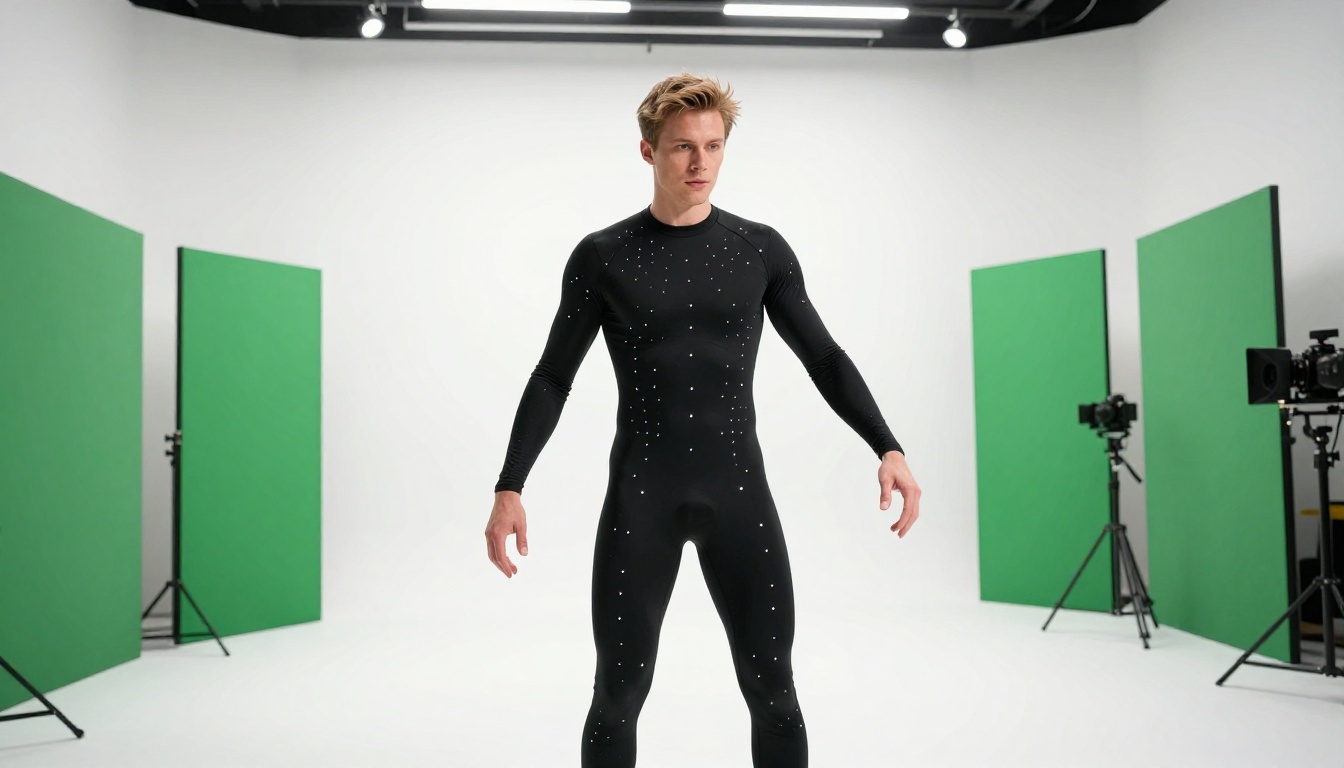
Also worth watching: Seedance 1.5 Pro from ByteDance and Vidu Q3 Pro from Vidu are both adding strong competition in the character animation space. Vidu Q3 Pro in particular supports start-frame and end-frame control for precise scene composition across a clip.
Generating video is only part of the workflow. The AI editing tools available in 2027 are just as transformative for professional output.
Luma modify-video
Luma's modify-video is one of the most practical AI video editing tools to appear this year. You can take any existing video clip and apply a style transfer or visual modification using a text description. Want to change the lighting mood, alter the season in an outdoor scene, or shift the color palette to match a brand identity? You describe it, and the model applies the change while preserving the original motion and composition. This cuts hours off color grading and style revision workflows.
Bria Video Background Remover
Bria's Video Remove Background eliminates the need for green screens entirely. The model accurately segments subjects from backgrounds across the full video clip, frame by frame, with clean edges and no fringing artifacts. Combined with Bria's Video Increase Resolution tool for upscaling to 8K, these two tools together represent a production workflow that would have required significant investment just two years ago.
AI-Powered Upscaling
For footage that's already been shot, AI upscaling has become a critical part of the post-production chain. Topaz Labs Video Upscale remains the professional standard for taking archival or lower-resolution footage and bringing it up to modern quality levels. Runway's upscale-v1 offers a strong alternative directly within the same platform ecosystem, making the transition from generation to post-production upscaling seamless.
Auto Captions and AI Audio
Two tools that often get overlooked but solve real production headaches: AutoCaption handles subtitle generation and burns clean captions directly into video without any manual timing work, and mmaudio generates context-aware soundtracks that sync naturally to the visual content of a clip. For creators producing high volumes of short-form content, these two tools alone can cut final production time by 40 to 60 percent.
How to Use Kling V3 Video on PicassoIA
Kling V3 Video is available directly on PicassoIA, and getting a great result from it requires a bit of prompt strategy. Here's how to get the most out of it.
Step 1: Write a scene-based prompt
Don't just describe a subject. Describe the full scene, including environment, lighting, motion, and camera angle. Instead of "a woman walking in a park," write: "a woman in a beige coat walking along a leaf-covered autumn path, warm golden backlight, slow tracking shot from the side, shallow depth of field." The added context dramatically improves output quality.
Step 2: Specify motion intentionally
Kling V3 responds well to explicit motion descriptions. Include details like:
- Camera movement: "slow push in," "aerial descent," "static wide shot"
- Subject movement: "gradually turning toward camera," "running in slow motion"
- Environmental motion: "leaves drifting past," "water rippling in the foreground"
Step 3: Dial in the aspect ratio
For social media vertical content, use 9:16. For cinematic outputs, use 16:9. The aspect ratio affects how the model composes the scene internally, so choose it based on your intended output platform before generating.
Step 4: Use image-to-video for visual consistency
If you need a specific character or environment to appear consistently across multiple clips, start with a high-quality reference image and use Kling V3's image-to-video mode. This anchors the visual identity of your subject far more reliably than text prompts alone.
Step 5: Iterate with standard, finalize with pro
Use Kling V3 Video for rapid iterations to find the direction you want, then switch to the higher-quality variants for your final output. The speed difference between standard and pro modes makes this a practical two-step workflow that saves both time and credits.
💡 PicassoIA gives you access to over 87 text-to-video models in one place, meaning you can test the same prompt across multiple models and compare outputs side by side without switching platforms or accounts.
Start Making AI Video Now
The tools described above represent the current peak of what's possible in AI video creation, and all of them are accessible on PicassoIA without needing separate accounts, API keys, or technical setups. Whether you want to generate a full cinematic clip from a text prompt using Veo 3.1, animate a portrait photo with DreamActor M2.0, or clean up existing footage with Bria's background remover and Topaz upscaling, the full production chain is right there waiting for you.
The best way to see what these tools can do for your specific creative work is to actually try them. Pick one prompt you've been sitting on, open Kling V3 or Gen-4.5, and generate your first clip. What was technically out of reach for independent creators just two years ago is now a few seconds away.


