NightCafe and Midjourney both promise stunning AI-generated images, but they operate on completely different pricing logic. If you have spent more than 20 minutes comparing them, you know the frustration: costs are buried in credit systems, generation speeds vary wildly, and the "free plan" on most platforms barely lets you create three images before hitting a wall.
Let's cut through that. This is a straight comparison of what you actually pay, what you actually get, and whether there is a smarter alternative worth your money.
What You're Really Paying For
Before comparing numbers, it is worth understanding what separates these two platforms at a foundational level. NightCafe runs on a credit system. Midjourney runs on a subscription with GPU compute hours. Both approaches have distinct advantages and painful drawbacks, and knowing which model fits your workflow determines everything about which platform is actually cheaper for you.
NightCafe Pricing Breakdown
NightCafe offers a free tier that gives you a small number of daily credits. Beyond that, paid plans work like this:
| Plan | Price/Month | Credits |
|---|
| AI Beginner | $4.99 | 100 credits |
| AI Hobbyist | $9.99 | 200 credits |
| AI Enthusiast | $19.99 | 500 credits |
| AI Artist | $49.99 | 1,400 credits |
Credits are consumed differently depending on which AI model you select. A single Stable Diffusion generation might cost 1 credit, while a higher-quality Coherent model can cost 5 to 8 credits per image. This makes the actual cost per image highly variable and difficult to predict upfront.
💡 Tip: NightCafe runs daily challenges that award free credits. If you participate regularly, hobbyist-level users can generate a solid volume of images at no extra cost.
Midjourney Pricing Breakdown
Midjourney dropped its free tier entirely in 2023. Here is their current plan structure:
| Plan | Price/Month | GPU Hours |
|---|
| Basic | $10 | ~3.3 hours |
| Standard | $30 | ~15 hours |
| Pro | $60 | ~30 hours |
| Mega | $120 | ~60 hours |
With the Basic plan, you get roughly 200 fast generations per month. That sounds generous until you are deep into a creative project and burn through them in a single weekend sprint.
Side by Side: True Cost Per Image
Let's calculate the real numbers at the entry-level paid tier:
| Platform | Plan | Monthly Cost | Est. Images | Cost Per Image |
|---|
| NightCafe | AI Beginner | $4.99 | ~100 | ~$0.05 |
| NightCafe | AI Hobbyist | $9.99 | ~200 | ~$0.05 |
| Midjourney | Basic | $10 | ~200 | ~$0.05 |
| Midjourney | Standard | $30 | ~1,000 | ~$0.03 |
On paper, they land at almost the same price per image at low volume. Where it diverges: NightCafe is cheaper at hobbyist scale, while Midjourney becomes significantly more efficient at high volume on the Standard plan. But Midjourney's quality ceiling at high volumes is what justifies it for professionals willing to pay more.
The hidden factor most comparisons skip over is credit burns. On NightCafe, if you want to use a premium model instead of the default, your credit consumption jumps 3 to 8 times. The $4.99 plan suddenly generates 12 premium images instead of 100 basic ones. That changes the math entirely.
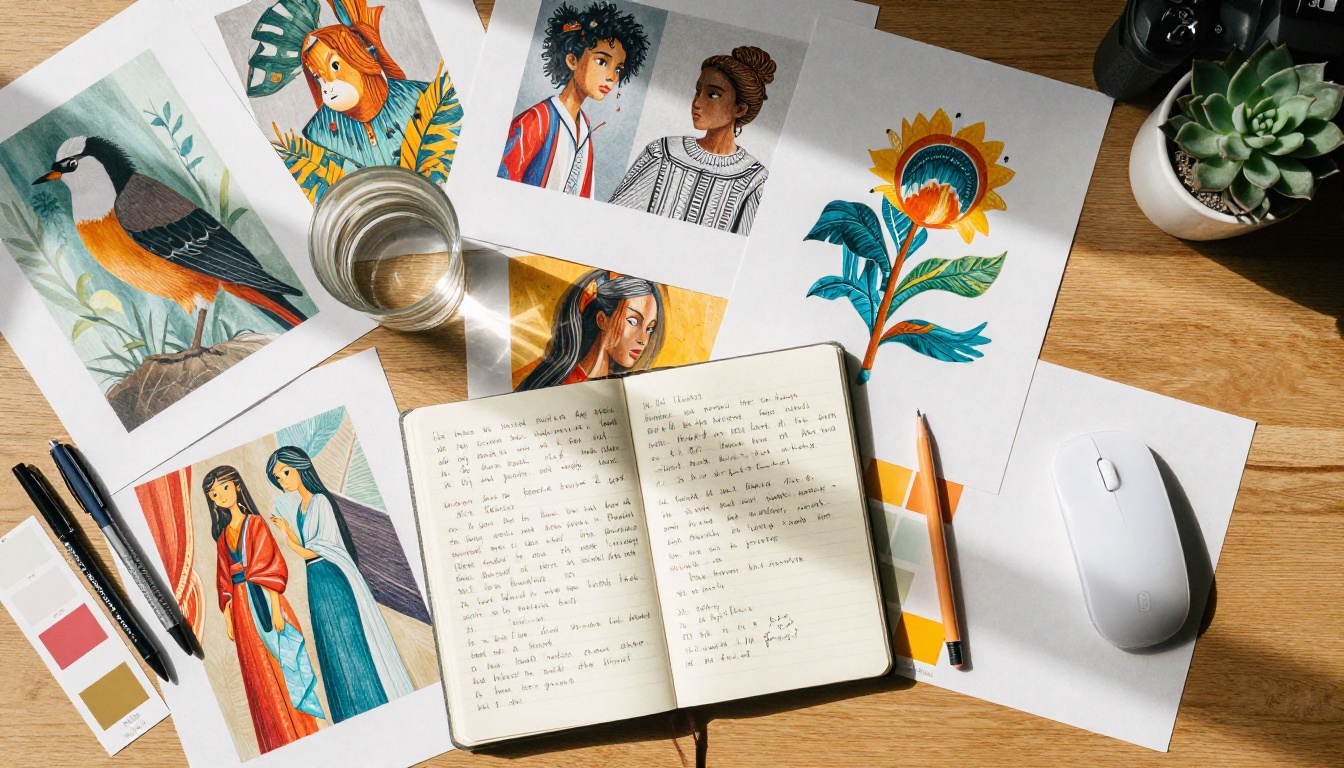
Image Quality in 2025
Price is only half the equation. What you get for that price matters just as much, and in 2025 the quality gap between platforms has both widened and narrowed depending on what you need.
NightCafe Output Quality
NightCafe's output quality depends entirely on which model you select. Using Stable Diffusion or Stable Diffusion 3.5 Large, you can produce results comparable to anything in the mid-tier range. The problem is consistency. Results can swing dramatically between prompts, and the interface requires meaningful prompt engineering skill to hit high-quality outputs reliably.
DreamShaper XL Turbo produces fast, stylized results but lacks the photorealistic precision that professional creators expect. For hobbyists, that is rarely a dealbreaker. For anyone selling or publishing their work, it is.
Midjourney Output Quality
Midjourney's v6 model is objectively one of the best AI image generators available today. It handles lighting, human anatomy, and texture rendering at a level that most alternatives struggle to match. The trade-off is zero model flexibility. You get Midjourney's model and aesthetic, period. If the Midjourney look does not fit your creative direction, you are out of options within that platform.
💡 Real Talk: Midjourney excels at conceptual art, editorial illustration, and character design. If you need photorealistic product shots, precise technical compositions, or highly specific styles outside Midjourney's aesthetic, the lack of model control becomes a genuine creative constraint.
The Model Question
This is where the two platforms diverge most dramatically, and where the real value decision lives. Model variety is not just a technical feature. It is the difference between a tool that fits your work and one you are constantly fighting against.
NightCafe's Multi-Model Approach
NightCafe supports a range of models including SDXL Lightning 4 Step, Stable Diffusion XL, and Realistic Vision V5. This variety means you can experiment across different aesthetics without switching platforms.
However, access to premium models costs more credits, which chips away at the value of lower-tier plans fast. The multi-model approach is NightCafe's biggest strength on paper, but the credit multiplication effect means you often cannot actually afford to use the best models on a budget plan.
The interface is browser-based and accessible. You do not need Discord or any third-party application. That alone makes it significantly more approachable for new users who have no interest in learning another platform's ecosystem.
Midjourney's Single Model Focus
Midjourney runs primarily through Discord, which remains its most polarizing characteristic. For users already living in Discord, it is a natural fit. For everyone else, it adds friction that should not exist in 2027. There is a web interface now, but it is still tightly coupled to the Discord ecosystem for community features.
The upside of a single model is consistency. Every image you generate shares the same core look and feel. For brand identity work or cohesive creative projects, that consistency is a feature, not a bug. You spend time crafting prompts, not managing model choices.
Understanding the intended user tells you a lot about which platform is the right fit for where you are in your creative work right now.
NightCafe Is for Hobbyists
NightCafe has built a strong community around casual AI art creation. The daily challenges, social sharing features, and low entry price make it a natural home for hobbyists and learners. You can generate meaningful volume on a $9.99 plan without feeling constantly limited.
Best for:
- Beginners exploring AI art for the first time
- Hobbyists who want to experiment across multiple model styles
- Budget-conscious creators who value variety over polish
- Anyone who does not want to use Discord as their primary interface
Midjourney Targets Professionals
Midjourney is the preferred tool of professional illustrators, concept artists, and creative directors. The quality output, especially for fantastical and editorial aesthetics, has made it an industry reference for certain types of creative work.
Best for:
- Professional artists and illustrators with active client work
- Concept art for games, film, and advertising campaigns
- High-volume creators who need reliable quality at scale
- Teams already embedded in Discord-based creative workflows
Speed vs. Creative Control
Generation Speed Compared
Midjourney's fast mode typically produces four image variants in 30 to 60 seconds. NightCafe's speed depends heavily on server load and the model chosen. Lighter models generate quickly. Premium models can take several minutes during peak hours, which adds up fast when you are iterating on a complex prompt.
For iterative workflows where you need rapid feedback loops, Midjourney wins comfortably. Speed is not just a convenience at professional scale. It is directly tied to how many creative decisions you can make per hour.
Prompt Flexibility
NightCafe accepts raw, technical prompt syntax inherited from Stable Diffusion. You can embed negative prompts, CFG scale values, sampling methods, and step counts directly. This gives advanced users fine-grained control over outputs that Midjourney simply cannot match technically.
Midjourney uses its own prompt language with parameters like --ar, --stylize, and --chaos. The syntax is simpler but less technically flexible. What Midjourney lacks in control, it compensates with the model's natural ability to interpret nuanced creative language and produce coherent results from less precise prompts.
A Third Option Worth Knowing
If neither NightCafe nor Midjourney quite fits your needs, there is a third path that many creators have quietly shifted to: running state-of-the-art open models directly on a platform that aggregates the best of all of them without locking you into a single aesthetic or Discord workflow.
PicassoIA offers access to over 91 text-to-image models in one place, including the entire Flux Dev family, Flux Pro, Flux 2 Pro, and Flux Schnell for rapid iterations. It also includes Stable Diffusion 3.5 Medium, Playground V2.5 1024px Aesthetic, and Realistic Vision V5.1.
The core difference: you choose the right model for each specific task rather than adapting your task to the platform's single model.
💡 Why This Matters: Flux Dev and Flux Pro now match or surpass Midjourney on photorealistic portraits and product photography. For creators who need real flexibility across styles and use cases, having access to these models without a Discord intermediary is a genuine workflow advantage.
Beyond images, PicassoIA extends into video, audio, and editing pipelines. Flux Kontext Pro offers context-aware image editing. Super Resolution tools upscale outputs 2x to 4x without quality loss. The platform covers the full creative production pipeline in a single web interface.
How to Use Flux Dev on PicassoIA
Flux Dev is one of the strongest open text-to-image models available right now, and it runs directly on PicassoIA. Here is how to use it effectively:
- Open the model: Go to Flux Dev on PicassoIA from the text-to-image collection.
- Write your prompt: Flux Dev responds well to natural language. Describe your scene, lighting, subject, and atmosphere conversationally rather than using keyword lists separated by commas.
- Set aspect ratio: Use 16:9 for landscapes and widescreen, 1:1 for social media posts, and 9:16 for vertical formats.
- Adjust guidance scale: A guidance value between 3.5 and 4.5 produces the best balance between prompt adherence and natural-looking results. Going above 5 tends to over-sharpen outputs.
- Iterate quickly: Generate 3 to 4 variations with slightly different prompts to find the right direction before committing to an upscaled final version.
Pro tip: Add lighting descriptors to every Flux prompt. Phrases like "volumetric morning light from the left" or "soft overcast diffuse lighting" dramatically improve the natural quality of the output compared to prompts that skip lighting details entirely.

The Wallet Check
Before choosing a platform, run this quick cost reality check against your actual usage patterns:
| Monthly Budget | Best Choice | Why |
|---|
| $0 | NightCafe Free | Daily free credits, no commitment needed |
| $5 to $10 | NightCafe | Lower entry cost with model variety |
| $10 to $30 | Midjourney Basic or PicassoIA | Quality jump or full model flexibility |
| $30 and up | Midjourney Standard | Volume plus quality for serious production work |
| Multi-use creative work | PicassoIA | Images, video, audio, and editing in one platform |
Which One Should You Use?
The decision is cleaner than most comparison articles make it seem. There is no universally correct answer, but there is almost certainly a right answer for your specific situation.
Choose NightCafe if:
- You are just starting and want low financial risk
- Experimenting across multiple AI models matters to you
- The social community and daily challenges appeal to you
- You prefer a web interface with no Discord requirement
Choose Midjourney if:
- Output quality is your top priority above all else
- You work in conceptual or editorial art where Midjourney's aesthetic is exactly what you need
- You generate high volumes and the Standard plan's efficiency pays off
- You already work within Discord-based team workflows
Choose PicassoIA if:
- You want cutting-edge models like Flux 2 Pro and Flux Kontext Max without platform lock-in
- Your creative work spans images, video, audio, and editing in a single pipeline
- You need model-level parameter control over every output
- You want a clean, dedicated web interface with no ecosystem dependencies
The honest takeaway: NightCafe is cheaper for casual use, Midjourney is better for pure image quality, and PicassoIA gives you the widest creative range. The right one comes down to what you prioritize most in your creative process.

Start Creating Your Own AI Art Right Now
Reading comparisons only gets you so far. The real way to find your preferred platform is to generate something and see how the results feel in your hands.
PicassoIA lets you try Flux Schnell for fast iterations, Flux Pro for premium-grade results, and Stable Diffusion 3.5 Large Turbo for an efficient balance between speed and detail quality. Write a prompt, see what comes out, adjust, and repeat. That iteration loop is where real creative skill develops, not in reading about which platform is theoretically cheaper.
If you want to push further, Flux Kontext Dev offers context-aware editing for refining images you have already generated. Flux 11 Pro Ultra delivers maximum detail and resolution when the output needs to be print-ready or portfolio-worthy. Over 91 models are ready when you are. Start with one prompt and see where it takes you.


