The adult content AI space has a problem everyone talks about but few solve directly: most popular platforms ban explicit or even suggestive content, throttle free tiers to 2-3 generations per day, and watermark every output. If you're a creator working in this niche, you've probably hit that wall dozens of times.
This article breaks down which no-cost AI video tools for adult content actually work in 2027, which ones hide paywalls behind "free" labels, and which platforms offer genuinely unlimited, uncensored generation so you can build a real workflow without budget anxiety.

The word "free" gets used loosely in AI tooling. Most platforms offer one of three things when they say free:
- Credit-based trials: You get 10-50 credits at signup, then nothing. These are demos, not free tiers.
- Watermarked exports: You can generate freely but every output has a visible logo that kills commercial viability.
- Rate-limited access: A few generations per day or per week, barely enough to test one concept.
Genuinely free tools are rare. The ones that exist typically use older, smaller models or have specific limitations around content policies. For adult content specifically, the overlap between "free" and "uncensored" is even smaller.
💡 The most valuable thing to look for isn't just zero cost. It's unlimited generations within a subscription plan — platforms that include content creation in their base pricing without per-generation fees.

Why Most AI Platforms Block Adult Content
It comes down to three forces: payment processor agreements, app store policies, and corporate brand risk. Stripe, PayPal, and most major processors have acceptable use policies that restrict adult content. App stores for iOS and Android impose content filters. And publicly traded or VC-backed AI companies cannot afford the reputational exposure.
The result is that the major mainstream AI video tools — the ones with massive marketing budgets — systematically filter adult content, even when the underlying model technically supports it.
Who Slips Through the Filters
The tools that remain useful for adult content fall into two categories:
- Open-weight model runners: Platforms running open-source models that allow NSFW content by design, with safety filters disabled.
- Specialized adult AI platforms: Services built specifically for this use case, often offering subscription-based unlimited access.
PicassoIA falls into both categories. It runs multiple open models with adult content enabled and offers unlimited generation tiers that make it practical for high-volume creative work.
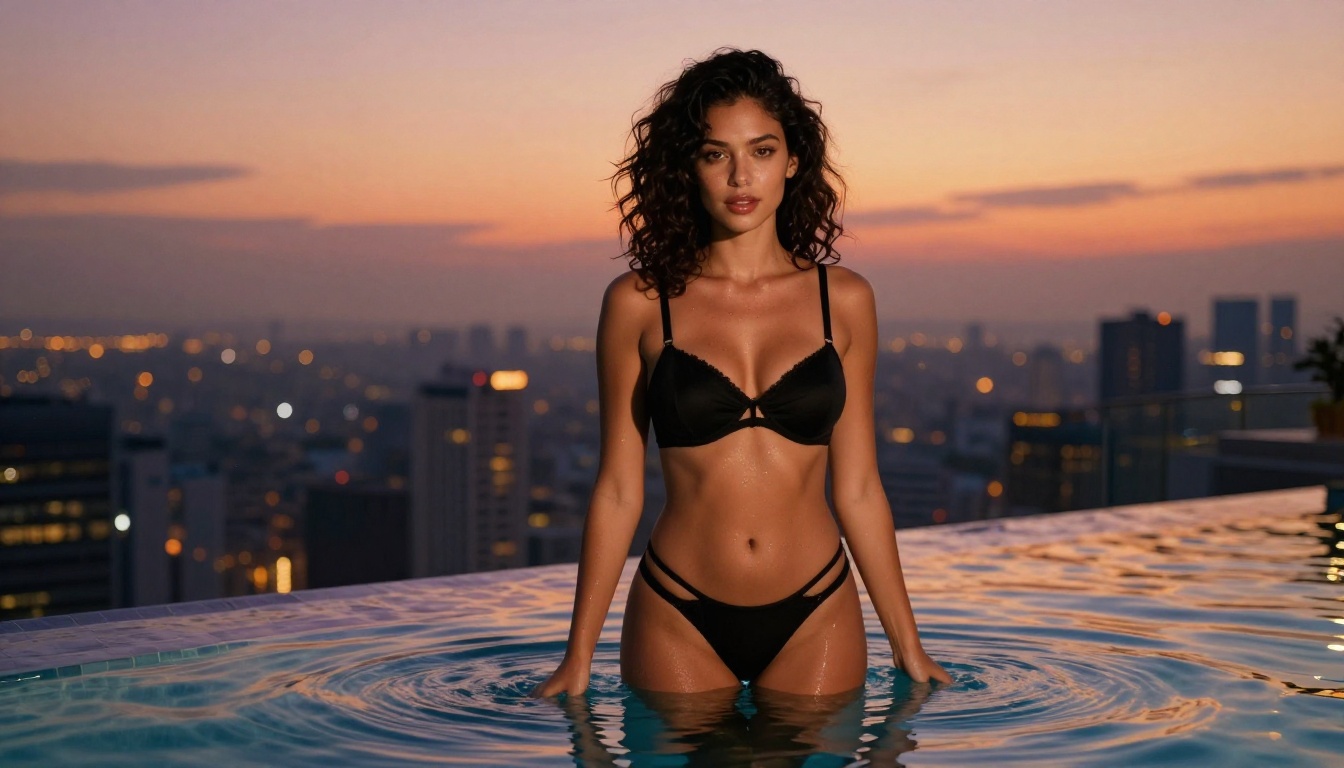
Best Models for NSFW Image Generation on PicassoIA
Before getting to video, images matter. Most adult AI video workflows start with a strong still image, then animate it. Here's the ranked order of what works on PicassoIA:
Seedream 4.5 Is the Top Pick
Seedream 4.5 sits at the top of the list for good reason. It accepts adult content, supports image editing alongside text-to-image generation, and produces ultra-realistic results in under 3 seconds. That speed matters when you're iterating on prompts. The model handles lighting, skin texture, and fine details in a way that makes outputs look genuinely photographic rather than synthetic.
Note: The newer Seedream 5 Lite does not support NSFW content. Stick with 4.5 for adult workflows.
PicassoIA Image Editor Pro for Unlimited Volume
PicassoIA Image Editor Pro is an img2img model with one massive advantage: unlimited generations are included in Elite and Infinite subscription plans. If you need 1,000 images, you get 1,000 images at no extra cost. Compare that to pay-per-generation models where the same volume runs around $100. It accepts NSFW content, returns results in under a second, and includes a 3-generation free trial with no credit card required.
💡 PicassoIA Image Editor Pro is the right choice whenever volume matters more than having the absolute best single output. For rapid concept testing, nothing touches its speed-to-cost ratio.
The Supporting Lineup
| # | Model | Strengths | Best For |
|---|
| 3 | Qwen Image 2 | Open source, detailed realism | Edit or create any image in seconds |
| 4 | Grok Imagine Image | Realistic conversions | Bikini and lingerie style transformations |
| 5 | Recraft V4 | Very realistic text-to-image | High-quality NSFW stills |
| 6 | P-Image | Sub-1-second generation | Fast NSFW text-to-image |
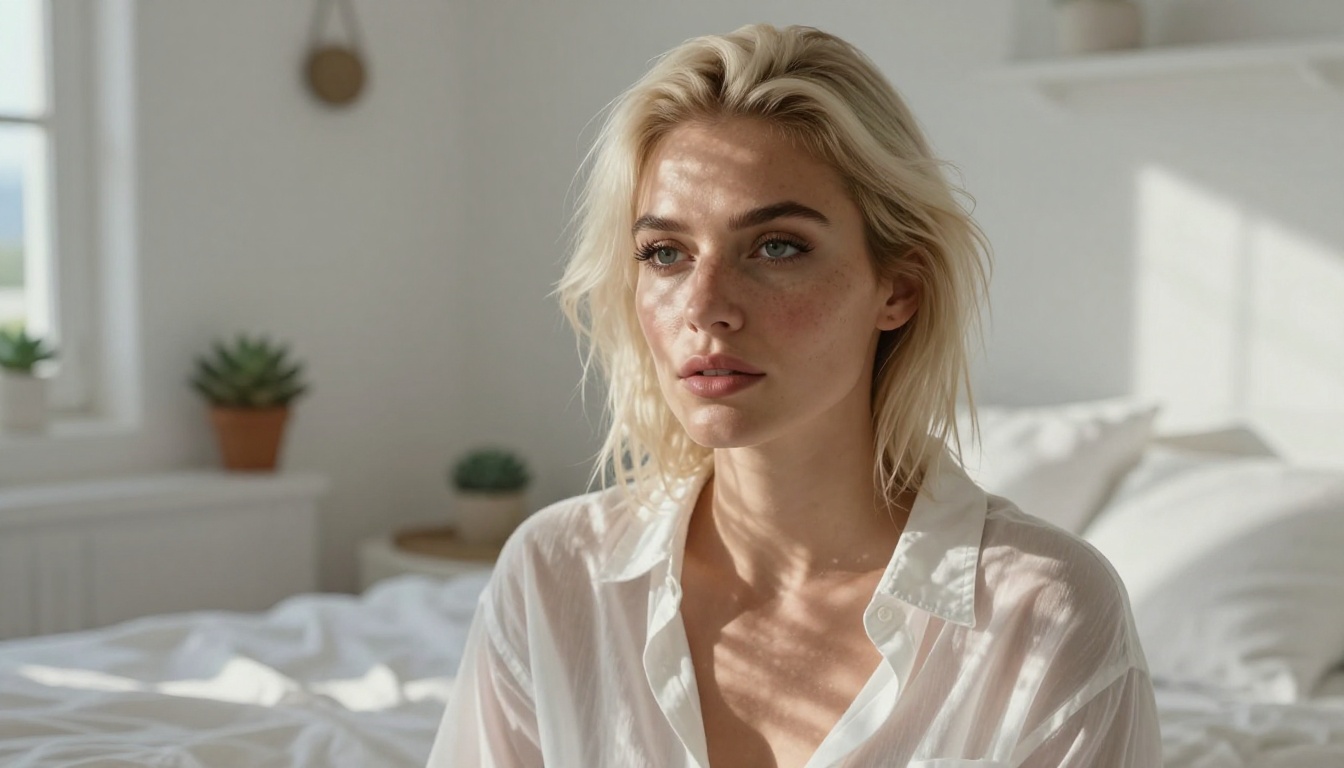
No-Cost AI Video Tools That Support Adult Content
Now for the core question: which video tools are actually free and actually allow adult content?
PicassoIA Video: Unlimited and Uncensored
PicassoIA Video is the strongest free video option for adult content. It generates directly from text prompts at up to 720p, 5 seconds per clip, with unlimited generation included in the platform's subscription plans. No per-clip fees, no watermarks on paid tiers, and the content policy allows adult content that would be blocked on mainstream platforms.
For an adult content creator, this removes the primary friction point: you stop counting tokens, credits, or API calls. You iterate until the output is right.
Seedance 2.5 Lite: Free Tier with Real Value
Seedance 2.5 Lite is available as a free and unlimited AI video generator producing clips up to 10 seconds. It is ByteDance's accessible entry point into their Seedance family. The free tier is genuinely usable — not a 2-generation trial — making it one of the few tools where "free" translates to real creative output.
💡 Seedance 2.5 Lite pairs well with stills generated via Seedream 4.5. Generate your image, then animate it for a fully AI-powered adult content pipeline at minimal cost.
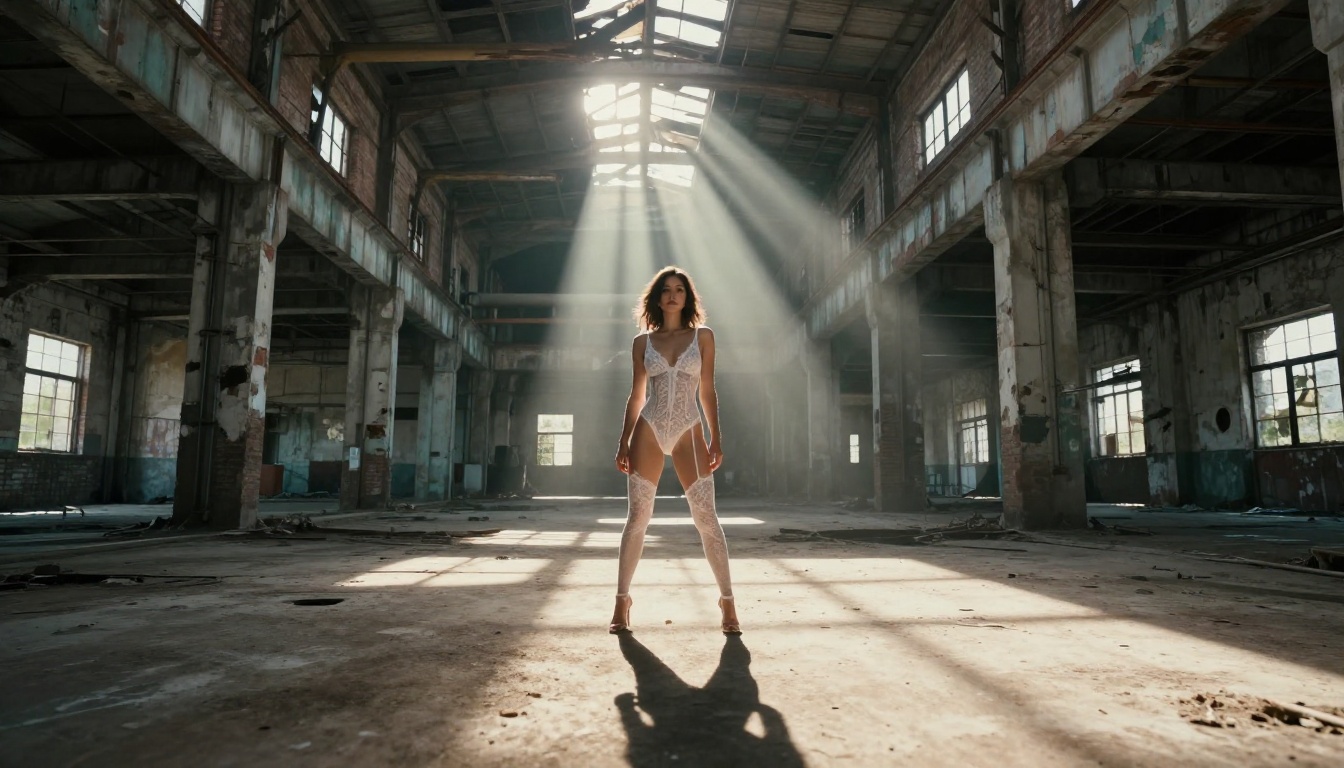
P-Video: Safety Filter Off by Default
P-Video from PrunaAI is one of the most creator-friendly video models on the platform. It accepts text, image, or audio as input and outputs clips at up to 1080p at 24 or 48 fps, with duration adjustable from 1 to 10 seconds and seven aspect ratios. The critical detail: the safety filter is disabled by default. Prompts are not checked for adult content before generation. Draft mode gives you an instant low-res preview before committing to the full render.
Grok Imagine Video: 15-Second Clips
Grok Imagine Video generates clips up to 15 seconds from a text prompt, a reference image, or an existing video you want to re-edit. It outputs at 720p or 480p across eight aspect ratios with no watermarks, and image-to-video mode auto-matches your source image proportions. Its companion image model, Grok Imagine Image, is already a top NSFW pick — using both together creates a seamless still-to-motion pipeline.
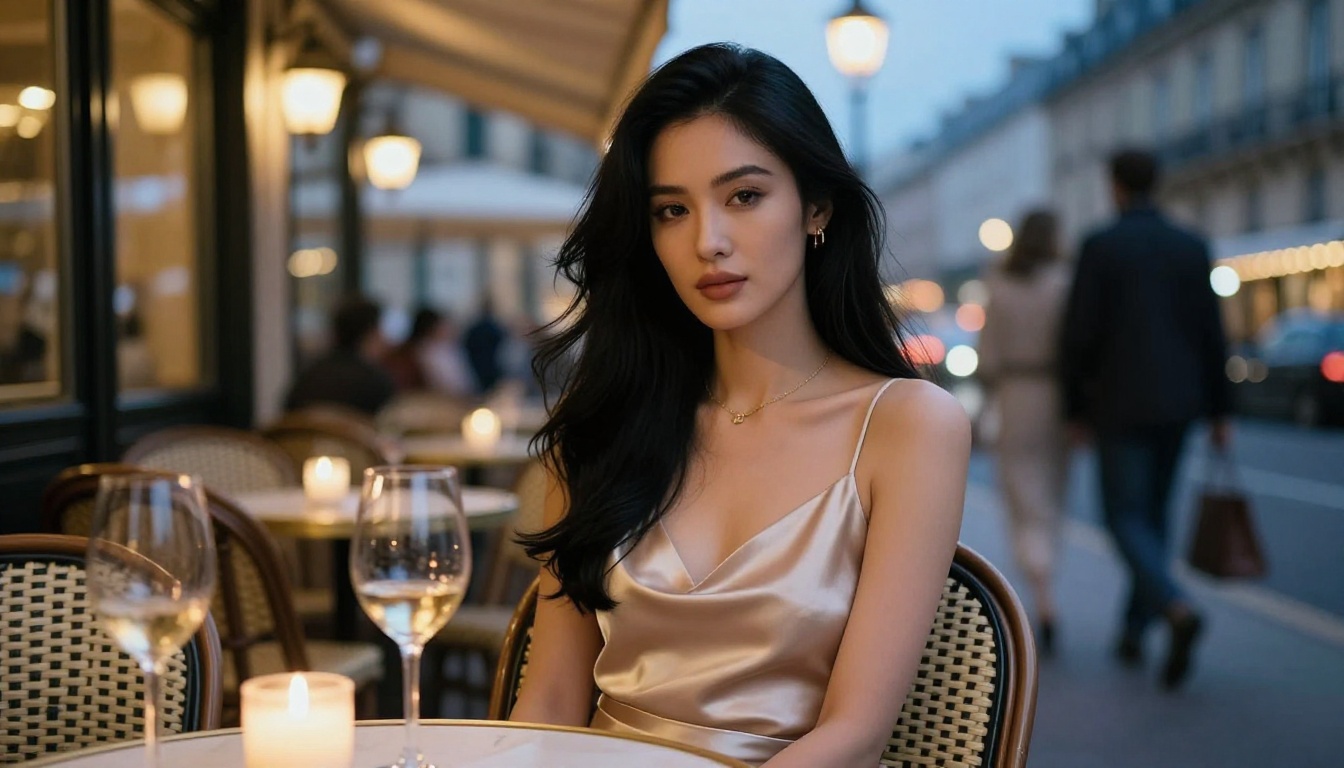
Comparing Free vs. Paid Tiers for Adult Video
Understanding where the actual limits are helps you plan a workflow that does not hit walls mid-project.
The gap between the PicassoIA ecosystem and mainstream platforms is not just about content policy. It is about the combination of unlimited generation, no watermarks, and no content restrictions — three conditions that almost never coexist outside specialized platforms.
Beyond the free-tier options, these models raise the output quality ceiling for adult content video:
Wan 2.2 I2V Fast for Image Animation
Wan 2.2 I2V Fast converts static images into dynamic videos with smooth, natural animations. It is particularly strong for adult content workflows because it starts from your already-approved image, giving you control over the starting frame and reducing the prompt-guessing that plagues pure text-to-video approaches.
LTX 2.3 Pro for Client-Ready Work
LTX 2.3 Pro delivers the highest fidelity available on the platform. Exports reach 4K at 50 fps, resolution that holds up on large screens. Five modes run from a single interface: text-to-video, image-to-video, audio-to-video, retake (replace a short segment without re-rendering the full clip), and extend (append footage to the start or end). Camera-motion presets include dolly, jib, and focus-shift.
For commercial adult content work, LTX 2.3 Pro is the production-grade option when Seedance 2.5 Lite or P-Video produce the concept but you need a quality upgrade for final delivery.

Wan 3 and Pixverse v5.6
Wan 3 from Alibaba generates cinematic video with strong motion coherence. Pixverse v5.6 turns text into 1080p video with solid prompt-following. Both support adult content through PicassoIA and sit in a mid-range quality tier that is fast enough for high-volume workflows while producing polished results.
How to Build a No-Cost Adult AI Video Workflow
Combining the tools above into a repeatable workflow is straightforward:
Step 1: Generate the source image
Use Seedream 4.5 for high-realism stills, or Grok Imagine Image for specific style transformations. Write detailed prompts specifying lighting direction, camera angle, and texture.
Step 2: Refine with image editing
If the first output is not quite right, pass it into PicassoIA Image Editor Pro for inpainting, outpainting, or object replacement. Unlimited generations mean you can iterate without cost anxiety.
Step 3: Animate the still
Pass the final image into Wan 2.2 I2V Fast or P-Video with a motion prompt describing what happens in the 5-10 second clip. Describe camera movement and subject motion separately for best results.
Step 4: Upgrade for final delivery
If the concept holds but you need higher resolution, move the approved clip through LTX 2.3 Pro for up to 4K output.
💡 This four-step pipeline keeps costs near zero for concept work and only invests credits at the final output stage.

Prompting for Adult AI Video
Getting consistently good adult content from AI video tools requires more precision than standard prompts. These patterns work across most models on PicassoIA:
What Belongs in the Prompt
- Subject description first: Physical appearance, clothing or implied absence, pose
- Environment and lighting: Room type, light source direction and color temperature, time of day
- Camera specifics: Angle (low, overhead, eye-level), lens (wide, portrait, macro), depth of field
- Motion description (for video): What moves, how fast, whether the camera tracks or stays static
What to Avoid
- Overly long philosophical descriptions of mood without physical specifics
- Ambiguous pronoun references when there are multiple subjects
- Conflicting style terms that pull in two directions
Sample prompt structure that works well:
"Young woman with [hair color and style], wearing [clothing description], [pose or action] in [environment]. [Lighting direction] from [source], creating [shadow and highlight description]. Shot with [lens] at [angle]. [Camera motion for video]."
The Difference Between Image and Video Prompts
Image prompts are static descriptions. Video prompts describe change over time. For a 5-second clip, you need to specify what moves from frame 1 to frame 5. If nothing is told to move, many models default to subtle ambient motion (hair, fabric). If you want specific action, you must write it explicitly.
Good video prompt addition: "Camera slowly dollies in from medium shot to close-up over 5 seconds, subject turns head slightly toward camera, fabric moves gently with ambient breeze."
What PicassoIA Offers That Others Don't
The honest answer to why PicassoIA stands out for no-cost adult AI video is the combination of factors it stacks in one place:
- 91 text-to-image models across every style and realism level
- 87 text-to-video models including the most capable open-weight options
- No blanket content ban: Models that support adult content are explicitly labeled and accessible
- Unlimited generation tiers: Elite and Infinite plans remove per-generation costs entirely
- No watermarks on paid outputs
Most platforms pick two or three of these. Very few offer all five simultaneously.
The full catalog of available models, including every NSFW-capable option, lives at picassoia.com/en/all-models. If you're building a serious adult content workflow, spending 10 minutes on that page is more useful than reading another comparison article.
Unlike many mainstream AI platforms, PicassoIA gives creators full creative freedom with uncensored, high-performance models. The filters are opt-in, not opt-out.
Start Creating Now
You do not need a large budget to build a high-quality adult AI video workflow in 2027. The tools are accessible. The limits are mostly about knowing which platforms actually allow what you're trying to create, and how their free and unlimited tiers work in practice.
Seedream 4.5 is the place to start for images. PicassoIA Video and Seedance 2.5 Lite cover the video side without per-clip costs. For volume and editing, PicassoIA Image Editor Pro handles unlimited iterations at near-zero marginal cost.
Try the workflow above with your own prompts at picassoia.com/en/all-models. The free tier gives you enough room to see what the platform can actually do before committing to a subscription.


