Wan 2.7 is one of the most capable open-source video models available, and its free access makes it tempting for NSFW content creators. We tested all three variants across T2V, I2V, and R2V pipelines, mapped exactly where the content limits are, and found prompt structures that consistently produce quality results without burning through credits.
Wan 2.7 arrived with serious momentum: a fully open-source video model from Alibaba that anyone can run locally or access through web platforms at no cost. The NSFW community noticed immediately. With no subscription fee and an architecture built on a massive, diverse training dataset, Wan 2.7 looked like the democratization of adult AI content creation. So we put it through its paces across all three generation modes, mapped the real limits, and found the smartest ways to get usable results for free.
This is not a surface-level overview. We actually ran the prompts, documented the blocked outputs, and tested the framing adjustments that moved blocked content into successful generations. What follows is a practical map of what Wan 2.7 can do, what it refuses to do, and how to use it in combination with the best free image models on PicassoIA to build a no-cost NSFW workflow that actually works.
What Wan 2.7 Actually Is
Most people know Wan as "that free video model." That undersells it significantly. Wan 2.7 is a 14-billion parameter diffusion transformer trained on an enormous corpus of video and image data. It ships in three distinct variants that serve completely different creative workflows:
Wan 2.7 T2V: Text-to-video. You describe a scene and the model generates up to 1080p video output directly from your prompt.
Wan 2.7 I2V: Image-to-video. Feed it a still image and a motion prompt; it animates the scene forward in time.
Wan 2.7 R2V: Reference-to-video. Provide a reference subject image to maintain consistent visual identity across multiple generated video clips.
On PicassoIA, all three variants are available without requiring a premium subscription. That alone puts Wan 2.7 in a different category from most commercial video tools that gate 1080p output behind paywalls or require monthly subscriptions to access at all.
The Architecture Behind the Output
Wan 2.7's DiT (Diffusion Transformer) backbone allows significantly more nuanced motion synthesis compared to earlier VQVAE-based video generation systems. This matters for NSFW-adjacent content because body motion, fabric physics, hair dynamics, and skin texture rendering all depend on how well the model understands spatial and temporal relationships frame by frame.
Wan 2.7 handles these elements substantially better than its predecessors Wan 2.5 T2V and Wan 2.6 I2V. Where earlier Wan models produced obvious flickering on skin surfaces and stiff fabric movement, the 2.7 architecture generates motion that reads as physically plausible. This is the difference between a clip that looks like animation and one that reads as real photography.
What "Free" Actually Means
Here is the reality check most articles skip. "Free" with Wan 2.7 means different things depending on where you run it, and the differences in what you get are significant.
Setup
Cost
Resolution
Speed
NSFW Handling
Local (your GPU, 24GB+ VRAM)
Hardware cost only
Up to 1080p
Depends on GPU
Fully uncensored
PicassoIA free tier
$0
Up to 1080p
Fast (cloud GPU)
Platform-level filters
ComfyUI self-hosted
Free software
Up to 1080p
Your hardware
Fully uncensored
Most API wrappers
Per-generation fee
480p to 720p
Fast
Strict censorship
The sweet spot for most people is PicassoIA. You get cloud GPU speed at zero cost, 1080p output capability, and access to all three Wan 2.7 variants without managing CUDA drivers, model weights, or Python dependency conflicts. The tradeoff is that PicassoIA runs platform-level safety classifiers on top of the base model.
💡 The real hardware math: Self-hosting Wan 2.7's 14B parameter model at full quality requires at least 24GB of VRAM. Most consumer GPUs cap at 12 to 16GB. Cloud platforms give you that compute without the capital expense or the setup overhead.
Running at 480p locally on a constrained GPU produces noticeably worse skin texture and motion coherence than running 720p through a cloud GPU. The free cloud option often produces genuinely better output than the "uncensored" local option simply because of the compute difference.
The Real Limits: What Gets Blocked
Wan 2.7 on hosted platforms runs with safety classifiers layered on top of the base model weights. These filters are not part of Wan 2.7 itself but are applied by the hosting provider at inference time. Here is what our testing found:
What Passes Consistently
Bikinis, lingerie, and swimwear in natural settings
Implied nudity framed through towels, sheets, or partial exposure
Glamour photography aesthetic content
Form-fitting clothing with natural body definition
Suggestive poses that stop short of explicit contact or exposure
Implied artistic nudity with tasteful environmental framing
Sensual movement, confidence, and body aesthetic content
Sheer or translucent fabric in editorial photography contexts
What Gets Blocked Reliably
Explicit anatomical exposure in direct prompt language
Simulated sexual acts, even implied through motion descriptors
Any content involving minors in any context
Realistic harm or gore content
Combination prompts that stack multiple boundary-adjacent terms in a single generation request
The Classifier Gap
The interesting creative territory sits between these two poles, and it is larger than most people assume. We found that prompts emphasizing artistic context, photography terminology, and environment specifics consistently outperformed vague or direct NSFW requests. A prompt like "woman in sheer silk robe, soft morning light, editorial film photography" clears filters at a far higher rate than blunt content requests with the same subject.
💡 Framing is everything: Safety classifiers read semantic intent across the entire prompt, not just isolated flagged words. Building prompts around aesthetic, lighting, and composition rather than subject exposure shifts the model's output toward what you want without triggering blocks.
NSFW Image Generation: Start Here
Before you run any video workflow on Wan 2.7, you need strong source images. This is especially critical for Wan 2.7 I2V, where the quality of your still image determines roughly 80% of the final clip output. A poorly generated source frame produces flickering, proportion errors, and motion incoherence in the resulting video regardless of how good your motion prompt is.
For NSFW image generation on PicassoIA, Seedream 4.5 is the best starting point. It is built specifically for high-detail photorealistic output with significantly more permissive content handling than most text-to-image models available on public platforms. Seedream 4.5 renders skin, fabric texture, and body proportions with photographic fidelity that makes subsequent I2V animation look natural rather than synthetic.
💡 Why Seedream 4.5 specifically: Unlike Seedream 5 Lite, which blocks adult and suggestive content by design, Seedream 4.5 operates with a much broader creative range. For glamour, lingerie, and swimwear content, it produces cleaner results than SDXL-based alternatives without requiring complex negative prompts to suppress unwanted artistic modifications.
For creators who need unlimited generation volume without per-image costs, PicassoIA Image Editor Pro removes generation caps entirely. This matters when you are iterating on subtle variations, adjusting lighting positions, or testing prompt phrasing to find the exact aesthetic before committing to a full video generation run that costs more compute.
The image-to-video workflow is where most creators get the best results because you control the source frame precisely before any generation runs. Here is the exact process:
Step 1: Generate Your Source Image
Use Seedream 4.5 to generate a 16:9 still. Keep the subject centered with clear negative space at the frame edges. The model needs compositional room to apply motion without clipping limbs or cutting off important visual elements at the borders.
Navigate to Wan 2.7 I2V on PicassoIA. Upload your generated image directly. The model accepts JPG and PNG inputs up to 4K resolution without any preprocessing required.
Step 3: Write Your Motion Prompt
Your motion prompt should describe what moves and how the camera moves, not what the scene looks like. The visual information is already encoded in your source image. Focus on:
Camera movement: slow dolly push, gentle pan, pull back, orbit
Environmental motion: breeze, water ripple, light shift
Example that passes filters consistently:
"Gentle breeze moves hair softly, slight body sway, slow dolly push forward, warm afternoon light, cinematic depth of field"
Step 4: Select Resolution
For output quality that holds up at full screen, select 720p or 1080p. The 480p option renders fastest on the free tier but produces noticeably worse skin texture and clothing detail in the final clip. Use 480p for quick concept tests, 720p or 1080p for final output.
Step 5: Download and Iterate
Download the MP4 directly from PicassoIA. If the motion reads as mechanical or the clip crops an important element, go back to Step 1 and adjust your source image composition before re-running.
5 Prompts That Pass Wan 2.7's Filter
Based on our testing across all three Wan 2.7 variants, these prompt structures consistently produce usable NSFW-adjacent output without triggering safety classifiers. Adapt them to your specific subject and environment:
1. Pool and Swimwear
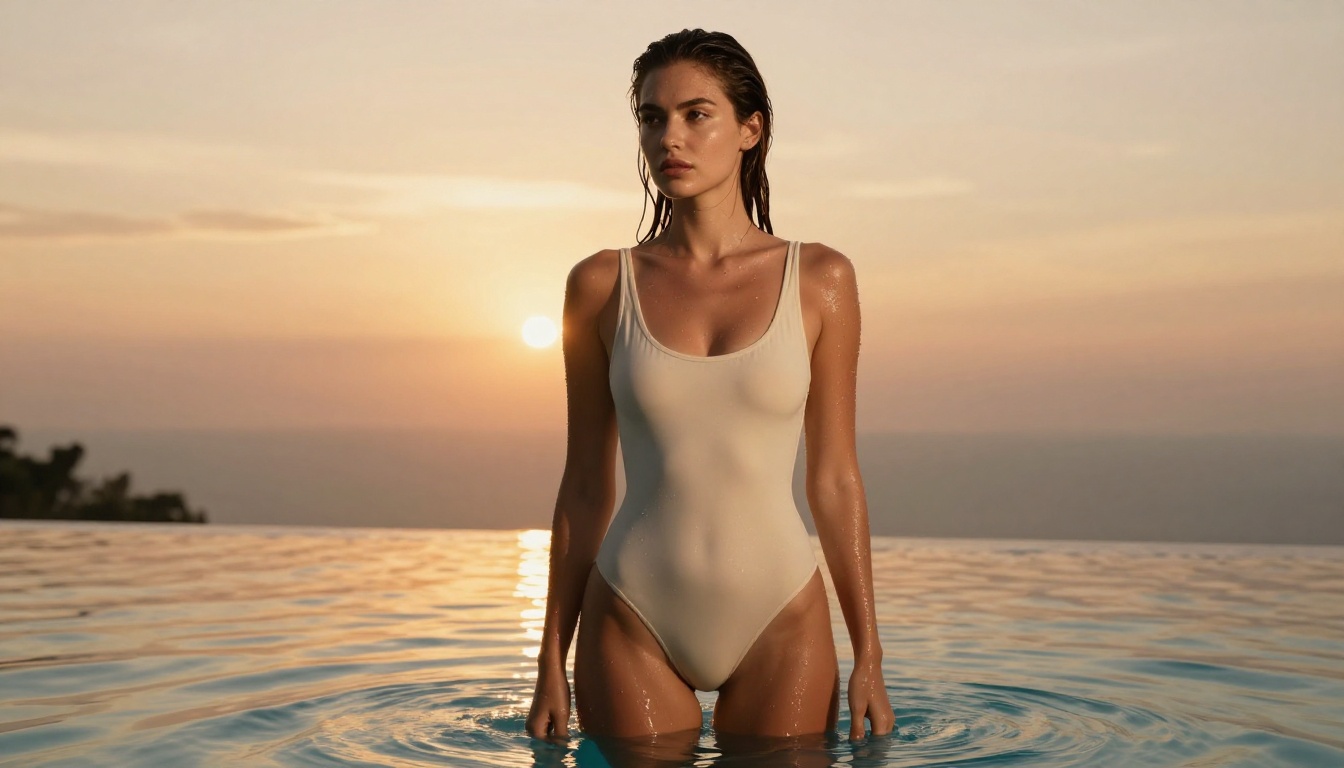
"Woman in high-cut one-piece swimsuit at infinity pool edge, golden hour light, water droplets on bare shoulders, slow camera push forward, cinematic grain"
2. Lingerie and Interior
"Woman in ivory silk slip standing near floor-to-ceiling window, early morning diffused light, gentle fabric sway, hair moving softly, slow dolly in, photorealistic"
3. Beach and Natural Light
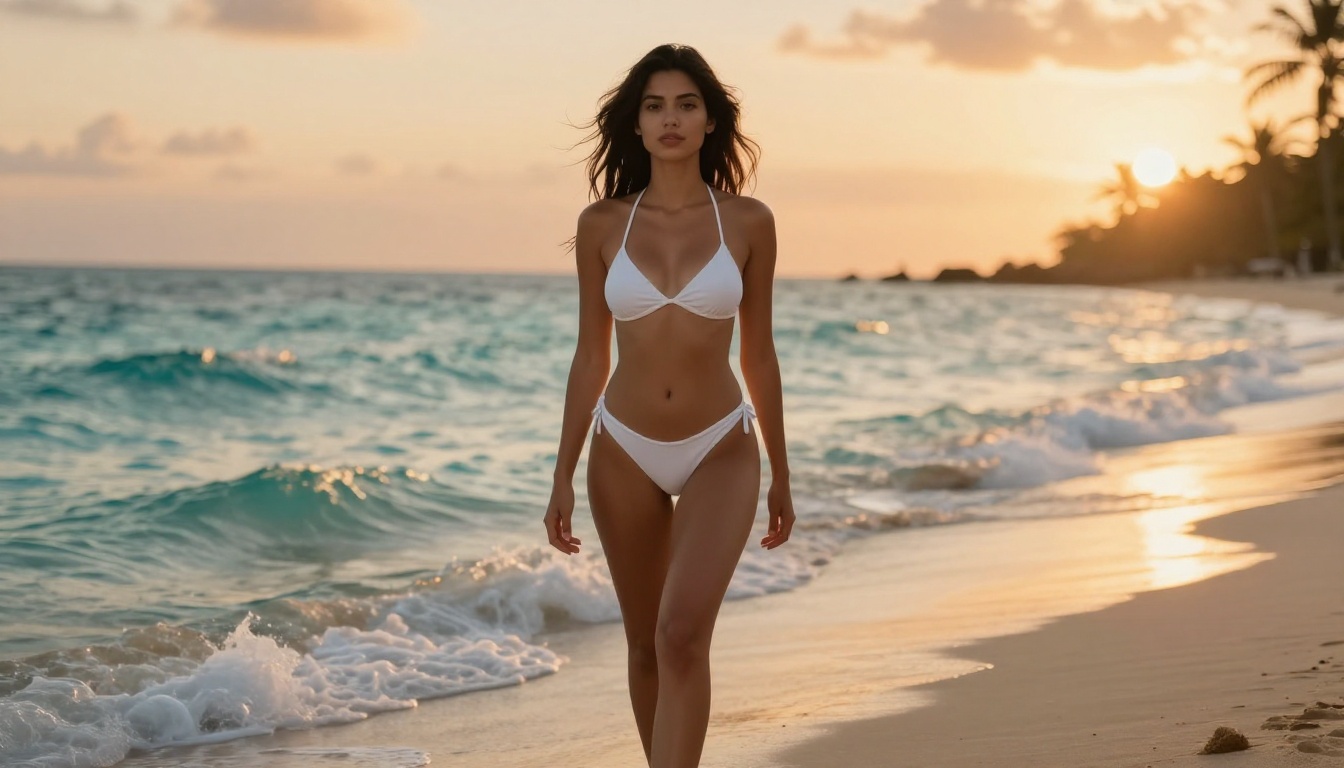
"Woman in minimal white bikini at tropical shoreline, sunset backlight with amber haze, waves at bare feet, slight sway, camera pull back wide to medium, Kodak film grain"
4. Glamour and Fashion
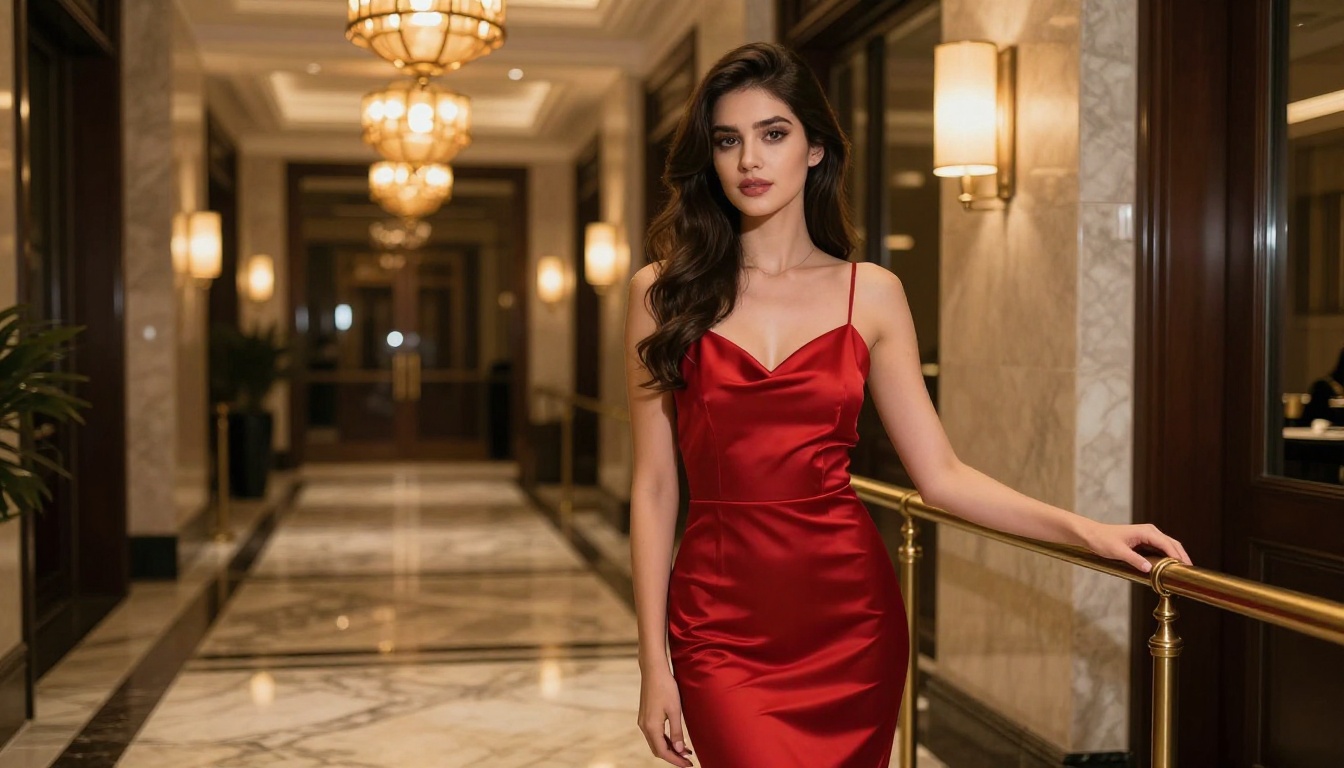
"Woman in fitted satin dress in marble hotel corridor, warm pendant lighting, graceful quarter turn, slow camera orbit left, editorial photography style, 8K"
5. Artistic and Sheer
"Woman draped in sheer white fabric on rooftop at dusk, city skyline soft in background, fabric shifting in breeze, aerial perspective tilting down slowly, cinematic natural light"
Wan 2.7 vs. Other Free Video Models
Wan 2.7 is not the only option on PicassoIA for suggestive content. Here is how it compares to other free-tier models on the platform for this specific use case:
💡 For maximum permissiveness on the free tier: Seedance 2.5 Lite and Picassoia Video run with lower filter sensitivity by default, making them better fallbacks when Wan 2.7 blocks prompts you consider reasonable. Both are free and unlimited on PicassoIA.
The Prompt Engineering Reality
Most creators trying to get NSFW-adjacent results from AI video tools fail because they approach prompts like search engine queries. AI video models respond to compositional intent encoded across the full prompt, not a list of keywords. The difference between a blocked output and a successful one is almost always framing.
What Consistently Works
Specificity over vagueness: "Woman in ivory satin slip by window, 7am morning light from upper left, slight sway in place" outperforms "beautiful woman in lingerie" in both output quality and filter passage rate. Specificity signals artistic intent rather than content request.
Environment anchoring: Rooftops, pool edges, beaches, hotel corridors, dressing rooms with warm lighting. The more concrete your location detail, the more the model weights environment over subject characteristics.
Camera language: Words like "slow dolly," "gentle orbit," "pull back," "push in," "wide to medium" signal cinematic framing. This shifts the model's semantic context toward photography and filmmaking rather than content generation.
Lighting precision: "Volumetric morning light from upper left," "amber backlight at golden hour," "diffused overcast with fill from below." Specific lighting language triggers the model's photography and cinematography associations more strongly than its content filtering associations.
Texture descriptors: "Kodak Portra 400 film grain," "silk drape with natural catch light," "wet skin catching rim light." These details pull the model toward photorealistic rendering rather than illustration.
What Fails Every Time
Stacking multiple suggestive body-part descriptors in one prompt
Explicit action verbs describing contact or exposure
Named explicit content categories without contextual framing
Very short prompts without environmental or camera context
Combining body language descriptors with removal or undressing vocabulary
The Wan 2.7 R2V Advantage
Most creators overlook Wan 2.7 R2V entirely. This reference-to-video variant solves the core problem in building any multi-clip NSFW-adjacent video project: identity consistency.
When you generate T2V clips, a new subject appears in every generation. When you use I2V, you get one source frame per clip. When you use R2V, you provide a reference image of your subject and then generate multiple clips where that same person remains visually consistent across different environments, camera angles, and motion prompts.
For content creators building series or multi-clip narratives, R2V is the most powerful tool in the Wan 2.7 family. It takes what would otherwise be a collection of disconnected one-off generations and turns them into a coherent content library with a recognizable, consistent subject.
R2V Workflow
Generate your reference subject image with Seedream 4.5. Use a clean, well-lit portrait-style frame with the subject clearly visible.
Upload the reference image in the reference subject slot.
Write scene-specific motion and environment prompts for each individual clip you want to generate.
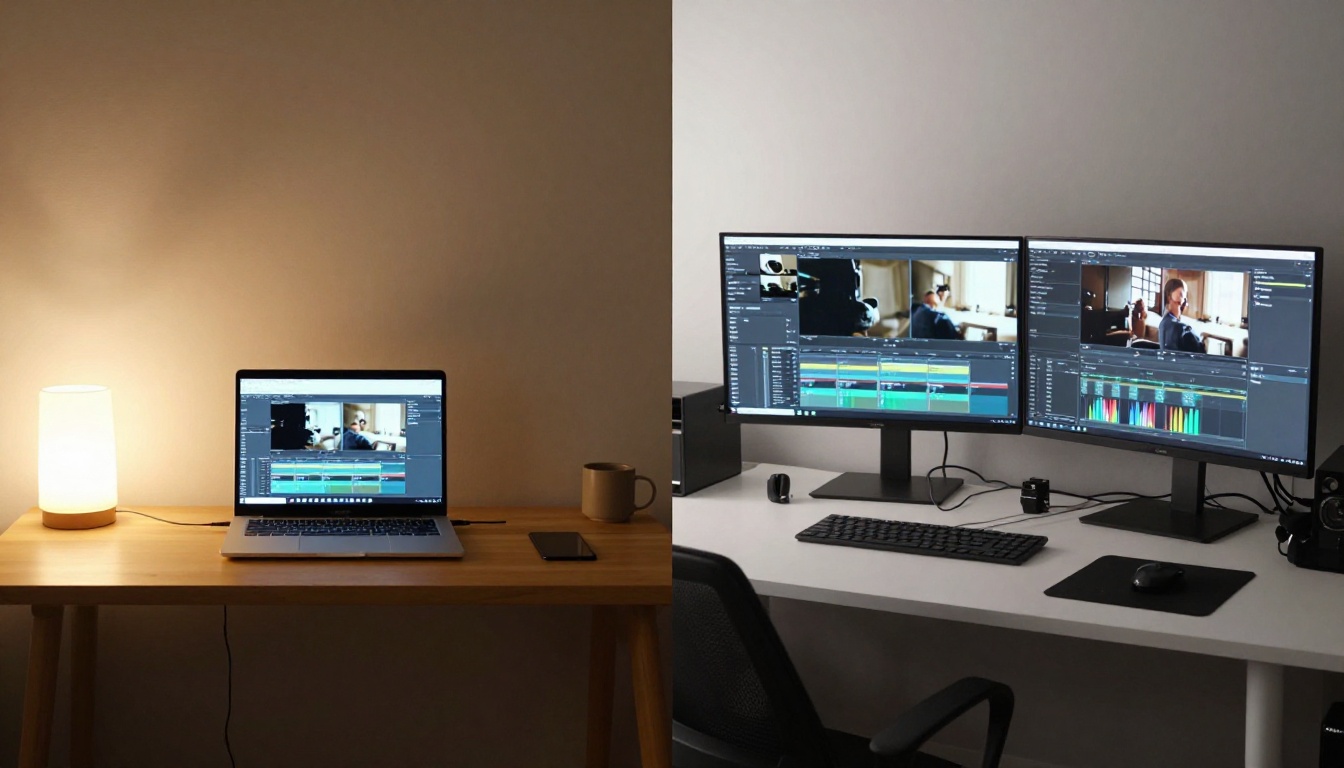
Download and sequence the clips in any video editor.
Each generated clip maintains the subject's face, body proportions, and skin tone while the environment, lighting, and camera movement change per prompt. This is how professional AI content creators build multi-clip narratives rather than disconnected single outputs.
Free vs. Paid: The Actual Breakdown
Feature
Free Tier
Paid Tier
Wan 2.7 T2V, I2V, R2V access
Yes
Yes
Maximum resolution
1080p
4K on supported models
Queue priority
Standard
Priority processing
Concurrent generations
1 at a time
Multiple simultaneous
Seedream 4.5 access
Yes
Yes
Seedance 2.5 Lite
Unlimited
Unlimited
Picassoia Video
Unlimited
Unlimited
Generation volume cap
Soft daily limits
Higher caps
For NSFW-adjacent content, the free tier covers the fundamentals. Where paid tiers help is throughput. If you are building a content library at scale, standard queue wait times and single concurrent generation limits slow your iteration cycle significantly. The hybrid approach: use unlimited free models like Seedance 2.5 Lite for fast iteration and concept testing, then use Wan 2.7 for final high-resolution output once you have confirmed your prompt.
💡 The hybrid workflow: Concept test on Seedance 2.5 Lite for free at unlimited volume. Lock your prompt. Run final output through Wan 2.7 I2V or Wan 2.7 T2V at 1080p. This workflow minimizes credit use and maximizes output quality.
Try It Now
Wan 2.7 is the most capable free video model available for NSFW-adjacent content creation. Its limits are real but narrower than most people assume, and navigable with the right prompt structure. The I2V pipeline with Seedream 4.5 as your source image gives you the highest degree of control over final output, while Wan 2.7 R2V opens up multi-clip consistency that no other free video model currently matches.
PicassoIA hosts all three Wan 2.7 variants alongside over 90 text-to-image models and 117 video generation models, most available on the free tier without any subscription. You can start with Wan 2.7 T2V for direct text prompts, move to I2V once you have strong Seedream 4.5 source images, and scale up to R2V when you are ready to build longer content sequences with a consistent subject.
Browse everything available at picassoia.com/en/all-models and run your first clip today without spending a dollar.