The filters are getting stricter. Midjourney blocked entire prompt categories. DALL-E refuses anything that reads as suggestive. Adobe Firefly barely lets you generate a bare shoulder without a warning screen. If you've spent time fighting content moderation systems that feel designed to prevent creativity, you already know the frustration.
This isn't about generating shock content. It's about producing realistic, beautiful, commercially viable imagery without a platform second-guessing your artistic intent at every step. Photographers who shoot swimwear. Artists working in the figurative tradition. Content creators who need images that actual humans find attractive.
The good news: a small number of tools have stayed out of the overcorrection spiral. Some are genuinely good. Most are not. Here's what's actually worth your time.
The Overcorrection Problem Is Real
Every major AI image platform has tightened its content policy over the past 18 months. The pressure comes from multiple directions: corporate PR concerns, app store restrictions, regulatory anxiety, and a general assumption that "safer" equals less liability. The result is a generation of tools that produce sanitized images by default, block anything that reads as adult content, and flag perfectly legitimate creative work as a violation.
The filtering is often inconsistent. The same tool that blocks a swimwear prompt will generate a swimsuit catalog image if the wording is slightly different. These systems are not principled, they're reactive. And that makes them frustrating to use for anyone doing serious creative work.
What Gets Blocked and Why
Most AI tools use a combination of keyword filtering on the prompt side and classifier models on the output side. Your prompt might be rejected before generation starts, or the image might be generated and then suppressed. Some platforms use human reviewers on flagged content. Others rely entirely on automated systems.
The practical effect: you spend as much time rewording prompts as you do actually creating images. And you still can't reliably produce content that any professional photographer could shoot on a beach without anyone raising an eyebrow.
Speed Plus Realism
A no-filter tool is useless if it generates low-quality images. The bar for "acceptable" has risen dramatically. Users expect outputs that could pass for professional photography, not the blurry, warped results of early uncensored models. The tools worth recommending in 2027 combine minimal content restrictions with genuine photorealism.
Speed matters too. If generating a single image takes 45 seconds, iterating on a prompt becomes painful. The best no-filter tools generate in under 3 seconds. Some under 1 second. That's the difference between a tool you actually use and one you tolerate.
Consistency at Scale
A single good image isn't enough for professional work. You need consistent results across multiple prompts, with coherent style, reliable anatomy, and predictable behavior. The worst uncensored models get the anatomy right about 60% of the time. The best hit 95%+. That gap determines whether you can ship work or spend hours cherry-picking from failed attempts.
Seedream 4.5: The Benchmark
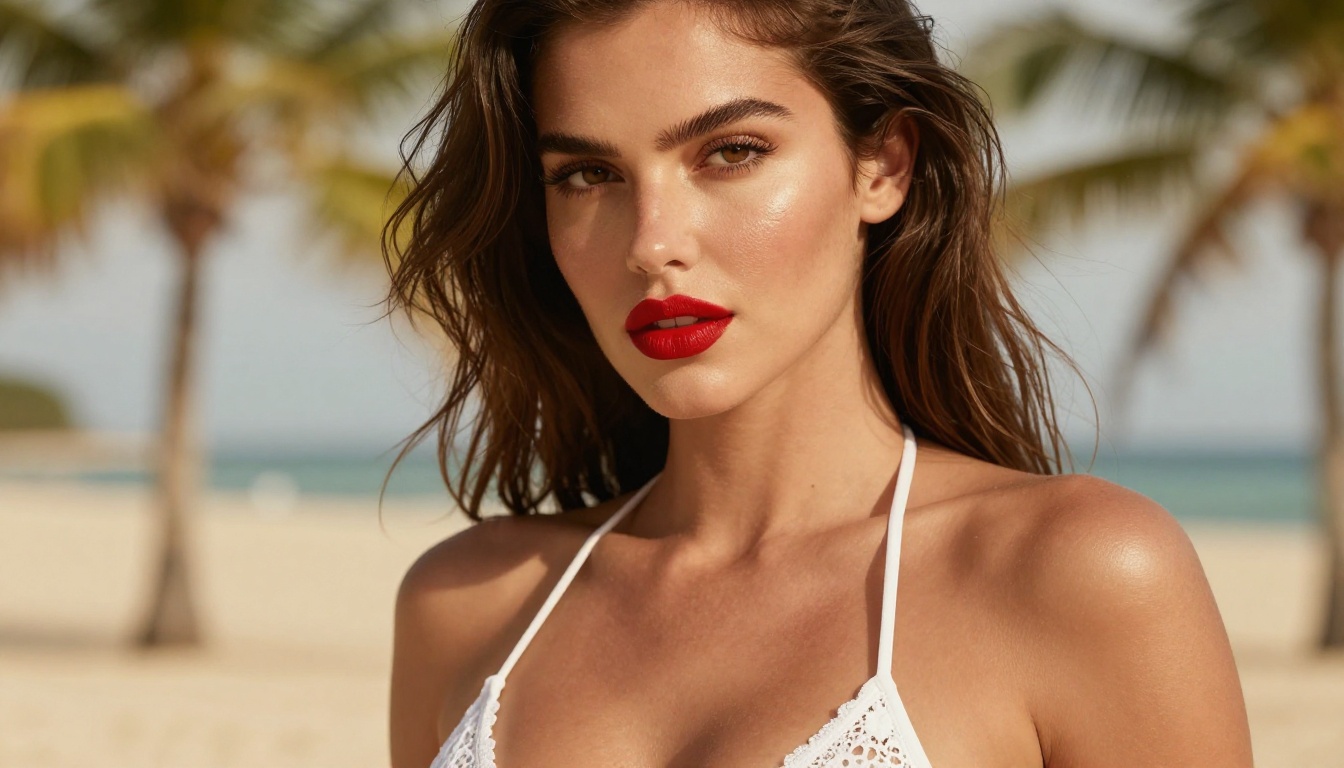
Seedream 4.5 sits at the top of the no-filter image stack right now, and it's not particularly close. Built by ByteDance and available on PicassoIA, it accepts adult-oriented prompts, generates images in under 3 seconds, and produces the kind of photorealism that makes you double-check whether it's AI-generated.
What sets it apart from other unrestricted models is the combination of speed and anatomical accuracy. You're not choosing between fast-and-mediocre or slow-and-good. Seedream 4.5 delivers both at the same time.
It also handles image editing, so you can take a generated image and refine specific areas without starting over. That makes iterative workflows practical rather than theoretical.
💡 Note: The newer Seedream 5 Lite does not support adult content. If you're looking specifically for unrestricted generation, stay with Seedream 4.5.
PicassoIA Image Editor Pro: Unlimited Everything
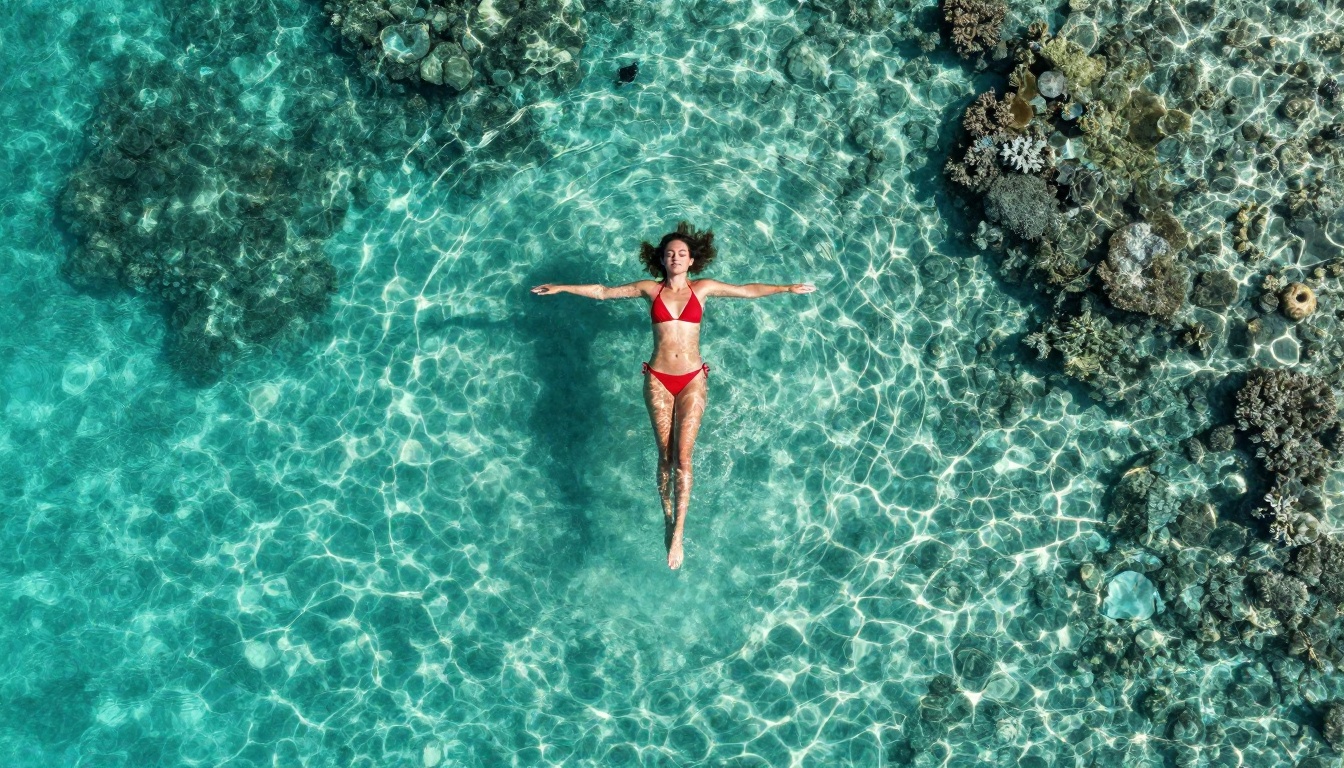
The argument for PicassoIA Image Editor Pro isn't about raw image quality. It's about scale. If you're generating hundreds or thousands of images, the cost arithmetic on most AI platforms gets brutal fast. Models that charge per generation add up to real money at volume.
PicassoIA Image Editor Pro changes that equation entirely. On Elite or Infinite plans, you get unlimited generations with no per-image cost. Generate 100 images. Generate 1,000 images. The cost doesn't move. Compare that to models like Nano Banana 2 where 1,000 images runs close to $100, and the value proposition becomes obvious.
It returns results in under 1 second. It accepts unrestricted content. And it comes with a 3-generation free trial that doesn't require a credit card.
This is an image-to-image model, so you'll need a source image to start from. That's a minor workflow consideration but worth knowing upfront.
Qwen Image 2: Open-Source Without Limits
Qwen Image 2 is the open-source option on this list. Being open-source changes the dynamic significantly: the model doesn't answer to a corporate content policy in the same way proprietary models do. What that means practically is more flexibility in what prompts it will accept and process.
The output quality is genuinely impressive. Detailed realism, consistent anatomy, and the ability to both create from text and edit existing images make it a versatile tool. If you value transparency about what's running under the hood, this is the no-filter option built on that principle.
Grok Imagine Image: Best for Photo-to-Style
Grok Imagine Image by xAI has a specific strength: converting existing photos into different styles or scenarios with a high degree of realism. The photo transformation capabilities are commonly cited because the results look genuinely photographic rather than synthetic. That level of photo-fidelity in transformation is harder to achieve than it sounds.
It's built by xAI, which has been more permissive with content policies than most major AI labs. That positioning shows in the model's actual behavior.
Recraft V4: Clean Photorealism
Recraft V4 works on text-to-image only, no image editing. But within that scope it delivers some of the cleanest photorealistic outputs available. If your workflow starts with prompts rather than source images, Recraft V4 is worth placing high on the list.
The realism is the draw here. Skin tone, fabric texture, environmental lighting, the small details that make an image look shot rather than generated. Recraft V4 handles all of it without the over-processed look that plagues many AI image tools.
P-Image: When Speed Is the Priority
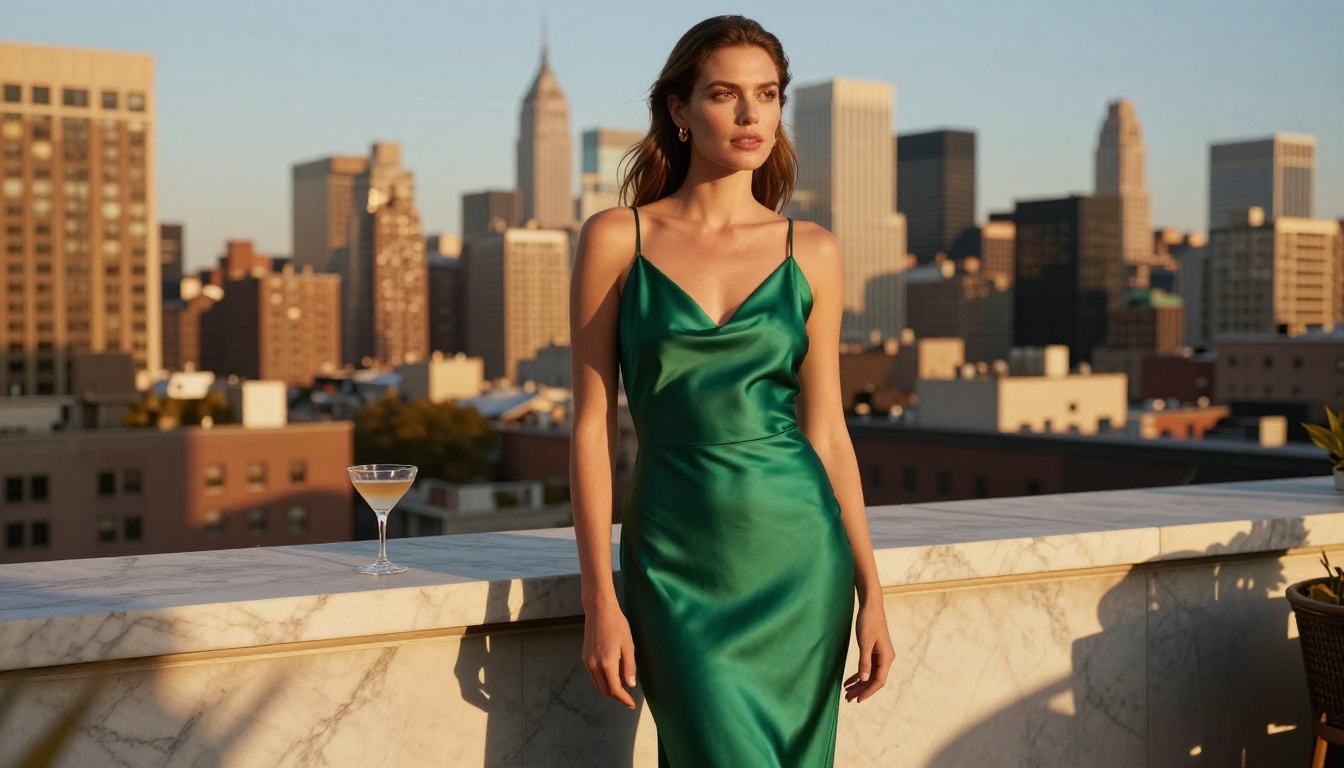
P-Image by PrunaAI generates images in under 1 second. That's not a marketing claim, it's a functional feature. When you're iterating through prompt variations looking for the right composition or lighting setup, the difference between 1-second generation and 10-second generation is massive.
It supports unrestricted content and delivers photorealistic results that hold up well. The speed advantage makes it particularly useful for creative workflows where you need to evaluate a lot of variations quickly.
prunaai-wan-2.2-image is another PrunaAI option in this tier, built specifically for generating highly realistic images from detailed text descriptions without content filters. Use it when you need to translate a long descriptive prompt into something that looks genuinely photographed.
How to Use Seedream 4.5 on PicassoIA
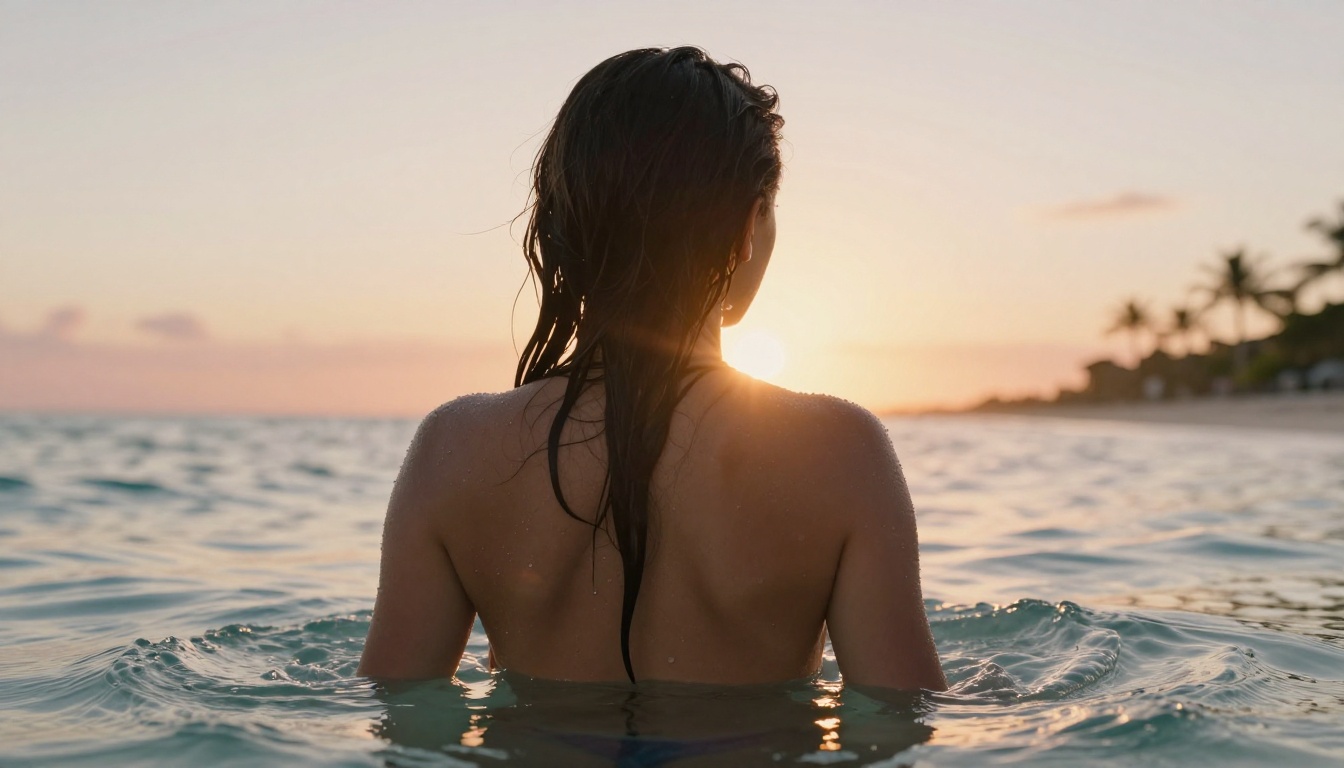
Seedream 4.5 is available directly on PicassoIA at picassoia.com/en/collection/text-to-image/bytedance-seedream-45. Here's how to use it effectively:
Step 1: Set Up Your Account
Go to PicassoIA and create an account. The platform offers both free and paid tiers. For unlimited access to Seedream 4.5 and the other models listed here, the Elite or Infinite plans are the relevant options. The free tier is enough to test the model before committing.
Step 2: Write a Prompt That Actually Works
The most common mistake with no-filter AI tools is writing vague prompts and expecting the model to fill in the detail. It won't. The more specific your prompt, the better your result.
Structure your prompts using this pattern:
[Subject + pose/position] + [environment/background] + [specific lighting] + [camera angle + lens] + [texture + atmosphere details]
Example prompt:
"Beautiful woman in a minimal white bikini standing at the edge of an infinity pool overlooking the Mediterranean at golden hour, shot from slightly below at waist height, 85mm f/1.4 lens, warm volumetric sunlight from the left, water droplets on skin, Kodak Portra 400 film grain, 8K photorealistic"
This structure gives Seedream 4.5 exactly what it needs to generate a specific, photorealistic result rather than a generic interpretation.
Step 3: Adjust and Iterate
After your first generation, look at what worked and what didn't. Is the lighting off? Add "volumetric morning light from the right" to the prompt. Is the background too busy? Add "simple blurred background, f/1.4 bokeh." Is the skin texture too synthetic? Add "natural pores, realistic skin texture, subtle film grain."
Iteration is the whole process. Seedream 4.5 generates fast enough that doing 10 iterations takes less than a minute.
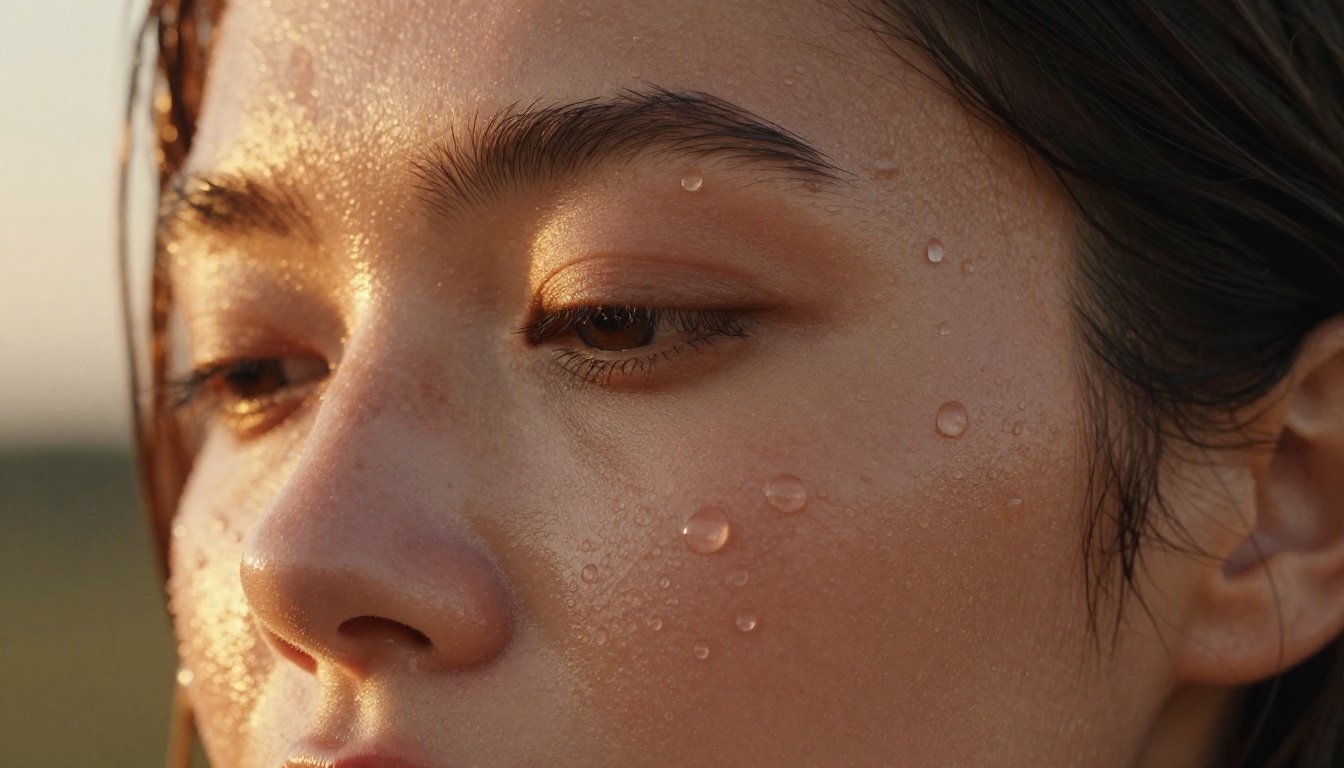
Here's the side-by-side comparison:
Common Mistakes People Make
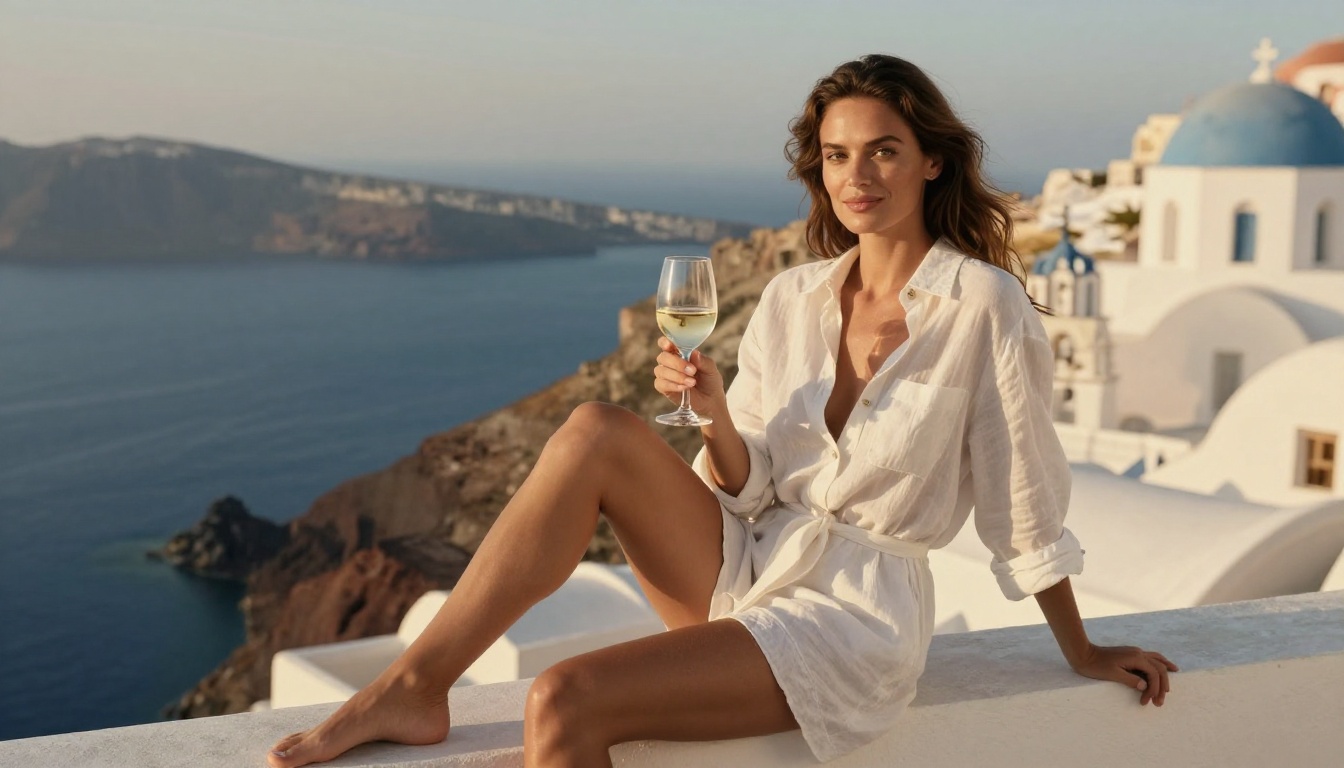
Prompts That Still Get Flagged
Even on platforms with minimal content restrictions, some prompts trigger automated checks. The pattern is almost always specificity of harm rather than depiction of adults. Words that imply age, non-consent, or illegality will get flagged on virtually every platform. This is intentional.
What won't get flagged: prompts focused on beauty, aesthetics, fashion, artistic photography, and adult themes handled with the framing a professional photographer would use.
Treat your prompts like caption descriptions for a photography portfolio. If you'd be comfortable describing the image to an art director, the prompt will work.
Mixing Too Many Style Descriptors
Another common mistake: stacking conflicting style descriptors into one prompt. "Photorealistic, digital art, oil painting, watercolor, 8K" gives the model contradictory instructions. Pick one dominant style and commit to it. For realism, stick to camera specs, lighting descriptions, and film stock references.
Skipping Resolution Upscaling
Most no-filter tools default to standard resolution outputs. If you're using images for commercial work, print, or large-format display, you need more. Super-resolution tools on PicassoIA can upscale 2x to 4x without visible quality loss, turning a web-sized output into a print-ready file.
Generate at the model's native size and upscale separately. The results are consistently better than prompting for higher resolution directly.
All Models in One Place
The complete no-filter lineup on PicassoIA, organized by use case:
For still image generation:
- Seedream 4.5 ⭐ Best all-around. Unrestricted, photorealistic, under 3 seconds, supports image editing.
- PicassoIA Image Editor Pro Unlimited generations on Elite/Infinite plans, under 1 second, img2img.
- Qwen Image 2 Open source, text-to-image and editing with detailed realism.
- Grok Imagine Image Photo conversion with photorealistic results.
- Recraft V4 Very realistic, text-to-image only.
- P-Image Under 1 second, unrestricted text-to-image.
- prunaai-wan-2.2-image Highly realistic images from descriptive prompts without content filters.
For video (when you need motion):
- PicassoIA Video Unlimited generation, up to 720p and 5 seconds per clip from text prompts.
- P-Video Text, image, or audio to video up to 1080p, safety filter off by default.
- Grok Imagine Video Clips up to 15 seconds from text, image, or existing video. No watermarks.
- LTX 2.3 Pro Up to 4K at 50fps with retake and extend editing for precise control.
💡 The complete catalog is at picassoia.com/en/all-models, where you can browse and compare every available model across all categories.
Start Creating on PicassoIA
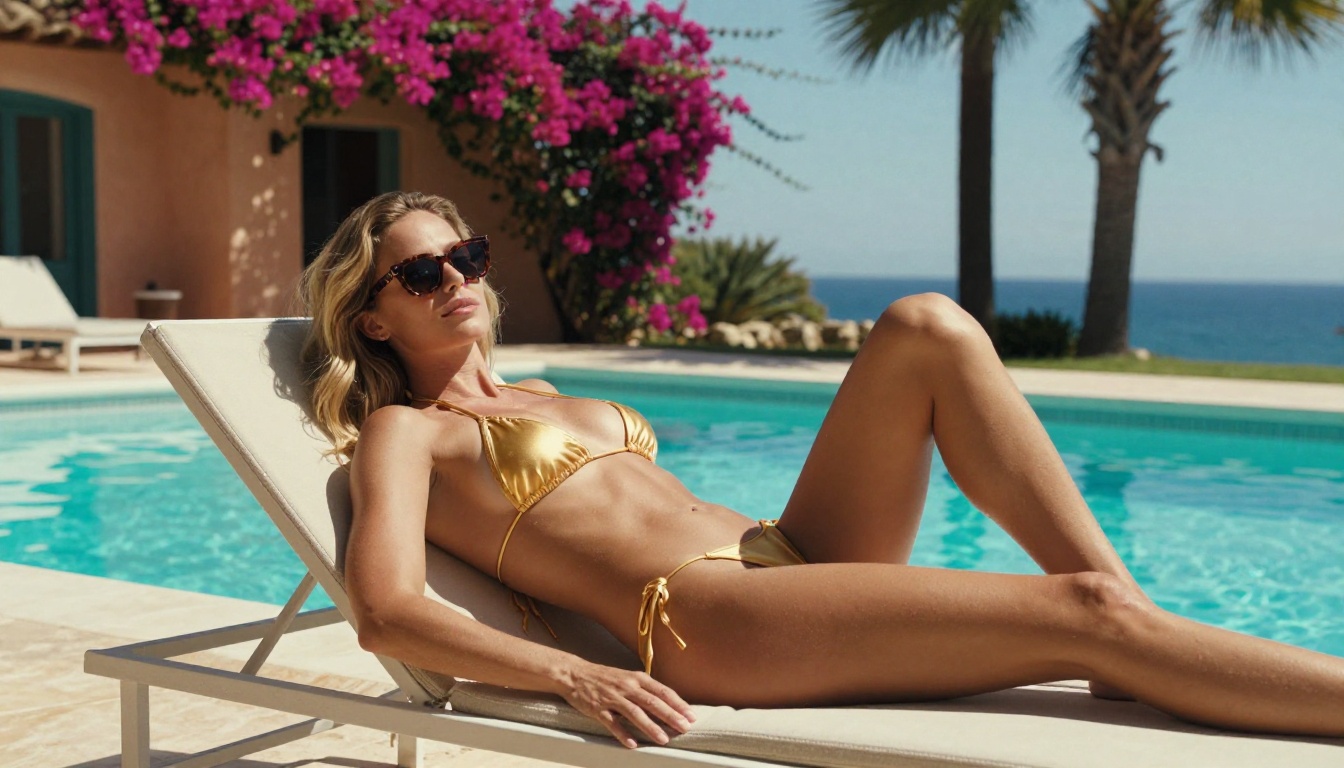
The tools described here are available right now on PicassoIA, and starting is straightforward.
Head to Seedream 4.5 and write your first prompt using the structure outlined above. If you want to generate at volume without watching your credit balance disappear, switch to PicassoIA Image Editor Pro for unlimited output on Elite or Infinite plans.
The 3-generation free trial on Image Editor Pro doesn't ask for a credit card. It's worth spending 5 minutes there before committing to anything.
For the full range of what's possible, including image editing, super-resolution, background removal, and video generation without content restrictions, the complete model library is at picassoia.com/en/all-models.
Most mainstream AI tools made a bet that stricter filters build user trust. PicassoIA made a different bet: that serious creators need real freedom to produce real work. The results speak for themselves. Pick a model, write a specific prompt, and see what happens when the platform actually gets out of your way.


