The gap between AI-generated images and real photography closed dramatically in 2026. What took hundreds of hours of prompt engineering two years ago now happens in seconds, and the quality, especially for suggestive, glamour, and artistic NSFW content, has reached a point where even professional photographers are paying attention. This ranking cuts through the noise. We tested the top models available right now, scored them on skin realism, prompt fidelity, body anatomy accuracy, and overall aesthetic quality, and built the most honest comparison you will find anywhere.
What Shifted in AI Images This Year
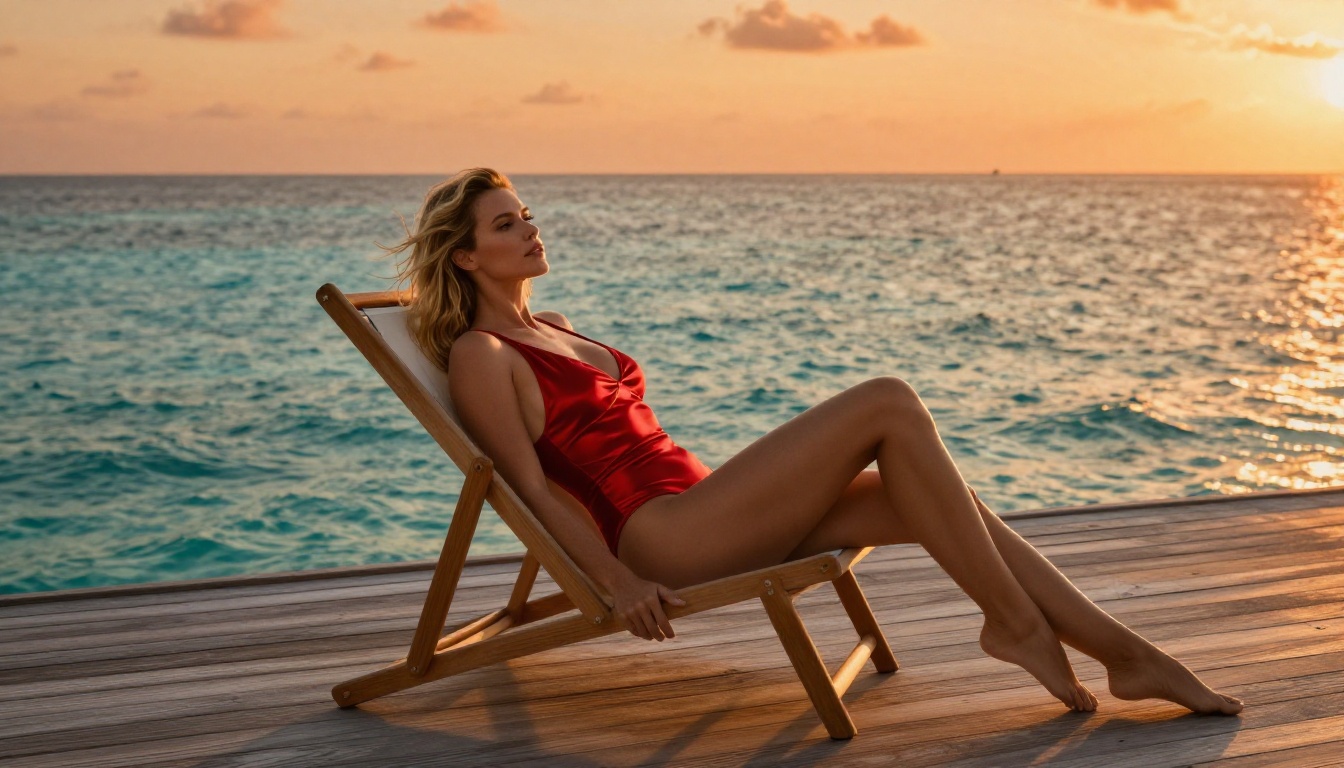
2026 is not 2023. The models running today have been trained on orders of magnitude more data, with far better feedback loops, and the results show. A few things changed specifically for NSFW and glamour content:
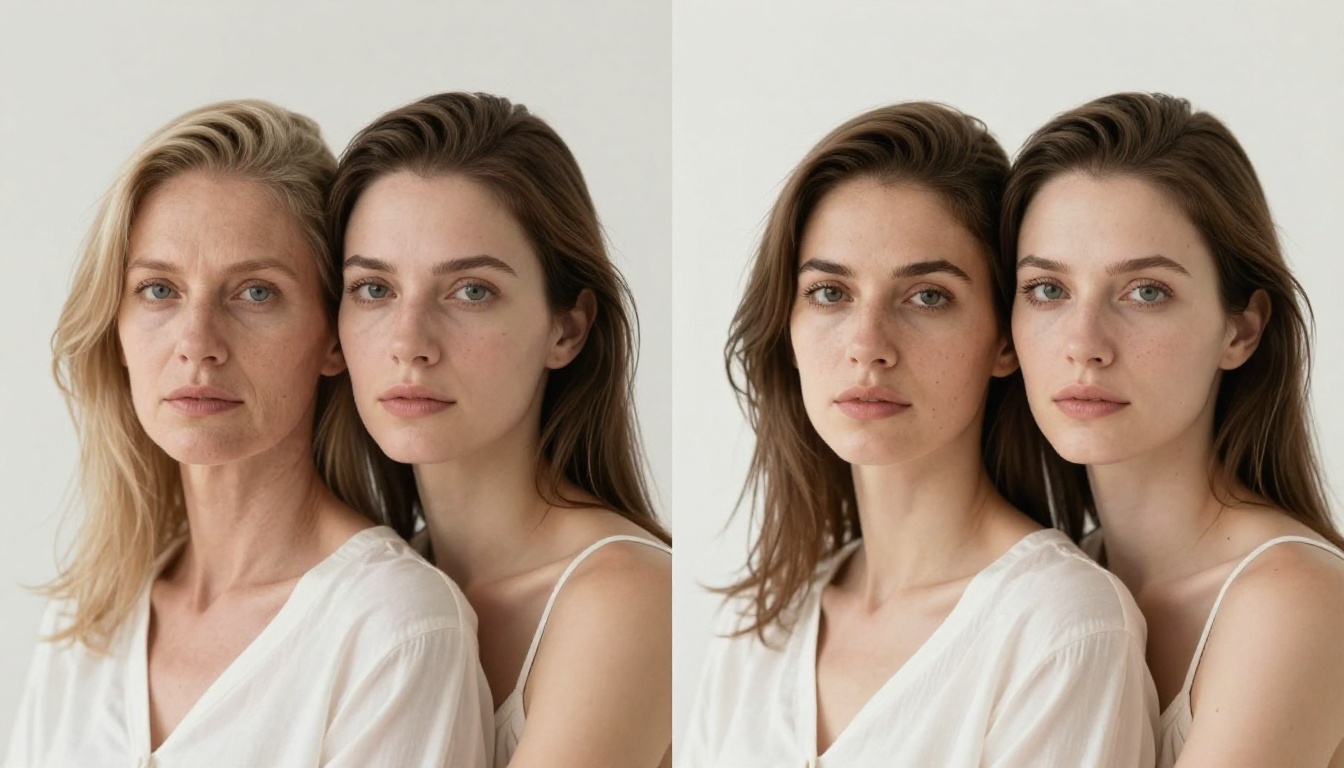
- Skin texture went from "plastic mannequin" to legitimately convincing. The best models now render individual pores, micro-shadows, skin grain, and natural imperfections without being prompted to do so.
- Anatomy accuracy improved massively. Hands still trip up older architectures, but models like Flux 2 Pro and Realistic Vision v5.1 handle complex body poses with dramatically fewer errors.
- Prompt adherence for clothing, fabric physics, and environments is sharper. If you say "sheer silk slip dress by an open window," you actually get that, not a vague approximation.
- Lighting physics became a real differentiator. The top-tier models now simulate how light interacts with skin, fabric, and hair in physically plausible ways.
How We Ranked These Generators
The ranking criteria were concrete, not subjective. Every model was evaluated on five dimensions:
| Criterion | What We Measured |
|---|
| Skin Realism | Pore detail, subsurface scattering, natural imperfections |
| Prompt Fidelity | How accurately the output matches the written prompt |
| Anatomy Accuracy | Hands, proportions, complex poses |
| Fabric and Texture | Clothing physics, hair strands, surface materials |
| Speed | Generation time per image |
Models that scored well across all five made the top of the list. Models that excelled in one area but failed in another were ranked accordingly.
The Top NSFW AI Image Generators Right Now
#1 Flux 2 Pro
Flux 2 Pro sits at the top of this ranking for one simple reason: it is the most complete package available in 2027. Black Forest Labs built on the already excellent Flux architecture and pushed every metric further. Skin rendering is genuinely jaw-dropping at full resolution. It handles difficult lighting scenarios, including harsh rim lighting and soft wrap-around studio light, with equal confidence.
For NSFW content specifically, the model's understanding of pose description is unmatched. Write "woman in a silk robe, seated, three-quarter profile, late afternoon window light from the left" and Flux 2 Pro delivers exactly that, with correct proportions, physically accurate fabric drape, and light behavior that looks like it was shot on a medium format camera.
What it does best:
- Ultra-realistic skin texture at 8K equivalent detail
- Complex fabric physics (silk, lace, sheer materials)
- Accurate body proportions at difficult angles
- Precise directional lighting simulation
💡 Tip: Flux 2 Pro responds extremely well to camera-specific language. Mentioning "85mm f/1.4, Kodak Portra 400" in your prompt meaningfully shifts the output toward film photography aesthetics.
#2 Flux 1.1 Pro Ultra
Flux 1.1 Pro Ultra is the version to reach for when you need raw resolution. It generates at higher pixel counts than standard Flux 2 Pro, making it the right tool for anything that needs to survive a zoom-in. Portrait crops, close-up body photography, and glamour shots where every detail matters belong here.
The tradeoff is generation time. Ultra is noticeably slower than Flux 2 Pro, and if you are iterating on prompts quickly, you will feel that. For final outputs, though, the quality ceiling is higher.
#3 Realistic Vision v5.1
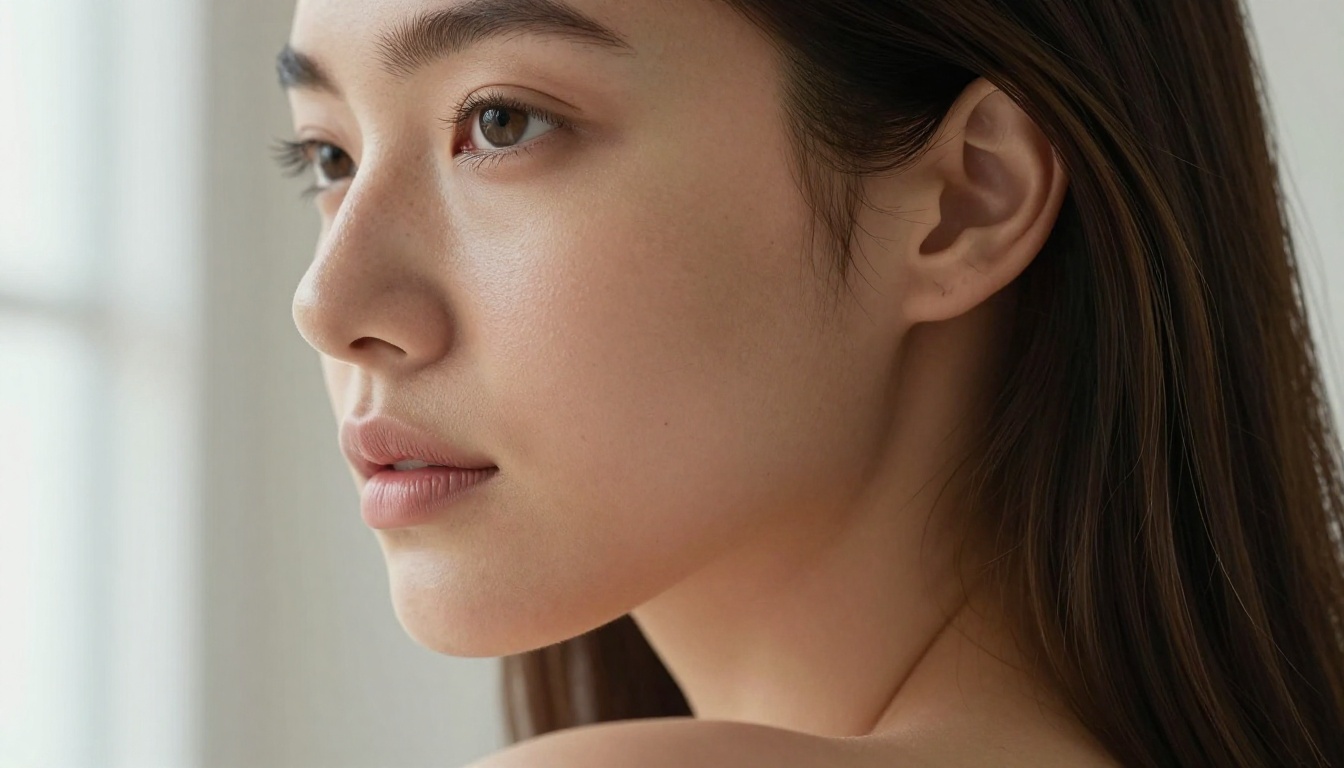
Realistic Vision v5.1 has been a community favorite for years, and the v5.1 iteration proves why it has staying power. This model was purpose-built for photorealistic human subjects. Its strength in NSFW and glamour photography comes from its specialized training data, which skews heavily toward real photographic references rather than illustrated art.
The result is that Realistic Vision v5.1 produces images that feel genuinely photographic rather than AI-ish. Colors are accurate, not oversaturated. Skin reads as skin, not as a rendered texture map. If your priority is "this needs to look like a real photo," this model is your first call.
Where it falls behind: Large scene compositions with multiple subjects can lose coherence. It excels at single-subject portrait work but starts to struggle with complex environmental storytelling.
#4 RealVisXL v3.0 Turbo
RealVisXL v3.0 Turbo takes the Realistic Vision philosophy and scales it to the SDXL architecture for faster generation. The "Turbo" suffix is not marketing: this model generates at roughly 3-4x the speed of non-turbo variants with minimal quality loss. For rapid iteration on glamour and suggestive content, it is the most efficient tool in this ranking.
The SDXL base also means it plays well with ControlNet and LoRA extensions. If you want to lock in a specific pose using SDXL Multi ControlNet LoRA while keeping the photorealistic output quality, RealVisXL v3.0 Turbo is the model that makes that workflow fast enough to be practical.
#5 Stable Diffusion 3.5 Large
Stable Diffusion 3.5 Large represents Stability AI's most refined architecture to date. The multimodal text encoder in SD 3.5 Large dramatically improves how the model interprets nuanced prompts, which matters enormously for NSFW content where specificity of description is everything.
Where previous SD versions sometimes struggled with prompt-following for body positioning and clothing descriptions, SD 3.5 Large handles multi-clause prompts with notable accuracy. Describe three separate elements in a single prompt and it holds all three simultaneously. That matters when you are crafting detailed glamour scenes.
💡 Tip: Stable Diffusion 3.5 Large benefits from negative prompts more than most models. Always include "plastic skin, airbrushed, overexposed, cartoon" in your negative prompt for photorealistic glamour work.
#6 GPT Image 1.5
GPT Image 1.5 brings OpenAI's language model strength directly into image generation, and for NSFW content the main benefit is prompt comprehension. It understands context, metaphor, and complex descriptive language better than any diffusion-only model. You can describe a scene in natural conversational prose rather than keyword-packed prompts, and it will interpret your intent accurately.
The limitation is content filtering, which is more conservative than models like Flux or Realistic Vision. For suggestive but non-explicit content, GPT Image 1.5 produces exceptional results. For anything pushing close to explicit, other models in this list will perform better.
#7 Seedream 4.5
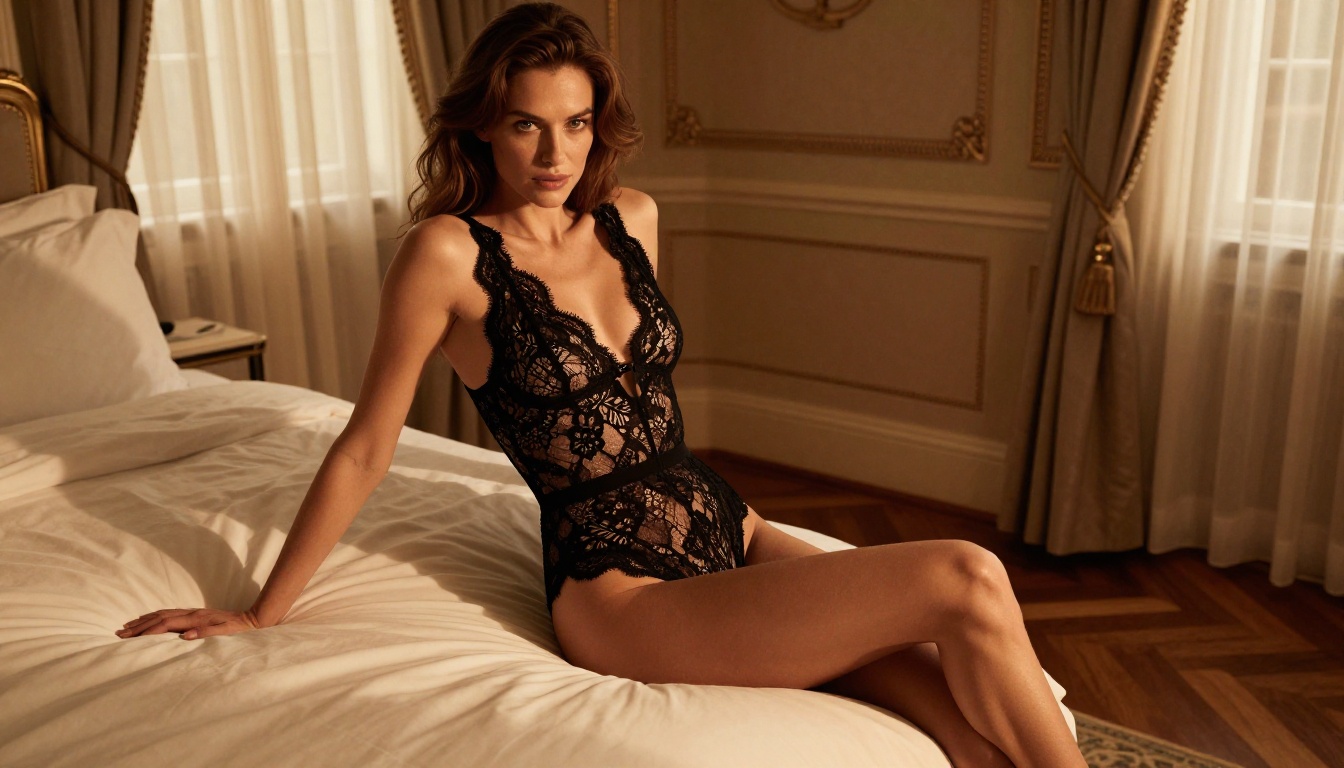
Seedream 4.5 from ByteDance brings a distinctive aesthetic sensibility to this ranking. The model has strong training in East Asian beauty standards and fashion photography, which gives it a unique look compared to Western-skewing models. Skin tones are rendered with particular care, especially for East Asian subjects.
For international content creators and anyone whose NSFW work involves diverse subjects, Seedream 4.5 fills a gap that most Western models leave open. Its color palette leans slightly cooler and more desaturated than Flux-based models, which works well for high-fashion and editorial aesthetics.
#8 DreamShaper XL Turbo
DreamShaper XL Turbo rounds out the top eight as the best option for blending photorealism with a slightly heightened, idealized aesthetic. It sits between pure photorealism and artistic interpretation, producing images that look like high-end retouched photography rather than raw documentary shots.
For NSFW glamour work specifically, this "enhanced reality" quality is often exactly what you want. Skin is smooth but not plastic, proportions are ideal but not cartoonish, and the overall look says "luxury magazine" rather than "unedited raw photo."
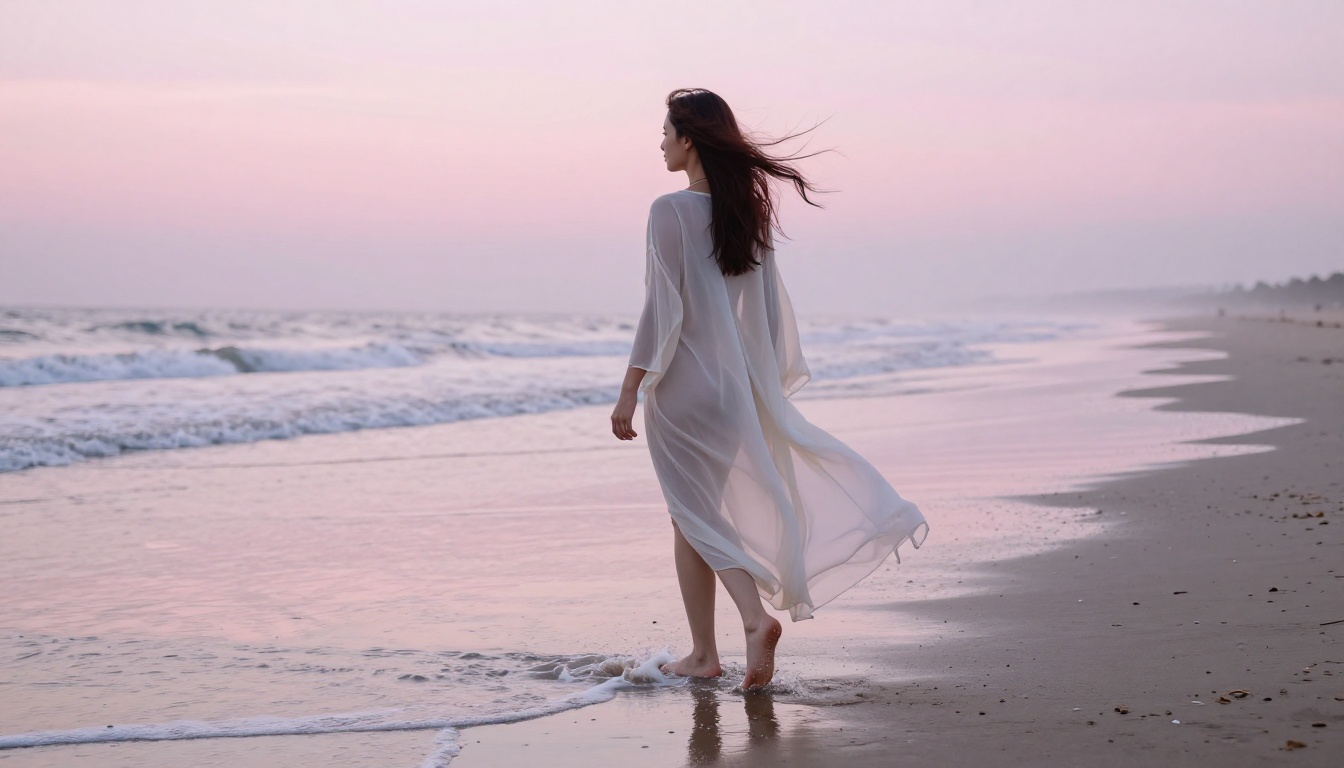
Full Ranking Comparison
Best AI Options for NSFW Video Content
Video is where 2026 drew a sharper line. Image quality has been photorealistic for a couple of years now. Video is catching up fast, but the gap is still real. Here is what matters for NSFW video generation:
Motion consistency is the biggest variable. Models that produce stunning static images often generate video with flickering textures, morphing faces, or inconsistent lighting frame to frame. For content involving human subjects in motion, this is not acceptable.
Temporal coherence (how well a subject's appearance stays consistent across frames) separates usable video from AI slop. Currently the best performers for human subject video are models trained specifically on human motion data.
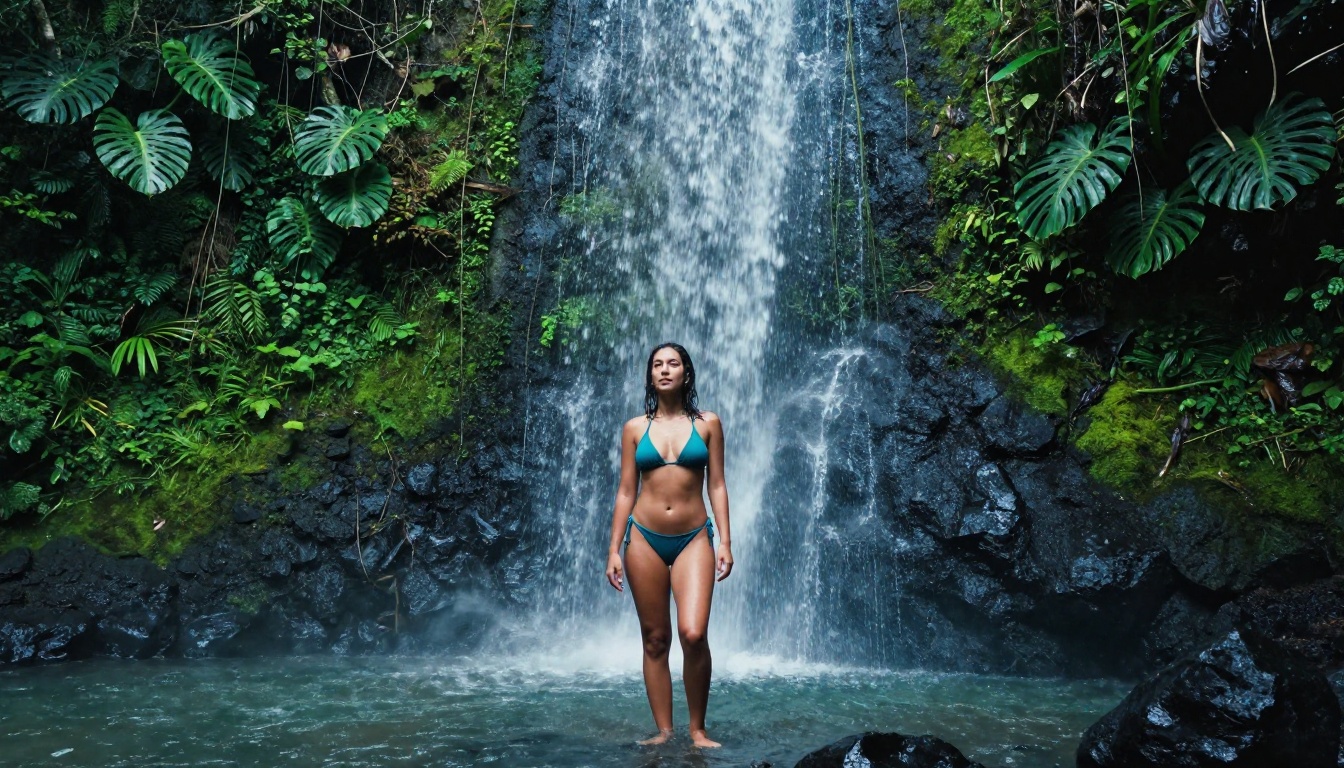
For anyone working with video on PicassoIA, the platform's text-to-video library (87+ models) offers solid options for everything from slow atmospheric reveals to more dynamic movement. The image-to-video workflow deserves particular attention here. Start with a high-quality still image from Flux 2 Pro, then animate it using image-to-video models. This approach gives you far more control over the initial subject appearance than pure text-to-video.
💡 Tip: For NSFW video content, shorter clip lengths (3-5 seconds) maintain coherence far better than long clips. Generate multiple short clips and sequence them rather than trying to generate a long continuous take.
How to Use Flux 2 Pro on PicassoIA
This is the model worth spending time on. Here is exactly how to get the best NSFW and glamour results from Flux 2 Pro on PicassoIA.
Step 1: Navigate to the model
Go to Flux 2 Pro on PicassoIA. You will see the prompt input and parameter controls on the right.
Step 2: Write a structured prompt
Flux 2 Pro responds to a specific structure. Use this formula:
[Subject + clothing/state] + [Environment] + [Lighting] + [Camera specs] + [Style modifiers]
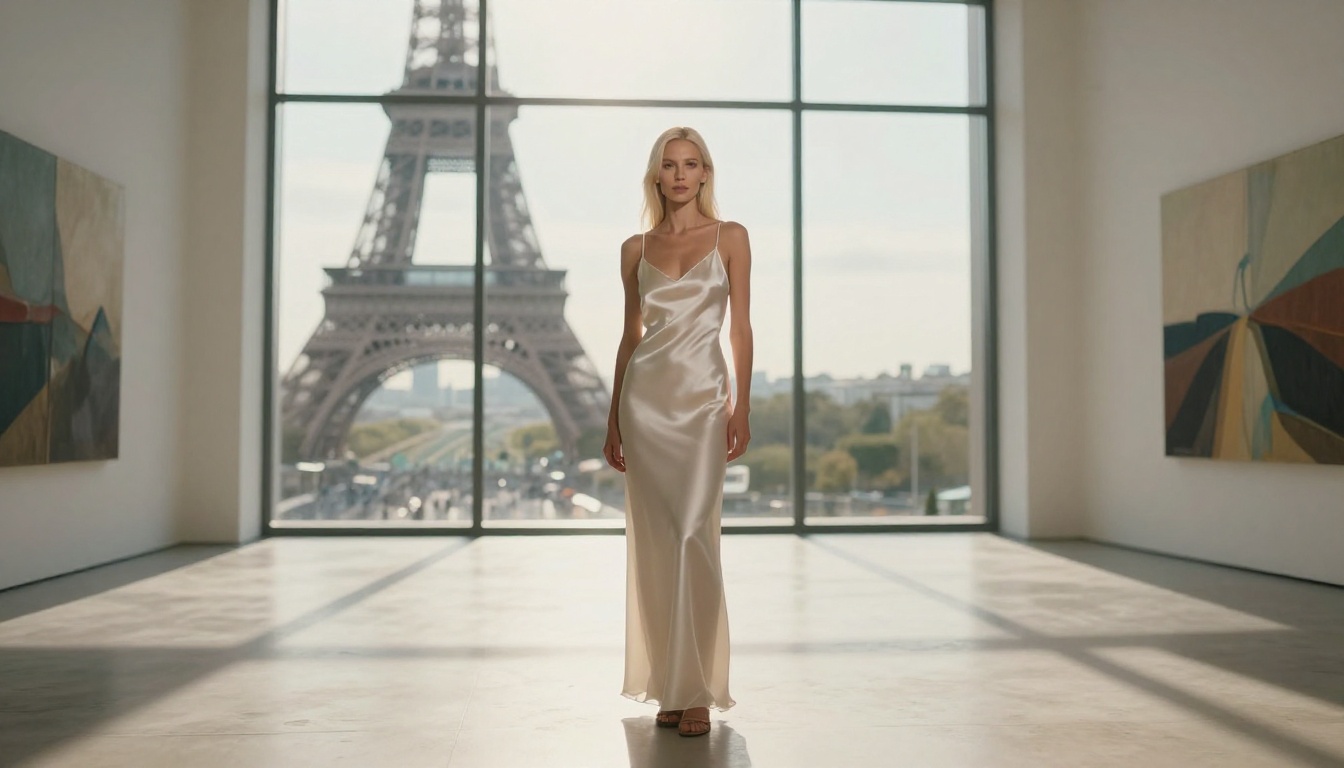
Example: "Woman in a sheer black silk slip dress, seated on a velvet armchair, warm amber afternoon light from the right window, Canon 85mm f/1.4 lens, shallow depth of field, Kodak Portra 400 film grain, photorealistic"
Step 3: Set your aspect ratio
For portraits and glamour work, 2:3 (portrait) produces the most natural results. For environmental shots and wider scenes, 16:9 works well.
Step 4: Iterate with small changes
Flux 2 Pro is sensitive to wording. Change one element at a time so you know what is driving the difference. Swapping "silk" for "lace" will noticeably change the output, as will changing the lighting direction from "left" to "from above."
Step 5: Use Flux Kontext for targeted edits
Once you have a base image you like, use Flux Kontext Pro to make targeted edits without regenerating from scratch. Change the background, swap a clothing item, or adjust the lighting while keeping the subject's face and body consistent.
5 Prompt Strategies That Actually Work
Most people use NSFW AI generators wrong. They write vague prompts and get mediocre results. These are the strategies that separate consistently great outputs from random luck.
1. Specify the camera and lens
"85mm f/1.4" tells the model to simulate the specific compression and bokeh of that lens. "35mm f/2.8 wide angle" produces a completely different spatial feel. This is one of the highest-leverage prompt additions for realism.
2. Name the film stock
"Kodak Portra 400" biases the model toward warm, flattering skin tones. "Fujifilm Velvia" pushes toward richer, more saturated colors. "Ilford HP5" shifts toward a grittier black-and-white film look. This works because these film names appear extensively in training data with consistent visual associations.
3. Describe the light source and direction
"Afternoon window light from the left" is vastly more useful than "good lighting." Specify direction, quality (hard, soft, diffused), and temperature (warm, cool, golden, harsh midday). The model can simulate all of these accurately when told what to aim for.
4. Add texture vocabulary
"Visible skin pores," "fine hair texture," "fabric micro-folds," "surface grain" tell the model to preserve fine detail rather than smoothing over it. Without these cues, many models default to an airbrushed look that reads as artificial immediately.
5. Use targeted negative prompts
Less effective: "bad, ugly, low quality." More effective: "plastic skin, overexposed, airbrushed, cartoon, 3D render, illustration." Specific negative terms work better than vague quality judgments because they point directly at the failure modes you are trying to avoid.
Models That Did Not Make the Cut
For transparency: several models were tested and excluded from the main ranking. Here is why.
SDXL (base) remains capable but has been superseded by the models above in every meaningful metric. It belongs in workflows where speed and cost are the primary constraints, not quality.
Flux Schnell is an excellent model for rapid prototyping but its output quality does not match Flux 2 Pro or Flux Dev for final NSFW glamour work. Use it for quickly testing prompt ideas before committing to a full-quality generation run.
Ideogram V3 Quality shines for text-in-image and stylized work but does not prioritize the photorealism that NSFW glamour photography demands. If your NSFW work leans toward artistic or illustrated aesthetics rather than photorealistic, Ideogram V3 Quality is worth a look.
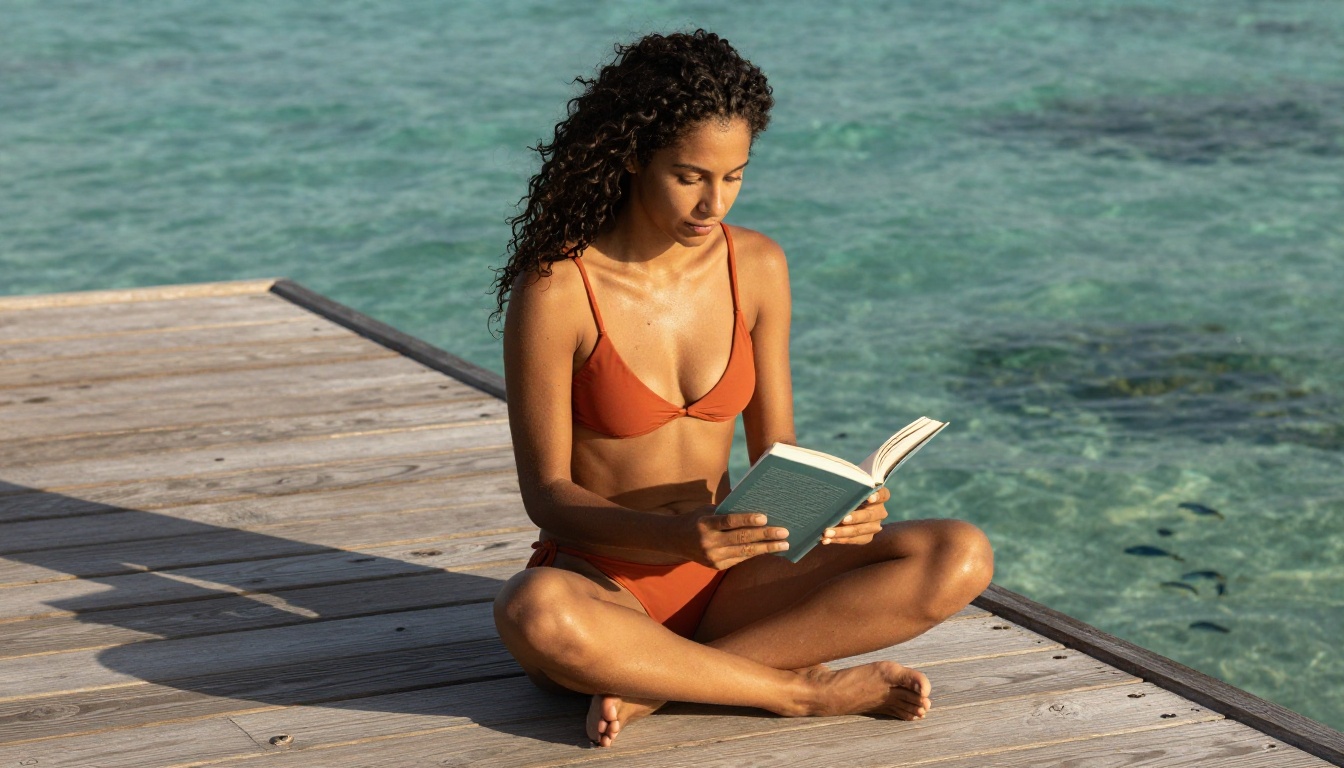
Create Yours Right Now
The ranking above is based on tested results, but results vary with prompt quality. The real way to find your top model is to run your specific prompts through several of these and compare what comes back. Every content style has a different winner.
PicassoIA gives you access to all of these models in one place: Flux 2 Pro, Flux 1.1 Pro Ultra, Realistic Vision v5.1, RealVisXL v3.0 Turbo, Stable Diffusion 3.5 Large, and dozens more, all without managing installations, dependencies, or cloud credits across five different platforms.
Start with Flux 2 Pro for your first test. Use the camera and lighting prompt structure from above. Then compare the output against Realistic Vision v5.1 with the same prompt. The difference will tell you exactly which direction your style leans, and from there, every generation gets sharper.


