Something shifted in early 2026. It did not happen gradually. It happened all at once, and if you have not been paying attention to NSFW AI art, the current state of the technology will genuinely surprise you. The images being generated right now rival professional photography in ways that felt impossible just 18 months ago. Skin pores. Natural lighting. Authentic body language. Figures that your brain reads as real before it has time to question them. NSFW AI Art Is Getting Scary Good in 2026 is not hype. It is just an accurate description of where we are.
The Realism Barrier Just Broke
For years, the tell was always in the details. Hands had too many fingers. Skin looked like wax or plastic. Eyes caught light in ways that never quite worked. These artifacts were how you spotted AI-generated figures, even in the most technically impressive outputs.
That changed when newer architectures started training on vastly larger and more curated datasets, combined with transformer-based diffusion models that fundamentally changed how the AI processes human anatomy. The results speak for themselves.
Skin Texture Nobody Expected
The most immediately jarring improvement in 2027 is skin. Real human skin is a complex surface. It has pores. It has fine hairs. It has variations in tone that shift depending on blood flow, sun exposure, and the direction of light. Earlier models flattened all of this into something smooth and artificial.
Modern models like Realistic Vision v5.1 and Flux 2 Pro now produce skin with genuine micro-detail. When you zoom in on an output from these models at full resolution, you see the fine lines near the eyes, the subtle texture variation across the nose bridge, the way skin appears slightly different in shadow versus highlight. It looks real because the model has internalized what real skin actually is.

💡 Prompt tip: Add descriptors like "visible pores," "natural skin texture," "subtle freckles," and "fine skin detail" to push models toward this level of realism. Generic prompts get generic skin.
Lighting That Feels Real
The second massive improvement is how these models handle light. NSFW AI art lives and dies by believable lighting. Specular highlights on skin, soft diffuse shadows in the right places, the way fabric catches backlighting differently than the body beneath it.
GPT Image 1.5 in particular has shown remarkable sophistication in reading lighting context from prompts. Describe "volumetric morning light from a window at 45 degrees left" and the model places shadows and highlights that follow actual photographic physics. This is not a minor improvement. It is what separates images that look like photos from images that look like AI outputs.
Models Making It Happen
Not all models perform equally for NSFW and glamour applications. Here is a breakdown of what is actually producing the best results right now.
Flux 2 Pro and Flux 2 Max
Black Forest Labs' Flux lineup has become the default choice for high-fidelity human figure generation. Flux 2 Pro delivers consistent anatomical accuracy with strong prompt adherence, while Flux 2 Max pushes the resolution and detail ceiling even higher. For anyone serious about NSFW AI art quality, these two models are the current standard.
The Flux 1.1 Pro Ultra is worth mentioning separately because it introduced true ultra-resolution outputs that hold fine skin detail even when printed or cropped aggressively. If output size matters, this is the model that handles it best.

GPT Image 1.5
OpenAI's GPT Image 1.5 represents a different approach to the problem. Where Flux focuses on raw photorealism through high-resolution diffusion, GPT Image 1.5 brings language model reasoning to the image generation process. This means the model genuinely understands context. Tell it "a woman in a silk robe, early morning light, Paris apartment" and it will construct every element of that scene with coherent logic. The lighting matches the time of day. The shadows fall in the right direction. The fabric responds to light the way real silk does.
For NSFW AI art that prioritizes narrative and mood over pure technical realism, GPT Image 1.5 has become a favorite. It also handles complex scenes with multiple elements without the compositional failures that plague some other models.
Realistic Vision v5.1
If you have spent any time in NSFW AI art communities, you know Realistic Vision v5.1. This model was specifically fine-tuned for human photography with an emphasis on skin texture and facial accuracy. The outputs have a quality that feels less "generated" and more "photographed." Skin tones are warm and believable. Facial features are consistent within a generation. It runs fast, which makes it excellent for iterating on prompts.
Stable Diffusion 3.5 and SDXL
Stable Diffusion 3.5 Large and SDXL remain foundational models in the NSFW AI art space because of their open architecture and the enormous community of fine-tunes built around them. SDXL in particular has spawned hundreds of community checkpoints optimized for specific aesthetics, from high-fashion editorial to intimate portrait styles.
Flux 2 Dev also deserves a mention here as the open-access version of the Flux 2 architecture. It produces results very close to Flux 2 Pro and is available to anyone wanting to experiment without cost barriers.
How to Use These Models on PicassoIA
PicassoIA gives you direct access to all of these models through a single platform. Here is how to get the best results from each one.
Step 1: Pick Your Model
Start by asking what matters most for your specific image. Need maximum realism and skin detail? Start with Flux 2 Max. Need fast iteration while testing prompts? Realistic Vision v5.1 or Flux 2 Pro will give you quality results quickly. Want a model that handles complex lighting narratives? GPT Image 1.5 is the right call.

Step 2: Write the Prompt
This is where most people lose quality before the model even runs. A weak prompt gets weak results, even from the best models. The structure that consistently works:
Subject description + Setting + Lighting + Camera + Atmosphere
Here is a working example:
"Beautiful woman in a silk wrap, standing at the edge of a limestone cliff overlooking the ocean at sunset, volumetric golden light from the left at 45 degrees, Canon 85mm f/1.4, shallow depth of field, Kodak Portra 400 film grain, photorealistic, RAW 8K"
Every element of that prompt has a job. The subject is clear. The setting grounds the image. The lighting direction gives the model specific physics to follow. The camera spec tells the model what kind of focal compression and bokeh to apply. The film grain reference pushes it toward organic texture over digital artificiality.
Step 3: Refine with Parameters
After your first generation, look critically at what the model produced. The most common issues and how to address them:
- Skin too smooth or plastic-looking: Add "visible pores," "natural skin texture," "photorealistic skin"
- Lighting feels flat: Add specific direction like "side lighting from the left," "backlighting," "volumetric light rays"
- Anatomy looks off: Add "anatomically correct," "natural proportions," "realistic body"
- Image feels too digital: Add "film grain," "Kodak Portra 400," "RAW photography aesthetic"
💡 Pro tip: Run the same prompt twice and compare. Even identical prompts produce variation. Sometimes the second or third generation is the one that nails it.
What Makes a Great NSFW Prompt
The gap between good NSFW AI art and great NSFW AI art comes down almost entirely to the quality of the prompt. Here is what actually moves the needle.

Lighting Is Everything
Every professional photographer will tell you: lighting is the image. An average subject in beautiful light looks incredible. A beautiful subject in flat light looks mediocre. The same principle applies to NSFW AI art.
The most effective lighting descriptors currently working across models:
- "Volumetric morning light from a window" — Creates soft, directional indoor warmth
- "Golden hour backlighting" — Creates rim lighting that makes subjects glow
- "Studio softbox left, reflector fill right" — Produces balanced editorial lighting
- "Candlelight" — Creates intimate, warm shadow work
- "Overcast diffuse light" — Eliminates harsh shadows for skin-focused shots
Combine lighting descriptors with source placement. "Light from the left" behaves differently than "light from above." Models in 2027 are sophisticated enough to follow these instructions with genuine accuracy.
Composition and Angles
The angle you describe changes everything about the mood and power of an image. NSFW AI art tends to default toward frontal compositions, which become repetitive quickly. Breaking out of that default immediately improves results:
| Angle | Effect | Best Use |
|---|
| Low-angle (hip height, looking up) | Confidence, power, dramatic | Confident subject portraits |
| Aerial (straight down) | Abstract, geometric, voyeuristic | Beach, pool, outdoor scenes |
| Close-up (face, neck, shoulder) | Intimacy, detail, texture focus | Skin and beauty shots |
| Over-shoulder | Intimacy, perspective, POV feel | Indoor, contextual scenes |
| Wide environmental | Subject in context | Establishing mood and setting |

Texture Descriptors That Work
Beyond skin, the objects in the scene need texture too. Fabric is particularly important in NSFW AI art because clothing and partial clothing are central to the genre. These descriptors consistently produce results:
- "thin silk catching backlight" — Creates translucency without explicit exposure
- "wet fabric clinging naturally" — Adds realism to water-adjacent scenes
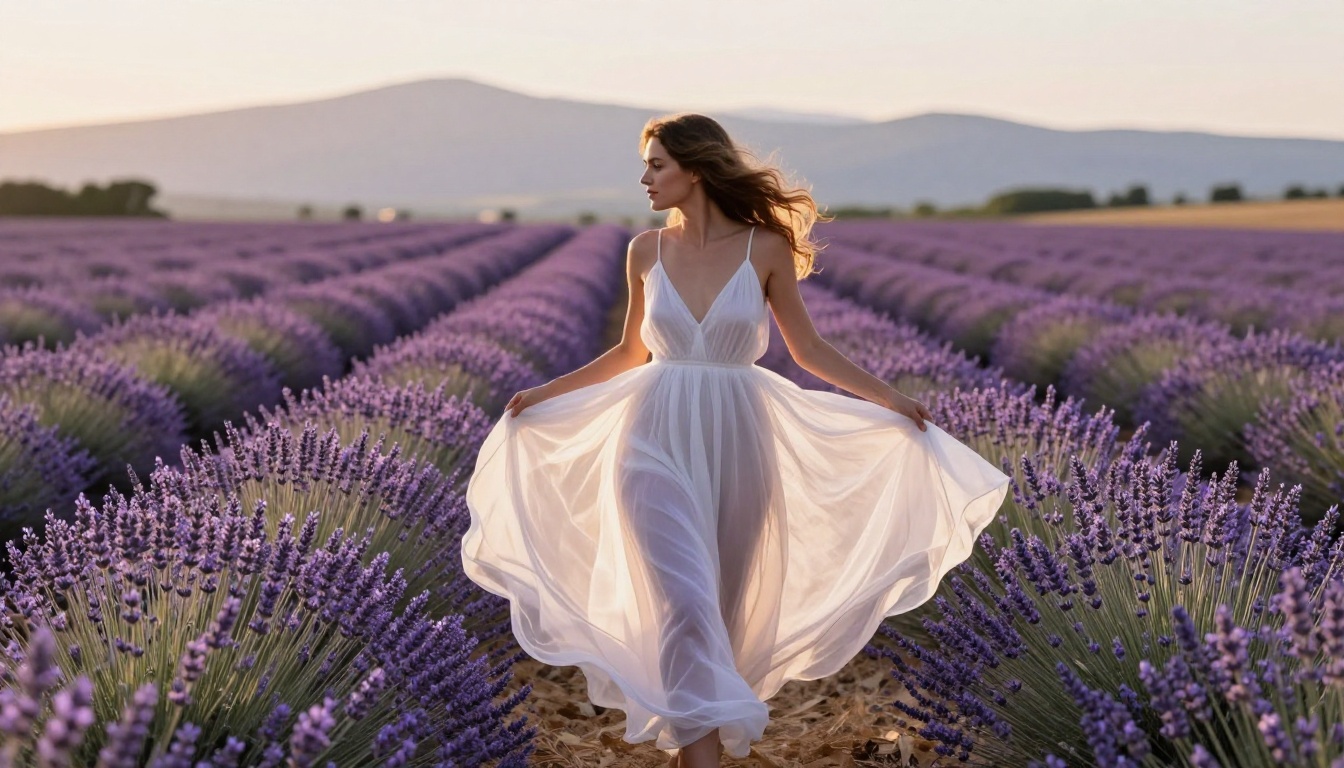
- "loose linen in breeze" — Creates natural movement and fabric physics
- "satin with specular highlights" — Adds a luxury feel to lingerie shots
The Suggestive vs Explicit Line
This is worth addressing directly because it shapes the quality of what you create. The most impactful NSFW AI art in 2026 is not the most explicit. It is the most suggestive. This is not a restriction. It is a creative principle.
Why Tasteful Beats Explicit
The brain fills in what it does not see. An image that implies rather than shows lands with more impact than one that removes ambiguity entirely. Fashion photography has known this for 80 years. A partially obscured figure with perfect lighting and composition is more striking than an explicit image with mediocre craft.
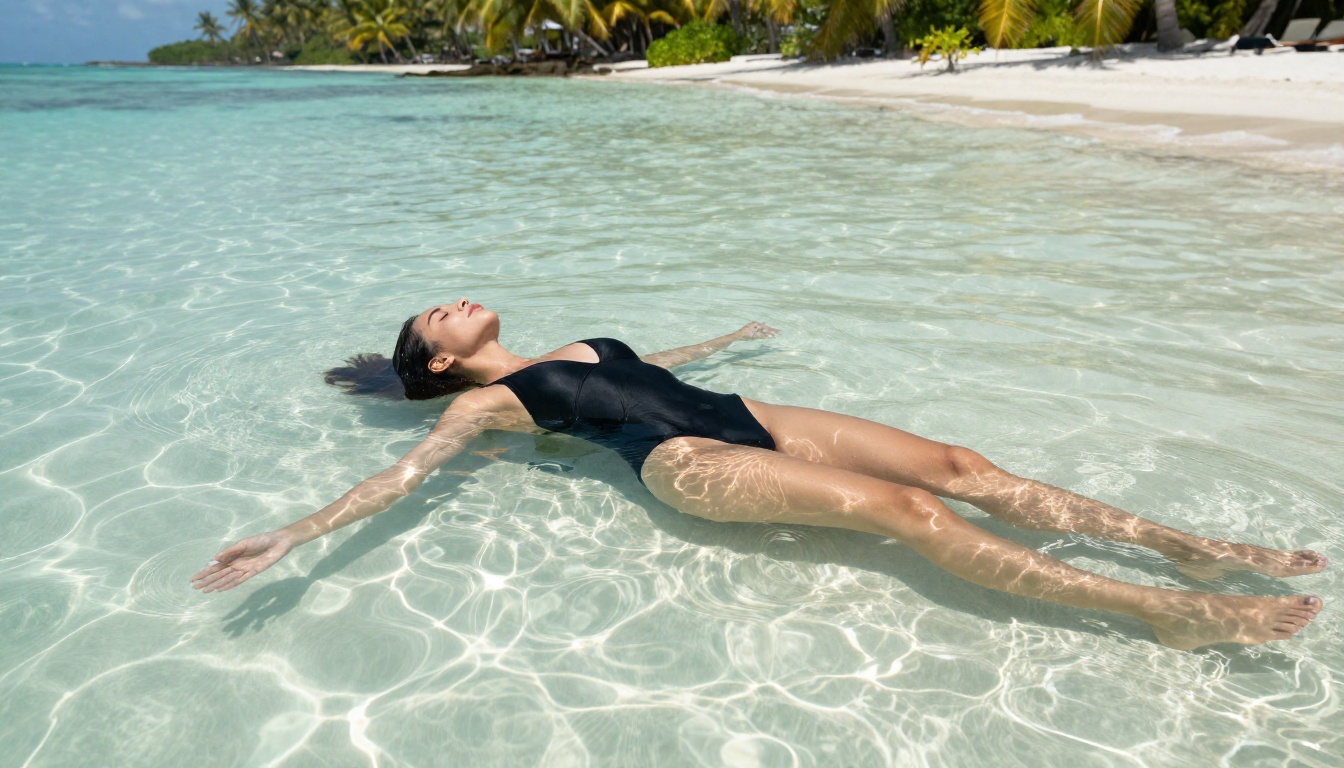
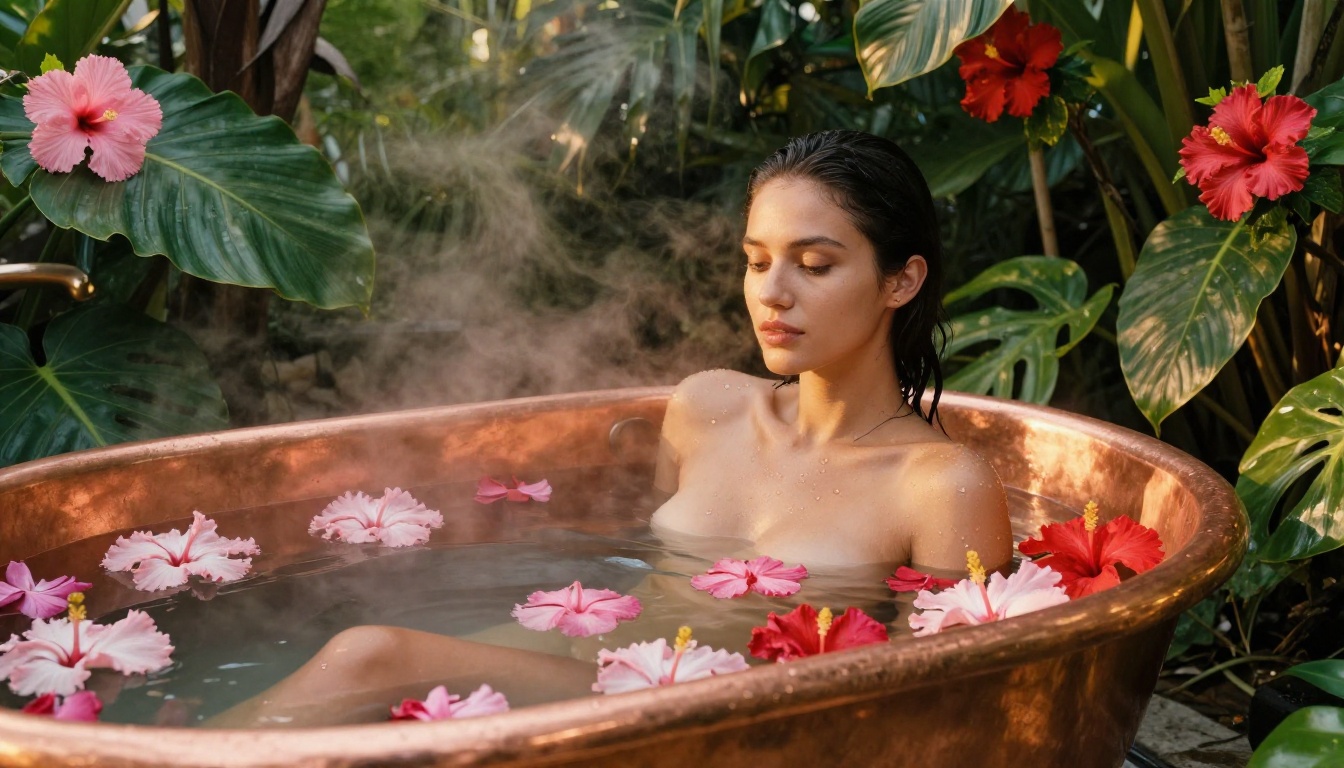
The AI art that is circulating most widely right now, the images that actually stop people mid-scroll, sits in the space between glamour and NSFW. Transparent fabric. Implied nudity. Artful composition that reveals and conceals simultaneously. This is where photorealism and artistic restraint intersect, and where the most technically impressive NSFW AI art is being produced.
What the Community Is Creating
The most consistent patterns in high-quality NSFW AI art communities right now:
- Swimwear and bikini content with strong location work (beaches, pools, yachts)
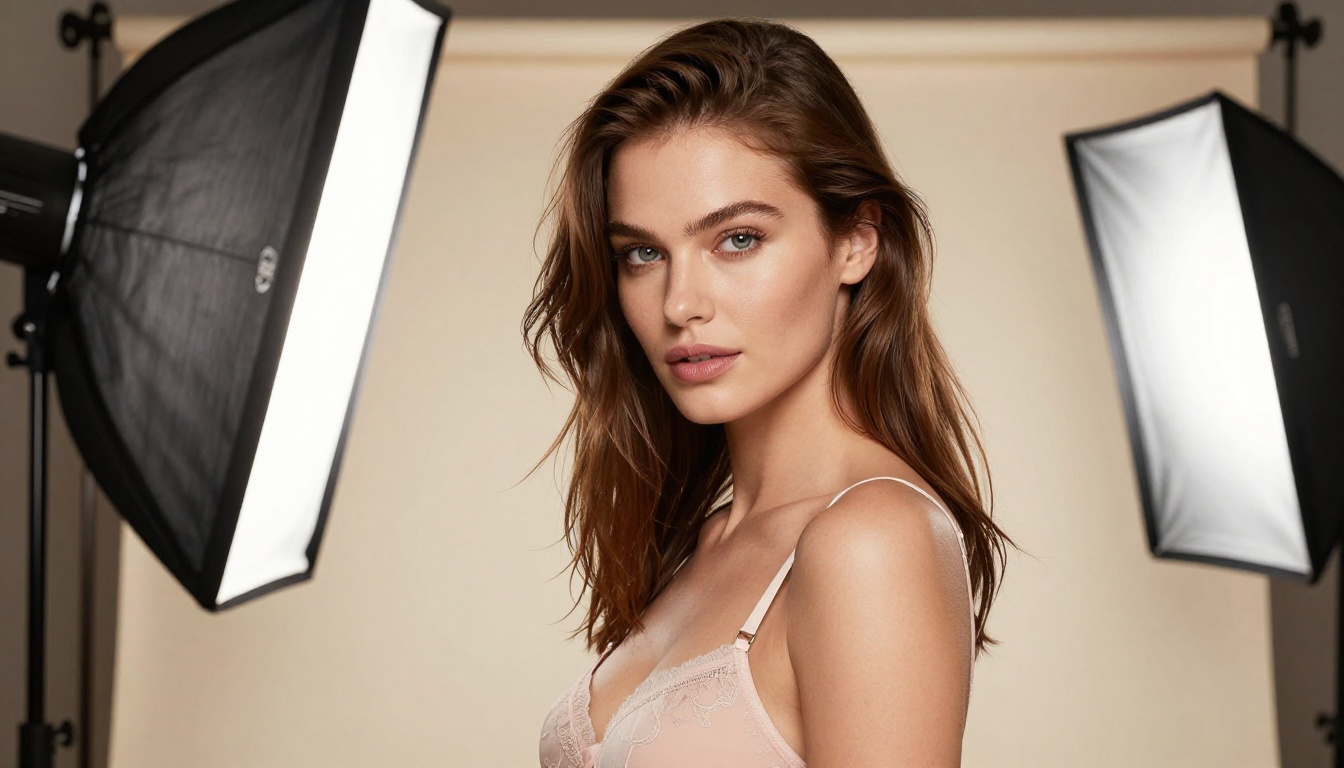
- Lingerie editorial in well-lit interior settings
- Implied nudity using strategic fabric, shadow, and composition
- Glamour photography that mirrors high-end fashion magazines
- Artistic portrait work focusing on form and light rather than explicit content
The quality bar has risen significantly. Images that would have been impressive in 2024 are now baseline. The community has developed sophisticated prompt libraries and model-specific approaches that are pushing outputs toward results genuinely hard to distinguish from professional photography.
PicassoIA offers capabilities that extend well beyond base image generation, and these tools dramatically expand what is possible with NSFW AI art.
Face Swap AI
One of the most requested capabilities in NSFW AI art is consistency across images. The platform's Face Swap AI tool lets you maintain a specific face across different generated scenes and compositions. Generate the base image with your preferred model, then apply a consistent face reference. The results maintain the photorealistic quality of the original while ensuring your subject is recognizable across a series of images.
Super Resolution
Generated images at base resolution often do not hold up at full scale. The Super Resolution tool upscales outputs 2x to 4x while adding additional detail rather than just stretching pixels. For NSFW AI art that will be displayed at larger sizes or cropped significantly, running it through Super Resolution before final use noticeably improves texture quality, particularly in skin detail.
Inpainting and Image Editing
After generating a base image, the platform's inpainting capabilities let you fix specific areas without regenerating the entire image. Anatomy issues in the hands? Select and repaint. Background not quite right? Inpaint the environment while keeping the subject intact. The workflow of generate, evaluate, then inpaint specific issues is how the most polished NSFW AI art is being produced in 2027.
Where This Is Headed
The trajectory here is not subtle. Models are improving at a rate that outpaces most predictions. Imagen 4 from Google, Seedream 4 from ByteDance, and Ideogram v3 Quality from Ideogram have each pushed the ceiling in different directions in 2027. The competition between providers is directly benefiting users through better outputs at lower costs.
The photorealism that felt like a distant goal in 2023 is now the baseline expectation. By late 2026, the conversation will shift toward motion: how do these photorealistic figures move, and can that same quality be maintained in video generation? For now, though, the static image space is producing work that would have seemed impossible just two years ago.
If you have not looked closely at what modern NSFW AI art generators are actually producing, the current state will surprise you. The realism is no longer an approximation. It is the real thing.
Start Creating on PicassoIA
Every model discussed in this article is available right now through PicassoIA. You do not need multiple accounts, API access, or local hardware. The full range, from Flux 2 Pro and Flux 2 Max to Realistic Vision v5.1 and GPT Image 1.5, is accessible through a single interface.
The best way to see what these models can do is to run them yourself. Start with a detailed prompt following the structure covered in this article. Compare outputs across two or three models. Use Super Resolution on anything worth keeping. Try inpainting to fix specific issues without a full regeneration.
The quality floor for NSFW AI art in 2027 is genuinely high. With the right models and prompt approach, you will produce images that hold up against professional photography. Try it on PicassoIA today and see exactly how far this technology has come.


