NSFW AI on PicassoIA with Clear Boundaries and Better Prompts
NSFW AI usually means “sensitive content”, not just one category. This article shows how to set boundaries, avoid consent and age pitfalls, and write prompts that stay tasteful and non-explicit on PicassoIA, for both images and video.
NSFW AI is a messy term. Sometimes it means explicit adult content. Other times it means violence, profanity, or anything you would not open in a meeting.
On PicassoIA, the practical skill is not “how far can I push it”, it’s how to describe sensitive ideas clearly, stay within policy, and still get the aesthetic you want.
What people mean by NSFW AI
NSFW stands for “not safe for work”. In AI generation, it usually describes prompts or outputs that are sensitive because of:
Sexual context (often requests for nudity or explicit acts)
Violence or gore
Harassment or degrading content
Highly suggestive themes that may still be non-explicit
A useful way to think about it
Instead of one big “NSFW” bucket, it helps to separate:
Theme: romance, nightlife, horror, medical, etc.
Explicitness: implied, suggestive, nude, graphic
Age clarity: clearly adult vs ambiguous
Identity: fictional character vs real person likeness
Tip: If you can’t describe the subject as “a clearly adult, fictional person in a non-explicit scene”, pause and rewrite your idea.
The risks that catch people off guard
Even when your intent is artistic, NSFW-adjacent work has extra failure modes. These are the ones that matter most.
Consent and real-person likeness
Avoid creating sexualized content of real people, public figures, classmates, ex-partners, or anyone else. Beyond ethics, this is where many requests turn into harassment.
If you are building a character, make them clearly fictional:
Use distinctive, non-celebrity features
Avoid full names, social handles, workplaces, or identifying tattoos
Prefer “editorial fashion model” over “looks like my friend”
Minors and age ambiguity
Any request involving minors is a hard no. The tricky part is ambiguity. If your prompt includes words like “young”, “teen”, “school”, or anything that implies youth, rewrite it.
Make age unambiguous:
Say “adult” or “30-year-old”
Use adult settings: “evening gala”, “film set”, “studio portrait”
Avoid school uniforms or childlike styling
Privacy and oversharing
If you use reference images, treat them like personal data.
Only upload images you have the rights to use
Do not upload private photos of other people without permission
Keep your prompt free of identifying details
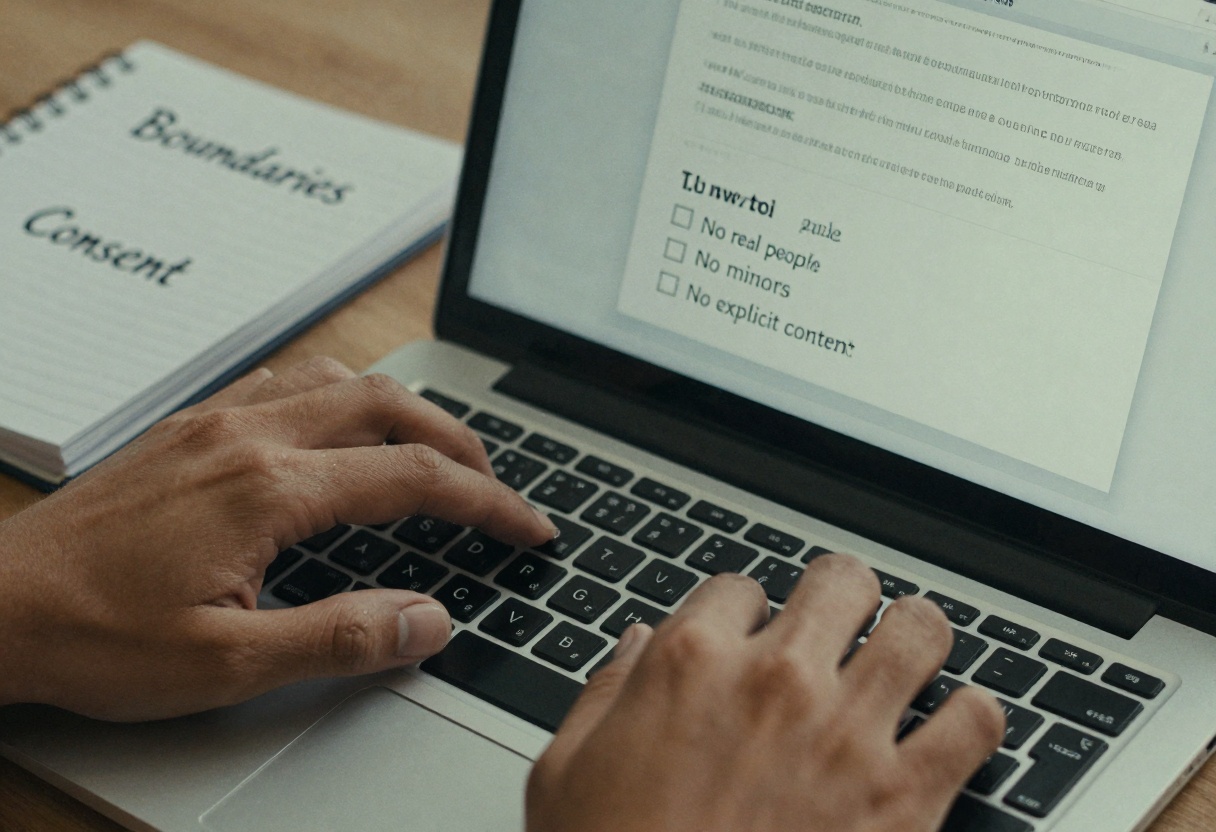
Set boundaries before you generate
When people get blocked or disappointed, it’s often because they started with a fuzzy idea. A 60-second “content spec” saves time.
A simple content spec you can copy
Write down what you want, what is allowed, and what is off-limits.
Part
Decide this first
Example (safe, non-explicit)
Subject
Who is in the scene
“A clearly adult fashion model”
Wardrobe
What they wear
“Silk robe, fully closed, elegant”
Setting
Where it happens
“Studio set with softbox lights”
Framing
What the camera shows
“Head-and-shoulders portrait, no nudity”
Mood
What it should feel like
“Tasteful, cinematic, intimate lighting”
Exclusions
What must not appear
“No nudity, no explicit acts, no minors”
Prompting patterns that keep results tasteful
You can get “adult vibes” without explicit instructions. The secret is to describe cinema language (lighting, styling, framing) instead of anatomy.
1) Lean on wardrobe, pose, and framing
Try details like:
Wardrobe: “evening dress”, “tailored suit”, “silk scarf”, “designer lingerie under a blazer” (still non-explicit)
Pose: “looking over shoulder”, “hands in pockets”, “seated on a velvet chair”
Many creators skip this and then wonder why the output goes too far. Add a line like:
“No nudity, no explicit content, adult subjects only.”
3) Iterate in small steps
Change one variable at a time: lighting, lens, outfit, then composition.
A practical workflow for sensitive text-to-image on PicassoIA
This is a clean way to work when your concept is adult-themed but you want to stay non-explicit.
Open PicassoIA and pick a text-to-image model (example below uses GPT Image 1.5).
Write your prompt in two blocks:
Creative block: subject, setting, lens, lighting
Safety block: exclusions and age clarity
Keep the first run simple (one subject, one setting).
If you need consistency, reuse your best prompt and only tweak one line.
Example prompts (tasteful, non-explicit)
Use these as patterns, then rewrite them in your own words.
Prompt A: editorial portrait
A clearly adult fashion model in a cinematic studio portrait, softbox lighting, 85mm lens, shallow depth of field, elegant silk robe fully closed, calm confident expression, warm film color grade, high detail.
No nudity, no explicit content, adult subjects only.
Prompt B: nightlife silhouette
A cinematic silhouette of a clearly adult couple dancing in a jazz bar, low key lighting, rim light, bokeh neon signs, tasteful romantic mood, fully clothed, no explicit content, film still look.
Adult subjects only, no nudity, no explicit acts.
Prompt C: glamorous close-up
Close-up beauty shot of a clearly adult person with classic Hollywood makeup, velvet backdrop, soft haze, studio lighting, jewelry highlights, fashion editorial style.
No nudity, no explicit content, adult subjects only.
Planning NSFW-adjacent text-to-video without drama
Video amplifies everything: camera motion, accidental frames, and continuity mistakes. If your concept is sensitive, plan like a director.
A safer video prompt checklist
Wardrobe continuity: specify outfit clearly
Camera boundaries: “waist-up”, “tight portrait”, “no revealing angles”
Scene clarity: one location, simple action
Age clarity: explicitly adult
Duration: shorter clips reduce risk of unwanted frames
Troubleshooting common issues
Your prompt gets blocked
That usually means the wording is too explicit or too ambiguous.
Try:
Replace anatomy words with wardrobe, lighting, and mood
Add “adult subjects only” and “no explicit content”
Remove references to real people
The image looks more revealing than you wanted
Tighten framing: “portrait, shoulders and head only”
Describe clothing more specifically: “buttoned”, “fully closed”, “long sleeves”
Ask for “tasteful, editorial, non-explicit” as style cues
The output is great, but you are unsure about sharing it
When in doubt, keep it private, or re-generate with more conservative framing.
How to use GPT Image 1.5 on PicassoIA
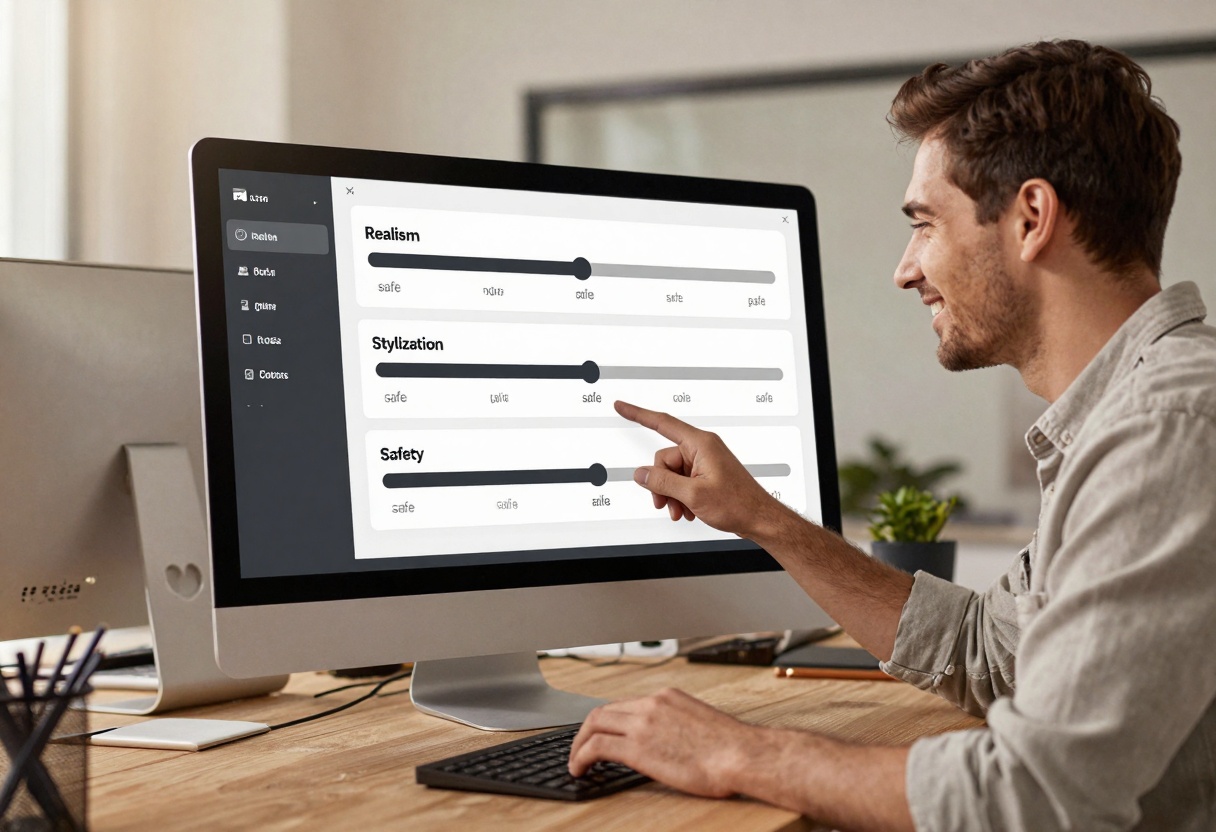
GPT Image 1.5 is a text-to-image model on PicassoIA with helpful controls like aspect ratio, background type, output format, and moderation.