If you have ever searched for an AI image generator and quickly hit a "content blocked" error, you are not alone. Millions of creators run into that wall every day, and it exists because most mainstream AI platforms apply aggressive content filters that refuse anything remotely suggestive. NSFW AI generation is the category of tools that skip those restrictions, allowing adults to create realistic, artistic, and sensual imagery without hitting a block. This article breaks down exactly how it works, what the real differences between "safe" and "uncensored" models are, and which specific tools on PicassoIA produce the best results right now.
What "NSFW" Actually Means in AI
"NSFW" stands for "Not Safe For Work," internet shorthand for adult content since the early 2000s. In AI image generation, the term describes any content involving nudity, sensuality, or suggestive scenarios. It does not automatically mean explicit or pornographic. Artistic nudity, fashion lingerie, and glamour photography all fall under the NSFW umbrella, depending on the platform.
Safe mode vs. unrestricted
Most popular AI tools, including Midjourney's default settings, Adobe Firefly, and DALL-E, run with safety filters enabled at all times. These filters block prompts containing words like "nude," "lingerie," or "bikini" in certain contexts, or even descriptive words the classifier incorrectly flags as violations. The result is frustrating for photographers, digital artists, and adult content creators who need realistic, human-centric imagery for legitimate projects.
Uncensored models strip out these classifiers. The same diffusion technology powers both types. The only real difference is whether a content filter sits between your prompt and the output.
Why big platforms block adult content
The decision is almost never technical. Platforms like Google, Microsoft, and Adobe restrict NSFW outputs because they serve enterprise clients, minors using family-safe accounts, and advertisers who need brand-safe environments. Restricting adult content is the simplest way to stay compliant and maintain advertiser relationships.
Purpose-built platforms like PicassoIA operate differently. They are built for adult audiences, with age verification and proper content policies. That infrastructure allows the models themselves to run without content filters.

How AI Turns Text Into Images
You type a description, and an image appears in seconds. The process feels like magic, but the underlying technology is well-documented and worth breaking down. Knowing how it works changes how you write prompts and what results you can expect.
Diffusion in plain language
Modern AI image generators use a process called diffusion. The model starts with a field of random noise, similar to TV static, and gradually removes that noise step by step, guided by your text description. Each denoising step brings the image closer to what your prompt described. After 20 to 50 steps, the static has been sculpted into a coherent image.
The model learned what to sculpt by training on billions of images paired with their captions. It now has a statistical understanding of what "woman in elegant bikini on a beach" looks like in terms of pixel patterns, lighting distributions, and composition.
Why your words control everything
The text encoder converts your prompt into a numerical vector: a point in high-dimensional space. The diffusion process moves toward that point during generation. This means small changes in wording produce dramatically different images:
- "Portrait of a woman" vs. "Close-up beauty portrait of a woman, 85mm lens, dramatic lighting"
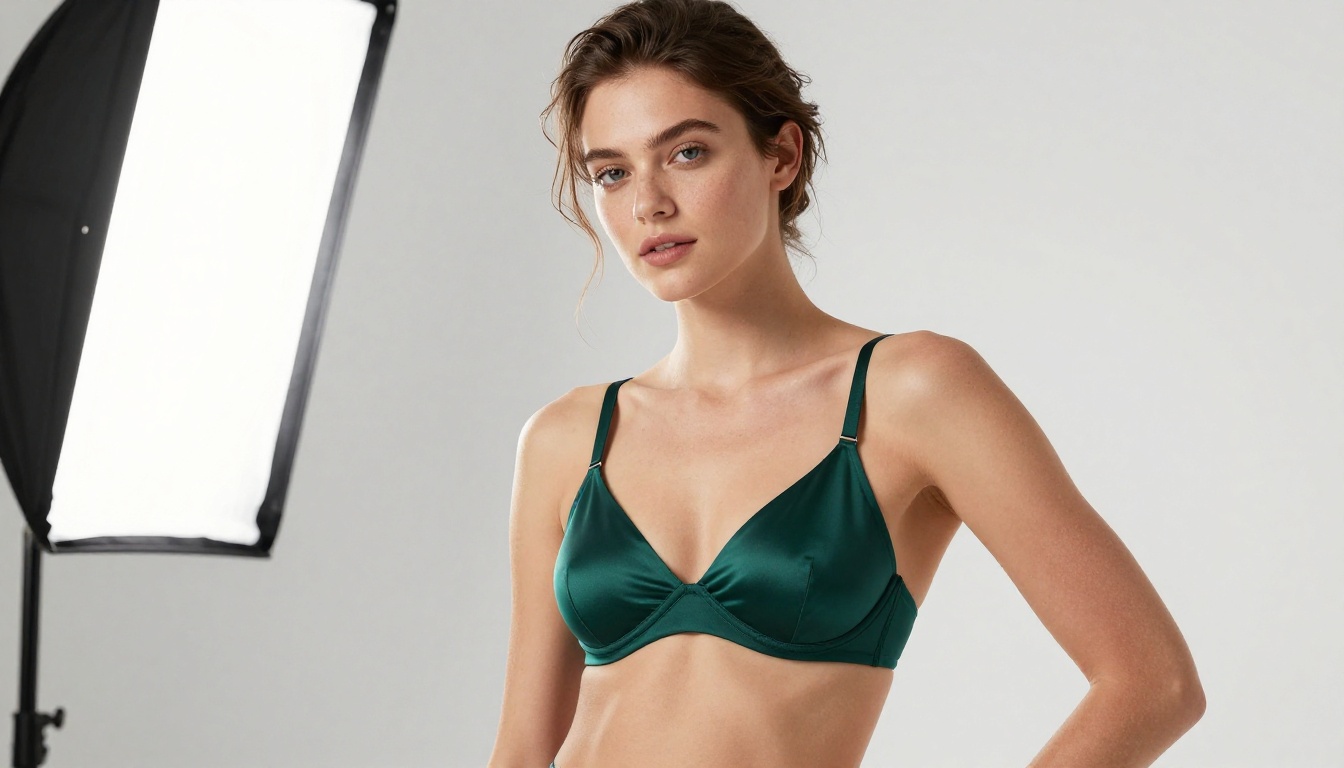
- "Bikini" vs. "Minimal white bikini, editorial fashion photography, golden-hour rim light"
The more specific and visual your language, the more precisely the model can move toward your intended image. Adjectives describing light, texture, camera angle, and mood all matter significantly.

What Makes NSFW AI Different
Beyond the obvious absence of content filters, NSFW-capable models have specific characteristics that affect your workflow significantly.
No filters, no friction
With standard models, you often spend significant time working around the filter: rewording prompts, avoiding flagged terms, or generating ten images to get one that passed the check. Unrestricted models eliminate that entirely. You describe what you want, you get what you described. The creative loop is tight and fast.
Speed at scale
Some platforms have historically treated NSFW generation as niche and under-resourced the infrastructure. PicassoIA inverts this. Its NSFW-capable models are among the fastest on the platform: Seedream 4.5 generates in under 3 seconds, P-Image returns results in under 1 second, and PicassoIA Image Editor Pro completes edits in under a second as well.
For creators who need volume, producing 50, 100, or 500 images for a project, that speed difference is substantial.
Your images stay yours
Platforms built around NSFW content typically have stronger privacy commitments. On PicassoIA, generated images belong to the creator. There are no public galleries where your generations appear without your consent.
Best Models for NSFW on PicassoIA
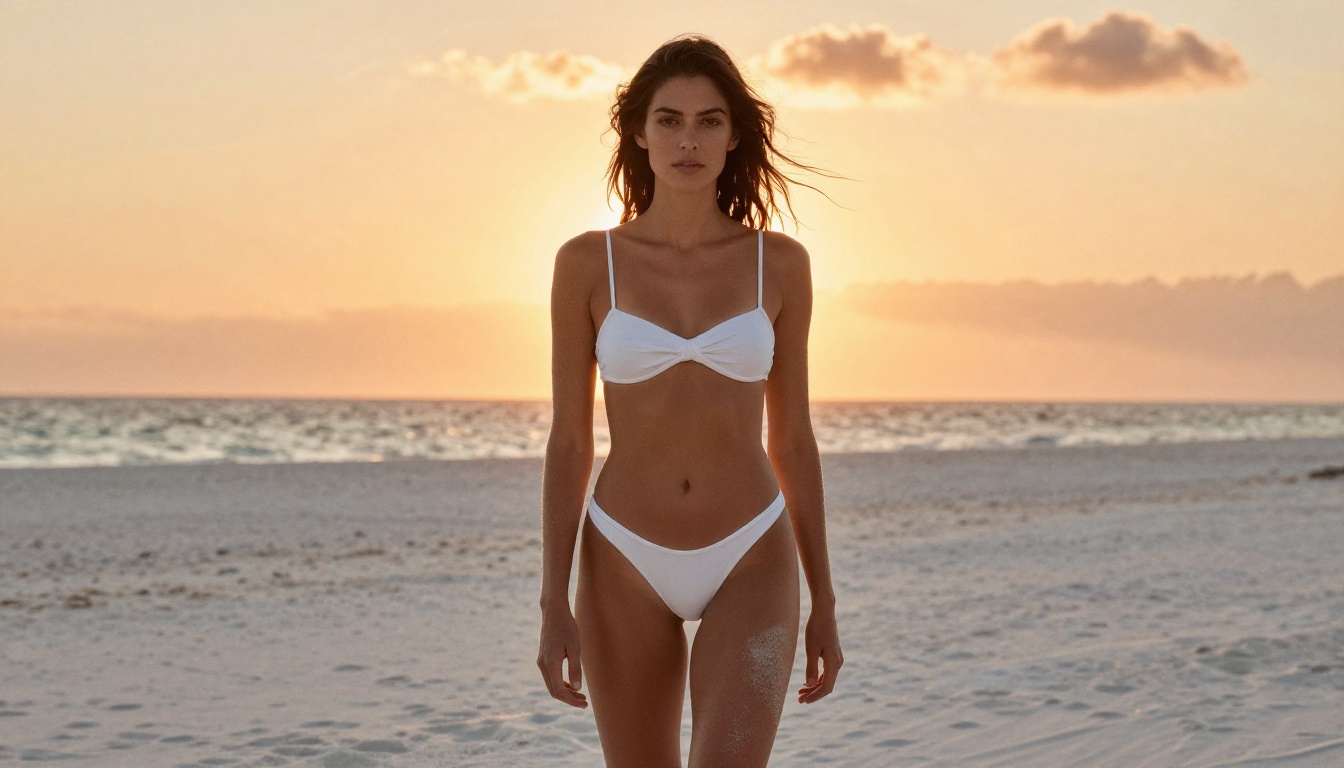
PicassoIA hosts dozens of models across multiple categories. For NSFW image generation specifically, these are the ones that consistently produce the highest-quality results.
Seedream 4.5: The #1 Pick
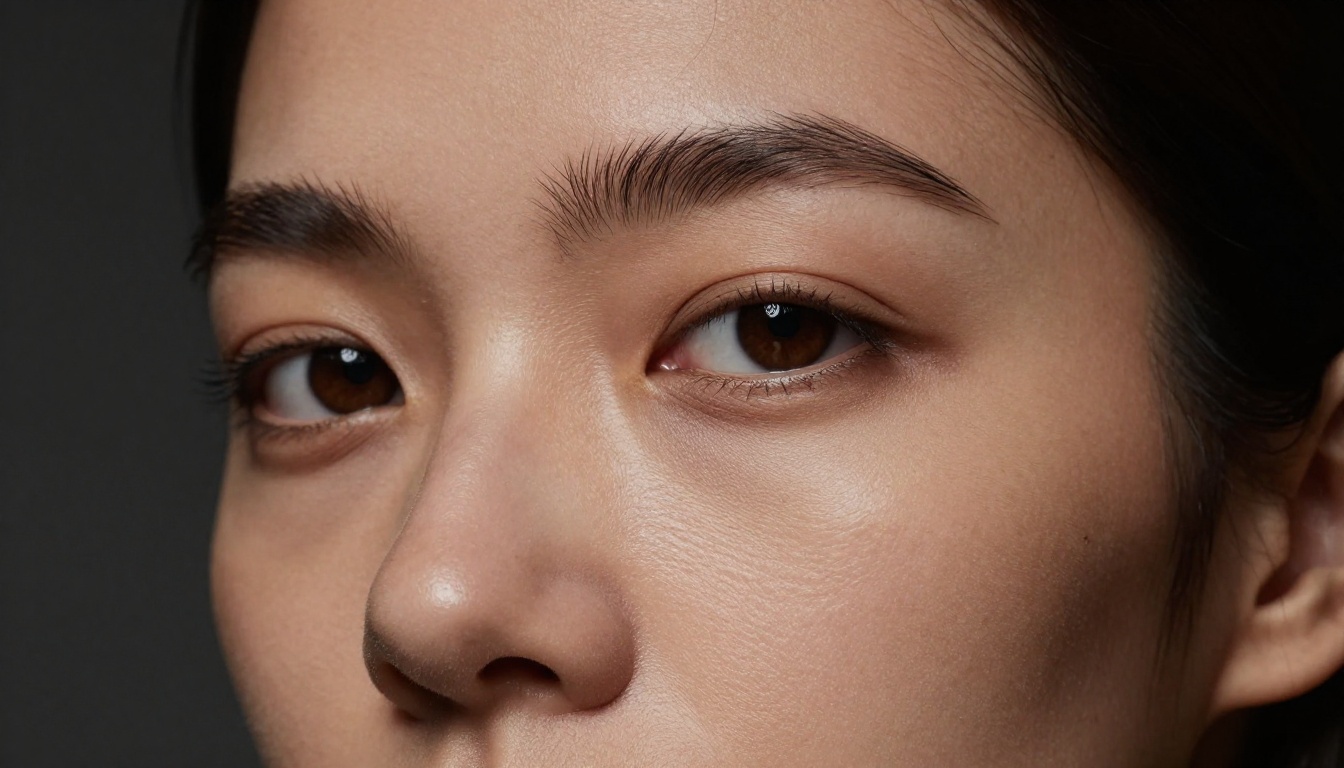
Seedream 4.5 is the top recommendation for any NSFW image project right now. It accepts adult content, generates images in under 3 seconds, and produces results with exceptional skin realism: individual pore texture, natural highlights, and convincing fabric interactions. It also supports image editing, meaning you can use an existing photo as a reference and have the model rework specific elements.
💡 Important: Seedream's newer model, Seedream 5 Lite, does not support NSFW content. Always select the Seedream 4.5 version for adult content projects.
PicassoIA Image Editor Pro: Unlimited
PicassoIA Image Editor Pro is an image-to-image model with one standout advantage: unlimited generations included in Elite and Infinite subscription plans. If you are producing 1,000 images for a project, those generations cost $0 beyond your subscription, compared to approximately $100 on per-credit models like Nano Banana 2.
It accepts NSFW content, returns results in under 1 second, and includes a free 3-generation trial with no credit card required.
More powerful options
| Model | Type | Speed | Strength |
|---|
| Qwen Image 2 | Text-to-Image + Edit | Fast | Open source, very detailed realism |
| Grok Imagine Image | Image-to-Image | Fast | Realistic bikini/outfit conversions |
| Recraft V4 | Text-to-Image | Moderate | Very realistic text-to-image output |
| P-Image | Text-to-Image | Under 1 second | Speed champion for volume work |
| Wan 2.2 Image | Text-to-Image | Moderate | Highly realistic, no content filters |
How to Write Prompts That Work
Prompt quality is the single biggest variable in output quality. Two people using the same model can get dramatically different results purely from how they phrase their descriptions.
The anatomy of a strong prompt
A high-performing NSFW prompt has four components:
- Subject: Who is in the image and what are they doing or wearing? Be specific about pose, expression, and clothing details.
- Environment: Where are they? What is the background? What surfaces, objects, or architecture surround them?
- Lighting: What direction does the light come from? What quality, soft or harsh, warm or cool? Window light, studio softbox, sunset?
- Camera/Technical: What lens perspective? Close-up, wide, aerial? What film stock or photographic style?
Weak prompt: "Pretty woman in lingerie"
Strong prompt: "Photorealistic beauty editorial portrait of a woman in dark silk lingerie, seated on a velvet chair in a sunlit hotel suite, soft morning light from sheer curtains casting diffused shadows, 85mm f/1.8 lens, Kodak Portra 400 film grain, authentic skin texture, high detail"
The stronger version gives the diffusion model a precise target. Every additional visual detail narrows the search space and produces a more intentional result.
5 mistakes beginners make
- Using vague adjectives: "Beautiful" and "gorgeous" are not visual. Describe what beautiful looks like in concrete terms.
- Skipping lighting: No lighting description means the model picks arbitrary lighting that may not suit the mood.
- Ignoring camera angle: Default generations tend to produce mid-shot, eye-level compositions. Specify if you want something different.
- Over-stacking style words: Adding "photorealistic, ultra-realistic, hyperrealistic" all at once can confuse rather than help. Pick one consistent style direction.
- Not iterating: The first generation is a draft. Use it to identify what the model is interpreting differently from your intent, then refine the prompt.
How to Use Seedream 4.5 on PicassoIA
Since Seedream 4.5 is the top NSFW model on the platform, here is a step-by-step walkthrough for first-time users.
Step 1: Create your account
Go to picassoia.com and sign up for a free account. No credit card is required. New users receive starting credits to try the platform immediately.
Step 2: Open the model
Go to the text-to-image section and search for "Seedream 4.5." Alternatively, go directly to picassoia.com/en/collection/text-to-image/bytedance-seedream-45. Click the model card to open the generation interface.
Step 3: Write your first prompt
Use the prompt structure from the section above: Subject + Environment + Lighting + Camera details. For NSFW content, be specific about what you want. The model handles adult descriptions directly, so vagueness just produces generic results.
Set the aspect ratio to 16:9 for landscape or editorial content, or 9:16 for portrait-orientation images. Leave quality settings at their defaults to start.
Step 4: Generate and refine
Click generate. Seedream 4.5 returns results in under 3 seconds. Examine the output:
- If the composition is right but the lighting is off, add or adjust your lighting description.
- If the subject looks correct but the background is wrong, specify the background more precisely.
- If skin texture or clothing detail needs work, add texture descriptors: "silk sheen," "visible lace pattern," "natural pore texture."
After 2 to 3 refinement iterations, most experienced users land on a generation they are satisfied with. Even beginners typically get usable results within 5 to 6 tries.
💡 Tip: Save your best-performing prompts. A prompt that works well for one scenario often provides a strong structural template for related images.
Comparing NSFW AI Options on PicassoIA
Different projects call for different tools. This breakdown helps you pick the right model for your specific use case.
| Use Case | Best Model | Why |
|---|
| Highest quality single images | Seedream 4.5 | Best realism plus NSFW support |
| High-volume projects (100+ images) | PicassoIA Image Editor Pro | Unlimited on Elite/Infinite plan |
| Converting photos to lingerie/bikini | Grok Imagine Image | Optimized for outfit conversions |
| Maximum speed (under 1 second) | P-Image | Fastest generation on platform |
| Open-source flexibility | Qwen Image 2 | Editable, very realistic |
| Professional print-quality output | Recraft V4 | Very high-detail text-to-image |
Speed vs. quality tradeoff
Speed and quality are generally inversely related in AI generation, but the gap has closed significantly in recent years. P-Image's sub-1-second results would have been considered draft quality two years ago. Today, they are production-ready for many use cases. Seedream 4.5 generates in under 3 seconds and produces results that regularly compete with professional photography and post-production work.
Cost reality
Free credits on PicassoIA let you test any model before committing to a plan. For creators who generate images regularly:
- Casual use: Free tier and pay-as-you-go credits work well for occasional projects.
- Professional/volume use: The Elite or Infinite plan with PicassoIA Image Editor Pro unlimited generations is the most economical option by a wide margin.

The Full PicassoIA NSFW Lineup
PicassoIA also offers several NSFW-capable video models for creators who need motion content:
- PicassoIA Video: Unlimited video generation from text prompts, up to 720p and 5 seconds per clip. The unlimited model makes it exceptional for creators who need volume.
- P-Video: Text, image, or audio to video at up to 1080p. The safety filter is disabled by default, and draft mode provides instant low-res previews before full rendering.
- Grok Imagine Video: Clips up to 15 seconds from text, an image, or an existing video, with no watermarks.
- LTX 2.3 Pro: The highest-fidelity option at up to 4K/50fps, with retake and extend editing for precise control over each segment.
The image and video model ecosystem on PicassoIA spans every major NSFW use case, from fast concept generation all the way to production-quality visual content.
Start Creating Without Limits
NSFW AI generation is not complicated. The technology is the same diffusion process powering every mainstream AI image tool. The only difference is that PicassoIA's models run without the filters that block your creative work elsewhere.
The barrier to entry is genuinely low. Seedream 4.5 is free to try, generates in under 3 seconds, and produces results that would have required hours of professional photography and post-production just a few years ago. PicassoIA Image Editor Pro gives you unlimited generations on Elite and Infinite plans with a free 3-image trial requiring no credit card.
The best way to get comfortable with these tools is to start generating. Pick a concept, write a detailed prompt using the structure in this article, and see what comes back. The first result will show you exactly where to refine. Then iterate from there.
Every creator using NSFW AI started exactly where you are now. The difference between a beginner and someone producing professional-quality imagery is almost entirely prompt skill, and that skill comes from practice. There is no better way to build it than generating images.
💡 Ready to see what these models can do? Browse the full catalog of uncensored, high-performance AI models at picassoia.com/en/all-models.