The demand for NSFW AI generator apps on mobile has exploded in 2027. Artists, writers, and curious creators no longer need a high-end desktop or a complicated local setup to produce stunning adult AI imagery. The best platforms now put powerful diffusion models directly in your pocket, with photorealistic results that would have seemed impossible just two years ago. If you have been frustrated by apps that censor everything, throttle quality, or require a computer science degree to operate, this breakdown is exactly what you need.
Why Mobile NSFW AI Took Off
The shift from desktop-only to mobile-first NSFW generation happened for three reasons: faster mobile chips, better cloud inference, and a wave of platforms willing to host adult content without deleting everything the moment it gets suggestive.
In 2023, running Stable Diffusion locally meant at least 8GB of VRAM and a desktop setup. By 2025, API-based platforms handled all the heavy lifting server-side, streaming results back to any browser or app. Your phone became the remote control for a supercomputer.
Today, the best NSFW AI experiences on mobile combine:
- Fast inference with results in under 10 seconds
- High-resolution output at 1024x1024 or higher
- Minimal censorship for artistic and adult content
- Full prompt control that actually responds to nuance and detail
💡 The best results always come from detailed, descriptive prompts. Vague prompts produce vague images every single time.
What Actually Makes an App Worth Using
Not all mobile NSFW AI apps are built the same. Most are thin wrappers around the same three or four models with paywalls slapped on top. Here is what separates the quality tools from the frustrating ones:
Model quality matters most
The model running under the hood determines everything. Apps running outdated SDXL checkpoints from 2023 will never match platforms using Flux 1.1 Pro Ultra or Stable Diffusion 3.5 Large. The jump in realism, skin texture, lighting accuracy, and detail between model generations is not subtle.
Speed vs. quality trade-off
Fast models like Flux Schnell generate in 2-4 seconds but sacrifice some fine detail. Slower, higher-quality runs using Flux 2 Pro take 15-30 seconds but produce noticeably sharper, more coherent anatomy and lighting. For casual experimentation, fast is fine. For final output, always choose quality.
Prompt control and filtering
Some apps strip your prompt down to basics before sending it to the model. The best platforms pass your full prompt unfiltered, preserving every detail you wrote. The difference between "beautiful woman on beach" and a 60-word cinematic description is the difference between a generic stock photo and something genuinely striking.
The Models Powering NSFW AI in 2026
Understanding which models sit behind the apps helps you make smarter choices. Here is what is relevant in 2026:
The Flux family from Black Forest Labs dominates photorealistic generation in 2027. For NSFW content specifically, Flux 1.1 Pro Ultra handles anatomy, lighting on skin, and fabric transparency better than any competing model. Flux 2 Max pushes this further with even more consistent fine detail in complex scenes.
Realistic Vision v5.1 remains the go-to for hyper-realistic portraiture when you need fast results. It has strong skin tone rendering and handles close-up shots with excellent texture authenticity.
GPT Image 1.5 and Imagen 4 from OpenAI and Google respectively bring a different aesthetic, with cleaner rendering and superior natural light simulation. Both are available on PicassoIA.
PicassoIA
PicassoIA is the strongest browser-based option that works natively on any mobile device. It hosts all the major models, including Flux 1.1 Pro Ultra, Flux 2 Pro, Stable Diffusion 3.5 Large Turbo, Realistic Vision v5.1, and 80+ more, all accessible without any local installation or app download.
What makes it stand out on mobile:
- 91+ text-to-image models in one place
- No download or installation required, runs in Safari or Chrome
- Supports aspect ratios including portrait (9:16) for mobile wallpapers
- Super Resolution upscaling for output that holds up at full screen
- Face Swap AI for character personalization
Dedicated NSFW App Ecosystems
Several dedicated platforms target the adult AI market specifically:
Candy.ai, Muah.ai, and Seduced.ai appeal to users who want a character-focused experience with integrated personas. Image quality has improved but the limitation is model lock-in: you cannot switch to Flux 2 Max when the platform's built-in model underperforms.
Promptchan AI and similar generators offer quick generation but often run older model architectures, capping out at a quality ceiling that modern Flux and SD3.5 models have long surpassed.
💡 For the best quality-to-cost ratio on mobile, browser-based platforms with model selection beat locked app ecosystems almost every time.
Running Models Locally on Mobile
In 2027, apps like DrawThings allow running smaller quantized models directly on iPhone 16 Pro and Android flagship hardware. The results are acceptable for drafts but fall well short of cloud API quality for photorealism. Local models make sense for privacy-first users who do not want any data leaving the device, with the trade-off being significantly lower resolution and realism.
How to Use Flux 1.1 Pro Ultra on PicassoIA
PicassoIA hosts Flux 1.1 Pro Ultra directly, making it the easiest way to access the best NSFW-capable model on a mobile device. Here is the exact process:
Step 1: Open PicassoIA on mobile
Go to picassoia.com in your smartphone browser. No app installation needed. The site is fully responsive and works on any modern phone.
Step 2: Select the right model
From the collection menu, tap Text to Image, then choose Flux 1.1 Pro Ultra. This model handles photorealistic human subjects, fabric, skin texture, and lighting better than any other option in the catalog. For faster iteration, start with Flux Dev and switch to Pro Ultra for final renders.
Step 3: Craft a layered prompt
Short prompts produce generic results. The model responds dramatically to specificity. A strong prompt follows this structure:
[Subject + pose] + [Clothing details] + [Environment] + [Lighting] + [Camera lens + angle] + [Texture/film style]
Example prompt:
"Portrait of a woman with olive skin in a white bikini top, sitting on a sun-bleached wooden dock at dusk, warm golden rim light from behind creating a glow on her shoulders, shallow depth of field with ocean softly blurred, 85mm lens, natural skin pores, authentic freckles, Kodak Portra 400 film grain"
Step 4: Set aspect ratio and parameters
- Aspect ratio: 16:9 for landscape scenes, 9:16 for portrait or mobile wallpaper format
- Guidance scale: 7-9 for realistic results, lower values introduce more creative variation
- Steps: Higher step count produces more detail on final renders
Step 5: Iterate, then upscale
Run the generation. If the result is close but not quite right, adjust specific elements rather than rewriting entirely. Small lighting changes or wardrobe details make the biggest difference. Once satisfied, run Super Resolution to upscale 2x or 4x.
💡 Use Realistic Vision v5.1 as a fast drafting model when iterating prompts, then switch to Flux 1.1 Pro Ultra for your final high-quality render.
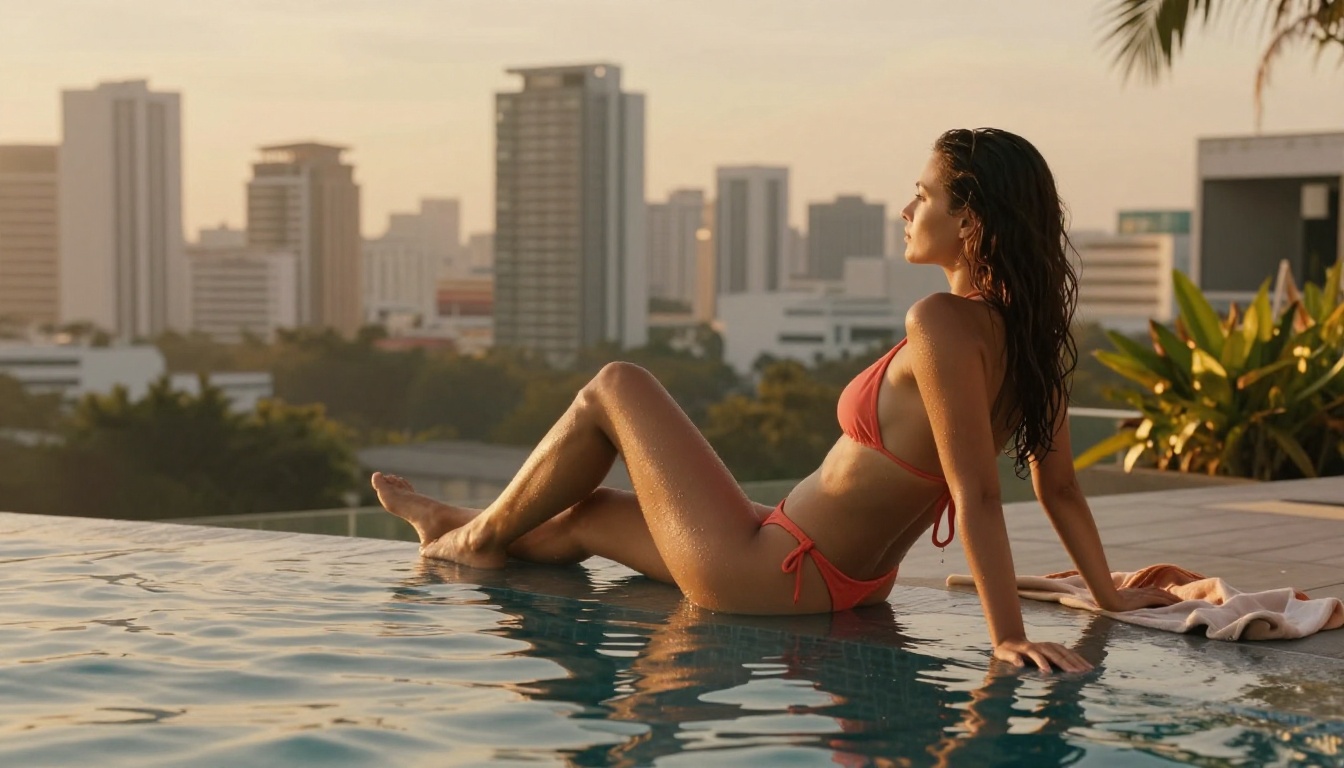
Prompting for NSFW AI: What Actually Works
Most NSFW AI prompt advice is either too vague ("just be descriptive") or too specific to one model. Here is what works across the board in 2027:
Describe lighting first
Lighting direction changes the emotional tone and realism of an image more than almost anything else. "Soft golden light from the right" produces warmer, more intimate results than "studio lighting" or no lighting description at all. Volumetric and directional lighting descriptions are parsed well by Flux 2 Pro and Stable Diffusion 3.5 Large alike.
Layer five distinct elements
The best prompts layer these five things:
- Physical description: skin tone, hair color and texture, body position, expression
- Wardrobe: fabric type (satin, linen, sheer), fit, color
- Setting: specific location, time of day, season
- Camera: lens length (35mm, 85mm, 135mm), aperture, shooting angle
- Film/texture: Kodak Portra 400, Fuji 400H, grain level, color grading
Use negative prompts
Most platforms accept negative prompts. For NSFW content: "cartoon, illustration, blurry, low resolution, overexposed, digital art". For anatomy accuracy add: "bad hands, deformed fingers, distorted proportions, extra limbs".
What kills a prompt
- Contradictory lighting (golden hour plus harsh studio flash)
- Mixing incompatible aesthetics (photorealistic and anime)
- Ambiguous subject count ("women" instead of "one woman")
- Generic locations ("somewhere nice" instead of "a sunlit Amalfi terrace with terracotta tiles")

Free vs. Paid: The Real Difference
| Feature | Free Tier | Paid Tier |
|---|
| Model quality | Older architectures | Flux 2 Pro, Imagen 4 |
| Resolution | 512x512 or 768x768 | Up to 2048x2048 |
| Generation speed | Queued (5-10 min) | Priority (under 15 sec) |
| Daily limits | 5-10 images | Unlimited or high caps |
| Prompt control | Filtered or truncated | Full prompt passed to model |
| NSFW content | Often blocked | Enabled with age verification |
The free tier is fine for testing whether a platform suits your workflow. For serious creative work, the paid tier is non-negotiable. The quality gap between a free-tier run on an old model and a priority run on Flux 1.1 Pro Ultra is not marginal. It is the difference between something you share and something you delete.
5 Mistakes That Ruin Your NSFW AI Images
Even good prompts fail when these errors show up:
1. Using the wrong model for the job
Running DreamShaper XL Turbo for a photorealistic portrait and expecting Flux 1.1 Pro Ultra results will always disappoint. Match the model to the output type you want.
2. Skipping aspect ratio selection
Most models default to 1:1. For portrait or environmental scenes, use 4:3 or 16:9. For mobile wallpapers, use 9:16. The default square format wastes most of the composition space.
3. One-line prompts
A single sentence tells the model almost nothing. Three or four sentences covering subject, environment, lighting, and camera is the baseline for quality output.
4. Ignoring upscaling
Raw output at 1024x1024 looks acceptable on a phone screen but falls apart at full zoom. Use Super Resolution to upscale 2x or 4x for results that hold up to scrutiny.
5. Not iterating
First outputs are rarely perfect. Treat generation as a draft, adjust one specific element in the prompt, and run again. The third or fourth iteration is almost always significantly better than the first.
Privacy is a real concern when generating adult content. Here is what to actually check before trusting any platform:
Data retention policies
Most cloud-based platforms store your generated images for some period of time, from 24 hours to indefinitely. Read the actual terms. Some apps sell anonymized generation data; others commit to zero retention policies. Do not assume.
Account requirements
Anonymous generation without an account means no account-linked history. Platforms requiring email or phone verification store a link between your identity and your generations. If discretion matters, look for platforms that allow generation without registration.
Local vs. cloud
Apps running models on-device never send your prompts or results to a server. For maximum privacy, this is the only option that guarantees zero data leakage from the session. The trade-off is lower quality than cloud inference on equivalent hardware.
Browser-based platforms
PicassoIA operates as a browser-based platform, meaning no native app permissions, no camera access, and no background location tracking. Standard web session logging applies, but there is no aggressive data harvesting. For most users, this balance between quality and discretion is more than acceptable.
Create Your First Image on PicassoIA Right Now
The technology in 2027 is genuinely remarkable. Models like Flux 1.1 Pro Ultra and Flux 2 Pro produce images with the kind of photorealistic quality that takes photographers years to achieve, and you can access all of it from your phone in under 30 seconds.
PicassoIA brings together 91+ text-to-image models from fast drafting tools like Flux Schnell to premium-quality generators like GPT Image 1.5 and Imagen 4, all in one place with no installation required.
Pick a model. Write a detailed prompt. See what your imagination looks like when rendered at 8K.
Start on PicassoIA today: picassoia.com/en/collection/text-to-image


