The quality gap between AI-generated imagery and real photography has nearly disappeared. What took a team of photographers, models, lighting rigs, and weeks of post-production in 2022 now takes a single well-crafted prompt and about thirty seconds. Nowhere is this shift more visible than in NSFW AI generation, where the combination of open-source model releases, improved sampling methods, and larger training datasets has produced results that are, frankly, stunning.
This is not a niche movement. NSFW AI generation tools are used by content creators, adult platform operators, fashion studios, and individual artists who want complete creative control over their visual output. The trends shaping this space this year are worth paying close attention to, whether you create content professionally or are just getting started with AI image tools.
Realism Crossed a Threshold
The Models That Changed Everything
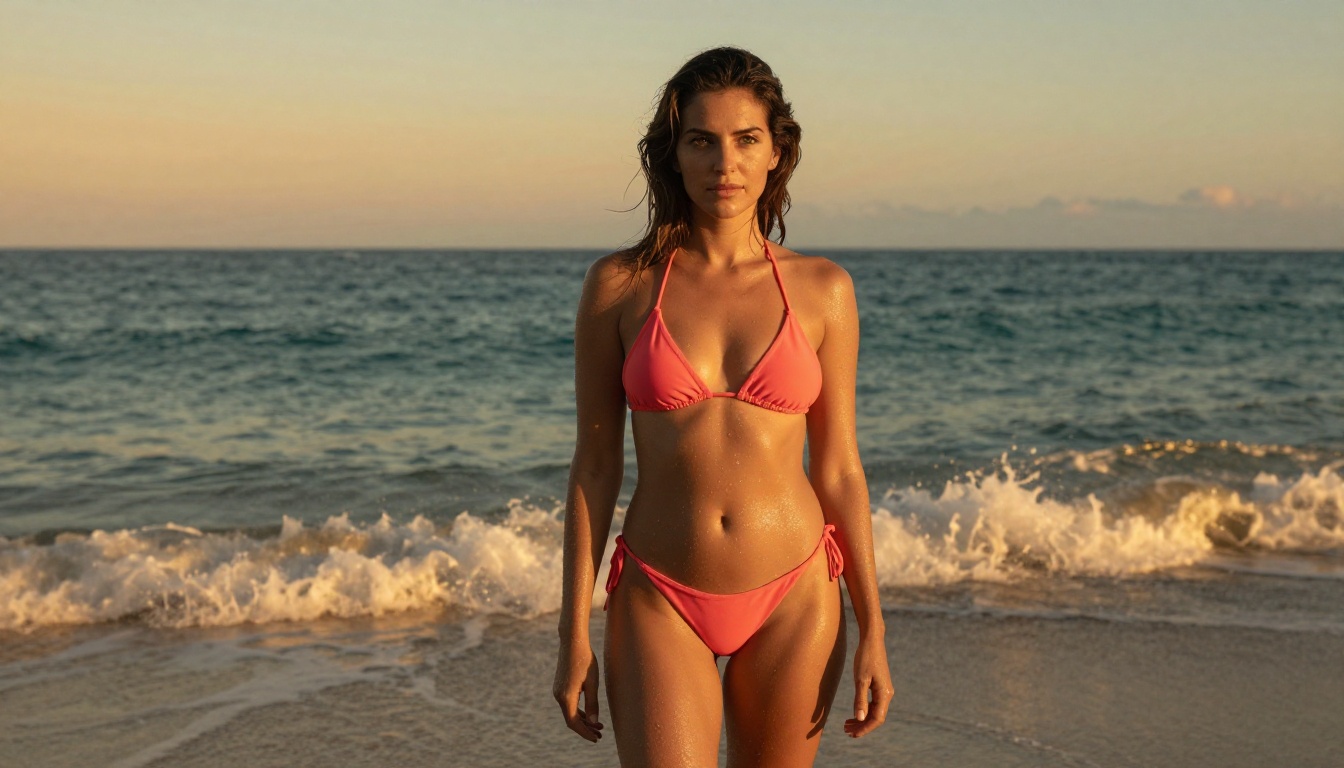
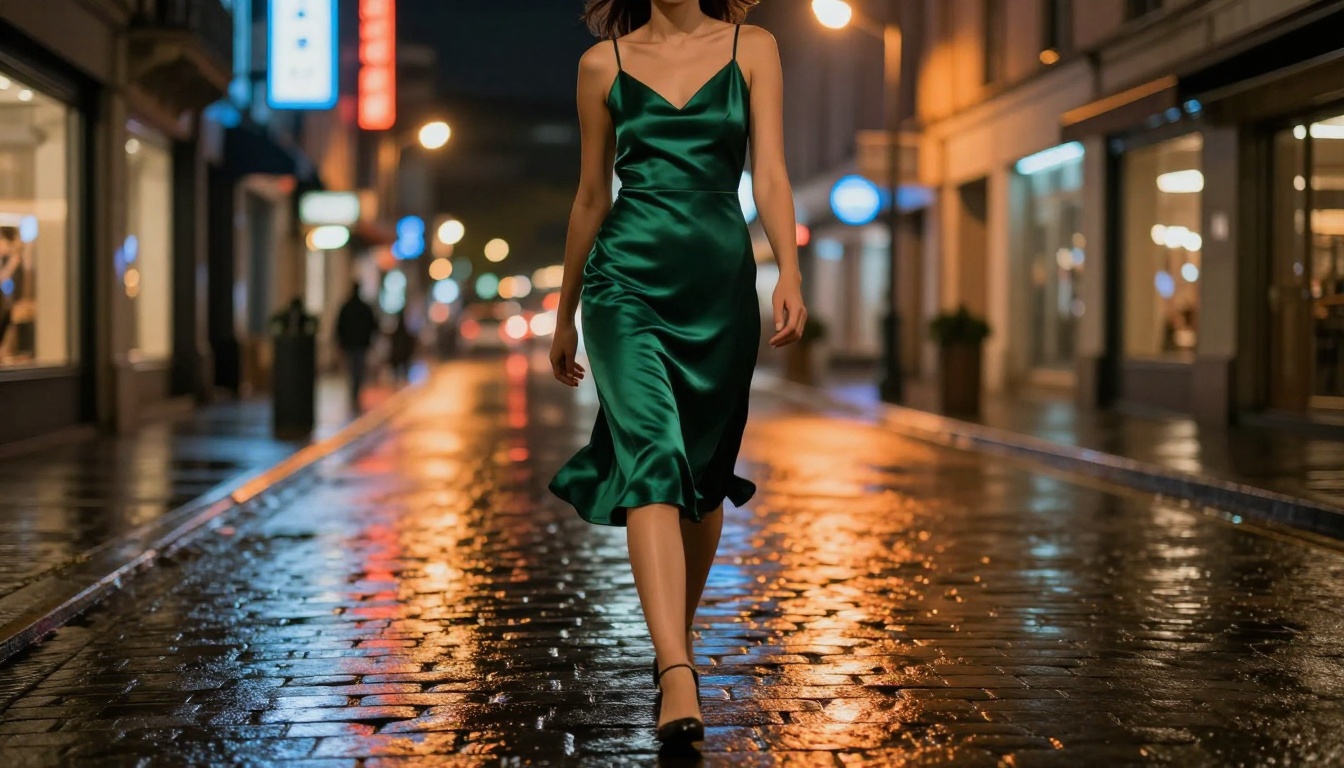
The clearest trend is also the most dramatic: photorealism is no longer a stretch goal. It is now the baseline expectation. Models like Flux 1.1 Pro Ultra and Flux 2 Pro from Black Forest Labs have raised the ceiling so substantially that older benchmarks for "good AI images" look outdated. Skin pores are visible. Hair behaves correctly. Fabric wrinkles in response to the body beneath it.
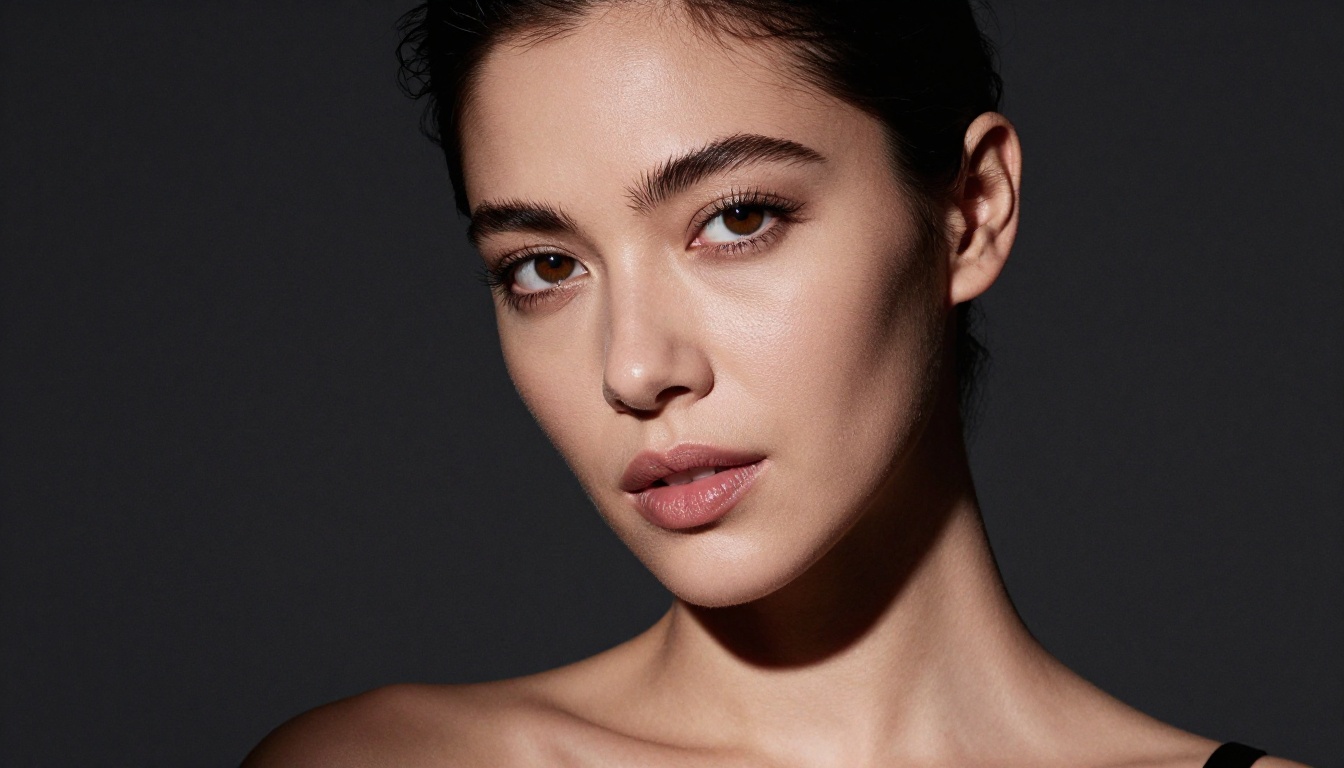
The shift is not just model size. It is the combination of better training data curation, improved latent diffusion sampling, and the refinement of LoRA fine-tuning. Flux Dev allows creators to adapt the base model to specific aesthetics with relatively small fine-tuning datasets. That means specialized styles, body types, and lighting conditions that used to require hundreds of reference images can now be captured with far fewer. The democratization of fine-tuning is one of the biggest stories in this space this year.
What this means practically: if you ran a NSFW generation workflow twelve months ago and found the results frustrating, the landscape has changed enough that it is worth revisiting. The same prompts that produced uncanny, artifact-heavy output then will produce publishable results today with the right model selection.
Why RealVisXL Still Matters
Not every creator needs the newest architecture. RealVisXL v3.0 Turbo remains one of the most consistently reliable models for photorealistic NSFW content because it was specifically fine-tuned for human anatomy and skin rendering. It produces fewer artifacts on hands, ears, and body proportions, the traditional weak points of diffusion models. When combined with SDXL's ControlNet infrastructure for pose control, the results are tightly controllable and consistent across a batch of images.
💡 Pro tip: RealVisXL v3.0 Turbo performs best with detailed prompt engineering. Describe lighting, skin tone, fabric type, camera angle, and film stock all within the same prompt for maximum realism.
The speed advantage of RealVisXL matters too. For creators generating hundreds of images per week, generation time is a real operational cost. RealVisXL's Turbo variant hits a sweet spot between speed and quality that newer, heavier architectures have not fully matched yet.
The New Model Race
Flux 2 and Its Variants
Black Forest Labs released several variants of Flux 2 this year and each sits at a different price-performance point. Flux 2 Dev is the research-oriented version with the highest output quality but slower generation. Flux 2 Pro is the production-ready version with a better speed-quality balance. For creators producing high volumes of content, the Flux 2 family is now the default recommendation.
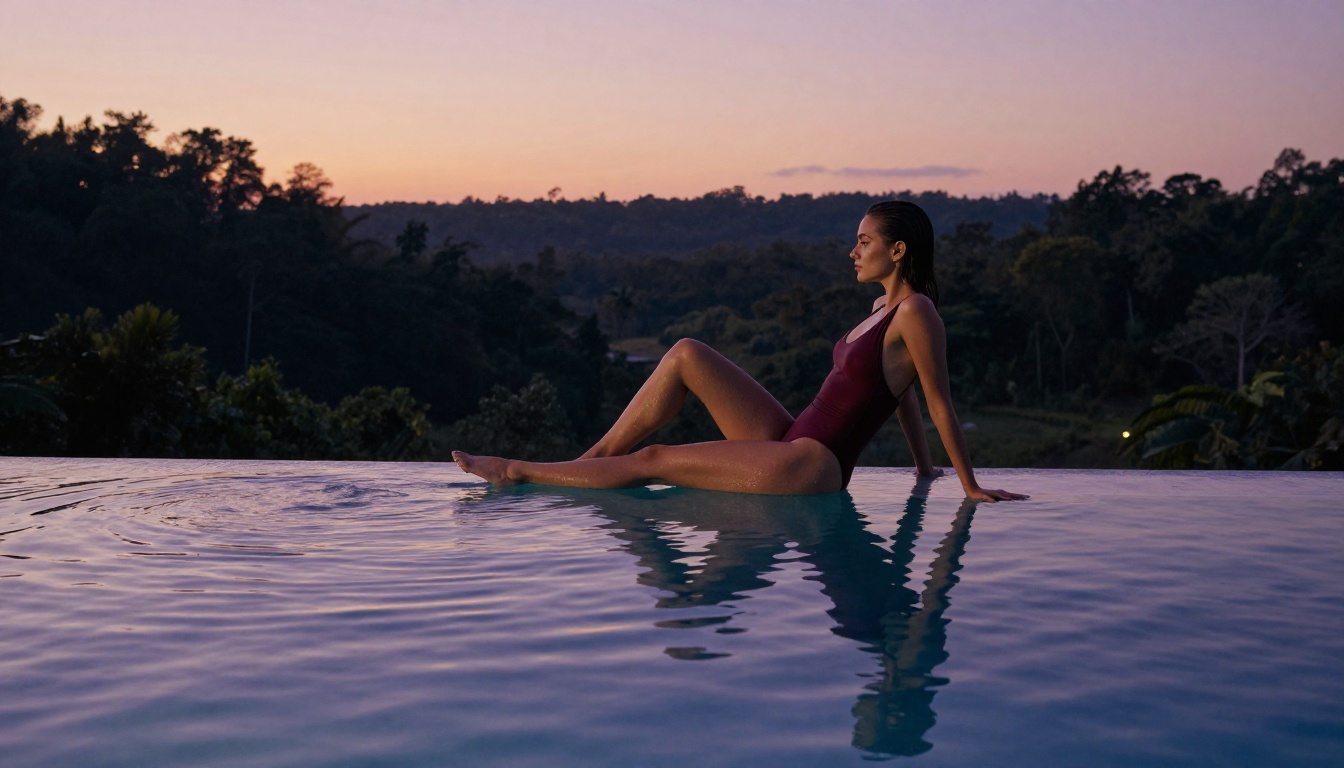
One pattern that has emerged with Flux 2 is its handling of compositional complexity. Earlier models struggled with multi-element scenes: a figure in a specific pose, in a specific environment, under specific lighting, with a specific camera angle. Flux 2 holds all of those variables simultaneously without sacrificing any one element to serve another. The result is images that feel directed rather than generated.
Google Imagen 4 Ultra and Seedream 4
The open-source community is not the only one moving fast. Google's Imagen 4 Ultra represents a significant push from a major lab into photorealistic image generation. It handles complex lighting scenarios and multi-figure compositions better than most competing models. ByteDance's Seedream 4 sits in a similar tier, particularly strong at rendering fine fabric details and environmental contexts.
These models are available directly on PicassoIA without any local GPU setup required. That accessibility is part of what is driving adoption among professional content creators who do not want to manage local infrastructure.
Prompt Engineering Shifted Dramatically
Natural Language Took Over
One of the more subtle but important trends this year is the shift away from tag-based prompting toward natural language descriptions. Early SDXL-era prompts were heavy on comma-separated tags: beautiful woman, bikini, 4k, masterpiece, photorealistic. The newer Flux-family models respond far better to descriptive sentences that read like photography briefs.
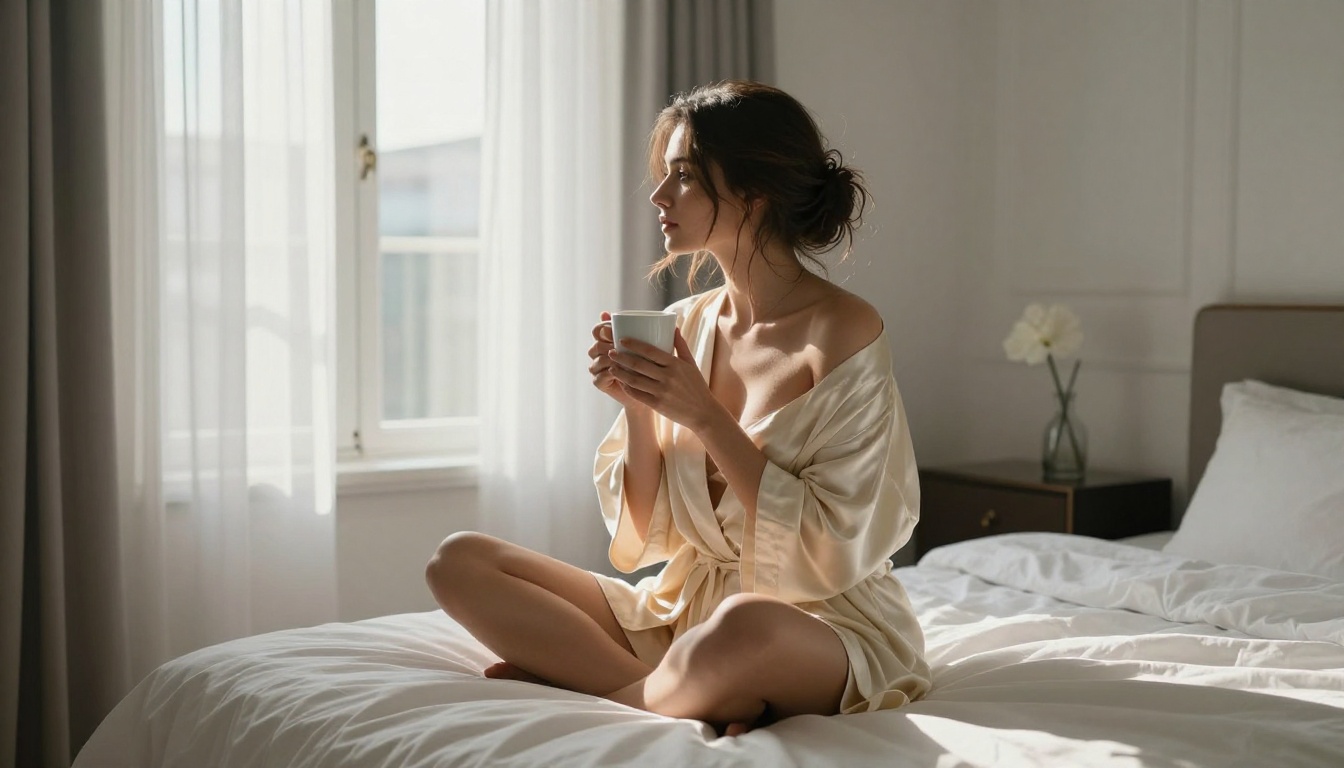
Instead of tags, describe the scene as a photographer would brief a crew. Specify the light source direction ("volumetric morning light entering from the left"), the camera and lens ("shot with an 85mm f/1.4 prime"), the film emulation ("Kodak Portra 400"), and the mood ("warm, intimate, natural"). This approach consistently produces more coherent, realistic results with models like GPT Image 1.5 and Flux Kontext Pro.
A well-written prompt for a model like Flux 2 Dev might read: "A photorealistic portrait of a woman in a fitted silk dress standing near a large window, soft overcast daylight from camera-left, her expression relaxed and confident, shot with a 50mm f/2 lens at chest height, Kodak Portra 400 film grain, natural skin texture with visible pores". That reads nothing like a tag list, and it produces substantially better results than one.
What Negative Prompts Still Do
Negative prompts have not disappeared, but their role has shifted. With older models, negative prompts were essential for blocking common defects: deformed hands, extra fingers, blurry, watermark. With Flux 2-family models, those anatomical failures are far less common by default. Negative prompts are now more useful for stylistic steering: blocking CGI aesthetics, preventing overly saturated colors, or steering away from the generic "AI look."
💡 Practical negative prompt for NSFW realism: CGI render, 3d animation, illustrated, painted, cartoon, overexposed, overprocessed skin, artificial bokeh, stock photo watermark, flat lighting, plastic skin, airbrushed
The shift in how negative prompts are used is a strong signal that the base quality of leading models has improved significantly. You are no longer fighting against the model's defaults. You are steering an already capable system toward your specific vision.
Platform Dynamics and Content Policies
Where Explicit Content Lives
The ecosystem of platforms supporting NSFW AI generation has segmented noticeably. Public platforms maintain strict safe-for-work defaults with optional NSFW filters that users unlock through age verification or subscription tiers. Platforms built specifically for adult content creators offer fewer restrictions but also tend to be less technically sophisticated in their model offerings.
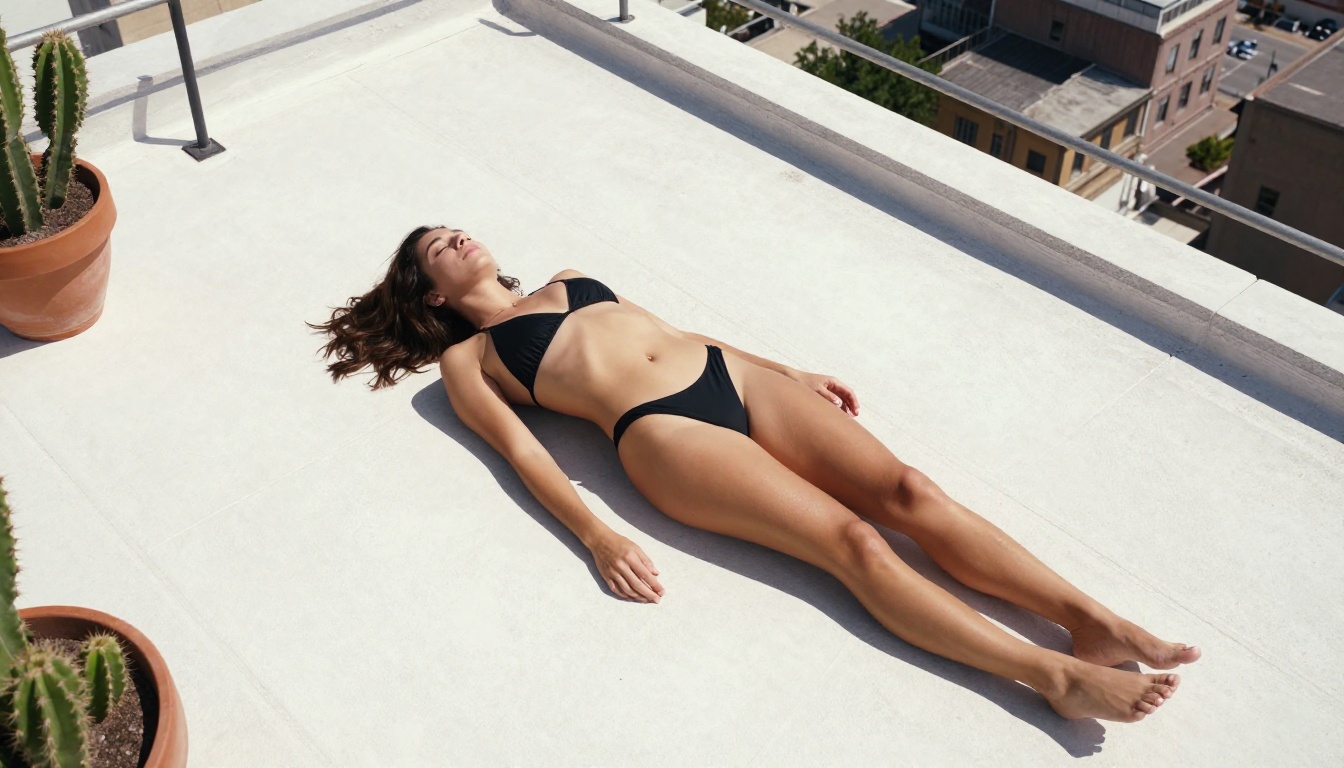
The interesting middle ground is where the best tools now sit: platforms that offer access to cutting-edge models like Flux 2 Pro and Imagen 4 Ultra, with user-controlled content policies that allow mature but non-pornographic imagery. Fashion-adjacent content, glamour photography, artistic nudity, and swimwear photography all fall into this space, and the demand for it is substantial.
This segmentation has actually been positive for creators who work in the suggestive-but-not-explicit tier. The best infrastructure now serves them directly, rather than forcing them to choose between powerful tools with no adult content allowance, or permissive platforms with outdated models.
Self-Hosting vs. Platform Access
Running models locally gives maximum control but requires significant hardware investment. A GPU capable of running Flux 2 at full quality costs several thousand dollars and demands ongoing technical maintenance. For most content creators, platform access via web interfaces offers a better trade-off: full access to state-of-the-art models, no infrastructure costs, and results in seconds.
The calculation changed this year because the top cloud platforms are now running the same models that local GPU setups use. There is no longer a quality penalty for not self-hosting. A creator generating images on PicassoIA has access to Flux 1.1 Pro Ultra, Seedream 4, and GPT Image 1.5 in the same interface without managing a single dependency.
What Makes a Great NSFW Prompt
Lighting Is the Most Important Variable
Of all the elements in a NSFW AI image prompt, lighting has the largest single impact on whether the result reads as photographic or artificial. Flat frontal lighting produces the generic "AI look." Directional, single-source lighting creates volume, shadow, and the kind of three-dimensionality that makes an image feel real.
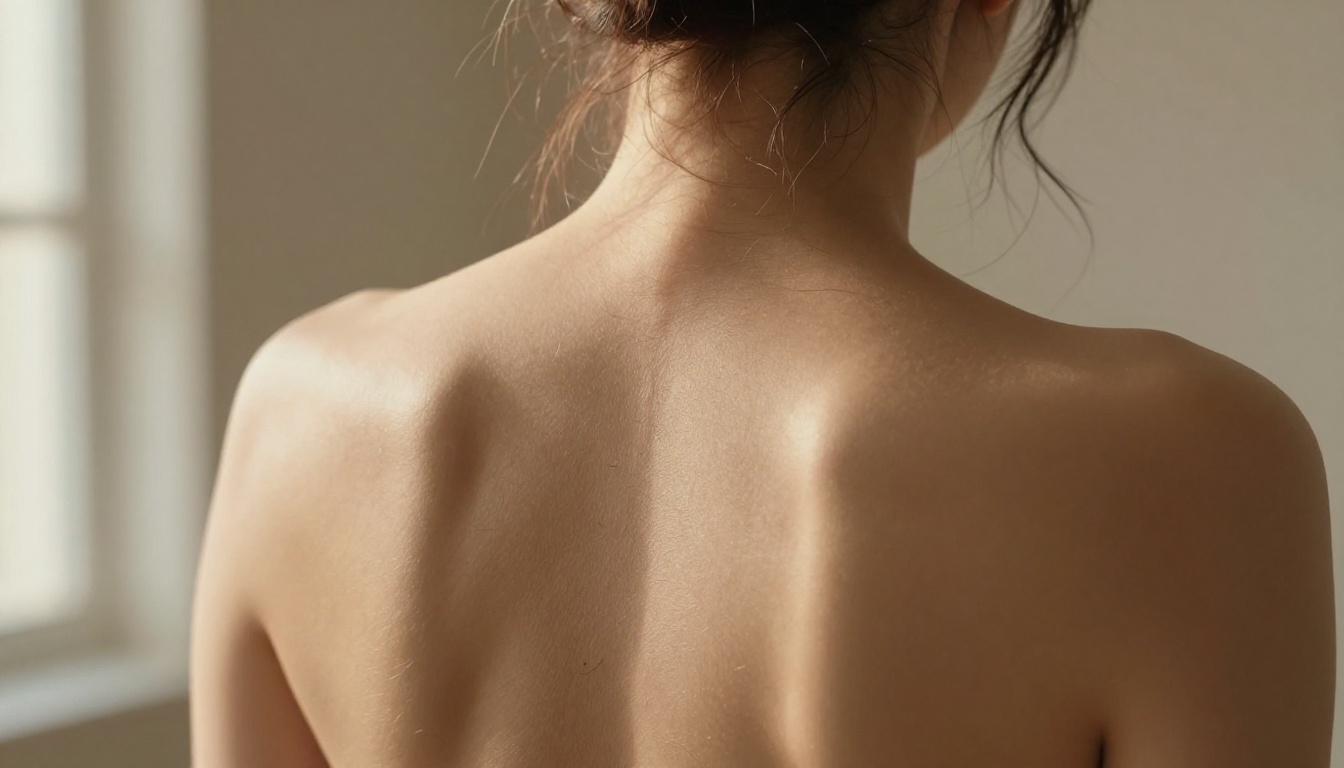
Specific lighting descriptions that work well in practice:
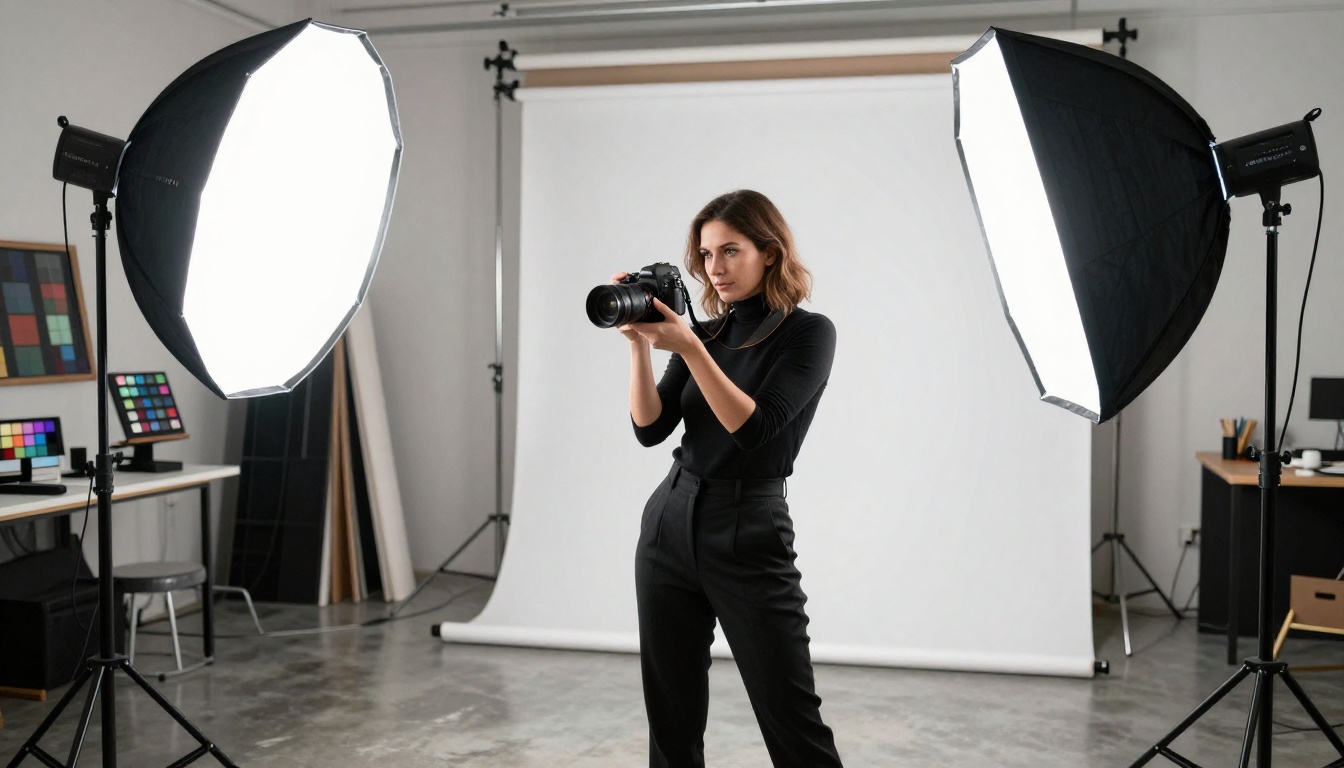
Volumetric late afternoon light from the upper left, warm golden color temperature, 4000KSingle large window camera-left, overcast sky diffusing the light, cool neutral castPractical light from bedside lamp, warm tungsten color, creating a pool of light and deep shadowBacklit by the setting sun, rim light separating subject from background, face in shadowTwo large softboxes flanking the camera at 45-degree angles, flat even beauty light
Each of these descriptions tells the model not just how much light but where it comes from. That directionality is what creates the shadow gradients and surface texture that make skin look three-dimensional rather than rendered.
Style Modifiers That Actually Work
Beyond lighting, the following modifiers consistently improve photorealistic NSFW output when used with models like Flux Kontext Max and Ideogram v3 Quality:
Film stock emulations:
Kodak Portra 400 (warm, organic skin tones, natural shadows)Fujifilm Pro 400H (softer, slightly cooler, pastel highlights)Kodak Ektar 100 (saturated, high contrast, vivid color)Ilford HP5 (black-and-white, strong tonal range)
Camera and lens specifics:
85mm f/1.4 prime, shallow depth of field, background bokeh35mm f/5.6, deep focus, full environmental context100mm macro, extreme close-up, fine texture resolution24mm wide-angle f/2, environmental portrait, slight distortion
Quality anchors:
RAW 8K photographyvisible film grainnatural skin texture, pores, fine hairphotojournalistic candid style
💡 Avoid modifiers like "ultra realistic" or "hyperrealistic" without supporting context. These tags alone can signal to some models that you want a polished AI look, not genuine photographic realism. Specificity beats adjectives every time.
What Serious Creators Are Producing
High-Volume Glamour and Fashion
The largest use case for NSFW AI generation among professional content creators is glamour and fashion-adjacent imagery. The economics are compelling: a single photoshoot with a model, photographer, stylist, and location can cost thousands of dollars and yield a few dozen usable images. The same AI workflow can produce hundreds of images at a fraction of the cost, with complete creative control over every element of the scene.
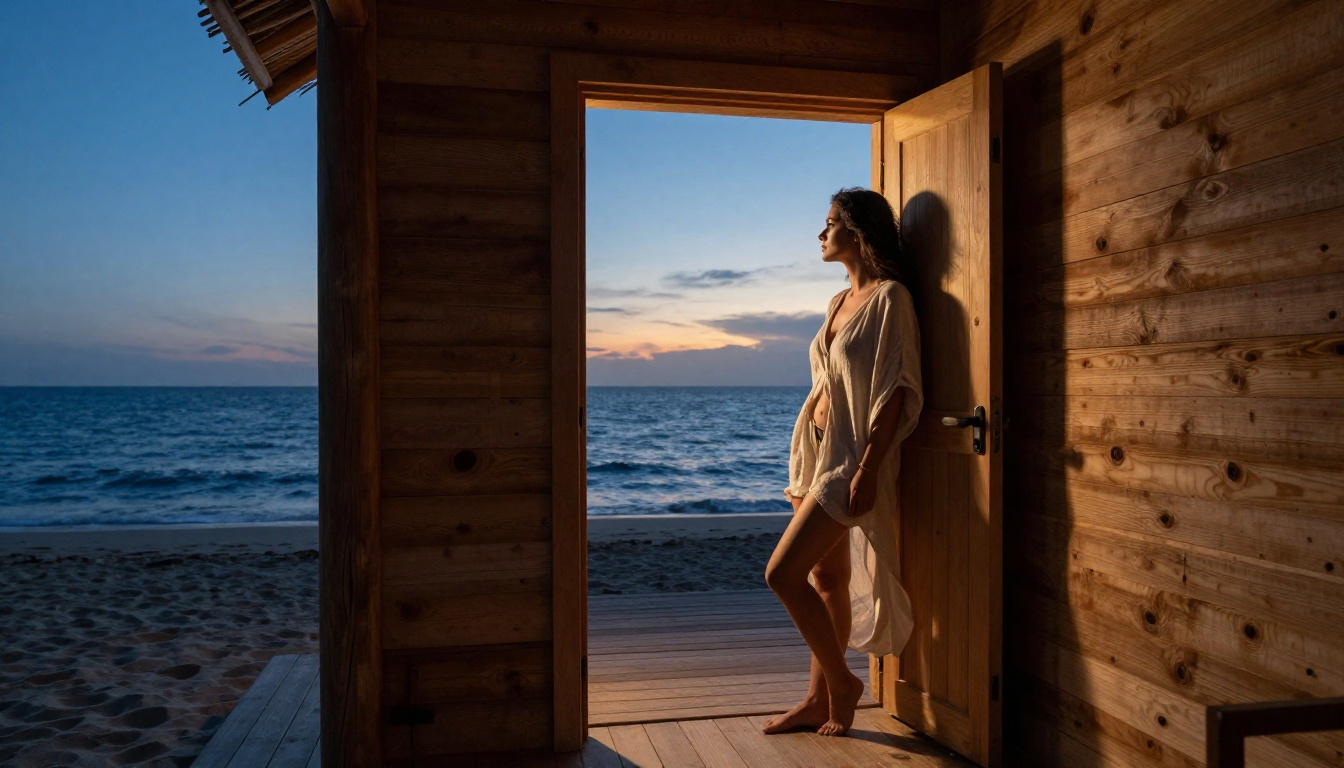
The creators seeing the best results are those who treat AI generation like professional photography production. They define a consistent aesthetic, develop a signature set of lighting and styling parameters, and apply them consistently across large batches of images. The result is a coherent visual identity that does not look like random AI output. It looks like a brand.
This approach works because consistency is the actual value. A single exceptional image is useful. A hundred images with consistent lighting, color grading, and composition style is a content library.
Content for Adult Platforms
Adult platform creators are adopting NSFW AI generation for supplementary content between original shoots, for promotional material, and for fulfilling custom content requests at scale. The suggestive but non-explicit tier is particularly valuable because it is broadly distributable across standard social media platforms for promotional purposes.
Flux Kontext Max and Ideogram v3 Quality have both seen strong adoption in this category because of their ability to maintain character consistency across image variations, a critical requirement when building a recognizable content persona. When a creator wants the same character in twenty different scenes, model consistency matters as much as image quality.
The Rise of Inpainting for Refinement
One workflow trend that has become standard among serious NSFW AI creators is using inpainting for targeted refinements rather than regenerating full images. Generate a strong base image, then use inpainting tools to correct specific areas: fix an awkward hand, adjust a fabric drape, correct skin tone in a shadow area. This hybrid approach produces results that read as professionally directed because the composition and lighting are established in the base image, and only problem areas are refined.
The p-image-edit model on PicassoIA handles multi-image inpainting and editing workflows. Combined with a strong base generation from Flux 1.1 Pro Ultra, this two-step process closes the remaining quality gap between AI generation and professional photography production.
How to Use These Models on PicassoIA
Step 1: Pick the Right Model
Log in to PicassoIA and open the text-to-image section. For photorealistic NSFW results, start with Flux 1.1 Pro Ultra for maximum quality, or RealVisXL v3.0 Turbo for speed with strong anatomical accuracy. If you want the absolute cutting-edge in photorealism, Imagen 4 Ultra is worth testing.
Step 2: Write a Photography Brief
Draft your prompt as a paragraph describing the scene from a photographer's perspective. Include: subject description, pose and expression, clothing, environment, lighting direction and quality, camera angle, lens specification, and film emulation. Aim for 80-150 words in the prompt. Resist the urge to use tag lists.
Step 3: Set Your Parameters
Most models on PicassoIA allow you to configure:
- Aspect ratio: 16:9 for landscape compositions, 9:16 for vertical social media
- Steps: 30-50 steps is the practical range for quality output
- CFG Scale: 7-9 for photorealistic results; higher values increase prompt adherence but can cause over-processing
Step 4: Iterate Systematically
Generate 4-6 variations of your prompt. Pick the strongest result and use it as the base for inpainting refinements. Small adjustments to lighting description or camera angle often produce significantly different outputs. Keep a log of what works for your specific aesthetic so you can replicate it consistently.
Step 5: Upscale and Export
PicassoIA's super-resolution tools upscale your output 2x-4x, making web-resolution generations print-ready without quality loss. This step takes seconds and dramatically improves final output, particularly for close-up images where fine skin and fabric texture are visible.
Create Something Today
The tools exist. The models are better than they have ever been. The gap between what you can imagine and what you can actually produce has never been smaller. Creators who build workflows around these tools now are establishing a significant head start over those who wait.
PicassoIA gives you direct access to over 90 text-to-image models including Flux 2 Pro, Imagen 4 Ultra, Seedream 4, and GPT Image 1.5, all in a single platform without local GPU requirements. Write a prompt, pick a model, and see what is possible. The first generation is faster than you expect, and the quality will surprise you.


