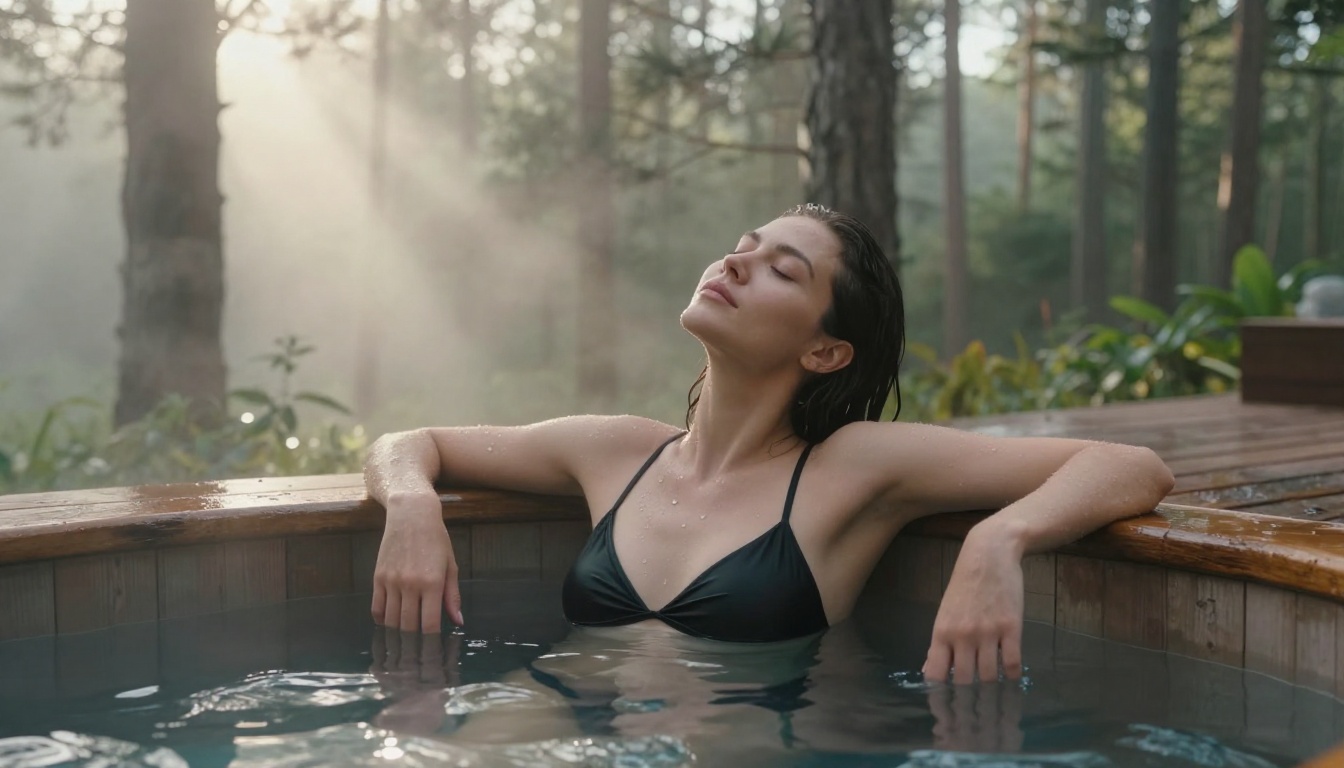
NSFW AI Image Generator: Best for Custom Poses and Scenes
Whether you want to place characters in specific body positions, build detailed indoor or outdoor scenes, or generate photorealistic NSFW art, the right AI tool makes all the difference. This article covers which models deliver real results, how ControlNet gives you exact pose control, and how to write prompts that actually work for custom scenes and compositions.
The gap between "good enough" and "exactly what I wanted" in NSFW AI image generation comes down to two things: pose control and scene customization. Most generators handle basic compositions just fine. Where they diverge sharply is in their ability to place a character in a specific body position, within a specific setting, under specific lighting, with consistent results. That precision is what separates a tool worth using from one you abandon after ten frustrating generations.
This article breaks down the best NSFW AI image generators available today specifically for custom pose and scene work, covering which models perform well, how to write prompts that actually work, and how to use ControlNet for exact body positioning.
What Separates Good NSFW AI Generators
Pose Control Is the Real Differentiator
Any model can generate a person standing in a room. Getting a specific body position, a particular angle, the exact weight distribution of a relaxed seated pose, that takes real architecture in the model itself. The generators that handle this well tend to be either trained on large volumes of pose-diverse data, or they support structural control inputs like ControlNet.
Pose control matters because user intent is almost always specific. You are not looking for "a woman sitting." You want her leaning forward, weight on the right hip, one knee slightly raised, in a particular spatial relationship to the background. A generator that cannot interpret and faithfully render that intent wastes your time.
Scene Building Goes Beyond Backgrounds
A background is just a backdrop. A scene has depth, atmosphere, and a relationship between the subject and the space. The best NSFW AI generators treat scene elements as part of the composition, not decoration.
That means:
Lighting that reacts to the space (shadows cast by furniture, window light direction, reflections on surfaces)
Atmospheric perspective (distant elements slightly hazed, foreground sharp)
Environmental interaction (fabric response to wind, water on skin, hair movement)
Resolution and Realism Count
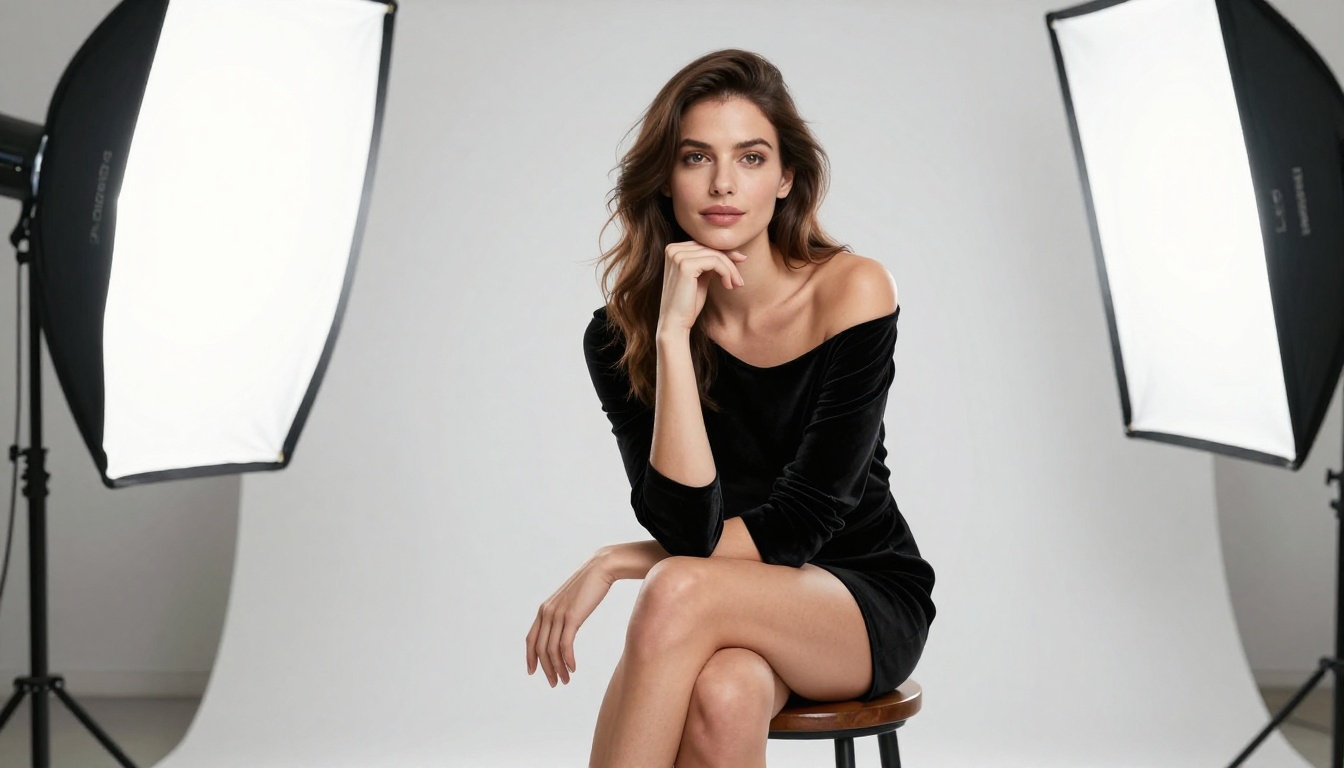
NSFW art lives or dies on skin texture, fabric behavior, and facial accuracy. Models that produce smooth, plastic-looking skin or systematically distorted hands will frustrate you regardless of how accurate the pose is. The best performers in this space deliver what photographers call "texture fidelity," where you can see pores, fabric weave, and natural light falloff on skin. This level of detail is what makes AI-generated NSFW images pass as real photography.
The Best Models for Photorealistic Results
Not every model handles NSFW content equally. Some excel at character fidelity, others at scene composition. Here are the top performers and what each one does best.
Flux 1.1 Pro Ultra
Flux 1.1 Pro Ultra is currently the most capable model for photorealistic human subjects. Its architecture produces facial accuracy and skin texture that rivals commercial photography. For NSFW scenes that need to look genuinely real, not generated, this is the starting point.
Key strengths:
Exceptional face-to-body proportional accuracy
Natural light response on skin surfaces
Strong prompt adherence for complex scene descriptions
Flux 2 Pro pushes compositional intelligence further, handling spatial relationships between subjects and environments with noticeably improved consistency over its predecessors.
RealVisXL v3.0 Turbo
RealVisXL v3.0 Turbo is purpose-built for photorealistic human generation. Where the Flux family is a general-purpose high-performance model, RealVisXL was fine-tuned with a specific focus on realistic skin, hair, and body proportions. It handles NSFW content with less anatomical distortion than many alternatives.
The turbo variant delivers fast generation without the quality penalty you would expect. For batch generation of scene variants across multiple poses, that speed matters.
💡 Tip: RealVisXL performs best when your prompt specifies camera lens and lighting type. Adding "85mm f/1.4, volumetric side lighting" noticeably improves anatomical coherence.
Realistic Vision v5.1
Realistic Vision v5.1 is a community favorite for NSFW work because it leans heavily into photographic realism with a slightly editorial color grade. It handles clothing, fabric draping, and skin interaction with light particularly well.
It performs best for:
Bedroom and intimate interior scenes
Portrait-style compositions with shallow depth of field
Editorial lifestyle imagery in natural settings
Stable Diffusion 3.5 Large
Stable Diffusion 3.5 Large brings strong prompt comprehension alongside solid generation quality. Where it excels in this context is interpreting complex pose descriptions and translating them into coherent anatomical positions. Its handling of full-body poses in wide-angle compositions is more reliable than many alternatives.
ControlNet: Precision Pose Control
This is where AI image generation changes from hopeful prompting to actual creative control. ControlNet lets you supply a structural reference, a skeleton diagram, a depth map, or an edge map, and the model uses that as a constraint during generation. The result is that your character adopts the specific pose you defined, rather than whatever pose the model decides is most statistically likely.
How ControlNet Works
ControlNet sits on top of a base diffusion model and injects structural guidance at each generation step. Instead of relying purely on text to determine pose, the model has a visual structure to follow. You supply an openpose skeleton image showing the exact joint positions you want, and the generator builds the scene around that skeleton.
This gives you direct control over:
Exact limb positions: where arms, hands, and legs land in the frame
Body orientation: facing direction, torso twist, weight distribution
Camera relationship: whether the pose reads correctly as close-up or wide-angle
Best ControlNet Models for NSFW Art
SDXL Multi ControlNet LoRA is the most flexible option, allowing you to stack multiple control inputs simultaneously. You can combine an openpose skeleton with a depth map, giving the generator both body position and spatial depth guidance at once. The result is dramatically fewer anatomy errors in complex poses.
RealVisXL v3 Multi ControlNet LoRA brings the photorealistic style of RealVisXL into the ControlNet framework. This combination delivers arguably the best results for NSFW pose work: realistic output with precise structural control.
SDXL ControlNet LoRA is the single-input version, ideal when you only need pose control without additional depth or edge guidance layers.
Settings That Actually Work
Parameter
Recommended Value
Why It Matters
ControlNet Strength
0.70 to 0.85
Preserves prompt quality while respecting pose structure
Guidance Scale
7 to 9
Strong prompt adherence without oversaturation
Steps
30 to 40
Sufficient detail resolution for realistic skin texture
Sampler
DPM++ 2M Karras
Balanced quality and anatomical coherence
Going above 0.9 on ControlNet Strength often produces stiff, unnatural results where the model prioritizes structure over organic anatomy. The 0.70 to 0.85 range lets the model interpret the pose intelligently rather than mechanically.
Writing Prompts That Deliver Results
The Anatomy of a High-Quality Prompt
The prompts that produce great NSFW results share a consistent structure. Breaking it down into layers:
Subject + Clothing + Body Position: who, what they are wearing, how they are positioned
Lighting Description: source direction, quality (hard/soft), color temperature
Camera Specification: focal length, aperture, shooting angle
Technical Modifiers: film stock, color grade, grain level
A prompt built on this structure looks like this:
"Young woman in burgundy silk slip dress, seated on velvet chaise with right hand on knee, luxury hotel room with warm Edison lamp from the left, deep charcoal linen background, 85mm f/1.4, Kodak Portra 400, cinematic editorial"
That is five distinct layers of information working together. Most people write one or two and wonder why the output looks generic.
Negative Prompts That Save Your Results
What you exclude matters as much as what you include. For NSFW work, a solid negative prompt baseline is:
deformed hands, extra fingers, merged fingers, floating limbs, bad anatomy,
plastic skin, airbrushed, overexposed, watermark, text, logo, cartoon,
illustration, 3d render, cgi
For anatomy-critical compositions, add:
bad proportions, unnatural pose, stiff body, symmetrical face
The "symmetrical face" exclusion matters more than people expect. Perfectly symmetrical faces read as artificial. Natural asymmetry is what makes a face look real in photography.
💡 Pro tip: Rotate your negative prompts based on what problems you are seeing. If you get over-smooth skin, add "airbrush, skin retouching, smooth skin." If hands look wrong, add "six fingers, fused fingers, elongated fingers."
Prompt Mistakes That Ruin Good Scenes
The three most common errors:
No lighting specification: "Beautiful woman in bedroom" gives the model zero lighting direction. Add "warm side light from left window" and the result improves immediately.
Generic environment descriptions: "Nice room" tells the model nothing actionable. "Cream plaster walls, vintage wooden floor, white linen bed, single window with sheer curtains" gives it a specific space to construct.
Conflicting style cues: Mixing "photorealistic" with "cinematic" with "artistic fantasy" in the same prompt fragments the model's output. Pick a primary style and build around it.
Scene Types and What Works Best
Indoor Scenes: Lighting Is Everything
Indoor scenes succeed or fail on light source clarity. The most effective indoor NSFW setups specify:
A single primary light source with a defined direction (bedside lamp, window light, chandelier)
A secondary fill light that is noticeably weaker (ambient bounce from ceiling, reflected from light-colored walls)
Color contrast between the two sources (warm primary with cool fill, or vice versa)
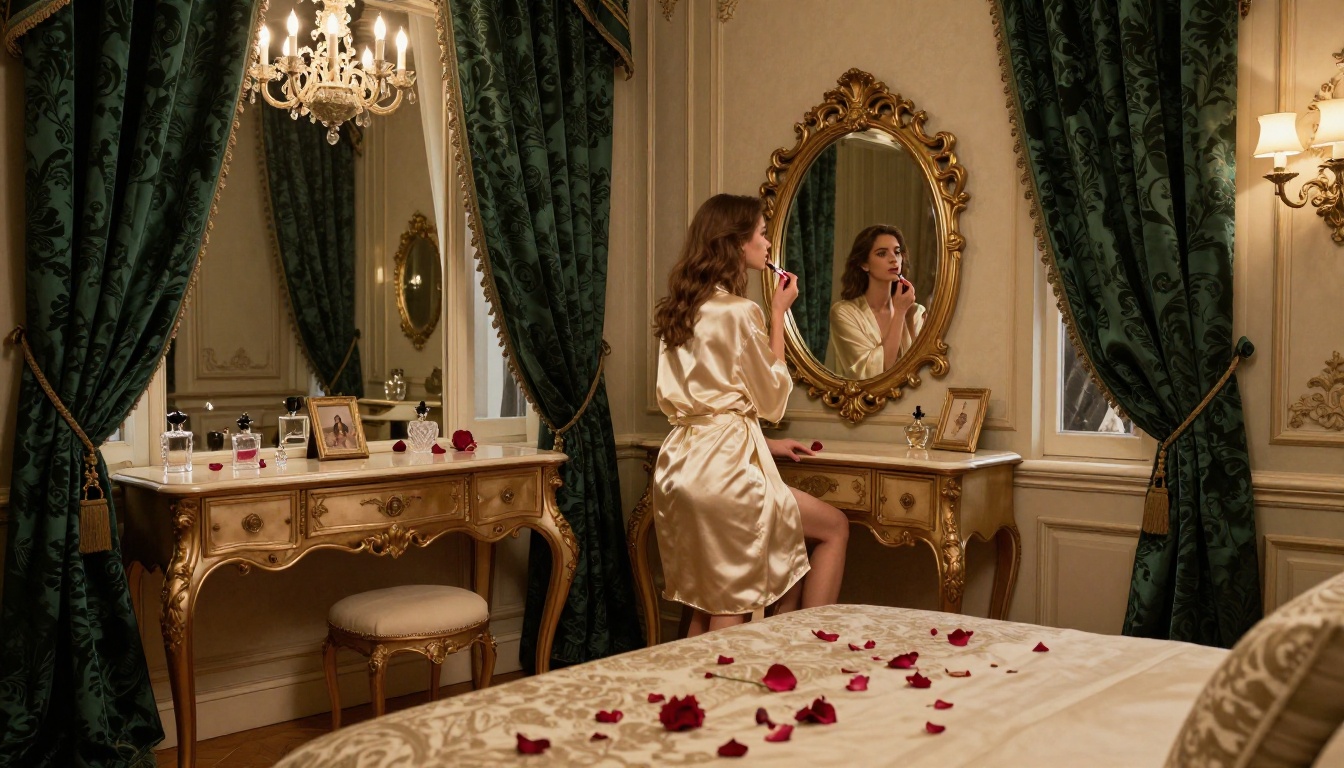
The bedroom aesthetic works consistently because the formula is simple: warm lamp light, curtains managing ambient spill, deep shadows in corners. Specify that structure and the model executes it reliably. Vague prompts produce vague scenes.
Outdoor Settings: Natural Light Wins
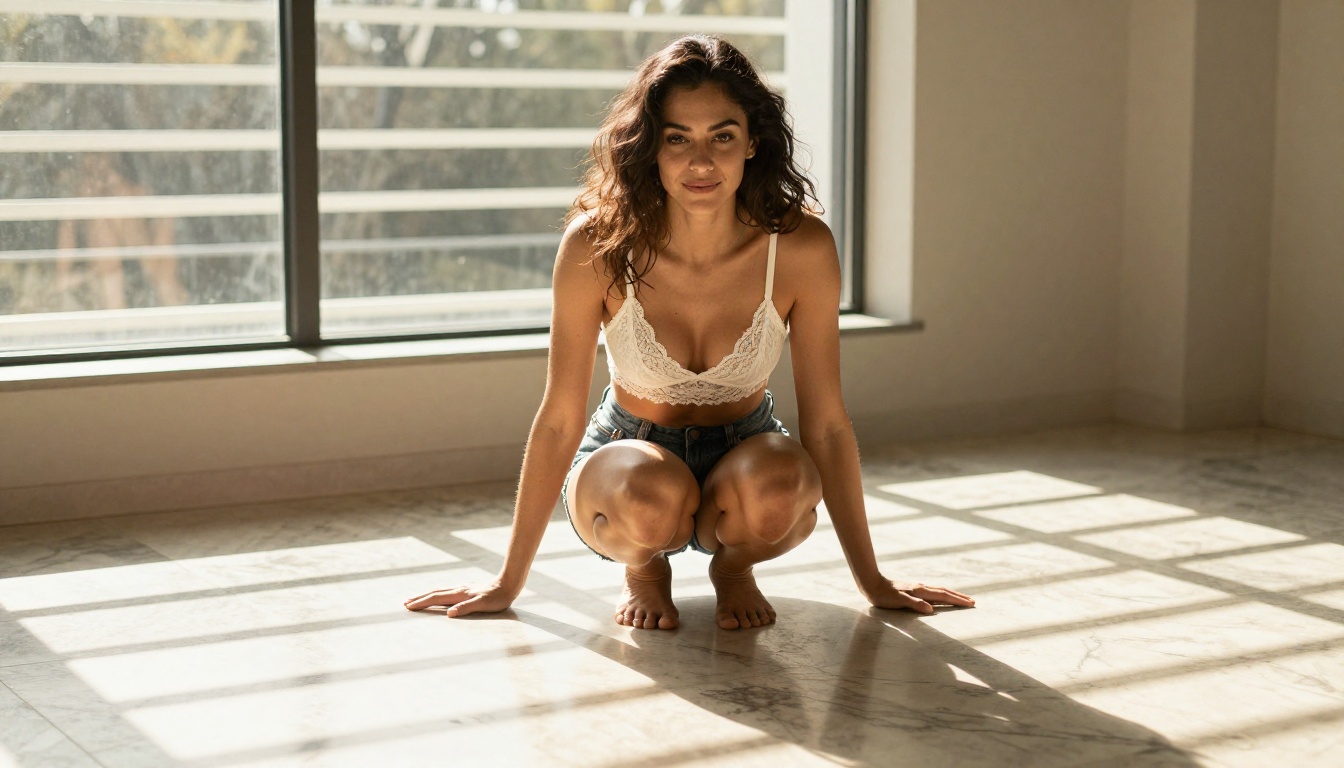
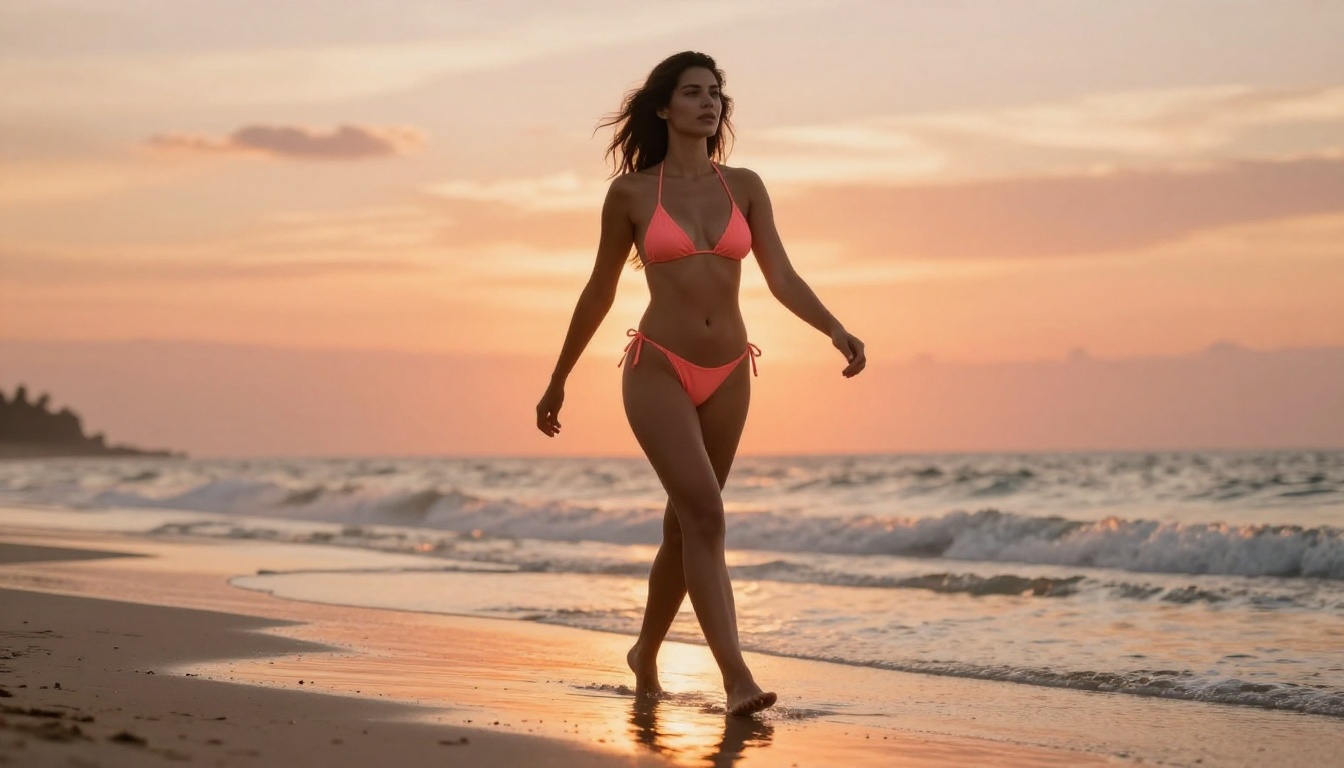
Golden hour and blue hour are the most consistently successful outdoor lighting conditions for photorealistic NSFW image generation. The directional, warm light of golden hour defines shadows that give skin texture and three-dimensionality.
Outdoor prompt structures that work:
"Golden hour, sun low from the left, long shadows, warm backlight catching hair edges"
"Overcast midday, even diffused light, no harsh shadows, muted natural saturation"
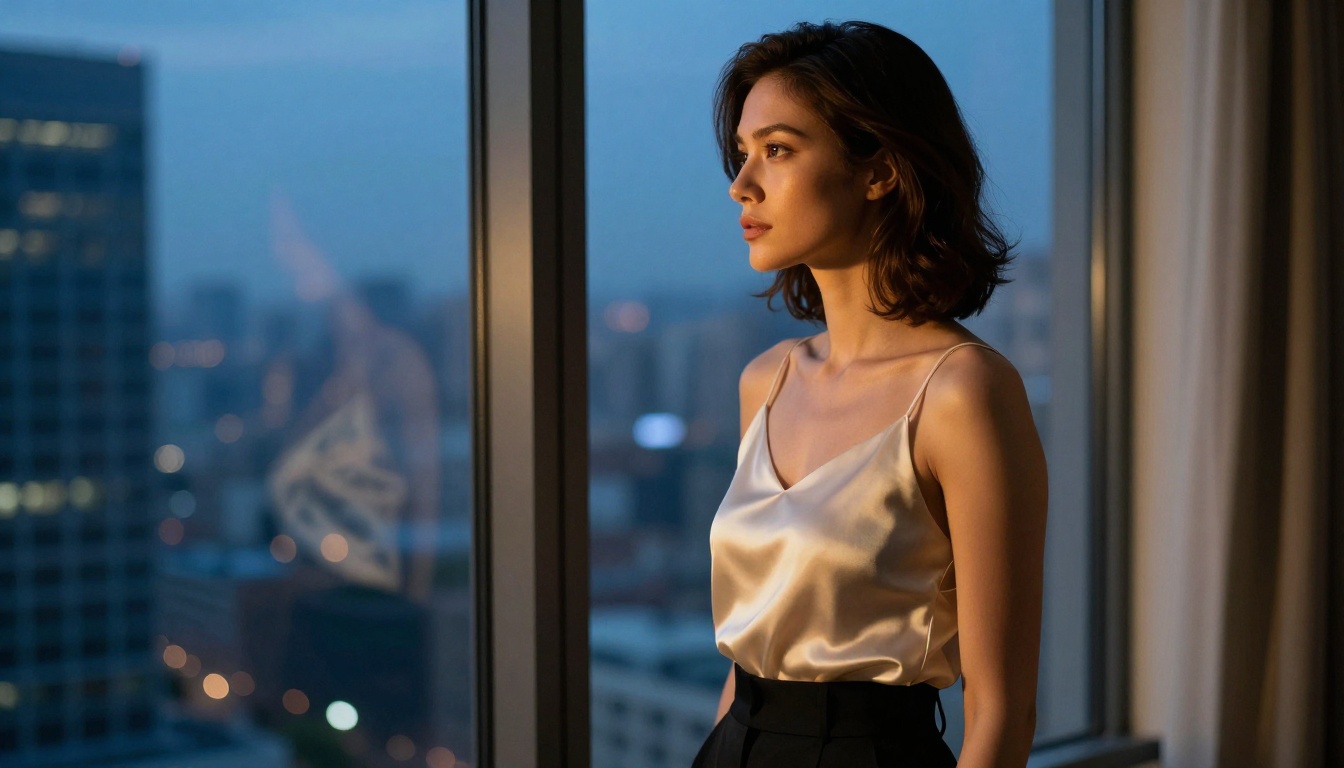
"Blue hour, ambient city glow, single practical street light from above, cool color temperature"
GPT Image 1.5 handles outdoor scene coherence particularly well, where the subject and background occupy the same credible light space rather than appearing composited together.
Fantasy and Stylized Environments
For non-standard scenes involving invented locations (rooftop pools, private yacht decks, elaborate boudoir settings), Flux Dev and Flux Schnell handle architectural imagination better than models trained strictly on photographic data. Their environmental understanding is strong enough to construct a believable space from pure description.
Find or create an openpose skeleton image that matches the body position you want. Free tools like DWpose or online ControlNet pose editors let you drag joint positions visually into any configuration. You can also use an existing photograph as a reference since the model extracts structural guidance automatically from the source image.
Step 3: Write a scene-specific prompt alongside it
Do not rely on ControlNet to do all the work. Your text prompt still defines character appearance, clothing, environment, and lighting. ControlNet only handles structural position. Think of it as two parallel instructions running at once: the prompt builds the visual content, ControlNet constrains the body position.
Step 4: Set ControlNet Strength between 0.75 and 0.85
This range respects the pose reference while allowing the model enough freedom to generate natural-looking anatomy. Lower values give more creative freedom, higher values enforce tighter structural adherence. Start at 0.80 and adjust based on results.
Step 5: Review and iterate across seeds
Run 3 to 4 generation seeds before settling on a result. ControlNet with a fixed prompt and seed produces consistent output, making it easy to identify which seed produces the most natural anatomy, then lock that in for scene variants.
💡 Tip: For seated or reclining poses where anatomy is hardest to render correctly, combine an openpose skeleton with a depth map using the Multi ControlNet option. The depth map gives the model spatial information about foreground and background, reducing the flattened or distorted proportions that appear in complex low-angle compositions.
Fixing the Most Common Problems
Anatomy Issues in Generated Images
Hands remain the hardest problem in AI image generation across all models. The fastest fix is a combination of strong negative prompts ("deformed hands, extra fingers, fused fingers, elongated fingers") paired with a model known for anatomical accuracy such as Flux 1.1 Pro Ultra or Flux 2 Max.
When full-body shots produce distorted proportions, the cause is usually insufficient spatial context in the prompt. Adding "full body visible, feet on ground, realistic human proportions" gives the model explicit direction to render complete anatomy rather than cropping or distorting to fill the frame.
Scene Consistency Between Multiple Shots
If you are generating multiple images for the same scene (different angles of the same character in the same room), consistency comes from three anchors:
Seed locking: use the same generation seed when only changing camera angle in the prompt
Character description anchoring: repeat the full character and clothing description identically in every prompt
Lighting anchoring: specify the exact same lighting description across all shots in the set
SDXL with a consistent LoRA applied handles multi-shot scene consistency better than most alternatives, particularly when generating sets of 5 to 10 images in the same environment.
Start Creating Your Own Scenes Now
Every tool and technique in this article is available right now through PicassoIA. You do not need local hardware, complex configuration, or technical background to start generating photorealistic custom pose and scene images.
Pick a model, write a detailed prompt using the five-layer structure above, and if you want precise body positioning, use ControlNet. The results will immediately show you why prompt quality and model selection matter more than any other variable in the process.
Start with Flux 1.1 Pro Ultra if you want the best photorealistic baseline out of the box, or go straight to RealVisXL v3 Multi ControlNet LoRA if you want immediate structural pose control. Both are ready to use on the platform right now. Your next scene is one well-written prompt away.