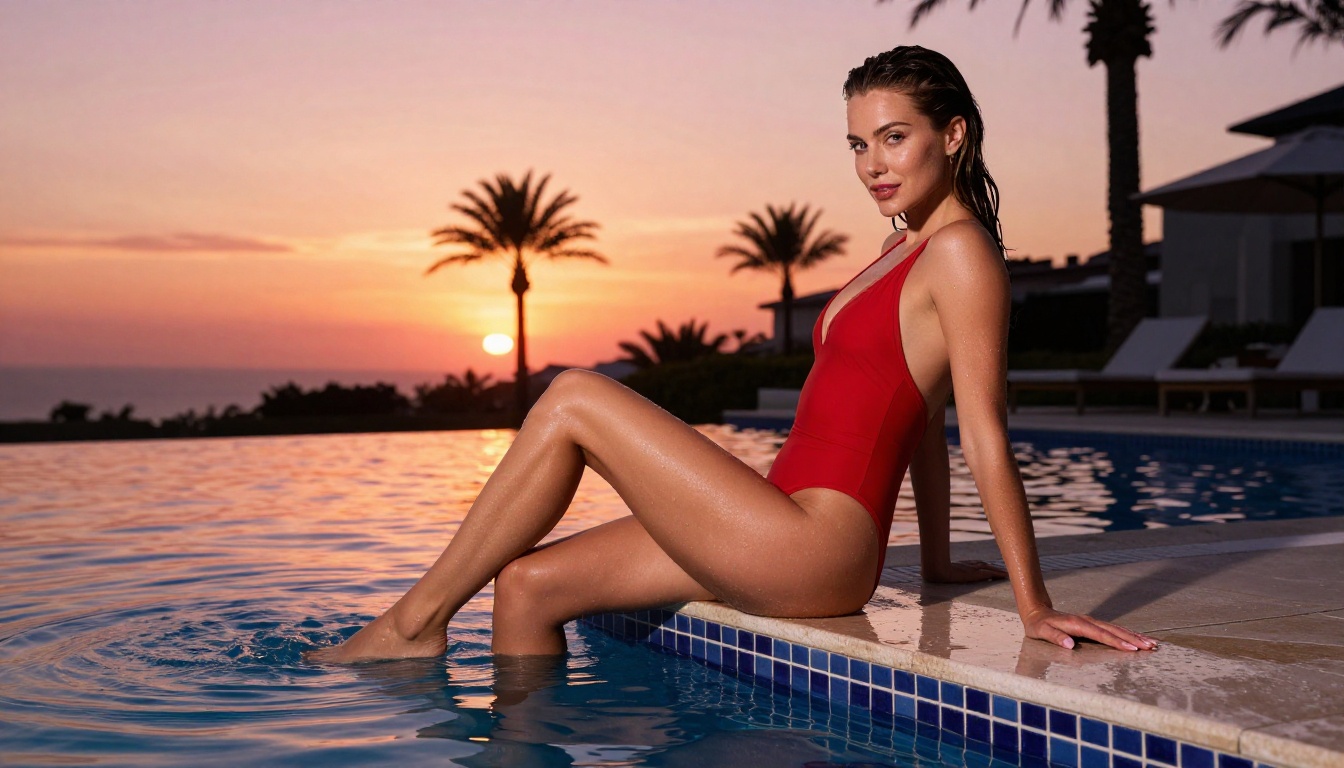
NSFW AI Image Generator: Best Free Tools for Adults in 2027
A detailed look at the best free NSFW AI image generators available for adults in 2027. From photorealistic portrait models to glamour-focused tools, this article breaks down which AI models produce the most convincing adult-oriented content, how to write prompts that actually work, and how to get started creating stunning images without spending a single dollar.
The demand for NSFW AI image generators among adults has grown dramatically, and the quality has reached a point where many outputs are genuinely difficult to distinguish from professional photography. The challenge is not finding a tool, it is knowing which model to use, how to prompt it correctly, and where you can access these capabilities without paying for a subscription on day one. This article covers exactly that: the specific free models that produce the most convincing adult-oriented imagery, the prompt strategies that separate mediocre results from stunning ones, and a step-by-step look at how to use the best of them right now.
What Adults Actually Want from AI
Adults using AI image generators are not looking for cartoons or stylized fantasy artwork. The demand is overwhelmingly for photorealism: images that feel tactile, warm, and plausible. This is where most free NSFW tools fall short, and where the right model selection makes all the difference.
Realism First, Everything Else Second
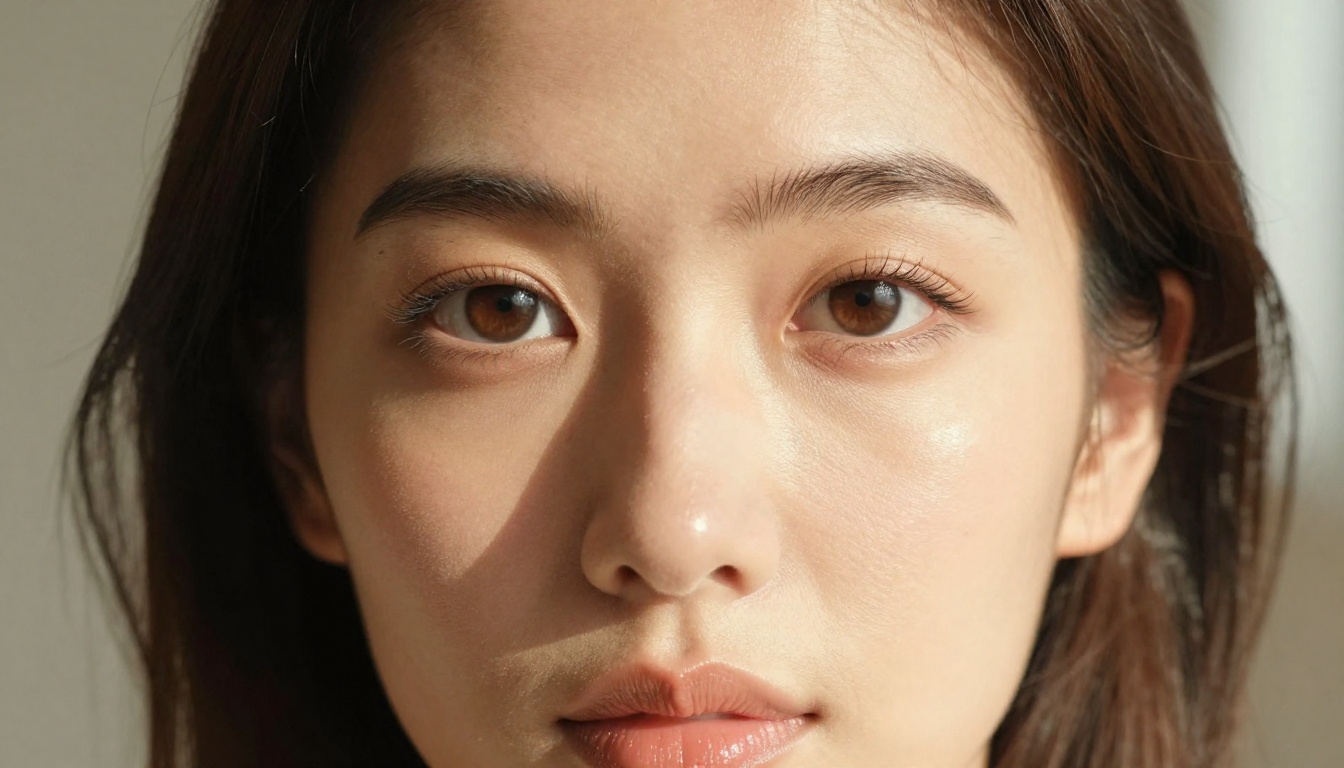
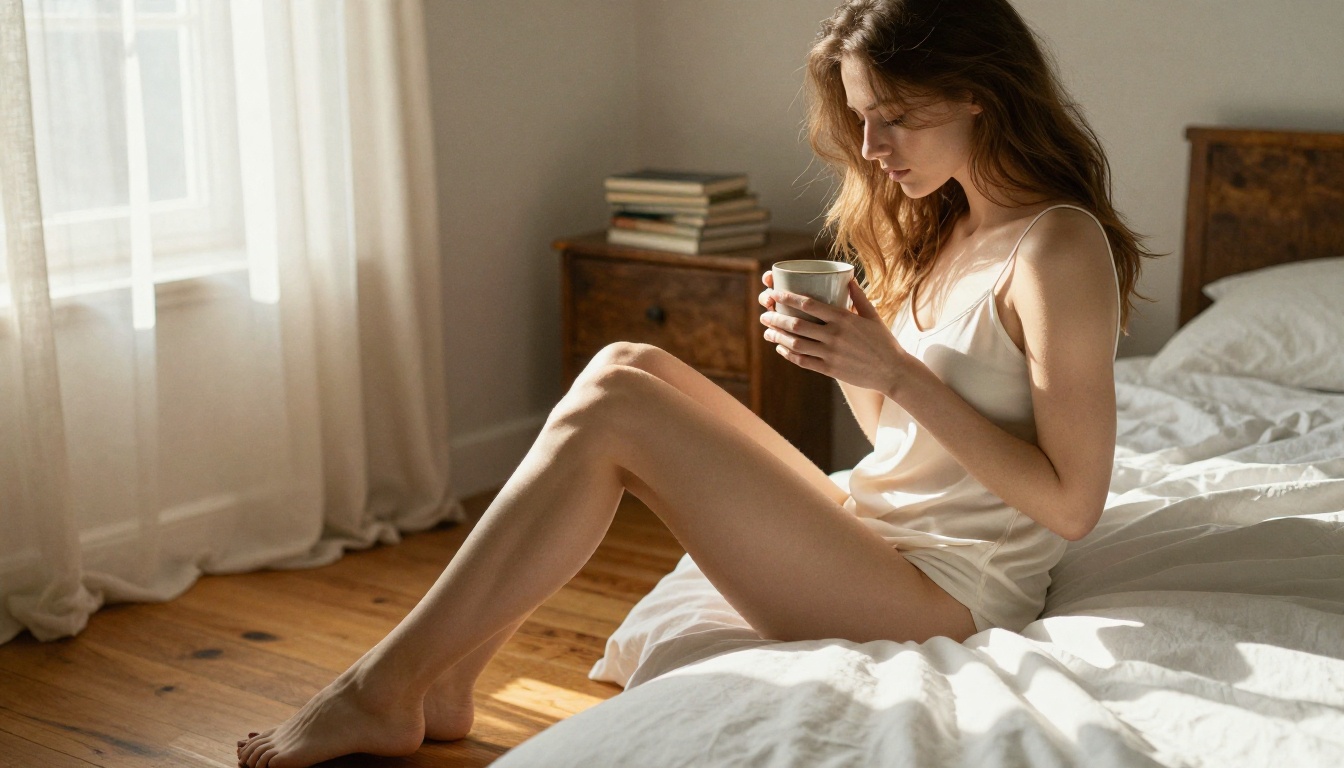
The single most important quality metric in adult AI image generation is skin texture. A model that renders convincing pores, natural lighting variation across a body, and realistic fabric behavior will produce far more compelling images than one that technically has a higher resolution but defaults to the waxy, oversmoothed aesthetic typical of older Stable Diffusion checkpoints.
The second metric is lighting behavior. Real photography has directional light sources, specular highlights, cast shadows, and ambient fill. When a model gets this right, the result feels photographic. When it does not, the image looks like what it is: computer generated.
💡 Tip: Look for models described as "photorealistic" or "RAW photography" in their documentation. These have been specifically tuned for naturalistic output rather than artistic or illustrated aesthetics.
Free vs. Paid: What You Get
Most platforms offer a free tier that gives access to specific models with a daily or monthly credit limit. The good news is that the best-performing models for photorealistic adult content are often available in these free tiers.
What you typically give up with free accounts:
Resolution: Free tiers often cap at 768px or 1024px rather than full 8K output
Speed: Queue times are longer on free plans
Credit volume: Fewer generations per day or month
Model access: Some flagship models are premium-only
The ability to experiment with prompting at zero cost
Full ownership of your outputs
The Best Free Models Right Now
Not all text-to-image models perform equally on adult content. Here are the ones that consistently deliver the best results for photorealistic NSFW imagery.
Flux Dev: The Clear Frontrunner
Flux Dev from Black Forest Labs is currently the most capable open-weight model for photorealistic adult image generation. Its understanding of human anatomy is significantly better than previous generation models like SDXL, and its lighting simulation is closer to real photography than any other freely available model.
Core strengths:
Anatomy accuracy: Hands, limbs, and proportions are rendered correctly more consistently than competitor models
Fabric realism: Clothing materials behave like real textiles with natural drape and texture variation
Skin tones: A wide range of natural skin tones rendered with fine pore-level detail
For faster generations at slightly lower quality, Flux Schnell is the distilled version that runs in 4 steps instead of 50. It works well for drafting compositions before refining with the full Flux Dev model.
If you want to step up to even higher fidelity, Flux 1.1 Pro and the newer Flux 2 Pro offer improved prompt adherence and sharpness, though these move into paid territory on most platforms.
Stable Diffusion 3.5 Large
Stable Diffusion 3.5 Large from Stability AI represents a major leap over earlier SD versions. Its multimodal diffusion transformer architecture processes text and image information together, which translates to significantly better prompt following on complex scenes.
For NSFW use cases, SD 3.5 Large excels at:
Complex scenes with multiple lighting sources
Architectural environments including hotel rooms, pools, and outdoor terraces
Atmospheric conditions like golden hour and soft morning haze
For faster output, Stable Diffusion 3.5 Large Turbo trades a small quality margin for significantly reduced generation time, making it ideal for rapid iteration.
Realvisxl v3.0 Turbo
RealvisXL v3.0 Turbo is a fine-tuned SDXL checkpoint specifically optimized for photorealistic human subjects. It was trained on a curated dataset of high-quality photography, and the difference is visible in how it handles close-up portraits and fashion editorial compositions.
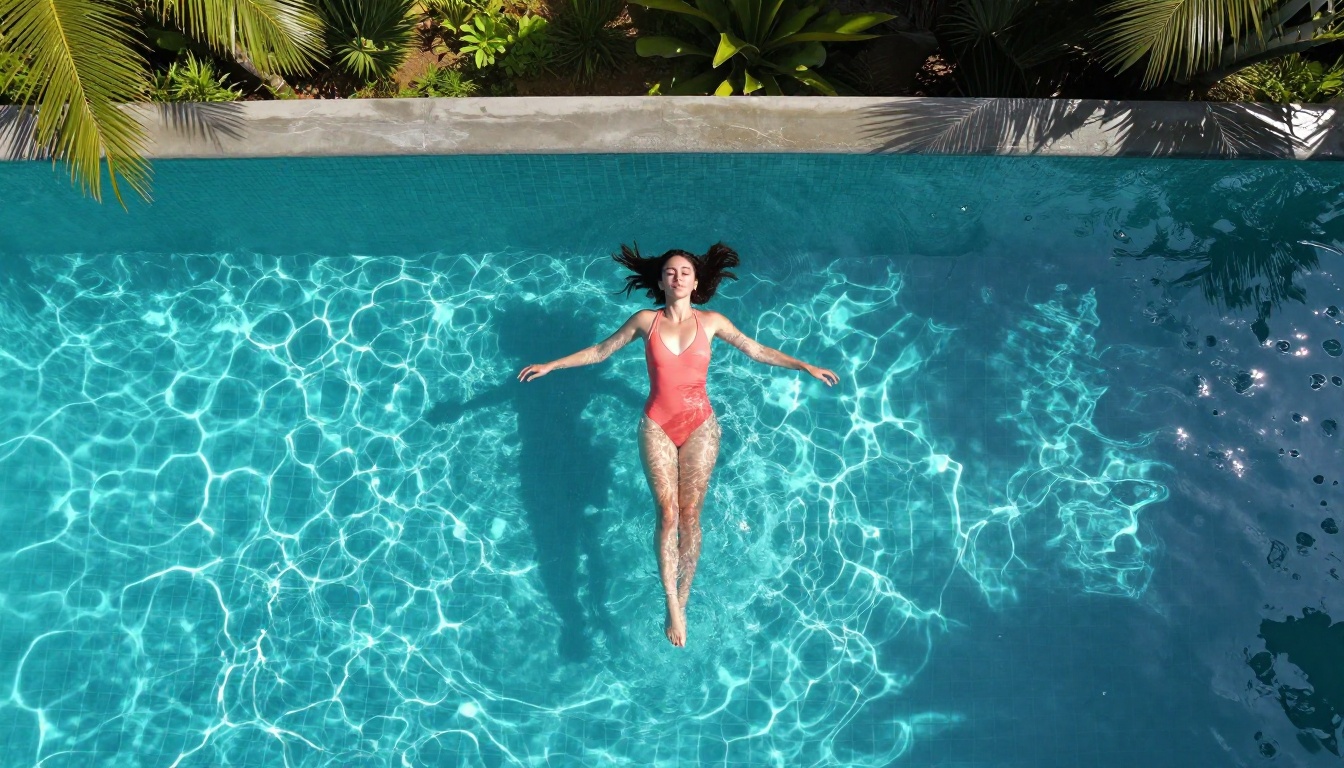
💡 Best for: Portrait photography prompts, fashion editorial aesthetics, beach and poolside scenes.
Realistic Vision v5.1
Realistic Vision v5.1 is an older but still highly capable model. It performs particularly well on close-up facial portraits and intimate indoor scenes. Its bias toward naturalistic skin rendering has made it a persistent favorite in the open-source community even as newer models have emerged.
DreamShaper XL Turbo
DreamShaper XL Turbo sits between pure photorealism and stylized output. If you want results that feel more like magazine editorial work rather than raw photography, this model hits that aesthetic with good consistency and speed.
Prompts That Actually Work
The model is only half of the equation. A strong model with a weak prompt produces mediocre results. A strong model with a precise, detailed prompt produces something that looks like it belongs in a professional photo shoot.
Anatomy of a Strong Prompt
Every effective NSFW image prompt follows the same core structure:
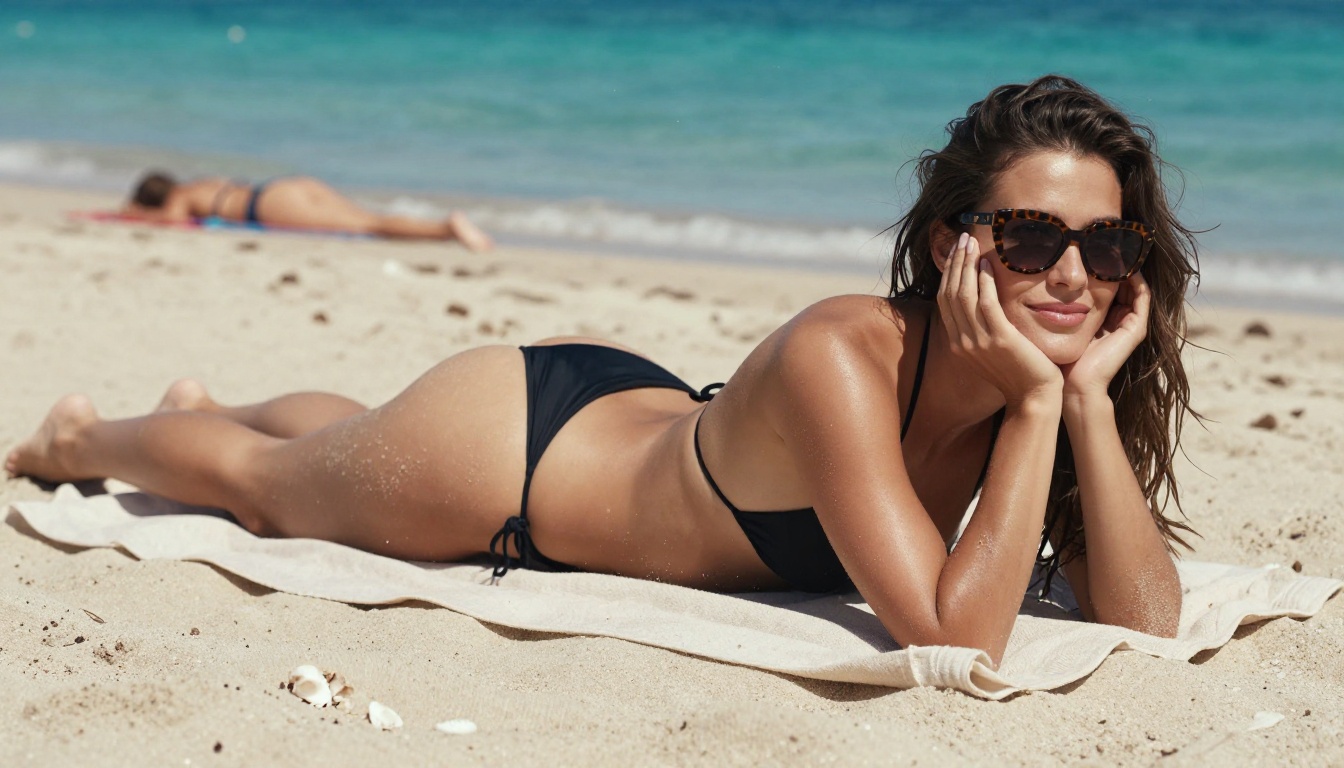
Beautiful woman in a black string bikini, lying on a white sand beach, harsh midday Mediterranean sun casting sharp shadows, low angle camera at f/2.8, Kodak Ektar 100 film stock, photorealistic RAW 8K
Breaking this down:
Subject: Specific appearance, expression, and pose
Clothing: Describe fabric, color, fit, and how it interacts with the body
Environment: Background details affect both mood and lighting perception
Lighting: Specify direction, quality (hard vs. soft), and color temperature
Camera specs: Focal length and aperture communicate depth of field expectations
Film stock: Kodak Portra 400, Fujifilm Pro 400H, and Kodak Ektar 100 all produce distinctly different color palettes
Lighting Changes Everything
The single most impactful variable in a photorealistic prompt is the lighting description. Compare these two approaches:
Weak Lighting Prompt
Strong Lighting Prompt
"natural light"
"volumetric morning light entering from the left window at 30 degrees"
"outdoor photo"
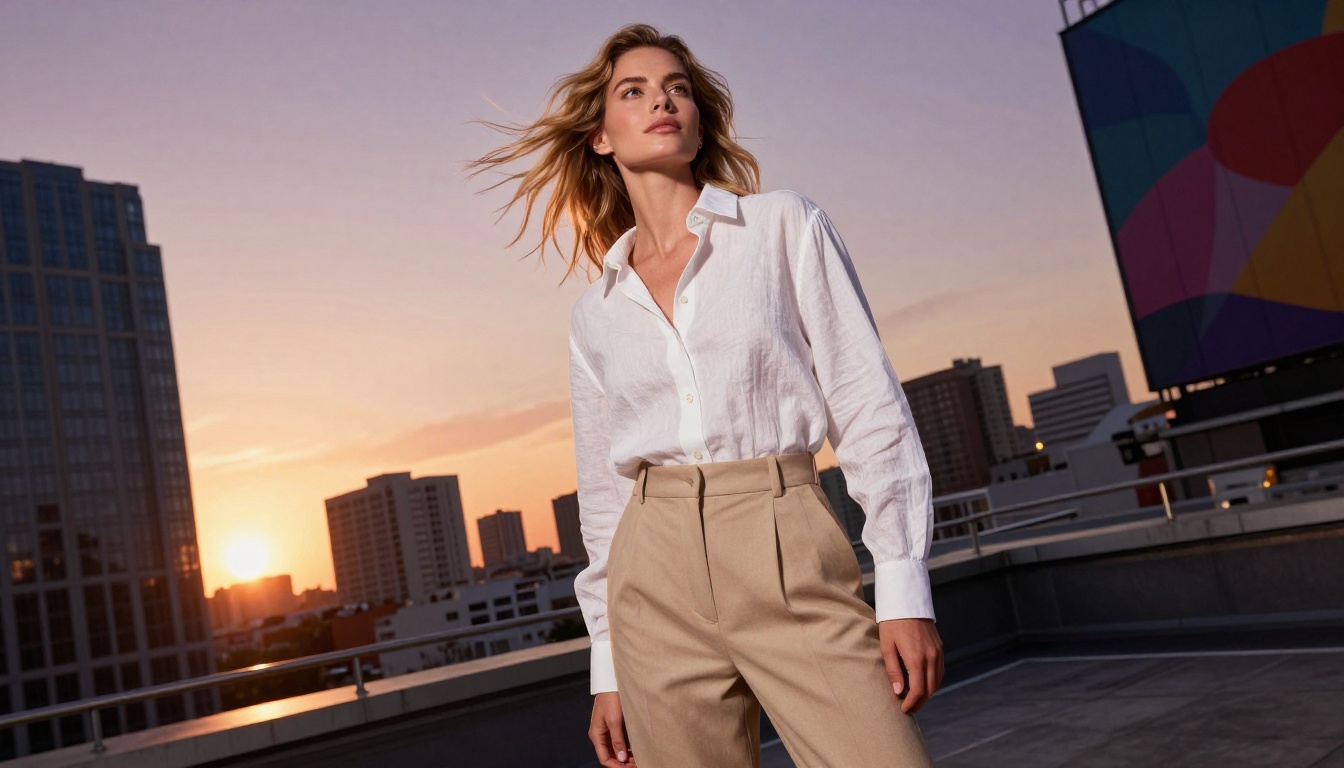
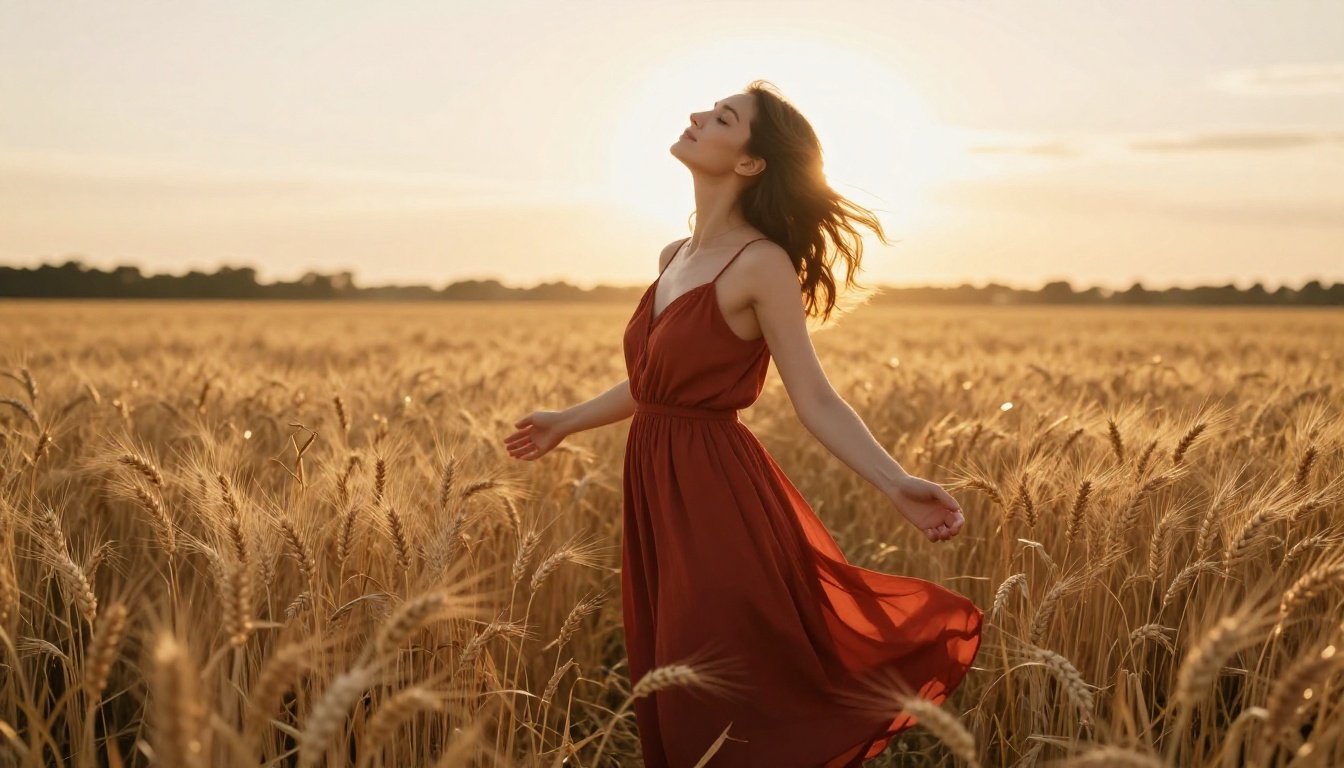
"backlit by setting sun creating halation and rim light on hair"
"studio lighting"
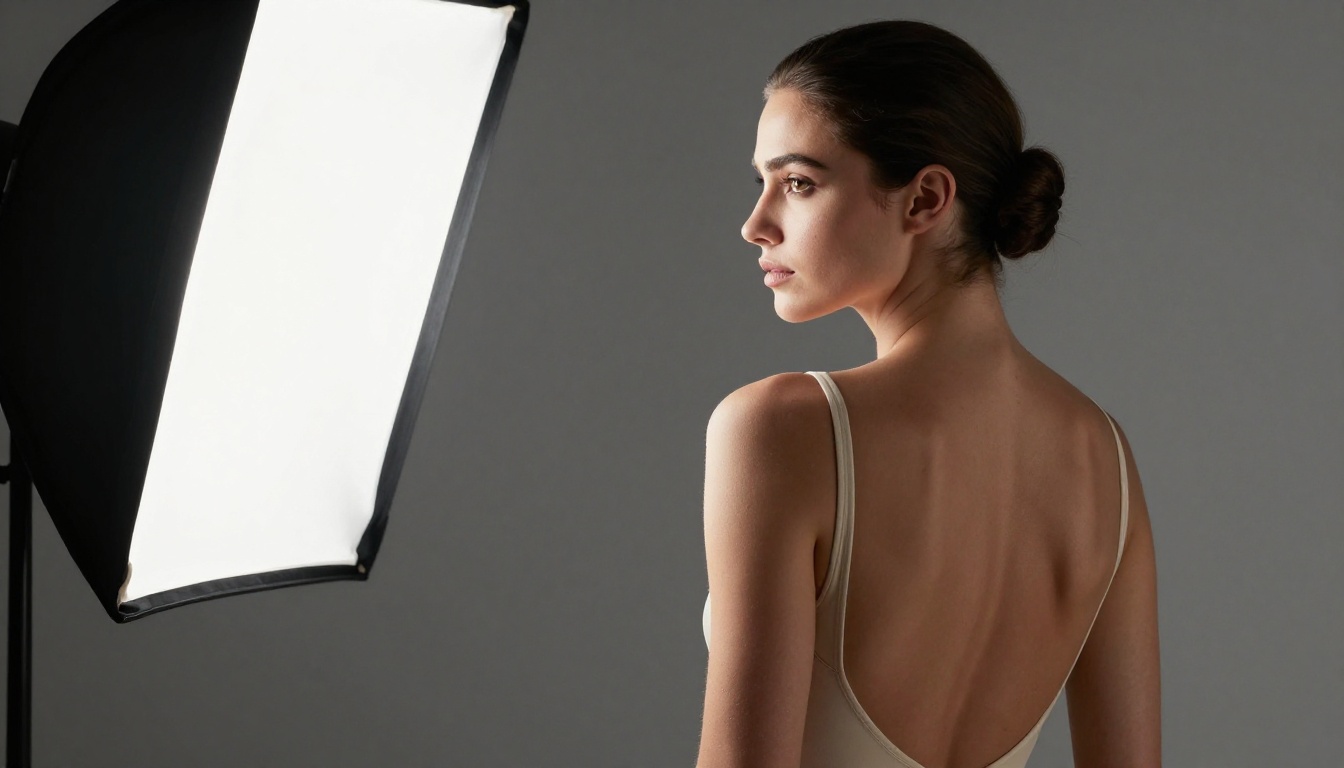
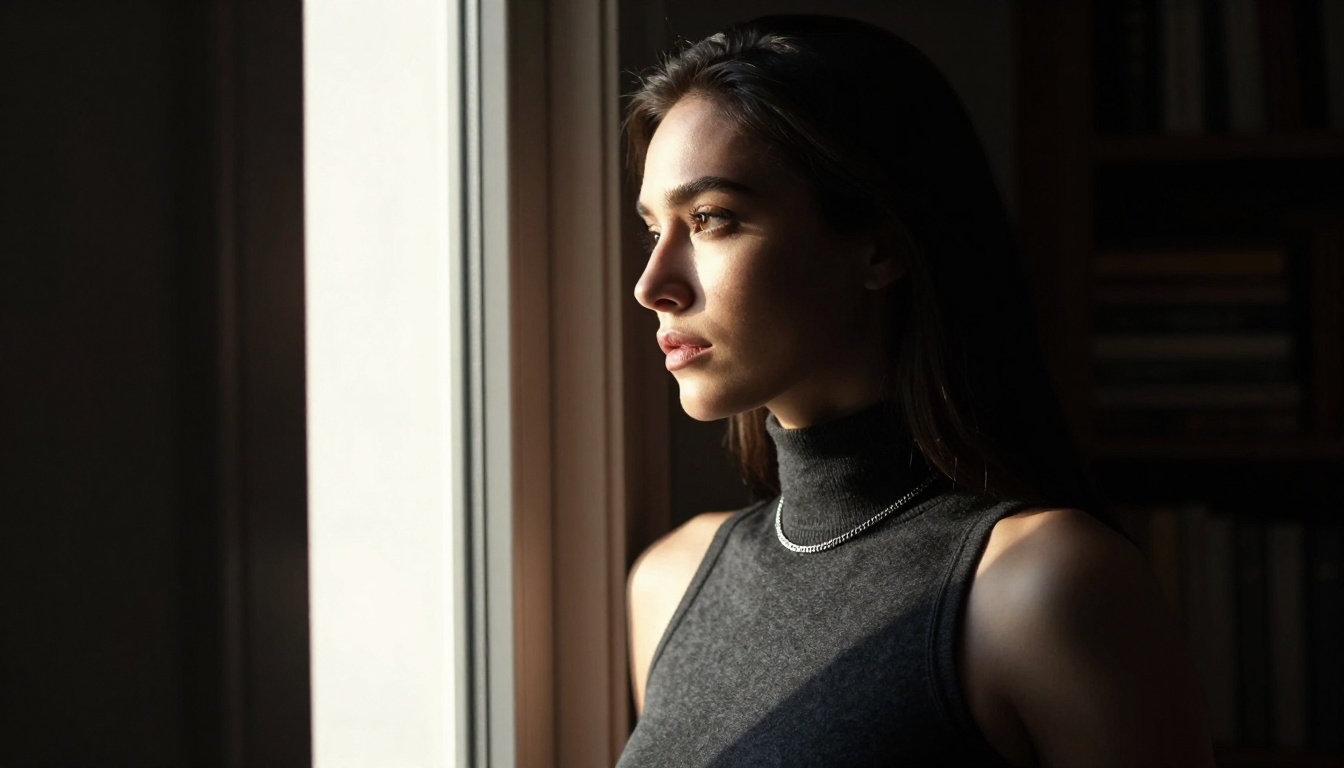
"Rembrandt setup with large softbox at 45 degrees, subtle rim light from behind"
"warm light"
"golden hour light at 3200K, long shadows cast across travertine floor tiles"
The more precisely you describe the light source, its angle, and its quality, the more photographic the result becomes. A badly lit AI image feels artificial even when the subject is perfectly rendered. Lighting is what sells realism.
What to Avoid in Prompts
Certain prompt patterns actively hurt output quality:
Vague descriptors: Words like "beautiful", "sexy", and "attractive" are processed as generic style signals and produce generic results
Style conflicts: Mixing "photorealistic" with "cinematic" or "artistic" sends mixed signals that dilute both qualities
Long negative lists: Excessive negative prompt strings can suppress features you actually want the model to include
Anatomical corrections in text: Telling the model "correct hands" or "realistic fingers" rarely helps. Using a model with strong anatomy training, like Flux Dev, is more effective than trying to instruct around weaknesses
💡 Tip: Write prompts in the present tense as if describing a photograph you are looking at, not a scene you are imagining. This framing consistently produces more grounded, realistic outputs.
How to Use Flux Dev on PicassoIA
Since Flux Dev is the strongest free model for adult photorealistic content, here is a clear walkthrough for using it effectively on the platform.
Step 1: Access the model
Navigate to the Flux Dev page on PicassoIA. A free account gives you daily credits with no credit card required to start.
Step 2: Set your aspect ratio
For full-body or environmental shots, use 16:9 (landscape). For portraits, 9:16 (portrait) gives more vertical space for the subject. For square close-ups, 1:1 works well.
Step 3: Write your prompt
Follow the structure above: subject, clothing, environment, lighting, camera, film stock. Aim for 50 to 100 words. Shorter prompts produce more generic results because the model fills in gaps with default patterns.
Step 4: Set your guidance scale
Flux Dev performs best with a guidance scale (CFG) between 3.5 and 4.5. Higher values make the model follow the prompt more rigidly but can reduce naturalness. Lower values give more creative latitude but may stray from your description.
Step 5: Number of inference steps
For full quality, use 28 to 35 steps. Fewer steps produce noisier, less coherent results. More steps rarely improve quality past 40 and just slow generation.
Step 6: Refine and iterate
Your first generation is a draft. Identify what works and what does not, adjust specific elements in the prompt, and regenerate. Most experienced users go through 3 to 5 iterations before arriving at a result they are satisfied with.
💡 Pro tip: Save your seed number when you get a result you like. Reusing the same seed with a slightly modified prompt lets you make targeted adjustments while keeping the overall composition stable.
The image generation models are the core of any NSFW AI workflow, but the platform around them matters too. Several additional capabilities are directly relevant to producing and refining adult content at higher quality.
Super Resolution: Once you have an image you are satisfied with, super resolution tools upscale it from 1024px to 4096px, adding fine surface detail in the process. The output is suitable for large-format display or printing without visible compression artifacts.
Text-Based Editing with Flux Kontext Pro: Flux Kontext Pro allows you to edit specific elements of an existing image using text instructions. Change clothing colors, swap backgrounds, or adjust specific details without regenerating from scratch. This is the fastest way to iterate on a composition you mostly like without starting over.
Inpainting: Select a specific region of an image and regenerate only that area. If a background element is wrong but the subject looks perfect, inpainting lets you correct the background without losing the subject you already have.
Pose Control with ControlNet: The SDXL Multi ControlNet LoRA model accepts a pose reference image and generates a new image matching that pose exactly. This gives significantly more control over body positioning than text prompts alone can provide, which is particularly valuable for adult content where specific poses matter.
LoRA Fine-Tuning: Models like p-image-lora and Flux Dev LoRA support additional style or character fine-tuning on top of their base weights. This is how consistent character appearance across multiple separate generations is achieved.
Start Creating Your Own Images
The gap between reading about AI image generators and actually using them is smaller than most people think. No technical background is required, nothing needs to be installed locally, and a free account is enough to see what the best models can actually produce.
The fastest path forward: Pick one model and most people should start with Flux Dev. Write a prompt using the structure in this article and generate your first image. The first result will not be perfect. The third or fourth usually is.
What separates users who produce stunning results from those who are disappointed is not talent or technical knowledge. It is iteration. Every prompt adjustment teaches you something specific about how the model interprets language. Within a few sessions, you will have developed a real intuition for what works and why.
The tools are free. The models are capable. PicassoIA gives you access to over 91 text-to-image models in one place, many at no cost. Start with Flux Dev or Realvisxl v3.0 Turbo, apply the prompting structure from this article, and see what you can create today.