The ability to generate photorealistic adult imagery has fundamentally changed with the rise of NSFW AI image generators. What once required professional photographers, elaborate sets, and post-production budgets can now be produced in seconds with the right text prompt. This article breaks down exactly how it works, which models deliver the best results, and the specific methods that separate mediocre output from images that look indistinguishable from professional photography.
What NSFW AI Image Generators Actually Do
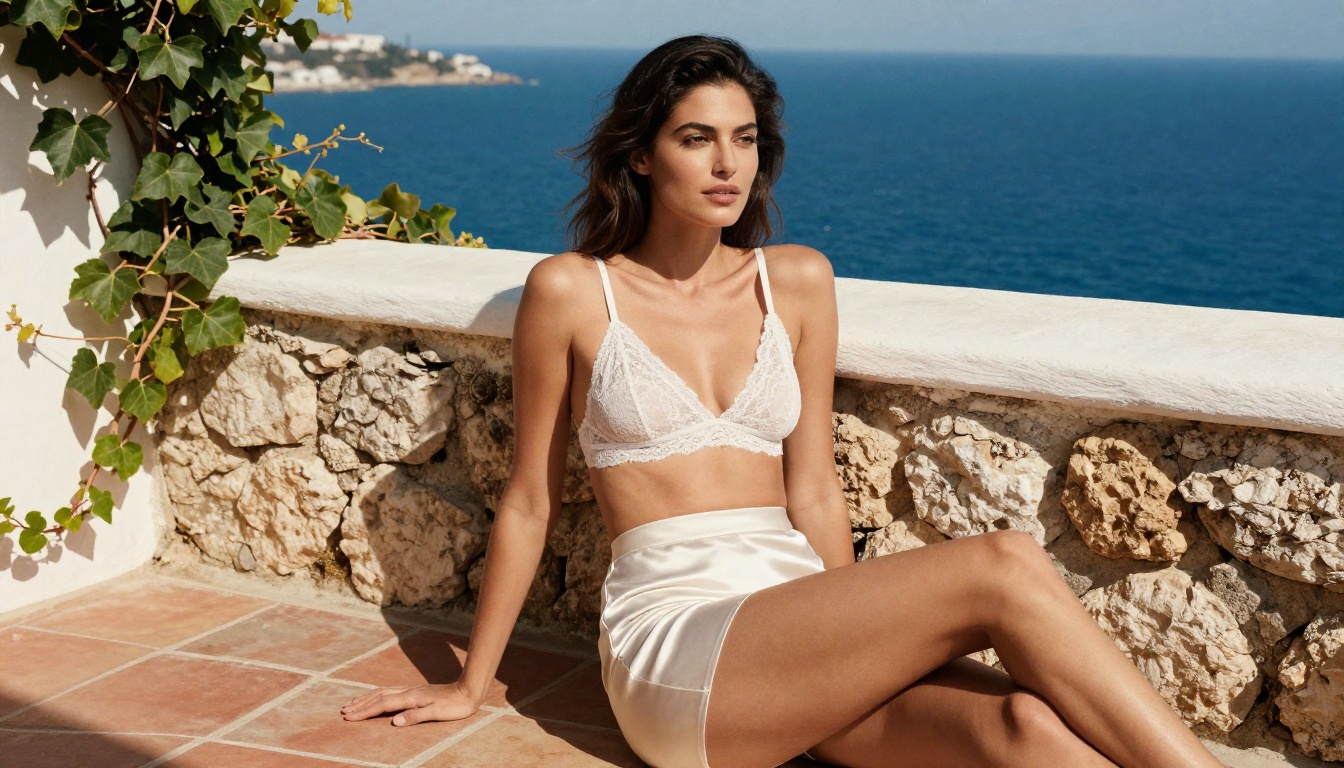
AI image generators work by training on billions of images, learning the statistical relationships between text descriptions and visual patterns. When you type a prompt, the model samples from a learned distribution of possible images that match your description. The more specific and detailed the prompt, the more control you have over the output.
The technology behind adult AI images
The most capable NSFW AI image generators today are built on diffusion models, a class of generative AI that starts with random noise and iteratively refines it toward a target image. This process is guided by a text encoder that interprets your prompt and steers the generation in the right direction.
Models like Flux 1.1 Pro Ultra and Stable Diffusion 3.5 Large have been trained on curated datasets that include human figure photography at scale. This is why they produce such compelling human subjects when given the right input.
The critical variable is the base model architecture. Not all text-to-image models handle anatomy, skin texture, and lighting with equal accuracy. Some were trained with content filters that make adult generation difficult. Others were specifically fine-tuned on photorealistic human imagery, which is why the model you choose matters as much as the prompt you write.
Why photorealism changed everything
Before models like Realistic Vision v5.1 and RealVisXL v3.0 Turbo arrived, AI adult content was identifiable on sight. Artifacts, incorrect anatomy, plastic-looking skin, and unnatural lighting were dead giveaways. These newer architectures changed the equation completely.
Photorealistic adult AI images now require:
- Precise skin texture prompting: pores, fine hairs, natural imperfections
- Correct lighting physics: shadows that match the light source direction
- Realistic anatomy: natural proportions, weight distribution, authentic poses
- Authentic backgrounds: environments that match the scene's mood and geography
💡 The single biggest quality factor is model choice, not prompt length. Switching from a generic text-to-image model to one fine-tuned on photorealistic human subjects can improve output quality by an order of magnitude.
Best Models for NSFW AI Image Creation
With 91 text-to-image models available on the platform, the choice can be paralyzing. Here is a breakdown of the top performers by category.
Flux for high-fidelity realism
The Flux family from Black Forest Labs consistently produces the most photorealistic human subjects available in any AI image generator. Flux 1.1 Pro offers an excellent balance of quality and speed. Flux 2 Pro and Flux 2 Max push the ceiling even higher for premium outputs.
For rapid iteration and testing prompts without cost concerns, Flux Schnell delivers fast results. Once you have a prompt you are happy with, render the final version through Flux 1.1 Pro Ultra for maximum resolution and detail.
Stable Diffusion for flexibility
Stable Diffusion 3.5 Large and its faster sibling Stable Diffusion 3.5 Large Turbo offer flexibility through their open architecture. SDXL remains a solid all-around choice, particularly when combined with LoRA adapters for specialized styles.
Specialized portrait models
Realistic Vision v5.1 was specifically designed for photorealistic human subjects. RealVisXL v3.0 Turbo extends this to SDXL resolution with a speed advantage. DreamShaper XL Turbo adds artistic flexibility while maintaining strong human anatomy.
How to Use Flux on Picasso IA
The Flux models available on Picasso IA are the most capable NSFW text-to-image tools accessible without any local GPU setup. Here is the exact workflow for generating photorealistic adult content.
Step 1: Choose your Flux model
Navigate to the Flux 1.1 Pro Ultra page on Picasso IA. For faster drafting iterations, start with Flux Dev or Flux Schnell. Once satisfied with composition and pose, switch to Ultra for the final output.
Step 2: Write a structured prompt
The Flux architecture responds extremely well to structured, detailed prompts. Use this framework:
- Subject description: age range, appearance, expression, pose
- Clothing or state: specific fabric, color, cut, fit
- Environment: location, furniture, architectural details
- Lighting: direction, source type, quality (soft or hard), color temperature
- Camera: lens mm, aperture, ISO
- Film or texture: grain type, color grade
Step 3: Set your parameters
- Aspect ratio: 16:9 for cinematic compositions, 9:16 for portrait subjects
- Steps: Higher steps (30-50) improve fine detail in skin and fabric
- Guidance scale: 7-9 works well for detailed prompts; lower for more creative freedom
- Seed: Lock a seed when you find a good result so you can iterate on the prompt without losing the composition
Step 4: Iterate fast, render once
Generate multiple quick drafts with Flux Schnell to test different prompts. Note the seed of the best result. Switch to Flux 1.1 Pro Ultra and use the same seed and refined prompt for the final render.
💡 Pro tip: Adding camera specifications to your prompt (e.g., "shot on Leica M11, 85mm f/1.4, ISO 400") significantly improves skin tone accuracy and depth of field realism in Flux models.
Writing Prompts That Actually Work
Prompt quality separates the 10% who consistently get great results from everyone else. The formula is more systematic than creative.
Anatomy of a strong NSFW prompt
A high-quality photorealistic adult AI prompt follows a specific information hierarchy. Start with the most important element (subject) and progressively add detail layers. Here is a real example broken down:
Subject: "Woman in her mid-twenties, dark hair, warm skin tone, natural relaxed expression"
State/Clothing: "wearing a minimal white linen bikini, fabric slightly damp, hip ties loose"
Environment: "standing on a private terrace, Amalfi coast, white stone balustrade, bougainvillea in background"
Lighting: "golden hour sunlight from the left, long warm shadows, soft sky fill from right"
Camera: "shot on Sony A7R IV, 85mm f/1.8 at f/2.2, ISO 200"
Texture: "Kodak Portra 400 film grain, natural skin pores visible, dewy skin surface"
Combine all layers into a single continuous prompt. Avoid bullet points in the prompt itself as it confuses the text encoder in most models.
Lighting, environment, and pose
These three elements determine 80% of image quality in NSFW adult AI generation. Bad lighting makes even perfect skin texture look artificial. A generic white-room environment kills atmospheric realism regardless of subject quality.
Lighting setups that work well:
- Golden hour from one direction with soft reflector fill
- Single candle or firelight creating warm shadows
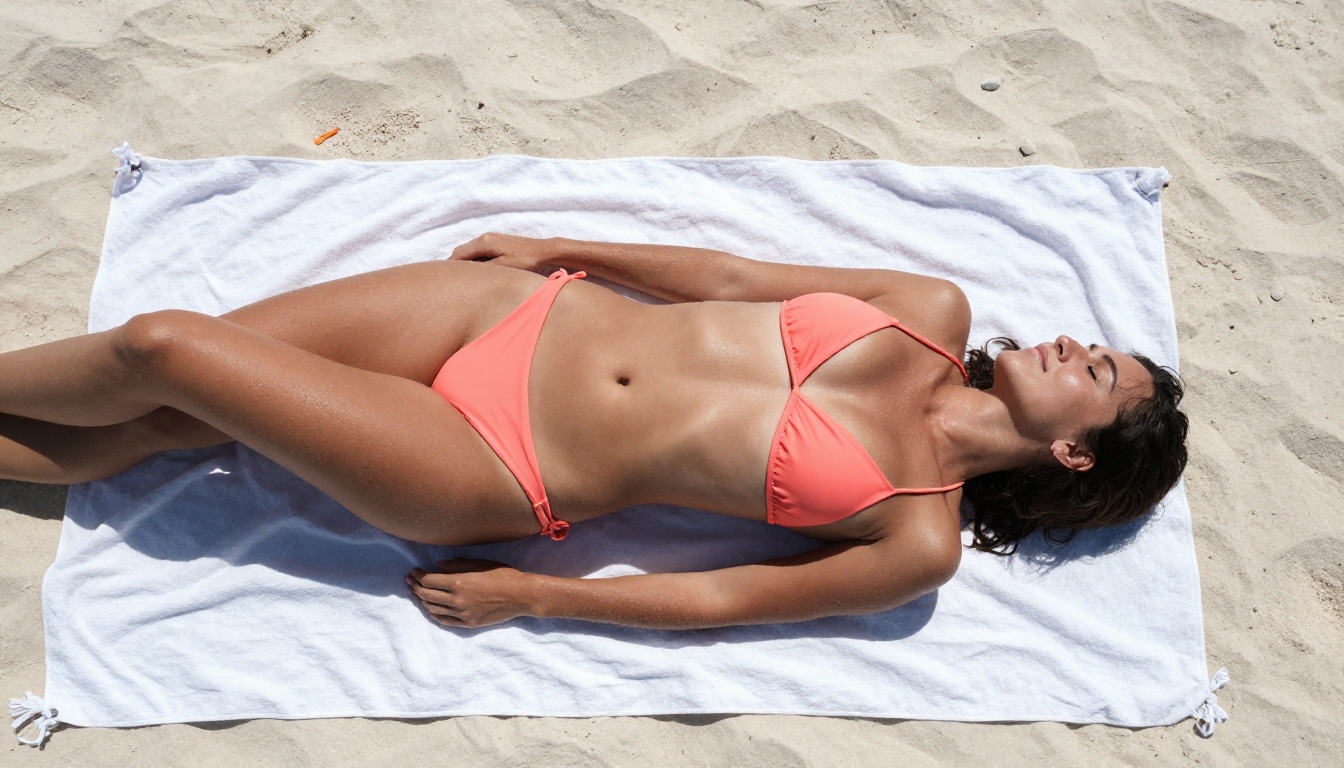
- Bright noon beach with hard shadows and high saturation
- Overcast studio diffusion for even, flattering coverage
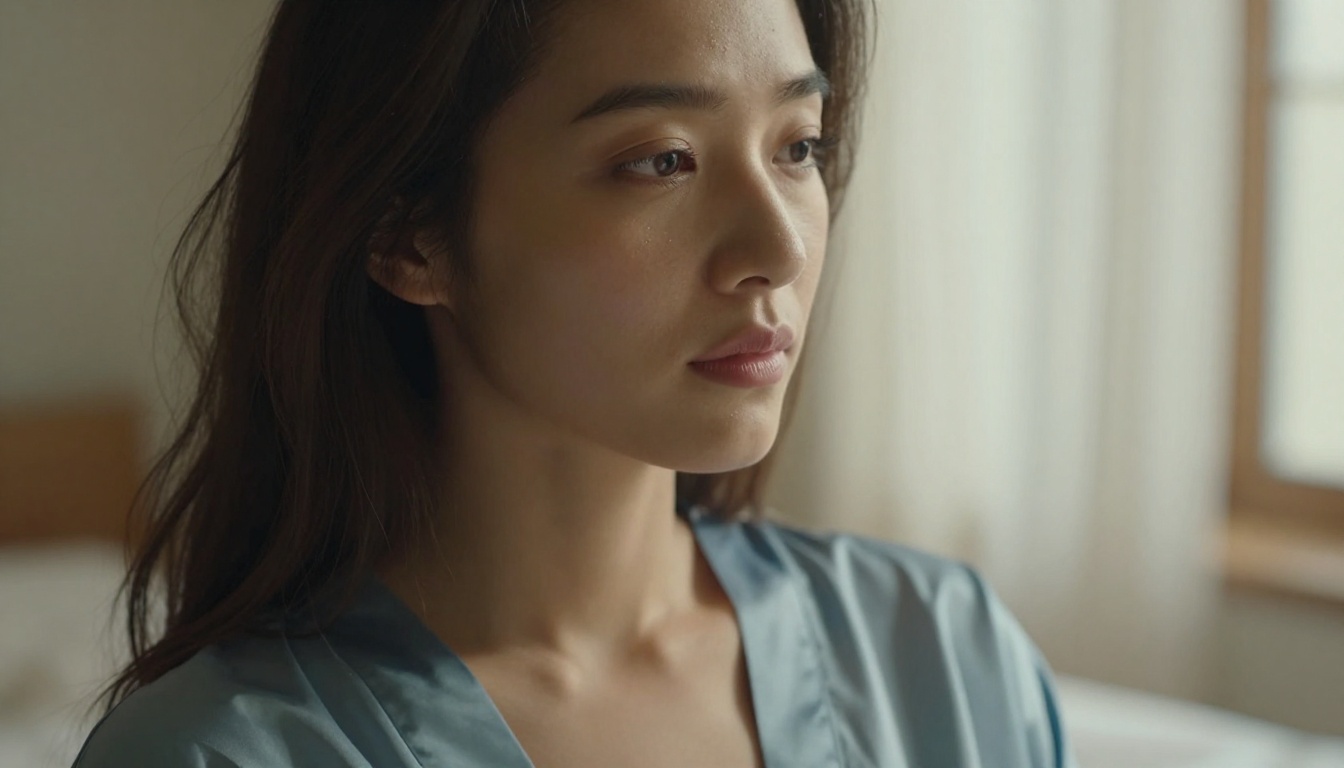
- Bedroom window morning light filtering through a curtain
Environments that add credibility:
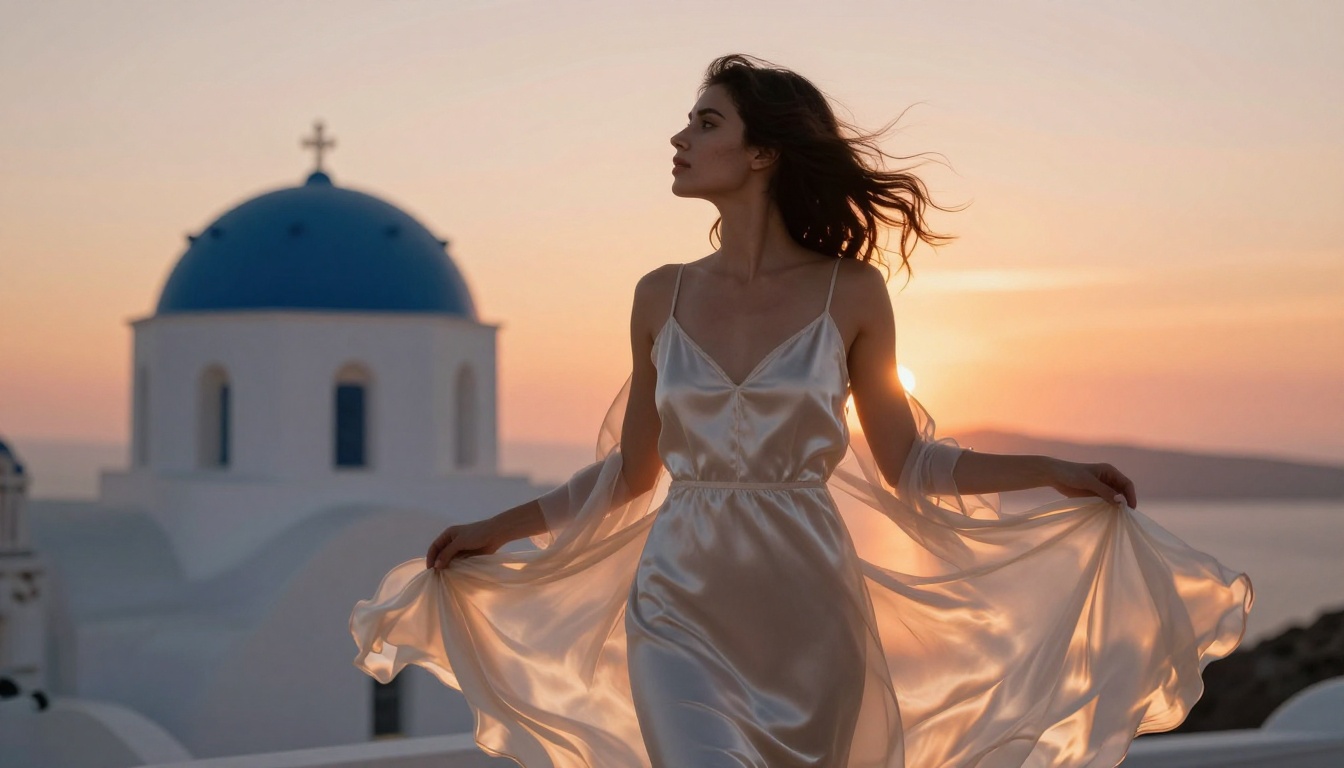
- Identifiable real-world locations (Santorini, Maldives, Paris)
- Textured surfaces (stone, marble, sand, wood) that interact with skin and fabric
- Backgrounds with atmospheric depth (sea, city lights, forest)
Negative prompts that matter
What you exclude matters as much as what you include. These negative prompt terms consistently improve output quality:
cartoon, illustration, 3D render, CGI, anime, paintingwatermark, text, logo, signaturedeformed, distorted, extra limbs, bad anatomyplastic skin, overly smooth, airbrushedlow quality, blurry, pixelated
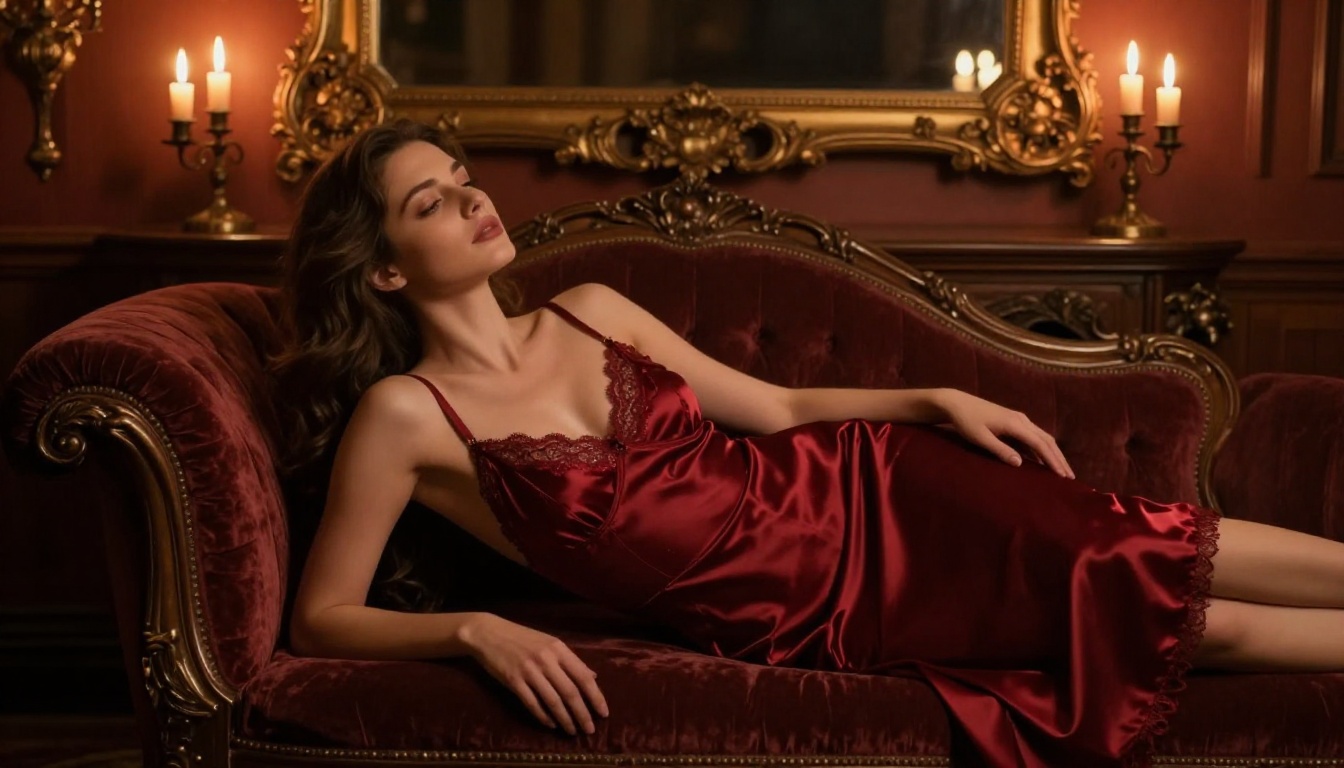
Prompt Modifiers: The Full Reference Table
Knowing which modifiers have the most impact helps you build prompts systematically rather than guessing.
| Category | High-Impact Modifiers | Effect |
|---|
| Camera | "85mm f/1.8", "50mm f/2.0", "35mm f/1.4" | Controls depth of field and perspective |
| Film | "Kodak Portra 400", "Fujifilm Velvia", "Kodak Ektar 100" | Adds authentic grain and color science |
| Lighting | "golden hour", "candlelight", "overcast soft box" | Determines mood and shadow quality |
| Skin | "visible pores", "natural imperfections", "dewy skin" | Prevents the plastic skin artifact |
| Environment | "Santorini", "Paris apartment", "Caribbean beach" | Adds geographic authenticity to backgrounds |
| Angle | "low angle", "aerial view", "three-quarter angle" | Controls composition and visual dynamic |
| Time | "golden hour", "dusk", "early morning light" | Sets color temperature across the entire scene |
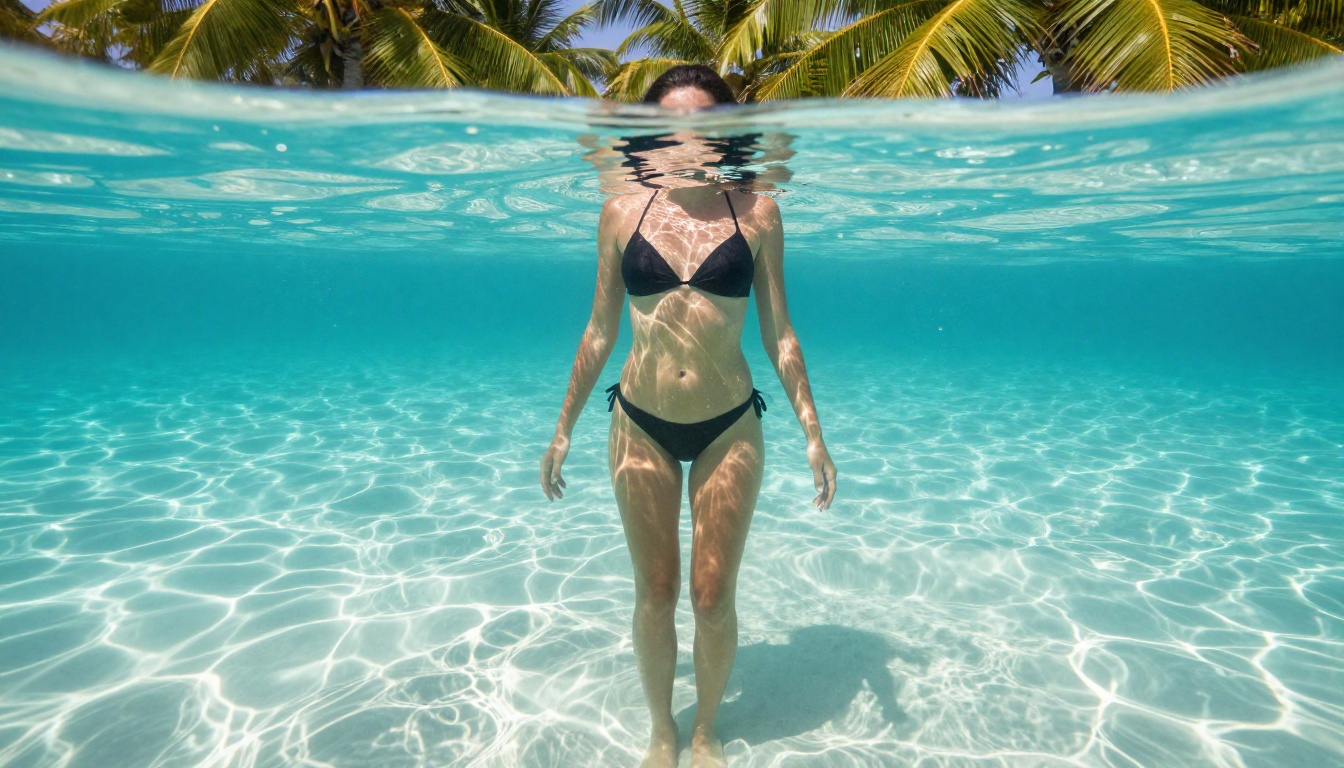
Editing and Refining Your Output
The images you generate at standard resolution are starting points, not final products. Super-resolution models available on Picasso IA can upscale your output 2x or 4x while adding micro-detail that the base model could not render at smaller sizes.
When to upscale
Upscale when:
- Printing or displaying at large sizes
- Skin texture looks too smooth at standard zoom
- Background details are soft and undefined
- You want to crop tightly into a specific area of the composition
Inpainting for detail fixes
Even the best NSFW AI image generators produce occasional artifacts. Hands with incorrect finger counts, jewelry with strange shapes, fabric wrinkles that look unnatural. Rather than discarding a great image because of a small flaw, use inpainting to regenerate only the problem area while preserving the rest.
The workflow: generate your base image, identify any anatomical or textile artifacts, mask the problem area, and regenerate it with a targeted prompt describing only what that specific area should look like.
💡 Inpainting is also excellent for changing clothing details. You can generate a complete scene and then modify the fabric color, add jewelry, or adjust the fit without regenerating the entire image.
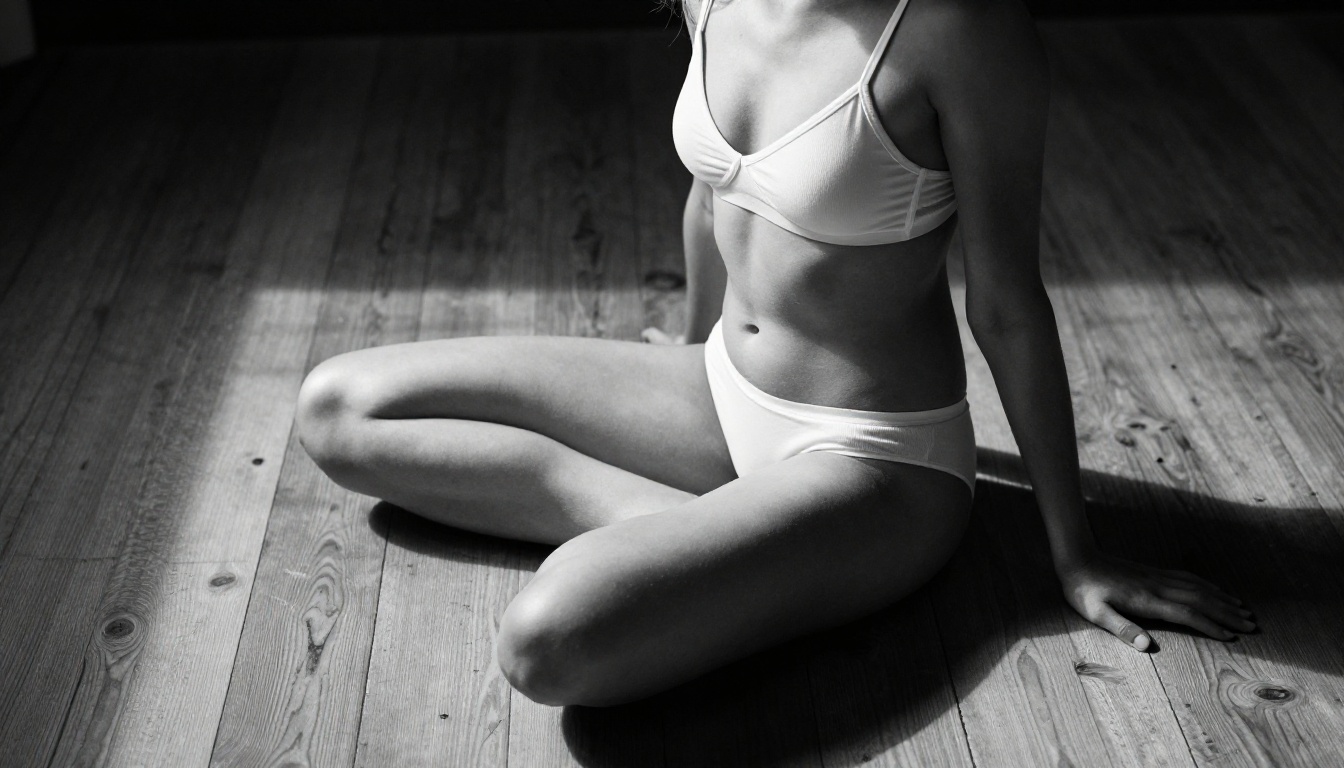
3 Common Mistakes
Knowing what not to do saves hours of frustrating iterations.
Prompts that are too vague
"Beautiful woman on beach" produces generic, forgettable output from every model. The model fills in everything you did not specify with its most statistically average answer. Every detail you leave out is an opportunity for the model to make a decision you would not have made yourself. The difference between a stunning result and a mediocre one is often just 50 additional words of specific detail.
Wrong model for the style
Using a pixel art model for photorealistic adult content is a category mismatch. Using a generic text-to-image model instead of a portrait-specialized one like Realistic Vision v5.1 or RealVisXL v3.0 Turbo will consistently produce inferior human anatomy regardless of how detailed the prompt is. Match the model to the output category first, then refine the prompt.
Ignoring the negative prompt
Most users write the positive prompt and leave the negative prompt entirely empty. This is a significant quality gap. The negative prompt tells the model what statistical territory to avoid during generation. Without it, you will regularly encounter artifacts that a well-crafted negative prompt would have prevented in the first generation.
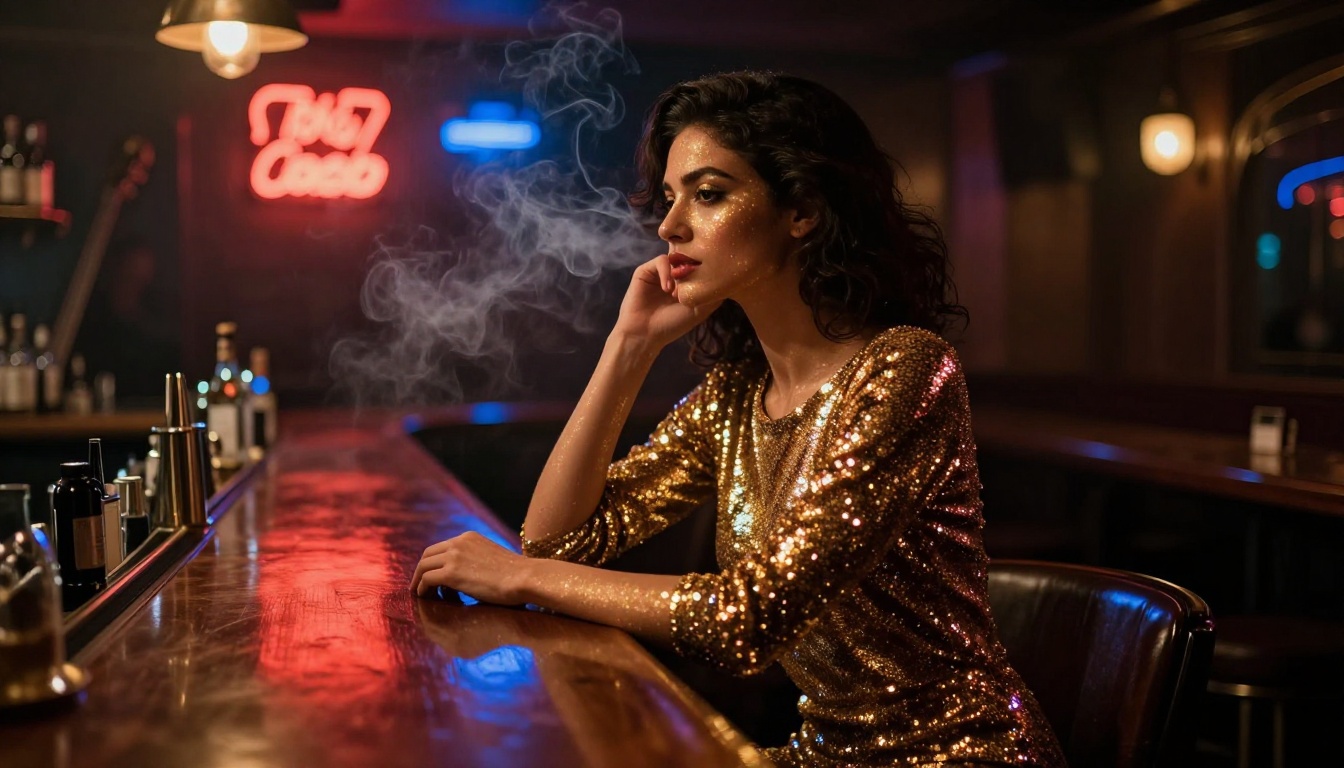
How Models Differ: Architecture Matters
Not all NSFW AI image generators are built on the same foundation. The architecture determines what is possible, not just how good the output looks at first glance.
Transformer-based models like the Flux 2 series use attention mechanisms that better capture long-range relationships across the image. This is why skin texture remains consistent across large body areas rather than looking patchwork or inconsistent between regions.
UNet diffusion models like SDXL and Stable Diffusion 3.5 Large have accumulated enormous communities of fine-tuned variants and LoRA adapters. The ecosystem around them is vast, allowing for highly specialized style customization that is harder to achieve with proprietary models.
Hybrid approaches like GPT Image 1.5 combine language model reasoning with diffusion generation, which improves instruction following for complex compositional prompts where multiple elements need to interact realistically.
The practical implication: if your priority is photorealism and skin quality, start with Flux. If customization and style control matter more, the SDXL ecosystem offers more levers to pull. If you want reliable prompt adherence for unusual scenes, GPT Image 1.5 handles compositional complexity well.
Try It Now on Picasso IA
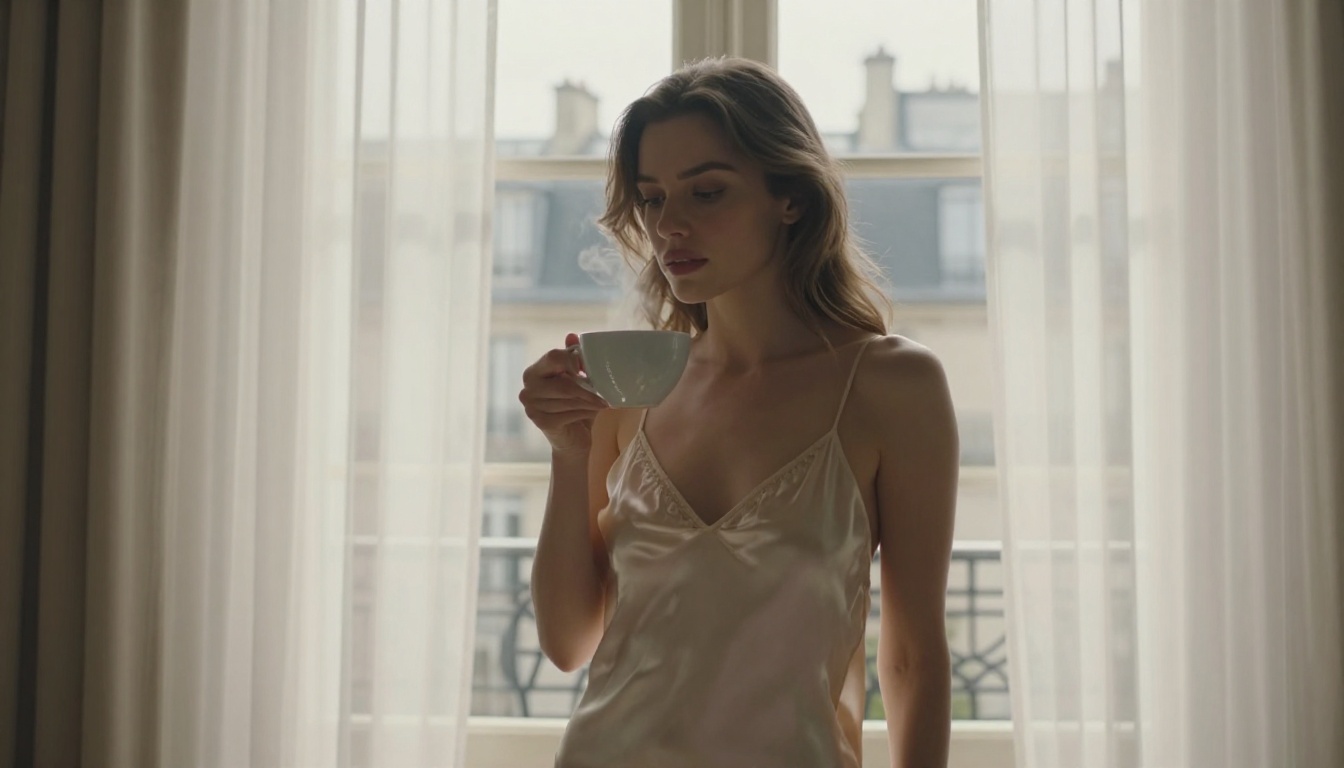
The images throughout this article were generated on Picasso IA using the exact methods described above. No post-processing, no professional equipment, no elaborate workflow. Just detailed prompts fed into the right model.
The fastest way to see what is possible: go to Flux 1.1 Pro on Picasso IA and run the prompt framework from the section above. Start with a location you know visually, a lighting condition you can picture clearly, and a camera specification that matches the depth of field you want. The first few results will show you exactly where to refine your description.
From there, try Flux 2 Max for absolute top-tier output, or Realistic Vision v5.1 if you want hyper-focused portrait realism. Each model responds differently to the same prompt. Running the same detailed prompt across three or four models gives you an immediate sense of which architecture suits your specific aesthetic.
The tools are available right now. The method is laid out in this article. The only thing left is to start creating.


