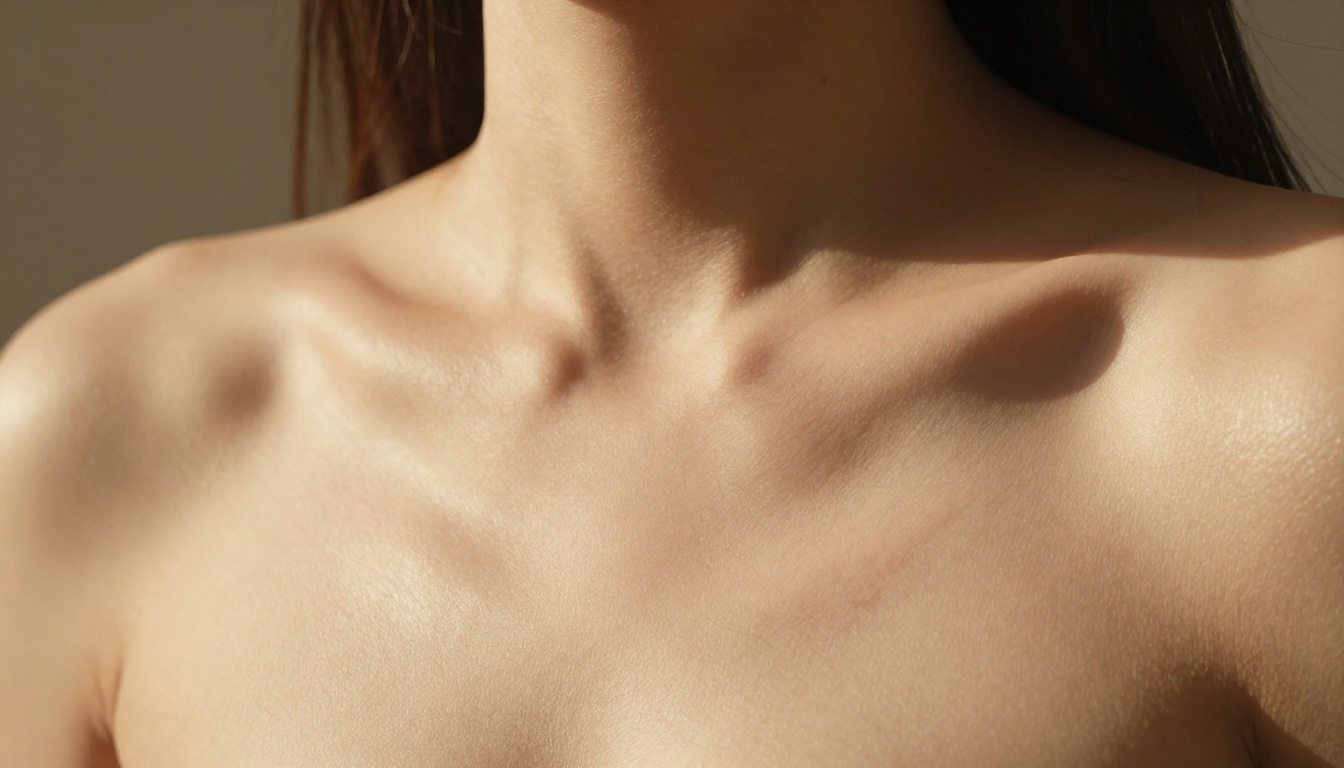
NSFW AI Image Generator Realistic: Best Tools for Lifelike Results
Photorealistic NSFW AI image generation has reached a point where outputs are nearly indistinguishable from real photography. This article breaks down the best AI models available in 2027 for lifelike results, covering skin texture, lighting, prompt structure, and step-by-step usage on PicassoIA.
The gap between AI-generated images and real photography is closing fast. A few years ago, AI portraits had glassy eyes, melted fingers, and that unmistakable synthetic sheen. Today, the best NSFW AI image generator realistic models produce outputs so detailed that trained eyes struggle to call them fake. Skin pores, catchlights, film grain, natural lighting, the tiny imperfections that make a photo feel real: all of it is now within reach.
This article breaks down the top tools delivering genuinely lifelike results in 2027, what separates them from average generators, and how to use them effectively on PicassoIA.
Why Most AI Images Still Look "Off"
The Uncanny Valley Problem
The uncanny valley is not just a concept for robotics. It applies equally to AI images. When a generated face is almost right but something is slightly off, such as eyes that do not focus naturally or skin that looks like painted plastic, your brain registers it instantly. Most free-tier generators fall here. They produce technically impressive outputs that still feel synthetic.
The difference between a convincing and unconvincing AI image comes down to three core elements:
Subsurface scattering: Real skin is partially translucent. Light penetrates slightly and bounces around beneath the surface, creating warm pinkish tones in thin areas like ears and fingers. Flat AI skin has none of this.
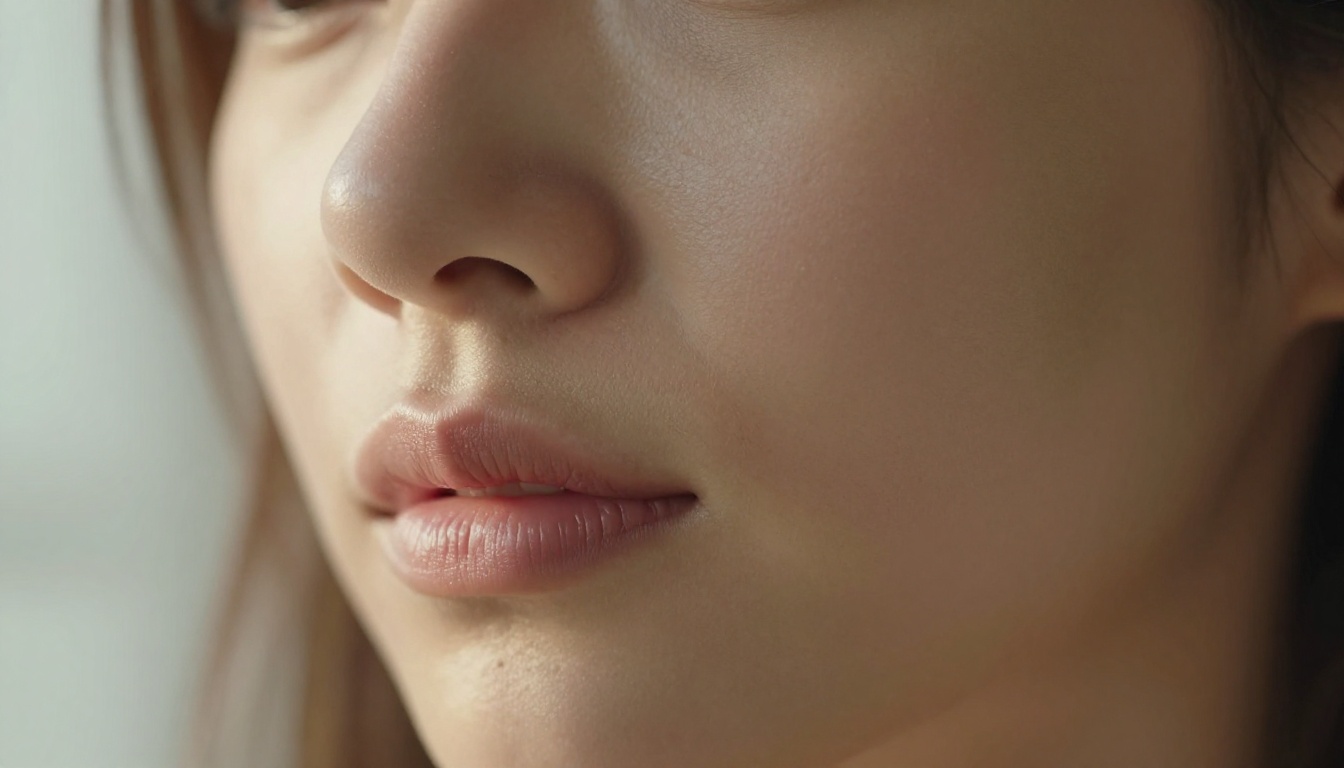
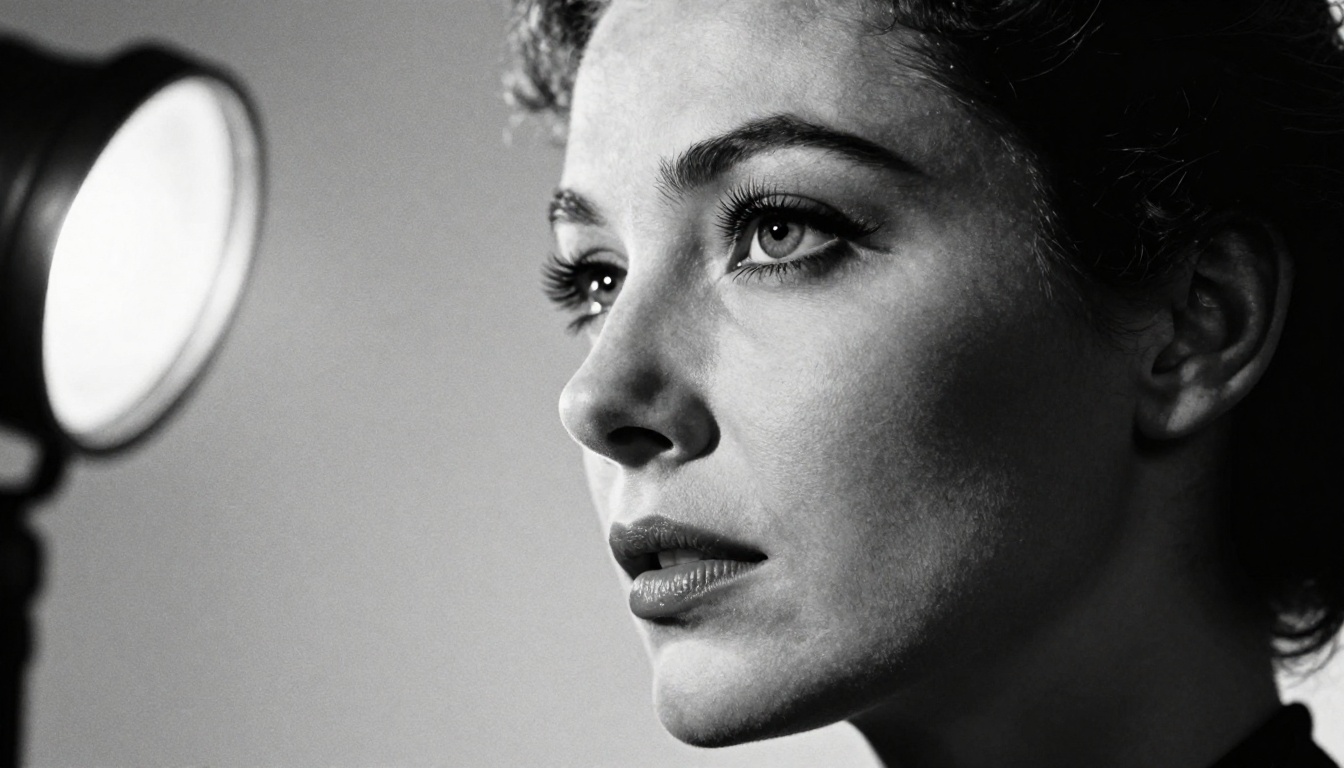
Micro-detail: Pores, fine vellus hair, subtle blemishes, capillaries in the lips. These imperfections are what make a face believable.
Natural lighting behavior: Shadows that actually follow the geometry of a face, not generic "soft light everywhere" flatness.
Why NSFW Realism Is Harder
Generating a convincing cityscape is one thing. Generating a convincing human figure at close range is significantly harder. The human visual system is extraordinarily calibrated for detecting anomalies in faces and bodies. This makes NSFW photorealism the hardest benchmark in AI image generation. Getting it right requires models specifically trained on high-resolution photographic datasets, not general-purpose generators.
The Models That Actually Deliver
Flux 1.1 Pro Ultra
Flux 1.1 Pro Ultra from Black Forest Labs sits at the top of the photorealism leaderboard as of early 2026. Its training data prioritizes high-resolution photography over illustration, and the results show. Skin texture, fabric detail, and lighting accuracy are noticeably stronger than previous Flux iterations. It handles both prompt adherence and visual coherence at 8K output resolution.
For NSFW realistic content, Flux 1.1 Pro Ultra handles complex lighting scenarios, such as golden hour backlight, studio three-point setups, and natural window light, with exceptional accuracy. The model does not over-smooth skin by default, which is critical for lifelike results.
If you need maximum quality with the fewest artifacts, this is the model to start with.
Realistic Vision v5.1
Realistic Vision v5.1 is one of the most purpose-built models for photorealistic human generation. Where general-purpose models optimize for broad creative range, Realistic Vision was tuned specifically for portrait and figure photography. The training dataset skews heavily toward real photography rather than illustrations, giving it a fundamentally different output character.
Natural skin tone gradations without artificial orange or pink oversaturation
Accurate depth of field behavior at typical portrait focal lengths
Strong handling of natural fabric textures including cotton, silk, and lace
Believable hair rendering with individual strand separation visible at full resolution
RealVisXL v3.0 Turbo
RealVisXL v3.0 Turbo is the speed-optimized variant of the RealVisXL architecture, built on top of the SDXL foundation. The "Turbo" designation means faster inference without the typical quality trade-off that other fast models suffer. For iterative work where you need to test multiple prompt variations quickly, this is the strongest realistic model at its speed tier.
It pairs well with ControlNet workflows. Using RealVisXL v3 Multi ControlNet LoRA, you can provide pose references, depth maps, or canny edge inputs while maintaining photorealistic output quality. This is particularly valuable for consistent character generation across multiple shots.
Stable Diffusion 3.5 Large
Stable Diffusion 3.5 Large from Stability AI represents a substantial architecture improvement over earlier SD models. The multimodal diffusion transformer backbone gives it significantly better prompt adherence than SD 1.5 or SDXL generations. Skin rendering benefits from more accurate lighting interpretation from text descriptions.
For nuanced NSFW realistic prompts, where you are describing specific lighting setups like "Rembrandt lighting from camera-left" or "volumetric morning light through voile curtains," Stable Diffusion 3.5 Large interprets these more accurately than most alternatives.
GPT Image 1.5
GPT Image 1.5 brings OpenAI's language model strengths directly into image generation. Its standout feature for realistic content is context coherence: the ability to follow complex, multi-clause prompts accurately. When you describe a specific scenario with multiple environmental details, this model renders them with fewer omissions and inconsistencies than most alternatives. Background elements, lighting interactions, and environmental storytelling are notably stronger here.
Ideogram v3 Quality
Ideogram v3 Quality earns its name. The quality tier setting shifts the inference process toward higher fidelity at the cost of generation speed. For final-output NSFW realistic images where rendering time is not a concern, it produces some of the most artifact-free results in the category. Texture rendering of skin and fabric is particularly clean.
Every element matters. Skipping the camera information lets the model default to a generic "digital" look. Specifying "Canon EOS R5 85mm f/1.4" tells the model to emulate the specific optical characteristics of that lens at that aperture, including depth-of-field, bokeh shape, and the slight rendering quality associated with that piece of glass.
Lighting Terms That Change Everything
The single biggest lever for photorealism is lighting specification. These terms reliably improve output quality:
Volumetric light: Creates visible light beams, dust particles in the air, and depth. Use when the light source is directional.
Rembrandt lighting: Single key light at 45 degrees creating a triangular highlight on the shadowed cheek. Immediately adds dimension to portrait faces.
Subsurface scattering: Explicitly requesting this term tells the model to simulate light penetrating the skin surface.
Specular highlight: Bright reflective points on skin, eyes, and lips. Critical for the "alive" quality in portrait photography.
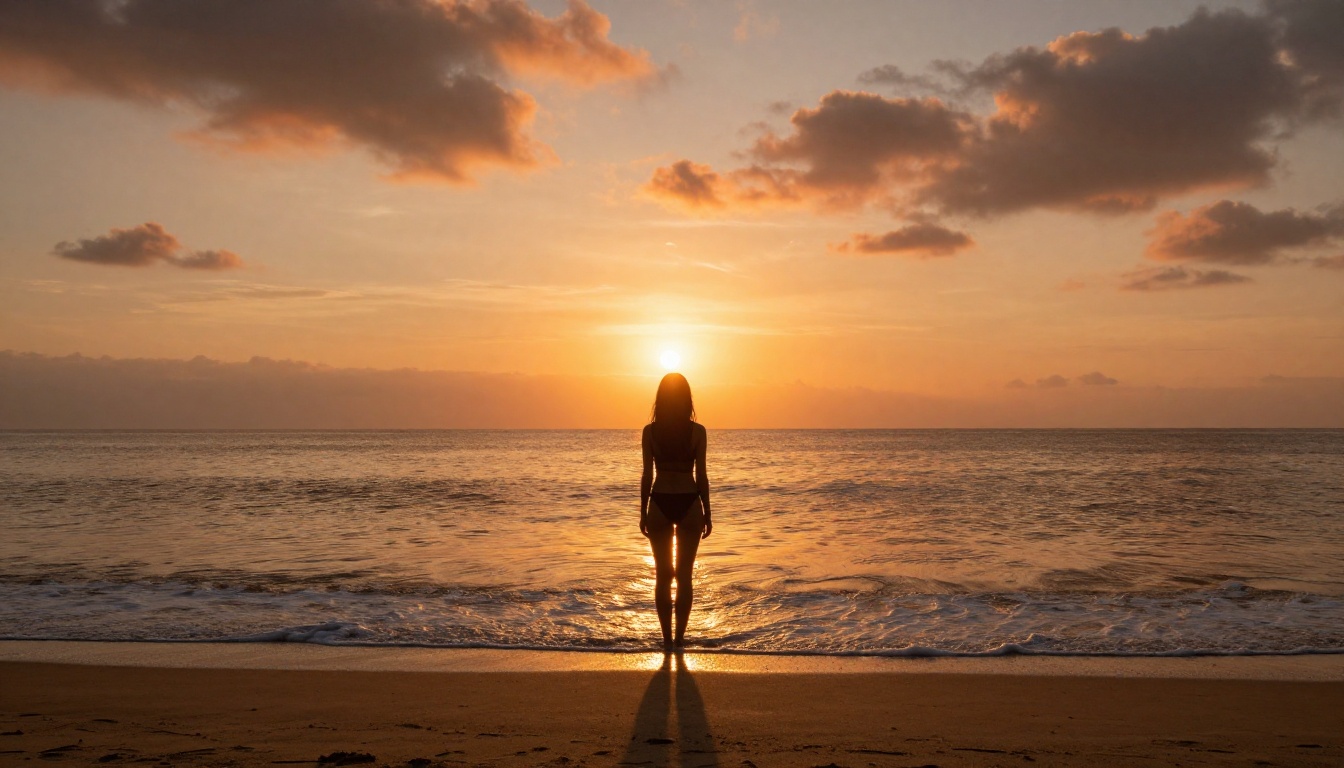
Golden hour: 5500K warm directional light with long shadows. Flatters skin tones and creates natural warmth.
Diffused window light: Soft, directionless light from a large window. Minimizes harsh shadows for beauty-style shots.
Camera and Lens Specifics
Lens choice dramatically affects the look of a portrait:
Lens
Character
Best Use
35mm f/1.8
Wide, environmental
Lifestyle and environmental shots
50mm f/1.4
Neutral, natural perspective
Casual intimate portraits
85mm f/1.4
Flattering compression
Classic beauty and glamour
100mm macro
Extreme close-up detail
Skin texture, beauty close-ups
135mm f/2.0
Strong compression, creamy bokeh
Fashion and editorial
💡 Adding the specific aperture value (f/1.8 vs f/8) tells the model how much background blur to apply. f/1.8 creates heavy background blur. f/8 keeps everything in focus.
How to Use Realistic Vision v5.1 on PicassoIA
Since Realistic Vision v5.1 is purpose-built for photorealistic human generation, it deserves a dedicated walkthrough.
Use the anatomy structure above. A strong starting prompt:
A young woman with natural freckled skin sitting in warm window light, slightly tousled auburn hair, white cotton shirt, Canon 50mm f/1.8, Kodak Portra 400 film emulation, visible skin pores, natural makeup, shallow depth of field, photorealistic 8K
Step 3: Set Negative Prompts
This is where Realistic Vision v5.1 separates itself. The model responds strongly to negative prompt guidance. Always include:
cartoon, illustration, 3d render, painting, digital art, overly smooth skin, plastic skin, over-saturated, unrealistic, CGI, artificial lighting
Step 4: Resolution and Sampling
Resolution: 768x432 minimum for NSFW realistic content. 1024x576 or higher recommended for final outputs.
Sampling steps: 25-35 for quality balance. 40+ for maximum detail in final outputs.
CFG Scale: 6-8 is the sweet spot. Higher CFG increases prompt adherence but can introduce artifacts at the extremes.
Step 5: Seed Control
When you find a result you like, note the seed number. Re-using the same seed with minor prompt changes allows for consistent character generation across multiple images, which is critical for editorial-style series.
💡 For consistent characters across multiple generations, pair Realistic Vision v5.1 with ControlNet pose input to maintain body proportions and camera angle while varying other prompt elements.
Prompt Styles That Work for NSFW Realism
Glamour and Boudoir Aesthetics
The glamour photography tradition has a specific visual language that maps well onto AI prompt construction. These phrases reliably produce high-quality results:
"tasteful boudoir" or "intimate editorial": Frames the content as fashion-adjacent rather than explicit, keeping the output within an artistic register
"lace against skin": Triggers the model's understanding of fabric-skin interaction and lighting
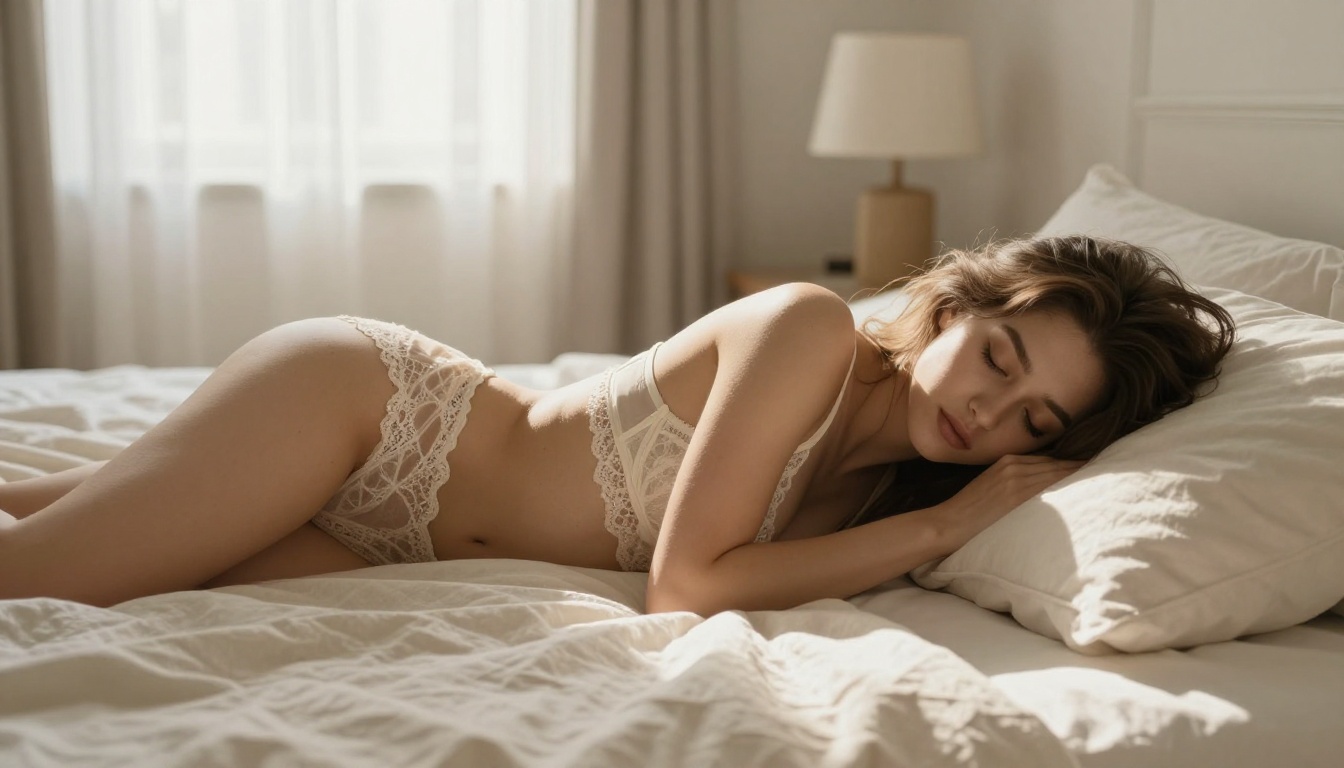
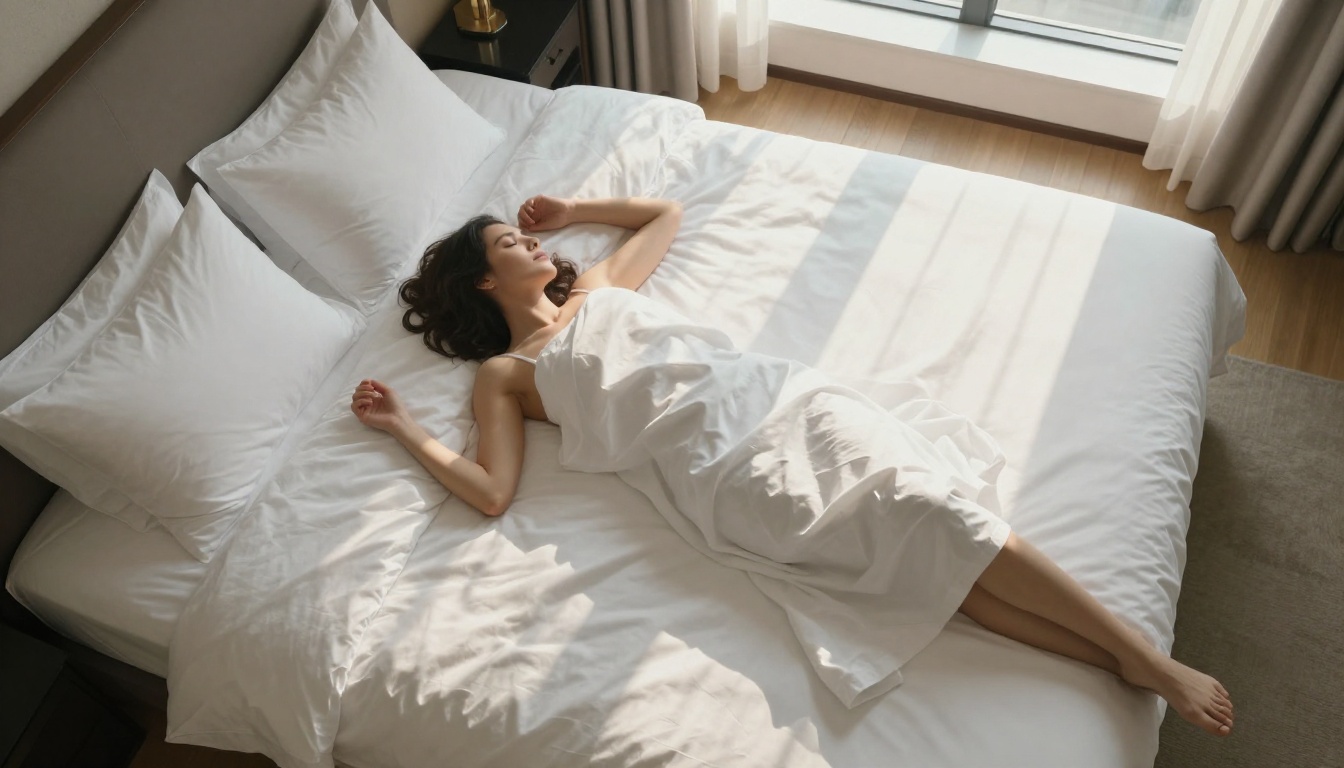
"rumpled linen sheets": Natural environmental detail that grounds the image in reality
"morning light through voile curtains": Common in real lifestyle photography, well-represented in training data
Outdoor and Lifestyle Realism
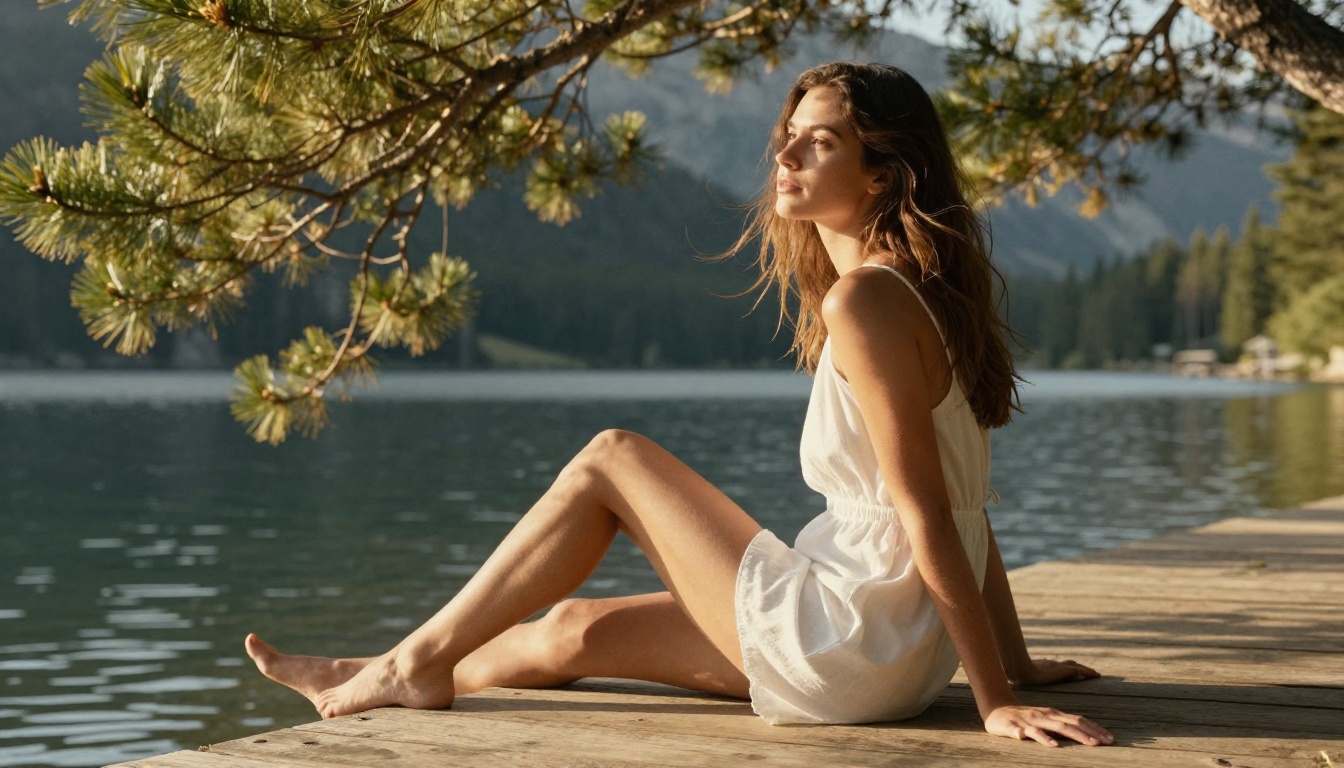
For outdoor photorealistic NSFW content, natural environment details anchor the image:
Specific surfaces: "wooden dock," "sun-bleached concrete," "wet sand"
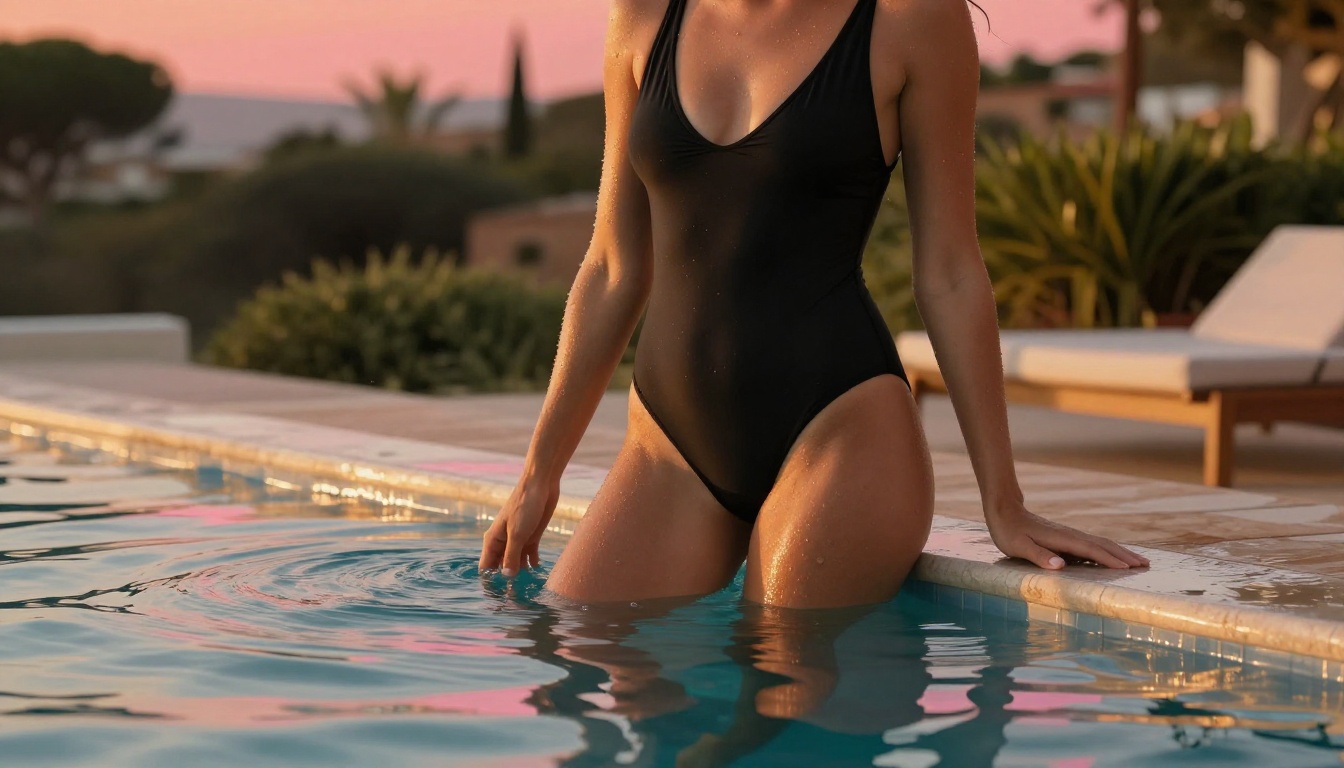
Environmental interaction: "wind movement in hair," "water droplets on shoulders," "sand between fingers"
Film Emulation Terms
Film emulation is one of the fastest ways to add a photorealistic quality to AI outputs. Film photography has a well-understood, extensively documented visual character that training datasets represent precisely. These film stocks consistently improve realistic outputs:
Kodak Portra 400: Warm skin tones, fine grain, slightly lifted shadows. The industry standard for portrait photography.
Kodak Portra 800: Similar to 400 but with more visible grain, better for low-light or indoor scenes.
Fujifilm Pro 400H: Cooler, slightly desaturated tones. Excellent for fashion editorial work.
Kodak Ektar 100: High saturation, extremely fine grain. Best for outdoor skin in bright direct light.
Kodak Gold 200: Warm, punchy colors. Works well for lifestyle and casual outdoor content.
Super Resolution for Final Results
Generating at high resolution is one thing. Super resolution is the step that takes a strong generated image and scales it to 4K with genuine detail enhancement rather than simple upsampling. PicassoIA's Super Resolution models analyze the generated image and fill in additional micro-detail during the scaling process.
For NSFW realistic content, running your best outputs through a 4x super resolution pass adds the final layer of skin texture and hair detail that separates "impressive AI" from "wait, is that real." This workflow is particularly effective with Realistic Vision v5.1 and RealVisXL v3.0 Turbo outputs, since both models establish strong photorealistic foundations that upscalers can build on.
Face and Body Consistency Tools
One challenge in realistic AI image generation is maintaining consistent character appearance across multiple outputs. PicassoIA's Face Swap AI feature allows you to generate a base realistic image and apply a consistent face reference across variations, preserving identity while changing pose, lighting, and environment.
For refining specific areas of a generated image, such as fixing hands, adjusting a facial feature, or cleaning up a background inconsistency, inpainting capabilities within Flux Dev allow selective region regeneration without affecting the rest of the image. This is faster and more precise than regenerating from scratch.
The Detail Layer: Skin Micro-Texture
The final 10% of photorealism lives in micro-texture. These are the elements that separate a very good AI image from one that genuinely reads as photographic:
Vellus hair: The fine downy hair covering most of the skin surface. Visible in side-lighting. Specify "fine vellus hair visible in sidelight" for close-up beauty shots.
Skin oil sheen: Healthy skin has a natural slight sheen from sebum. Request "natural skin oil sheen" or "healthy skin luminosity."
Shadows under features: Accurate cast shadows beneath the nose, under the lip line, and under the chin signal correct lighting to the viewer.
Lip capillary detail: Fine lines and texture on the lips, visible in macro photography. Use "natural lip texture, capillary detail visible."
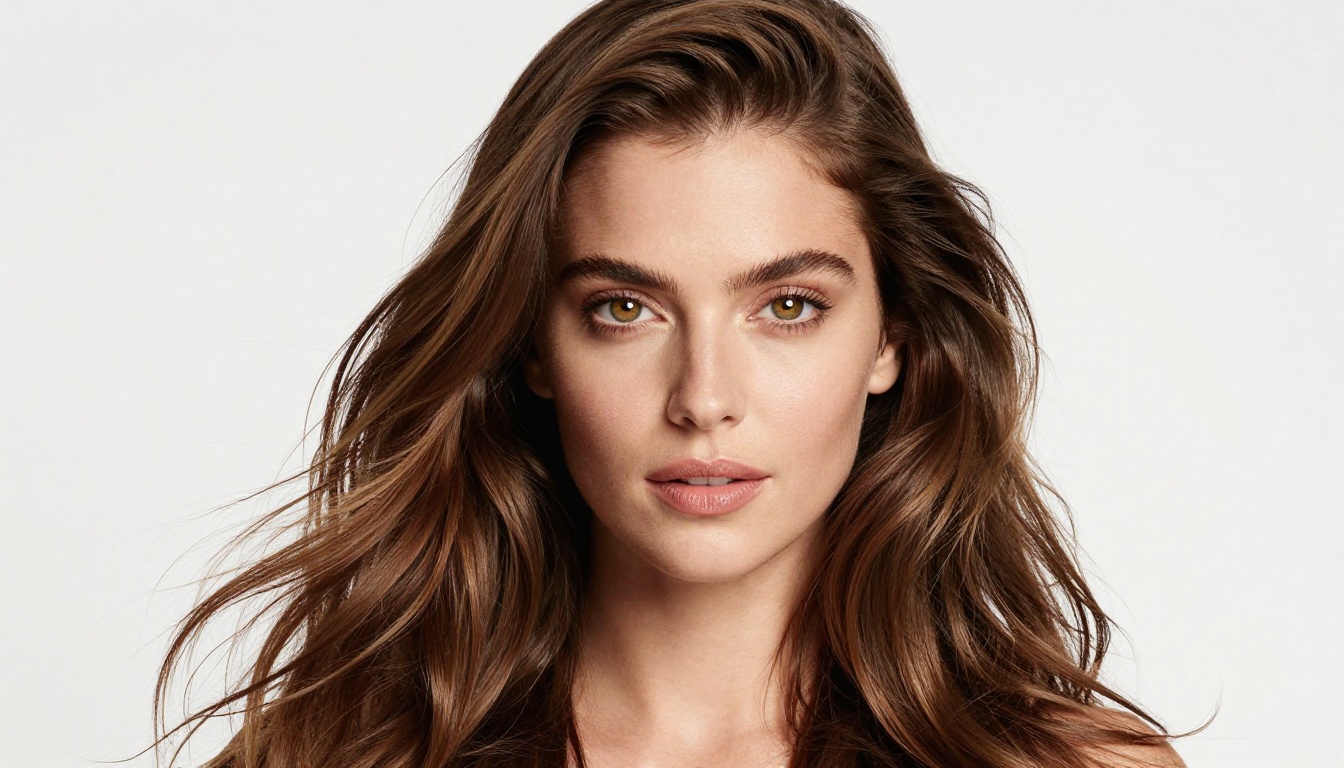
Eye catchlights: The bright reflective points in the eyes that indicate a light source. Without them, eyes look flat. Specify the shape: "softbox catchlight" or "window catchlight as bright rectangle."
💡 Micro-detail prompting is additive. Stack multiple terms for maximum effect: "visible pores, fine vellus hair, natural skin oil sheen, capillary detail on lips, paired catchlights in eyes."
Try It Yourself on PicassoIA
The tools are available right now. Flux 1.1 Pro Ultra, Realistic Vision v5.1, and RealVisXL v3.0 Turbo are all accessible directly on PicassoIA with no software to install and no technical setup required. You go from prompt to photorealistic NSFW AI output in seconds.
The biggest gains come from prompt investment. Spend time building the lighting description, specifying the camera and lens, adding film emulation, and stacking micro-detail terms. Then run your best results through a Super Resolution pass for the final quality boost.
PicassoIA hosts over 91 text-to-image models, from the fastest turbo variants like Flux 2 Pro to the highest-fidelity quality models like Flux 1.1 Pro Ultra. Whether you are testing prompt ideas quickly with RealVisXL v3.0 Turbo or doing final renders with maximum detail, the entire realistic AI image generation workflow lives in one place. Start your first generation at PicassoIA.