The demand for NSFW AI image generators with no filters has exploded over the past two years. Artists, photographers, writers, and adult content creators want tools that respect their creative freedom without throwing up content walls every five seconds. The reality is straightforward: most mainstream AI image tools are so aggressively filtered that generating anything beyond a fully clothed portrait becomes a frustrating battle of prompt engineering just to avoid getting blocked. This article cuts through the noise, showing you exactly which models work, how to use them effectively, and where to access them right now.
What "No Filters" Actually Means
Before anything else, it is worth being precise about what "no filters" means in practice. The term gets thrown around loosely, and confusing it with "anything goes" will lead to frustration.
The Content Moderation Wall
Every major AI image generator operates with some level of safety system. These range from basic keyword detection that blocks words like "nude" or "explicit," to sophisticated vision models that analyze the final output and refuse to return images that cross certain thresholds. Platforms like DALL-E 3 and Midjourney sit at the heavily filtered end of the spectrum. They are excellent for general-purpose work but are nearly useless for adult-oriented content.
The models in this article sit in a different category. They allow suggestive, artistic, and mature content within reason. That includes lingerie, implied nudity, glamour photography, and aesthetically driven NSFW imagery. The boundary is artistic intent versus pornographic output. The former is accessible. The latter falls outside what any reputable platform supports.
Who Actually Uses Unfiltered AI Tools
The audience for NSFW AI generators is broader than most people assume:
- Visual novelists and game developers who need character art that reflects real mature storytelling
- Photographers and retouchers testing AI tools for boudoir or glamour style work
- Adult content creators building illustrated content for platforms like OnlyFans or Patreon
- Artists and concept designers working on projects that require mature aesthetics
- Writers generating character art and visual concepts for adult fiction projects
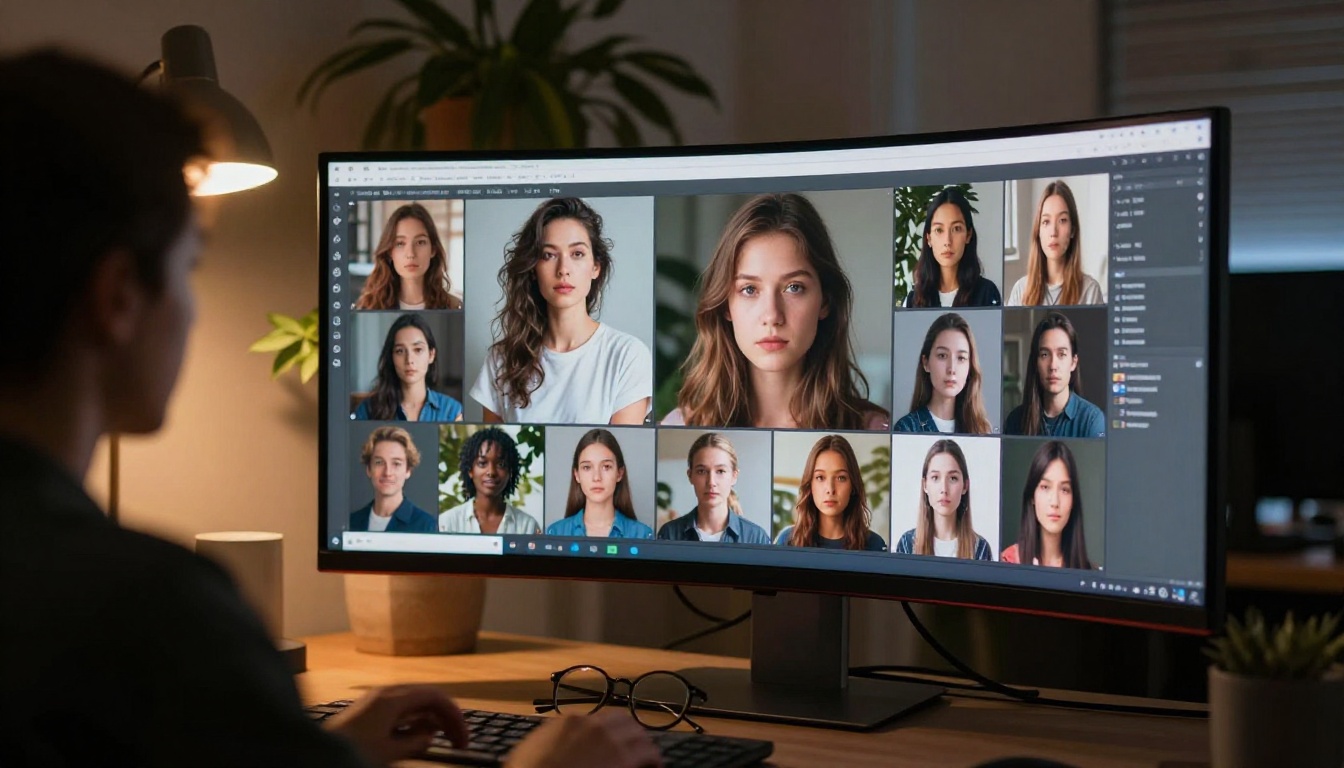
Top Models for NSFW Image Generation
Not all AI image models handle mature content equally. The differences between models are significant, and choosing the right one for your project matters far more than most people realize.
Flux 1.1 Pro Ultra
Flux 1.1 Pro Ultra by Black Forest Labs is currently the benchmark for photorealistic image generation. Its ultra-high resolution output and exceptional prompt adherence make it the go-to for glamour and boudoir-style imagery. The model renders skin texture, fabric, and lighting with a level of realism that previous generations could not match. For NSFW work, this translates to images that feel like photographs rather than obvious AI output.
💡 Tip: Flux 1.1 Pro Ultra performs best with highly descriptive prompts. Include lighting direction, camera lens specs, and texture details to push realism to its maximum.
Flux 1.1 Pro
Flux 1.1 Pro offers a slightly faster generation time than its Ultra counterpart while maintaining impressive image quality. It hits the sweet spot between speed and output fidelity, making it practical for iterating through prompt variations quickly. When you need to test a concept before committing to the compute cost of Ultra, this is the version to use.
Stable Diffusion 3.5 Large
Stable Diffusion 3.5 Large remains a staple for mature content creators. As an open architecture model, it has been fine-tuned extensively by the community for adult imagery. The newer 3.5 Large version brings significant improvements in anatomy accuracy, something that earlier Stable Diffusion releases famously struggled with. Hands, limbs, and facial proportions are now dramatically more reliable.
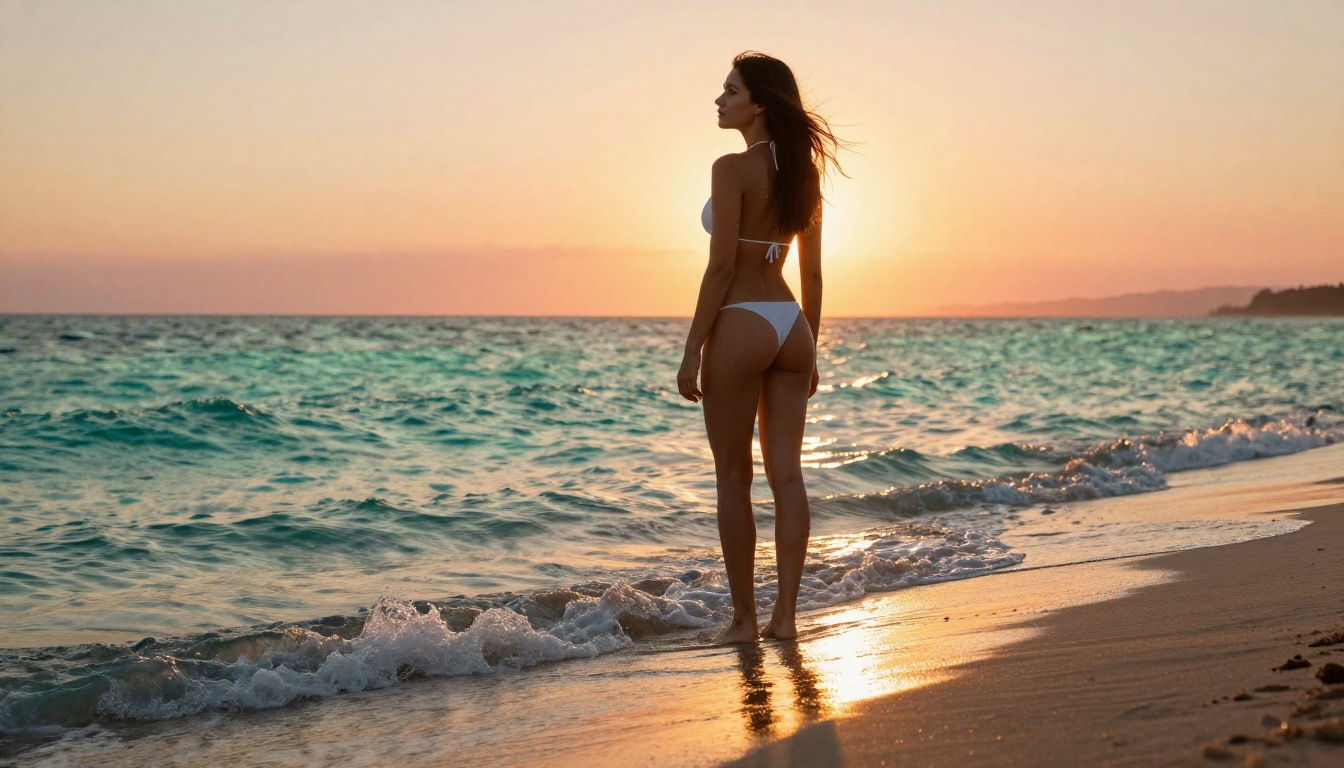
RealVisXL v3.0 Turbo
For pure photorealism in a faster pipeline, RealVisXL v3.0 Turbo delivers strong results. Built on the SDXL architecture, it specializes in hyper-realistic human subjects. The "turbo" variant cuts generation time significantly while preserving the model's trademark skin rendering and natural lighting behavior.
Realistic Vision v5.1
Realistic Vision v5.1 was one of the original NSFW-oriented fine-tunes that made community-built AI art viable for adult creators. While newer models have overtaken it in raw quality, it retains a distinct photographic look that some creators prefer for its softer, more film-like aesthetic. Pair it with strong negative prompts for best results.
How These Models Compare
Choosing the wrong model wastes time and generates disappointing output. Here is a direct comparison of the top options:
| Factor | Flux 1.1 Pro Ultra | SD 3.5 Large | RealVisXL v3.0 Turbo |
|---|
| Photorealism | Exceptional | Very Good | Very Good |
| Anatomy Accuracy | Excellent | Improved | Good |
| Generation Speed | Moderate | Fast | Very Fast |
| Prompt Adherence | Excellent | Good | Good |
| Skin Texture Detail | Best in class | High | High |
| Best For | Final renders | Iterating fast | Quick photorealistic output |
Beyond model specs, the platform you access them on shapes the overall experience. Some platforms apply their own filtering layer on top of the underlying model, which can limit what the model would otherwise produce. PicassoIA passes prompts through to the models with significantly fewer restrictions than competitors, which is a meaningful practical difference.
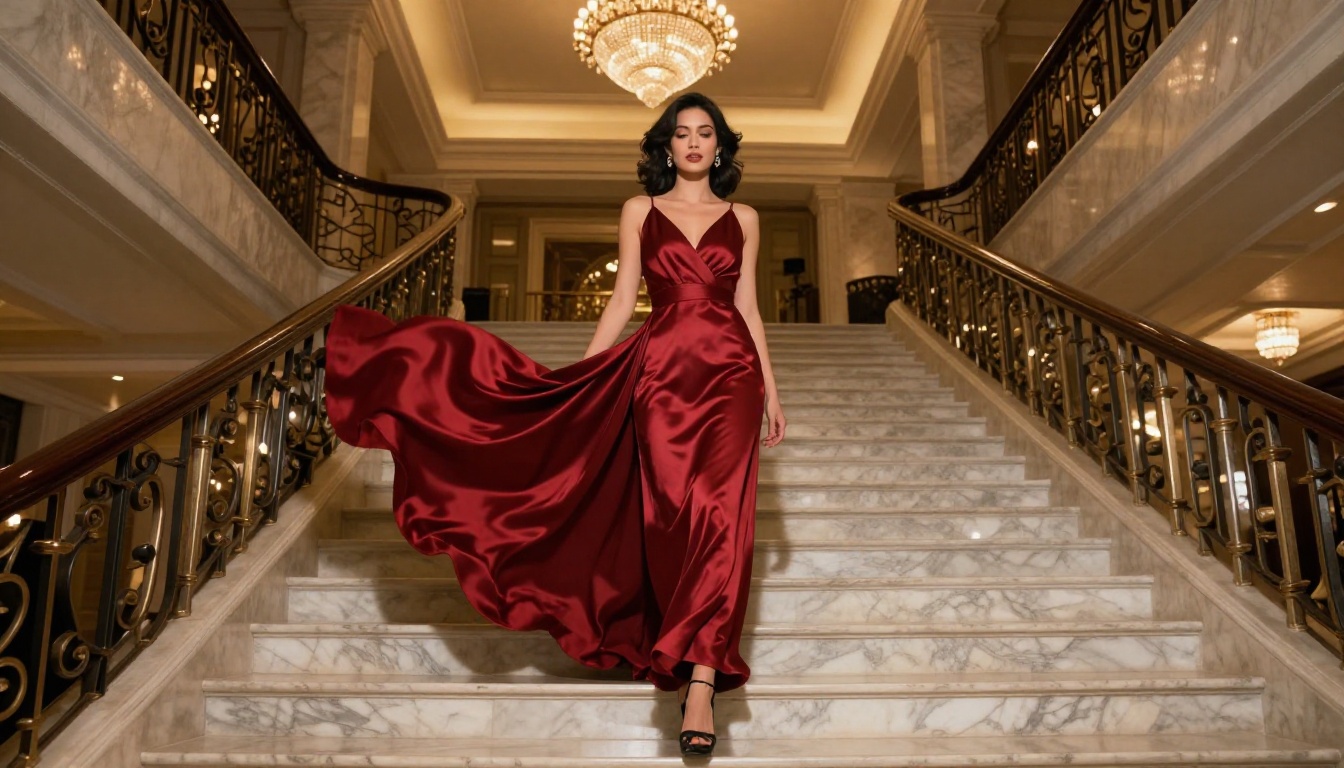
Writing Prompts That Actually Work
The single biggest variable in NSFW image generation quality is the prompt. A poor prompt produces mediocre results regardless of which model you use. Effective NSFW prompt writing follows a clear, repeatable structure.
The Structure That Gets Results
Treat every prompt like a photography brief with six components:
- Subject description: Who is in the image, what are they wearing or not wearing, their pose and expression
- Environment: Location, background details, props
- Lighting: Direction, quality, and source. For example, "soft morning light from the left window" or "dramatic Rembrandt lighting from above right"
- Camera and lens: Focal length and aperture. For example, "85mm f/1.4" or "35mm f/2.0"
- Film aesthetic: "Kodak Portra 400 film grain," "Ilford HP5 black and white"
- Quality modifiers: "photorealistic," "8K," "RAW photography," "high detail"
Here is an example that consistently works:
"Young woman in cream silk lingerie sitting on edge of white bed, morning light streaming through sheer curtains, her back turned to camera in graceful pose, visible skin texture on shoulders, 50mm f/1.8 lens, Kodak Portra 400 film grain, photorealistic 8K RAW photography"
The added specificity directly translates to better output every time.
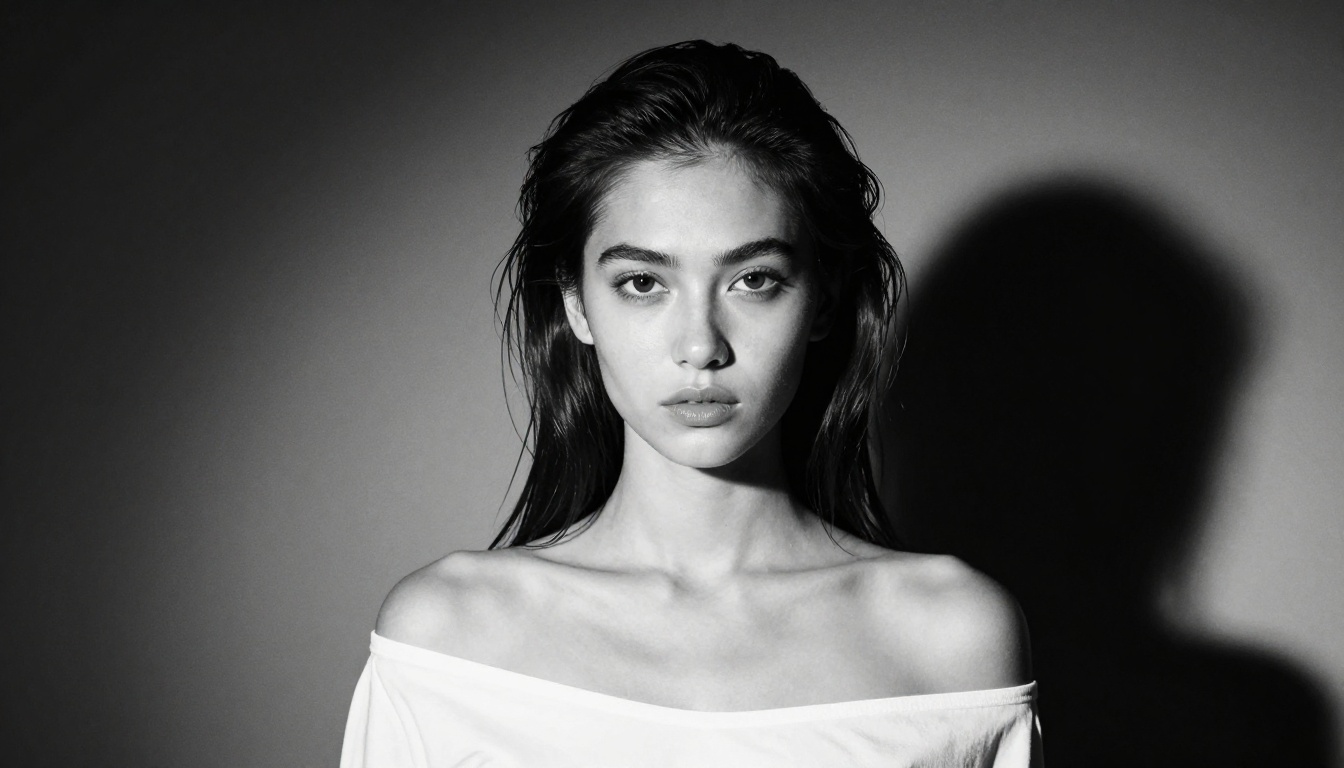
Negative Prompts Are Non-Negotiable
Negative prompts tell the model what to exclude. For NSFW imagery, this is especially important for avoiding anatomical errors and visual artifacts. A solid base negative prompt:
deformed, distorted, disfigured, poorly drawn, bad anatomy, wrong anatomy, extra limb, missing limb, floating limbs, mutated hands, disconnected limbs, mutation, ugly, disgusting, blurry, amputation, low quality, watermark, text, signature
For photorealistic work, also add:
illustration, digital art, painting, cartoon, anime, CGI, 3D render
💡 Tip: Build a personal negative prompt library for the content type you create most often. Save a working base template and refine it over time as you spot recurring issues.
How to Use Flux 1.1 Pro Ultra on PicassoIA
Flux 1.1 Pro Ultra is the top recommendation for high-quality NSFW image creation on PicassoIA. Here is exactly how to use it.

Step 1: Access the Model
Go directly to Flux 1.1 Pro Ultra on PicassoIA. The model page gives you a direct prompt input interface without any local installation or technical setup required.
Step 2: Write Your Prompt
Follow the structure above. Do not write "sexy woman in bedroom." Write:
"Woman in black lace boudoir attire sitting at the edge of a luxury bed with satin sheets, soft rim lighting from a single lamp at left, visible silk fabric texture and skin highlights, 85mm f/1.4 shallow depth of field, warm amber tones, Kodak Portra 400 film grain, photorealistic 8K RAW photography"
The specificity is what separates forgettable output from compelling results.
Step 3: Set Your Aspect Ratio
For scene-setting images, 16:9 works well. For portrait-focused shots, use 3:4 or 2:3 to give the composition more vertical space. Flux 1.1 Pro Ultra handles both aspect ratios exceptionally well without distorting proportions.
Step 4: Generate and Refine
After your first output, examine it critically:
- Is the anatomy correct? If not, add more body-specific terms to your negative prompt.
- Is the lighting right? Adjust lighting descriptors in the positive prompt.
- Is the background distracting? Add "blurred background, shallow depth of field."
Iterate three to five times on a single prompt variation before moving to a completely different concept.
NSFW Results Without the Explicit Trap
One of the most common errors newer users make is confusing "unfiltered" with "explicitly pornographic." The most compelling and commercially useful NSFW AI images sit in the space between tasteful and overtly explicit.
The Aesthetic vs. Explicit Difference
Aesthetic NSFW is characterized by:
- Strong composition and intentional framing
- Mood-driven lighting that creates atmosphere
- Partial rather than full exposure
- Artistic context such as boudoir, fine art figure studies, or glamour photography
- High production value that reads as professional photography
Explicit prompting, by contrast, prioritizes anatomical exposure over artistry. Beyond the platform limitations it can trigger, explicit prompting often produces lower-quality outputs because the model is optimizing for something that conflicts with its photorealism training data.
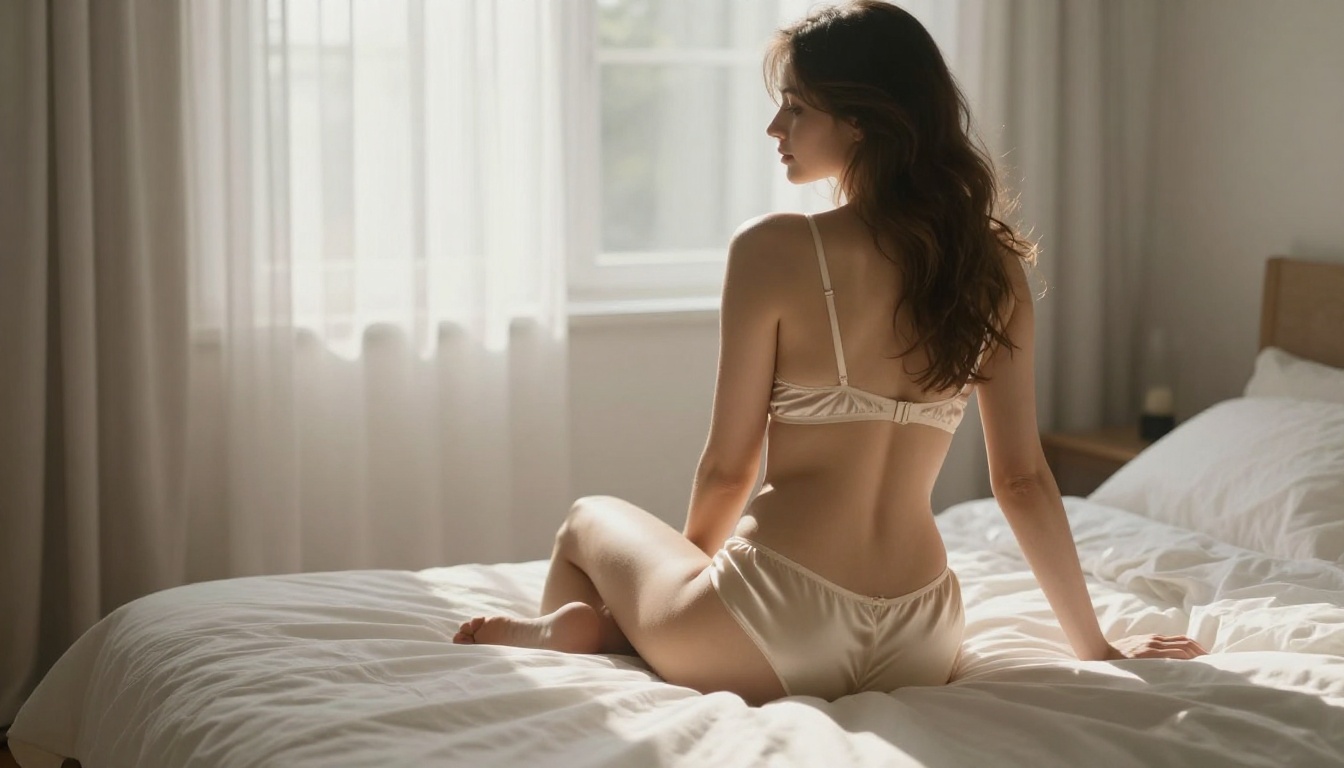
What Generates the Best Glamour Imagery
The models that produce the best results in the glamour and artistic NSFW space are consistently those trained on high-quality photography datasets. Flux 1.1 Pro Ultra, RealVisXL v3.0 Turbo, and Realistic Vision v5.1 all have photographic training data that enables them to accurately simulate lighting, skin texture, and depth of field in ways that purely synthetic models cannot match.
For broader creative contexts including artistic figure studies and conceptual work, Stable Diffusion 3.5 Large remains a strong choice thanks to its large parameter count and community fine-tune ecosystem.
3 Common Mistakes with NSFW Generators
Even experienced creators run into these regularly. All three are fixable immediately.
1. Vague Subject Descriptions
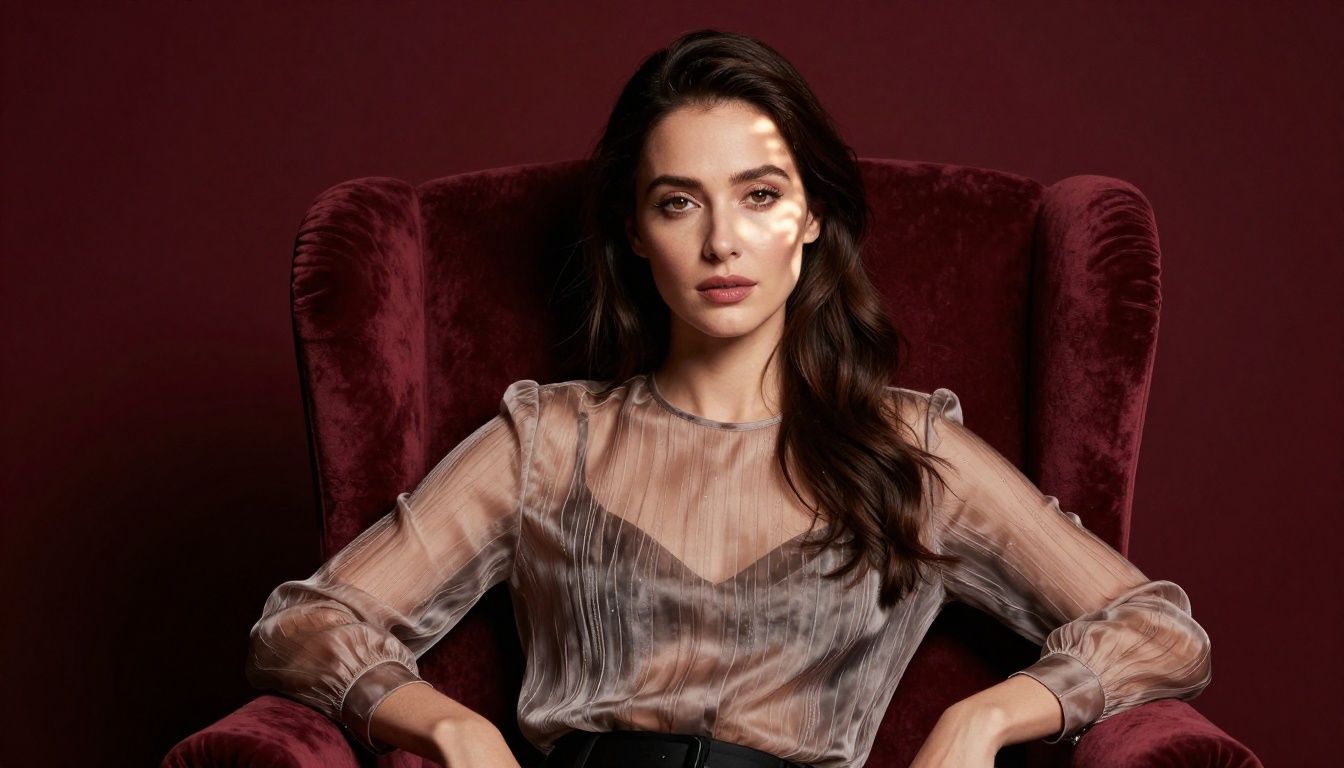
"Beautiful woman in lingerie" tells the model almost nothing useful. The output will be generic and inconsistent. Describe the hair color, style, expression, posture, clothing material, and exact body positioning. Specific prompts beat vague ones without exception.
2. Ignoring Lighting in Prompts
Lighting is the most powerful variable in photography, and the same applies in AI image generation. "Studio lighting" is too vague to be useful. "Single soft box light from upper left at 45 degrees creating Rembrandt shadow on right cheek" is actionable and directly improves output quality in visible ways.
3. Wrong Model for the Task
Using DreamShaper XL Turbo for hyper-photorealistic glamour work produces stylized fantasy output, not photographic realism. Matching the model to your desired aesthetic is the first decision, not an afterthought. Review what each model specializes in before committing to it for a project.
Where you run these models shapes what you get out of them. Here is how PicassoIA compares to typical alternatives:
| Feature | PicassoIA | Typical Competitor |
|---|
| Model variety | 91+ text-to-image models | Usually 5-15 models |
| Platform filtering | Minimal additional restrictions | Often heavy additional filtering |
| Model access | Direct model pages, no setup | Setup or subscription required |
| NSFW capability | Supported for mature content | Often blocked by default |
| Generation speed | Fast via optimized pipelines | Varies widely |
The combination of a large model library and minimal platform-level filtering makes PicassoIA the practical choice for creators who need consistent access to unrestricted generation without workarounds.
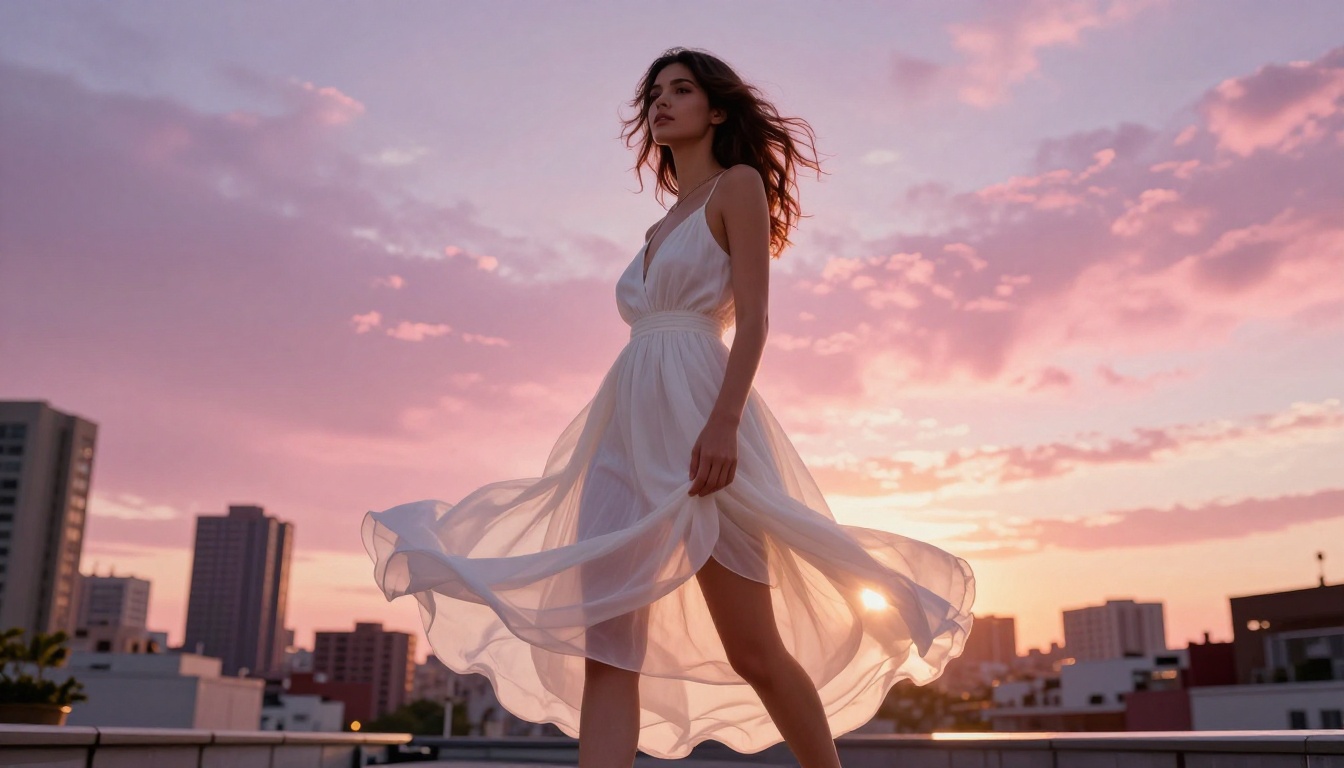
Beyond the models listed above, PicassoIA also gives you access to SDXL, Flux Dev, Flux 2 Pro, Proteus v0.3, GPT Image 1.5, and Flux Schnell for different creative styles and use cases. The variety means you are never locked into a single generation approach.
Start Creating Your Own Images Now
The technology for generating high-quality NSFW imagery without constant content blocks is available and accessible right now. The models on PicassoIA give you direct access to the most capable photorealistic generators available, without the platform interference that makes other tools so frustrating for mature content work.
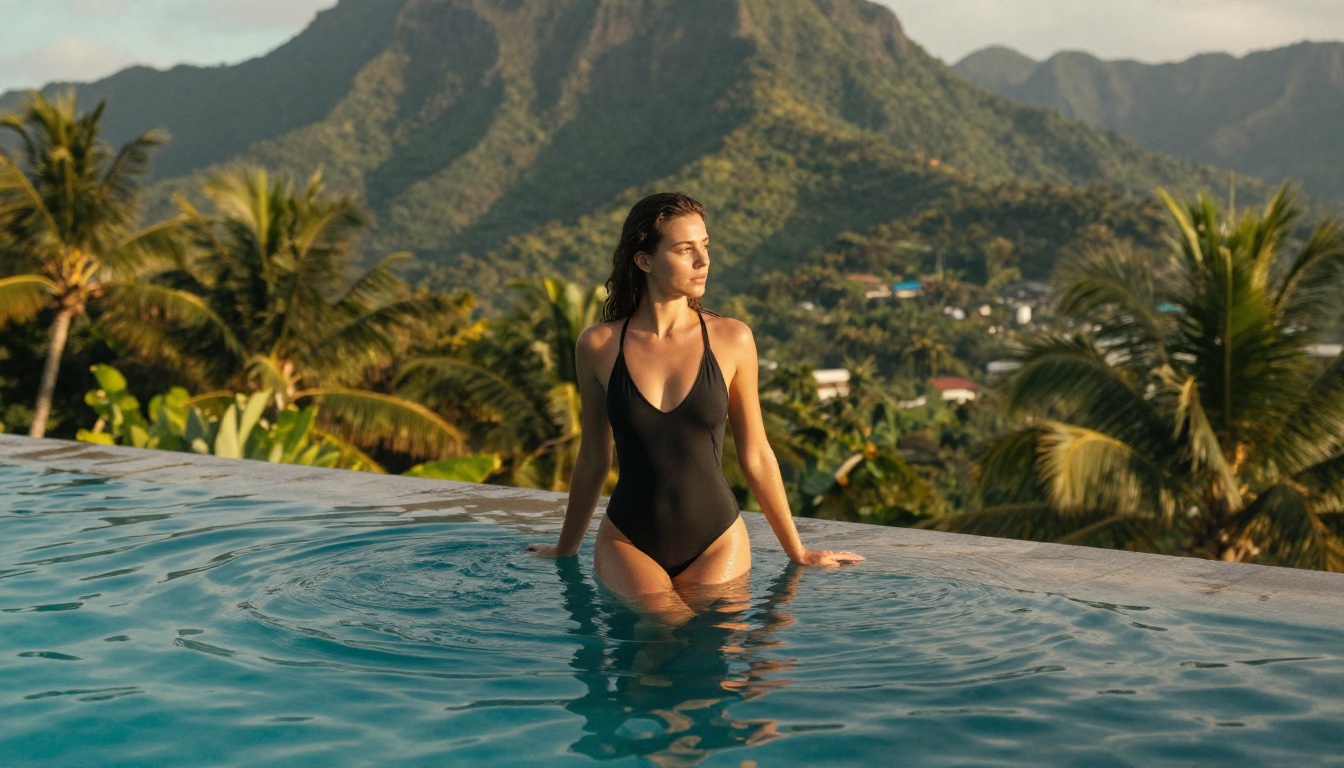
The path is straightforward:
- Pick your model based on the aesthetic you need, starting with Flux 1.1 Pro Ultra for maximum photorealism
- Write prompts using the structured format in this article
- Build a solid negative prompt to cut down on anatomical errors and visual artifacts
- Iterate, refine, and experiment with different angles and lighting setups
The quality ceiling for NSFW AI imagery is higher than it has ever been. The tools are here. The models are here. The only variable left is how well you write the prompt.
💡 Try it now: Head to Flux 1.1 Pro Ultra on PicassoIA and run your first prompt using the structure from this article. The difference between a vague prompt and a detailed one will be immediately obvious in your very first comparison.


