The market for NSFW AI image generators has exploded, and with it, the confusion. You've got dozens of models claiming to produce the most realistic, most detailed, most "unrestricted" outputs. Most of them overpromise. A few genuinely deliver. This breakdown cuts through the noise and shows you exactly how the top models compare, what they're actually good at, and which one fits your specific use case.
What "NSFW" Really Means in AI Generation
The Content Spectrum
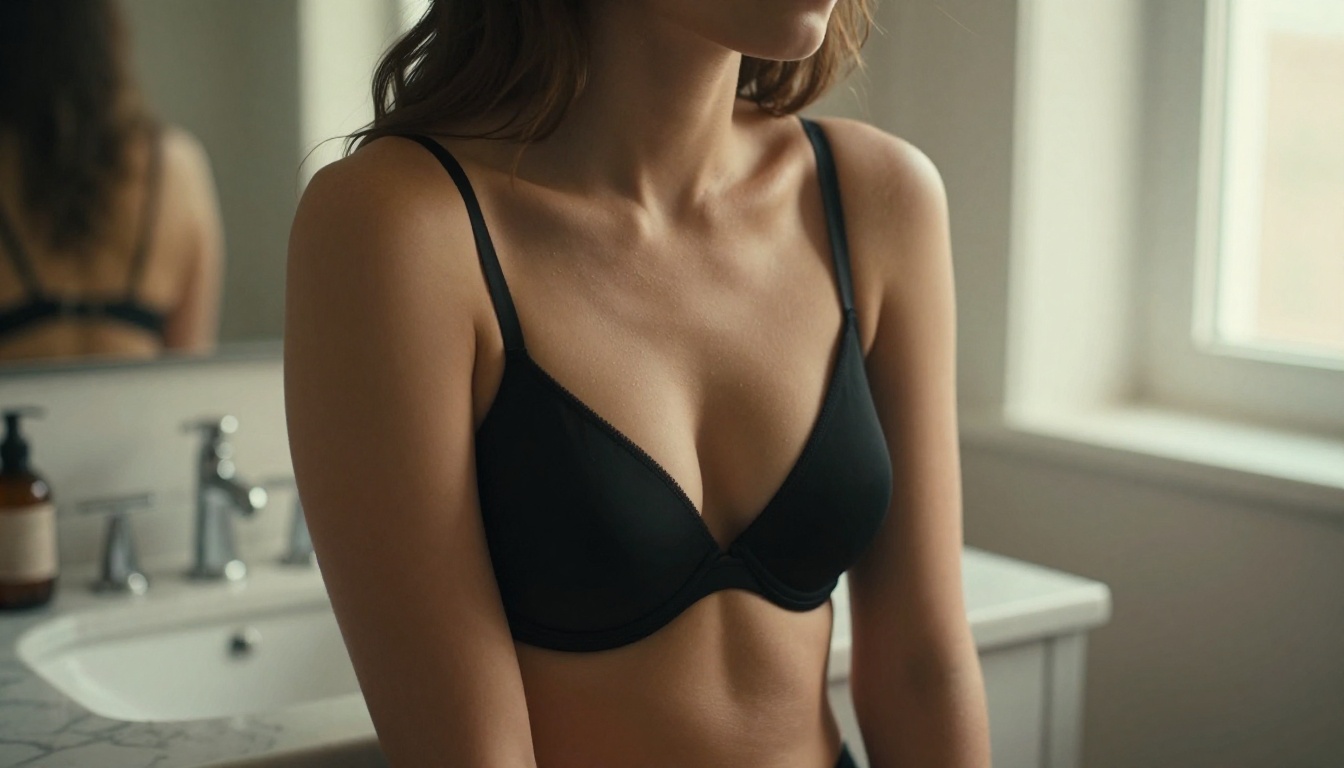
NSFW isn't a single category. In AI image generation, it covers a wide range: from tasteful swimwear and lingerie photography, through glamour portraiture with implied nudity, all the way to fully explicit content. Most commercially available platforms sit in the middle of that spectrum. They'll generate suggestive, sensual, and artistically nude content without issue, but they stop short of pornographic output.
That distinction matters a lot when you're choosing a model. If you need tasteful editorial work, bikini photography, or artistic body studies, almost every major model on a platform like PicassoIA will perform well. If you're chasing something harder, the filtration systems kick in much earlier than most users expect.
Why Platforms Restrict Output
It's not purely moral gatekeeping. Payment processors, cloud providers, and app store policies all impose restrictions on the services they'll host. A generator that allows fully explicit output risks losing access to Stripe, AWS, or the App Store entirely. So most serious AI image platforms land on the same middle ground: beautiful, suggestive, artistically bold, but not pornographic.
Understanding this helps you prompt smarter. Instead of fighting against filters, you work within an aesthetic framework that the best models actually reward: high-detail fashion photography, natural glamour, confident posing, and strong lighting.
The Models Worth Your Time
Not all NSFW-capable AI image generators are built the same. Some excel at photorealism, others at stylistic control. Here's how the top players actually perform.
Flux Models: Realism at Its Best
The Flux family from Black Forest Labs has become the benchmark for photorealistic AI image generation. Flux Kontext Fast is the version most people use day-to-day: it's fast, it handles complex prompts about clothing, lighting, and body positioning extremely well, and it produces skin textures that hold up under scrutiny.
For glamour and NSFW-adjacent work, Flux Schnell LoRA offers the ability to fine-tune outputs using LoRA adapters, which means you can steer the aesthetic toward specific styles, body types, or lighting conditions. The Flux Krea Dev variant is particularly valued for outputs that don't look artificially generated, the kind where the "AI look" is completely absent.
Where Flux stands out in NSFW contexts:
- Skin texture accuracy: Pores, tan lines, natural blemishes rendered with film-camera realism
- Clothing fabric detail: Silk, lace, wet fabric all behave the way they would in real photography
- Lighting responsiveness: Prompts specifying Rembrandt, backlighting, or volumetric light are followed precisely
- Pose fidelity: Complex reclining, standing, or walking poses come out correctly proportioned
Flux Canny Pro adds edge-detection control, making it ideal when you want a character in a specific pose derived from a reference image. Flux Depth Pro gives you spatial depth control, useful for scenes with rich environmental background.
Stable Diffusion 3: The Open-Source Classic
Stable Diffusion 3 from Stability AI remains one of the most widely used text-to-image models for NSFW work, primarily because of its open-source lineage and the massive community of LoRAs, embeddings, and checkpoints built around it.
The base SD3 model handles glamour photography prompts cleanly. The trade-off compared to Flux is that SD3 can occasionally produce a slightly processed look, particularly in skin tones, and it requires more careful prompting to avoid the over-smoothed, plastic-skin aesthetic that early diffusion models were notorious for.
Where SD3 shines: Complex scenes with multiple elements, architectural backgrounds, and stylized aesthetics. It's also more forgiving with unusual prompt structures.
Where it falls short: Ultra-realistic close-up portraits where skin texture fidelity is the priority. Flux consistently beats SD3 here.
GPT Image 2: Precision Meets Restraint
GPT Image 2 from OpenAI approaches image generation differently from diffusion-based models. Its strength is prompt adherence: if you describe a specific scene with precise compositional details, GPT Image 2 follows those instructions with unusually high accuracy.
For NSFW-adjacent work, this precision is both a strength and a limitation. It will execute your glamour photography prompt to the letter, including lighting, pose, and clothing. But its safety filters are notably tighter than Flux or SD3. Content that those models might render without issue, like a clearly implied state of undress described artistically, will often be declined or softened.
Best use case: Editorial glamour, fashion photography, and scenes where compositional precision matters more than total creative freedom.
Seedream 4.5: High-Resolution Glamour
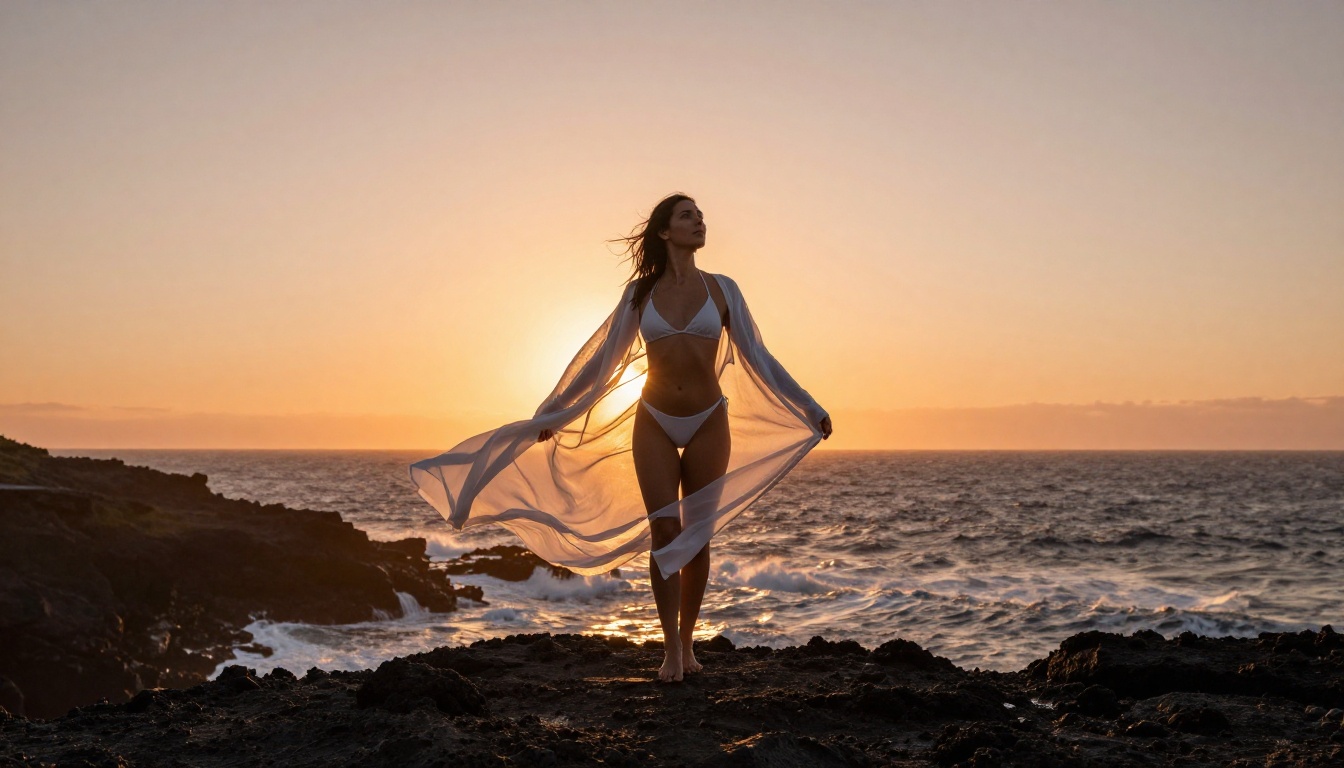
Seedream 4.5 from ByteDance generates images at native 4K resolution, which gives it a clear advantage for any use case where you're printing, displaying at large sizes, or want to crop into details. In NSFW-adjacent photography, this translates to fabric weave detail, individual eyelash clarity, and skin texture that zooms in without falling apart.
The aesthetic leans toward a slightly elevated, almost editorial quality. Colors are vivid but not oversaturated, and the model handles East and Southeast Asian features with noticeably stronger accuracy than most Western-trained models.
Recraft 20B: Stylistic Range
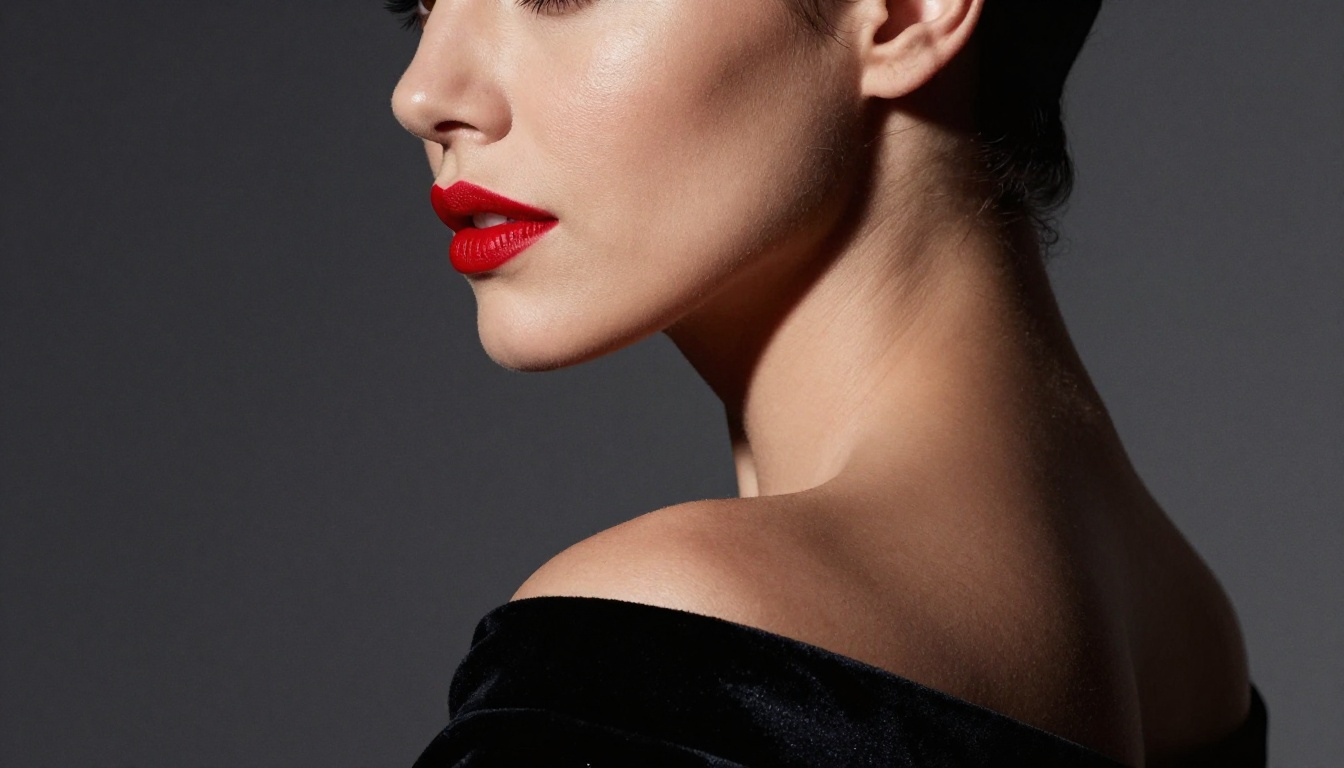
Recraft 20B is the choice when you want more stylistic control without leaving the photorealistic zone. It handles fashion photography aesthetics, from high-contrast editorial to soft natural light portraiture, with a level of visual coherence that makes it feel less random than competing models.
For glamour work, Recraft 20B responds well to mood-driven prompts. Describing a "warm golden-hour editorial shoot" produces outputs that actually match that brief rather than a generic portrait.
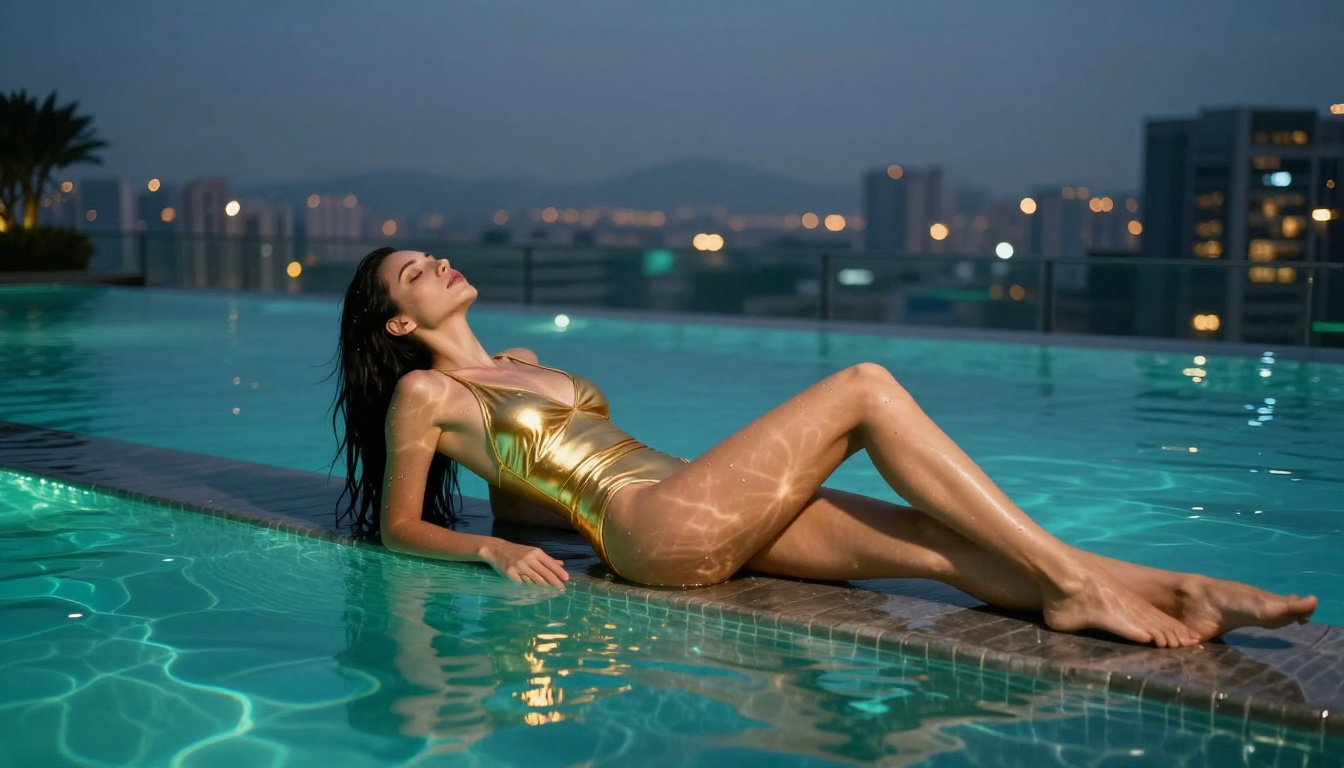
Head-to-Head Comparison
Prompt Quality Makes or Breaks It
The model you choose is only half the equation. A weak prompt produces weak output regardless of which generator you're using.
What Makes a Good NSFW Prompt
The best NSFW-adjacent prompts share several characteristics.
Specificity over vagueness. "Beautiful woman" produces generic output. "A Brazilian woman in her late twenties with naturally wavy dark hair and olive skin, wearing a cream silk slip dress, sitting on a white hotel bed with morning light from the left" produces something worth using.
Camera language signals photorealism. Include lens specs (85mm f/1.4), camera model (Canon EOS R5), ISO, and shutter speed. These tokens signal to diffusion models that you want photographic output rather than illustration.
Lighting direction is critical. "Warm light" is too vague. "Volumetric golden afternoon light from the upper left at 30 degrees, creating long shadows on the subject's collarbone" generates a scene with actual dimensionality.
Film stock references anchor the tone. Kodak Portra 400, Fuji Velvia 50, and Ilford HP5 each carry specific color science and grain character that models have learned to replicate. Using them consistently produces coherent aesthetics across a series of images.
Tip: End every prompt with --ar 16:9 --style raw to signal aspect ratio and suppress any illustrated or painterly interpretation.
3 Common Mistakes
- Using "sexy" or "hot" as descriptors. These terms trigger safety filters faster than almost anything else. Describe visual characteristics instead: fabric tension, pose, lighting on skin.
- Skipping environmental context. A character floating in a white void looks less real than one standing in a specific, described location.
- Over-stacking attributes. Giving the model 15 physical descriptors for a single character confuses the output. Pick the 5-6 most important and describe them precisely.
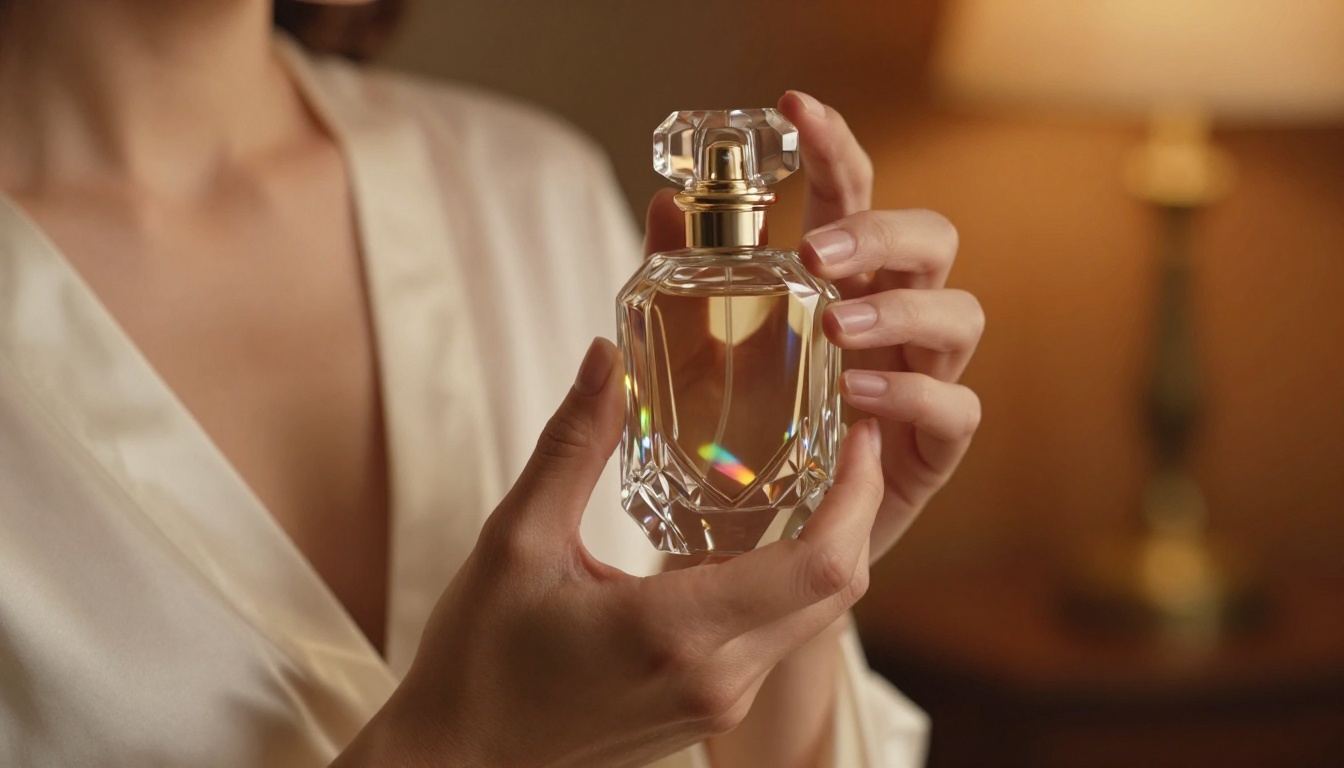
How to Use Flux Kontext Fast on PicassoIA
Since Flux Kontext Fast consistently tops the realism rankings for this type of work, here's exactly how to use it on PicassoIA.
Step 1: Open the model page. Navigate to Flux Kontext Fast on PicassoIA. You'll see the prompt input field and generation settings immediately.
Step 2: Write a structured prompt. Use this format as a starting template:
[Subject description with key physical details] + [Clothing and fabric specifics] + [Environment and background] + [Lighting direction and quality] + [Camera angle, lens, and distance] + [Film stock and atmosphere] --ar 16:9 --style raw
Step 3: Set aspect ratio to 16:9. For editorial or social media use, 16:9 gives you the most usable crop. For close-up portraits, 3:4 often works better if the platform supports it.
Step 4: Run at default settings first. Flux Kontext Fast's defaults are well-tuned. Only adjust parameters like guidance scale or steps if the first output is noticeably off.
Step 5: Use Flux Fill Pro for retouching. If an element in the generated image is slightly off, Flux Fill Pro lets you inpaint specific regions without regenerating the entire image. This is significantly faster than re-running with a modified prompt.
Step 6: Upscale for final output. For print or large display size, run the result through PicassoIA's Super Resolution tool to get a 2x or 4x upscale with genuine detail enhancement rather than simple interpolation.
Tip: If you have a reference image and want to match its pose or composition, use Flux Canny Pro with your reference as the control image. It will follow the structural layout while generating entirely new content.
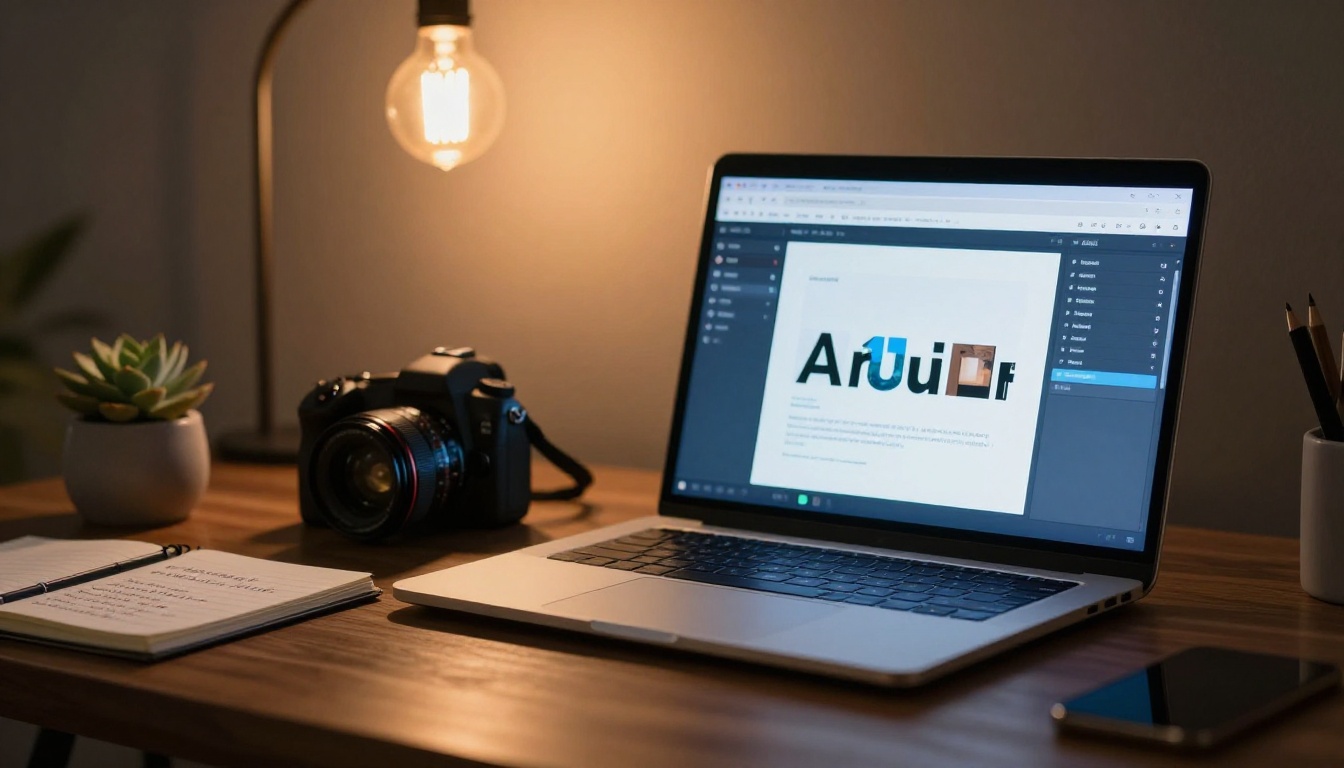
Image Editing After Generation
Getting a good base image is only the beginning. The real quality jump happens in post-processing within the same platform.
Inpainting for Refinement
Flux Fill Dev and Flux Fill Pro both support inpainting, meaning you can mask specific regions of an image and regenerate just those areas. In NSFW-adjacent glamour work, the most common applications are:
- Background replacement: Swap a flat grey void for a beach, hotel room, or studio without regenerating the full figure
- Clothing adjustments: Change the color, fabric, or style of a garment on an existing figure
- Lighting fixes: If a shadow falls awkwardly across the face, inpaint that region with a corrected lighting direction in the prompt
Super Resolution for Final Polish
Before any image goes to its final destination, run it through super resolution. PicassoIA's upscaling tools take a 1024x576 output and produce a 2048x1152 or 4096x2304 result with actual detail enhancement, not just interpolation. The difference is visible: skin texture that looked soft at native resolution becomes sharp and photographic at 2x.
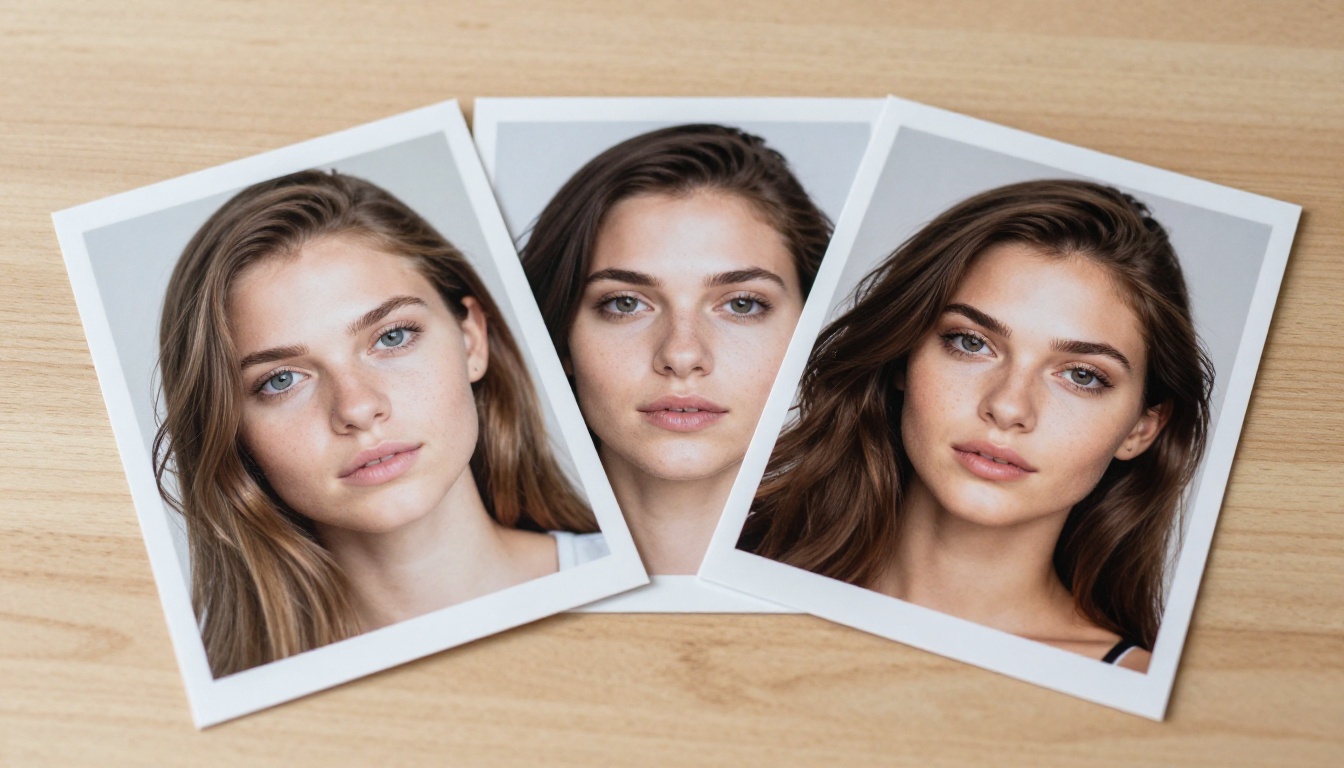
Picking the Right Model for Your Use Case
For Portraits and Glamour
Flux Kontext Fast is your default. If you need 4K native resolution for print or large display, Seedream 4.5 and Hunyuan Image 2.1 deliver that without a separate upscaling step. For character consistency across a series, Flux Redux Schnell generates variations from a reference image with strong visual coherence.
For Artistic and Stylized Work
Recraft 20B handles mood-driven aesthetics better than most. Reve Create is strong when you have a very specific compositional brief and need the model to follow it reliably. Fibo from Bria is worth trying when precise element placement matters, it follows spatial directives in prompts unusually well.
For Speed vs. Quality
When speed is the priority, Flux Kontext Fast and Flux Schnell LoRA are the obvious choices. Both generate in seconds without sacrificing photorealism. When quality is the only thing that matters, Seedream 4.5 and Flux 2 Klein 9B Base LoRA deliver the highest detail ceiling available.
Start Creating Your Own Images
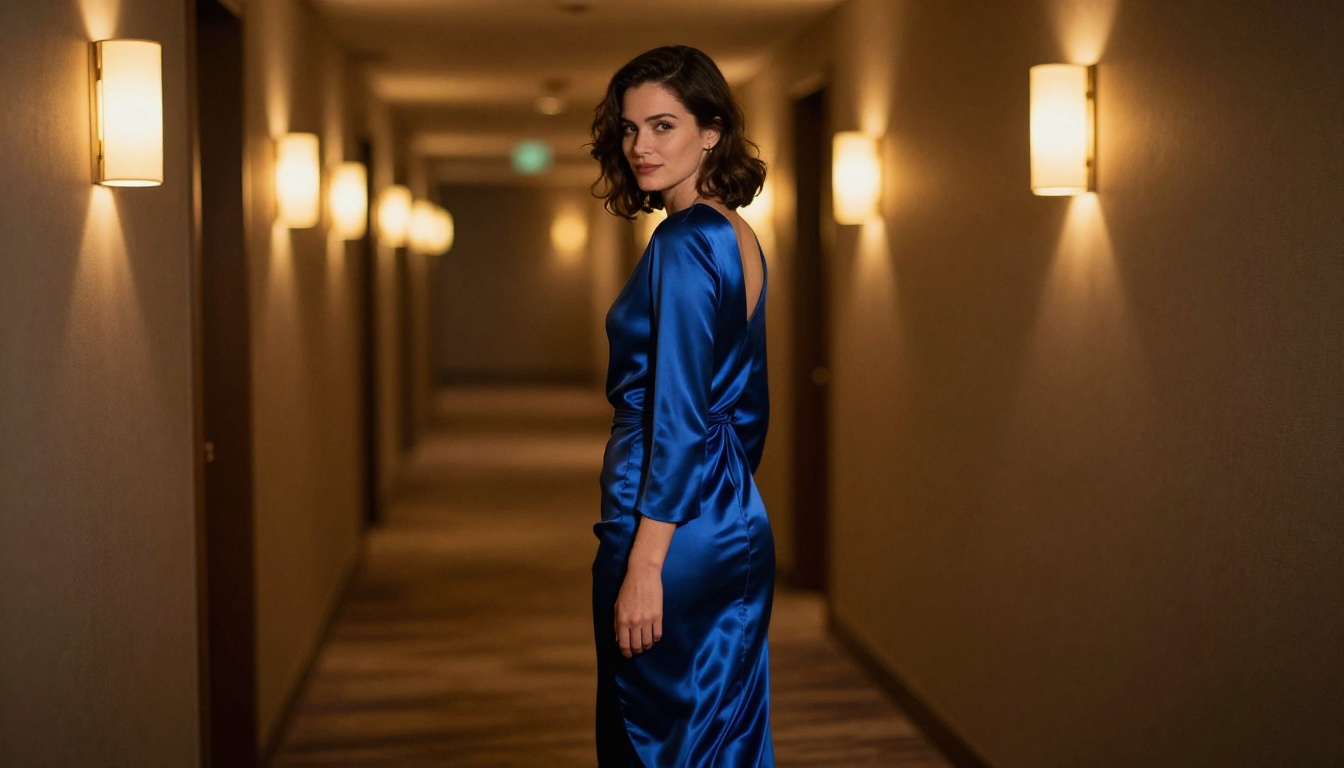
The models covered here are all accessible without any setup. PicassoIA hosts them in one place, meaning you can switch between Flux Kontext Fast, Seedream 4.5, and Recraft 20B in seconds and compare outputs directly, no API keys, no installs, no queues.
Pick a model, write a specific prompt using the photography-language framework above, and generate your first image. The best way to understand which model fits your workflow is to run the same prompt through three or four of them back-to-back. The differences become immediately obvious, and you'll find your preferred model within a single session.
The photography-language approach, camera specs, film stock references, precise lighting direction, matters more than people expect. A well-written 80-word prompt on Flux Kontext Fast will consistently outperform a vague 10-word prompt on any model in this list. Start there, and the results will speak for themselves.


