The adult AI image market hit a turning point in late 2025. The gap between "generated" and "photographed" collapsed, and the platforms that survived that transition did so by committing to one thing: genuine photorealism without artificial filters getting in the way. The NSFW AI models everyone will use in 2026 are already here, already tested, and already producing output that professional photographers are struggling to distinguish from real shoots.
This article covers which models they are, what they do better than everything else, and how to use them without spending a week figuring out which prompts work.
What Makes an NSFW AI Model Worth Using
Most image generation tools in 2027 share the same underlying architecture. The difference between a great NSFW model and a mediocre one comes down to three variables: training data, filter policy, and inference optimization.
The Realism Gap Closed in 2025
Two years ago, you could spot AI-generated skin at arm's length. The telltale signs were everywhere: impossible subsurface scattering, misaligned fingers, plastic-looking hair, and lighting that did not obey physics. In 2027, those artifacts are largely gone from the models worth using.
The breakthrough came from training on curated photographic datasets rather than synthetic augmentation. Models like Seedream 4.5 and Flux 1.1 Pro Ultra were trained specifically to replicate the behavior of real camera sensors, real film stocks, and real lighting setups. The result is output that holds up under pixel-level scrutiny, not just at thumbnail resolution.
For NSFW content specifically, this matters more than for any other genre. Intimate photography is where viewers are most attuned to visual incongruity. A sunset that looks slightly wrong is forgivable. A portrait where the lighting direction does not match the shadows is immediately distracting. The models in this list were chosen because they do not make that mistake.
Speed and Restrictions in 2026
The second filter for this list was practical: does the model actually let you generate adult content without fighting it at every prompt? Many platforms technically "support" NSFW but apply soft filters that degrade quality, add extra clothing, or reject prompts for vague policy reasons. The models here were selected because they operate without those friction points for legal adult content: glamour photography, lingerie, bikini, artistic nudity, and boudoir imagery.
Speed is the third variable. Workflows that require a 3-minute wait per image are not workflows, they are experiments. Every model in this list generates at commercial speed: under 30 seconds per image in standard conditions.
Seedream 4.5: The One That Changes Everything
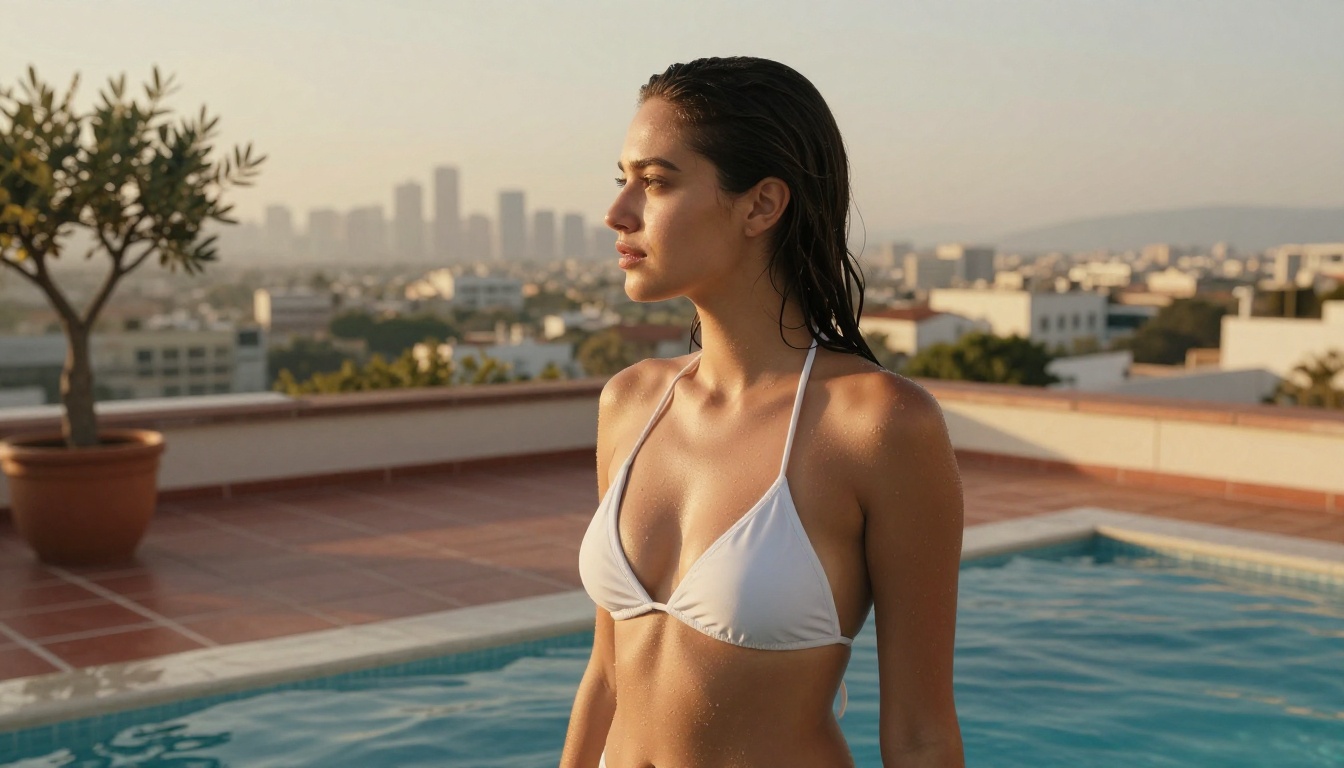
If there is one model that defined the 2026 NSFW AI landscape, it is Seedream 4.5. ByteDance trained it specifically to compete at the highest level of photorealistic human generation, and the result is a model that outperforms every Stable Diffusion derivative on the metrics that matter for adult content: skin texture, body proportion accuracy, and lighting fidelity.
Why Seedream 4.5 Dominates in 2026
- Text prompt adherence: Seedream 4.5 follows detailed physical descriptions with an accuracy that Flux models and SD-based checkpoints cannot match. Describe an outfit in five words and it appears correctly; describe it in fifty words and it appears exactly as specified.
- Skin realism: Natural pore texture, accurate subsurface scattering, realistic vein and muscle shadow detail. The model was trained on real photographic data, not synthetic augmentation, and that difference shows at full resolution.
- No NSFW suppression: Uncensored outputs for suggestive, bikini, lingerie, and artistic nudity prompts without prompt engineering workarounds.
- Speed: Under 20 seconds per image at 1024x1024 on PicassoIA's infrastructure.
- No stylistic drift: Stays photographic without bleeding into painterly or illustration aesthetics, even with no explicit style modifier in the prompt.
💡 Tip: Seedream 4.5 responds exceptionally well to camera and lens specifications. Adding "85mm f/1.4 portrait lens, shallow depth of field" to any portrait prompt visibly sharpens the photorealism of the result.
How to Use Seedream 4.5 on PicassoIA
- Go to Seedream 4.5 on PicassoIA
- Set your aspect ratio to 16:9 for portrait and glamour photography
- Build your prompt with this structure: subject description, outfit detail, environment, lighting direction, camera lens, film stock
- Set the sampler to DPM++ 2M Karras and steps to 30 for optimal results
- Run 3 to 5 variations on the same prompt before committing to one seed
- Use the seed lock feature to reproduce a result while varying only one element at a time
The model handles dark skin tones, red hair, and unconventional lighting setups better than any previous version. If you have been frustrated by Flux variants washing out dark complexions or handling curly hair poorly, Seedream 4.5 solves both problems.
PicassoIA Image Editor Pro: Unlimited, Unrestricted, Fast
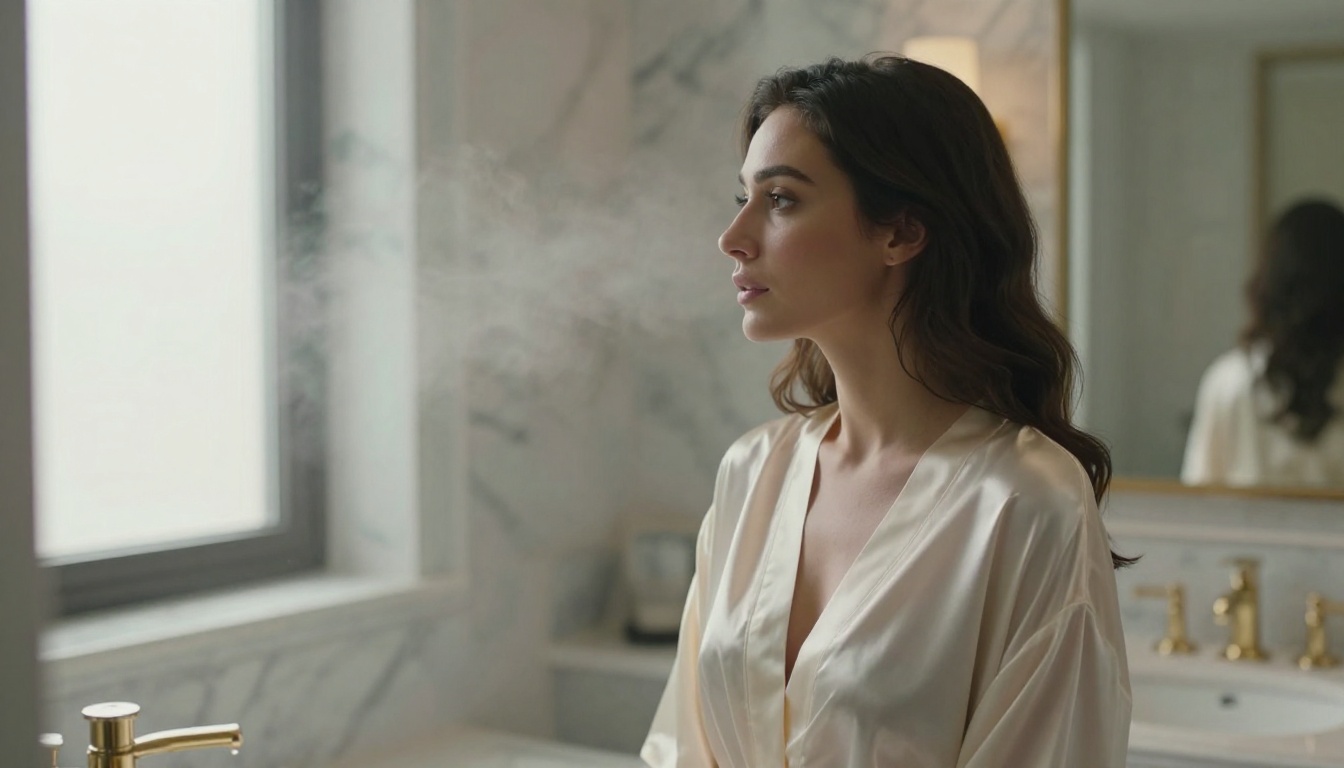
The second tool in every serious NSFW creator's workflow in 2027 is PicassoIA Image Editor Pro. This is not a standard image editor with an AI layer added as an afterthought. It is a dedicated generation environment built specifically for users who need unlimited output without per-credit throttling or content filtering.
What Sets Image Editor Pro Apart
Most platforms gate their best models behind monthly credit caps. Hit 200 images and you wait for the reset or buy more credits. For adult content creators building character libraries, scene variations, or product imagery in volume, that ceiling makes professional use impossible.
Image Editor Pro removes the cap entirely. Unlimited generation, priority queue, and built-in access to inpainting and outpainting tools from within the same interface.
| Feature | Image Editor Pro | Standard Platforms |
|---|
| Generation limit | Unlimited | 50 to 200 per month |
| NSFW filtering | Off by default | Usually enabled |
| Inpainting | Yes, targeted edits | Often unavailable |
| Outpainting | Yes, canvas expansion | Rarely included |
| Speed | Priority queue | Standard queue |
| Style consistency | High | Variable |
The 4-Step Workflow
The workflow that produces the best results for adult content in Image Editor Pro:
- Generate the base: Use Seedream 4.5 or Flux 1.1 Pro at 1024x1024 with your full scene prompt
- Inpaint problem zones: Use the inpainting brush to correct anatomy, adjust fabric coverage, or fix lighting inconsistencies in specific areas without regenerating the whole image
- Outpaint if needed: Extend the canvas for wider compositions, adding environment detail without restarting generation
- Upscale the final: Run through PicassoIA's super resolution tool for 2x or 4x output size, suitable for print or large-screen display
This loop produces results that look professionally photographed with proper prompting, and the unlimited generation policy means you can iterate until it is exactly right without watching a credit meter.
The Flux Family: Architecture Built for Realism
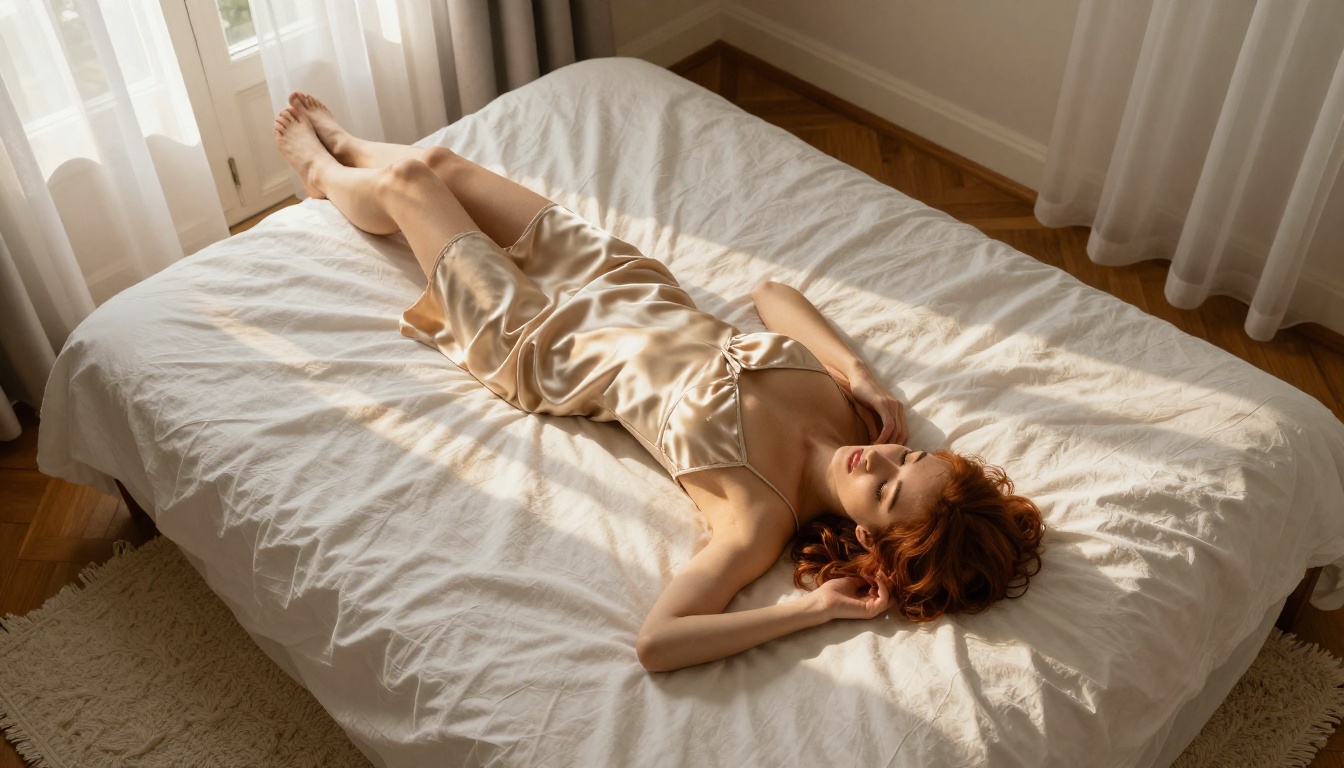
Black Forest Labs' Flux models occupy a specific niche in the 2027 NSFW landscape: they are the strongest option when you need photorealistic environments and objects, with human figures that appear genuinely photographed rather than generated.
Flux 1.1 Pro Ultra: The Ceiling of Flux Quality
Flux 1.1 Pro Ultra is the highest-resolution Flux variant available on PicassoIA. At maximum output dimensions, it handles fabric texture, skin micro-detail, and environmental lighting with a level of fidelity that makes even Seedream 4.5 look slightly flat in background rendering. Use it when your scene has a complex, detailed environment that needs to read as genuinely real alongside the figure.
Flux 1.1 Pro: The Everyday Workhorse
Flux 1.1 Pro is the right balance between speed and quality for most NSFW workflows. It generates at commercial-grade fidelity in under 25 seconds and handles diverse skin tones, body types, and lighting conditions without the color casts that affected earlier Flux releases. For full-body shots in hotels, bedrooms, outdoor locations, and studios, this is the model most creators run by default.
Flux Dev and Flux Pro: For Custom Fine-Tuning
Flux Dev and Flux Pro are aimed at users running LoRA adapters or custom fine-tuned checkpoints. If you have trained a custom character LoRA, these are the base models to build on. Flux Dev is the open-weight variant with full LoRA support; Flux Pro is the closed API version with cleaner outputs at default settings.
💡 Tip: Pair Flux Schnell LoRA with your custom character LoRA for rapid batch generation at 3x the speed of Flux Dev, then switch to Flux 1.1 Pro for the final polished output.
Seedream 3 and Seedream 4: Still Relevant in 2026
Before Seedream 4.5 arrived, Seedream 4 was widely considered the best NSFW model available anywhere. It still holds up in specific situations, and Seedream 3 has maintained a dedicated following for its distinct visual character.
When to Choose Seedream 4
Seedream 4 generates faster than 4.5 and uses less compute, which matters when you are running batch generation workflows. The quality difference is most visible in extreme close-up shots where face and skin macro detail are critical. At medium distance, the two models are visually near-identical. For high-volume work where per-image generation time accumulates across a long session, Seedream 4 recovers meaningful time without a significant quality penalty.
When Seedream 3 Wins
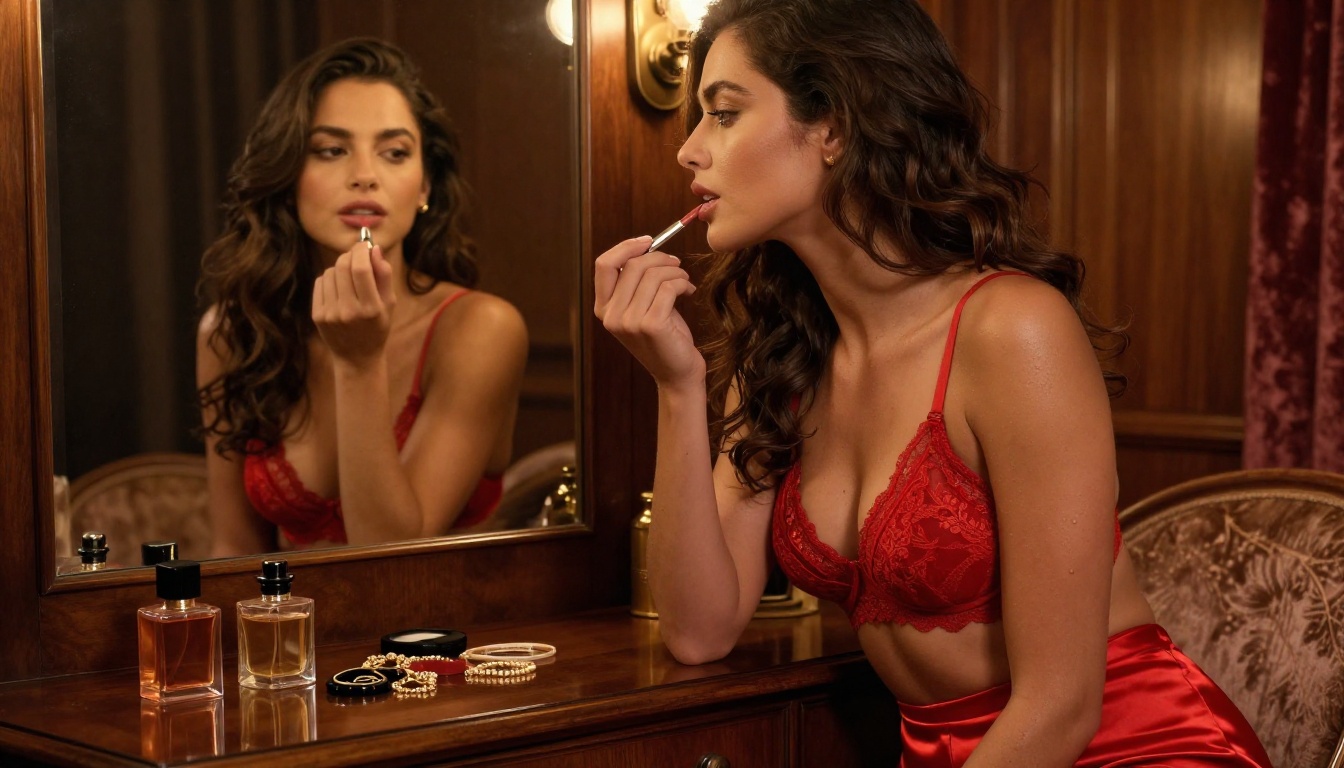
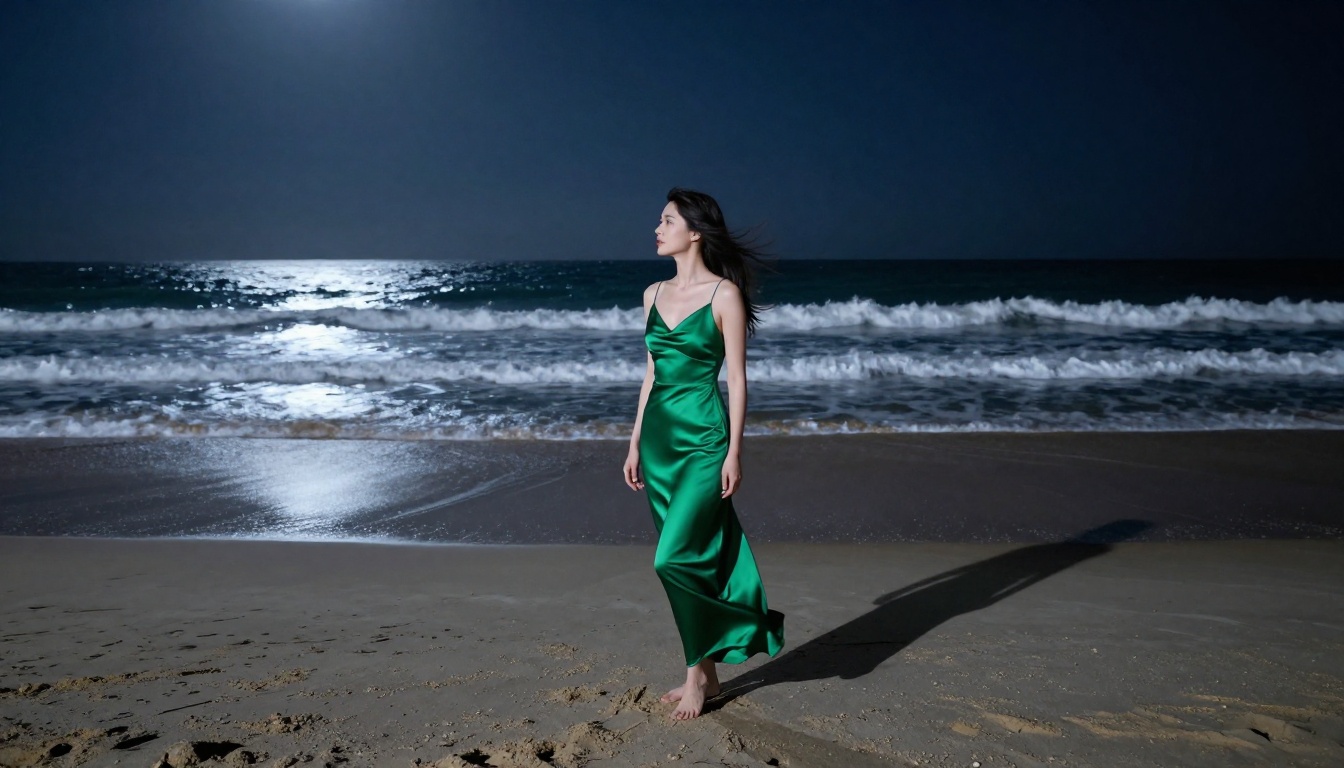
Seedream 3 remains popular for one reason: its color palette. It has a naturally warm, slightly filmic rendering style that requires less post-processing to achieve a cinematic look. For boudoir photography prompts and candlelit or golden-hour scenes, its warmth is often preferred over the cooler technical accuracy of the newer models. Some creators keep Seedream 3 in rotation specifically for its low-light and candlelit-scene performance.
💡 Quick comparison: For portrait close-ups, use Seedream 4.5. For full-body shots in complex environments, Seedream 4 or Flux 1.1 Pro. For warm, cinematic stills with a filmic quality, Seedream 3.
The Editing Layer: Making Good Images Great
Generating a strong base image is only part of the workflow. The editing models layered on top of generation are what separate serious creators from casual users in 2027.
Flux Kontext Fast: Real-Time Style Transfer
Flux Kontext Fast is built for speed-first editing operations. It applies style, lighting, and composition changes to existing images without regenerating from scratch. For NSFW workflows, it is invaluable for three specific operations: changing outfit or fabric details without regenerating the whole image, adjusting lighting mood from daylight to candlelight, and applying consistent color grading across a sequence of images from the same session.
Flux Fill Pro: Surgical Inpainting
Flux Fill Pro is the current standard for inpainting operations. Where standard inpainting tools produce visible seams or tonal mismatches, Flux Fill Pro reads the surrounding context and generates fill content that integrates seamlessly with the existing image. For adult content specifically, it is used to correct anatomy issues, adjust fabric coverage, or refine background detail without touching the rest of the composition.
Qwen Image Edit Plus: Instruction-Based Editing
Qwen Image Edit Plus accepts natural language instructions applied directly to an existing image. Type "make the lighting warmer" or "change the background to a hotel room" and it executes that edit without manual masking. This removes the trial-and-error of hand-drawing inpainting masks for straightforward scene adjustments, which makes it the fastest option for single targeted changes.
Model Comparison: Which One for What
How to Build a 2026 NSFW Workflow
The models exist. The platform exists. The practical question is how to chain them together for consistent, high-quality adult AI output at scale.
The Baseline Generation Loop
Start with Seedream 4.5 for portrait-focused shots and Flux 1.1 Pro for full-body environmental scenes. Run 5 to 10 generations per prompt variation to find a strong base image before refining. Do not invest time in editing a base image that has fundamental lighting or anatomy problems. Generate until you have a strong base, then edit.
Prompt Structure That Works
A strong NSFW prompt in 2027 follows this structure:
- Subject: Physical description, outfit detail (fabric type, coverage, fit, color)
- Environment: Location, time of day, specific props or furniture
- Lighting: Direction, quality (hard or diffused), color temperature
- Camera: Focal length, aperture, angle
- Style: Film stock, color grade, mood
Example prompt: "A woman in a black satin slip dress seated on a velvet armchair in a Parisian apartment at night, warm amber lamplight from the right, 85mm f/1.4, shallow depth of field, Kodak Portra 400, cinematic warm grade --ar 16:9 --style raw"
Run this prompt and then swap "Parisian apartment at night" for "sunlit coastal hotel room" with everything else unchanged. The model keeps the figure consistent while completely rebuilding the atmosphere. That is text adherence working correctly, and it is what separates Seedream 4.5 from everything that came before it.
Refine With Editing Models
Once you have a strong base from Seedream 4.5 or Flux 1.1 Pro, pass it through Flux Fill Pro for any targeted corrections, then through Flux Kontext Fast for lighting and style adjustments. The total pipeline from initial generation to finished output typically takes under 3 minutes with this approach.
For high-resolution print output, add a final pass through PicassoIA's super resolution tool to upscale 2x or 4x while preserving skin texture and fine detail.
What to Avoid in 2026
Not every model is worth using for NSFW work, and some actively waste your time.
Seedream 5 Lite has strong general-purpose generation but blocks adult content by default. Do not try to engineer around its filters with prompt tricks. Use Seedream 4.5 instead and get better results without the friction.
Low-parameter Flux Schnell variants are built for speed at the cost of quality. They are useful for rapid prototyping but produce anatomy errors and simplified skin detail that falls apart on close inspection. Do not use them for final output where photorealism is the point.
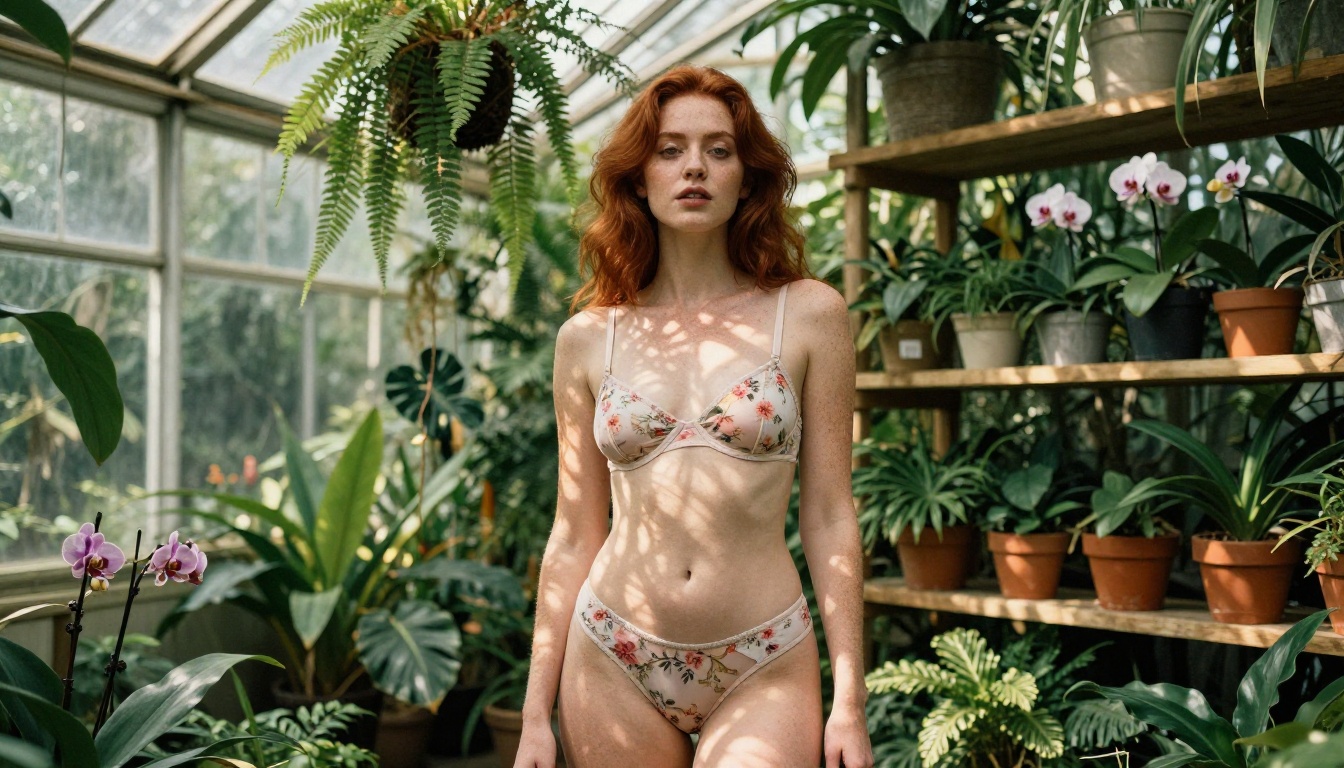
Unverified community NSFW checkpoints scraped from model-sharing sites often produce inconsistent anatomy, unrealistic lighting physics, and output that reads as acceptable at thumbnail size but fails at full resolution. The models in this list were selected because they hold up under scrutiny at every zoom level.
One more trap to avoid: confusing high prompt sensitivity with high quality. Some models appear to follow prompts closely but do so by averaging textures and averaging shapes, which produces something technically correct but visually lifeless. Seedream 4.5 and Flux 1.1 Pro Ultra were selected partly because they generate images with genuine photographic specificity, not just plausible approximations.

Create Your Own on PicassoIA Right Now
Every model in this article is available today at picassoia.com/en/all-models. The platform gives you a single interface for all generation and editing operations, with no software installation or API key setup required.
Start with Seedream 4.5 and a simple portrait prompt. Then run the same prompt through Flux 1.1 Pro and compare side by side. Once you see how each model handles skin texture, lighting response, and fabric detail differently, the model selection logic in this article becomes immediately practical rather than theoretical.
Set up your ongoing workflow in PicassoIA Image Editor Pro, especially if you generate in volume. Unlimited generations, priority processing, and every editing tool in one place means you spend time creating, not waiting on queues or managing credit balances.
The NSFW AI models everyone will use in 2026 are not coming. They are already live, already accessible, and already producing output at a level that was not possible 18 months ago. The only variable is when you start.


