NSFW AI on PicassoIA: safer prompting for images and video
NSFW AI searches usually point to mature aesthetics, stricter boundaries, and privacy concerns, not necessarily explicit content. This article shows how to plan adult-only, non-explicit prompts on PicassoIA, set practical guardrails (like safety tolerance and blurred previews), and build a consent-minded workflow for both text-to-image and text-to-video projects.
Boundary control: how to keep generations tasteful and avoid accidental violations
Safety and privacy: consent, age gating, and not putting sensitive work in the wrong place
This article stays on the responsible, non-explicit side of the topic. If your idea only works when it becomes graphic, it is a sign the concept needs a different creative direction.
Quick mindset shift: treat “NSFW” as a workflow constraint, not a loophole hunt.
What “NSFW” means in practice
NSFW is a label that depends on context: where the content appears, who sees it, and how explicit it is. A useful way to think about it is a spectrum, from general-audience to mature themes, and then into content that is usually blocked.
A simple spectrum you can use in your own projects
drifting into explicit anatomy, fetish framing, or overly graphic wording
Not allowed
Explicit, exploitative, illegal, or non-consensual themes
not something to attempt
trying to bypass safety systems or “hide” intent
The non-negotiables: consent, age, and real-person safety
Mature themes are not automatically harmful, but the risks are higher because the subject matter is sensitive.
Consent checklist for mature projects
Use original characters or properly licensed references
Avoid real-person likeness unless you have explicit permission
Keep prompts and outputs clearly adult-only in intent
Do not generate or share anything involving minors, even indirectly
If you collaborate, agree on review rules before anyone generates
Age gates and warnings are part of the creative workflow
If your work is meant for adults, design your process so the preview is safe by default.
Use content warnings where previews show up
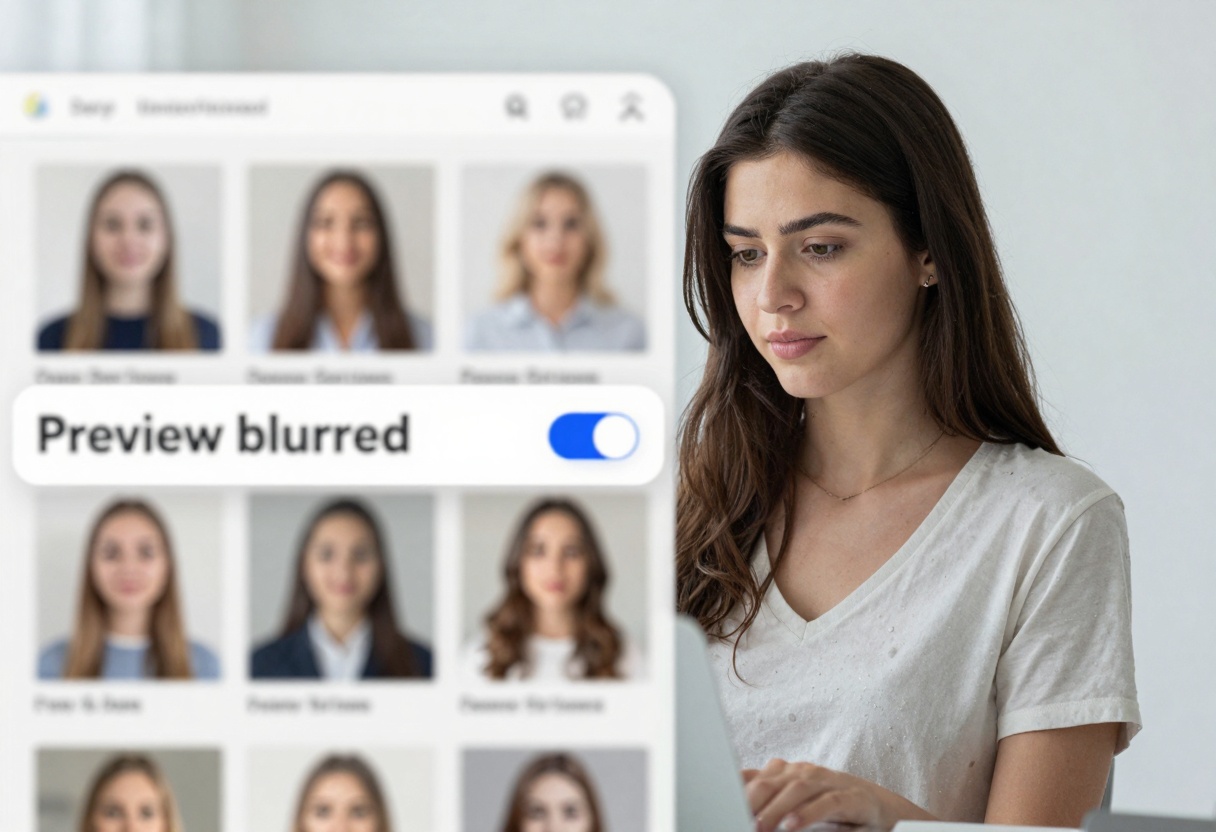
Keep thumbnails blurred in shared spaces
Separate adult-themed experiments from your general audience projects
Prompting mature themes without crossing the line
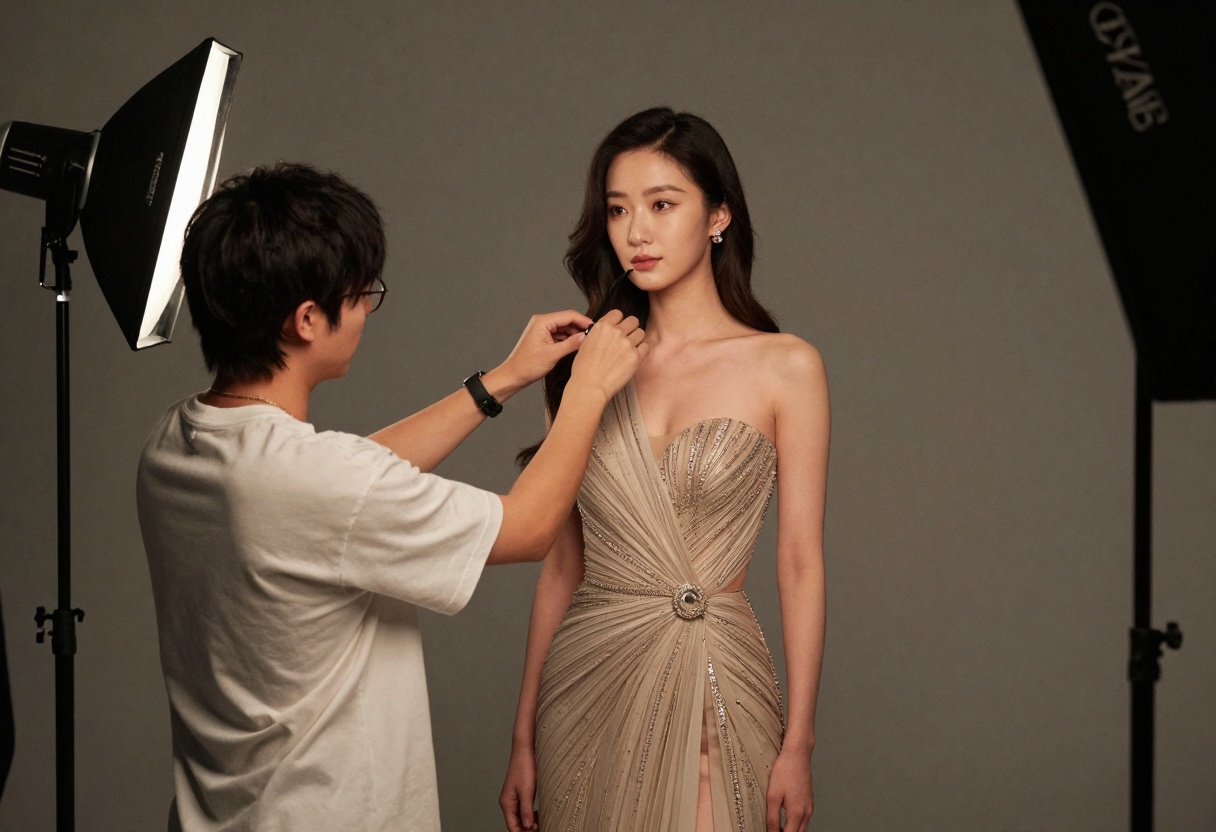
The safest way to get mature aesthetics is to describe wardrobe, mood, lighting, and camera language, not bodies.
A prompt template that stays tasteful
Try this structure:
Subject (adult, non-identifiable unless you have rights)
Wardrobe (specific coverage, fabrics, styling)
Setting (studio, hotel hallway, rain on glass, neon street)
Camera (lens, distance, framing, depth of field)
Mood (romantic, intimate, dramatic)
Boundaries (non-explicit, covered, tasteful)
Example prompt you can adapt on PicassoIA:
Tasteful fashion boudoir portrait, adult subject wearing an elegant silk robe,
soft window light, cinematic color grading, 85mm lens, shallow depth of field,
romantic mood, implied intimacy, non-explicit, covered, professional photography
Negative prompts as guardrails (keep them short)
For mature-but-tasteful generations, negative prompts help reduce drift.
explicit nudity
pornographic
explicit anatomy
fetish
minors
celebrity
Keep this list high-level. Avoid writing graphic details.
Content controls inside PicassoIA that help
Even with careful prompting, settings matter. A practical default is to start stricter, then adjust only if your prompt is already clean and you are still getting unwanted blocks.
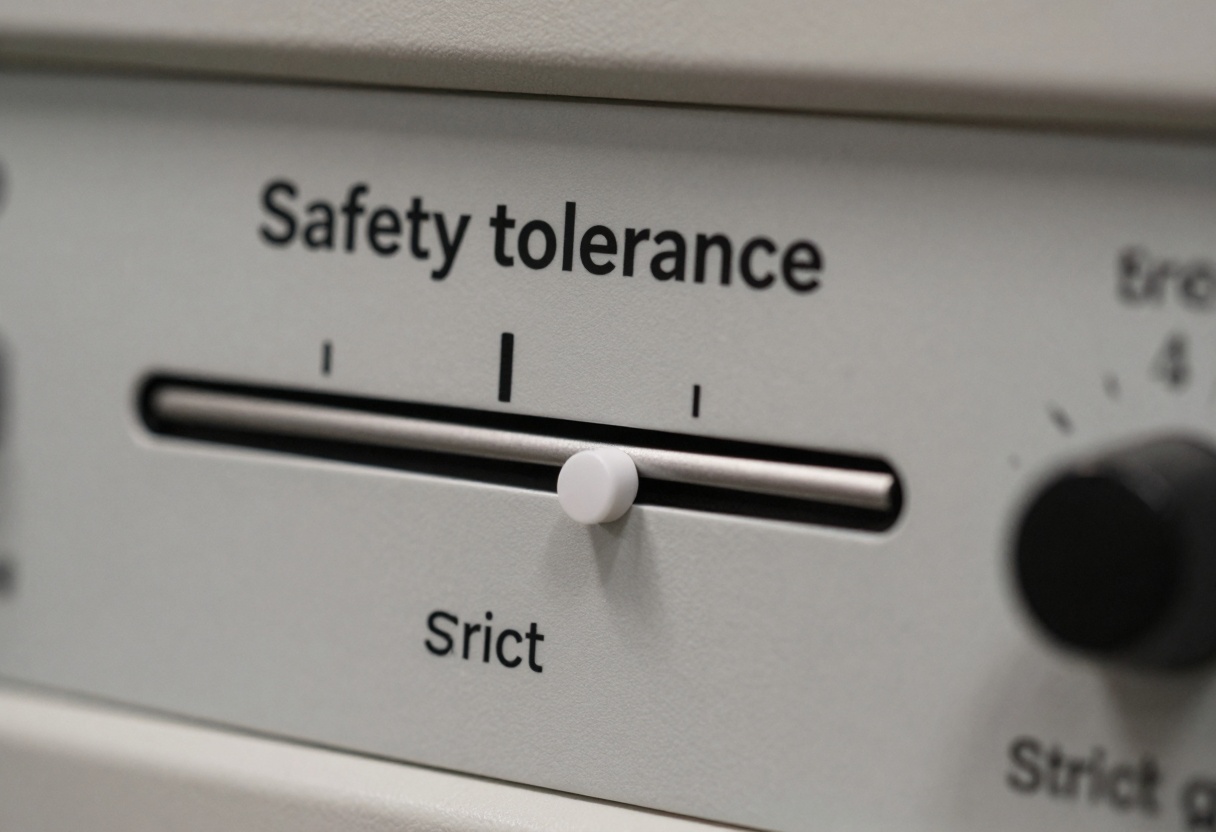
One setting to understand: safety tolerance
On models that support it, safety tolerance typically works like a strictness dial. Lower is stricter, higher is more permissive.
A practical workflow on PicassoIA for images
Treat mature-themed image creation like a photo shoot: decide the boundaries, then iterate on lighting and styling.
Step-by-step
Choose a text-to-image model on PicassoIA (photoreal, editorial, or cinematic depending on your goal)
Set an aspect ratio that matches where you will publish (3:2 for editorial, 9:16 for stories)
Start with a clear prompt template and a short negative prompt
Generate small batches, compare, then change one thing at a time
Prompt specificity examples
Prompt style
Example
What usually happens
Too vague
“sexy photo”
unpredictable results, higher chance of crossing a line