NSFW AI on PicassoIA
"NSFW AI" is a messy label. Sometimes it means explicit adult content, sometimes it means content you would not open at work because it is suggestive, shocking, or sensitive. Either way, the same issues show up fast: consent, privacy, age safety, and platform rules.
This article keeps things practical and safe. You will learn how to think about NSFW requests, how to reduce risk, and how to use PicassoIA to create mature, tasteful, non-explicit visuals without drifting into content that should not be generated or shared.
Tip: If you are creating content for a client, a workplace, or a public audience, decide on boundaries first. It is much easier than trying to fix a bad output later.
What people usually mean by “NSFW AI”
NSFW means not safe for work. In AI generation, it often lands in one of these buckets:
- Suggestive adult themes (lingerie styling, boudoir lighting, flirtatious posing)
- Sensitive personal content (private scenarios, intimate context)
- Graphic or disturbing material (injury, gore, hateful imagery)
- Non-consensual impersonation (someone’s likeness used without permission)
Those buckets are not equal in risk. Suggestive styling can be handled safely in many cases, while impersonation and anything involving minors is a hard stop.
A useful way to think about it
Instead of asking “Is this NSFW?”, ask:
- Is it consensual? (Do you have rights to the likeness and context?)
- Is it legal and age-safe? (No minors, no ambiguity)
- Is it appropriate for where it will be shown? (platform, audience, workplace)
- Is it compliant with PicassoIA’s policies and moderation?
The risks creators underestimate
NSFW-related requests tend to fail for reasons that are not artistic.
Consent and impersonation
The biggest problem is non-consensual use of someone’s identity. If you do not have permission to depict a real person, do not attempt it.
Practical alternatives:
- Use fictional characters you own
- Use generic, non-identifiable subjects
- Use self-created references (your own photos, your own character sheets)
Age safety and “ambiguous” prompts
Avoid prompts that could be interpreted as youthful, school-related, or age-unclear. If a concept needs an age qualifier, it is already a warning sign.
Privacy leakage
Even if an output is not explicit, it can still be unsafe if it reveals:
- recognizable faces
- personal locations
- unique tattoos or identifying marks
If you are generating for a brand, treat privacy as part of your creative brief.
Making “mature” visuals without making them explicit
A lot of creators really want mood, not explicit anatomy. You can usually hit the same vibe by pushing lighting, styling, and framing.
Techniques that stay on the safe side:
- Wardrobe and styling: elegant evening wear, fully clothed fashion looks
- Cinematography: soft rim light, silhouettes, shallow depth of field
- Composition: shoulders-up portraits, hands, reflections, partial framing
- Story cues: hotel lobby, jazz club, candlelit dinner, rainy city night
Tip: If your goal is “tasteful”, describe the camera language (lighting, lens, framing) more than the body.
Prompting patterns that reduce risk
You do not need special tricks. You need clarity, boundaries, and review.
A simple prompt structure
- Subject: who or what (keep it fictional or authorized)
- Wardrobe and setting: what they are wearing, where they are
- Mood and lighting: cinematic descriptors
- Framing: medium shot, portrait, silhouette
- Boundaries: “fully clothed”, “non-explicit”, “tasteful”, “no nudity”
Table: intent vs safer prompt approach
| Creative intent | Safer way to phrase it | Why it helps |
|---|
| “Sexy photo” | “fashion portrait, elegant evening outfit, confident pose, cinematic lighting, fully clothed” | You get the vibe without pushing into explicit detail |
| “Adult scene” | “romantic atmosphere, candlelit room, soft silhouettes, tasteful framing, no nudity” | Replaces anatomy with mood and composition |
| “Spicy video” | “flirtatious short scene, dancing in a stylish outfit, nightclub lighting, PG-13 tone” | Keeps motion and energy but avoids explicit content |
| “Private fantasy” | “fictional character, implied romance, safe-for-sharing version, non-explicit” | Encourages self-policing and reduces policy conflicts |
Use negative constraints like guardrails
Add a short line of exclusions to keep outputs aligned:
- “no nudity, no explicit anatomy, no minors, no impersonation”
Do not treat this like a loophole. Treat it like a contract with yourself.
A practical safety checklist inside your PicassoIA workflow
Here is a repeatable flow you can use for both images and videos.
Step 1: Decide the audience and boundaries
Write down:
- where the content will be posted
- whether it must be workplace-safe
- what is not allowed (for you, your client, and the platform)
Step 2: Keep moderation enabled
Many models on PicassoIA include content moderation controls. Leave them on unless you have a very specific, policy-compliant reason not to.
Step 3: Review outputs like an editor
Before you download or share:
- zoom in for accidental details (text, reflections, faces)
- check that characters look like adults with no ambiguity
- confirm the image matches your written boundaries
Step 4: Document consent when needed
If you are depicting a real person (for example, a creator working with their own likeness), store a clear record of permission.
NSFW AI for video, what changes
Video adds a few extra challenges:
- Consistency: small changes across frames can create unintended implications
- Context: motion can make a borderline concept feel more explicit
- Audio: if audio is generated, it must stay appropriate too
A safer approach is to storyboard the tone first, then generate.
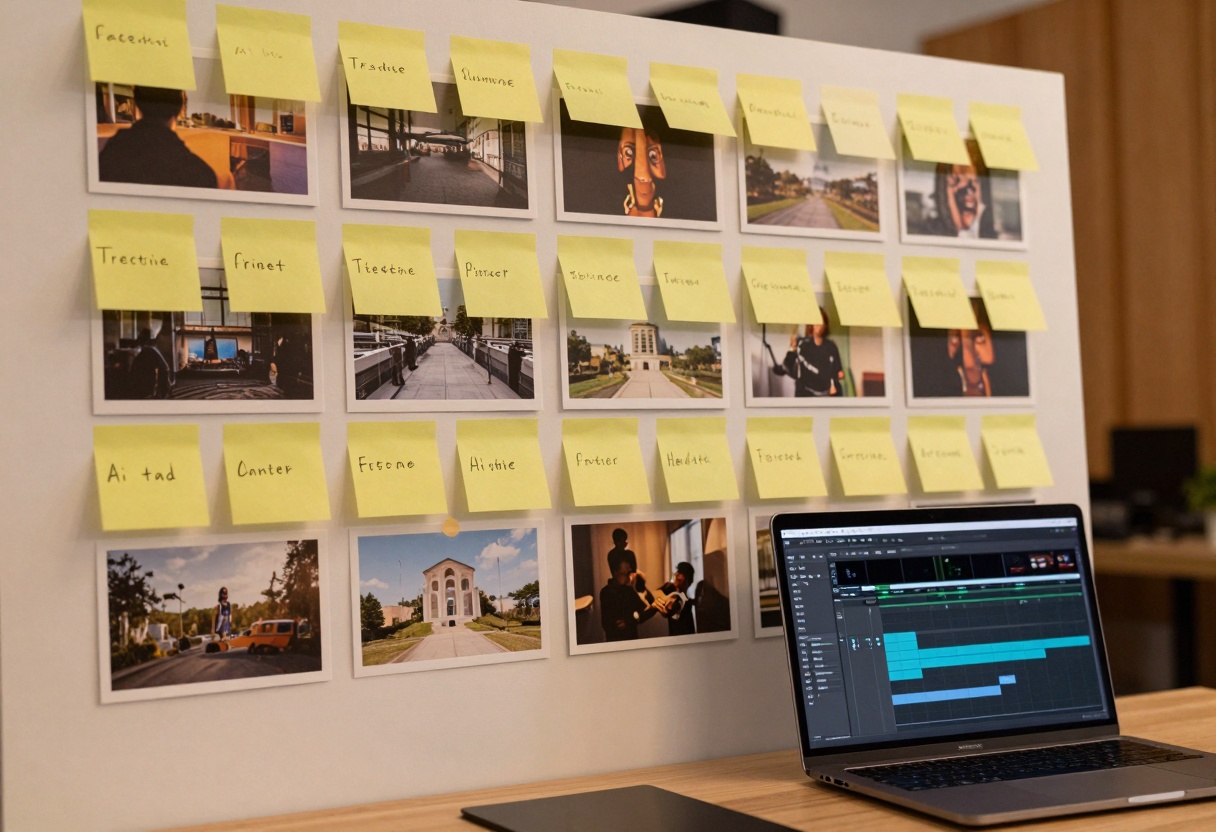
Quick storyboard template (5 beats)
- Establishing shot (location, time of day)
- Character introduction (wardrobe, mood)
- Action (dance, walk, conversation)
- Close-up (hands, face, details)
- Outro (camera pull-back, logo, fade)
Tip: If you would not describe it in a workplace email, do not ask a video model to depict it.
Age gates, access control, and why they matter
If content is meant for adults only, treat that as a product decision, not an afterthought.
- Use clear age gating on the publishing side
- Avoid public thumbnails that are suggestive
- Keep private work private, especially early drafts
FAQ
Can I use NSFW prompts on PicassoIA?
PicassoIA supports a wide range of creative use cases, and many models include moderation. If a request is disallowed or unsafe, it may be blocked. The safest path is to aim for non-explicit, consensual, adult-only, policy-compliant content.
What if I want a specific person’s likeness?
Do it only with clear permission and rights. If you cannot prove consent, use a fictional look instead.
How do I keep results tasteful?
Prioritize lighting, wardrobe, and framing. Keep prompts explicit about boundaries like “fully clothed” and “no nudity”.
How to generate safe, high-quality images with GPT Image 1.5 on PicassoIA
This walkthrough uses GPT Image 1.5 on PicassoIA.
Step 1: Open the model page
Go to: https://picassoia.com/en/collection/text-to-image/openai-gpt-image-15
Step 2: Fill the required parameter
Required
prompt: a clear text description of the image you want
Step 3: Tune optional settings that matter for safety and output
| Setting | What it does | A good starting point |
|---|
moderation | Controls safety screening | auto |
background | Auto, transparent, or opaque | auto |
aspect_ratio | 1:1, 3:2, 2:3 | 3:2 for blog visuals |
quality | low, medium, high, auto | start with low, raise when ready |
output_format | png, jpeg, webp | webp |
output_compression | file size vs quality | 85 to 95 |
number_of_images | how many variations | 1 to 4 |
Step 4: Use a prompt that includes boundaries
Here are safe examples you can copy and adjust:
- Tasteful fashion portrait: "adult model in an elegant evening outfit, cinematic rim lighting, 85mm lens, shallow depth of field, confident pose, non-explicit, fully clothed, no nudity"
- Romantic movie still: "two adult characters sharing a quiet moment in a jazz bar, warm bokeh lights, film grain, tasteful framing, PG-13, no nudity"
- Implied silhouette: "adult silhouette behind frosted glass, soft backlight, moody cinematic scene, fully clothed, non-explicit, no nudity"
Step 5: Generate and download
- Click Generate
- Review the output at full size
- Download the result when it matches your boundaries
Adapting the same approach to text-to-video
If you switch to a text-to-video model like Veo 3.1 on PicassoIA, keep the same rules:
- describe actions that stay PG-13
- keep wardrobe explicit (fully clothed)
- add a short negative line (no nudity, no minors, no impersonation)
- storyboard first so the tone stays consistent
Wrap-up
NSFW AI is not just about prompts, it is about responsibility. If you focus on consent, age safety, privacy, and tasteful creative choices, you can still make bold work that is appropriate to share.
Next steps
- Pick a clear boundary for your project (public, private, workplace-safe)
- Start with a non-explicit prompt and build mood with lighting and framing
- Create with PicassoIA, review like an editor, then publish thoughtfully
Ready to create? https://picassoia.com


