NSFW AI on PicassoIA, safety and responsible prompts
NSFW AI can cover nudity, sexual themes, and other sensitive topics. This article explains how to think about consent, age clarity, privacy, and labeling, plus prompt patterns that keep mature-themed work respectful. You will also learn how to use GPT Image 1.5 on PicassoIA with moderation and layout settings for safer results.
NSFW AI usually means using generative tools to create content that is not appropriate for work or public spaces, for example sexual themes, nudity, or other sensitive material. The technology is powerful, but the hard part is not “how to generate it”, it is how to handle it responsibly.
This article focuses on practical, real-world habits for creators, teams, and brands who want to avoid harm, avoid policy violations, and keep their work respectful. We will also show how to use PicassoIA settings and model controls to keep your workflow safer.
Quick note: If you are unsure whether a concept is allowed, treat that uncertainty as a signal to simplify the idea, remove sensitive elements, or pick a different direction.
What people mean when they say “NSFW”
NSFW is a label, not a single category. In practice, it often includes:
Sexual content: nudity or explicit sexual acts
Sexualized content: erotic themes, fetish content, or content that leans suggestive
Other sensitive content: gore, self-harm, hate, harassment, or taboo topics
Even when the intent is artistic, sensitive content can still create real risks:
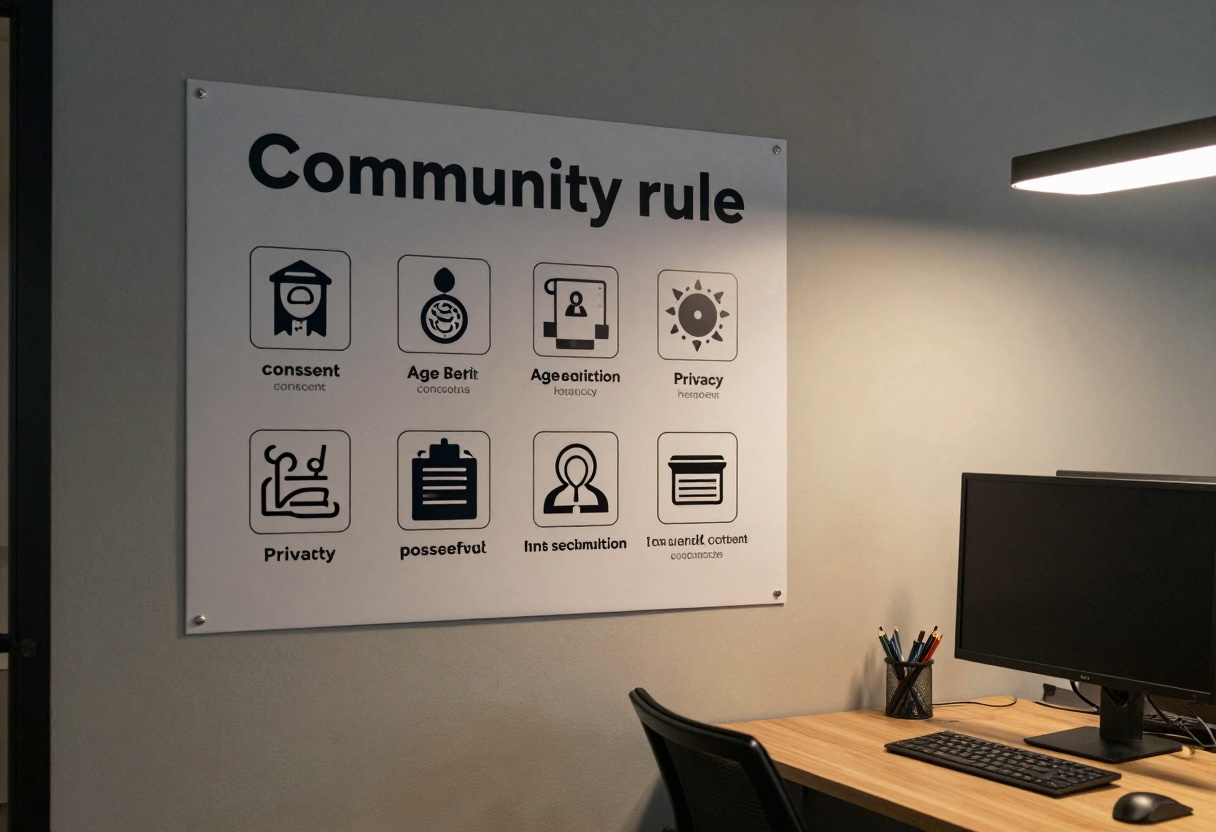
Consent problems (especially anything resembling a real person)
Age-related risk (anything that could be interpreted as underage is an immediate no)
Non-consensual sharing (private fantasies turned into public posts)
Workplace and platform safety issues (accidental exposure)
The safest mindset: boundaries first, creativity second
When people run into trouble with NSFW AI, it is usually not because they are “bad at prompting”. It is because they did not define boundaries before generating.
A simple boundary checklist helps:
Are all depicted people clearly adults? If you cannot guarantee it, do not generate.
Is this based on a real person? If yes, you need explicit consent.
Could this be humiliating, coercive, or non-consensual? If yes, stop.
Could the output be misused as a deepfake or revenge content? If yes, redesign the concept.
A simple risk table you can use
Risk area
What it looks like
A safer alternative
Consent
Real person lookalike, private individual, influencer clone
Use fully fictional characters, avoid recognizable features
Age ambiguity
“young”, “teen-like”, school uniforms, ambiguous styling
Use “adult”, “30s”, workplace settings, clearly adult styling
Non-consensual vibes
coercion, blackmail, intoxication, “caught on camera”
Avoid the scenario, switch to neutral storytelling
Overexposure
generating on shared devices, no blurring, auto-posting
Separate workspaces, private galleries, clear labeling
Prompting patterns that reduce problems (without killing the idea)
You do not need explicit detail to get a strong result. Many creators get better images by being more cinematic and less graphic.
Use “tasteful” constraints directly in the prompt
Try adding boundaries like:
“adult, consenting”
“tasteful, editorial lighting”
“no explicit nudity”
“no minors, no school uniforms”
“no real people, fictional character”
Example prompt templates (safe, non-explicit)
Use these as structure, then personalize the details.
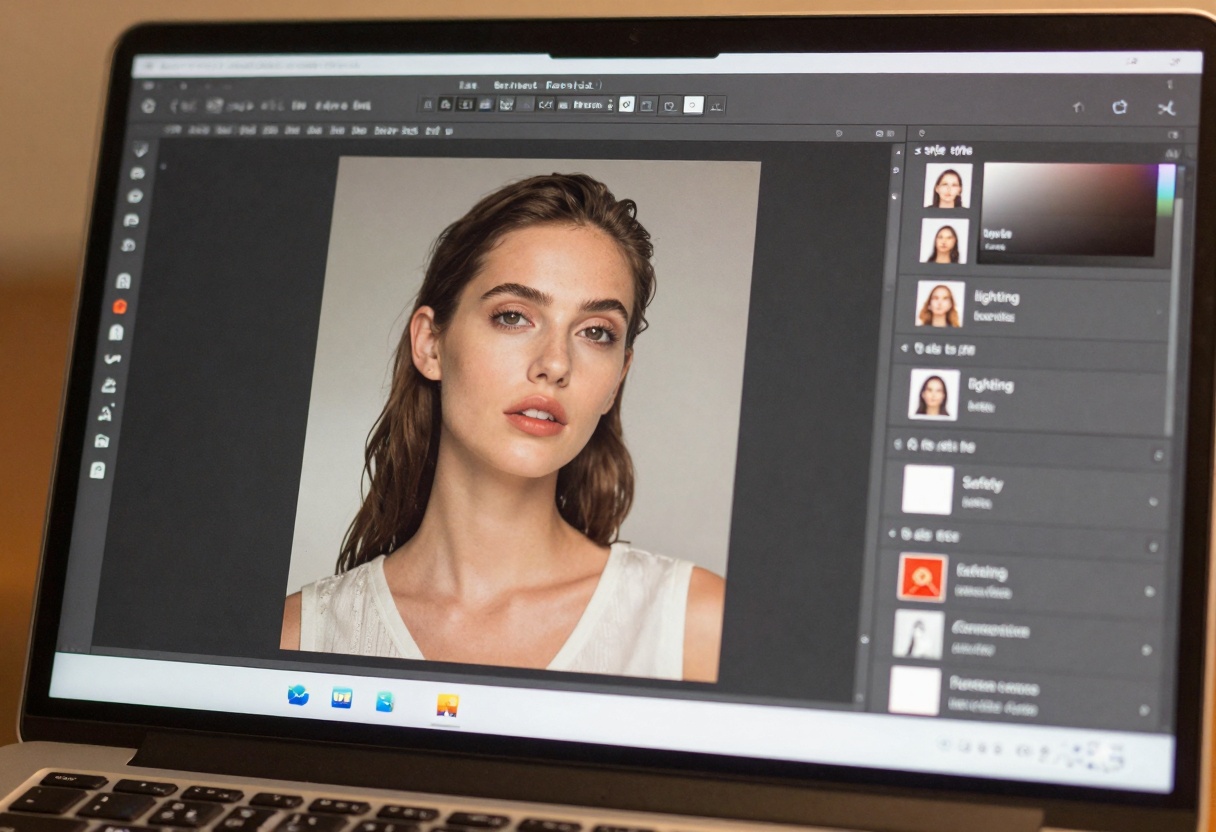
A cinematic fashion portrait of a fictional adult model in a studio,
wardrobe: elegant evening wear, tasteful styling,
lighting: softbox key light, rim light, shallow depth of field,
mood: confident, warm, editorial,
boundaries: no explicit nudity, no minors, no real person lookalikes
A noir-inspired scene with two fictional adult characters in a dim jazz bar,
focus on atmosphere and storytelling, respectful tone,
boundaries: no explicit sexual acts, no coercion, no humiliation
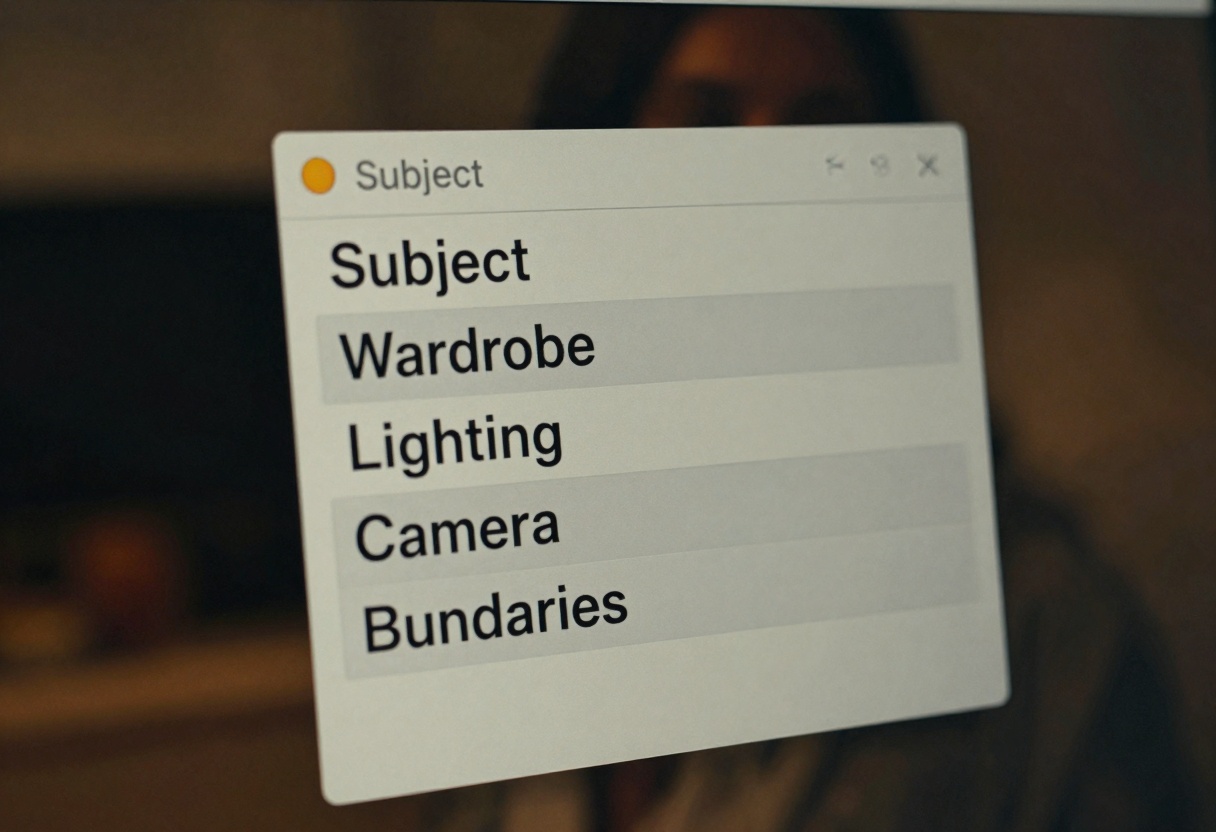
Tip: If you keep getting outputs that feel “too much”, remove body-focused adjectives and replace them with camera, lighting, wardrobe, and mood.
Handling NSFW AI responsibly in a team or client setting
If you create mature-themed content for work (adult wellness products, lingerie retail, mature storytelling, and similar), treat it like regulated content.
Good process habits:
Define acceptable categories (what is allowed vs not allowed)
Use a private review step before anyone else sees it
Label and store outputs in a clearly separated folder
Document consent if any person could be identifiable
Privacy, storage, and why “local” thinking matters
With sensitive prompts, privacy is part of safety. Even if you never publish the final image, prompts and outputs can reveal personal fantasies, identities, or private details.
Practical steps:
Keep sensitive projects in separate workspaces
Avoid including personal identifiers in prompts
Prefer generic descriptions over real names
Use moderation and safety settings, do not try to bypass them
Labeling, watermarking, and sharing without surprises
If you share mature-themed creations, the goal is simple: no accidental exposure.
A quick sharing checklist:
Add a clear mature content label in the caption
Use thumbnails that are safe to view in public
Avoid auto-playing previews
Keep originals private when possible
NSFW AI for video adds extra risks
Text-to-video can amplify issues because motion and context change how a scene is perceived. A “borderline” idea in a still image can read very differently when animated.
When working with text-to-video on PicassoIA, consider:
Camera movement: avoid voyeuristic or invasive framing
Scene context: avoid coercive setups, humiliation, or “caught” themes
Continuity: keep boundaries consistent across frames
Storyboard first, even if it is rough
A 30-second plan saves hours of regenerating.
Frame 1: location and wardrobe
Frame 2: lighting and mood
Frame 3: action, keep it non-explicit
Frame 4: ending shot, safe thumbnail candidate
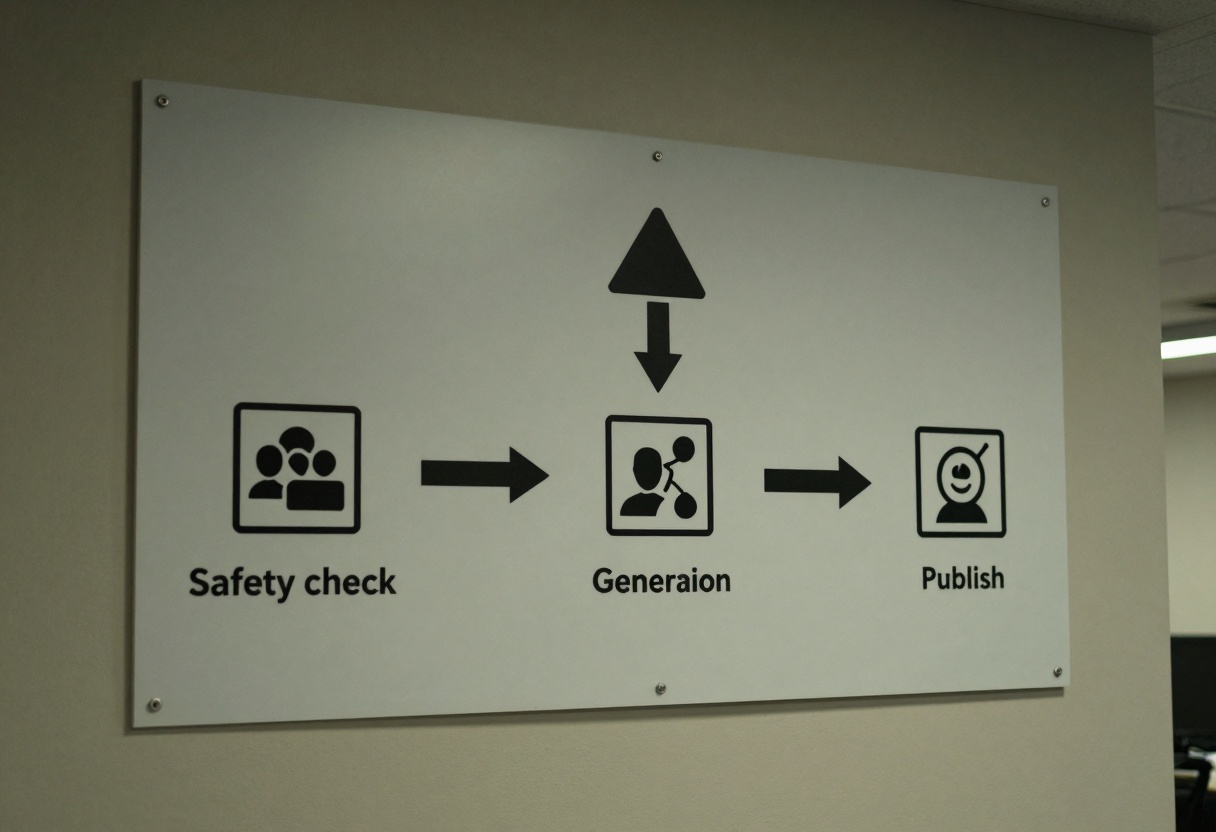
A safer prompt review workflow you can copy
Before you click generate, do a quick scan.
Remove names, usernames, and recognizable identifiers
Add “fictional” and a clear adult age range (for example, “adult in their 30s”)
Add boundaries (no minors, no coercion, no explicit acts)
Decide where it will be viewed (private, team review, public)
How to generate safer images with GPT Image 1.5 on PicassoIA
PicassoIA includes models with built-in controls that help you steer quality and safety. One solid option for image work is GPT Image 1.5.