Most major AI image platforms greet you with a signup wall before you can generate a single image. You hand over an email, verify your identity, maybe add a credit card, and agree to terms of service that restrict exactly the kind of content you want to create. If you're looking for NSFW AI tools that need no login, your options are actually far better than most people realize, and the quality gap between free-access tools and gated platforms has nearly closed.
The sign-up requirement is rarely about security. It's about data. When you create an account, platforms collect behavioral data, tie your generations to your identity, and reserve the right to review your content under their moderation policies. For NSFW creation, that combination is a real problem.
The Privacy Problem with Accounts
Account-based NSFW generation ties every image you create to a profile that exists on someone else's servers. If those servers are subpoenaed, breached, or audited, your creative history goes with them. For adult content creators, this is a concrete risk. Anonymous, no-login access means each session starts fresh with no persistent profile attached.
Content Filters That Escalate Over Time
Logged-in users also face more aggressive content moderation over time. Platforms recognize returning users and can flag accounts that repeatedly push against safety filters. Starting fresh each session, without a flagged account history, changes what the model will produce.
💡 Smart move: Use platforms that support no-login or guest access for NSFW generation and keep your creative work private by default. No account means no audit trail tied to your identity.
Not all no-login NSFW AI tools are equal. Speed, image quality, realism, and the actual range of content they'll generate vary enormously. Here are the strongest options available right now, ranked by performance and creative freedom.
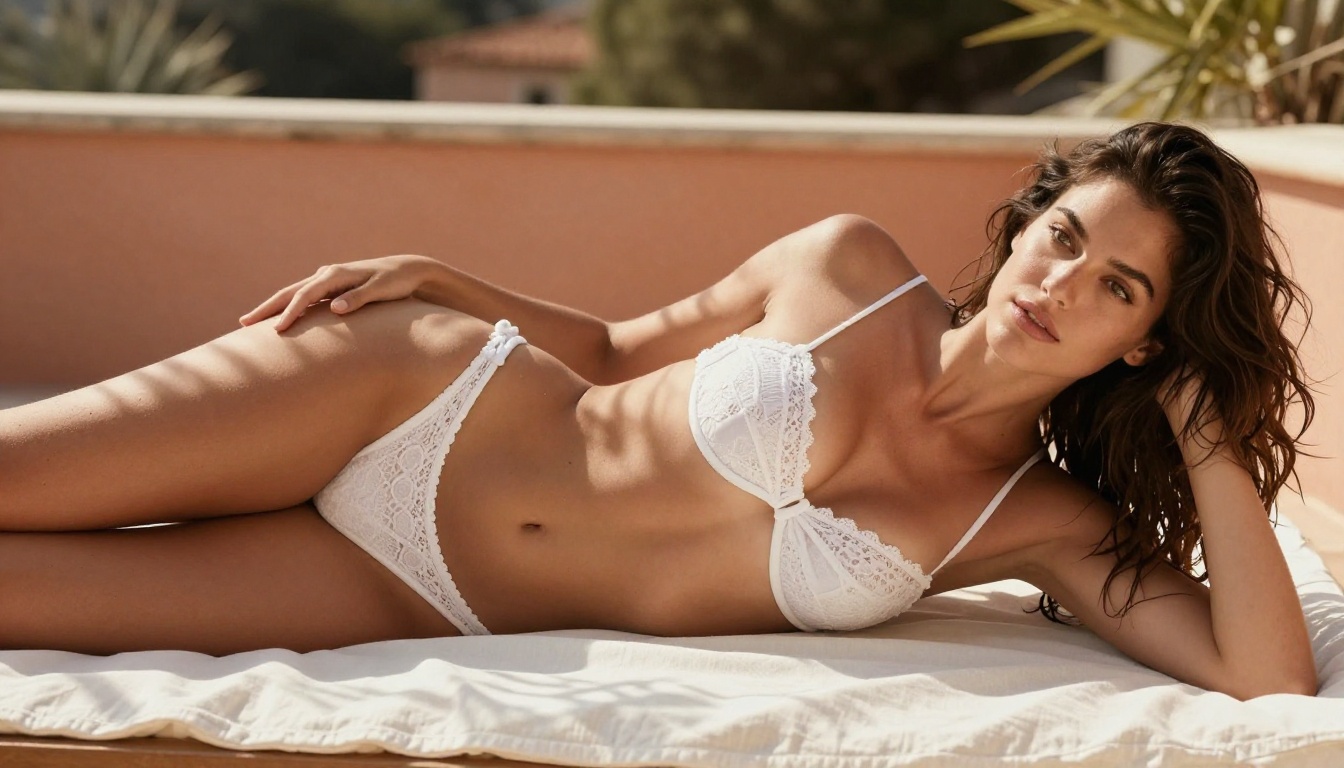
1. Seedream 4.5 (The Top Pick)
Seedream 4.5 is the strongest all-around NSFW image model you can access right now. It accepts adult content without censorship, supports image editing alongside generation, and produces highly realistic results in under 3 seconds. The realism here is genuinely impressive: natural skin texture, accurate anatomy, and lighting that reads like it came from a camera rather than a GPU.
What it does best:
- Full NSFW acceptance including detailed adult prompts
- Image editing mode lets you modify any existing photo
- Sub-3-second generation time
- Exceptional photorealism rivaling professional photography
⚠️ One critical note: the newer Seedream 5 Lite does not support NSFW content. Stick with Seedream 4.5 specifically for adult generation.
2. PicassoIA Image Editor Pro (Unlimited Volume)
PicassoIA Image Editor Pro is an img2img model with one enormous advantage over everything else on this list: unlimited generations. On an Elite or Infinite plan, you can run 1,000 images and it costs you nothing extra. Compare that to other models where generating 1,000 images can cost around $100, and the value proposition becomes obvious immediately.
It accepts NSFW content, returns results in under 1 second, and offers a 3-generation free trial with no credit card required. That's a genuine no-login entry point that lets you test the full capability before committing to anything.
Why creators choose it:
- Unlimited volume at no extra cost on Elite/Infinite plans
- Sub-1-second results for rapid iteration
- No credit card required for free trial
- Strong NSFW acceptance across content types
- Works from any reference image you provide
3. Qwen Image 2 (Open Source Without Filters)
Qwen Image 2 is an open-source model that removes the usual commercial content filters entirely. It handles both editing existing images and creating new ones from text, delivering very detailed realism. The open-source nature means there's no corporate content policy layer between your prompt and the output.
For NSFW generation specifically, this distinction matters a lot. Many commercial models apply soft filters even when they claim to allow adult content. Open-source models like Qwen Image 2 don't have that hidden ceiling.
4. Grok Imagine Image (Realistic Transformations)
Grok Imagine Image specializes in one thing it does exceptionally well: converting any reference image into a realistic bikini or swimwear format. The outputs are photorealistic in a way many dedicated NSFW generators aren't. If your use case involves transforming existing photos, this is the most capable option for that specific task.
5. Recraft V4 (Photorealistic Text-to-Image)
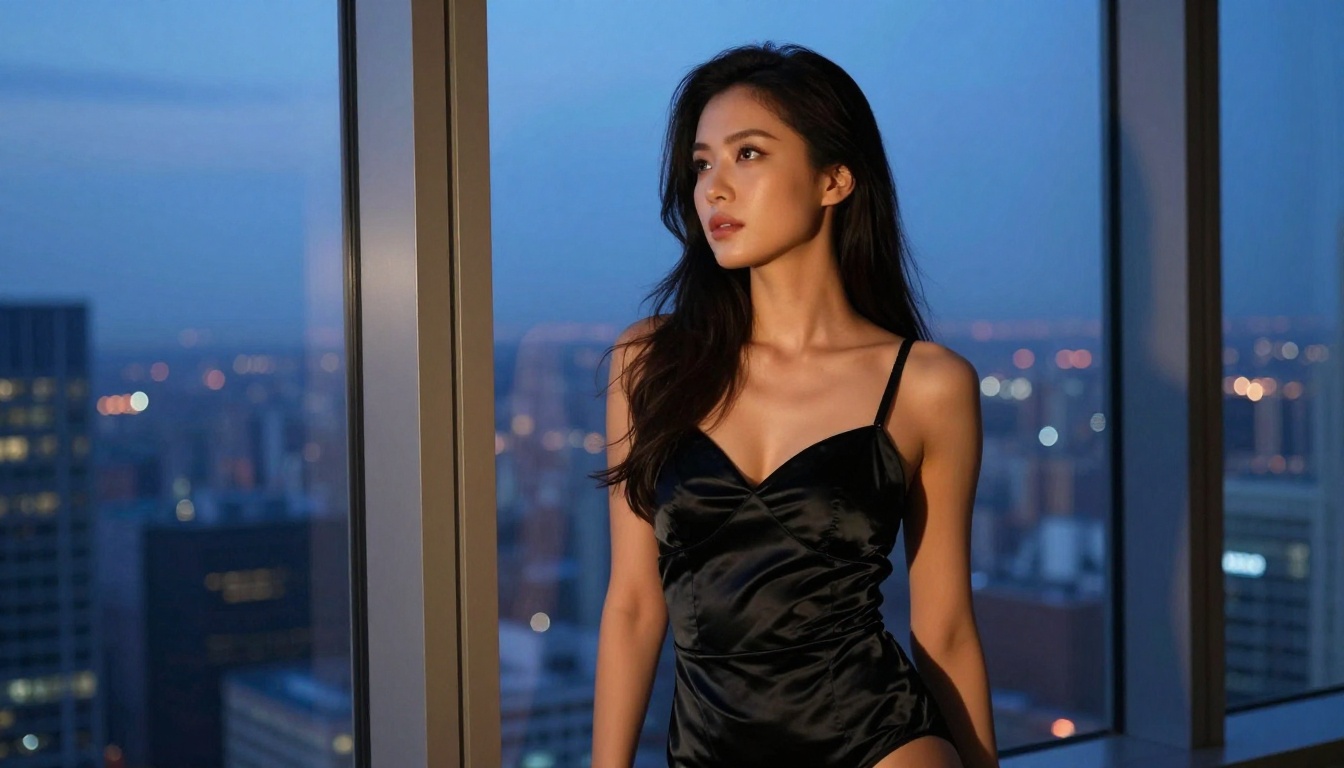
Recraft V4 produces some of the most photorealistic text-to-image outputs available right now. It only accepts text input (no image editing), but if you write strong prompts, the output quality is outstanding. For glamour and artistic NSFW content especially, the render quality is noticeably above average.
6. P-Image by PrunaAI (Speed Above All)
P-Image is built for speed. It generates NSFW text-to-image content in under 1 second, which makes it practical for rapid prompt iteration. When you're refining a concept and need to run 20 variations quickly to find what works, P-Image is the right tool for that workflow.
If still images aren't enough, several NSFW-capable video tools are accessible with minimal or no login friction.
PicassoIA Video (Unlimited Clips)
PicassoIA Video generates video directly from text prompts. Its standout feature is unlimited video generation at up to 720p, 5 seconds per clip for Elite and Infinite subscribers. If you need volume without watching a credit counter, this is the most cost-effective video option by a wide margin.
P-Video by PrunaAI (Safety Filter Off by Default)
P-Video takes text prompts, images, or audio files and turns them into clips at up to 1080p at 24 or 48fps. Duration runs from 1 to 10 seconds across seven aspect ratios. Its safety filter is disabled by default, meaning prompts aren't screened for adult content before generation. Draft mode gives you an instant low-resolution preview before you commit to the full render.
Grok Imagine Video (Up to 15 Seconds, No Watermarks)
Grok Imagine Video generates clips of up to 15 seconds from text prompts, reference images, or existing video you want to re-edit. Outputs at 720p or 480p with no watermarks. Image-to-video mode auto-matches your source photo's proportions so aspect ratios stay consistent without manual adjustment.
LTX 2.3 Pro (Highest Fidelity)
LTX 2.3 Pro exports up to 4K at 50fps and runs five distinct modes from one interface: text-to-video, image-to-video, audio-to-video, retake (replace a short segment without re-rendering the whole clip), and extend (append footage to the start or end). If you need professional-grade video output, this is the ceiling.
How to Use Seedream 4.5 on PicassoIA
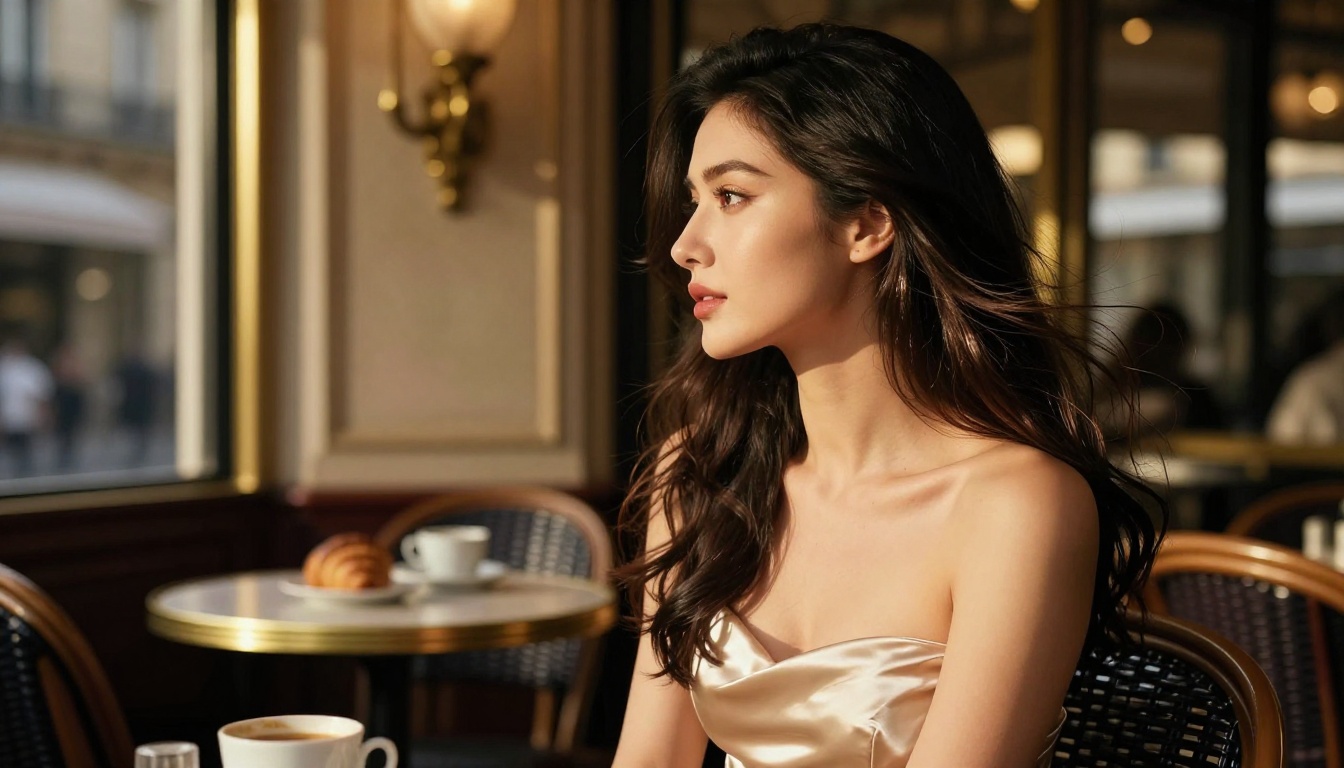
Seedream 4.5 is accessible directly on PicassoIA. Here's how to get the best results for NSFW content generation specifically.
Writing Prompts That Actually Work
The most common mistake is vague prompts. Seedream 4.5 responds well to specificity: describe the subject's pose, clothing (or lack thereof), lighting, setting, and camera perspective explicitly.
Weak prompt: woman in bikini on beach
Strong prompt: A woman in a white bikini lying on white powder sand, golden hour backlighting, wet skin catching late sun, 85mm lens at f/1.8 shallow depth of field, Kodak Portra 400 film grain, photorealistic, natural pores visible on skin
The difference in output quality between these two prompts is substantial.
Parameters Worth Adjusting
- Aspect ratio: Use 16:9 for landscape and beach scenes, 9:16 for portrait and fashion shots
- Seed: Set a fixed seed to reproduce successful generations with slight prompt variations — essential for building a consistent character set
- Prompt length: Longer, more specific prompts consistently outperform shorter ones with this model
Building Consistent Characters Across Generations
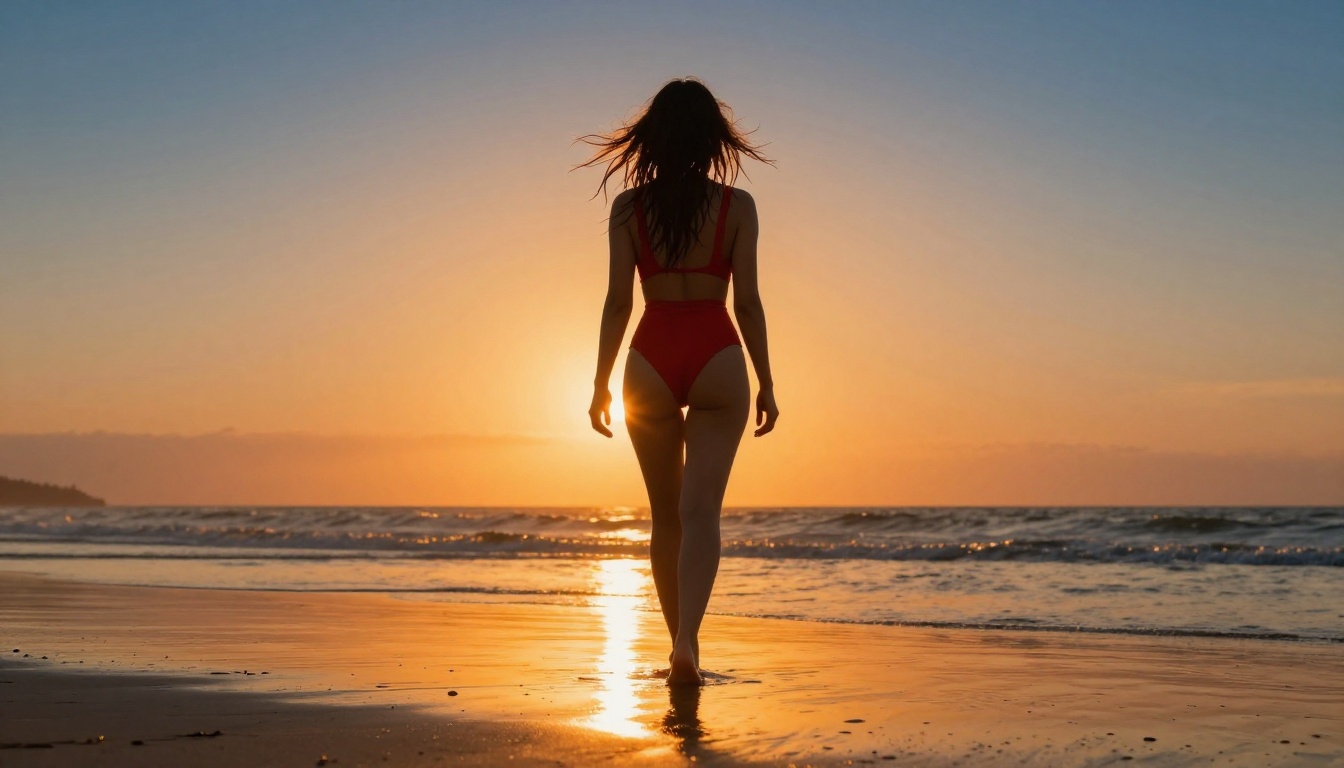
For consistent character work across multiple images, repeat the same physical descriptors in every prompt: hair color, eye color, body type, and skin tone. Without this repetition, the model treats each generation as independent and results drift visually.
What Makes a Good NSFW Prompt
Prompt engineering for NSFW AI follows the same principles as regular image generation but with more specificity around anatomy, pose, and lighting direction.
Prompt Structure That Produces Results
A strong NSFW prompt typically follows this pattern:
[Subject description] + [Clothing/state of dress] + [Setting/environment] + [Lighting direction] + [Camera angle and lens] + [Style modifiers]
Example: A woman with auburn hair in a sheer silk robe, standing in a sunlit bedroom doorway, morning backlight creating rim lighting on her silhouette, 85mm f/1.8, Kodak Portra 400 grain, photorealistic
Mistakes That Tank Output Quality
- Too short:
sexy woman gives the model essentially nothing to work with
- Contradictory style terms: Mixing "cinematic photography" with "digital art" confuses output direction
- Missing lighting info: Without lighting direction, the model defaults to flat, uninteresting illumination
- No camera data: Specifying a lens and f-stop dramatically improves photorealism
💡 Add "photorealistic, Kodak Portra 400, 8K, film grain" to any NSFW prompt and watch output quality jump immediately. These modifiers push the model strongly toward photography and away from the artificial AI aesthetic.
Privacy and Safety When Using NSFW AI
Using no-login NSFW tools reduces exposure, but there are additional steps worth taking.
What No-Login Actually Means
No-login doesn't automatically mean no data collection. Some platforms still log IP addresses and generation content even without accounts. The meaningful distinction is between platforms that tie data to persistent user profiles versus those that treat each session as anonymous. PicassoIA's approach focuses on giving creators freedom without the data accumulation that account systems typically involve.

Additional Steps for Privacy
For additional anonymity, combine no-login NSFW tools with a VPN. This masks your IP address, removes location data from any session logs, and adds a meaningful layer of separation between your identity and your generations.
Generated images should also be downloaded immediately and stored locally rather than relied upon from cloud storage. Most platforms retain generated content for a limited time only, and keeping files local gives you control over them.
Full NSFW Model Lineup on PicassoIA
PicassoIA hosts the most comprehensive collection of NSFW-capable models available on a single platform. Unlike most mainstream AI platforms, it gives creators full creative freedom with uncensored, high-performance models.
- Seedream 4.5 ⭐ — The best all-around NSFW model. Accepts adult content, supports image editing, generates ultra-realistic results in under 3 seconds. (Seedream 5 Lite does not allow NSFW, use 4.5.)
- PicassoIA Image Editor Pro — Img2img with unlimited generations. 1,000 images free on Elite/Infinite plans (vs. ~$100 on models like Nano Banana 2). NSFW accepted, results under 1 second, 3-generation trial with no credit card.
- Qwen Image 2 — Open-source model for creating or editing any image with very detailed realism and no commercial content filters.
- Grok Imagine Image — Realistically converts any reference image to bikini or swimwear format.
- Recraft V4 — Very realistic text-to-image results without content filtering.
- P-Image — NSFW text-to-image in under 1 second, built for speed.
- Wan 2.2 Image — Highly realistic images from text descriptions without content restrictions.
- Wan 2.2 I2v Fast — Converts static images into dynamic videos with smooth, natural animation.
- PicassoIA Video — Unlimited video generation from text prompts at up to 720p, 5 seconds per clip.
- P-Video — Text, image, or audio to video at up to 1080p with safety filter off by default and instant draft mode.
- Grok Imagine Video — Clips up to 15 seconds from text, image, or existing video, no watermarks added.
- LTX 2.3 Pro — Highest fidelity at up to 4K/50fps with retake and extend editing for precise control.
Refining Output When Results Fall Short
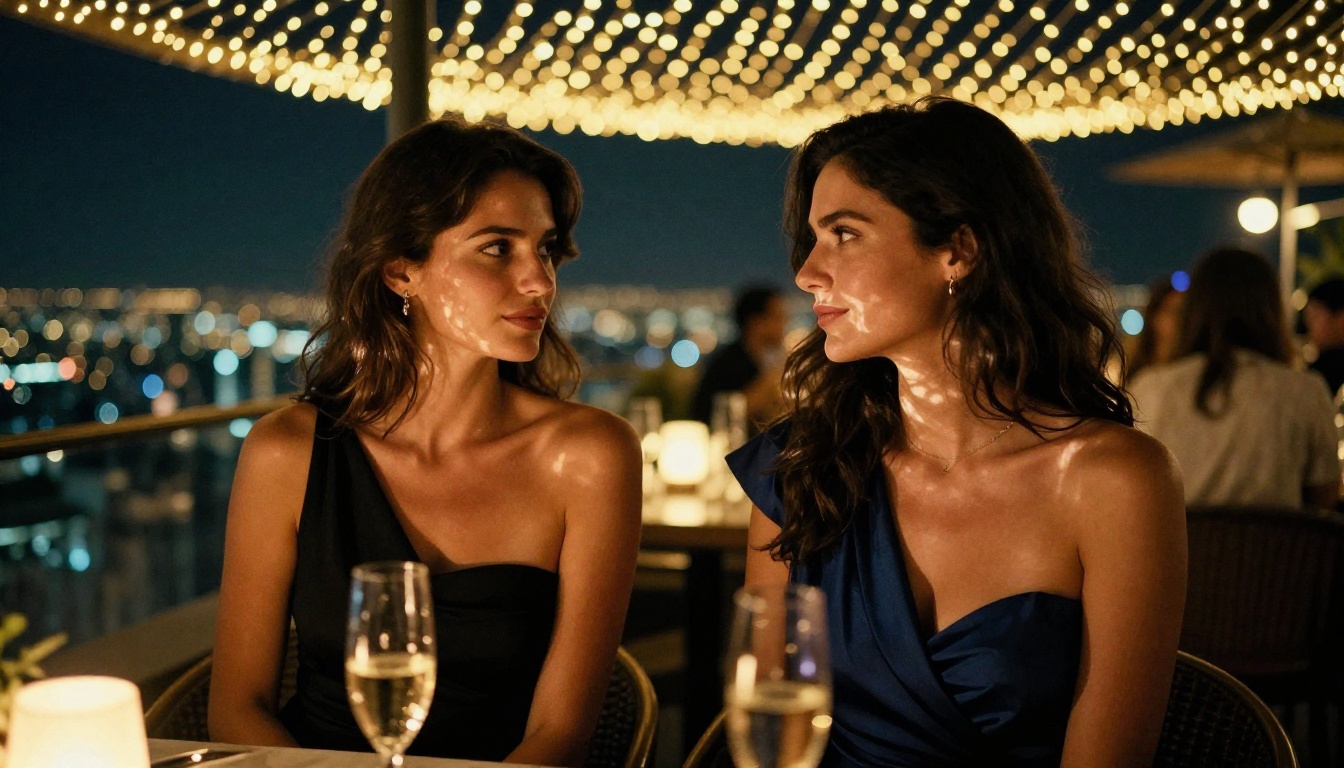
Getting a great first result is satisfying, but the real power of NSFW AI tools comes from iteration. Here's how to refine outputs systematically.
When Anatomy Looks Wrong
Anatomy issues in AI-generated images almost always come from ambiguous pose descriptions. Be explicit: instead of lying down, write lying on her back with right arm above her head and left arm resting across her stomach. The more precise the pose description, the better the anatomical accuracy in the output.
When Lighting Looks Flat
Add explicit lighting direction to your prompt. "Natural morning light from the left" produces dramatically different results than "natural morning light from above." Specify the light source, direction, and quality: soft, harsh, diffused, directional, or backlit.
When the Style Looks Too Artificial
If the output reads as digital or artificial rather than photographic, add these modifiers to your prompt: Kodak Portra 400, film grain, photorealistic, RAW photography, 8K, natural skin texture. These push the model strongly toward photorealism and away from the AI-generated look that many users want to avoid.
Start Creating Without Signing Up
The barrier to creating high-quality NSFW AI content has never been lower. Seedream 4.5 and PicassoIA Image Editor Pro offer access to genuinely impressive output without account requirements standing in the way, and the free trial on Image Editor Pro means you can see the quality firsthand before committing to anything.
The full catalog at picassoia.com/en/all-models lists every available model across categories: text-to-image, image-to-video, video editing, effects, and more. Pick a model, write a strong prompt, and start generating. The best NSFW AI doesn't ask who you are before it helps you create.


