The demand for free NSFW AI tools has surged. Whether you are an artist, a content creator, or someone who is simply curious about what AI can generate when the guardrails come off, the barrier to entry has never been lower. This article breaks down the best NSFW AI tools you can try without paying, what they can actually do, and which platforms give you real creative freedom from the very first click.
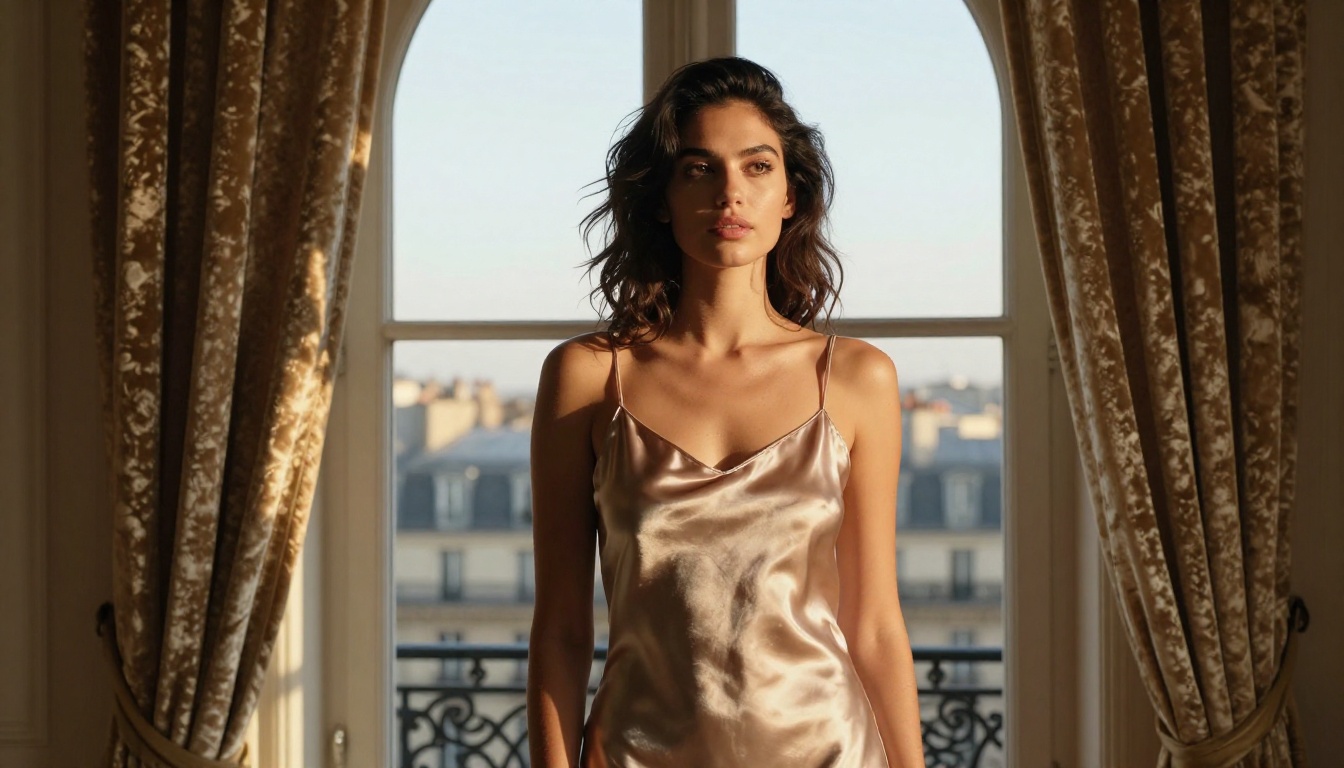
Not all "free" tools are created equal. Some lock the best outputs behind a paywall after your first generation. Others watermark everything, throttle your prompts, or produce images that look like they came from a 2019 diffusion model running on a budget server. Before trying anything, these are the three qualities that separate a genuinely useful free NSFW AI tool from a waste of time.
Image Quality That Actually Matters
Free should not mean blurry. The best free-tier NSFW AI generators today run models like Flux Dev, Flux Schnell, and Flux Fast, which produce photorealistic results at resolutions that hold up at full size. If a free tool cannot generate an image you could plausibly pass as a photograph, skip it entirely.
No Credit Card Means No Credit Card
A free tier that requires a credit card "just for verification" is not free. Legitimate free NSFW AI platforms either let you generate immediately, sign up with just an email, or connect a social account. Any tool that asks for payment information before you can see a single result is running a trial, not a free tier.
Output Freedom Without Hidden Censorship
Some platforms label themselves "uncensored" but quietly filter prompts server-side, producing sanitized outputs even when you are asking for clearly adult-themed content. Real free NSFW AI tools generate what you describe within their stated content policy, without mysterious refusals on everyday suggestive prompts.
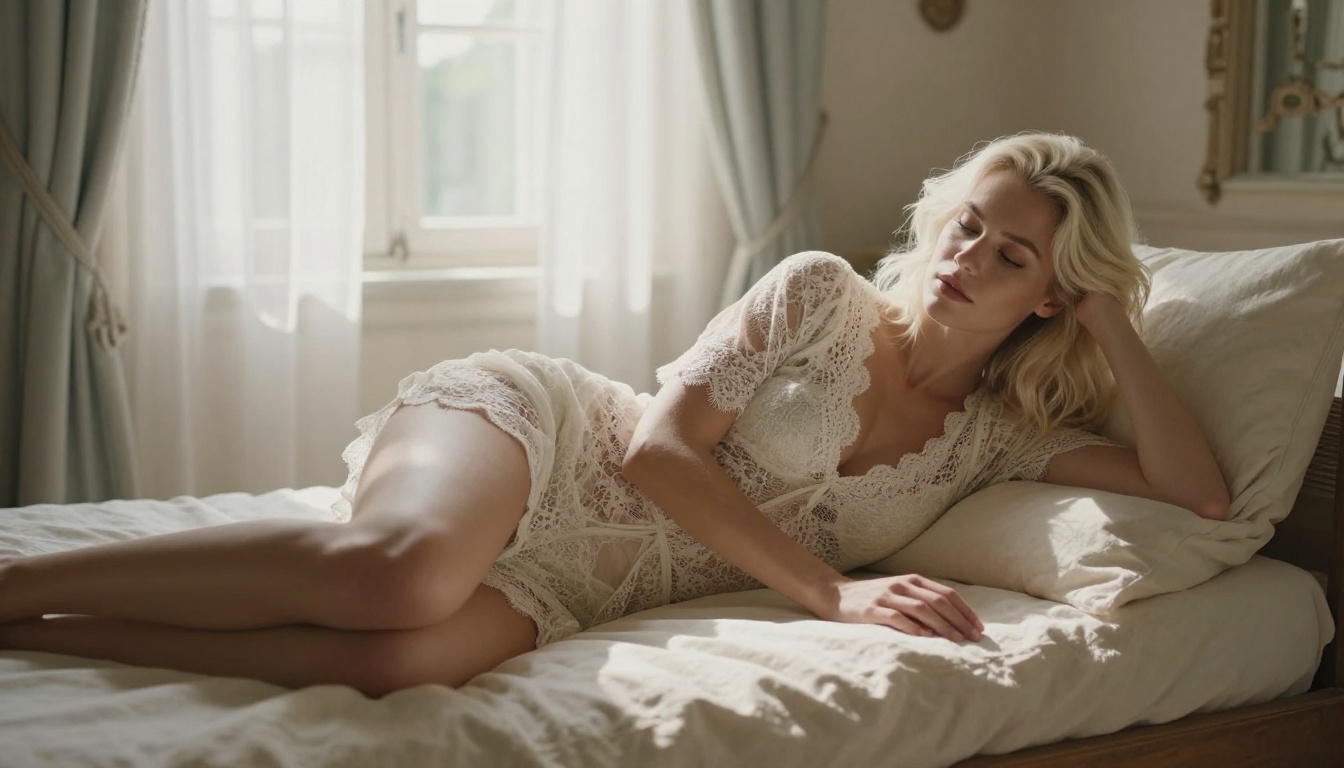
The Top Free NSFW AI Image Generators Right Now
The landscape changes fast, but these are the platforms and models delivering real results in 2027.
PicassoIA: Free Credits, Pro-Level Models
PicassoIA sits at the top of this list for one reason: you can run state-of-the-art models on your first visit without submitting a credit card. The platform provides free credits that let you generate multiple images immediately, and the models available include some of the most capable in the open-source ecosystem.
The most important distinction here is the model quality. On PicassoIA's free tier, you get access to:
- Flux Schnell: The fastest Flux variant. Generates at speed without sacrificing prompt adherence. Ideal for iterating through ideas quickly when you want to test compositions and poses before committing to a final output.
- Flux Dev: The development-grade Flux model with significantly more detail, better anatomical accuracy, and stronger lighting fidelity. The go-to model for outputs you actually want to keep.
- Flux Fast: Optimized for rapid generation pipelines, delivering results in seconds with excellent quality retention for the speed involved.
All three models support adult-themed content within PicassoIA's content guidelines, meaning suggestive, glamour, and artistic outputs without the artificial content suppression you encounter on mainstream AI tools.
Tip: PicassoIA's free credits reset periodically. If you want to stretch your free generations further, use Flux Schnell for prototyping and reserve your Flux Dev credits for final, high-detail outputs.
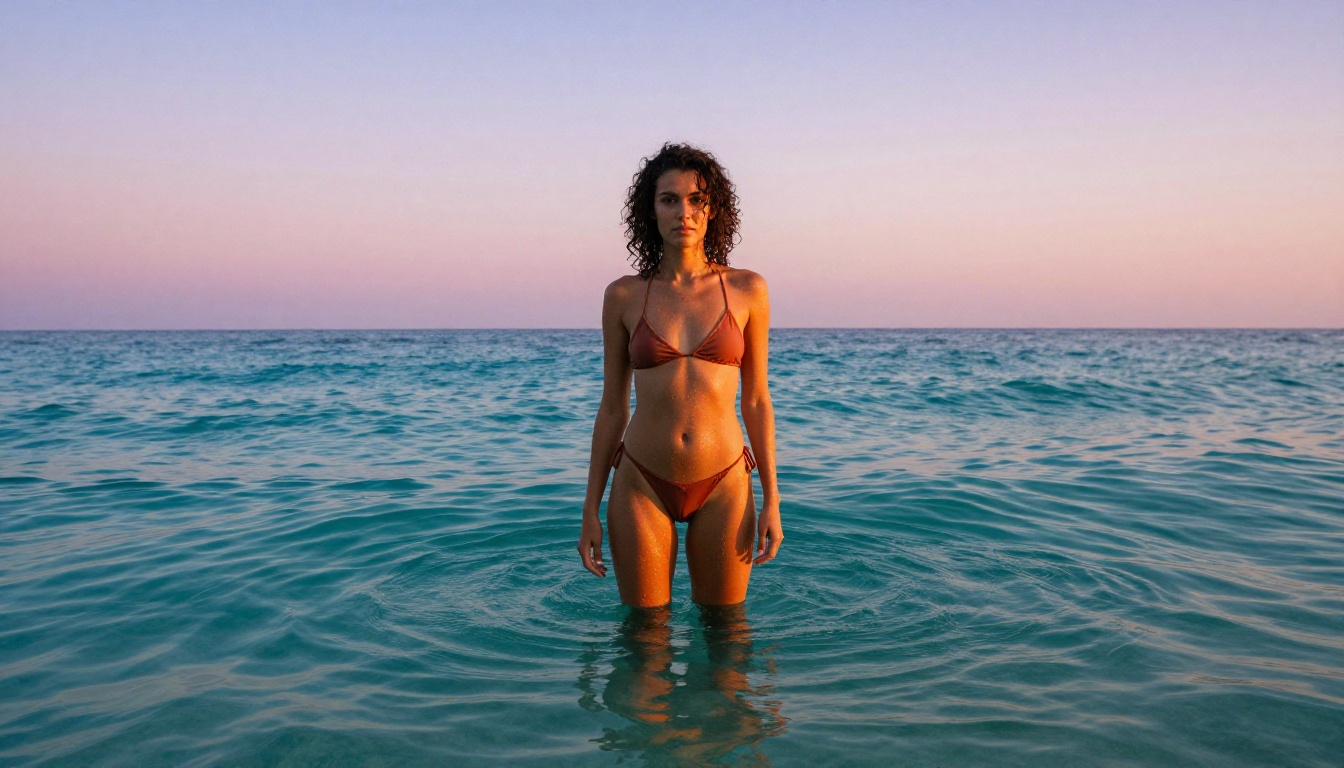
Mage.space: Toggle Between Safe and Uncensored
Mage.space offers a genuinely usable free tier with a direct toggle between "safe" and "unsafe" generation modes built into the interface. No hidden settings, no support ticket required. The free tier runs slower than paid plans, but it works for casual users who want an honest test of NSFW AI generation without signing up for anything substantial. Quality is good but does not match the Flux-based outputs available on PicassoIA.
Tensor.Art: Community Models for Adult Content
Tensor.Art is a community-driven platform where users upload fine-tuned models. Because the model library is community-maintained, you can find options specifically optimized for photorealistic adult outputs. The free tier is ad-supported and generation speed varies by time of day. Quality depends heavily on which community model you pick, so browsing the trending models page before generating is worth the extra minute.
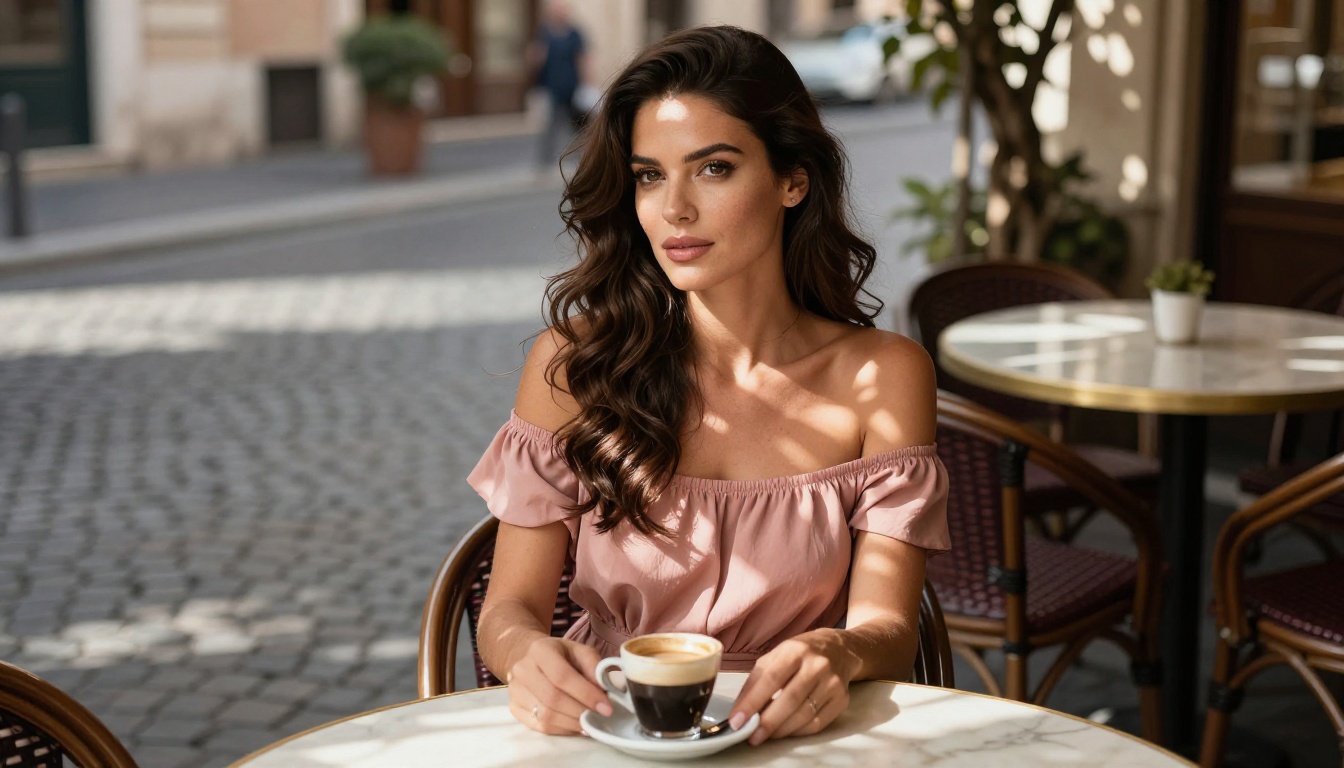
How to Use Flux Schnell on PicassoIA
PicassoIA's Flux Schnell model is the fastest path from zero to a high-quality NSFW AI output. Here is how to get your first generation done in under three minutes.
Step 1: Open the Model and Write Your Prompt
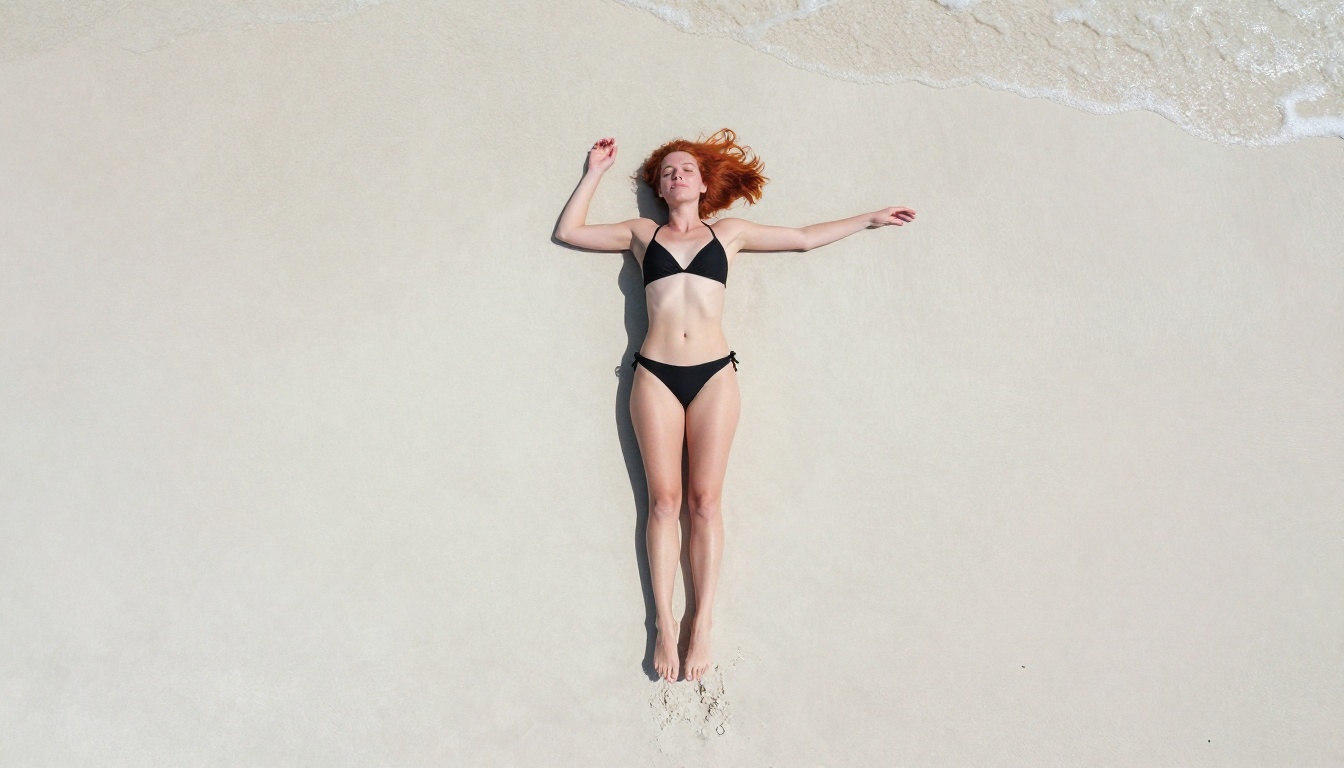
Navigate to the Flux Schnell page on PicassoIA. The prompt input field is immediately visible with no paywall in the way. Write a specific, photographic-language prompt rather than a vague request. Instead of "beautiful woman in bikini," write something like: "photorealistic portrait of a woman with auburn hair in a black string bikini on a sunset beach, low angle shot, 35mm wide lens, golden hour natural lighting, detailed skin texture, film grain, 8k RAW photography." The more specific you are about lighting, lens, and setting, the better the output.
Step 2: Set Your Aspect Ratio and Generate
Select 16:9 for landscape outputs or 9:16 for portrait-style images. The default guidance settings work well for most prompts on Flux Schnell. Hit generate and wait a few seconds. Flux Schnell is among the fastest models available, so you are not waiting long.
Step 3: Iterate Fast, Then Finalize with Flux Dev
If the first output gets the composition right but misses on detail, adjust one element of the prompt and regenerate. When you have a composition that works, switch to Flux Dev and run the same prompt. Flux Dev produces significantly more detail in skin texture, fabric, and lighting. Think of Flux Schnell as your sketch model and Flux Dev as your finisher. This two-step workflow makes the most of your free credits while delivering polished results.
Tip: For editing specific areas of an image while keeping the rest intact, try Flux Kontext Dev, which supports image-guided editing. This lets you fix anatomy, adjust lighting in specific zones, or change clothing details without regenerating the entire image.
Free vs Paid: What You Actually Get
Knowing where the free tier ends helps you plan your workflow and decide when upgrading makes sense.
| Feature | Free Tier | Paid Tier |
|---|
| Generations per day | 5-20 (varies by platform) | Unlimited or high-volume |
| Model access | Core models (Flux Schnell, Flux Dev) | All models including Pro variants |
| Output resolution | Standard (up to 1024px) | High resolution (up to 2048px+) |
| Generation speed | Standard queue | Priority processing |
| Watermarks | None on PicassoIA | None |
| NSFW content | Permitted within guidelines | Full access |
| Commercial use | Check platform terms | Usually included |
For casual users and creators who are still developing their prompting skills, the free tier on PicassoIA delivers real value. Access to Flux Schnell and Flux Dev at no cost gives you two models that would cost money to run directly on cloud infrastructure.
What You Can Actually Create
The word "NSFW" covers more creative territory than most people expect. Here is what photorealistic free adult AI generators are being used for in 2027.
Glamour and Boudoir Style Photography
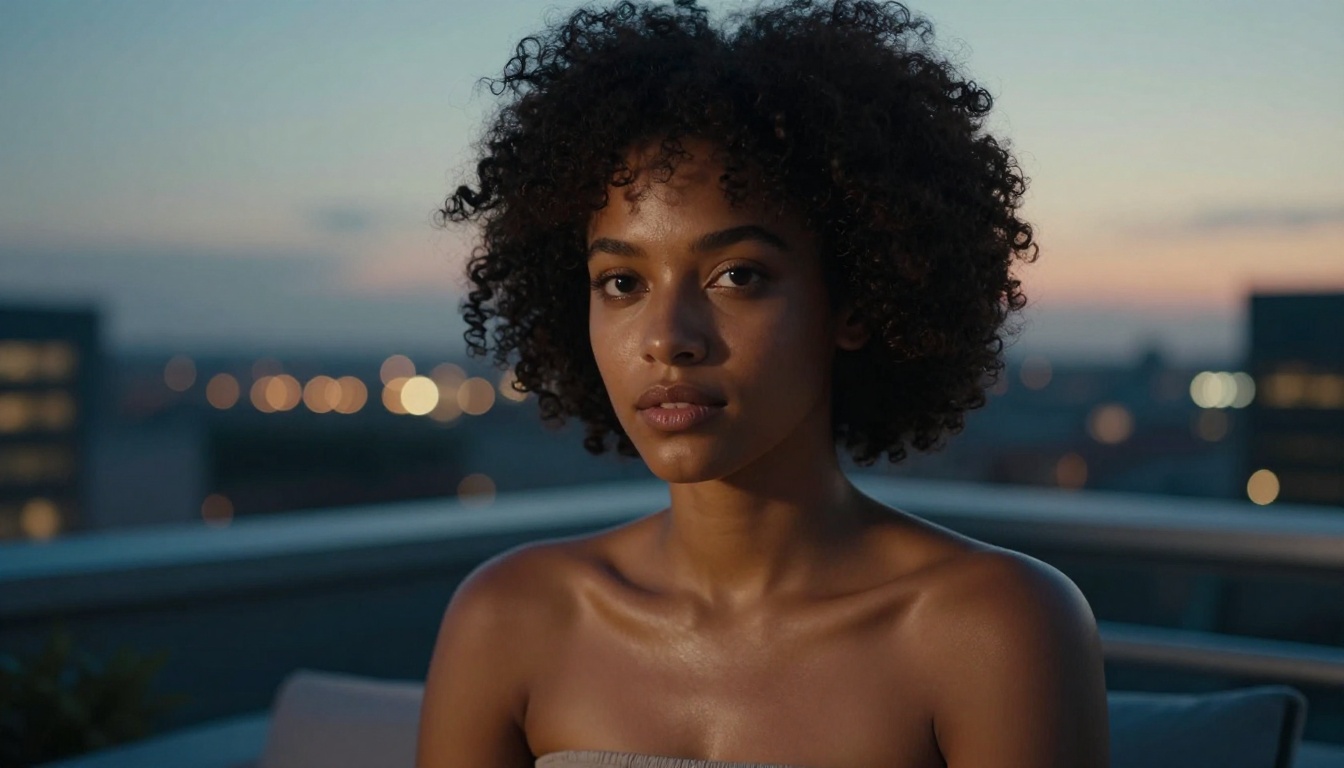
AI image generators running Flux-based models can produce glamour photography that rivals professional studio work. The lighting, composition, and skin texture quality on the free tier is good enough for portfolio building, creative references, and social content in appropriate spaces. These outputs are suggestive without crossing into explicit territory, sitting in the same aesthetic space as high-end fashion and lingerie photography.
Character Design and Concept Art
Many character designers and concept artists use NSFW AI tools as reference generators for body proportions, lighting scenarios, and costume design. The free tier on PicassoIA is more than sufficient for this workflow. Flux Kontext Dev adds image-editing capabilities that make it particularly valuable for iterating on character designs without starting from scratch every time.
Visual Novel and Storytelling Assets
Adult visual novel creators use free NSFW AI generators to prototype character expressions, scene compositions, and background environments. The speed of Flux Schnell makes it practical to prototype an entire chapter's worth of visual assets in an afternoon session, then polish selected outputs with Flux Dev for the final release.
Tips That Actually Improve Your Outputs
Getting consistently strong results from free adult AI image generators requires more skill than pointing a model at a vague description. These four practices make a measurable difference.
Use photographer language, not request language. Models trained on photographic datasets respond to photographic vocabulary. Compare:
- Weak: "sexy woman in a bikini on the beach"
- Strong: "photorealistic editorial portrait, woman in a minimal black bikini, sunset beach, low angle shot, 35mm wide lens, golden hour, natural skin texture, Kodak Portra 400 film grain, 8k"
The second prompt tells the model what kind of photograph you want. The result will be dramatically better.
Tip: Add these quality modifiers to almost any NSFW AI prompt: "photorealistic, RAW 8K, natural lighting, film grain, shallow depth of field, professional photography." They activate the model's photographic training data and consistently improve output quality across all Flux variants.
Control the lighting to control the mood. Lighting is the single most powerful variable in generating convincing photorealistic outputs. "Golden hour light" produces warm, flattering results. "Blue hour" creates moody, cinematic atmosphere. "Soft overcast daylight" gives you the even illumination of fashion photography. Specify direction too: "light from the left," "backlit," "rim lighting."
Iterate instead of regenerating from scratch. If a generation gets the composition right but misses on detail, do not discard it. Use Flux Kontext Dev to fix specific areas while keeping what is working. This preserves your best compositions and saves free tier credits.
Use negative prompts strategically. Add these to your negative prompt field for better photorealistic results: "cartoon, illustration, painting, 3D render, CGI, digital art, anime, watercolor, sketch, low quality, blurry, deformed." Negative prompts push the model away from non-photographic aesthetics that can bleed into otherwise strong outputs.
The Models Worth Knowing on PicassoIA
If you are going to invest time with any free NSFW AI platform, knowing your models gives you a real advantage over users who just pick whatever loads first.
| Model | Speed | Detail Level | Best For |
|---|
| Flux Schnell | Very Fast | Good | Iteration and prototyping |
| Flux Dev | Moderate | Excellent | Final outputs and detail work |
| Flux Fast | Fastest | Good | High-volume generation sessions |
| Flux Pro | Moderate | Premium | Commercial-grade results |
| Flux 1.1 Pro | Moderate | Best-in-class | Maximum photorealism |
| Flux Kontext Dev | Moderate | Excellent | Image editing and character iteration |
The core recommendation for free-tier users: use Flux Schnell for rapid iteration and Flux Dev for anything you want to save. Both are accessible on PicassoIA without requiring a paid subscription.

Start Creating on PicassoIA Right Now
The best way to see what free NSFW AI tools can do is to spend 20 minutes generating. No article substitutes for hands-on time with real models.
PicassoIA gives you immediate access to Flux Schnell, Flux Dev, and Flux Kontext Dev without asking for a credit card. Start with a detailed photographic prompt, run it through Flux Schnell to find your composition, then switch to Flux Dev to pull out the detail. Within a few iterations, you will have outputs that genuinely surprise you.
The free credits are there. The models are there. What you create next is up to you.


