The demand for NSFW AI video generators that actually work without a paywall has exploded in 2027. Most platforms promise freedom and then lock every meaningful feature behind a monthly fee. Seedance 2.0 Mini is different. ByteDance built it as a compact, fast, and surprisingly capable text-to-video model that runs at lower cost per generation, which means platforms can offer real free tiers without gutting the feature set.
This piece breaks down exactly how to use Seedance 2.0 Mini for NSFW content generation at zero cost, which platforms give you the most free credits, how to write prompts that produce suggestive results, and how to layer in lipsync for talking-avatar adult content.

What Seedance 2.0 Mini Actually Does
Seedance 2.0 Mini is ByteDance's lighter sibling to the full Seedance 2.0 model. "Lighter" does not mean worse: it means optimized. The Mini variant processes frames at a lower base resolution and compresses inference time significantly while keeping most of the photorealism and motion coherence the Seedance line is known for.
What the Model Outputs
- Duration: Up to 5 seconds per generation
- Native Audio: Built-in ambient sound generation synchronized to scene content
- Motion Quality: Smooth, fluid motion with no flickering or morphing artifacts on simple scenes
- Format: MP4, ready to download and share immediately
The native audio alone separates it from older free models like AnimateDiff or Stable Diffusion Videos, which produce silent clips you then have to manually score. Getting both video and synchronized ambient sound in a single generation is a genuine leap for free-tier adult content creation.
Why It Works for NSFW Content
ByteDance trained Seedance on broad internet video data and did not apply aggressive NSFW filtering at the model level, unlike some competitors. That means a well-written prompt describing suggestive scenarios (bikinis, implied nudity, sensual movement) produces results without error messages or content refusals. The platform, not the model, is the bottleneck. Choose the right platform and the model does what you ask.

Seedance 2.0 Mini vs. Other Free Video Models
Here is how Seedance 2.0 Mini compares against the free alternatives you will encounter when searching for uncensored AI video generation:
Seedance 2.0 Mini wins on the intersection of free availability + NSFW tolerance + native audio. No other model in the free tier hits all three simultaneously.
How to Generate NSFW Images First
Before you make a video, you need a strong source image. The image sets the character, costume, and lighting for the entire video clip. Getting this step right cuts your video iteration time dramatically and reduces wasted credits.
Seedream 4.5 is the recommended starting point for all NSFW image generation. ByteDance tuned it specifically for high photorealism and it handles suggestive prompts without the content refusals that plague other models. If you need unlimited generations without tracking your credits, the PicassoIA Image Editor Pro gives you uncapped access so you can iterate until the character looks exactly right before you commit to video generation.

Seedream 4.5 Prompt Structure for NSFW Images
A strong NSFW prompt for Seedream 4.5 follows this structure:
[Subject description] + [Clothing or state] + [Setting] + [Lighting direction] + [Camera angle and lens] + [Quality modifiers]
Working example:
"Beautiful brunette woman in a sheer lace bodysuit lounging on a velvet chaise, warm candlelight from the right, low-angle shot, 85mm f/1.4 lens, photorealistic, Kodak Portra 400 grain, 8K"
What to avoid in NSFW prompts for Seedream 4.5:
- Generic terms like "sexy" or "hot" — they produce mediocre, inconsistent results
- Explicit anatomical language — triggers content refusals on most platforms
- Multiple subjects in one frame — the model handles single subjects far more cleanly
For anything more explicit than implied nudity, Seedream 5 Pro offers expanded capabilities with stronger photorealism. Skip Seedream 5 Lite entirely for adult content: it actively filters NSFW prompts and returns sanitized outputs.
💡 Pro tip: Generate your source image at 16:9 ratio when you plan to convert it to video. This eliminates a crop step and keeps the model focused on the correct framing from the start.

How to Use Seedance 2.0 Mini on PicassoIA
PicassoIA hosts Seedance 2.0 Mini with a free tier that gives new users enough credits to generate several videos before requiring a top-up. The interface is clean and requires no technical setup.
Step 1: Build Your Character Image
Go to Seedream 4.5 and generate your character image at 16:9. Save the output URL — you will upload or paste it as the starting frame for video generation.
Step 2: Open the Seedance 2.0 Mini Page
Navigate to the Seedance 2.0 Mini model page. You will see two primary input fields: a text motion prompt and an optional image upload slot for the starting frame.
Step 3: Write a Cinematic Motion Prompt
The motion prompt describes what happens during the 5-second clip. Think chronologically:
- What position is the subject in at frame zero?
- What motion arc happens during the clip?
- How does the camera move (dolly in, slow pan, static)?
- What is the lighting and overall atmosphere?
Example motion prompt for suggestive NSFW content:
"Beautiful woman in a lace bodysuit slowly turns toward camera, runs her hand through her hair, camera gently dollies in from waist height, warm candlelight flickering from the side, photorealistic, 24fps"
Step 4: Generate and Download
Hit generate. The model typically returns in 60 to 90 seconds. Download your MP4 directly. PicassoIA stores your generation history in your account if you want to retrieve earlier outputs.

NSFW Lipsync Videos
One of the most requested adult AI content formats is lipsync: taking a generated character image and making them speak or sing in perfect sync with an audio track. This is where Seedance 2.0 Mini pairs with PicassoIA's dedicated lipsync models to create full talking-avatar adult content.
The Lipsync Workflow
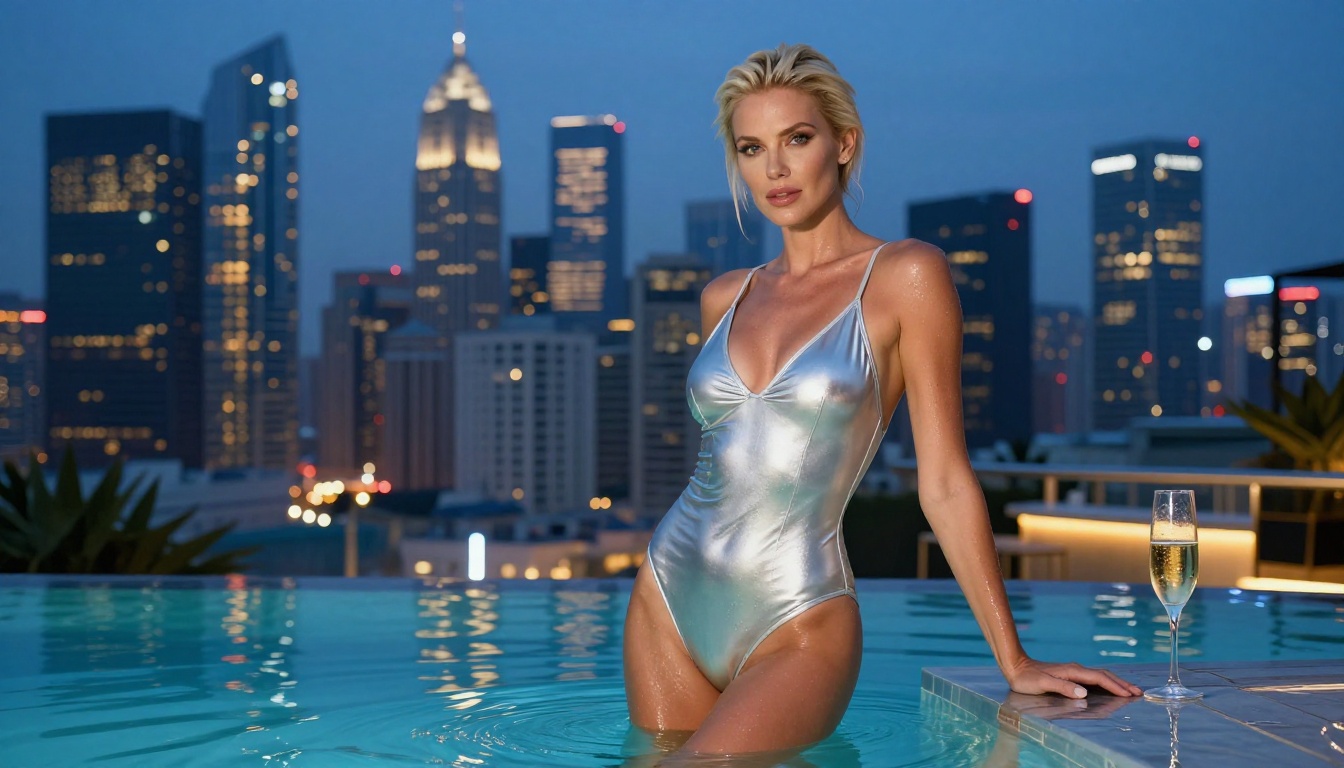
Step 1 — Create the character: Use Seedream 4.5 to generate a clear, front-facing character shot with clean lighting on the face. High forehead-to-chin visibility improves lipsync accuracy significantly.
Step 2 — Animate the face: Take that image to Omni Human 1.5. This ByteDance lipsync model is built specifically for photorealistic talking-avatar generation. Upload your character image, provide an audio file or type text for synthesis, and it returns a video with synchronized mouth movements that hold up under close inspection.
Step 3 — Precision lipsync for tricky angles: For frame-level mouth accuracy on side angles or partially occluded faces, Lipsync 2 Pro handles edge cases better than most alternatives. It is particularly strong on non-frontal poses where most lipsync models fall apart.
Step 4 — Full-body animation: If you want the entire character to move with the audio, not just the lips, P Video Avatar animates full character motion from a single image with audio-driven gesture and body movement.
💡 Lipsync quality rule: The cleaner the face in your source image, the better the result. Avoid extreme angles, heavy shadows across the mouth area, or accessories that cover the lips.
Prompt Engineering for NSFW Videos
The difference between a compelling NSFW AI video and an awkward one is almost entirely prompt structure. These principles apply specifically to Seedance 2.0 Mini:
What Works
Specific wardrobe descriptions consistently outperform vague ones. "Satin chemise slipping off one shoulder" produces a more controlled, realistic result than "wearing something sexy." The model responds to visual specificity because that is what its training data contains.
Environmental anchoring helps the model maintain background consistency. Describe the room, the time of day, and the dominant light source before describing subject motion. This reduces random background drift between frames.
Slow motion verbs produce more controlled outputs. Words like "slowly," "gently," and "gradually" bias motion generation toward smooth, deliberate movement rather than jarring fast cuts.
What Fails
Prompt overload with too many simultaneous subject actions causes the model to default to minimal movement. Pick one clear motion arc and describe it well. One thing done well beats three things done poorly.
Contradictory lighting descriptions (such as "sunlit outdoor setting" combined with "moody dim lighting") confuse the depth and shadow estimation and produce flat, incorrect video with inconsistent illumination.
Multiple people in a single clip frequently result in merged body parts or identity inconsistencies mid-generation. Generate individual subjects and composite them in post if a multi-person scene is needed.
Stretching Your Free Credits
Every platform structures free credits differently. Here is how to get more value from your free allocation when using Seedance 2.0 Mini for adult AI content:
Batch Your Prompt Variations
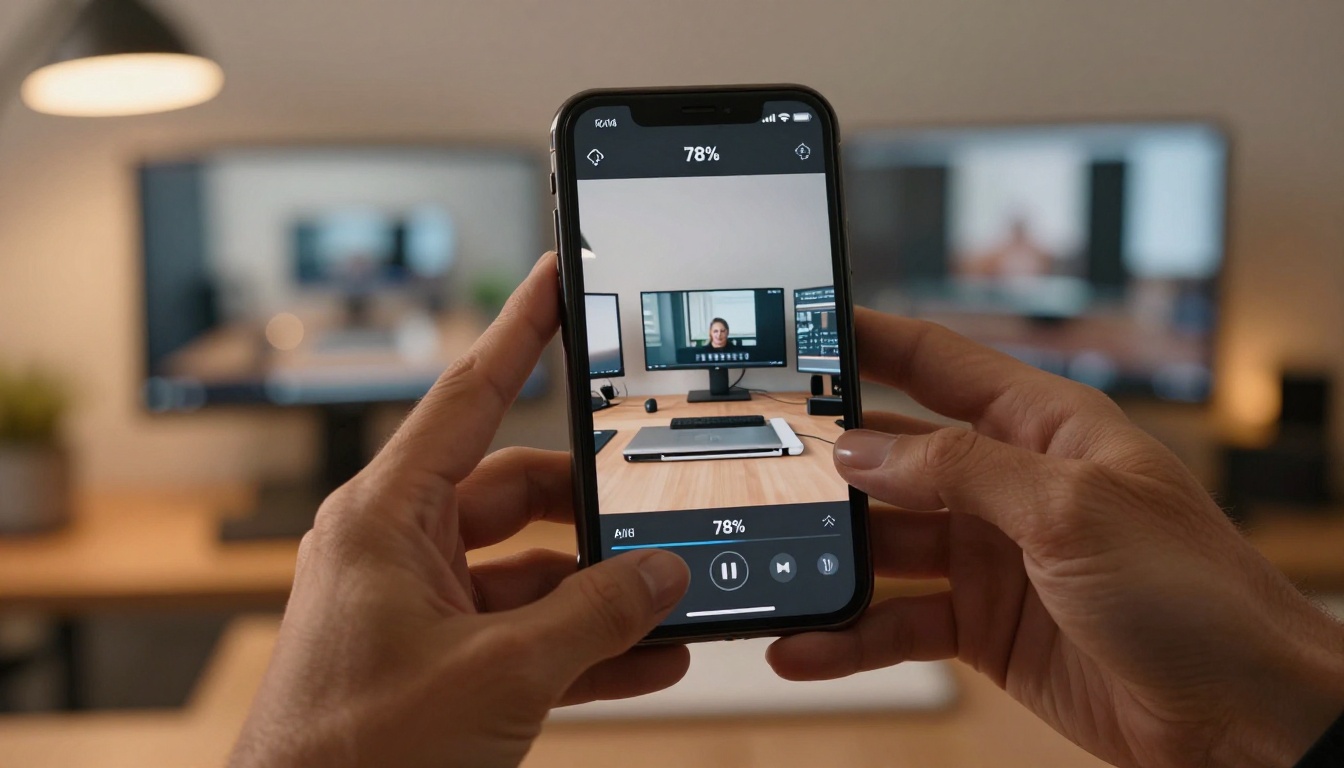
Draft 3 to 5 prompt variations before you start generating. Run them all in one session rather than generate one, evaluate, adjust, generate again. You use the same warm-up cost but walk away with multiple outputs to compare.
Use Image-to-Video Over Text-Only
Starting from a strong source image gives the model a visual anchor. This reduces generation variability and means you need fewer retries to get a usable result. Fewer retries means fewer credits burned on the same creative goal.
Generate Short First, Then Extend
5-second clips at base resolution cost fewer credits than longer or higher-resolution outputs. Nail your scene at the shorter duration before considering a longer extension or resolution upscale.
💡 Credit reset strategy: Many platforms reset free credits on a daily or weekly basis. Track your reset window and batch a new set of generations each cycle. Over one week, you can build a substantial library of NSFW AI clips without spending anything.
Video Output Settings Explained
When you have credits to spend or have upgraded beyond the free tier, these settings have the most impact on final quality:
| Setting | Free Tier | Paid Tier |
|---|
| Resolution | 480p | Up to 720p |
| Duration | 5 seconds | 5 seconds (model limit) |
| Native Audio | Included | Included |
| Queue Priority | Standard | Fast |
For most adult AI content use cases, 480p at 5 seconds is sufficient for concept validation, closed-platform sharing, or feeding into an upscaling pipeline afterward. The full Seedance 2.0 (non-Mini) produces 720p natively when your credits allow, and outputs the same native audio track.
For post-processing resolution improvement, PicassoIA's AI video upscaling tools can take a 480p output and restore it to a sharper 720p or 1080p equivalent without re-generating the clip.
Models Worth Adding to Your Workflow
Once the core image-to-video pipeline is running, these models extend what you can produce:
Seedance 2.0 Fast: A speed-optimized variant with slightly reduced visual fidelity but dramatically faster generation time. Ideal for rapid iteration when testing prompt variations before committing to a full-quality generation.
Seedance 2.5 Lite: The next generation with improved motion coherence and better character consistency across frames. Free and unlimited with up to 10-second clip output, making it the natural upgrade path from the Mini.
Seedance 2.5: Full 30-second video capacity with premium visual quality. The destination for final-quality adult content once the concept is validated.
Kling v3 Video: A strong alternative from Kwai that handles complex motion and character animation well. Worth testing for scenes with dancing, walking, or full-body expressive movement where Seedance can occasionally lose limb coherence.
Platform Guidelines for NSFW Content
Generating NSFW AI video for free does not mean generating anything without boundaries. Every platform defines what is and is not permissible on their infrastructure, and staying within those lines keeps your account active.
What Is Supported
- Suggestive content: bikinis, lingerie, artistic implied nudity, sensual movement
- Glamour photography style outputs with partial exposure
- Adult-themed talking avatars paired with appropriate audio tracks
- Character design and concept work for adult platforms
What Results in Account Suspension
- Explicit pornographic content on platforms that prohibit it in their terms
- Non-consensual scenario descriptions in prompts
- Any content involving minors under any framing
PicassoIA operates under a non-explicit NSFW policy: suggestive, beautiful, and attractive content is supported; pornographic or exploitative content is not. This keeps the platform available and sustainable for the entire adult creator community.
Real-World Use Cases
People using Seedance 2.0 Mini for adult AI content fall into a few consistent categories:
Adult content creators building subscriber audiences on closed platforms. They use free credits to test concepts and motion directions before committing to paid generation for final published content.
Artists and character designers who use AI video as a quick storyboard tool. The NSFW-tolerant generation means they get usable character presentations without sanitized, over-filtered outputs.
Platform operators who need rapid content prototyping. The Seedream 4.5 to Seedance 2.0 Mini pipeline takes a concept from text description to distributable video clip in under five minutes.
Hobbyists who are simply curious about what modern AI produces when it is not over-filtered. The free tier makes experimentation genuinely zero-cost for casual exploration.

Start Creating Your Own
The barrier to adult AI video production has effectively dropped to zero. You need an account, a prompt, and the patience to iterate through two or three generations until the output is what you actually envisioned.
Start with Seedream 4.5 to build your character. Move that image into Seedance 2.0 Mini to bring the character to life in video with native audio. If you want them to speak or sing, add Omni Human 1.5 into the flow for photorealistic lipsync. The entire stack runs on free credits if you are disciplined about how you spend each generation.
The full library of image generators, video models, lipsync tools, and audio models is available at picassoia.com/en/all-models. Browse what is available, find the combinations that fit your creative direction, and start producing adult AI content that was simply impossible three years ago.


